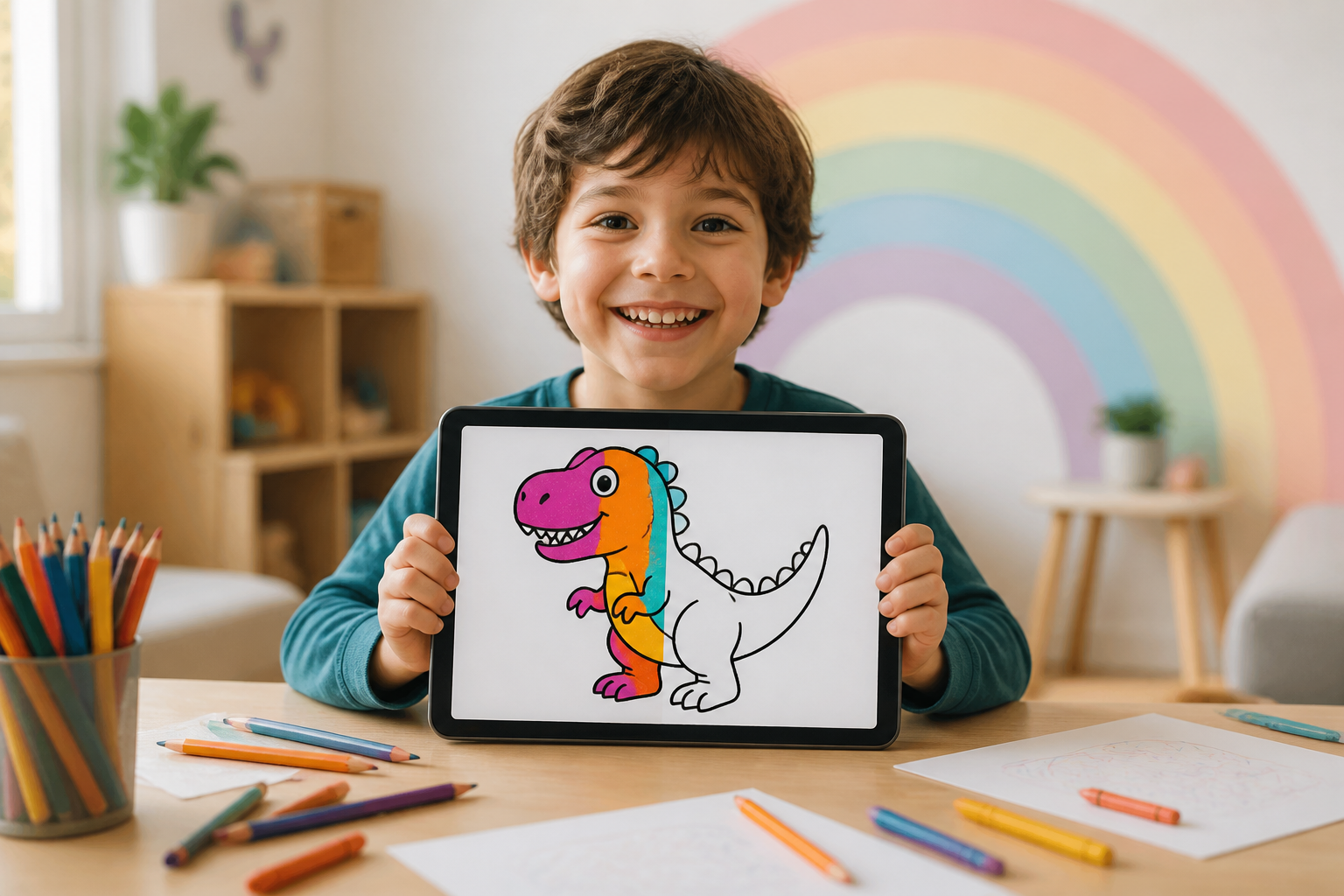
Zuki Paint · the canvas where no little one goes outside the lines

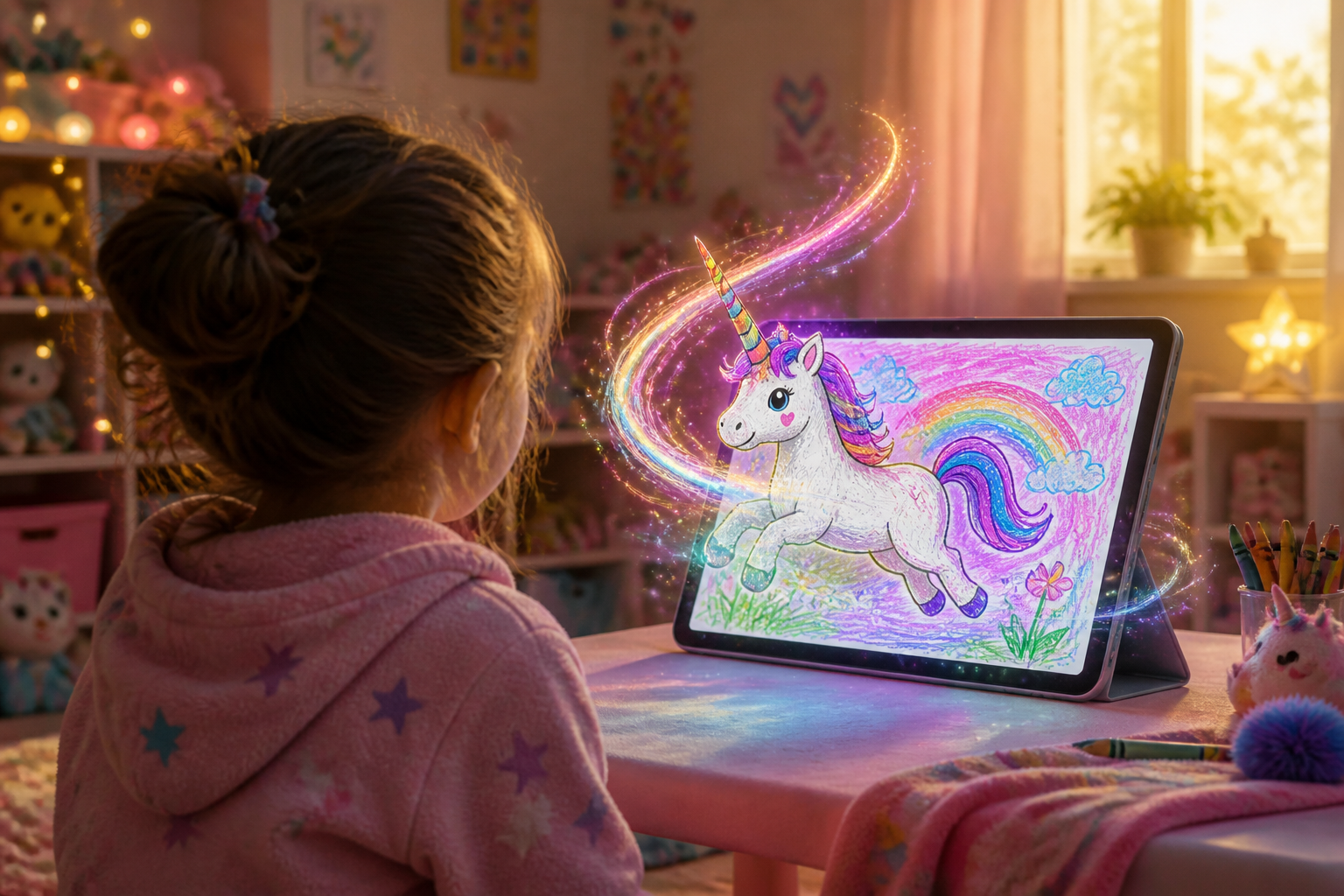
For mothers and fathers who want their child to paint alone without frustration: the paint bucket fills the entire area with one touch without touching the outline, the AI draws what they imagine with the right complexity for their age, and when finished, their drawing turns into an animated video.
Does your little one go outside the lines, get frustrated, and abandon the drawing halfway?
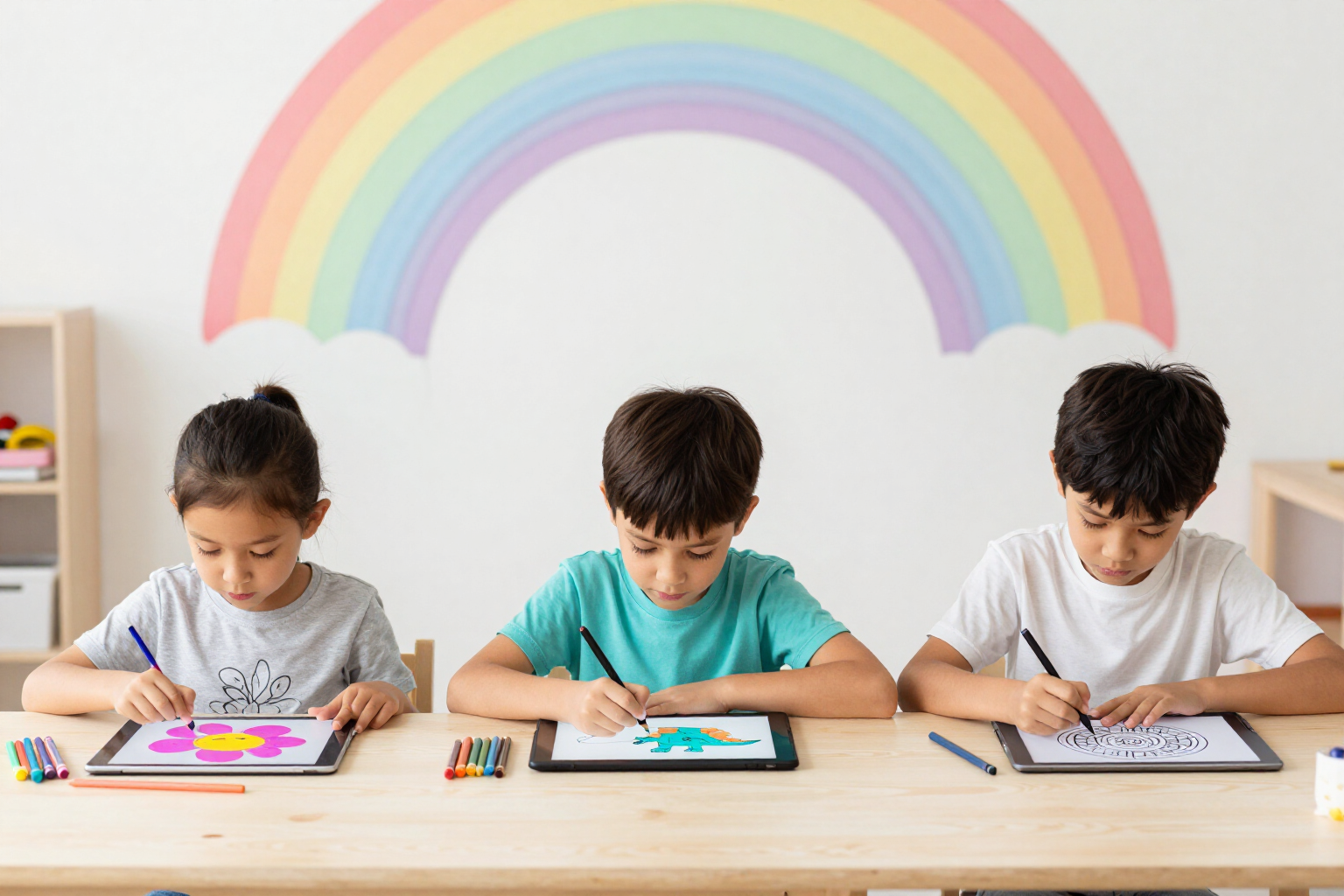
At three or four years old, the hand still doesn't obey, and coloring ends in frustration. In Zuki Paint, you just touch a color and tap the area: it fills completely, and the black outline never gets damaged because it exists on a separate layer that neither the brush nor the eraser can touch. And when they run out of ideas, the AI draws them an astronaut dinosaur or a unicorn to color, with large strokes and few shapes if they are four years old, and with detail if they are eleven.
Start for free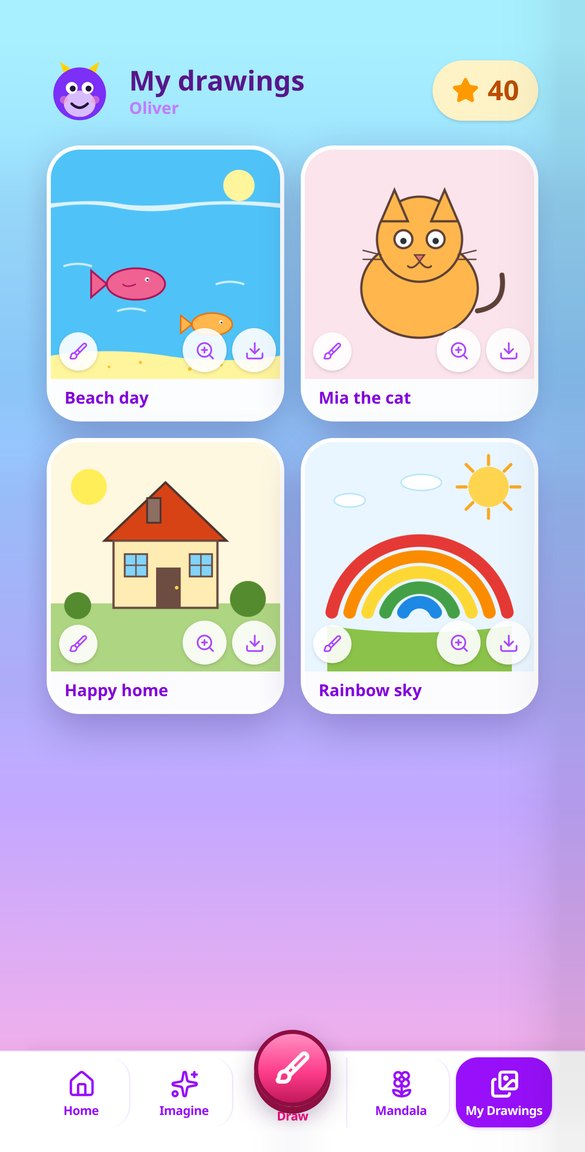
Discover every feature in detail
Age-based Profiles for Multiple Children in a Drawing App | Zuki Paint
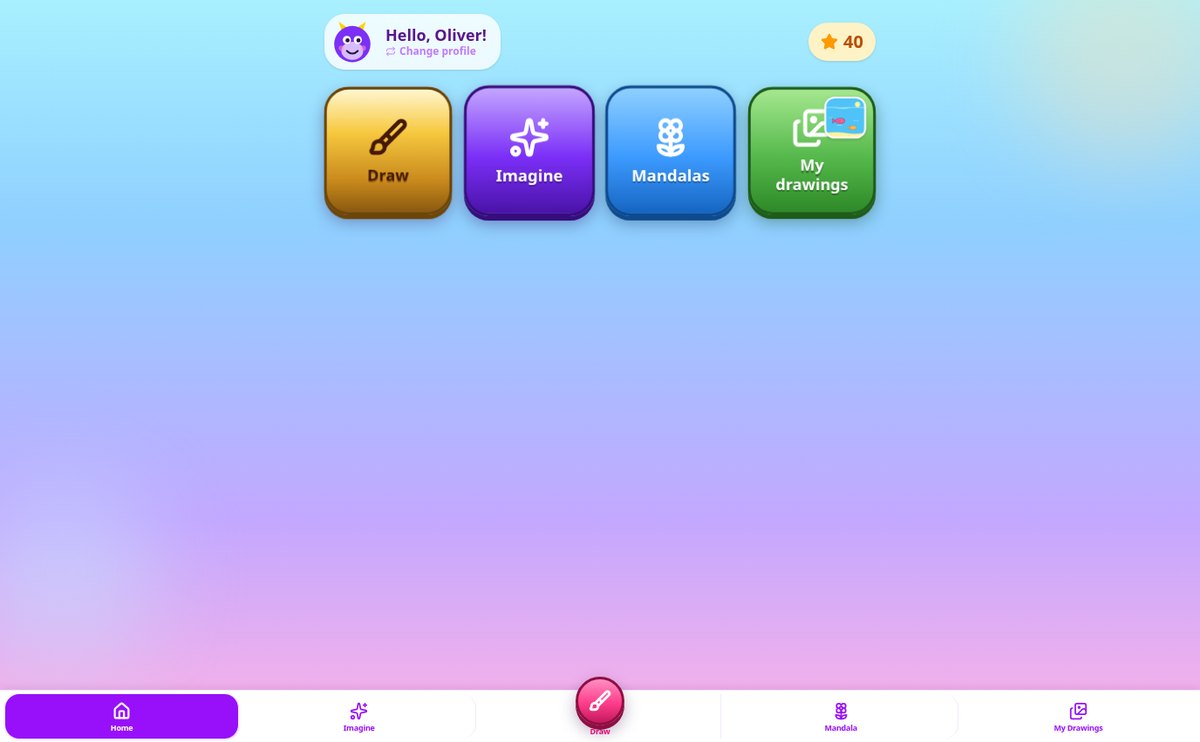
Create up to 8 child profiles with name and age (3-12 years) in a single step: the avatar is assigned automatically, and the age adapts the difficulty of the drawings and mandalas generated by the AI.
View feature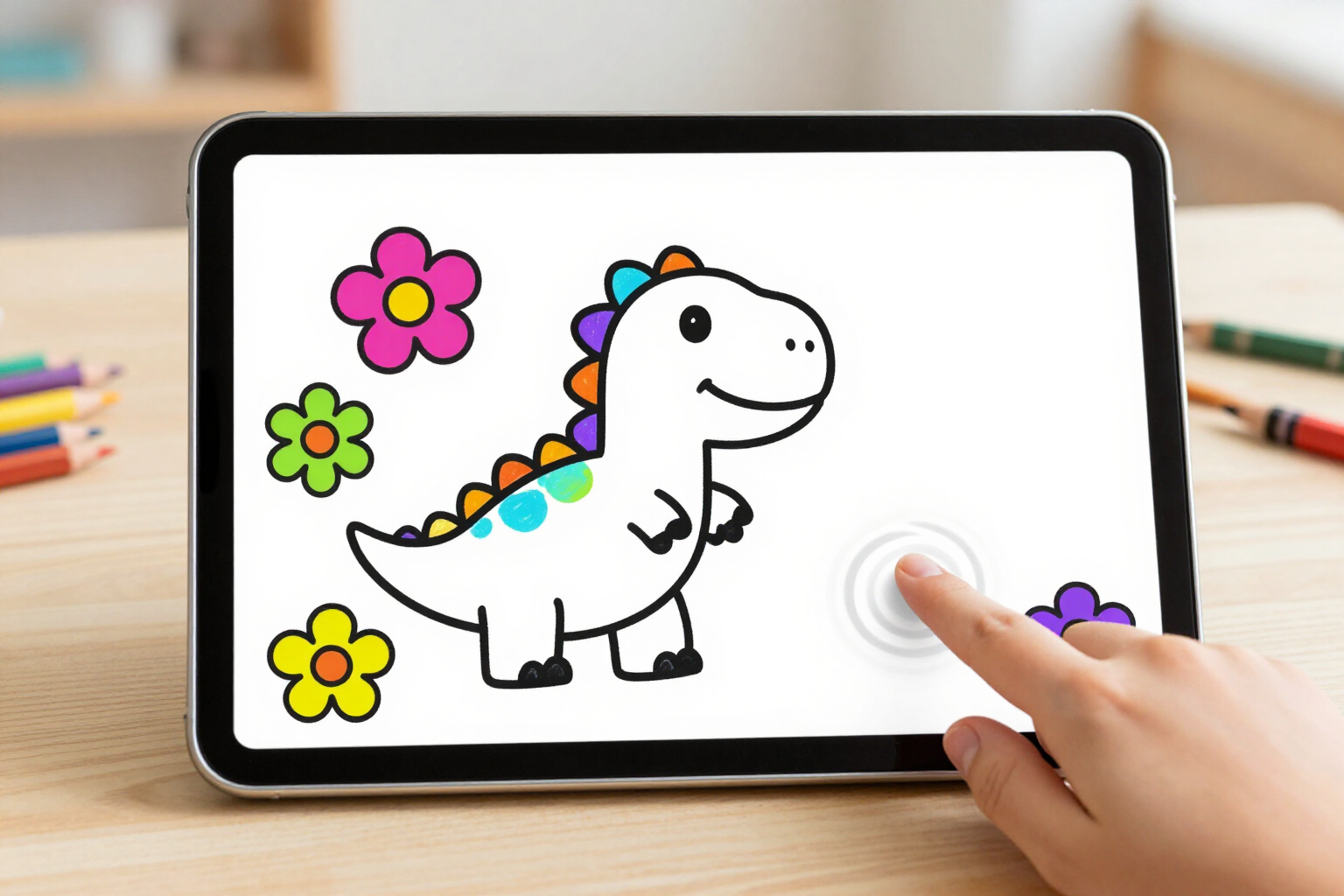
Color within the Lines: Zuki Paint’s Paint Bucket Tool
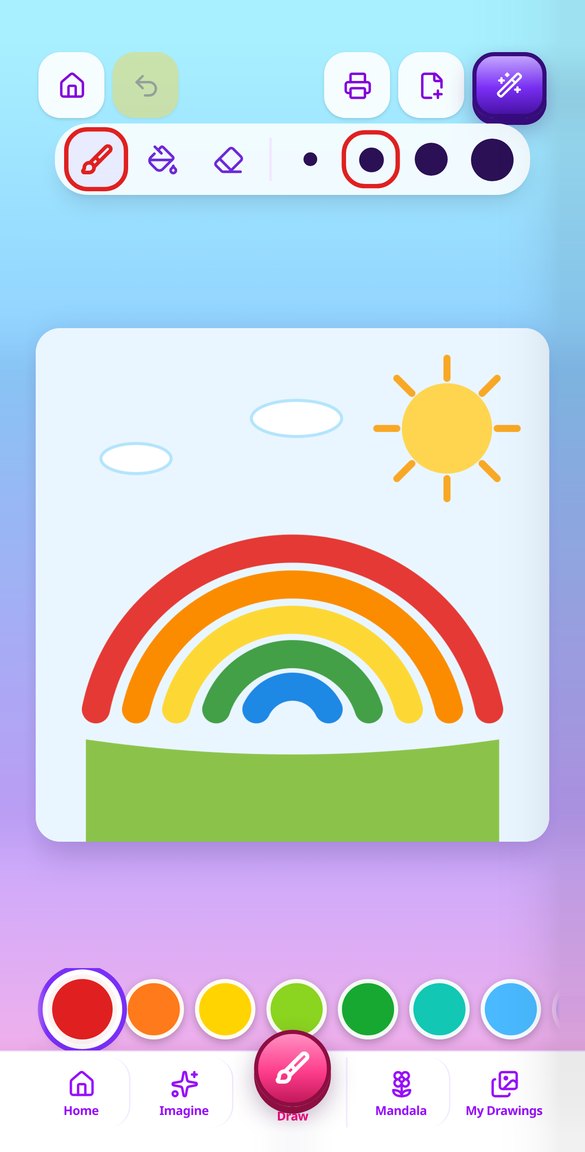
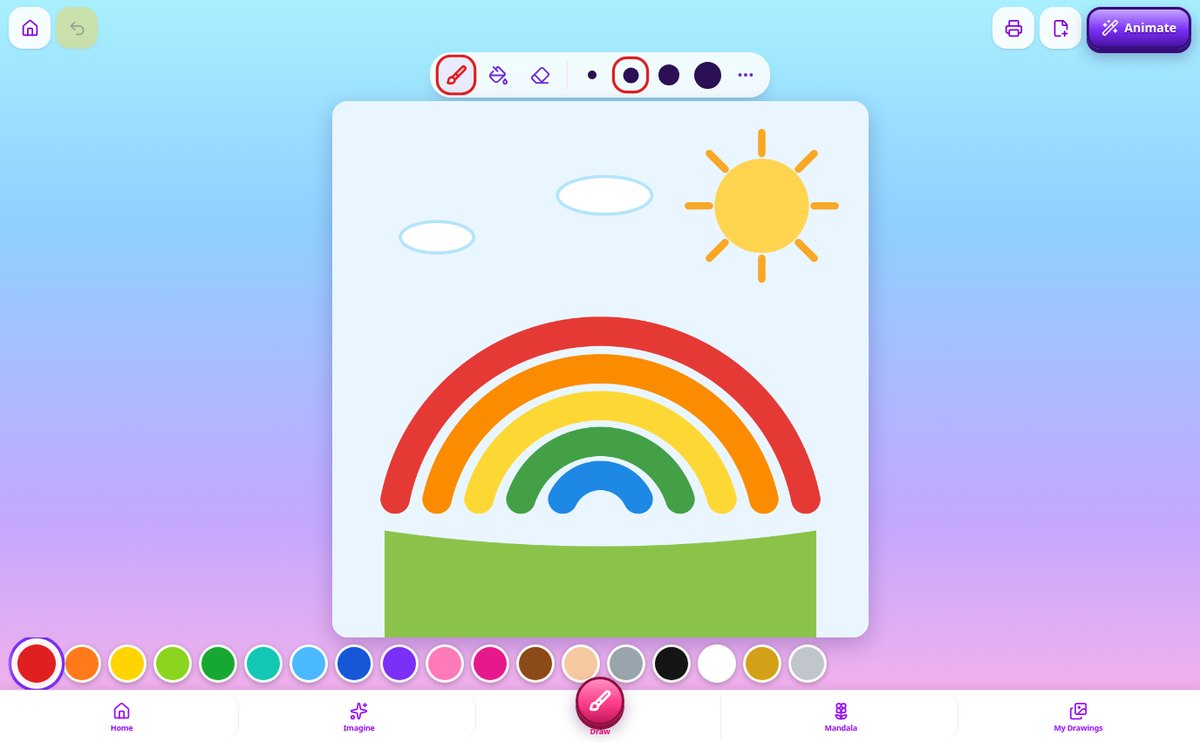
Coloring app where kids tap to fill areas completely without going outside the outline: area fill, 18 colors, 12-step undo, and lines that stay intact.
View feature
Drawing App for Kids with Autosave | Zuki Paint
Zuki Paint automatically saves the child’s drawing every 20 seconds and upon exiting the canvas: no save button or dialogs. No drawing is lost, even when closing the tab.
View feature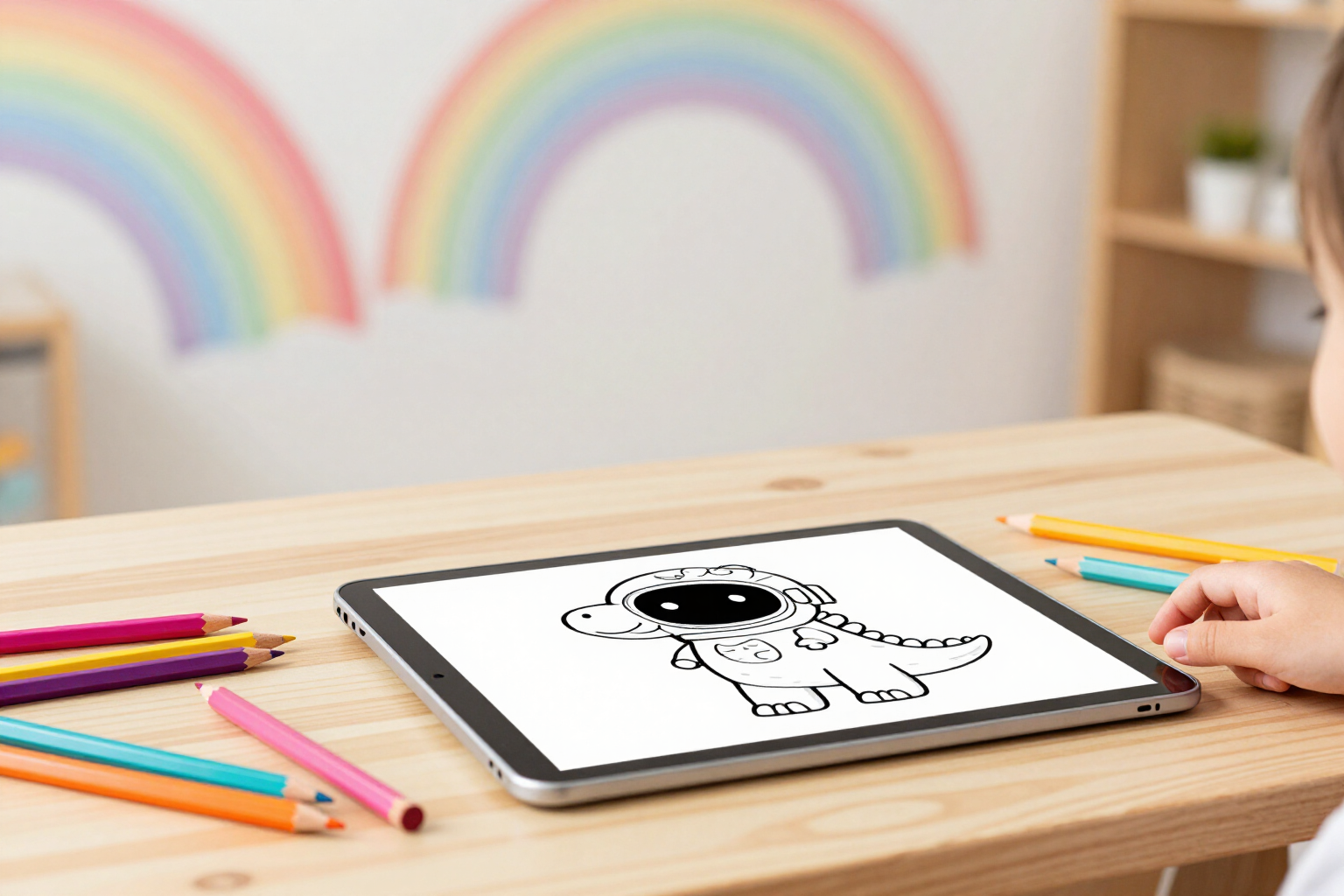
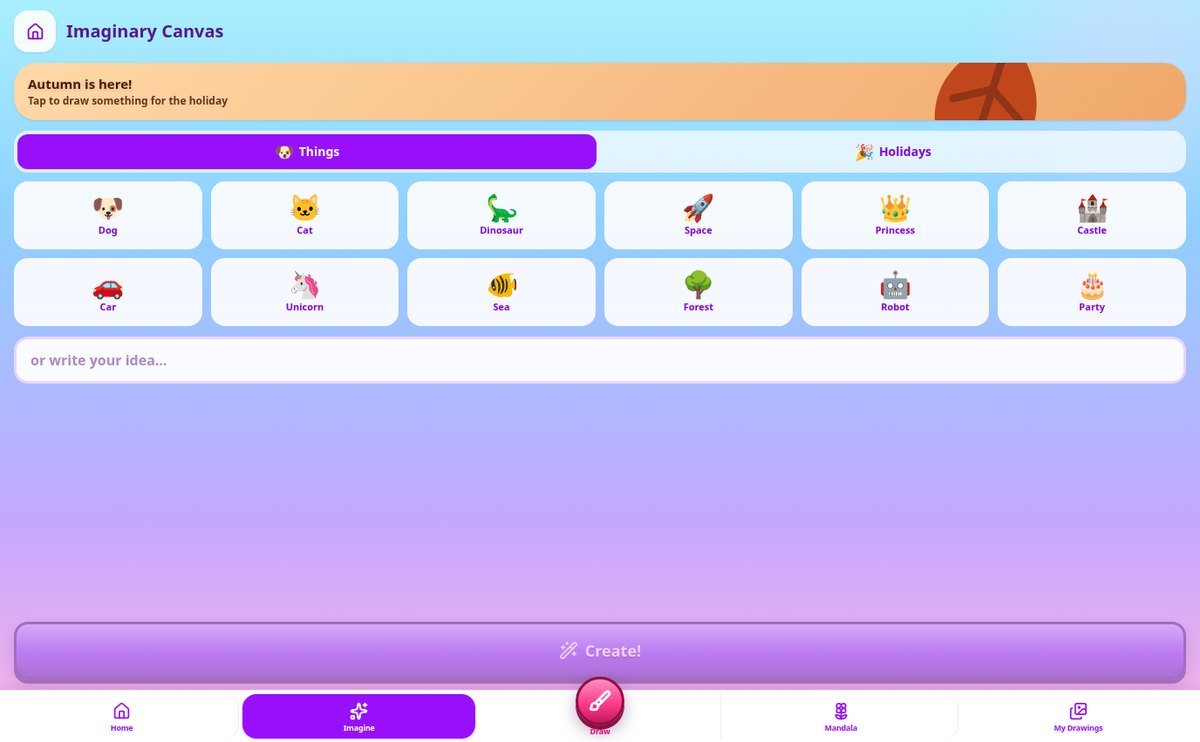
AI Coloring Pages: Create the Coloring Page They Ask For | Zuki Paint
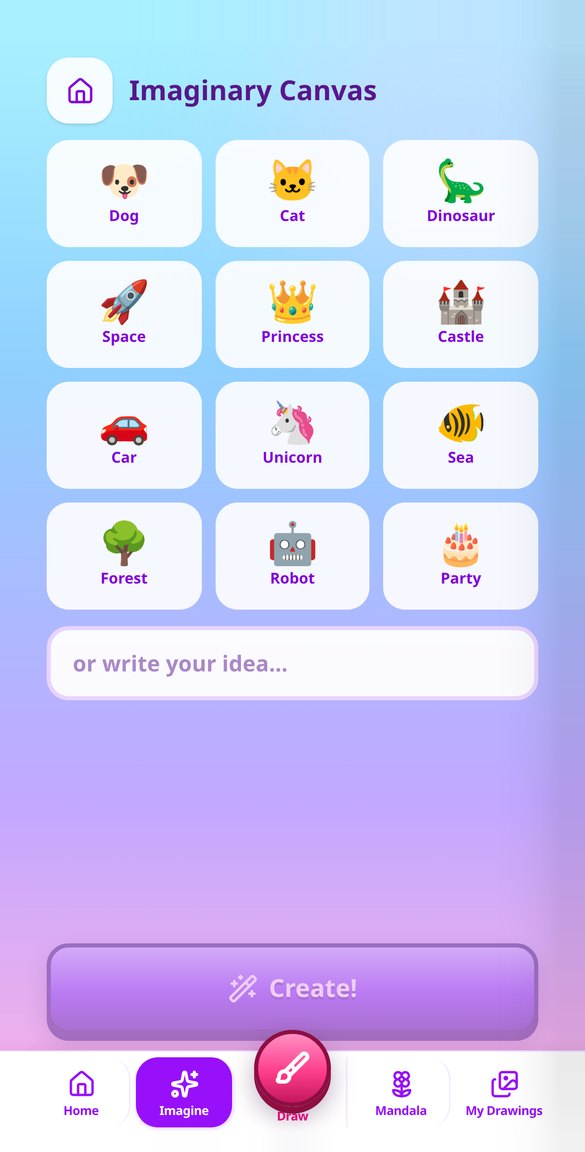
Create AI coloring pages from an idea: your child taps picture chips or you type the idea, and Zuki Paint generates an age-appropriate outline coloring page to paint on screen.
View feature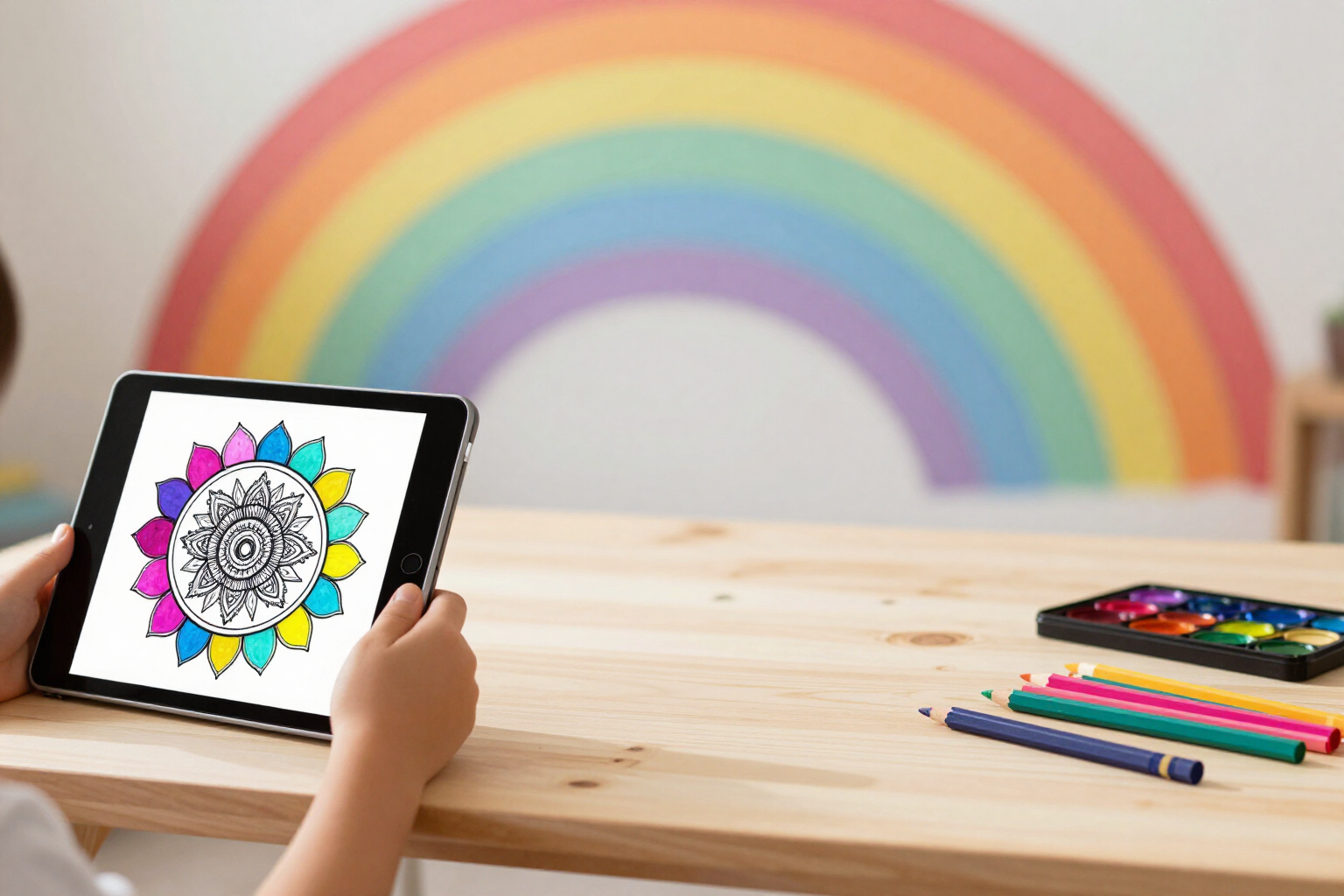
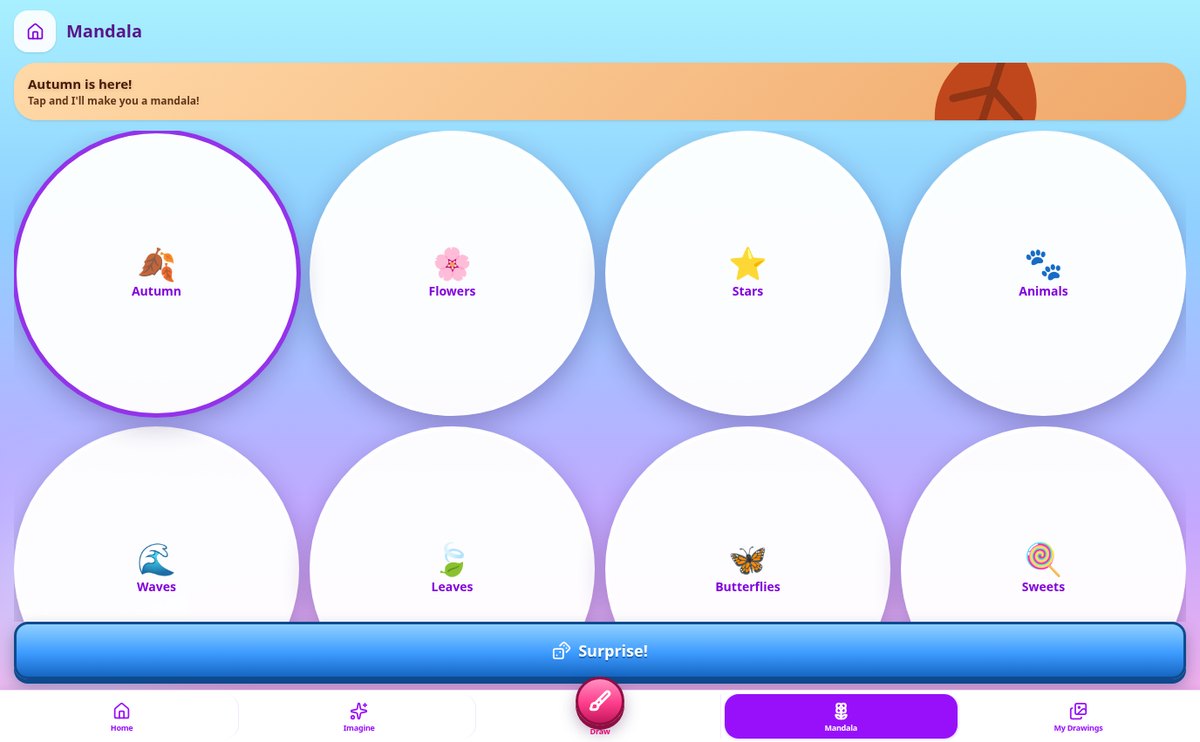
Mandalas for Kids to Color: AI Generator & 8 Themes | Zuki Paint
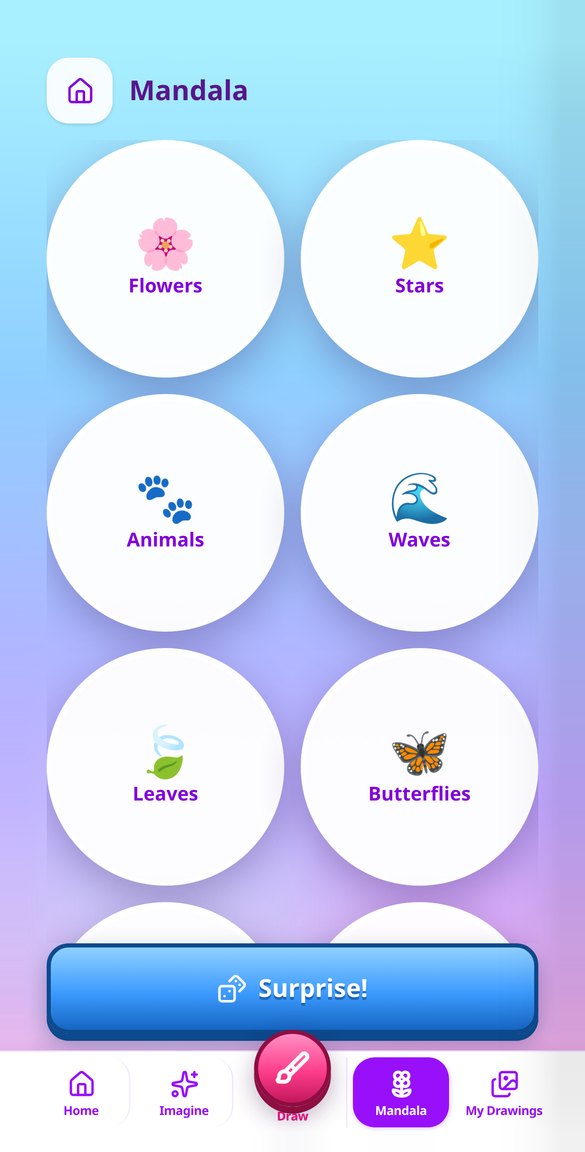
Generate AI-powered mandalas for coloring, adapted to the child's age (3-12 years): eight themes and a Surprise button, radial symmetry, and flood fill with the paint bucket tool without going outside the lines.
View feature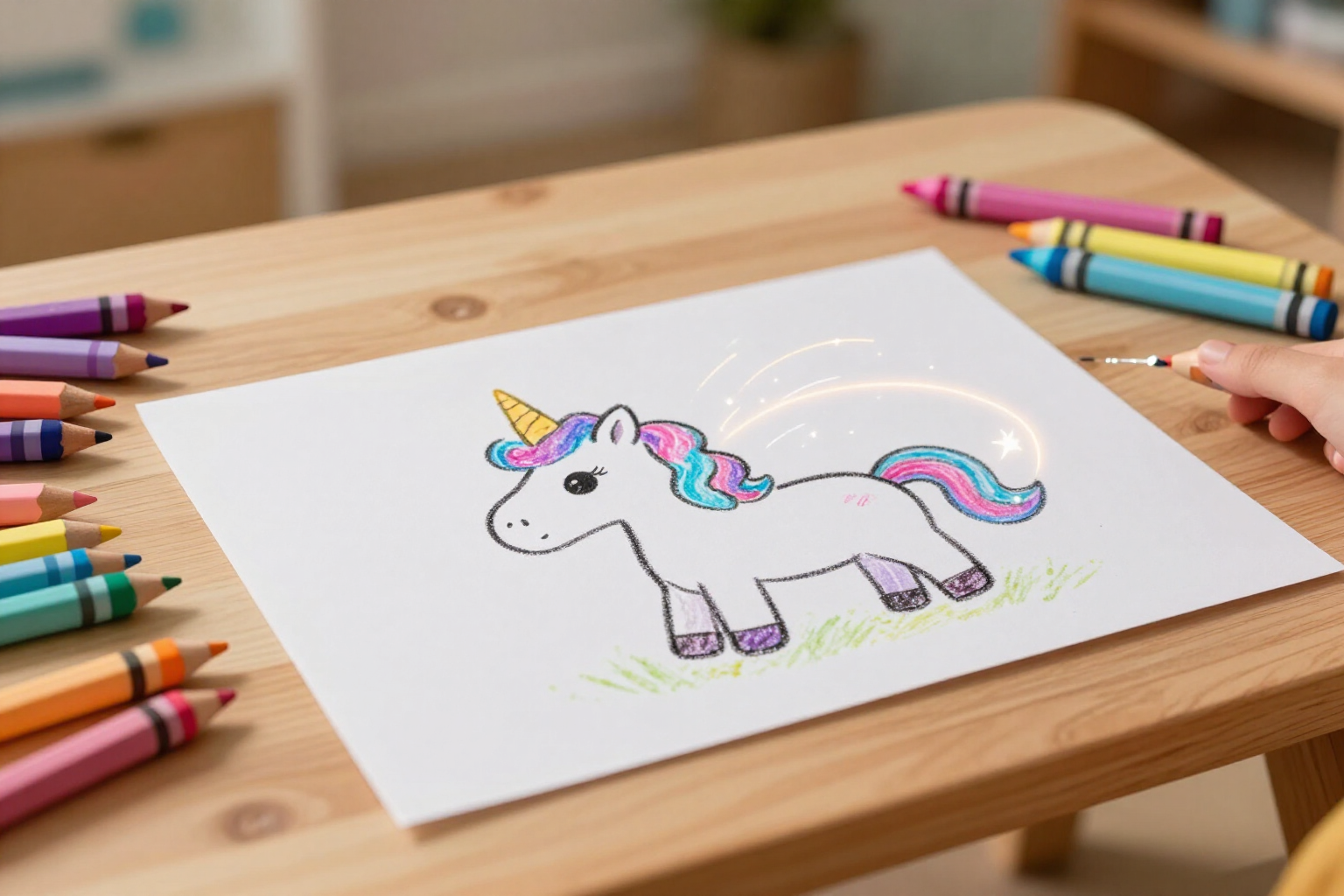
Animate Kids’ Drawings: Turn Their Drawing into a Video with AI
Turn your child’s drawing into an animated video with AI without leaving the app: one tap, the drawing comes to life keeping its lines and colors, and you can download the MP4.
View feature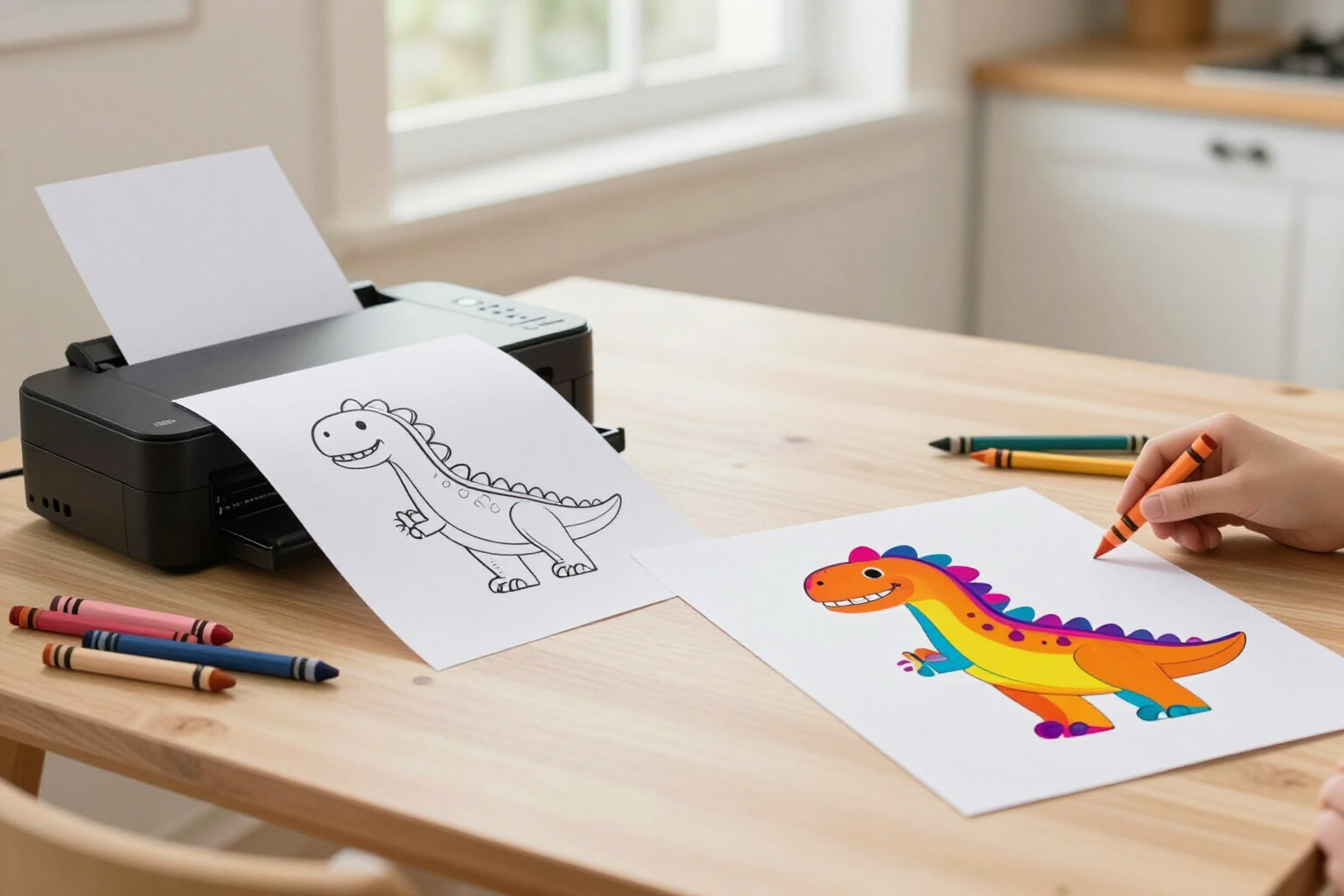
Print Coloring Pages: Blank Outline or Colored Drawing | Zuki Paint
From Zuki Paint, print your child’s drawing exactly as they painted it, or just the black and white outline to color on paper as many times as they wish. One tap, no exporting needed.
View featureWhat makes Zuki Paint different
Three things that a normal coloring app doesn't have: one-touch fill, drawings created by AI tailored to their age, and animation of the result.
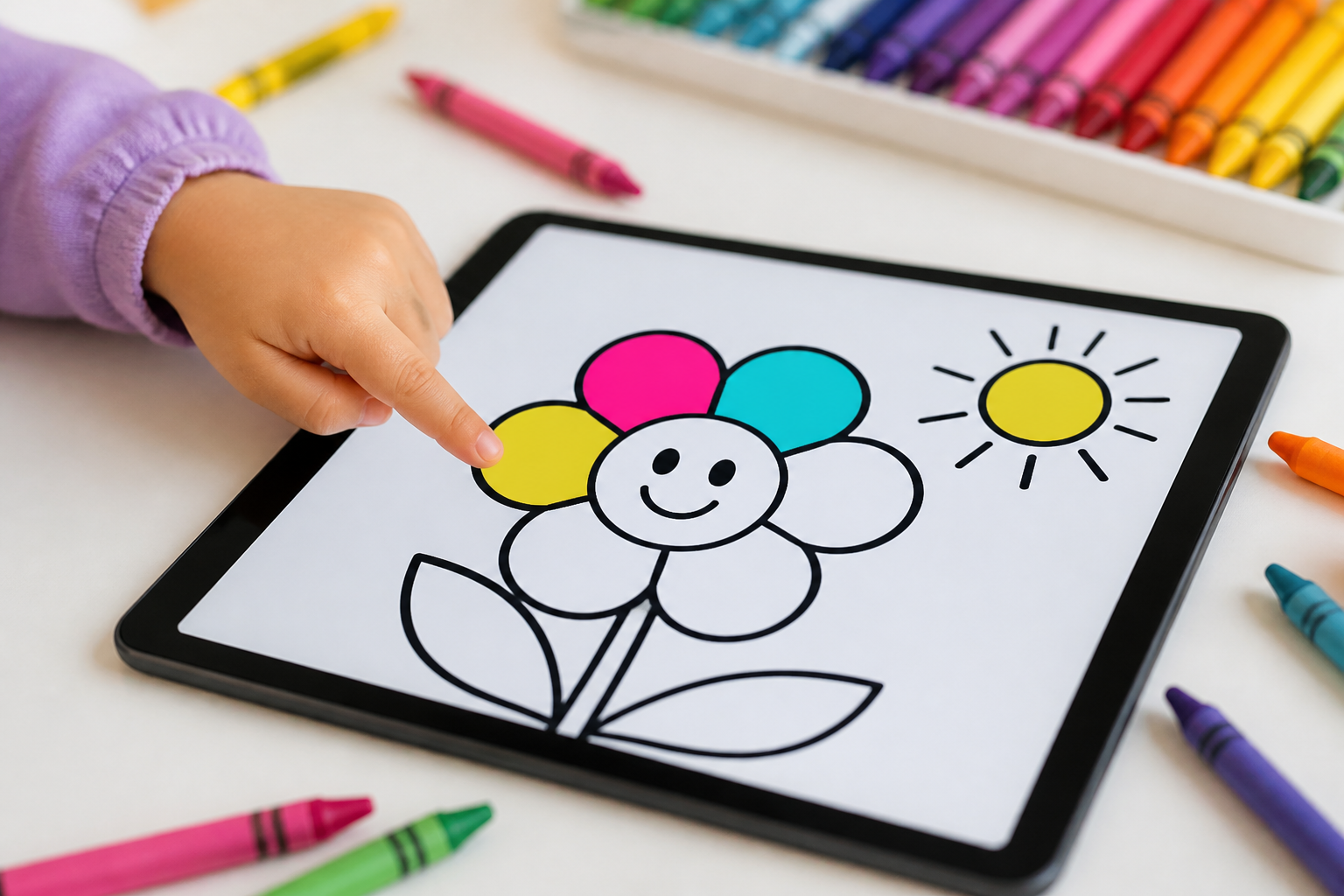
Paint bucket that respects the outline
A touch inside an area fills it completely with the chosen color, without going outside even once. The black lines of the drawing are on their own layer that cannot be painted over or erased, so the result always remains clean. Additionally, there is a brush and eraser with four thicknesses, 18 vibrant colors, and an undo button with twelve levels for when mistakes are made.
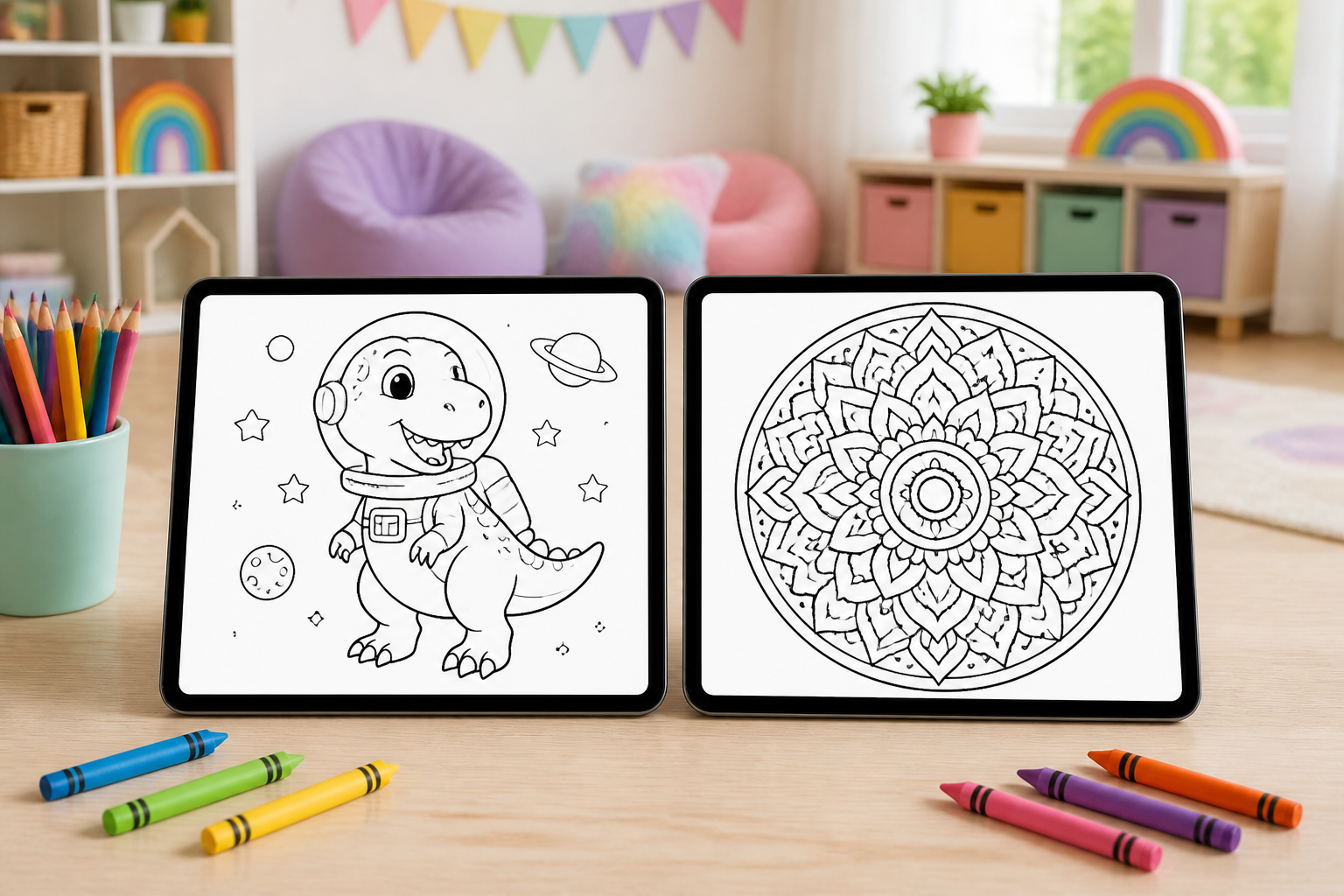
Drawings and mandalas created by AI tailored to them
In the Imaginary Canvas, the child chooses by touching pictograms —dog, dinosaur, space, princess, unicorn, robot— and can combine up to three; the AI draws that outline for coloring. The complexity is determined by the profile's age: large and few shapes for 3 to 5 years, medium detail up to 8, and detailed drawings from 9 onwards. And in Mandalas, there are eight themes —flowers, stars, animals, waves, leaves, butterflies, sweets, and shapes— plus a surprise button.
Their drawing turns into a video
When finished, a touch on the wand turns the drawing into a short video where their unicorn or robot moves, maintaining its own stroke. The video plays right there, marked with a badge in the gallery, and can be downloaded or saved to the mobile.
Starting takes three taps
Create their profile
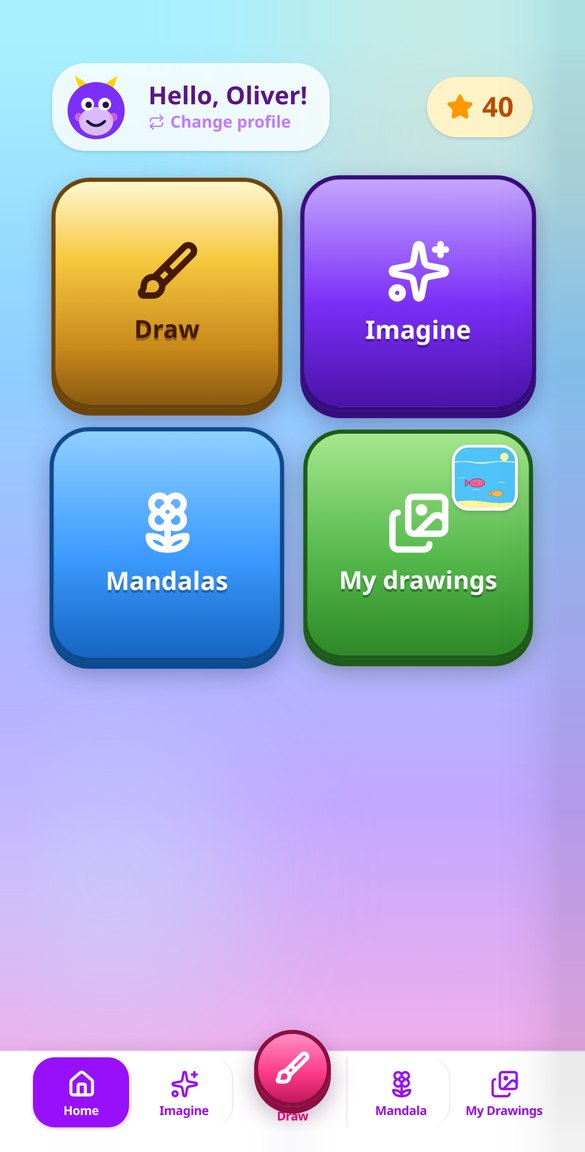
Just the name and age, from 3 to 12 years. That age is what adjusts the difficulty of everything the AI draws. Up to eight profiles can fit, one for each child in the house or classroom, each with their Zuki monster, stars, and drawings.
Choose the canvas
Blank for free drawing, the Imaginary Canvas to request a drawing from the AI by touching pictograms, or a mandala by theme. When opening a generated drawing, the paint bucket is already set to start coloring.
Paint, and it's already saved
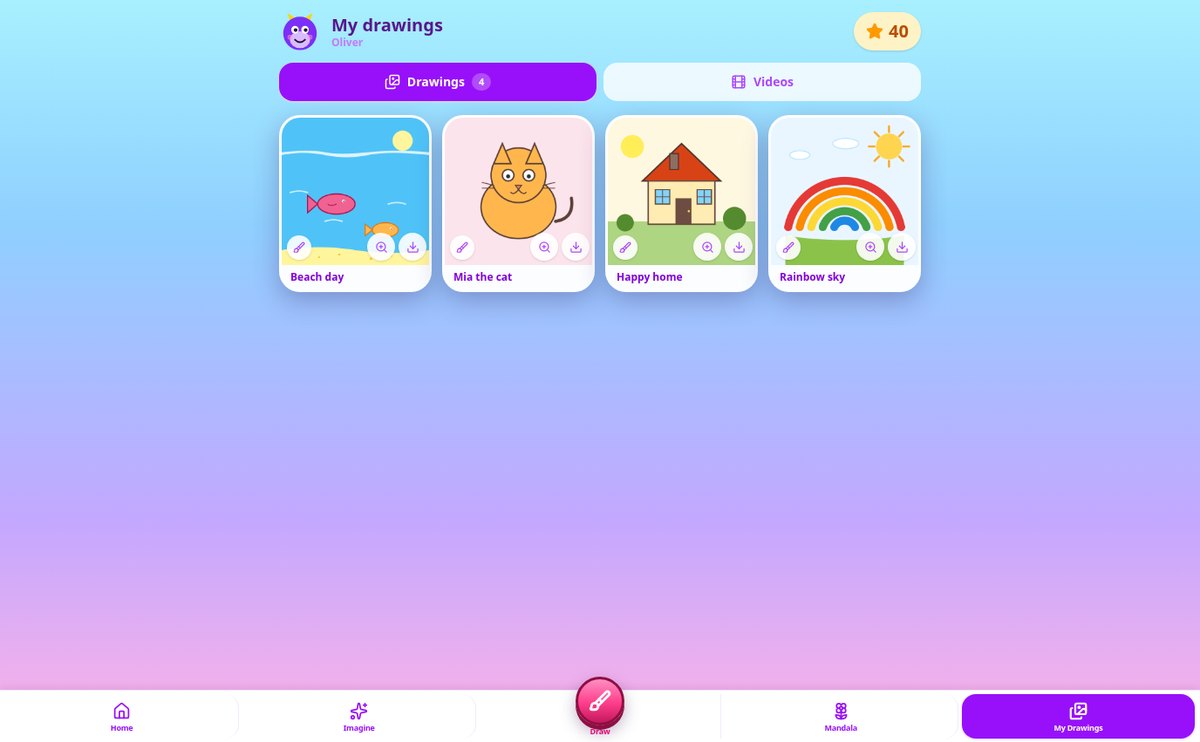
Paint with the bucket, brush, or eraser. Zuki Paint saves automatically every 20 seconds and when leaving the canvas: you never have to press save. Each new drawing adds 10 stars and stays in the gallery of their profile.
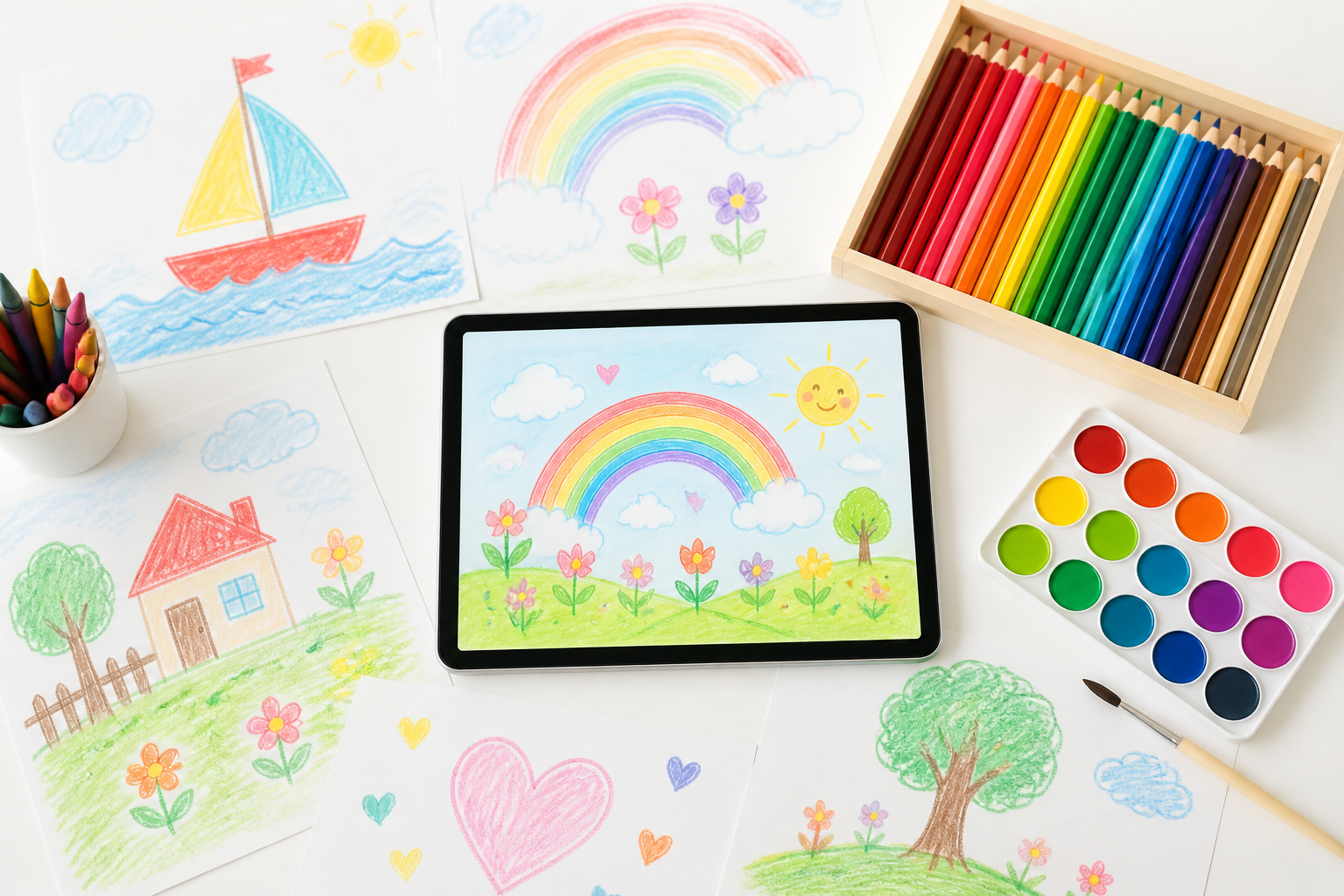
Who is it for?
Built for these profiles
Frequently Asked Questions
Latest blog articles
Guides and news to get more out of it
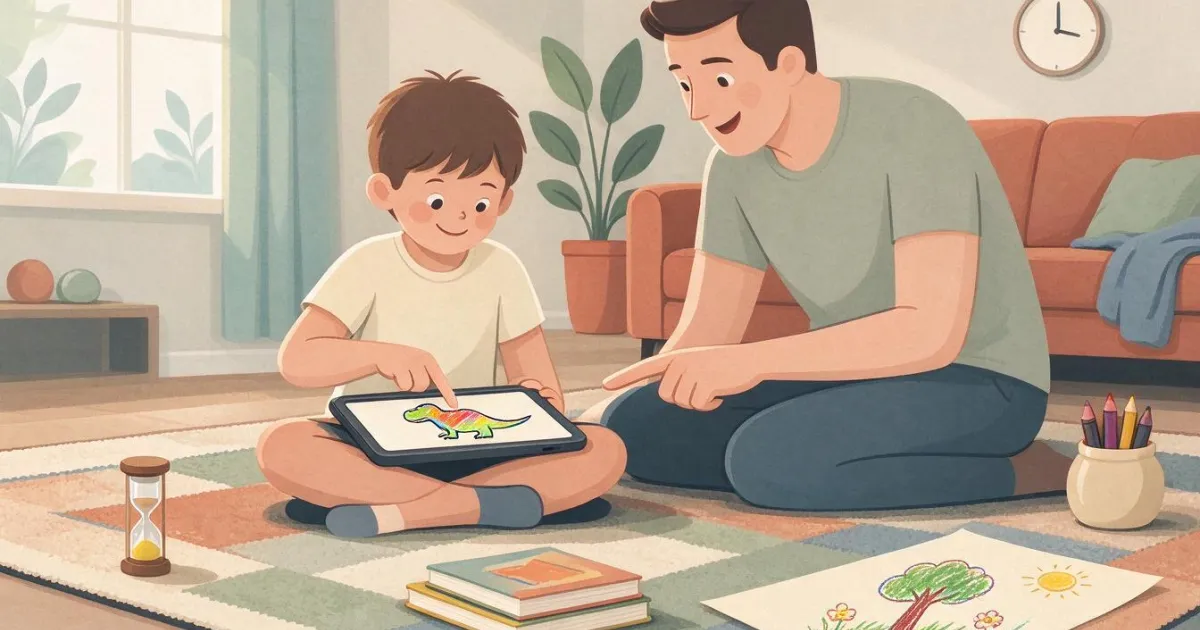
Less than an hour of screen time a day: how to spend it wisely if your child is between 3 and 12 years old
How much screen time by age according to Control Z, the AEP, and the AAP in 2026, and how to distinguish between passive and active screen time in the remaining minutes.
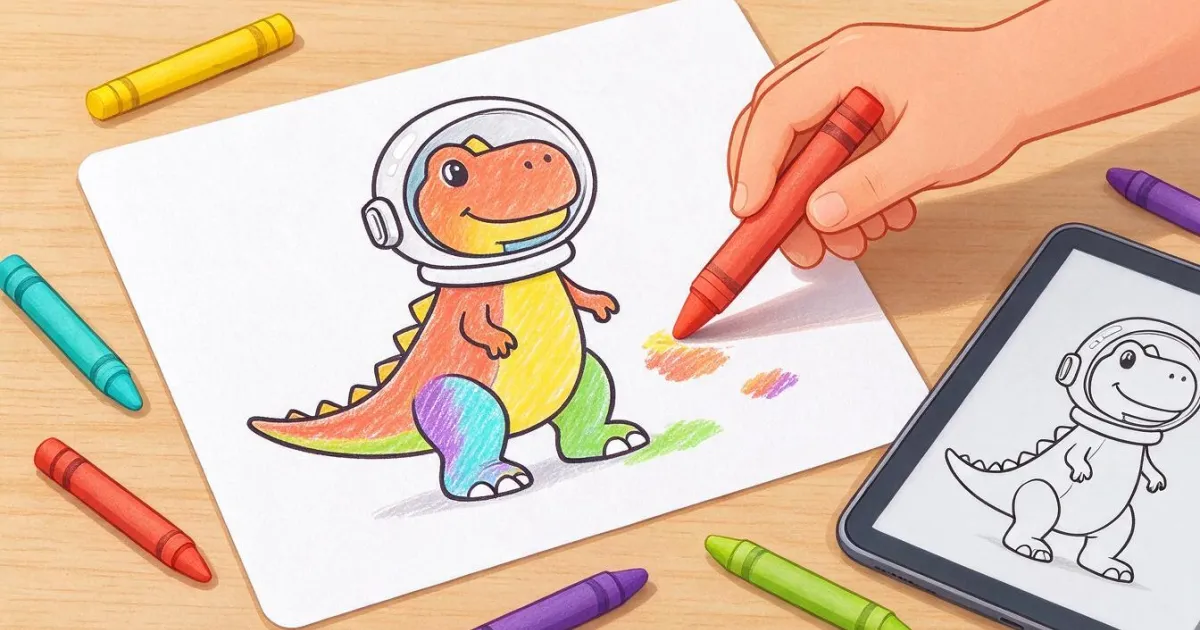
Printable Coloring Pages: How to Get the Exact Sheet Your Child Asks For (and Make It Print Well on Paper)
How to get the exact coloring sheet your child asks for and ensure it prints well on A4: minimum pixels, detail by age, and 4 steps with Zuki Paint.
Give your little one a canvas where nothing goes wrong
Create their profile and in less than a minute they are painting their first drawing.