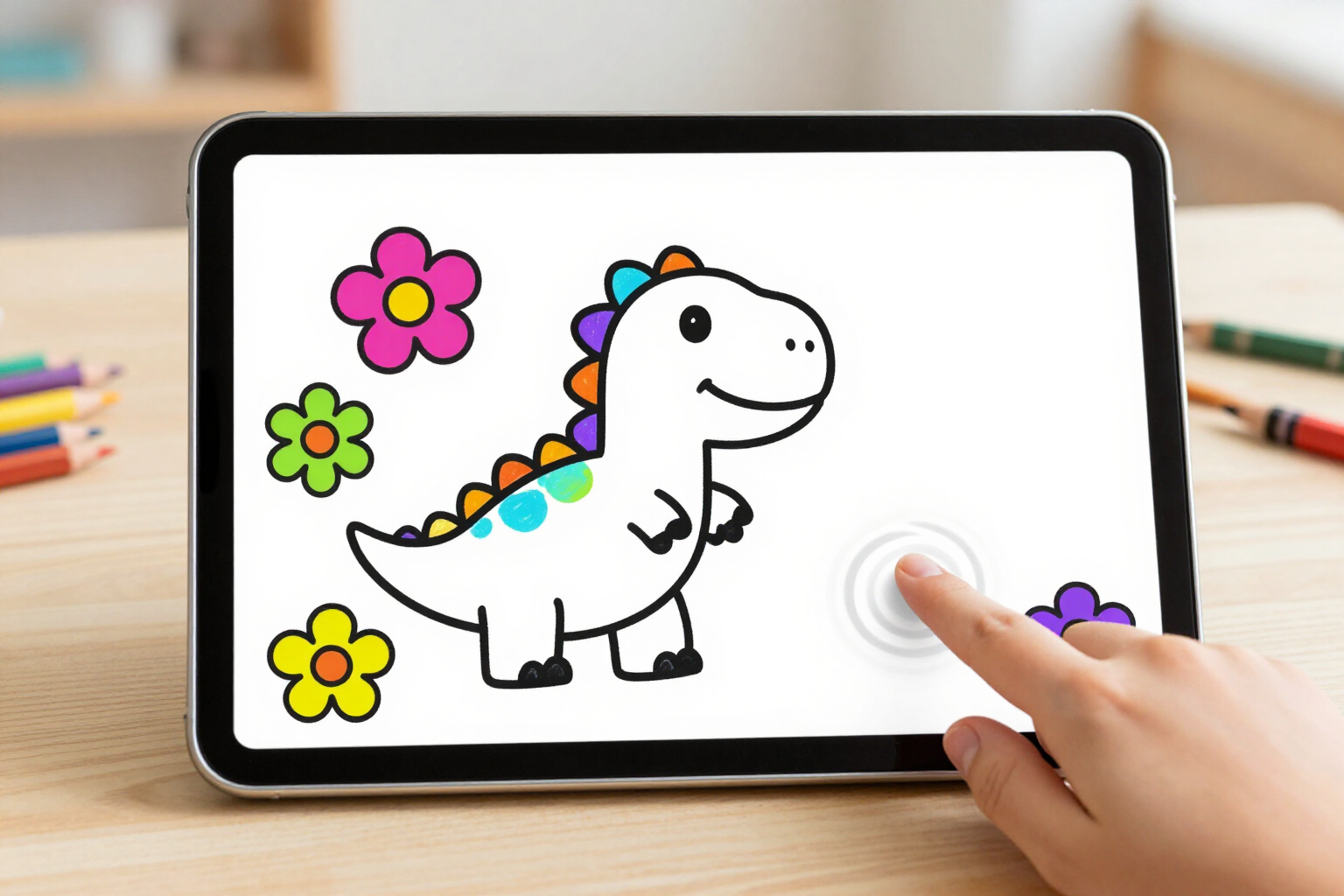
The paint bucket tool that fills the entire area and never goes outside the line art
Your little one taps a color, taps the drawing, and the area fills instantly: not a single stroke outside the line, not a single black line spoiled.
Coloring within the lines is a three-year-old’s first frustration. Zuki Paint’s paint bucket tool eliminates it with a single tap.
In Zuki Paint, the paint bucket tool is the main tool when the drawing has line art: when opening an AI-generated printable coloring page/outline or a mandala, it comes pre-selected. The child chooses one of the 18 colors from the palette, taps inside a petal, the dinosaur’s belly, or the sky, and that closed area fills completely at once. There’s no need to go over it again, steady one’s hand, or carefully approach the edge.
What prevents the paint from escaping is the wall mask: when Zuki Paint loads the line art, it separates the dark lines from the background (luminance threshold 170), saves them as a separate layer, and builds an impassable pixel map with them, which it also dilates by 1 pixel in all four directions. This dilation is key: the line art generated by the AI sometimes has one-pixel gaps where two strokes don’t quite meet, and through these, a normal fill would spill over the entire drawing. With the thickened walls, these micro-gaps are closed, and the color stays within its area.
The fill propagates in all four directions with a color tolerance of 32, sufficient to absorb the anti-aliasing of the stroke edges without leaving a white halo around. And the line art lives on an overlay layer drawn above the paint: neither the paint bucket tool, nor the brush, nor the eraser can touch it. The drawing can end up full of color, and the black lines remain as clean as they were at the beginning.
The notification of what has happened is immediate and distinguishes three cases, because a four-year-old does not read error messages. If the area fills, a short «plop» sound plays, it vibrates for 30 ms, and a wave of the chosen color expands from the touched point. If the child has tapped directly on a line of the line art, nothing fills: the canvas gives a small bounce with a dry sound. And if the area was already that color, absolutely nothing happens: no undo step is consumed, nor is the drawing marked as modified.
Benefits of Paint bucket tool
One tap instead of a hundred
tap the color, tap the area, and it fills completely. No need to go over edges or corners, which is where a small child gets tired and abandons the drawing.
The paint doesn’t spill out of the drawing
the 1px dilated wall mask closes microscopic gaps left by AI-generated line art, so a single petal won’t suddenly color the entire page.
The outline is untouchable
the black lines are on their own layer above the paint and cannot be painted over or erased. The result always stays clean, no matter how much color is applied.
Edges without a white halo
the color tolerance of 32 absorbs the stroke’s feathering, so the fill reaches the line and doesn’t leave a light ring around it.
Understood without needing to read
a plop, vibration, and color wave when a fill is applied; canvas bounce when a line is touched; nothing when it was already that color. Three distinct responses, no words.
Making mistakes costs nothing
each fill is an undo step, with up to 12 levels. If the sky turned purple and you didn’t like it, you can go back and try another color.
It’s already set
when opening an AI coloring page or a mandala, the paint bucket tool is selected. The child doesn’t have to look for the tool; just touch a color and start.
Ventaja 8
And if you prefer to paint by hand, a brush and eraser with four thicknesses are available alongside the paint bucket tool on the same bar, for details that the fill doesn't cover.

Let them color within the lines from the very first drawing
Create their profile with name and age, open a coloring page, and tap a color: the paint bucket tool is ready. Zuki Paint, on AIsToHire.