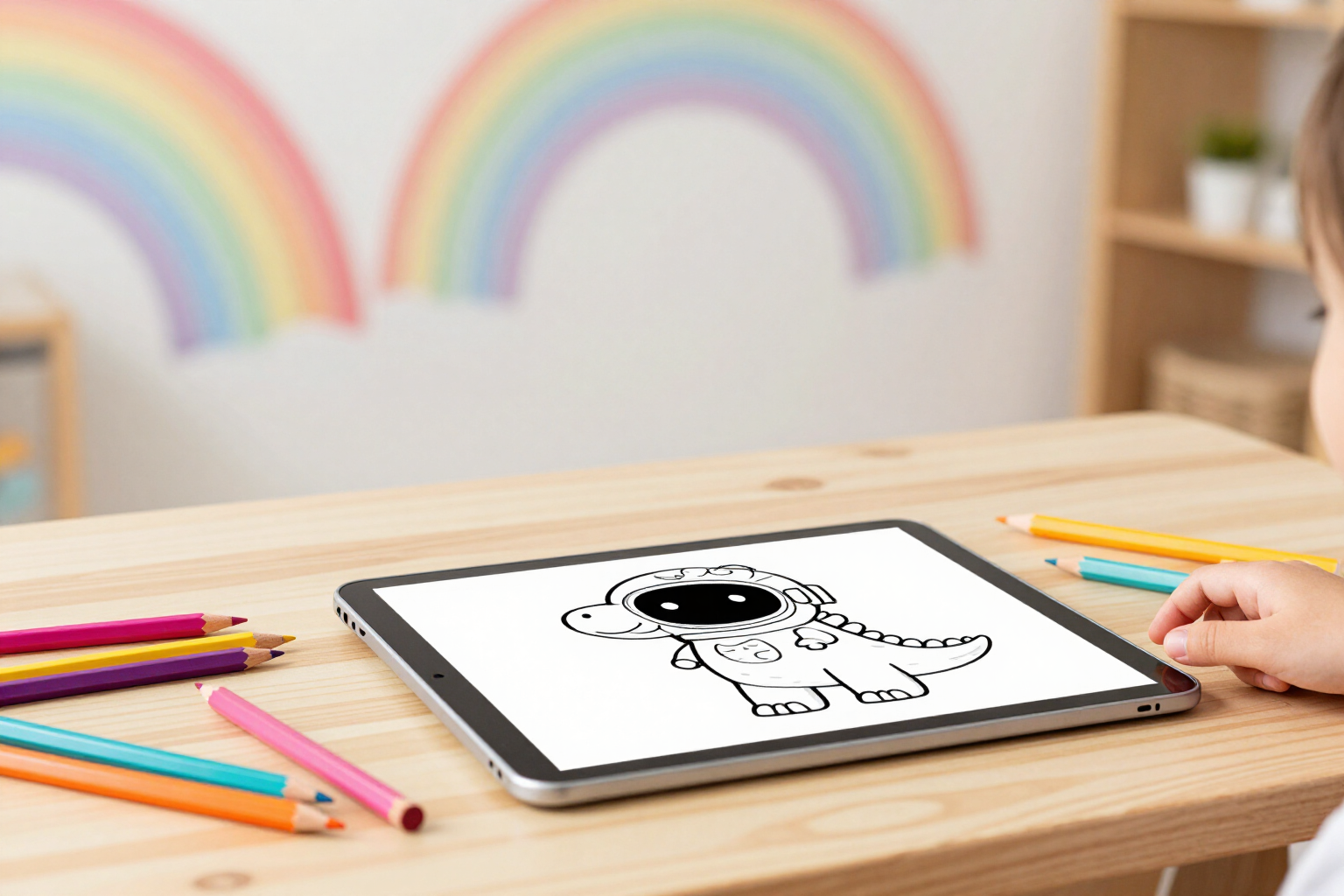
Coloring Page Generator from an Idea
Your little one taps three picture chips —dinosaur, space, unicorn— and Zuki Paint instantly creates an outline coloring page ready to paint on screen.
No more searching «coloring pages» on Google, choosing from the usual four, and printing them out.
Zuki Paint’s Imaginary Canvas mode turns an idea into a coloring page. Your child doesn't need to read or write: they tap up to three emoji picture chips from the twelve available —dog, cat, dinosaur, space, princess, castle, car, unicorn, sea, forest, robot, and party— and the app composes the idea for them. If you prefer to request it yourself, there's a free text field of up to 200 characters: you type «an astronaut dinosaur playing the guitar» and that's exactly what appears.
The AI draws the black and white line art, and the server prepares it for painting: it normalizes it to 1024x1024 on a white background and binarizes it to pure black and pure white, without grays or blurry edges. This detail ensures the paint bucket fills each entire area without escaping through a poorly closed line. When the coloring page is ready, the canvas opens automatically with the paint bucket already active: one tap on a color, one tap on the area, and start painting.
The drawing's difficulty is determined by the profile's age, not a setting you need to adjust. Up to 5 years old, the AI is instructed to draw only three to six large shapes with extra-thick outlines and no small details; from 6 to 8 years old, moderate detail with medium areas; from 9 onwards, a detailed drawing but with easy-to-color closed areas. The same idea appears to each child in the house with the complexity appropriate for their age.
While generating, Zuki accompanies the wait with rotating phrases, and if it takes longer than usual, nothing is lost: the coloring page later appears in the profile’s «My Drawings» section. Each new drawing adds 10 stars, saves automatically, and can be reopened, downloaded, printed, or converted into an animated video.
Benefits of Create Drawings with AI
No need to read or write
twelve emoji picture chips, up to three at a time, and the phrase is composed automatically. A three-year-old can request their drawing without any help.
The coloring page is truly paintable
the backend binarizes it to pure black and white at 1024x1024 so that the paint bucket fills the entire area and never spills out through an open outline.
Automatic difficulty by age
large shapes and thick lines up to 5 years old, medium detail up to 8, and detailed drawings from 9 onwards. Nothing needs to be configured.
Paint on the same screen, no printing needed
when generation is complete, the canvas opens with the paint bucket already selected. No paper, no ink, no waiting.
You can also request it in writing
a free text field of up to 200 characters for the specific idea your child can't find in the picture chips.
Infinite and always new ideas
by combining the twelve picture chips or writing anything, the same coloring page is never repeated, nor does the notebook run out.
If generation takes time, it's not lost
the coloring page later appears in «My Drawings» in the profile, and creating it adds 10 stars to the child.

Your little one provides the idea; Zuki Paint creates the drawing
Create their profile in under a minute, tap three picture chips, and you'll have a new coloring page ready to color on screen.