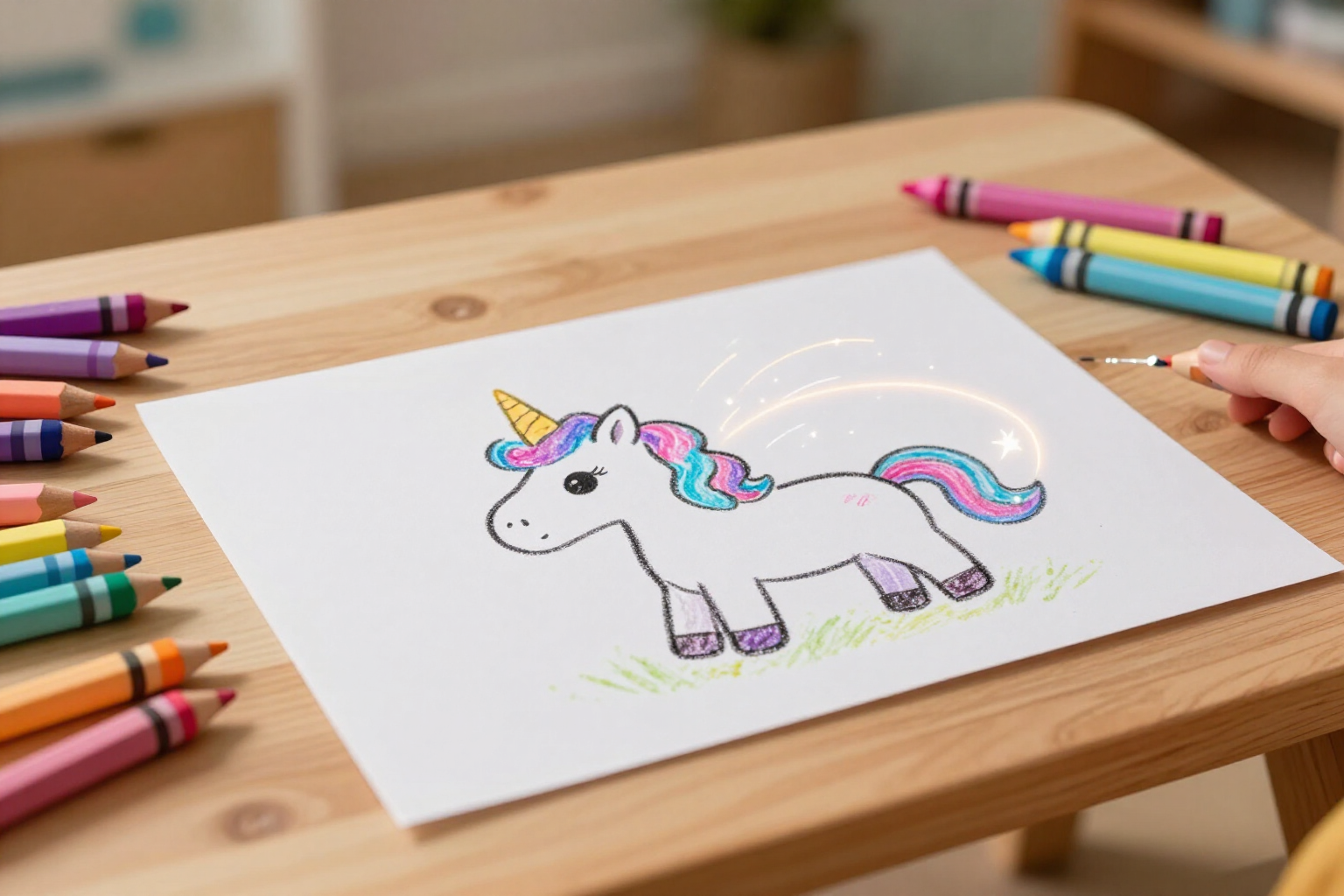
Your child’s drawing turns into a moving video
Tap the magic wand and the drawing they just painted comes to life in a short video, with its original lines and colors.
There's a moment when a child finishes their drawing, looks at it, and doesn't know what else to do with it. This is where it gets interesting.
In Zuki Paint, when the drawing is finished, there's a magic wand button on the top bar of the canvas. Tapping it, the app saves the drawing and sends it to an image-to-video engine that sets it in motion: the unicorn shakes its mane, the dinosaur breathes, the clouds drift. The result is a short video, a few seconds long, that respects the original drawing’s style: the same outline, the same colors the child chose, and no new elements invented by the machine.
While it's being generated, Zuki accompanies the wait with an animated monster and phrases like „Bringing your drawing to life…“ or „Preparing the movie…“. When it's ready, a fanfare sounds, confetti falls, and the video plays within the app itself, in a loop and full screen. There's a large button to activate the sound (it starts muted, so as not to surprise anyone), normal playback controls, and the option to tap the video to pause it.
From there, you can save the MP4 to your phone or tablet with a tap, open it in a separate tab to send it to anyone, or go directly to „My drawings“ or Home. And if the child gets bored waiting and closes the window, nothing is lost: the only thing canceled is the waiting itself. The video continues to generate on the server and appears in the profile gallery marked with a purple play badge; tapping that thumbnail opens the video again, as many times as desired.
It works with any saved drawing: one drawn freehand, a coloring page generated by AI, or a colored mandala. All that's needed is for something to be painted on the canvas.
Benefits of Animate the drawing into a video
It keeps their drawing, it doesn't replace it
the engine receives instructions to preserve the original lines, colors, and outlines, with a smooth and slow movement and without adding new elements. What moves is the child's drawing, not another similar drawing made by a machine.
A single button, no settings or text to write
the magic wand is on the top bar of the canvas and only activates when something is drawn. There's no need to choose an engine, duration, or style: the child taps and waits.
Closing the window doesn’t cancel anything
if you get tired of waiting, the work continues on the server. The gallery automatically checks every few seconds if it’s ready, shows a clock while processing, and changes to a play badge when the video is available.
The video stays at home
it can be downloaded as an MP4 to your phone’s or tablet’s camera roll and watched again from the gallery whenever you want, without depending on the app being open at that moment.
Designed for small hands
the video starts muted and on a loop, the sound button is a 56-pixel circle, and tapping the video pauses it. If something goes wrong, a sad-faced Zuki appears with an «Again» button instead of a technical error.
Works for any drawing in the profile
freehand, AI-generated coloring page, or mandala. If the drawing already has its video, tapping it in the gallery opens it directly instead of generating it again.

Let them see their drawing come to life this afternoon
Create their profile, let them draw something, and tap the magic wand. In one minute, they'll be watching their drawing transformed into a video.