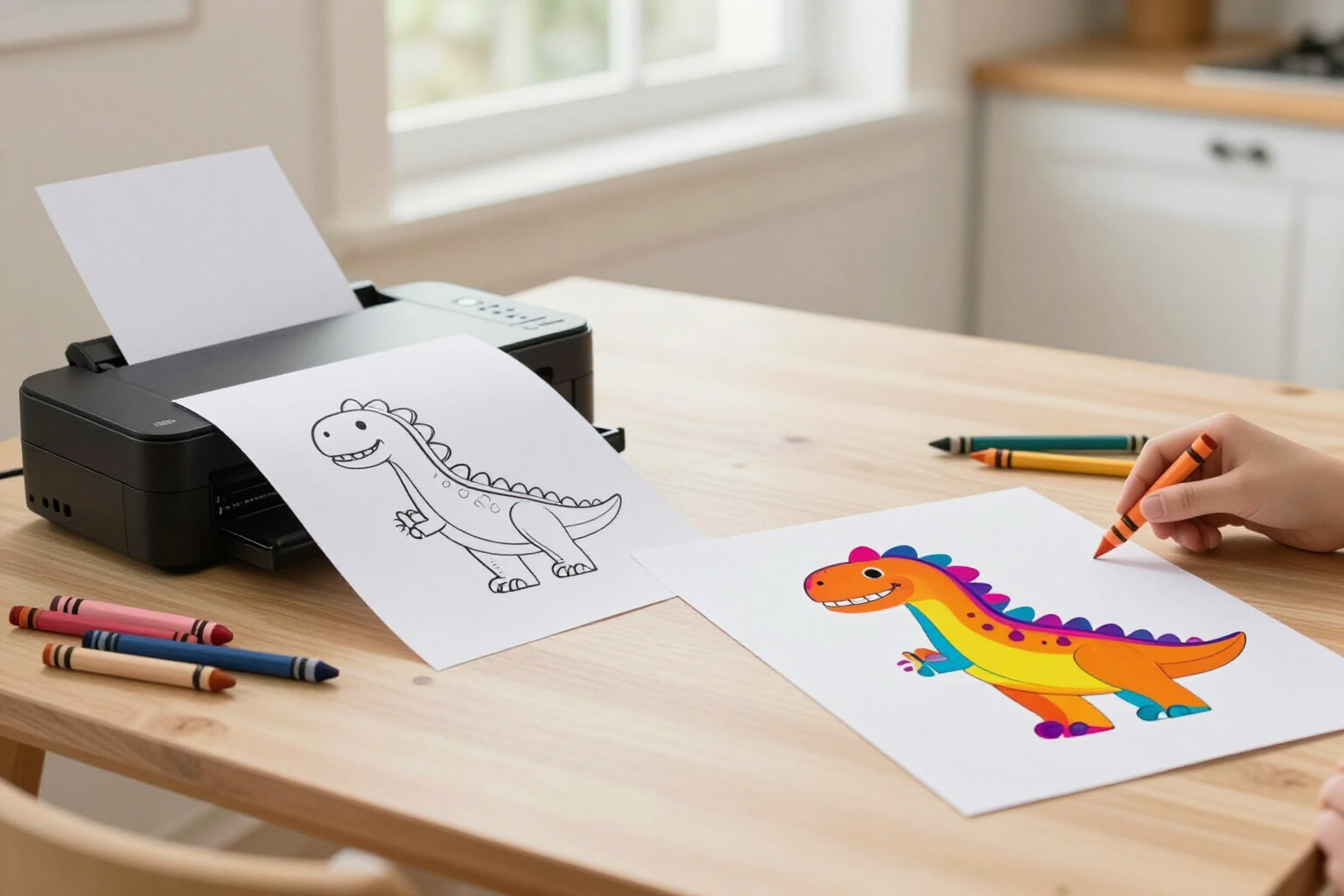
Print the colored drawing or the blank coloring page to paint it on paper
From the Zuki Paint editor, tapping the printer icon generates two different coloring pages: the drawing as your child painted it, or just the outline on white to color by hand as many times as they wish.
Good drawings don't stay trapped in the tablet: they come out on paper, get hung on the fridge, and can be painted again.
Inside the Zuki Paint canvas, in the top right, there’s a button with a printer icon. It activates as soon as something is drawn and opens a window with the question «What do you want to print?» and up to two options, depending on the origin of the drawing.
The first is «Mi dibujo en color»: it prints the canvas as is, with the paint and the outline, exactly what you see on screen and what is saved in the gallery. It’s always available, even for freehand drawings.
The second is «Para colorear en papel»: it prints only the black outline lines on a white background, without any paint. This option appears when the drawing comes from an AI-generated template or a mandala, because these drawings have their own outline; in a freehand drawing, there are no lines to separate from the paint. This blank coloring page can be printed once or twenty times: the same astronaut dinosaur or the same mandala can be painted again every afternoon, with markers, crayons, or pencils, without using any AI generation.
On a computer, the system print dialog opens with just the coloring page, centered and full-page: the app interface, buttons, or color palette do not appear. On a mobile phone or tablet, the system share sheet opens, from which it can be sent to a printer or the PNG can be saved to the camera roll for later printing. And if the device doesn't allow either of these, Zuki Paint downloads the image as a PNG and notifies you that it has been saved for you to print.
Benefits of Print drawings and coloring pages
Two coloring pages from the same button
«Mi dibujo en color» outputs what the child has painted; «Para colorear en papel» outputs the clean outline on white, without the paint.
The same coloring page, infinite times
once the outline is printed, it can be painted by hand every afternoon as needed without having to generate anything with AI again.
The coloring page prints, not the app
on desktop, the page prints alone, centered and full-page, without buttons, menus, or the color palette around it.
Designed for mobile and tablet
the system share sheet opens, allowing you to both send it to the printer and save the PNG to the camera roll.
You never lose your drawing
if the device cannot print or share, Zuki Paint downloads the PNG and notifies you, so you can print it whenever you want.
Print-ready quality
each coloring page is exported as a 1024×1024 pixel PNG with a crisp black outline, ready for an A4 page with margins.
One tap to print
no need to save beforehand, export, or search for the file. The canvas prints exactly as it is at that moment.
Also old drawings
when reopening a drawing from «My Drawings» that came from a template or mandala, both print options are available again.

Let their drawing end up on paper, not just on the screen
Create your child’s profile, paint the first drawing, and send it to the printer in the same minute.