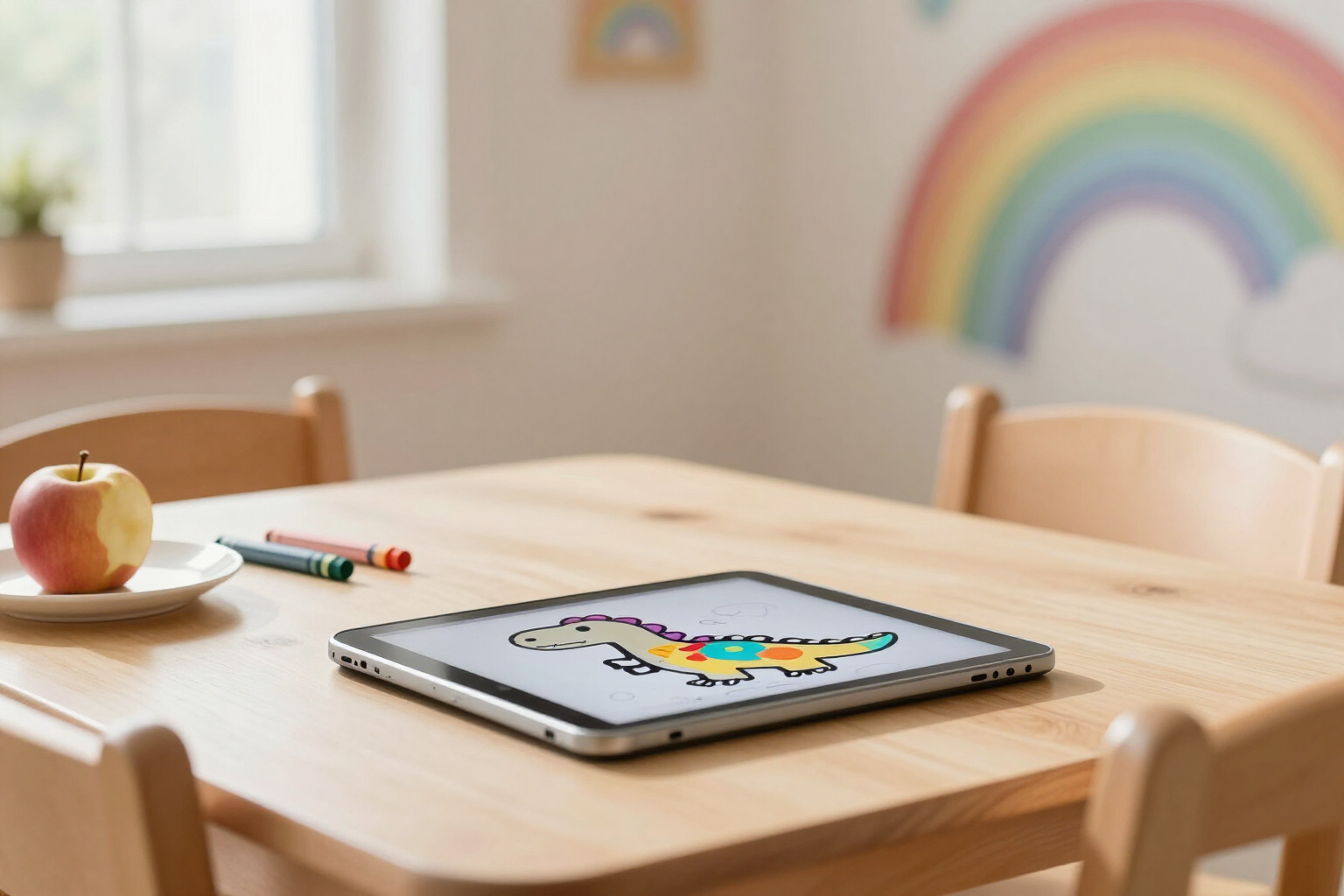
Automatic Saving: your little one’s drawing is never lost
Zuki Paint saves every 20 seconds and when exiting the canvas. There’s no save button, no dialogs, no „Do you want to save changes?“: just a discreet cloud icon confirming everything is safe.
A four-year-old doesn’t press «Save». They get up, close the tablet, or go for a snack — and in any other app, that would be enough to lose half an hour of work and end up crying.
In Zuki Paint, saving is not an action by the child: it’s something the app does automatically in the background. While painting, an auto-save cycle uploads the drawing every 20 seconds if there have been changes since the last time. If nothing has been touched, nothing is saved: this avoids wasting unnecessary uploads or filling the gallery with repeated versions.
In addition to the 20-second cycle, saving occurs at the three moments when a drawing could be lost: when the child taps the home button to return to the menu, when they open a new canvas from the editor itself, and when they leave the app in the background or close the tab. This last case uses a keepalive request, designed so that the upload remains active even if the tab is already closing.
The child sees none of this. There is no save button in the toolbar, and the app never opens a dialog asking for confirmation. The only indicator is a small cloud icon at the top: a normal cloud when everything is fine, a cloud with an arrow while uploading, and a crossed-out cloud if something has failed. Nothing to interrupt the drawing.
The result is that the worst possible scenario involves the last 20 seconds of strokes, and every saved drawing already appears in «My Drawings» on their profile, ready to be reopened and continued another day. The first time a drawing is saved, it also adds 10 stars to their profile. Zuki Paint is AIsToHire’s children’s drawing and coloring app: you can see the full app at https://aistohire.com/zuki-paint-ai-coloring-pages-kids-129
Benefits of Autosave
Zero save dialogs
the app never asks «Do you want to save?». A 3-year-old wouldn’t know how to answer that, so the question simply doesn’t exist.
Every 20 seconds, only if there are changes
the auto-save cycle checks if the drawing has been touched since the last upload. If not, it does nothing; if so, it uploads it silently.
Also saves upon exit
when returning to the home screen or opening another canvas, the drawing is saved before changing screens, so exiting never means losing your work.
Survives tab closure
if the app goes to the background or closes, the save is sent with a keepalive request, designed to stay active even as the tab disappears.
Just a cloud icon
the only indicator is a cloud icon (normal, uploading, or crossed out). No progress bars, no modal alerts, nothing to obscure the canvas.
Doesn’t clutter the gallery
empty canvases are not saved, and two saves never overlap, so «My Drawings» only shows actual drawings, one per artwork, always in its latest version.

Never lose a drawing again
Create your child’s profile in under a minute and let them paint. Zuki Paint handles saving.