 Zuki Paint
Less than an hour of screen time a day: how to spend it wisely if your child is between 3 and 12 years old
Team at Zuki PaintWritten with AI assistance25 min readIn summary
- On October 27, 2026, the Control Z Platform —30 entities and 15 medical and psychology societies— presented its ten-point manifesto and the ZETA Digital Strategy: zero screens until age 6 (also in school), less than one hour daily between ages 7 and 12 with supervision, and less than two hours from ages 13 to 16, including school hours and homework.
- These figures are not new: they are the same as those published by the Spanish Association of Pediatrics on December 5, 2024. What is new is who demands them and from whom: from schools, not just families.
- The American Academy of Pediatrics took a different direction: its policy from February 2026 removed the two-hour rule and replaced it with the 5 C framework, focused on what the child watches, with whom, and what displaces that time.
- The largest meta-analysis on early childhood (JAMA Pediatrics, August 2024, 100 studies and 176,742 participants) found that watching programs is associated with worse cognitive outcomes (r = −0.16) while accompanied use is associated with better outcomes (r = +0.14). Context matters more than the clock.
- Practical conclusion: if the ceiling drops to 40 or 50 minutes, the question shifts from how much to what for. This article provides six signals to distinguish a passive screen from an active one and a checklist before installing any children's app.
If you have a child between 3 and 12 years old, the autumn of 2026 has left you with a number in your head: less than one hour of screen time per day. What none of the recommendations tell you is what to do with those minutes, and that's where almost everything is at stake. This article collects exactly what the new guidelines say, what the evidence says about types of use, and how to apply it on a Tuesday afternoon when the child asks for the tablet. We publish this from AIsToHire, where we maintain Zuki Paint, a drawing and coloring app for children aged 3 to 12 that is just the type of screen the last part of the text discusses.
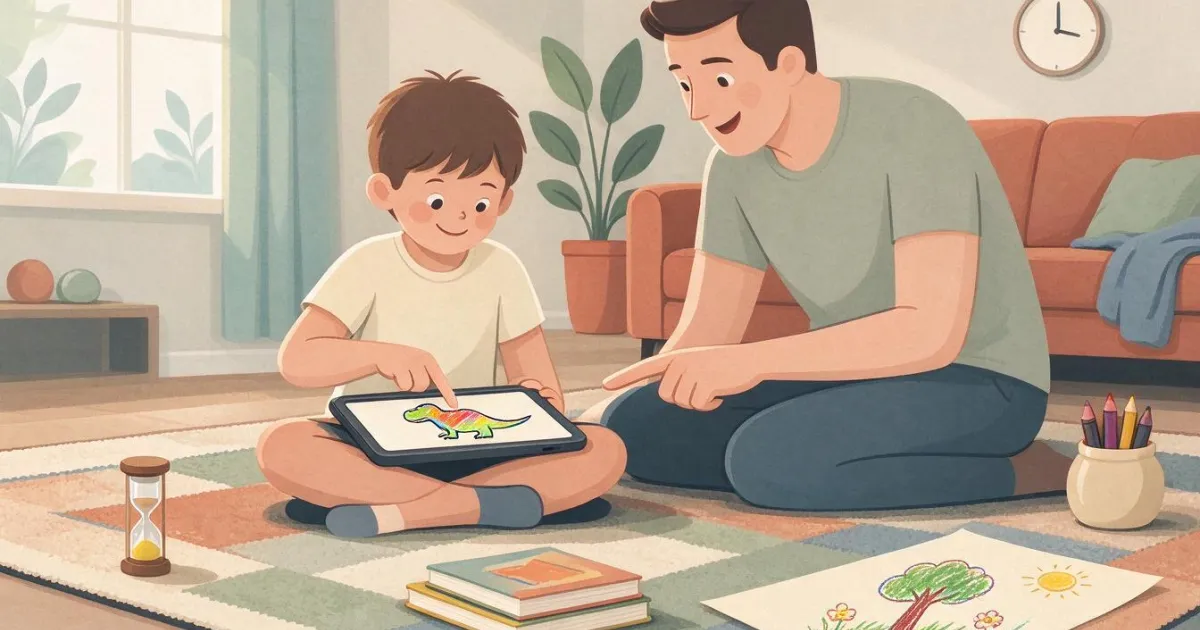
How much screen time is recommended for children in 2026, by age?
The two current references in Spain agree: zero screens until age 6, less than one hour daily from ages 7 to 12, and less than two hours from ages 13 to 16, and in the two age ranges with limits, that time includes school hours and homework. This was recommended by the Spanish Association of Pediatrics on December 5, 2024, and has been reiterated by the Control Z Platform on October 27, 2026, this time directed also at educational centers.
The detail that school time counts is what most changes the household calculation. If devices are used in the classroom for forty minutes and the limit for the age range is sixty, there are twenty minutes left at home.
| Age range | Reference limit | What it includes and under what conditions |
|---|---|---|
| 0–6 years | Zero screens. "There is no safe time" | Exception: supervised social contact with a specific purpose —a video call where someone tells a story or sings a song—, for short periods |
| 7–12 years | Less than 1 hour a day | Includes school time and homework. With adult supervision, on fixed devices, avoiding bathroom and bedroom, and agreeing on time and content limits beforehand |
| 13–16 years | Less than 2 hours a day | Includes school time and homework. Prioritize phones without internet access and delay the first smartphone |
Source: age recommendations from the Spanish Association of Pediatrics (press release from December 5, 2024, fully reproduced by Escuela Saludable) and the coverage of the presentation of the ZETA Digital Strategy in Magisnet, October 27, 2026.
Two important nuances. The first: the threshold of "zero screens" from the AEP moved from 2 to 6 years in the 2024 review; if you remember the old "nothing before two years", it is outdated. The second: in the two journalistic coverages of the Control Z presentation, the ten points of the manifesto are not published, only the measures highlighted by the speakers, so any list of "the 10 points" you find out there should be cross-checked with the original document from the platform.
Who is behind Control Z and what exactly does it ask from schools?
The Control Z Platform groups 30 entities and 15 medical and psychological societies —pediatricians, psychologists, psychiatrists, neurologists, and educational experts— and is led by Mar España, former director of the Spanish Agency for Data Protection. Its central request is not directed at families but at schools: that centers be personal smartphone-free spaces during the school day and that screens be eliminated until the age of six also in the classroom.
The Digital Strategy ZETA, developed by the organization Healthy School with the participation of Ecologists in Action, is the document that specifies this for educational centers. It was presented on Tuesday, October 27, 2026.
The measures that were reported in the two coverage of the event:
- Personal smartphone-free centers throughout the entire school day, to protect attention.
- Zero screens until the age of 6, including school hours, and time limits on use in centers until the age of 16.
- Do not give or facilitate a personal smartphone with unrestricted internet access before the age of 16, and between the ages of 13 and 16 prioritize phones without internet or with limited connectivity. This is proposed by José Antonio Luengo, psychologist and first vice president of the General Council of Psychology of Spain.
- Restrict access to social networks until the age of 16.
- Nighttime digital disconnection: eliminate screens one or two hours before sleeping, promoted simultaneously by centers and families.
- Regulate differently the tools with defined pedagogical purposes and devices for leisure, content consumption, or social communication.
- Recover screen-free spaces and reinforce reading comprehension, writing, mathematical reasoning, and problem-solving.
- Specific training for teachers in digital environments, risks, and media literacy.
"There is a digital overdose and the educational system cannot look the other way," said Mar España, who also called for a state pact from the government that comes out of the elections on November 29: "Because we are playing with the health and neurodevelopment of minors."
José Antonio Luengo added the argument of sleep, which is the one that most easily translates into a household rule: "Nighttime hyperconnectivity generates a chronic sleep deficit that degrades working memory." The two statements are included in the EFE report on the warning from neurologists and experts published on October 27, 2026. The document has already been taken to the State School Council and will be forwarded to the Ministry of Education, the European Commission, and the European Parliament.
Why have American pediatricians removed the hour limit just as it is being reinforced in Spain?
Because they have concluded that the clock measures what matters least. On January 20, 2026, the American Academy of Pediatrics announced its new policy —Digital Ecosystems, Children, and Adolescents, published in the February 2026 issue of the journal Pediatrics— which replaces its previous guidance on media and substitutes rigid hour limits with a framework of five questions: the 5 Cs.
This is not a contradiction with Control Z so much as a change of layer. The Spanish recommendations set a ceiling; the AAP deals with what fits beneath that ceiling. A family can —and probably should— apply both: the AEP time limit and the AAP quality criteria.
| The C | Question posed by the AAP | What it means in practice |
|---|---|---|
| Child | Who is your child and how do they react to media? | An anxious child and a sociable one do not run the same risk with the same app |
| Content | What deserves their attention? | "The quality of the content determines whether children have a positive or negative relationship with media" |
| Calm | How do they calm their emotions or fall asleep? | If the screen is their only strategy for self-regulation, there is a problem that won't be solved by cutting minutes |
| Crowding out | What is the medium getting in the way of? | Instead of asking what to take away, ask what you want to reclaim: sleep, outdoor time, family |
| Communication | How to talk about media to raise a responsible child? | Talk about screens early and often, not just when there is a conflict |
Source: 5 Cs guide from the American Academy of Pediatrics (updated January 6, 2026; the original caption literally reads "moving beyond the 2-hour rule for screen time") and the announcement of the new media recommendations from January 20, 2026. The 5 Cs were developed at the AAP Center of Excellence on Social Media and Youth Mental Health, based on the "3 Cs" of education expert Lisa Guernsey.
Pediatrician Tiffany Munzer, lead author of the policy, summarizes it by saying we need to move from simple time limits to focusing on "quality, context, and conversation," because we are no longer talking about "screen time" but about a complete digital ecosystem: television, social media, online gaming, assistants, apps, artificial intelligence, podcasts. And she points out design as the specific problem: autoplay, endless scrolling, and targeted advertising are what "crowd out sleep, play, and family time."
What the AAP does maintain at any age are the zones, not the clocks: bedrooms and meals without devices, "especially the hour before bedtime," and adults doing the same with their own phones. Regarding the age to give the first phone, it is explicit: "studies do not point to a specific age that is safe."
What does the evidence say about passive vs. active screens?
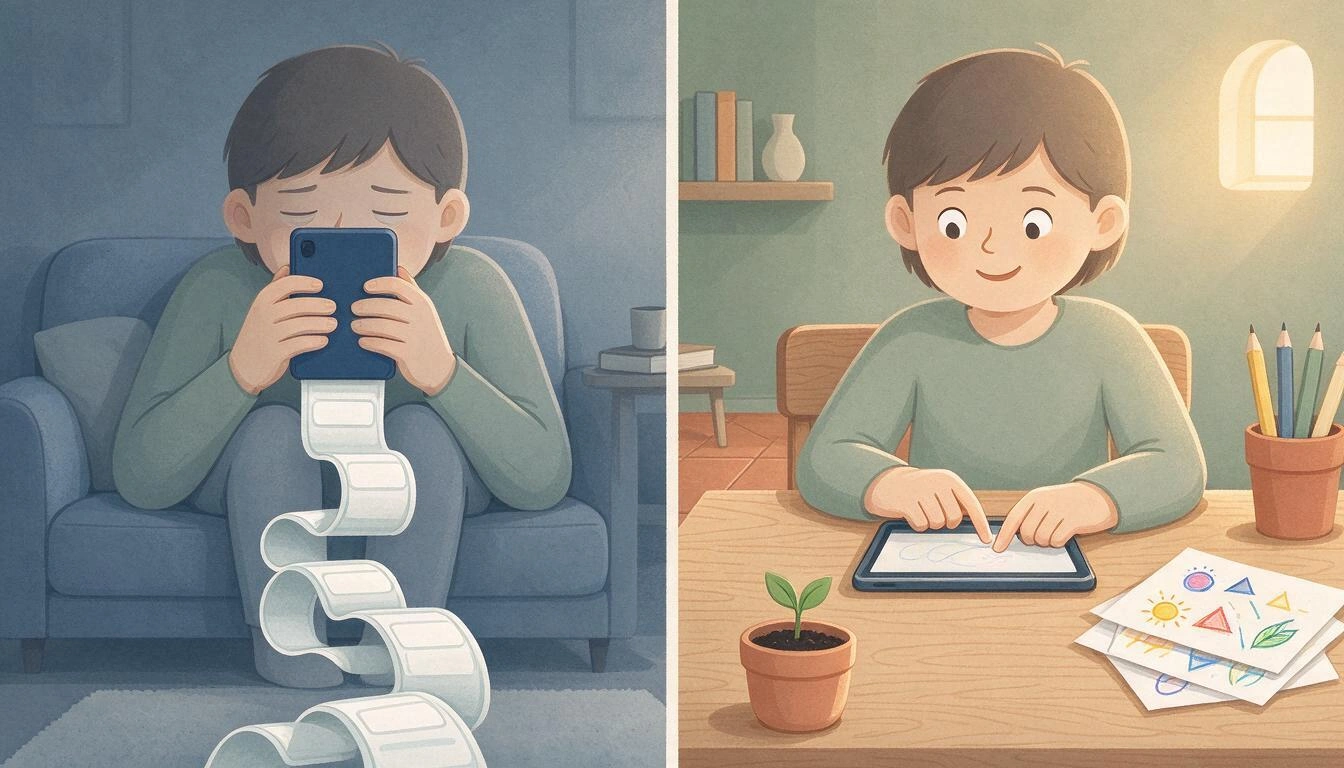
Not all uses are associated with the same outcomes, and shared use is the only one that appears with a positive sign. The most comprehensive meta-analysis on early childhood —published in JAMA Pediatrics on August 5, 2024, with 100 studies and 176,742 participants aged 0 to 5.99 years— measured six contexts of use separately. Watching programs and background television are associated with worse cognitive outcomes; shared use with an adult is associated with better outcomes.
| Use Context | Measured Outcome | Correlation (r) | 95% Confidence Interval |
|---|---|---|---|
| Watching programs | Cognitive | −0.16 | −0.24 to −0.08 |
| Background television | Cognitive | −0.10 | −0.18 to −0.02 |
| Shared use with an adult | Cognitive | +0.14 | 0.03 to 0.25 |
| Watching programs | Psychosocial | −0.04 | −0.07 to −0.01 |
| Inappropriate content for age | Psychosocial | −0.11 | −0.17 to −0.04 |
| Caregiver screen during child routines | Psychosocial | −0.11 | −0.20 to −0.03 |
Source: Mallawaarachchi, Burley et al., meta-analysis on screen use contexts in early childhood, JAMA Pediatrics 2024;178(10):1017-1026, published online on August 5, 2024 (DOI 10.1001/jamapediatrics.2024.2620).
Three honest readings of that table. One: the effects are small; the authors themselves describe them as "small to moderate" and speak of associations, not causality. Two: nevertheless, the authors' conclusion aligns exactly with the AAP’s shift: we need to look at contexts beyond time limits, "promoting intentional and productive screen use, age-appropriate content, and shared use with caregivers." Three: the last row is the uncomfortable one — the adult's mobile device during child routines scores just as poorly as inappropriate content.
The AEP, for its part, does have its own data on how screens are used: "screen-related multitasking is associated with worse cognitive outcomes, a decrease in the ability to filter distractions, and an increase in impulsivity and a decrease in working memory," in the words of Dr. María Salmerón, coordinator of the Digital Health working group of the association. She warns of a specific use: routinely resorting to the device to distract or calm "creates difficulty in developing self-management strategies" and leads to dependence on the screen to regulate emotions.
An analogy is worth considering, even if it is just that: an analogy, not a clinical assertion. With food, no one argues that the limit of quantity and the criterion of quality are two distinct and necessary things; half an hour of fruit and half an hour of sweets are not the same half hour. With screens, we have spent a decade discussing only the size of the portion.
The "what does it replace" test: the question that decides the most
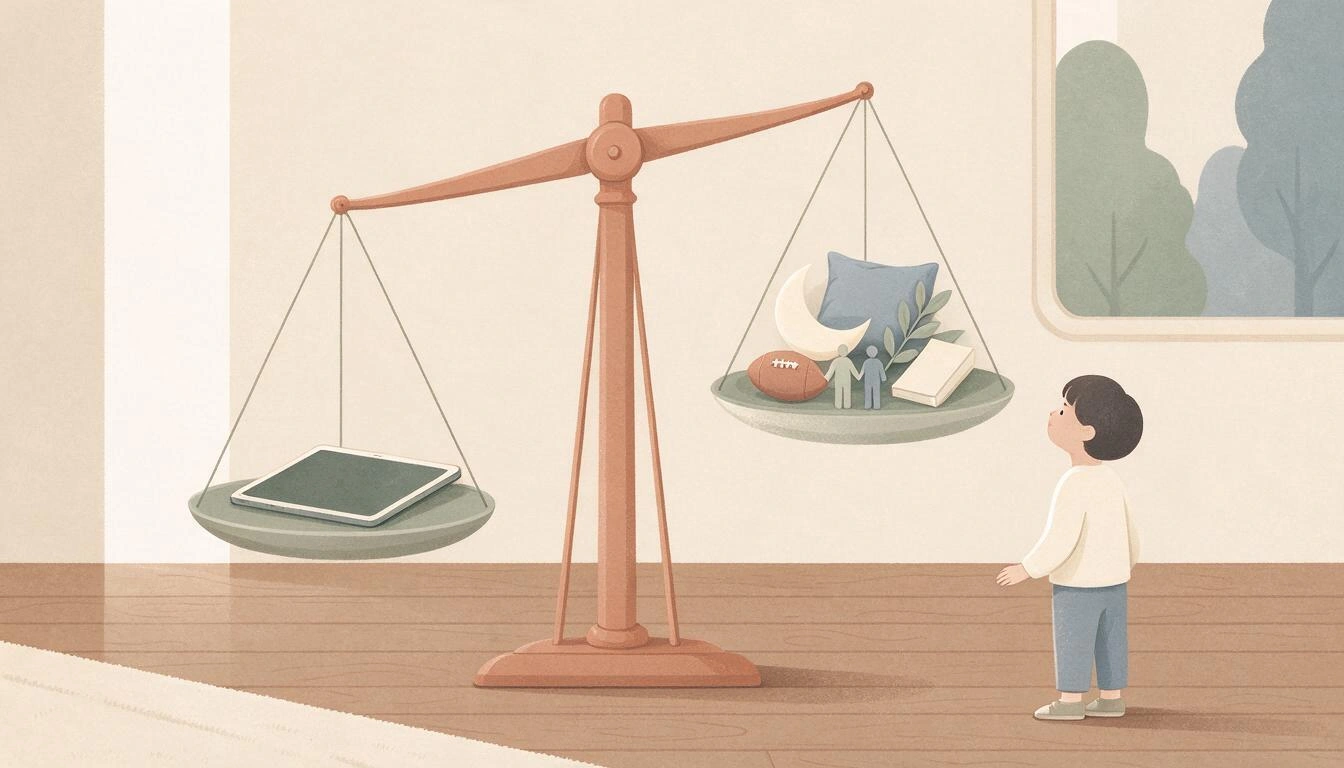
Of the five Cs of the AAP, the one that resolves the most practical doubts is crowding out: not asking what the child is doing on the screen, but what they are not doing during that time. It is a test that any adult can apply in five seconds and does not need to know anything about the app.
How to apply it:
- Look at the gap, not the content. Thirty minutes of drawing on the tablet in the dentist's waiting room replace boredom from looking at a 2019 magazine. Thirty minutes at nine o'clock at night replace sleep. The same content, two different decisions.
- Prioritize what is non-negotiable. The AEP recommends a minimum of 60 minutes of moderate to vigorous physical activity daily for children and adolescents, and lists sleep, face-to-face relationships, and contact with nature as explicit protective factors. If the screen takes away one of those, the problem is not the app.
- Protect the hour before sleep and the two places where the evidence is most consistent: the bedroom and the table. The AEP (avoiding bath and bedroom), Control Z (one or two hours before sleeping), and the AAP (bedrooms and meals) all agree on this.
- Invert the question. The AAP frames it not as "what do I take away" but as "what do we want to regain": family time, more sleep, going out, playing with the dog. It works better because it is a list of things you gain, and a seven-year-old understands that much better than a subtraction of minutes.
Six signals to know if a screen is passive or active
An active screen can be recognized without installing anything: the child produces something, the activity ends, they decide, it can be accompanied, it leaves a result that can be taught, and it does not ask for money or advertising attention. If four out of six fail, what you have in front of you is passive entertainment with a touch interface.
| Signal | Passive screen | Active screen |
|---|---|---|
| 1. Does it produce or consume? | Nothing of theirs remains | Leaves with a drawing, a song, a construction |
| 2. Does it have an ending? | Automatic playback and infinite scroll: there is never a natural stopping point | The task ends, and the "it's done" is marked by the activity, not the adult |
| 3. Who decides? | The next content is chosen by a recommendation algorithm | The child chooses what to do and how |
| 4. Can it be accompanied? | Isolates: with headphones, turned away, impossible to comment on | It can be watched together and talked about while it happens |
| 5. Does it leave a result? | There is nothing to print, save, or show to grandma | Produces a file, a drawing, something displayable |
| 6. Does it ask for money or attention? | Ads, in-app purchases, rewards for coming back every day | No targeted advertising or pressure to spend |
Signals 2, 3, and 6 are not an opinion: they are exactly the design patterns that the AAP asks the industry to deactivate by default for minors in its 2026 policy —removing autoplay, not segmenting advertising to minors, allowing the deactivation of algorithmic feeds, and minimizing designs that prolong engagement—. If an app already complies with this, it is saving you the fight.
Age Guide: how to spend the remaining minutes
The distribution changes completely between ages 3 and 12, and not just in quantity: at age 4, the screen makes sense as a shared cause-and-effect activity, at age 7 as a project with a beginning and end, and at age 10 as a tool for doing things. What does not work in any of the three age ranges is the same diet of short videos.
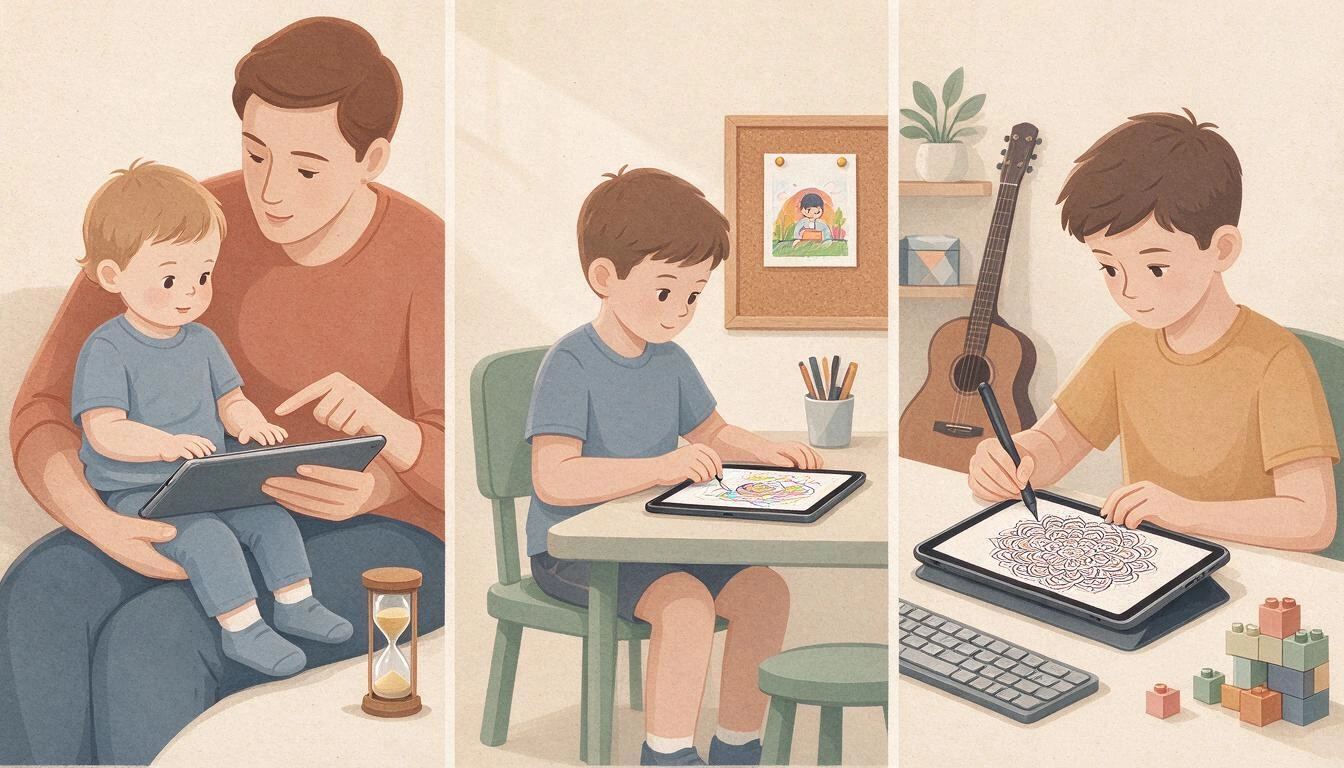
3 to 5 years: very short sessions always accompanied
The official recommendation in this range is zero, with the exception of supervised social contact. If there is a screen in your home at this age —and in many there is—, the way to make it as least harmful as possible is the one that measures well in the meta-analysis: accompanied use (the only context with positive association) and short sessions with a visible ending.
- Cause-and-effect tasks and no mandatory reading: at this age, they do not read, so all navigation must be through icons, colors, or drawings.
- An adult next to them, commenting on what is happening. It is not police supervision: it is the variable that correlates best.
- A physical ending: an hourglass on the table works better than a notice on the screen itself, because the notice comes from the same place as the reward.
- Avoid the two uses that the AEP points out as problematic: the screen to calm a tantrum and the screen during meals.
6 to 8 years: projects with a beginning and end
This is where the "project" format performs best. The child can now sustain a task for twenty minutes, and a task that ends teaches something that scrolling cannot teach: that things finish and are completed.
- One thing started and finished per session: a drawing, a built level, a recorded piece.
- That can be taught or hung up. Printing the result turns the screen into the medium and not the destination.
- Since the limit for ages 7–12 includes school, ask at the center how many minutes of device time there are per day. Without that data, the home account is poorly calculated.
9 to 12 years: create, not just watch
At this age, the difference between a child who uses technology and one who consumes it starts to be truly noticeable, and the ceiling of one hour forces a choice. Digital drawing, music, building, programming: whatever it is, as long as at the end of the time there exists a file that did not exist before.
- Creation tools ahead of consumption platforms.
- This is the age range where the pressure for the first mobile phone arrives. The AAP is blunt: "studies do not point to a specific age that is safe"; Control Z proposes not to give a smartphone with unrestricted internet before 16.
- Social media: Control Z calls for restricting access until 16 years old.
What to ask from a children's app before installing it
Before downloading anything, six checks that can be done in two minutes on the store page and in the first five of use: that it doesn't require reading, that it has no ads or in-app purchases, that it doesn't have infinite scroll, that it distinguishes profiles by age, that it doesn't cause motor frustration, and that the child can leave it halfway without losing what they've done. That last one is the one that avoids the most arguments at home.
- No mandatory reading. A four-year-old doesn't read menus. If choosing something requires reading, the adult will end up making the choice, and then it's not their time.
- No ads or in-app purchases. This is the point where the 2026 AAP policy and common sense at home completely align.
- No infinite scroll or autoplay. What you need is an activity with an end, not a conveyor belt.
- Real age-based profiles. Not a decorative selector: the difficulty of the content should change according to the age of the profile. What is an impossible task for a 4-year-old is boring for a 10-year-old.
- No motor frustration. At 3 or 4 years old, the hand still doesn't obey. If the app requires adult-level precision, the child gets upset and quits, and what they learn is that they're not good at it.
- That it can be abandoned without losing what’s done. Auto-save. If every interruption costs a tantrum because work is lost, the time limit becomes impossible to apply.
Why has creativity crept into this conversation?
Because it is the skill that adults have decided to protect against automation. In the study that Crayola commissioned from the research firm Talker Research with 2,000 parents and children aged 8 to 12, published on May 11, 2026, 73% of adults say that creativity has become an essential skill in an era of automation and growing artificial intelligence. Children are much less anxious: only 22% believe that AI could harm their creative thinking.
The figures from the same study that say the most about what to do with forty minutes:
| Data | Figure |
|---|---|
| Adults who see creativity as an essential skill against automation | 73% |
| Parents who fear that AI will reduce their children's ability to think independently | 35% |
| Parents concerned about AI competing with their children's future employment | 30% |
| Children who believe that AI could harm their creative thinking | 22% |
| Children more likely to keep something if they created it with their hands | 46% more |
| Children more inclined to show it at home if they created it | 68% more |
| Children who feel more inspired doing creative activities with family | 65% |
| Children who value parents recognizing effort more than the result | 46% |
Source: Crayola and Talker Research study on AI and children's creativity, El Diario NY, May 11, 2026. The study is American and the note does not detail the field methodology or margin of error, so it is advisable to take them as trends and not as precise measurements.
Those two numbers, 46% and 68%, are, at the core, the argument of this article. A child wants to keep and show what they have made themselves. No one hangs a video they have watched on the wall.
Is it going to be mandatory? What’s coming by regulation
In Spain, there is still no state law that sets screen time limits, but there are two movements underway: a Catalan draft law that would prohibit screens, social media, and artificial intelligence for minors under 14 in the school environment, and the request for a state pact that Control Z has presented to the State School Council and will take to the Ministry of Education and European institutions.
The Catalan timeline, according to the draft law on screens and minors in Catalonia published on September 22, 2026:
| Milestone | Date |
|---|---|
| Economic and legal memory of the law ready | November 2026 |
| Mandatory reports and opinion from the legal services of the Generalitat | Between both milestones |
| Arrival of the draft to the Consell Executiu and parliamentary start | March 2027 |
The preliminary study commissioned by the Govern holds that minors under 14 should not use screens in the school environment and that access to devices and AI should be limited until ages 15 and 16. The future law will also regulate minimum mandatory readings and proposes a sanctioning framework still to be defined. The spokesperson for the Catalan Executive, Sílvia Paneque, is the one who has set that timeline. It is worth remembering the obvious: a draft law is not a law, and many things can happen between November 2026 and its parliamentary approval.
For a family, the practical message is that the direction of the wind is already clear. Limits are going to tighten, and school is going to stop being neutral ground, so what is decided at home about how the remaining time is spent will weigh more and more.
Frequently Asked Questions
How much screen time can a 5-year-old have?
None, according to the two current references. The Spanish Pediatric Association set the threshold of "zero screens" at 6 years old in 2024 — previously it was 2 — arguing that "there is no safe time," and Control Z reiterated this in October 2026, extending it to the classroom as well. The only exception considered is supervised social contact with a specific goal, such as a video call where someone tells a story.
If my child is 8 years old, does the daily hour include the school's tablet?
Yes. Both the AEP and Control Z specify that the limit of less than one hour of daily screen time for children aged 7 to 12 includes school hours and homework. This is the detail that most alters the household count: if devices are used in class for forty minutes, then there are twenty minutes left at home.
Why do some pediatricians set hour limits while others have removed them?
Because they measure different things. The Spanish recommendations from the AEP and Control Z set a ceiling of exposure, closely linked to physical health, sedentary behavior, and sleep. The policy of the American Academy of Pediatrics from February 2026 removed the two-hour rule to focus on what is beneath that ceiling: content, accompaniment, and what displaces screen time. They are not mutually exclusive; they apply simultaneously.
Is it true that not all screens are equally bad?
Evidence suggests that context matters. In the meta-analysis from JAMA Pediatrics in August 2024, covering 100 studies and 176,742 children aged 0 to 6 years, watching programs was associated with worse cognitive outcomes (r = −0.16), while adult-supervised use was associated with better outcomes (r = +0.14). These are small magnitude associations and do not prove causality, but they all point in the same direction: the way of use matters.
What apps are recommended for a child aged 3 to 12?
Those that meet six verifiable conditions: that do not require reading, that do not have advertising or in-app purchases, that do not have infinite scrolling or autoplay, that adjust difficulty to the child's age profile, that do not require adult motor precision, and that save automatically so the child can leave it unfinished. Drawing, music, building, and programming apps usually meet these conditions; short video apps, almost none.
How can I cut screen time without fighting every day?
Three things that help more than arguing about minutes: choose activities that have an end (so the end is marked by the task and not by you), that the app saves automatically (if interrupting means losing work, conflict is guaranteed), and change the conversation from "what I take away from you" to "what we gain back" — going out, playing, sleeping more — which is exactly how the AAP frames it in the C of crowding out.
Can an app with artificial intelligence be an active screen?
It depends on what the AI does. If it generates infinite content for the child to watch, it's a passive screen with new technology. If it gives the child a starting material that they have to complete with their hands — an outline to color in, a base to finish — the one producing remains the child. That is the line, and it coincides with what the Crayola study points out: children retain and showcase what they have created.
Zuki Paint: an example of a screen on the creative side
Zuki Paint is the drawing and coloring app for children aged 3 to 12 from AIsToHire, and it is designed exactly for the time this article discusses: a screen where the child produces something, with an activity that ends.
How it responds to the checklist above, point by point:
- No mandatory reading. To request a drawing, emoji pictograms are tapped — dog, dinosaur, space, princess, unicorn, robot — and up to three can be combined; mandala themes are also images. The only thing written in the entire app is the profile name, which is usually entered by an adult.
- Age profiles that serve a purpose. When creating the profile, the age is chosen, from 3 to 12 years, and that age adjusts the complexity of everything the AI draws: thick outlines and few large shapes for 3 to 5 years, medium detail for 6 to 8, and detailed drawings from 9 onwards. Up to eight profiles can fit, each with its own gallery and stars.
- No motor frustration. The paint pot fills the entire area with one touch, and the black outline lives on a separate layer that neither the brush nor the eraser can touch, so a little one aged 3 or 4 does not go outside the lines or ruin the drawing. There is also a brush and eraser with four thicknesses, 18 colors, and undo with twelve levels. The canvas is locked against zooming and dragging: a resting hand does not misplace anything.
- Can be left unfinished. The app saves automatically every 20 seconds, when leaving the canvas, and when going to the background. There is never a need to press save, so interrupting does not lead to a tantrum.
- Leaves a result that can be shown. All drawings remain in "My Drawings" of the child's profile, can be reopened to continue painting, and can be downloaded or saved on the mobile. Each new drawing adds 10 stars.
- Reward with an end, not infinite loop. When the drawing is finished, a tap on the wand turns it into a short video where their unicorn or robot moves, keeping its own stroke. The video plays right there and is marked in the gallery: it is a reward that ends, not a conveyor belt.
If what you are looking for in those forty minutes is a screen on the creative side, you can try Zuki Paint, the drawing and coloring app with AI for kids and create a free profile for each child in the house or classroom.
Try Zuki Paint for free and create a profile for each child: choose their age and the AI will draw outlines and mandalas tailored for them to color with the paint bucket, without going outside the lines and never losing what they've completed.
Try Zuki Paint for free and create a profile for each child: choose their age and the AI will draw outlines and mandalas tailored for them to color with the paint bucket, without going outside the lines and never losing what they've completed.Keep reading
View all articles →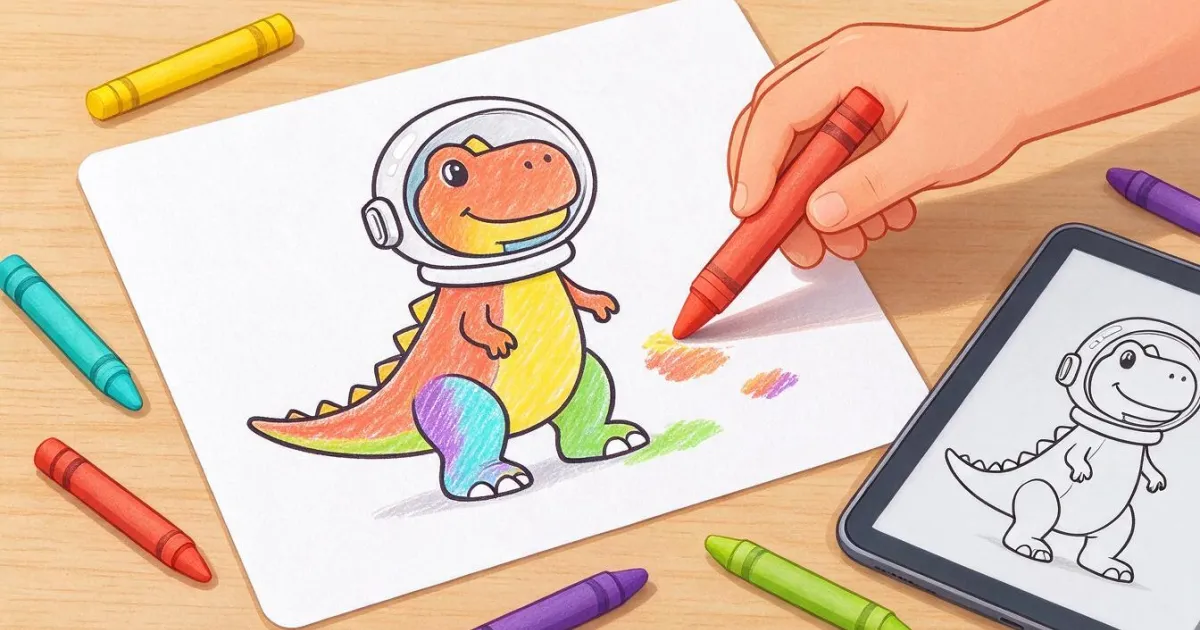
Printable Coloring Pages: How to Get the Exact Sheet Your Child Asks For (and Make It Print Well on Paper)

Discussing via WhatsApp or talking in person: what science says about couple conflicts through messages

Mind map, concept map, and outline: differences and when to use each one