
Zuki Dots · The connect-the-dots sheet for whatever your little one loves

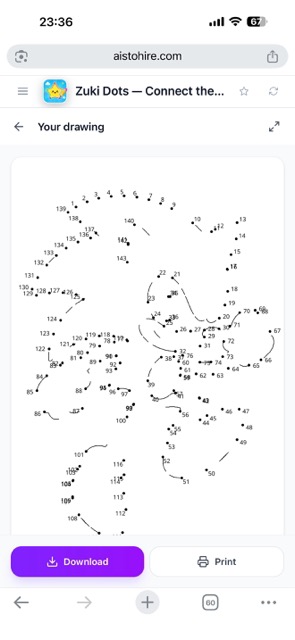
Type an idea, choose the age, and in less than a minute you have the sheet with numbered dots, ready to print on A4 and solve with a pencil.
Looking for connect-the-dots sheets online again?
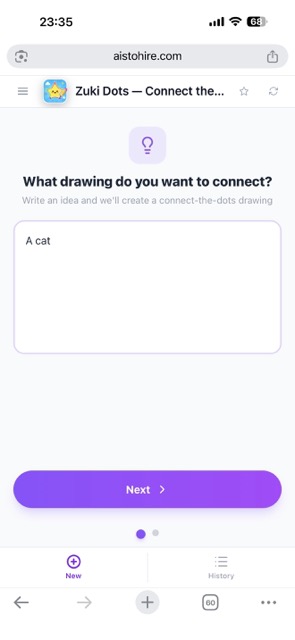
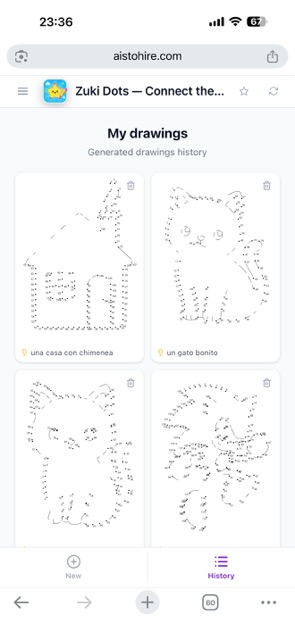
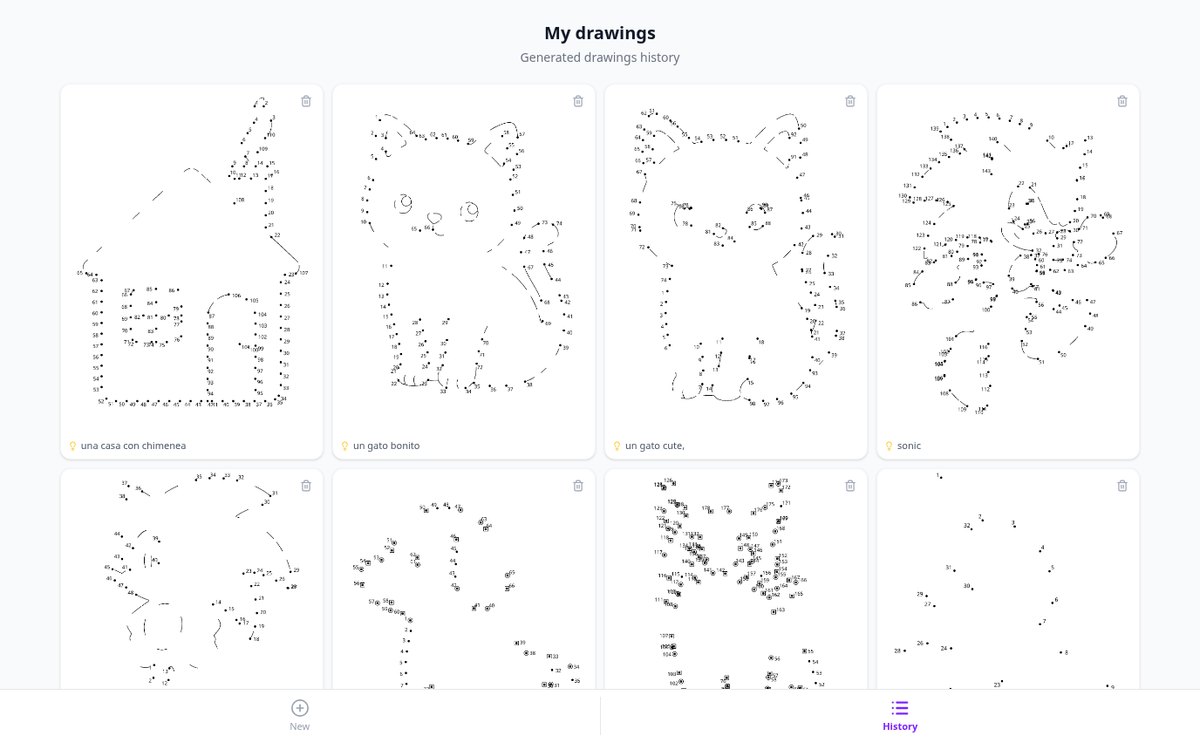
The ones you find for free are always the same and almost never about the topic your child likes. Zuki Dots turns it around: you write what you want to draw, choose the age it's for, and the app creates the sheet from scratch, with numbered dots and ready to print. Every idea is a different sheet, and all of them are saved in your history so you can bring them back whenever you need them.
Start free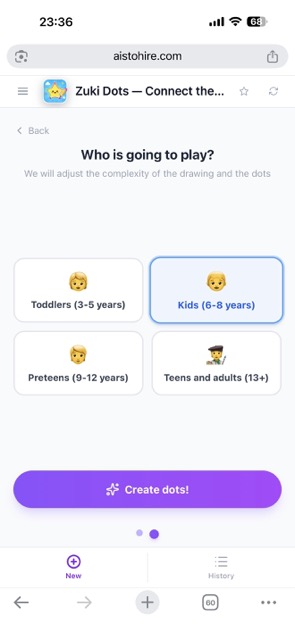
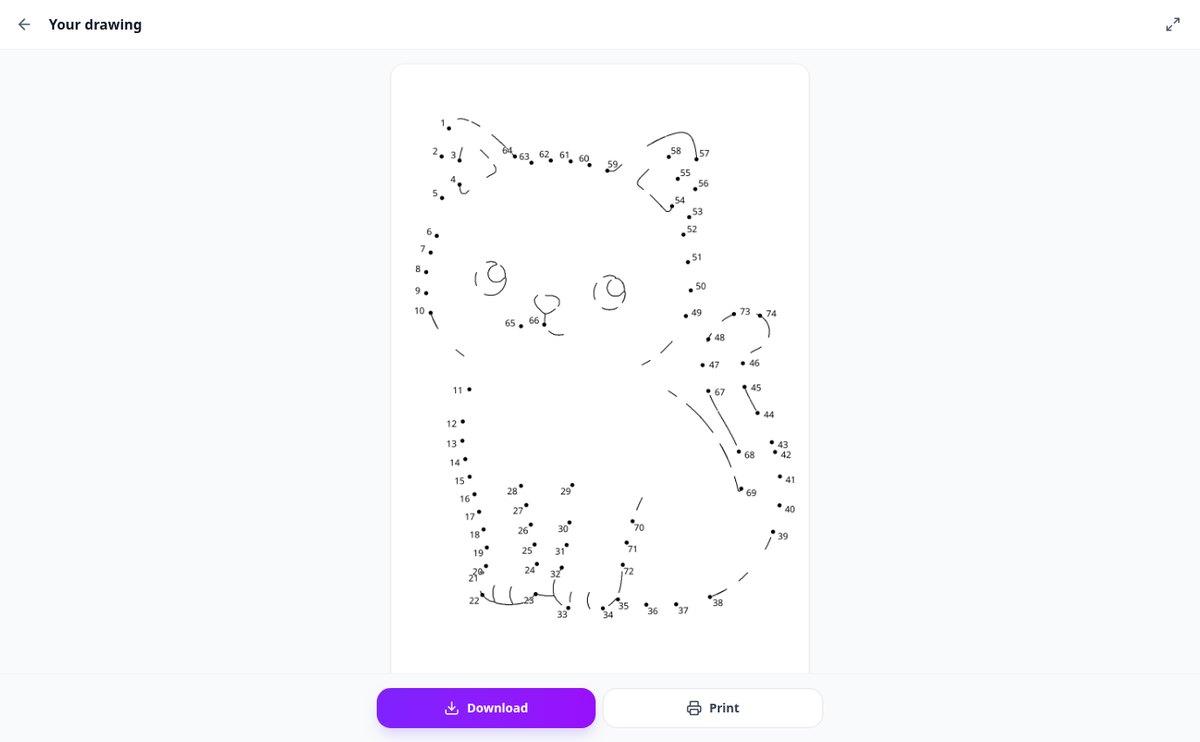
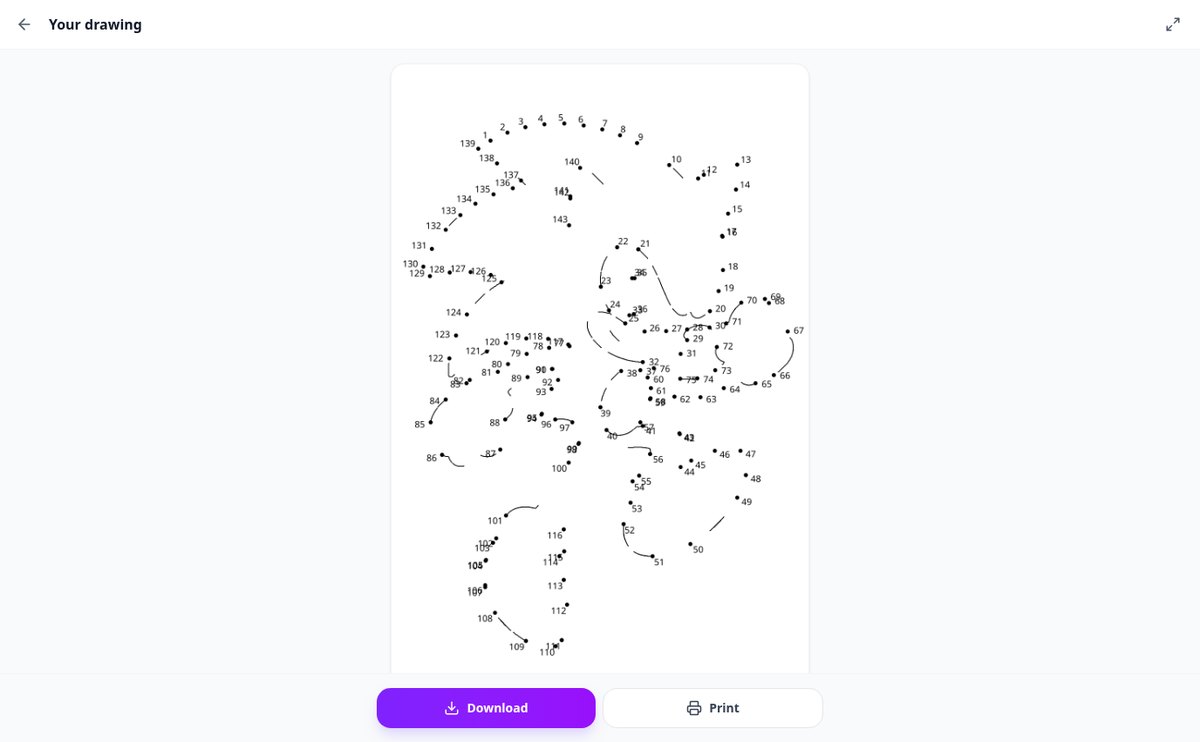
Discover every feature in detail

AI Connect the Dots Sheet Generator from an Idea
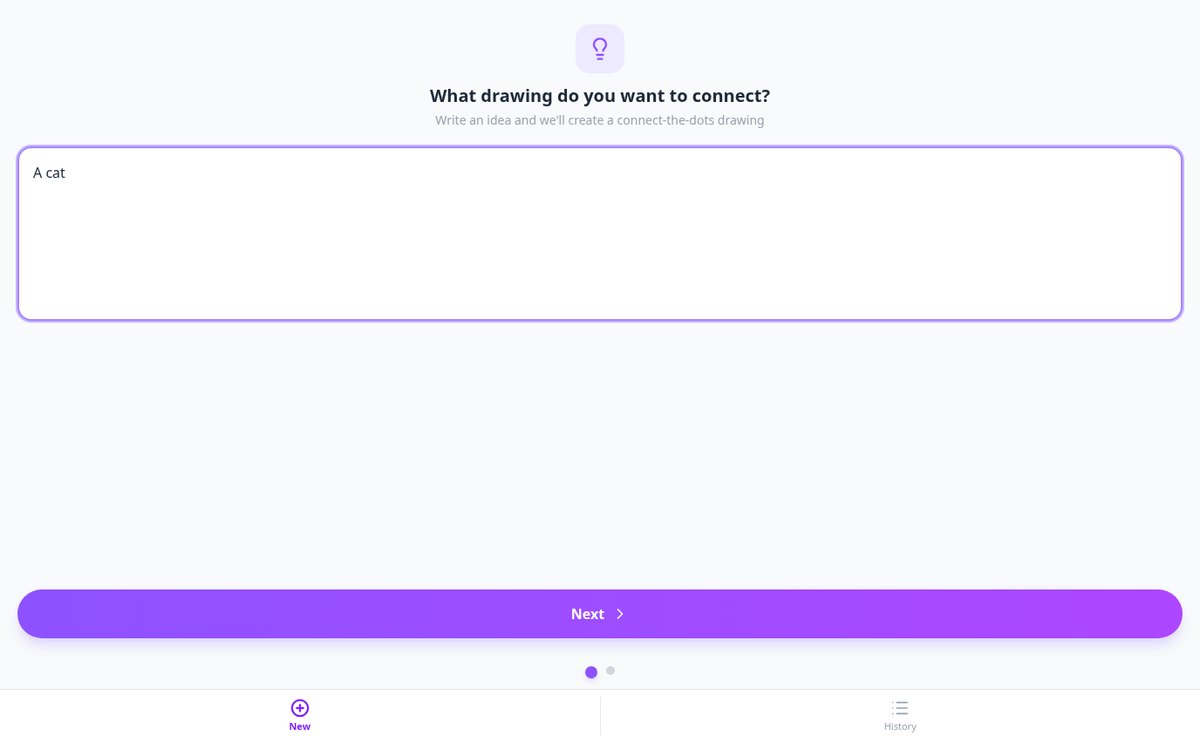
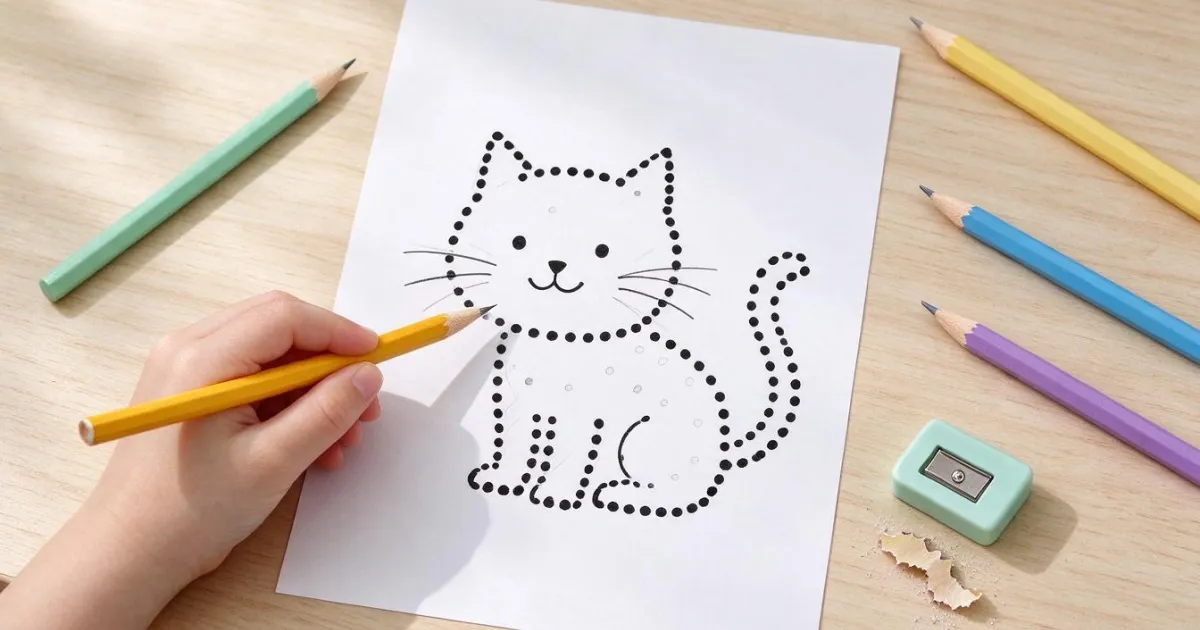
Write any idea —a cat, a rocket, a castle— and Zuki Dots uses AI to create the numbered connect the dots drawing, ready for A4 printing. No templates.
View feature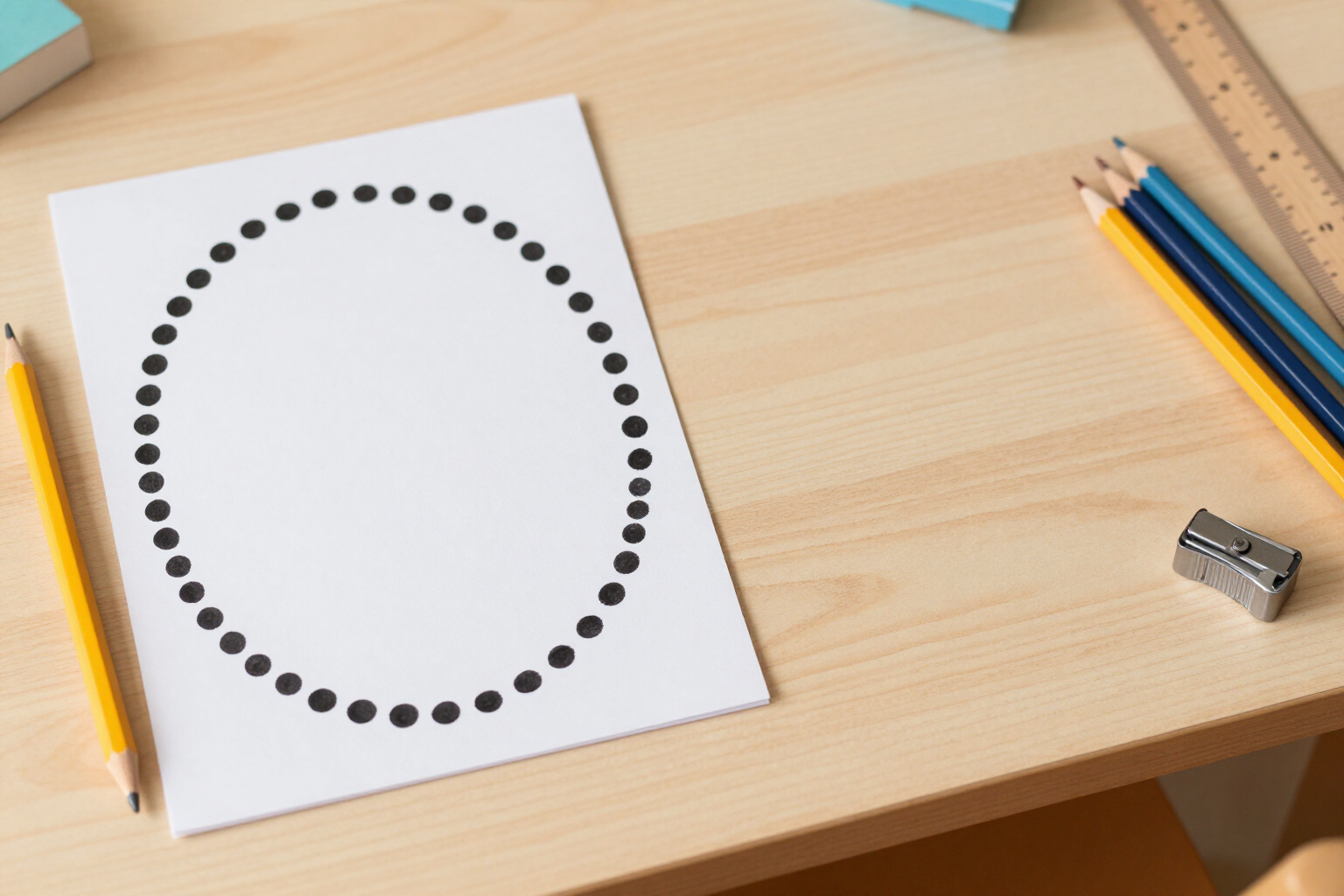
Automatically Numbered Dots for Connect the Dots Printable Worksheets | Zuki Dots
Connect the dots printable worksheets with automatic numbering: an algorithm places and numbers the dots from 1 to the end, without skips or errors. Print on A4 with Zuki Dots.
View feature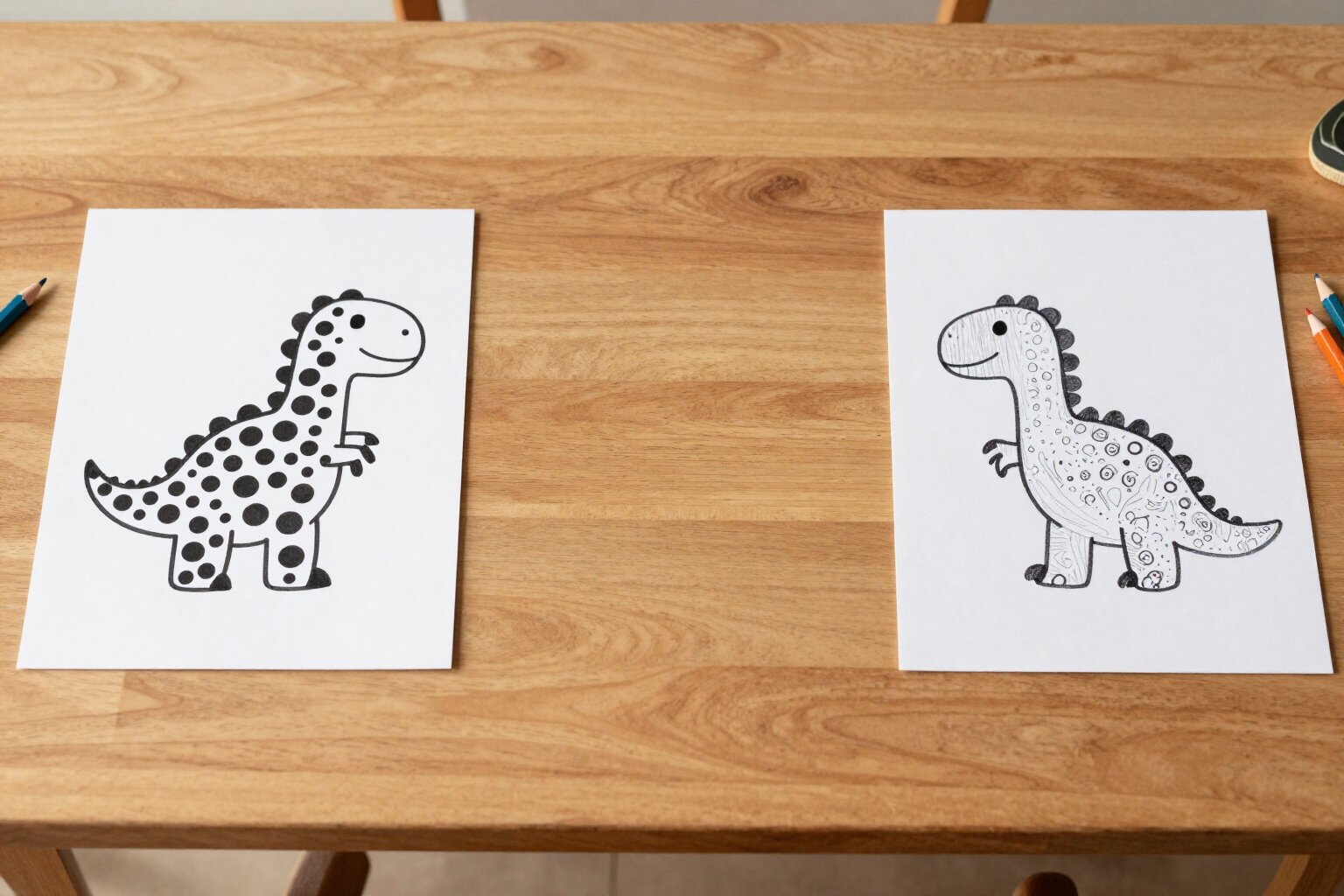
Connect the Dots Worksheets by Age: 3-5, 6-8, 9-12 and 13+ | Zuki Dots
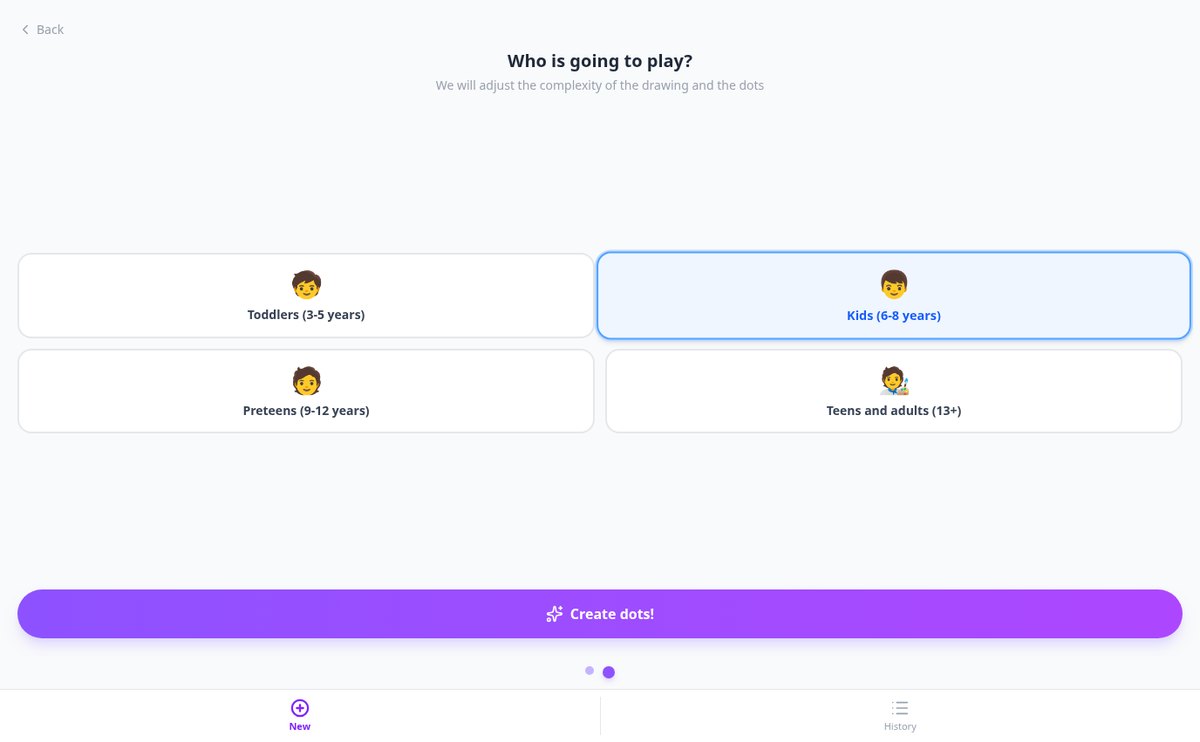
Create age-appropriate connect the dots worksheets: choose the level, and the drawing detail and number of dots will change. From 3 years old to adults, ready to print on A4.
View feature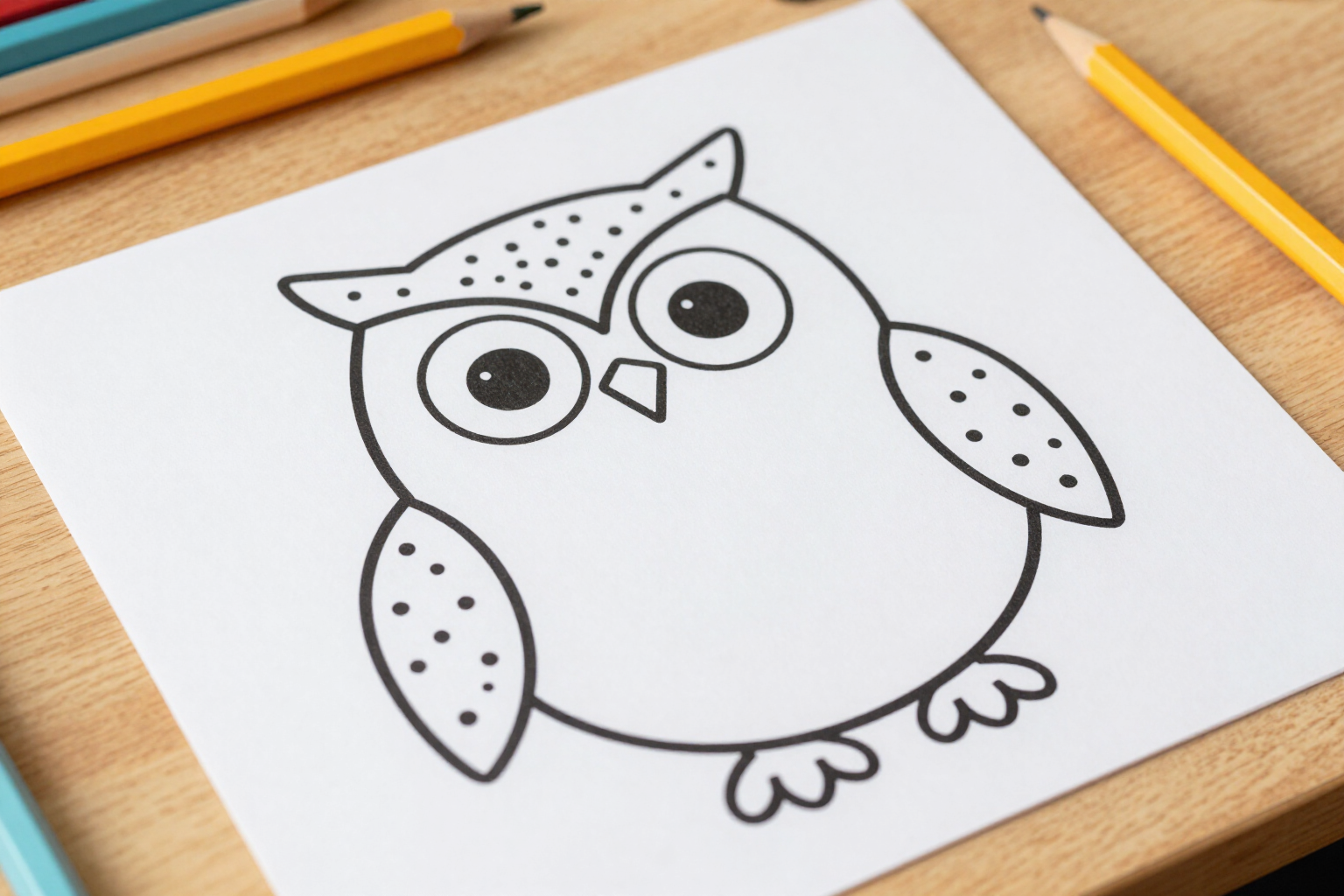
Connect the Dots with Helper Lines: Dotted Outline and Drawn Details | Zuki Dots
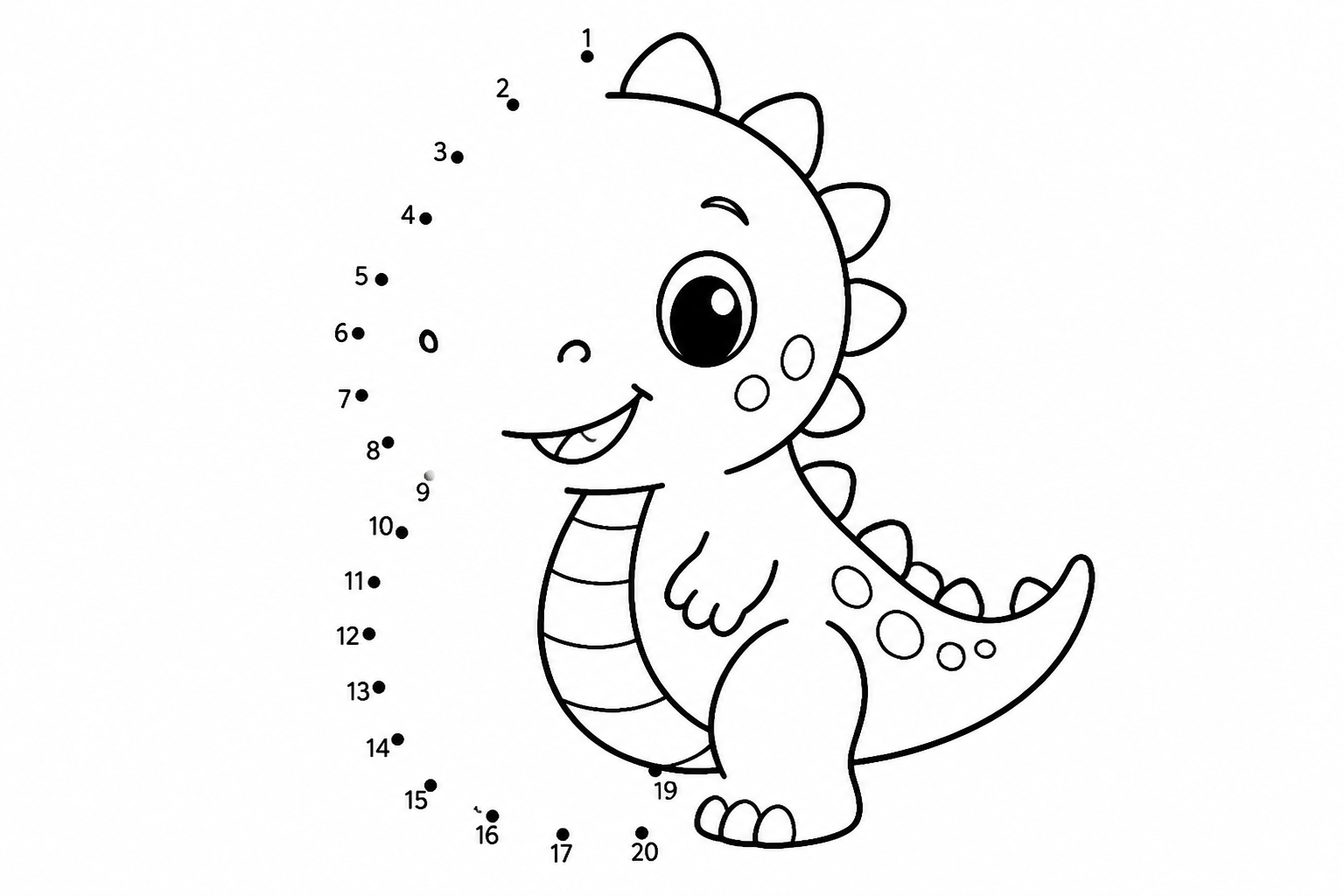
Connect-the-dots worksheets that distinguish outline and detail: long strokes go with numbered dots, and short ones (eye, beak, wing) are drawn as helper lines. Ready to print.
View feature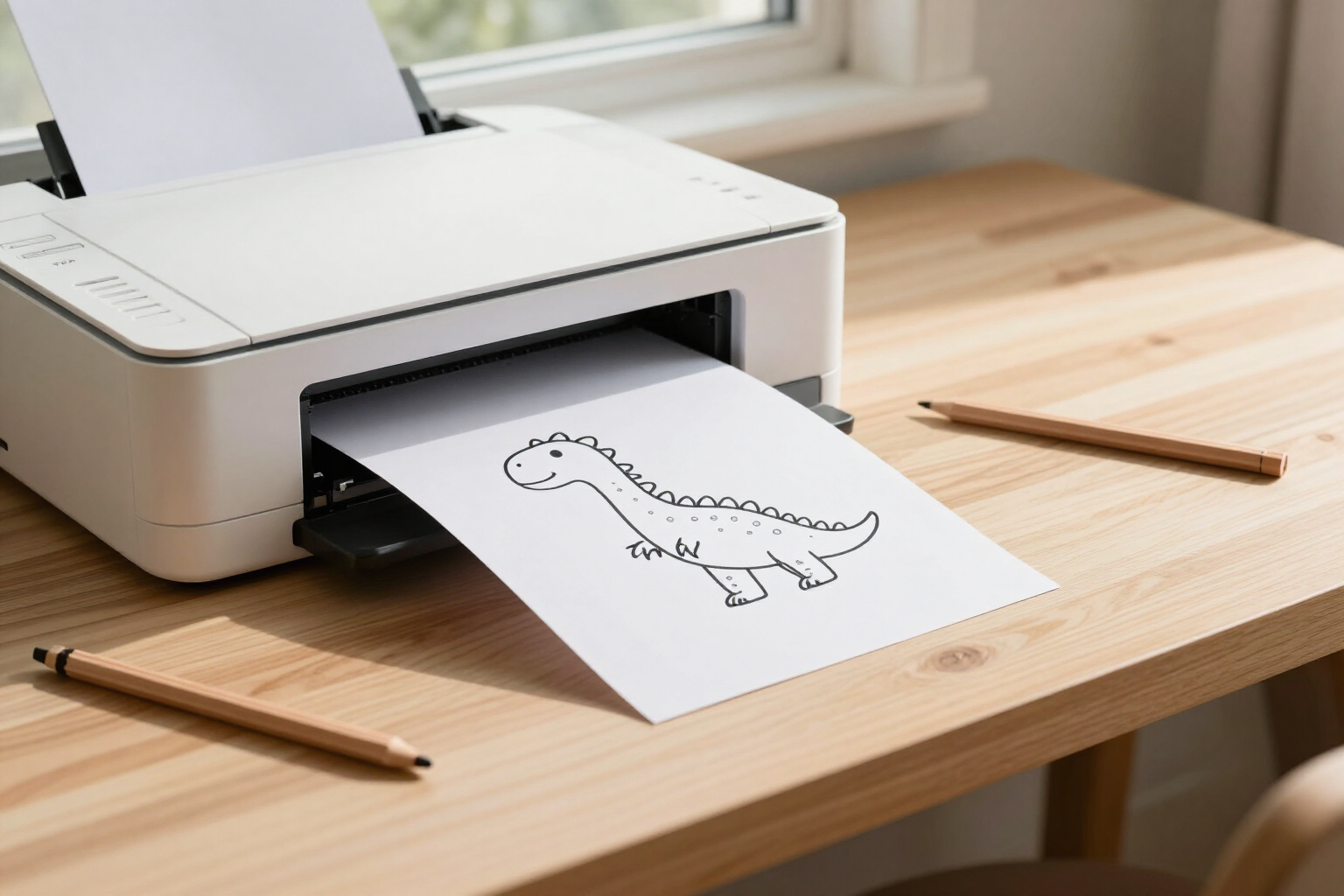
Connect the Dots Worksheets for A4 Portrait Printing without Cropping | Zuki Dots
Hit Print and the entire worksheet comes out on a single A4 portrait page: zero page margins and width adjusted to the drawing, no cropping or second page. Also works for saving as PDF.
View featureFrom a passing idea to a pencil-ready sheet
Three things a downloaded PDF doesn't give you: the topic you want, the difficulty for their age, and numbering that always comes out right.
Any idea becomes a sheet
Write whatever comes to mind —“an astronaut cat,” “a castle,” “a smiling shark”—and the AI draws that figure in line art, with no fill or shadows. There's no need to search for images or upload any file: just one sentence, and you can create as many sheets as you want.
Four levels by age
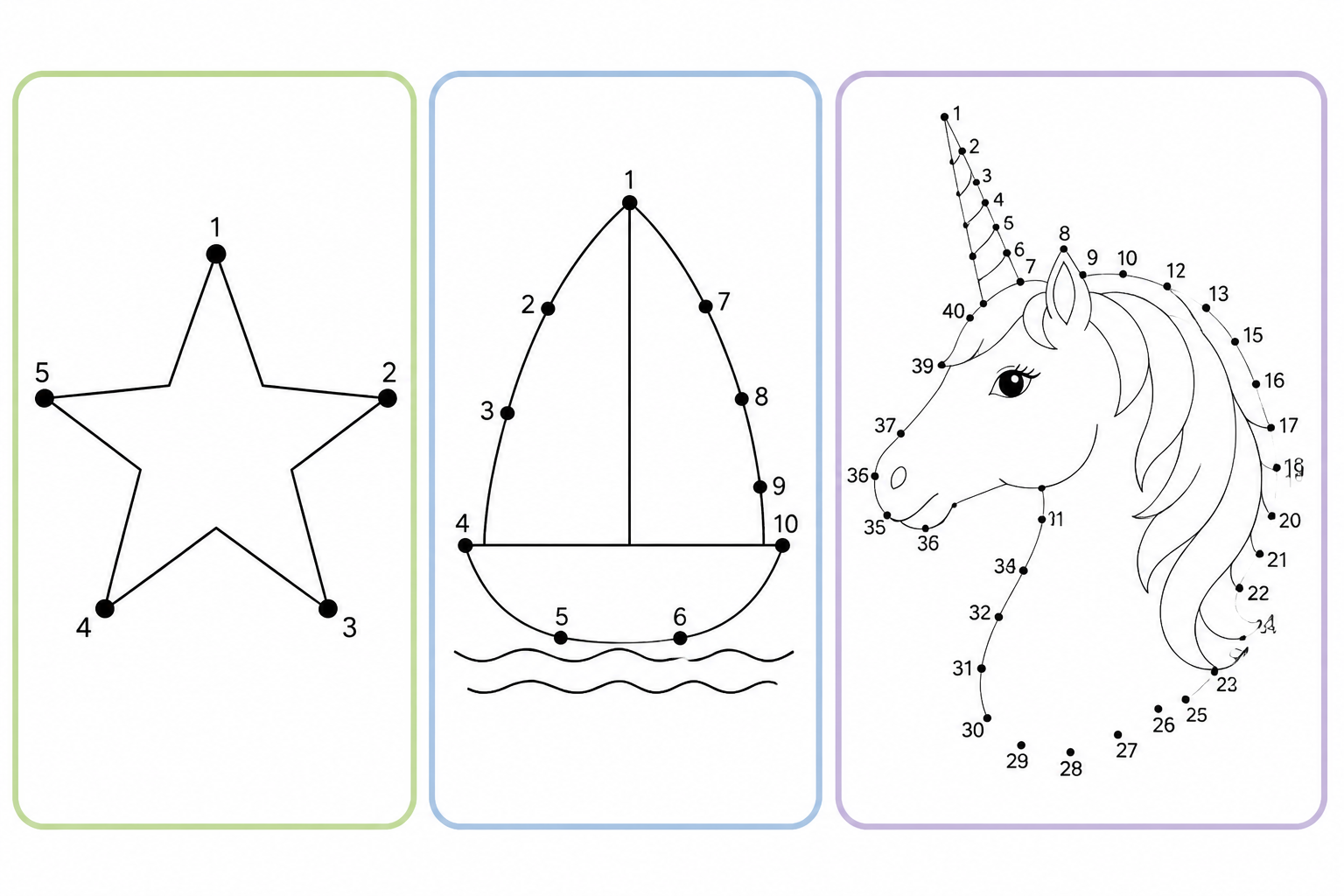
You choose from Little Ones (3-5 years), Kids (6-8), Tweens (9-12), and Teens and adults (13+). The age changes both how detailed the drawing is and how many dots the sheet has: from an outline with a few large, widely spaced dots to figures with much more detail and very closely spaced dots.

Foolproof numbering and an A4-ready sheet
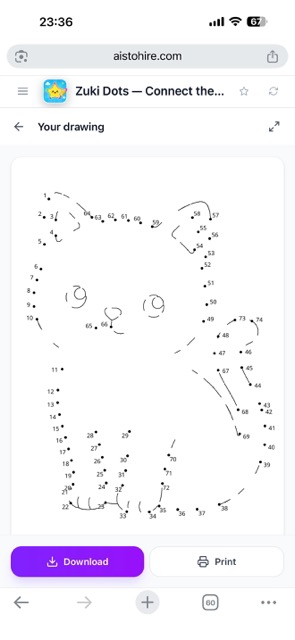
The AI doesn't place the dots: an algorithm traces the drawing, spaces them evenly, and numbers them continuously from one stroke to the next, with a double circle where each stroke begins and a square where you have to lift the pencil. The sheet comes out portrait and in black and white, ready to print on A4, download, or share.
Your sheet in three steps
Sign up
Create your free account and open Zuki Dots.
Write the idea and choose the age
Tell it in one sentence what you want to draw and tap the age range. There's nothing else to set up.
Print and connect the dots
In less than a minute you have the sheet: print it on A4, save it on your phone, or open it full screen to see it up close. It stays in your history so you can reprint it whenever you want.

Who is it for?
Built for these profiles
Frequently Asked Questions
Latest blog articles
Guides and news to get more out of it

Screen-Free Classrooms: 15 Pencil and Paper Activities by Age for Preschool and Primary
Age-based guide (3-12 years) with 15 screen-free activities for the classroom, printable worksheets, and what the new mobile phone regulations in class change.
Connect the Dots Sheets by Age: How Many Dots Each Child Needs (and How to Print Them on A4 Without Cutting Off)
How many dots a connect-the-dots sheet should have based on age, with actual measurements in millimeters and how to print it on A4 without cutting off.
Make your little one's first sheet
Create your free account and try it with the drawing they like most.