 Zuki Dots
Screen-Free Classrooms: 15 Pencil and Paper Activities by Age for Preschool and Primary
Team at Zuki DotsWritten with AI assistance18 min readIn summary
- Since November 3, 2026, mobile phones and personal devices must be kept away during classes and recess in all basic education in Mexico (Agreement 09/09/26, published in the DOF on September 22, 2026).
- The province of Buenos Aires enacted November 10, 2026 the Law 15.678, which extends to secondary education the restriction that was already in place for primary: the device can only be used for pedagogical purposes and with explicit authorization from the teacher.
- It is not a local phenomenon: UNESCO counted in September 2026 114 educational systems with national prohibitions or restrictions, 58% of countries.
- The real gap is not ideological, it is in minutes: the five minutes of transition, the student who finishes early, the rainy day without a playground, and the individual reinforcement. This article covers them with 15 pencil and paper activities grouped into three age ranges (3-5, 6-8, and 9-12 years), detailing each one and how many minutes it takes.
- The sustainable solution is not to print more loose sheets, but to create a classroom folder by levels and be able to produce the sheet for the topic being covered that week.
The prohibition is already in effect, and on Monday, classes must start as usual. This guide is written for teachers of early childhood, preschool, primary, and the first cycle of secondary education who have suddenly found themselves without a tablet or mobile, and who need material that works with the only things that are always in the classroom: a sheet, a pencil, and fifteen minutes. At the end, you will see how Zuki Dots fits in, the app from AIsToHire that creates in less than a minute a connect-the-dots sheet to print for the topic you are teaching, but first come the real changes and the activities.
What really changes in the classroom and in which countries?
What changes is concrete and less dramatic than it seems: the student's personal device is no longer available by default during the school day —including classes and breaks— and becomes an exception that someone has to authorize. The center's technology or planned pedagogical use is not prohibited: the mobile phone is removed as an improvised resource. In Mexico, this has been in effect since November 3, 2026; in the province of Buenos Aires, since the promulgation on November 10, 2026; in Spain, it depends on each autonomous community, and in Catalonia, a broader law is also being prepared.
In Mexico, the Agreement 09/09/26 of the SEP, published in the Official Journal of the Federation on September 22, 2026, and in effect since November 3, establishes that in primary and secondary education, phones and other personal devices must be kept away during classes and breaks, with specific exceptions: educational activities authorized by the teacher, personal emergencies, health reasons, accessibility, and disability. In upper secondary education, each school agrees on its own rules with its educational community, and in higher education, only responsible use is promoted.
It is not a decision made against the faculty but with it. The consultation that the SEP conducted during the Intensive Technical School Council collected 565,396 responses from educational figures: 81% expressed support for regulating the use of devices in schools, and among the detected effects, 48% indicated that the cell phone makes it difficult to maintain attention and 38% that it interrupts school activities. Almost 40% observed that their students brought phones to school, and 24% detected smartwatches during school hours.
The regulatory map by regulation
| Territory | Regulation and date | What it says in practice |
|---|---|---|
| Mexico (basic education) | Agreement 09/09/26, DOF Sep-22-2026, in effect Nov-3-2026 | Devices kept away during classes and breaks; exceptions for authorized educational use, health, emergencies, and accessibility |
| Province of Buenos Aires | Law 15.678, promulgated and published in the Official Bulletin on Nov-10-2026 (approved in the Legislature on Oct-22-2026) | Extends to secondary what was already in effect in primary: use only for pedagogical purposes and explicit authorization from the teacher, in public and private centers |
| Catalonia | Draft law on screens: economic and legal report scheduled for November 2026, approval of the draft in March 2027 | Will prohibit screens, social media, and artificial intelligence for minors under 14 in the school environment and set minimum reading standards |
| Spain (rest) | No single state regulation; each community regulates the 2026/27 school year | Early Childhood and Primary without mobile phones in most communities; in Extremadura, turned off and kept away all day, including breaks |
| International panorama | 114 educational systems registered by UNESCO in September 2026 | 58% of countries with national prohibition or restriction; England made its guidelines mandatory in September 2026 and South Korea legislated in March 2026 |
In other words: if your school has just removed screens, you are not in a rare exception, you are in the average. In 2023, barely one in four countries limited school mobile use, and the proportion has more than doubled in three years.
The four gaps that the screen used to cover
The screen did not support the unit's programming: it covered four very specific gaps in the day, and those are the four that need to be filled. They are the five minutes of transition between activities, the student who finishes before the rest, the rainy day without recess, and the moment of individual reinforcement with a student while the group works. If you have prepared paper materials for those four cases, the removal of the device becomes less noticeable in the classroom.
The five minutes of transition
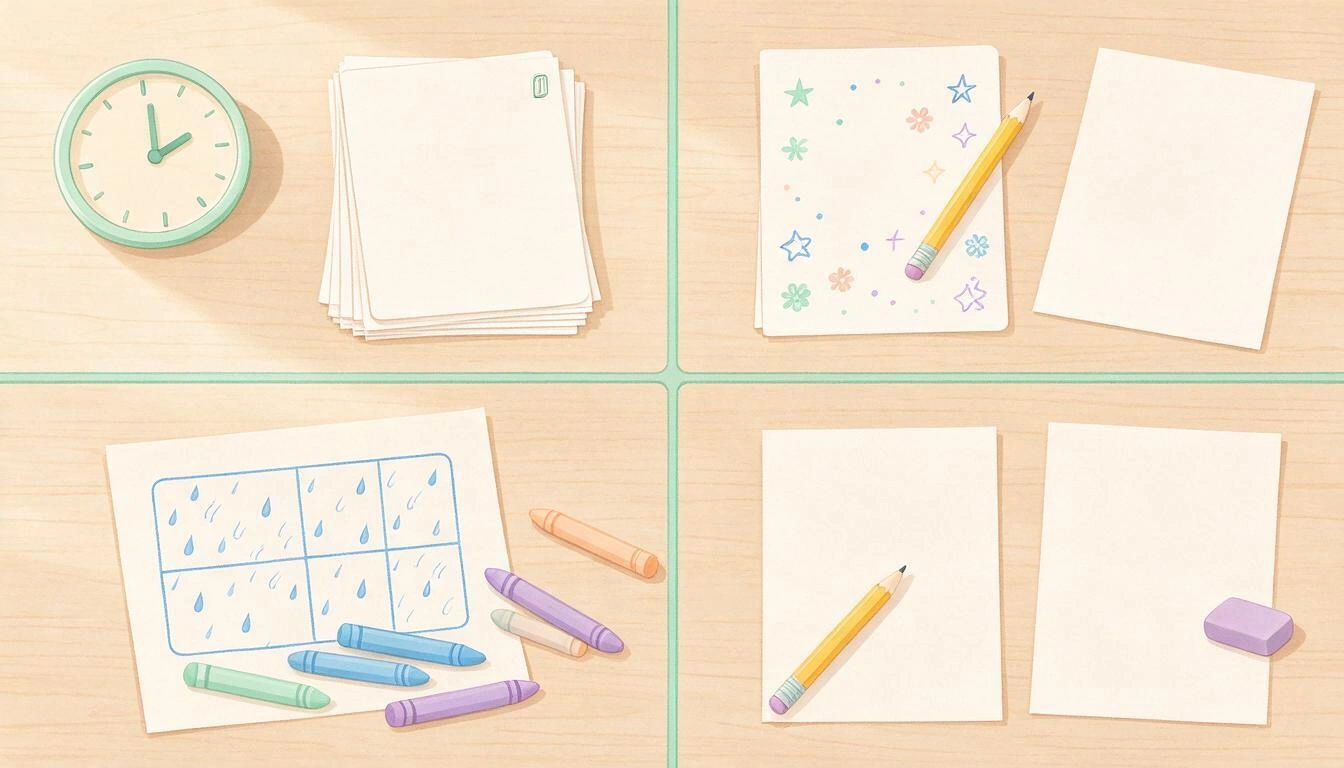
It is the most frequent gap and the one that causes the most disorder in the classroom: a task ends, there’s little time before the change, and the group disperses. It needs instant start and clean finish activity: a worksheet that is distributed without explanation and can be left unfinished without frustration. Trace worksheets, mazes, and connect the dots meet the three conditions.
The student who finishes early
Here the problem is not to occupy time, but not to punish with "more of the same." What works is material on the same topic but one level up: if the group connects dots up to 20, the one who finishes early receives the version with more dots or counting by 2s. It maintains the didactic unit and avoids the feeling of a filler worksheet.
The rainy day without recess
Thirty minutes, the classroom full and energy accumulated. It calls for long, collective activities with a game component: word bingo, drawing dictation by coordinates, logic challenges in pairs. It’s advisable to have a set of photocopies already made in the folder, because rainy days are never announced in advance.
Individual reinforcement
While the group works, you sit with a student. You need a self-sufficient worksheet for the others and a worksheet adjusted to the real level of the student you are with, which is almost never the course level. This is where generic worksheets from the internet fail the most: they either bore or frustrate.
The 15 pencil-and-paper activities, by age groups
The 15 activities are grouped into three age ranges (3-5, 6-8, and 9-12 years), and each indicates what it develops and how many minutes it really takes in the classroom, not in theory. All of them work with a printed sheet and pencil, without specific materials beyond a ruler, scissors, or paints in the indicated cases. The progression is not arbitrary: it goes from graphomotor skills and pencil control to counting and numerical order, and from there to reasoning and representation in the plane.
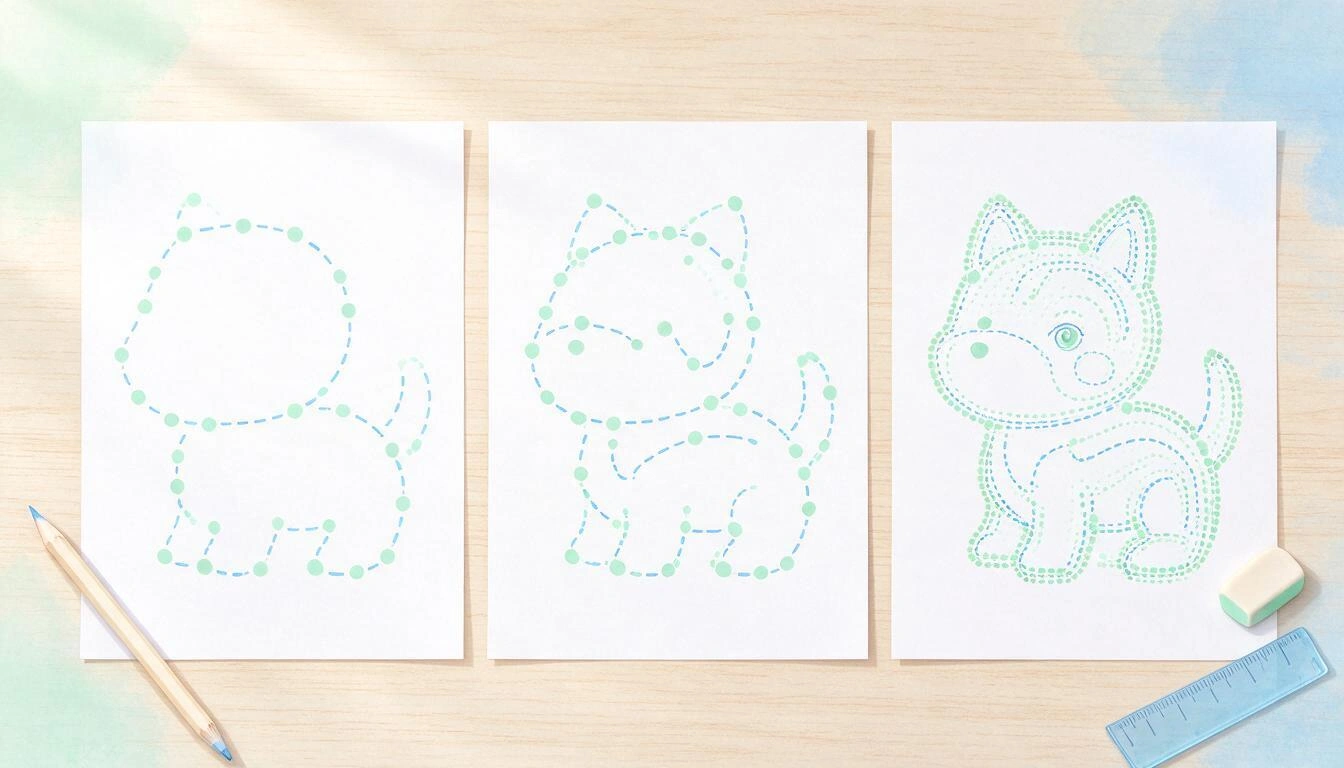
There is a reason why so much of this is done by hand and not on screen, even when the screen is allowed. The study by Van der Weel and Van der Meer published in Frontiers in Psychology found broader patterns of brain connectivity when writing by hand than when typing, especially in the central and parietal regions, associated with memory formation and learning. The fine and controlled movement of the pencil provides sensorimotor information that the keyboard does not generate.
3-5 years: preschool and kindergarten
In this age range, the goal is not the content, it is the hand: grip, pressure, direction, and persistence in the task. The sessions are short and it's best to wrap them up before they get tired.
| # | Activity | What it develops | Minutes |
|---|---|---|---|
| 1 | Guided tracing on dashed lines | Graphomotor skills, pencil control, pressure | 5-8 |
| 2 | Simple one-path mazes | Laterality, visual planning, directionality | 5 |
| 3 | Outlines to trace the contour and color inside | Hand-eye coordination, respect for boundaries, attention | 10 |
| 4 | Connect the dots from 1 to 10 | Counting, numerical order, recognition of digits | 5-10 |
| 5 | Punching and tearing paper along the silhouette | Digital grip, hand strength, precision | 10-15 |
Classroom tip: in 3-5 years, the number of dots matters more than the drawing. Ten large, well-spaced dots work; twenty-five small dots turn the sheet into a source of frustration, no matter how pretty the figure is.
6-8 years: first cycle of primary education
Here the content comes in. The stroke is already well established enough for the sheet to work both the hand and a curricular learning: numbers up to 100, vocabulary, orientation on the grid.
| # | Activity | What it develops | Minutes |
|---|---|---|---|
| 6 | Connect the dots up to 50 | Counting up to 50, sustained attention, numerical order | 10-12 |
| 7 | Word search of the unit's vocabulary | Visual tracking, spelling, lexicon | 8-10 |
| 8 | Drawing dictation by coordinates on a grid (letter-number) | Active listening, spatial orientation, following instructions | 15 |
| 9 | Symmetries on a grid (completing the missing half) | Spatial perception, laterality, precision | 10 |
| 10 | Word bingo | Vocabulary, auditory attention, reading speed | 15-20 |
Classroom tip: coordinate drawing dictation is the most cost-effective activity of the range for a rainy day because it scales without materials: you dictate, each student draws on their grid, and at the end, the results are compared.
9-12 years: second and third cycles and first year of secondary education
Paper stops being a substitute and becomes the natural support: ruler, grid, axes, and reasoning. The sessions are longer and allow for pair work.
| # | Activity | What it develops | Minutes |
|---|---|---|---|
| 11 | Connect the dots counting by 2s and 5s | Mental calculation, numerical patterns, sustained attention | 10-15 |
| 12 | Geometry constructions with a ruler | Measurement, precision, geometric vocabulary | 20 |
| 13 | Vocabulary crossword of the unit | Definition, lexicon, spelling | 15 |
| 14 | Drawing by Cartesian coordinates (first quadrant) | Ordered pairs, axes, representation in the plane | 20 |
| 15 | Logic games on paper (sudoku, nonograms, magic squares) | Deductive reasoning, perseverance, hypotheses | 10-20 |
Classroom tip: activity 11 can be done on any numbered dot sheet without extra materials. Just ask the student to say the series out loud while connecting —2, 4, 6…— or to mark only the multiples of 5 before starting to draw. The same sheet works for three different levels depending on the instruction you give.
How to set up a printable classroom folder by levels
A classroom folder is a physical folder with dividers by level and a set of photocopies already made of each activity, so you don’t have to improvise any morning. With three dividers (3-5, 6-8, and 9-12 or the levels you have in your group) and between five and eight sheets per divider, you already cover the four gaps from the previous section for an entire term. The key is that it should be printed, not stored in a cloud that you won’t access in the five minutes of transition.
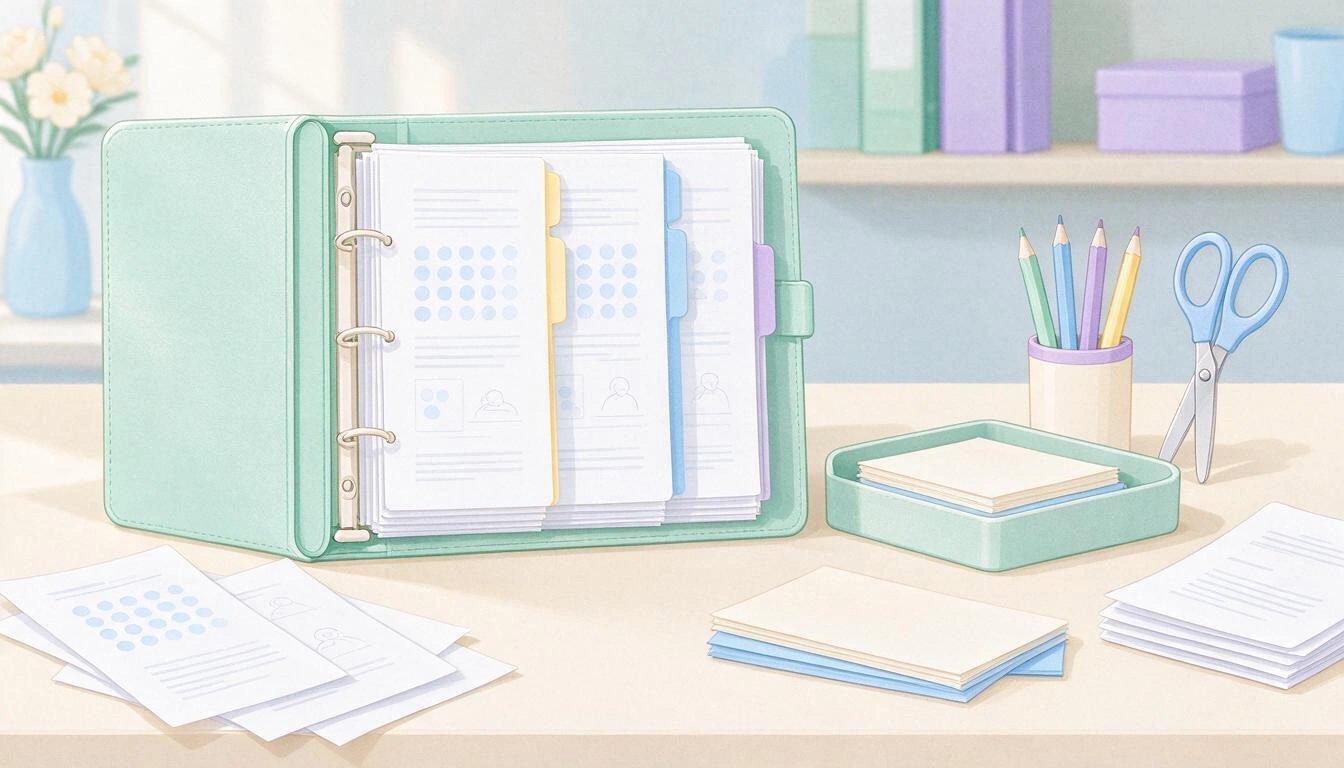
A setup that works:
- Three dividers by level, not by subject. You look by difficulty when you have 90 seconds, not by subject.
- One set of photocopies per student of each sheet, plus five extra copies of the higher level for those who finish early.
- Two "wild card" sheets without a specific theme per level: maze, connect the dots, and generic word search, for the unexpected gap.
- A rainy day tab with long, collective activities, ready for 30 minutes.
- Weekly replenishment: on Friday, you print what you’ve used and what you need from the next unit. Five minutes, not an afternoon.
The real problem: free internet sheets are always the same
This is where the folder gets stuck. The free printable sheets found by searching online have three accumulated problems: they are always the same —the same duck, the same boat, the same castle that the students already did last year—, they don’t match the topic you’re working on that week, so the sheet is disconnected from the unit, and they don’t fit your group’s level, because they come with the density of points or words decided by whoever uploaded them, not what your students need. The typical result is a folder with filler material that the kids identify as filler.
This is precisely what Zuki Dots solves, the app from AIsToHire designed for this case. You write in one sentence what you want to draw —"farm animals", "the solar system", "the human body", whatever is relevant to the unit—, choose one of the four available age ranges (3-5, 6-8, 9-12, and 13+) and the app generates the drawing from scratch and places the numbered dots automatically, with a double circle where each stroke begins and a square where the pencil needs to be lifted. The sheet comes out vertical and in black and white, ready to print on A4 and distribute one per student, or to download and save it. Each sheet you create stays in your history, so the folder for the term fills itself, and you can reprint any sheet when the set of photocopies runs out.
| What the folder needs | Free internet sheet | Sheet made with Zuki Dots |
|---|---|---|
| To match the unit topic | Whatever someone uploaded | The topic you write |
| To fit the group level | Fixed density | One of the four age ranges |
| To not repeat from year to year | Closed and heavily reused catalog | New drawing for each idea |
| To be printed for the whole group | Depends on the PDF | Vertical A4 sheet to print or download |
| To be retrievable in May | Search for it again | Stays in the history |
What do pediatricians say about all this?
Pediatric societies support the essence of the change, although with different approaches. The Spanish Association of Pediatrics (AEP) maintains that before the age of 6 there is no safe exposure time and recommends zero screens, and between 6 and 12 years a maximum of one hour a day including school time. The American Academy of Pediatrics (AAP) took a different turn in January 2026: it removed the framework of strict hourly limits and replaced it with questions about what content, in what context, and, above all, what the screen is displacing.
The new recommendations from the AEP on screens in childhood and adolescence, released in September 2026, extend the minimum age without screens from 2 to 6 years and allow as an exception social contact accompanied by an adult —a video call, a story, a song—. From there, one hour daily between 6 and 12 years and up to two between 13 and 16, always with class time counting within the quota. For a primary school center, this means, in practice, that the school screen consumes the student's entire daily budget.
The AAP's change is the one that serves a teacher best. Its document Digital Ecosystems, Children, and Adolescents, published in Pediatrics on January 20, 2026, proposes the framework of the five Cs: Child, Content, Calm, Crowding out, and Communication. The fourth —crowding out, what the screen displaces— is what turns a prohibition into an opportunity: harm appears when the device displaces sleep, physical activity, face-to-face interaction, and unstructured play. Removing the mobile from the classroom only improves something if that gap is filled with something else, hence the importance of having the 15 activities prepared.
| Entity | Current Position | Date | Implication for the classroom |
|---|---|---|---|
| AEP (Spain) | Zero screens before 6 years; maximum 1 h/day from 6 to 12 and 2 h from 13 to 16, school time included | September 2026 | Screen time in class is deducted from the student's daily quota |
| AAP (U.S.) | Removes hourly limits and adopts the 5 Cs framework, focusing on what the screen displaces | January 20, 2026 | The decisive factor is what replaces the removed screen time |
| SEP (Mexico) | Devices stored in classes and recess in basic education, with exceptions | Effective since November 3, 2026 | Alternative material must be ready in the classroom, not at home |
Frequently Asked Questions
What do I do in class if I can't use my cell phone or tablet?
First, cover the four gaps that the screen used to fill, not the complete programming: the five-minute transition, the student who finishes early, the rainy day, and individual reinforcement. With five or six printed and sorted pencil-and-paper worksheets per level in a classroom folder, you can solve most of the day without improvising.
Since when are mobile phones prohibited in schools in Mexico?
Since November 3, 2026. The Agreement 09/09/26 from the SEP was published in the Official Journal of the Federation on September 22, 2026, and mandates that in basic education, personal devices must remain stored during classes and breaks, except for exceptions for authorized educational use, health, emergencies, or accessibility.
What pencil-and-paper activities are best for children aged 3 to 5?
Guided tracing on dotted lines, one-path mazes, silhouettes for tracing and coloring, connecting the dots from 1 to 10, and paper punching or tearing. All of these work on graphomotor skills and pencil control in sessions of 5 to 15 minutes, which is the attention span at this age.
How many points should a connect-the-dots worksheet have according to age?
As a classroom reference: up to 10 large, widely spaced points for ages 3-5, up to about 50 for ages 6-8, and worksheets with many more points and interior detail starting at age 9. If the points are too close together for the age, the worksheet stops being an activity and becomes an obstacle.
Where can I find printable worksheets for preschool and elementary that match my topic?
Free collections on the internet are often overused and rarely match the unit you are teaching. The alternative is to create them: with Zuki Dots you can create the connect-the-dots worksheet to print for the specific topic you need — the farm, space, the human body — by choosing the age range and downloading or printing it in A4.
Is it true that writing by hand is learned better than typing?
There is evidence in favor. The study by Van der Weel and Van der Meer in Frontiers in Psychology recorded broader brain connectivity patterns when writing by hand than with a keyboard, especially in central and parietal regions, linked to memory and learning. For long texts, the keyboard remains more practical, but for tracing and initial learning, the hand wins.
How much screen time do pediatricians recommend in elementary school?
The AEP recommends zero screens before 6 years old and a maximum of one hour daily between ages 6 and 12, counting school time within that limit. The AAP, since January 2026, no longer sets hours and focuses on what screen time displaces: sleep, free play, physical activity, and face-to-face interaction.
Prepare the folder for the term before Monday
The prohibitions are already signed and dated; what is still in your hands is what fills the gap. Start small: choose three activities from this article for your group's level, print a set of copies of each, and put them in a folder with dividers. That folder is what will save you on Tuesday at eleven and on the first rainy day.
And for the part that repeats the most — the connect-the-dots worksheet for the topic at hand — Zuki Dots, from AIsToHire, can create it for you in less than a minute: you write the idea, choose one of the four age ranges, and download or print the sheet in A4 to distribute one per student. You can create your free account and start generating connect-the-dots worksheets to print with the topics of your upcoming units and have the term folder ready this week.
Create your free account on Zuki Dots and in one minute create the connect-the-dots worksheet for your unit: choose the age range, print it in A4, and distribute one per student.
Create your free account on Zuki Dots and in one minute create the connect-the-dots worksheet for your unit: choose the age range, print it in A4, and distribute one per student.Keep reading
View all articles →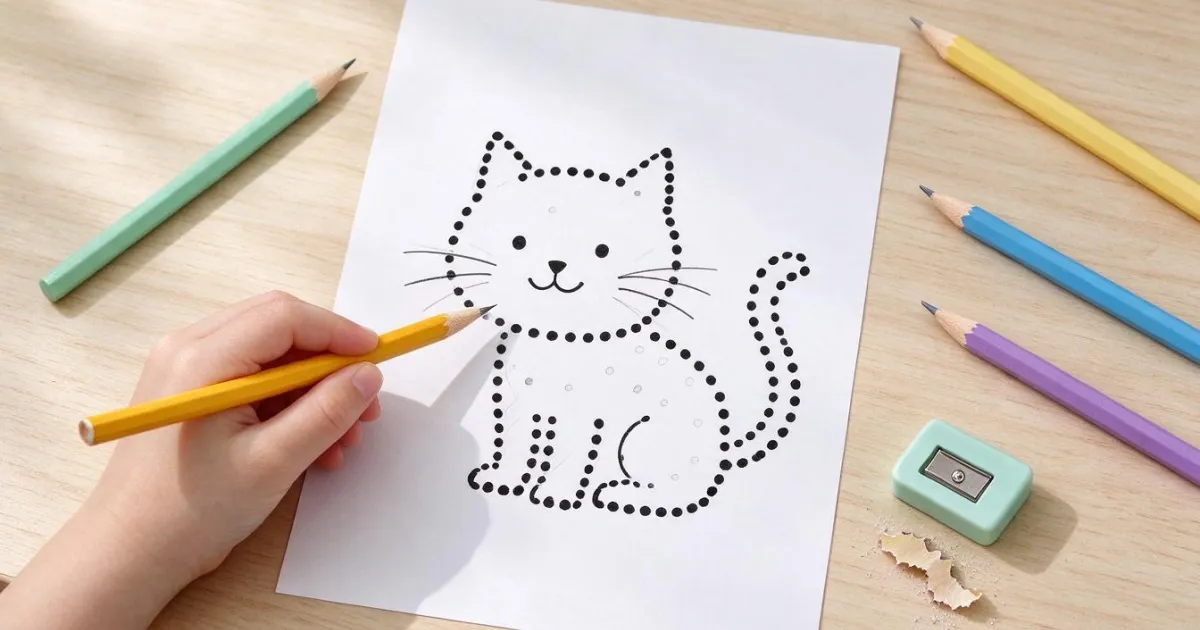
Connect the Dots Sheets by Age: How Many Dots Each Child Needs (and How to Print Them on A4 Without Cutting Off)

Discussing via WhatsApp or talking in person: what science says about couple conflicts through messages

Mind map, concept map, and outline: differences and when to use each one