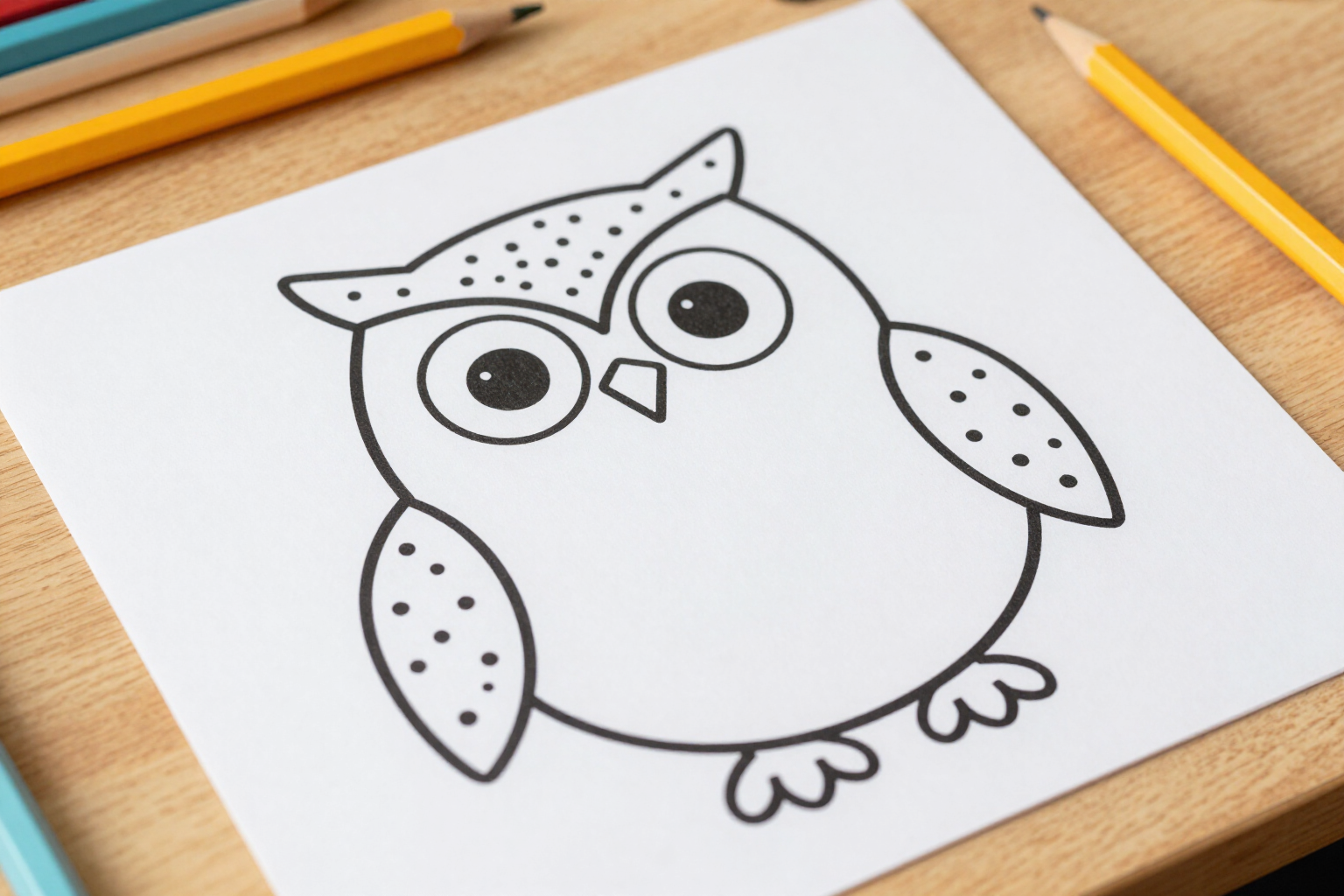
What's connected by dots and what's already drawn: the eye and the wing are not a puzzle
Zuki Dots separates the outline from interior details: long strokes become numbered dots, while very short ones are left drawn as helper lines, so the child knows where they are without struggling with two dots stuck together.
In a poorly made connect-the-dots worksheet, the bird's eye consists of three dots with overlapping numbers, causing the child to get stuck on the smallest detail of the drawing.
Zuki Dots does not place dots using artificial intelligence. AI is only asked for a black-line drawing on white, and then an algorithm processes that image: it thins it down to the skeleton of each line, builds the stroke graph, and measures the actual length of each in pixels. With that measurement, it makes the key decision for this feature. Long strokes—the outline of the figure and large interior lines—are sampled into regularly spaced dots and numbered. Strokes less than 60 pixels long do not receive any dots: they are drawn as-is on the sheet, as fixed helper lines, with their continuous black stroke. These are the small details of the drawing: an eye, a beak, a wing mark, a mouth line. The result is a sheet with two layers that can be read at a glance. What is already drawn is definitive and serves as a reference: the child sees where the eye goes and which way the figure is looking before starting. What is dotted is their work: connecting 1, 2, 3… and watching the silhouette appear. And because the outline is reconstructed as a single continuous stroke (fragments broken by thinning at intersections are reconnected), the numbering always advances to the contiguous dot instead of jumping from one side of the sheet to the other. Underneath, two more filters prevent a messy worksheet: loose hairs left by thinning are pruned, and strokes less than 24 pixels are directly discarded as noise. What remains on the paper is intentional: outline with dots, detail with line.
Benefits of Multi-stroke and helper lines
Details do not become impossible dots
an eye or a beak are only a few pixels of stroke; instead of placing two or three dots with overlapping numbers there, the app leaves them drawn, and the child focuses on the outline.
The child knows from the beginning what they are drawing
helper lines are permanent visual clues, so the figure is recognized before connecting the first dot, and there's nothing to guess.
Cutting is by measurement, not by eye
the app measures the actual arc length of each stroke and applies a fixed threshold of 60 pixels, so the decision to dot or draw is the same across all worksheets.
The outline remains in one piece
fragments where a line is broken when crossing another are re-merged, so the silhouette is a single long stroke that is fully dotted.
Uninterrupted numbering
dots are numbered by always visiting the closest unvisited dot from the previous one, starting from the top left, so the sequence progresses close to the line.
Clean worksheets, no re-tracing needed
thinning hairs are trimmed, and strokes less than 24 pixels are discarded as noise, so no dots appear hanging in the middle of nowhere.
Numbers always legible
each number is separated from the dot towards the outside of the figure and has a white halo behind it, so it doesn’t merge with the helper line or another number.
More detail with age, without losing clarity
at higher levels the AI draws more interior strokes, and large ones are dotted while small ones remain helper lines.

See the difference in a single sheet
Type an idea with a face —«an owl», «a clownfish»— and notice how the eye is drawn and the outline is dotted. Creating an account is free.