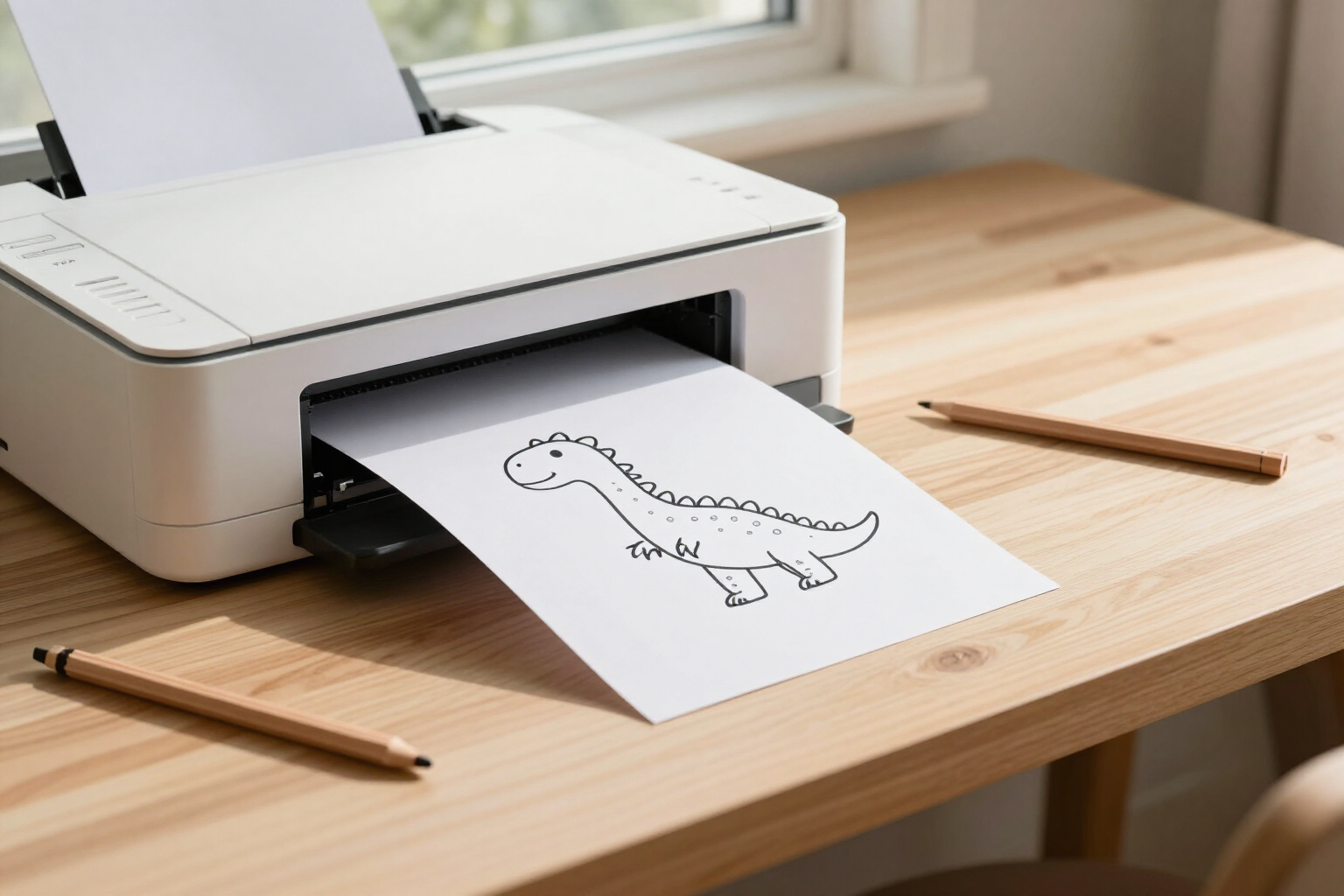
One click and the printable worksheet comes out whole on an A4 sheet of paper, without cropping.
Zuki Dots’ Print button opens a clean sheet with zero page margins and adjusts the width to the drawing’s aspect ratio, so the connect-the-dots page fits completely on a portrait A4 sheet.
The problem with printable worksheets downloaded from the internet isn't the drawing itself: it’s that when you print them, they split across two pages, come out with the browser header on top, and the last row of dots gets cut off.
In Zuki Dots, printing isn't a „download the PNG and figure it out yourself“ situation. When the drawing is ready, two buttons appear below the sheet: Download and Print. When you press Print, the app doesn't just send the screen to the printer: it first loads the image separately to measure its actual size in pixels and calculates the height/width ratio of that specific printable worksheet.
Using that measurement, it creates a new page designed solely for paper. It’s a minimal document: white background, print margins set to zero with @page, all padding set to zero, and the printable worksheet image centered as the only element. If the drawing is taller than a 1.38 ratio (portrait A4 is 1.414), the width is reduced just enough—Zuki Dots’ printable worksheets are generated at 1024×1536 pixels, so they print at 92% of the sheet’s width—and fit from top to bottom without the bottom edge being cut off or spilling onto a second page. If the drawing is more square, it prints at 100% width.
As soon as the image finishes loading in that window, the app automatically opens the browser print dialog and then closes the window. From that dialog, you choose your home or school printer, the number of copies, or the „Save as PDF“ destination if you prefer the file. What reaches the paper is only the printable worksheet: no buttons, no colored backgrounds, no app interface, and no URL in the corner.
This functionality is part of Zuki Dots, AIsToHire’s mini connect-the-dots app, and is available for any drawing you open from your history, not just the one you just created: https://aistohire.com/zuki-dots-dot-to-dot-printables-149/f/print-connect-the-dots-worksheets-a4
Benefits of A4 Portrait Printing
Fits entirely on the sheet of paper
the app measures the actual height and width of each printable worksheet before printing and adjusts the width to the portrait A4 ratio, so the bottom edge isn’t cut off and a second page with the last dots doesn’t appear.
Zero page margins, maximum drawing size
the print sheet declares @page with margin: 0, so the drawing utilizes the entire sheet of paper instead of staying small within the browser’s default margins.
The worksheet prints, not the app
the printout comes from a new window containing only the image on a white background. No buttons, screen gradients, or headers/footers with the web address appear.
Just one click to the dialog
as soon as the image finishes loading, the app automatically opens the browser’s print dialog and then closes the window. There’s no need to save the file, find it in Downloads, and open it with another program.
Also works for squarer drawings
the adjustment is not a fixed value. If the drawing’s aspect ratio doesn’t exceed 1.38, it prints at 100% width; it only scales down when the figure is longer than the paper itself.
The same button also creates a PDF
the dialog that opens is the browser’s, so under «destination» you can choose Save as PDF and keep the A4 already adjusted to print elsewhere.
Low ink consumption
the worksheet is black line art on white, with no fills, shadows, or colored backgrounds, so it prints just as well on a black and white printer and uses minimal ink.
Reprint whenever needed
drawings remain in your history with their thumbnail. Opening one takes you back to the same screen with the Print button, to get another copy next week or one per child.

Try it with a sheet of paper and an idea
Write what you want to draw, choose the age, and hit Print: the entire sheet prints perfectly on a single A4 portrait page.