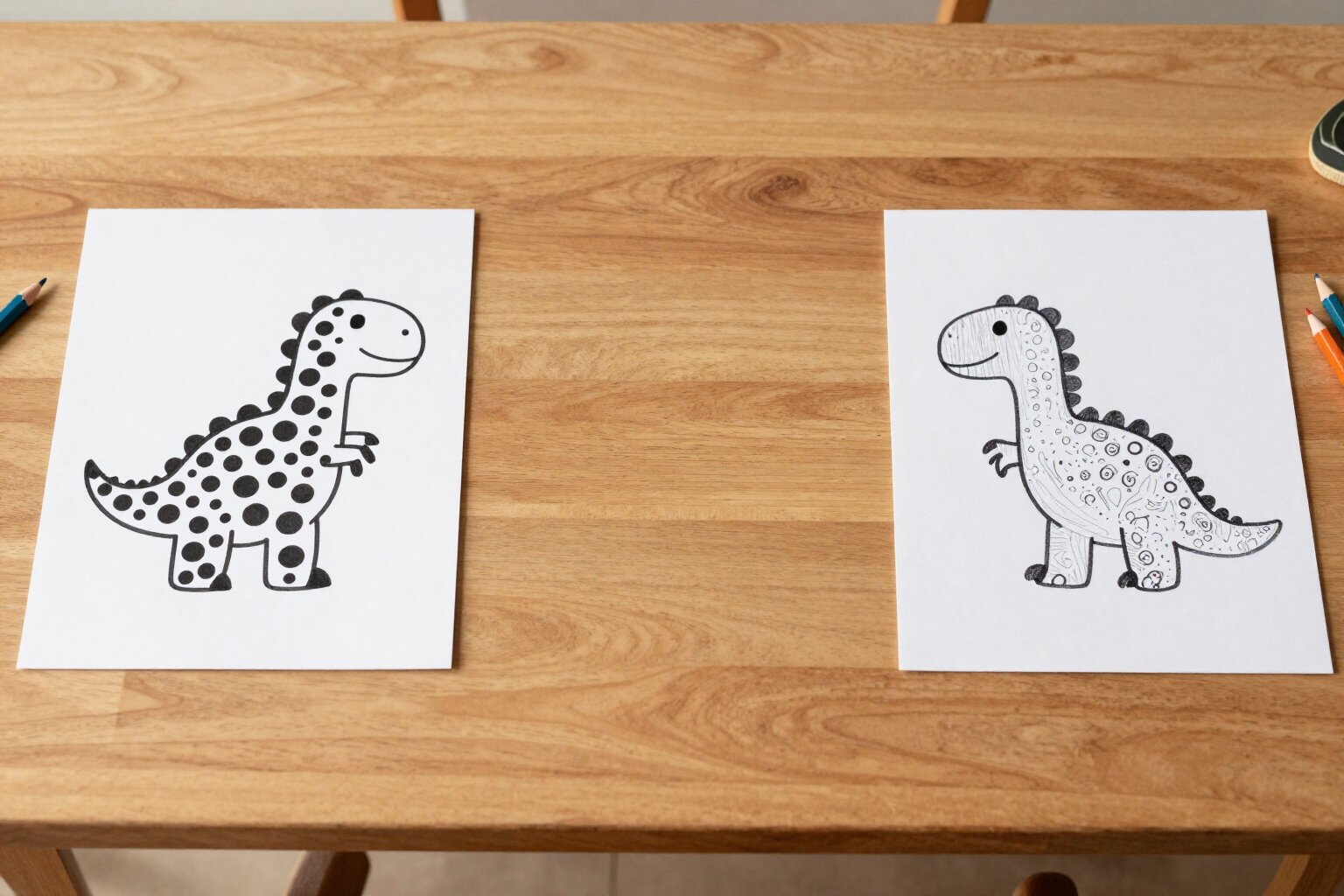
Four age levels: the same concept, personalized difficulty for every child
In Zuki Dots, you choose Young Kids (3-5), Kids (6-8), Pre-teens (9-12), or Teens and Adults (13+). The chosen level simultaneously changes two things: the detail of the drawing and the number of dots on the sheet.
A connect-the-dots drawing suitable for a four-year-old will bore an eleven-year-old; and the one that entertains an eleven-year-old will be impossible for a four-year-old.
When you create a printable worksheet in Zuki Dots, you only decide two things: what you want to draw and what age it's for. The age range isn't just a decorative label; it's the app's sole difficulty control and it's mandatory, so no worksheet is generated «blindly».
This level acts at two distinct points in the process. First, it influences the drawing: the AI is asked for line art with more or less interior detail depending on the age. For Young Kids (3-5), practically only the outer silhouette is requested, with nothing inside. For Kids (6-8), the outline plus one or two small details, like an eye and a wing, avoiding clutter. For Pre-teens (9-12), more clean interior strokes are allowed, and for Teens and Adults (13+), the figure comes out with several interior strokes and small details.
Then it acts on the dot density. The algorithm that converts the drawing into a worksheet does not work with a fixed number of dots, but with a separation between them measured in pixels: 60 for Young Kids, 45 for Kids, 32 for Pre-teens, and 22 for Teens and Adults. The less separation, the more dots appear on the same figure. That's why a young kid's worksheet has few, large, and widely spaced dots, easy to connect with a pencil; while a teenager's has many dots close together that reproduce the shape with precision.
The practical consequence is that the same idea works for the whole family. You type «a dragon» four times, change the level, and you get four different worksheets on the same theme: one for the youngest, one for the middle child, one for the oldest, and one for whoever wants to dedicate some real time to it. All four are saved in your history with their thumbnail, and if you repeat one, the retry leaves the idea and age already set for you to change only what you want.
Benefits of Four levels by age
Real, not cosmetic, difficulty
the level doesn't just change the size of the dots; it simultaneously changes the detail of the drawing requested by the AI and the separation between dots, making the worksheet genuinely easier or harder.
A drawing for the whole family
with the same typed idea, you can generate four versions of the same theme, one per level, so that siblings can work on the same figure, each at their own level.
Designed for the youngest ones
in the 3 to 5-year-old level, almost only the outer silhouette is drawn, and the dots are very far apart, so there are no confusing interior details or numbers stuck together.
Also for older children and adults
in the 13+ level, the figure appears with several interior strokes, and the dots are at minimum separation, with many more numbers and a result much more faithful to the original drawing.
Measured, not estimated, separation
each level sets a specific distance between dots (60, 45, 32, and 22 pixels) which the algorithm respects throughout the entire stroke, so the density is consistent in curves and straight lines.
Choosing the level is a tap
the wizard has only two steps, the idea and the age, with the four age cards visible and their description, without technical settings to configure.
No unusable worksheets
the age range is mandatory before generating, so you never get a sheet that is too difficult or too bland because you didn't indicate who it was for.
The four versions are saved
each level you generate remains in your history with its thumbnail so you can reprint it whenever you want, and retrying retrieves the idea and age already filled in.

Choose the age and see the difference
Write the same idea at two different levels and compare the two sheets. Creating an account is free.