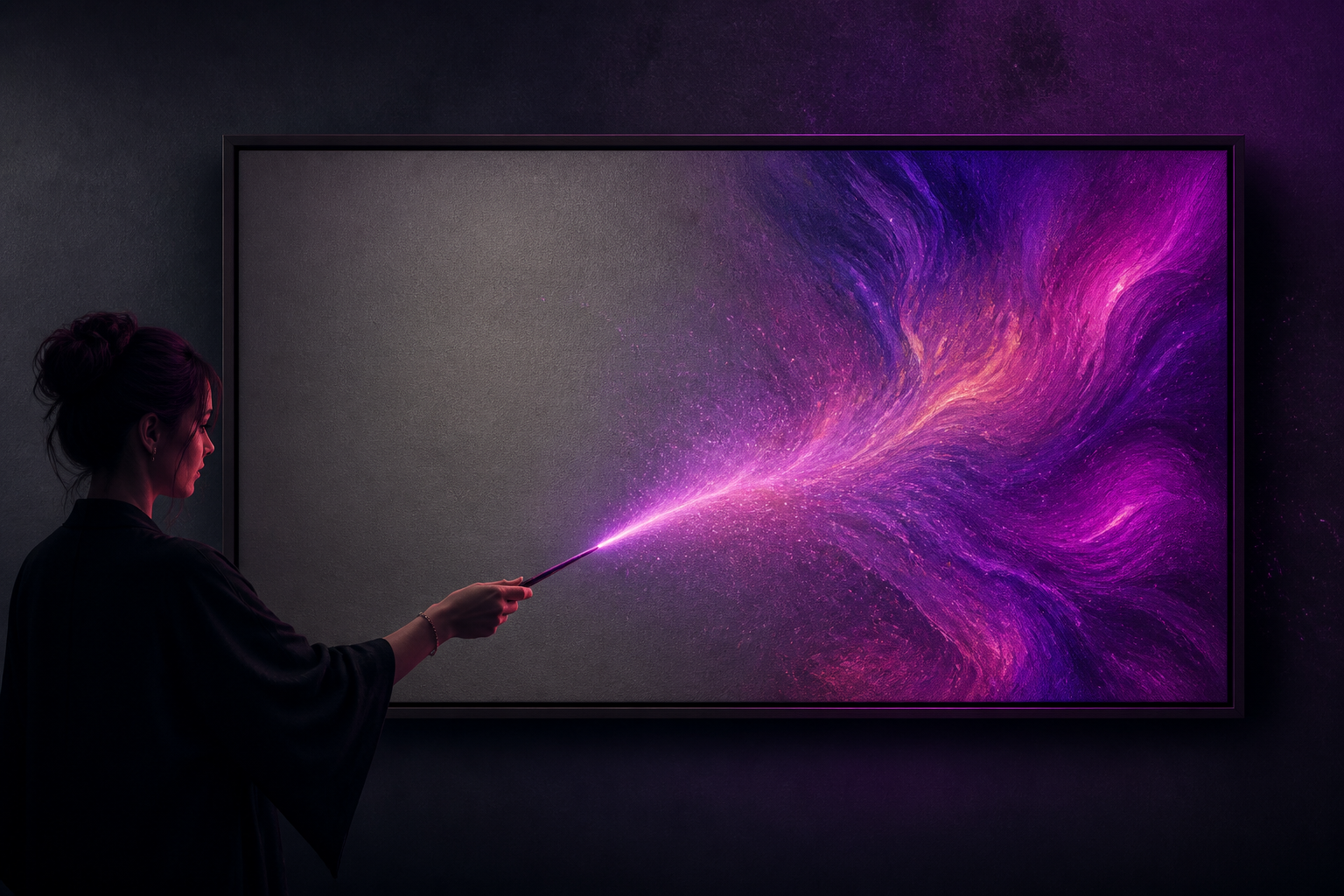
aiPicFlow · Create images by writing and retouch your photos without knowing how to edit
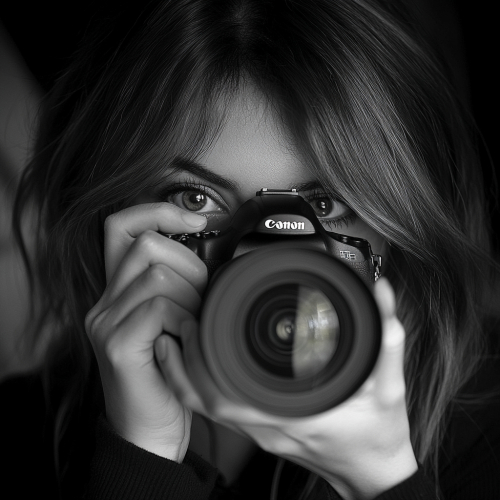
Describe what you want and AI creates it. Or upload a photo and tell it what to change: remove someone, change the background, expand the frame, or improve the resolution. For creators, designers, and anyone who has never opened an editor in their life.
Do you need a specific image and have neither the photo nor time to learn how to edit?
aiPicFlow does both in the same app: it creates the image from scratch based on your description, or starts from one of your photos and transforms it with whatever you ask for in plain language. You choose style and format with one tap, and from the result screen you can ask for variations, adjust the description, or keep editing without starting over.
Start for free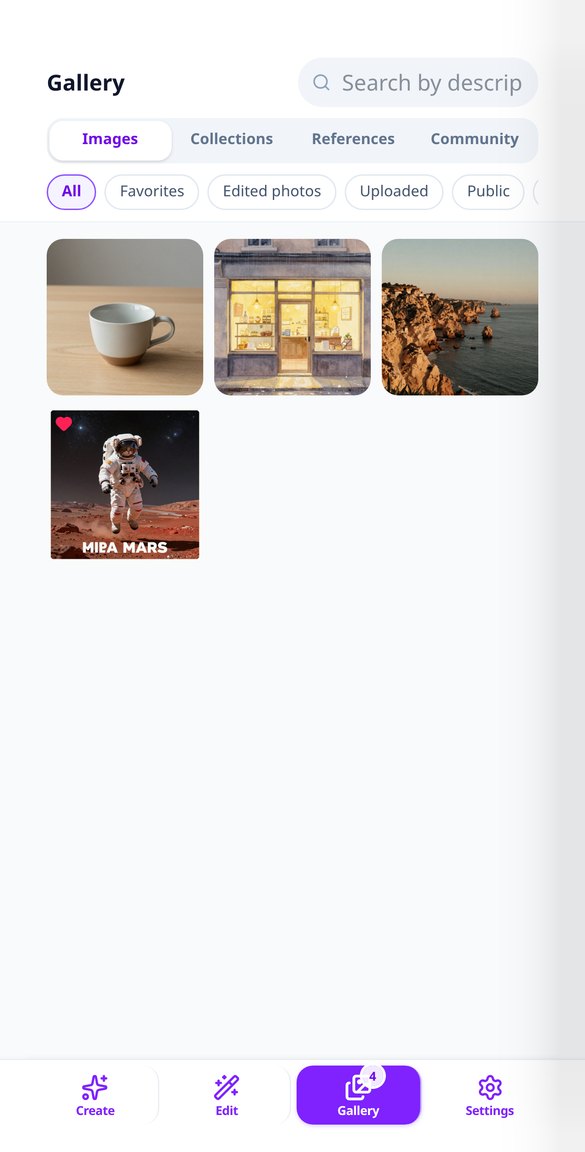
Discover every feature in detail
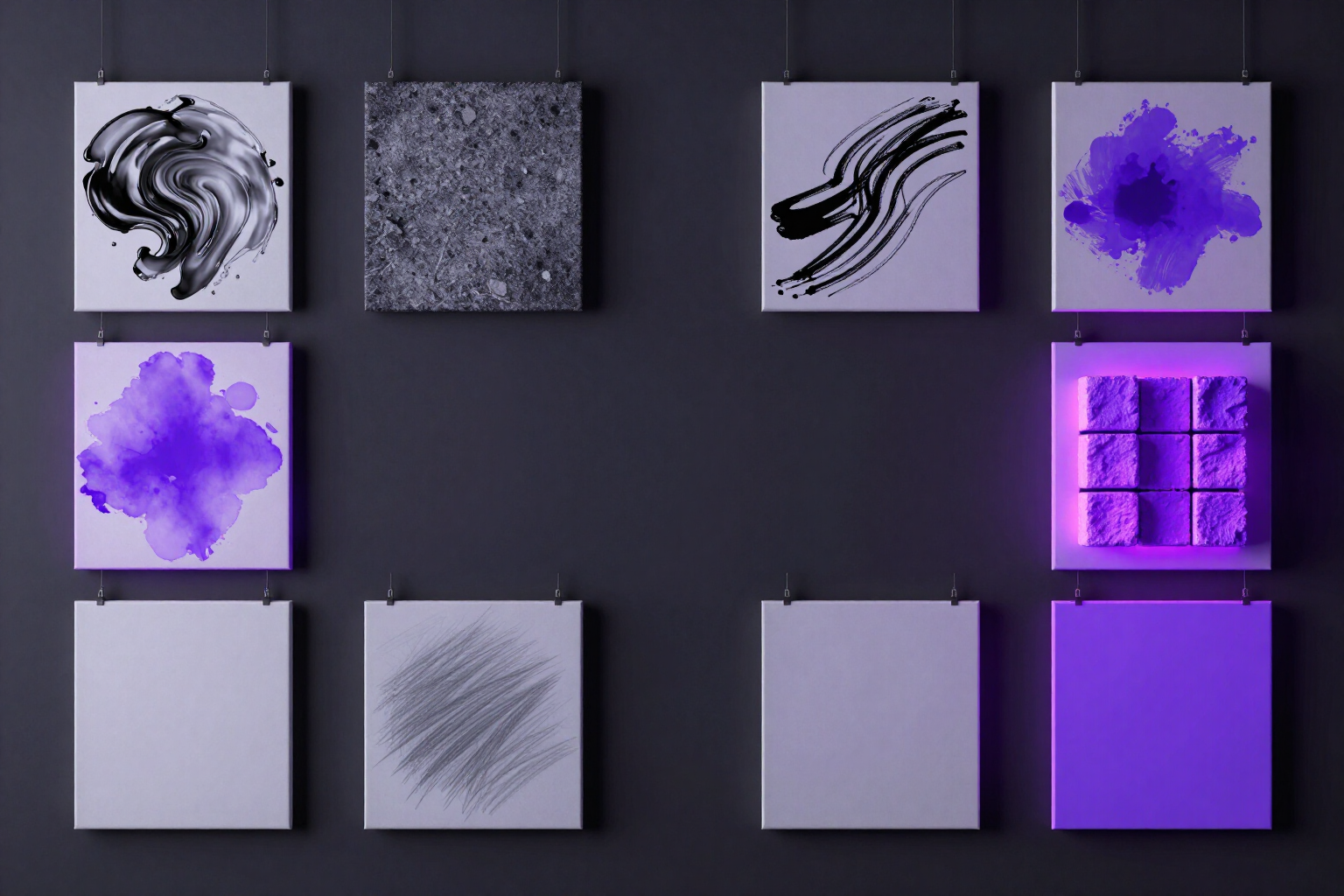
Create AI Images from Text: 12 Ready Styles | aiPicFlow
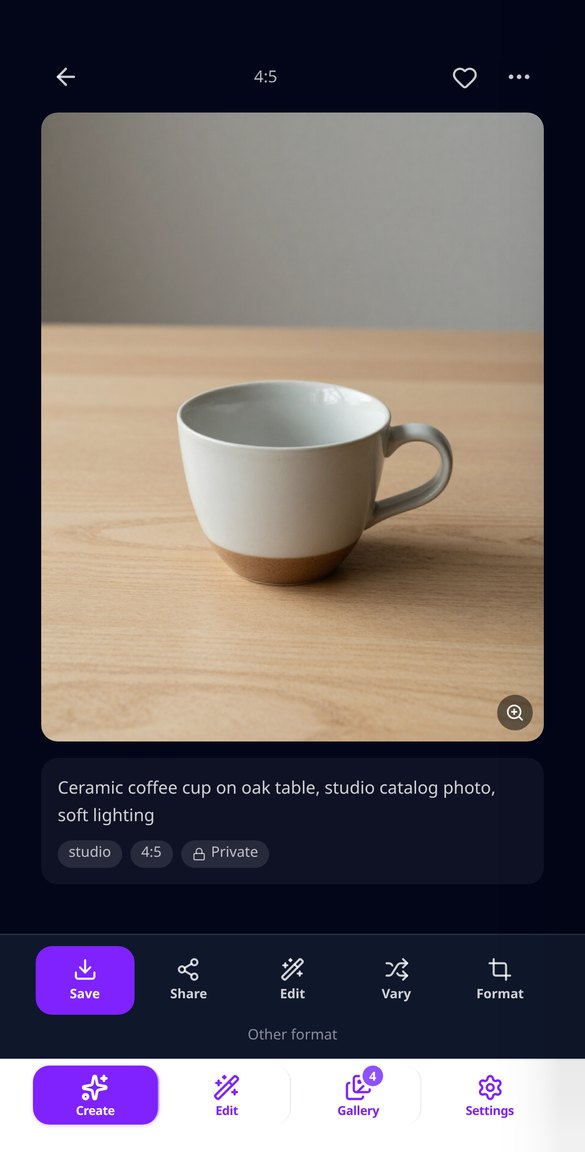
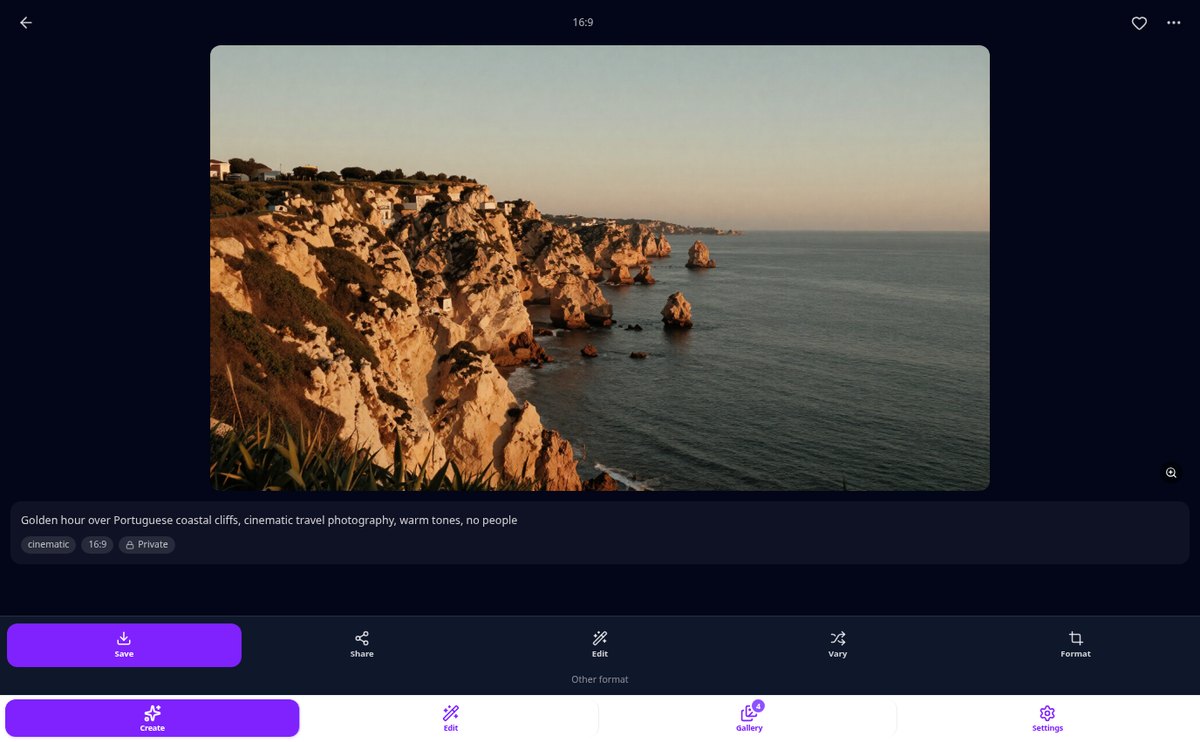
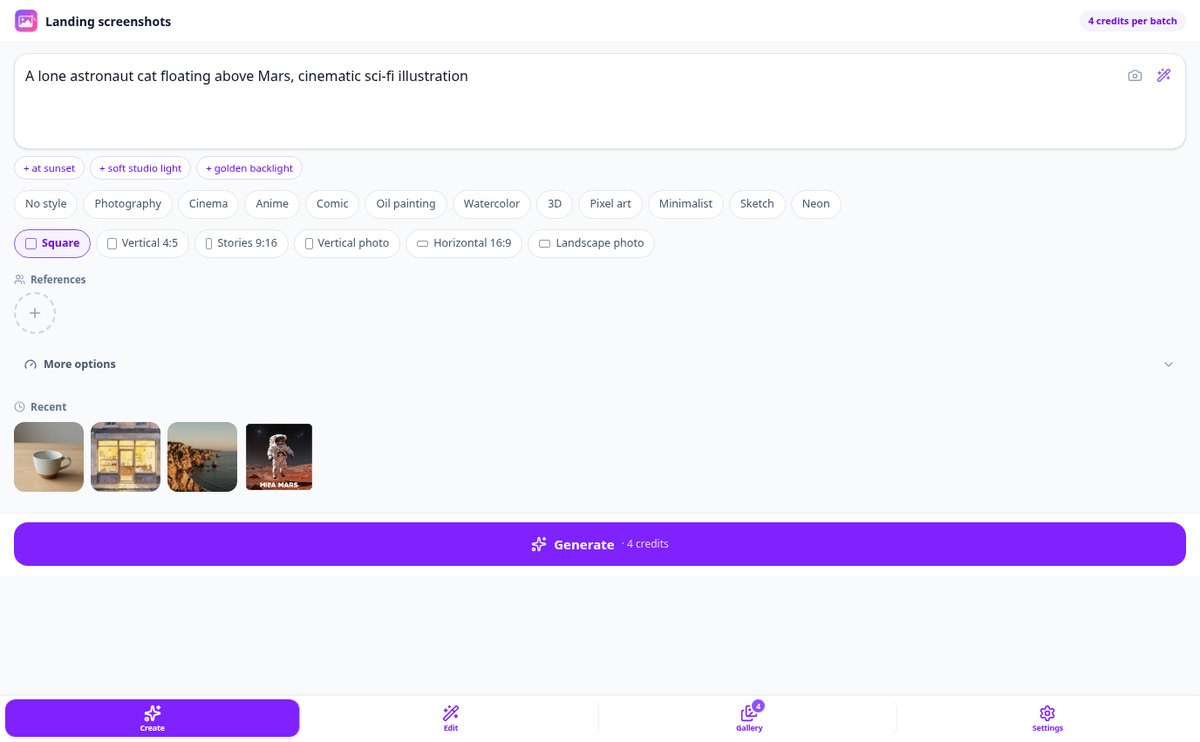
Write a phrase and generate the image with AI. 12 ready-to-use styles (Photography, Cinema, Anime, Watercolor, 3D, Pixel Art, Neon...), 6 image formats, and up to 8 results per attempt. No prompt knowledge needed.
View feature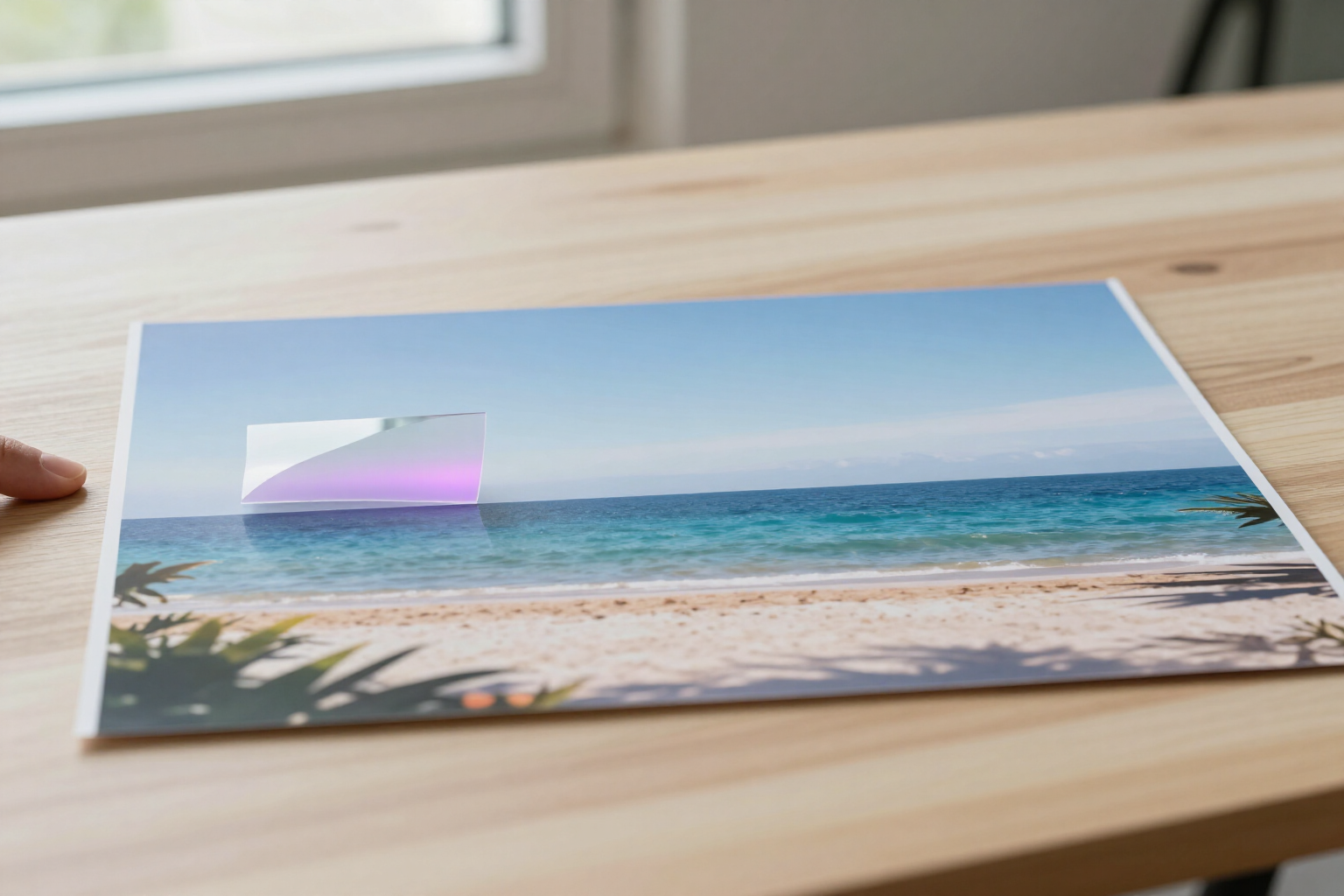
Edit Only One Area of Your Photo with AI Without Changing the Rest | aiPicFlow
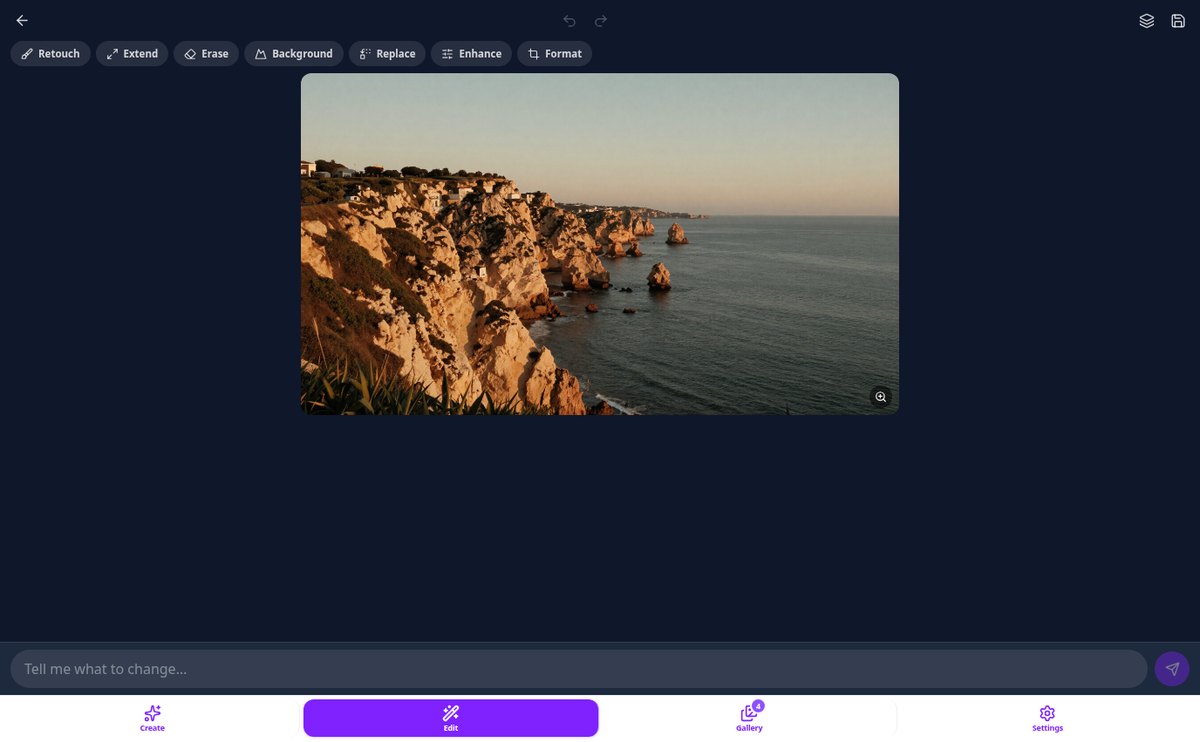
Paint with your finger the area you want to change, and the rest of the photo remains identical to the original. Retouch, erase, or replace objects and enhance faces without losing the background.
View feature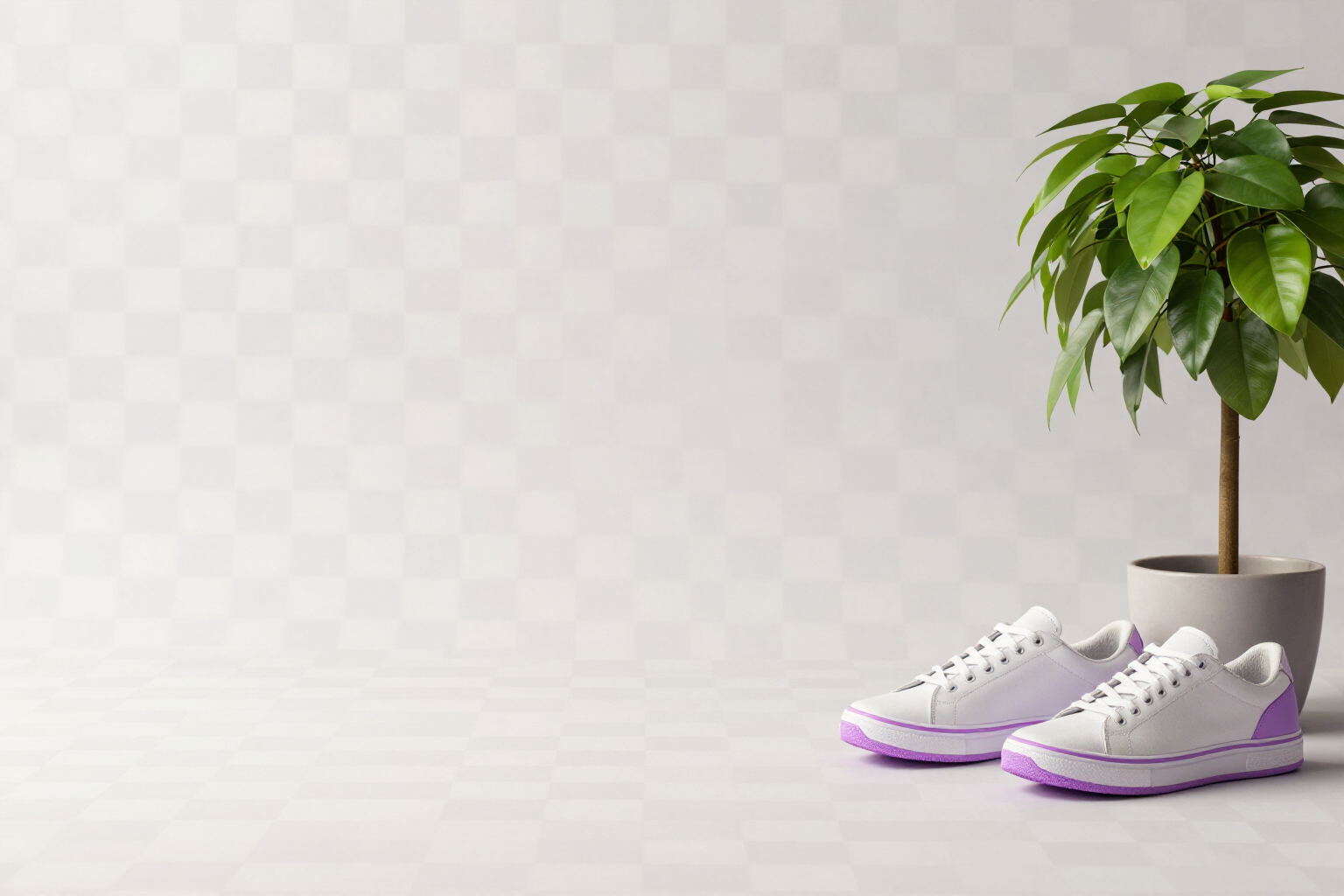
Remove an Image Background: Transparent PNG in One Click | aiPicFlow
Remove the background from a photo and download it as a PNG with true transparency: without a white halo/fringe, without losing interior white details, and with an extra option for hair and fine edges.
View feature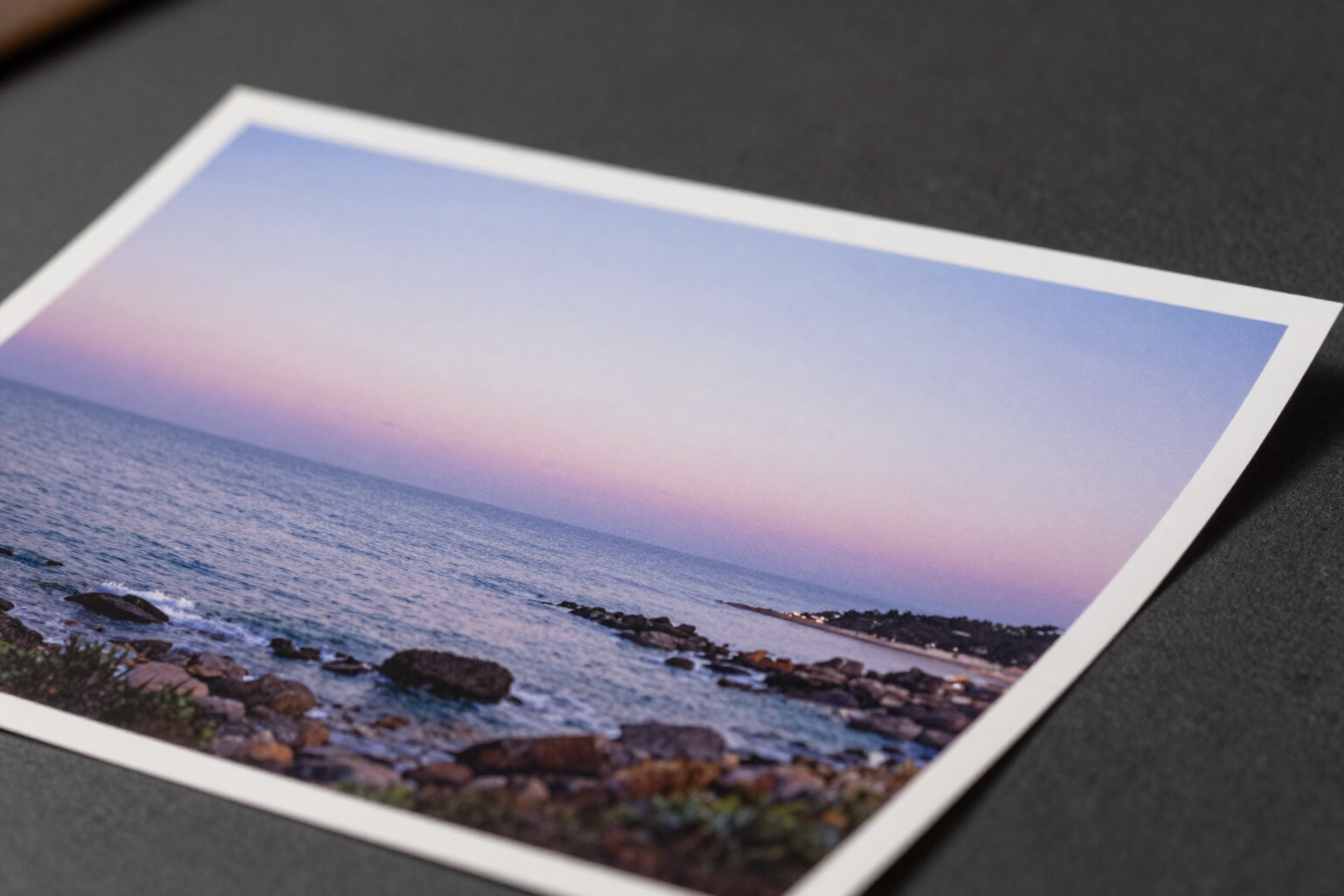
Expand a Photo with AI: Extend the Image Beyond the Frame | aiPicFlow
Extend any photo upwards, downwards, or sideways with AI instead of cropping it. Choose how much to expand each side or a format (9:16, 16:9, 4:5...), and the original area remains intact.
View feature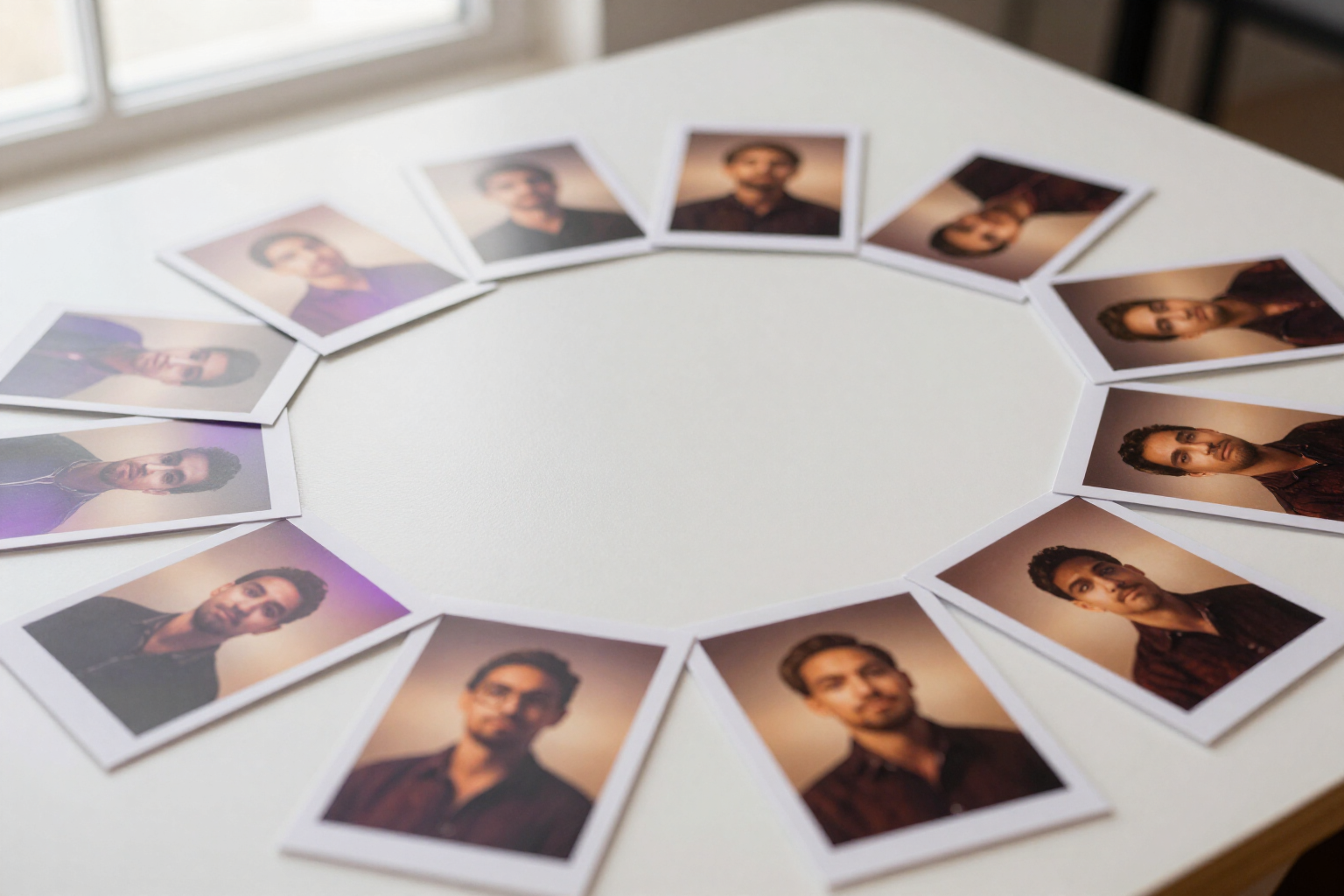
Own Style Model with 5-20 Images: Your Style in Every Generation | aiPicFlow
Create an own style model in aiPicFlow with 5 to 20 images and apply it to each generation to maintain the same style. No fine-tuning or waiting: reusable visual references for style, character, and pose.
View feature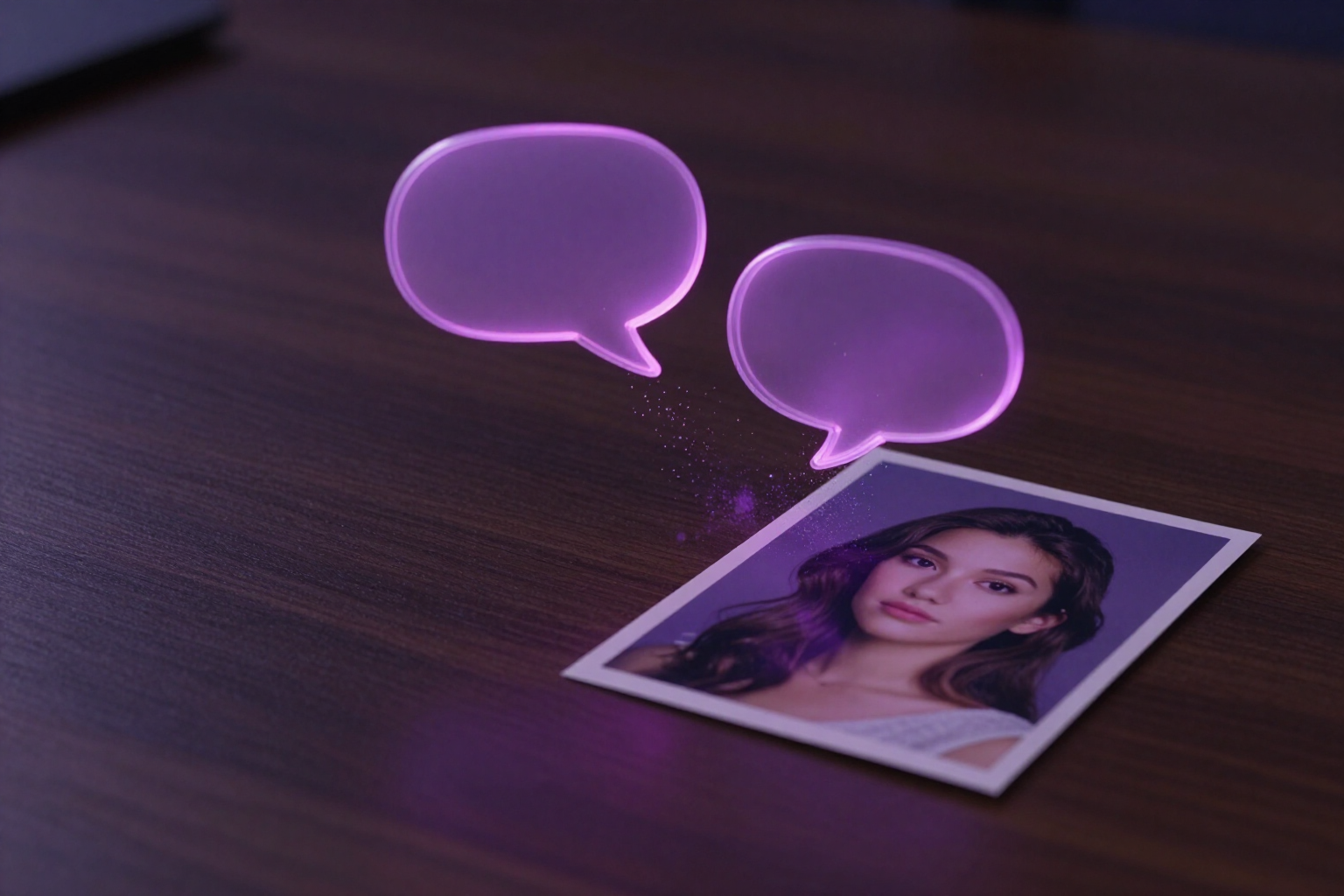
Edit photos by typing what you want to change | aiPicFlow
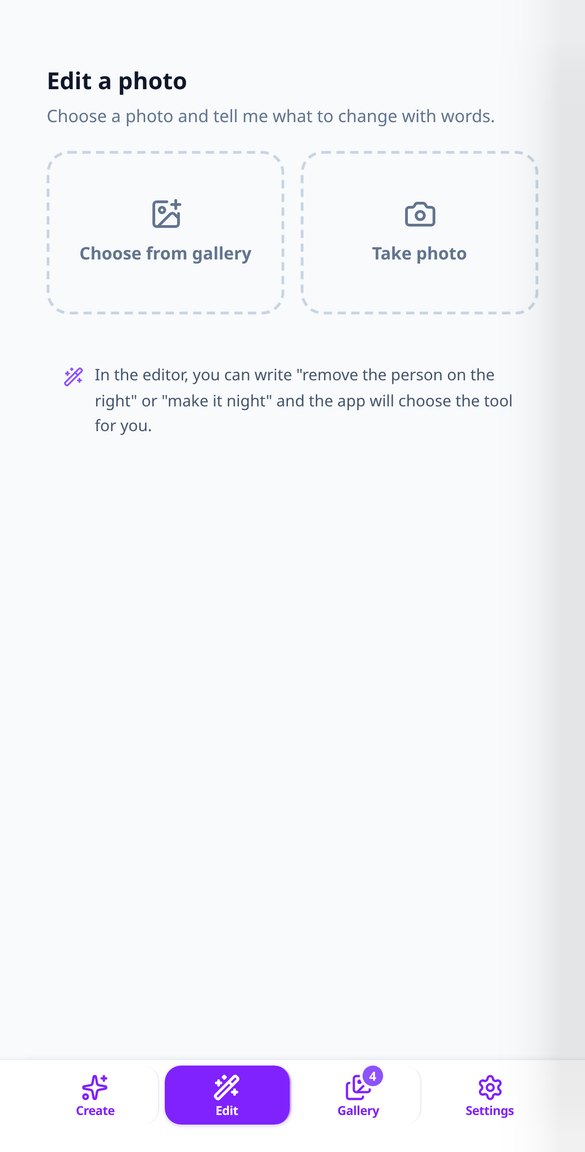
Edit photos with an AI chat: write «remove glasses» or «change the background» and aiPicFlow chooses the tool, detects the area/region of the image, and applies the changes in order. No technical menus.
View featureFrom sentences to images, and from photos to retouching
Everything you can do with aiPicFlow from day one.
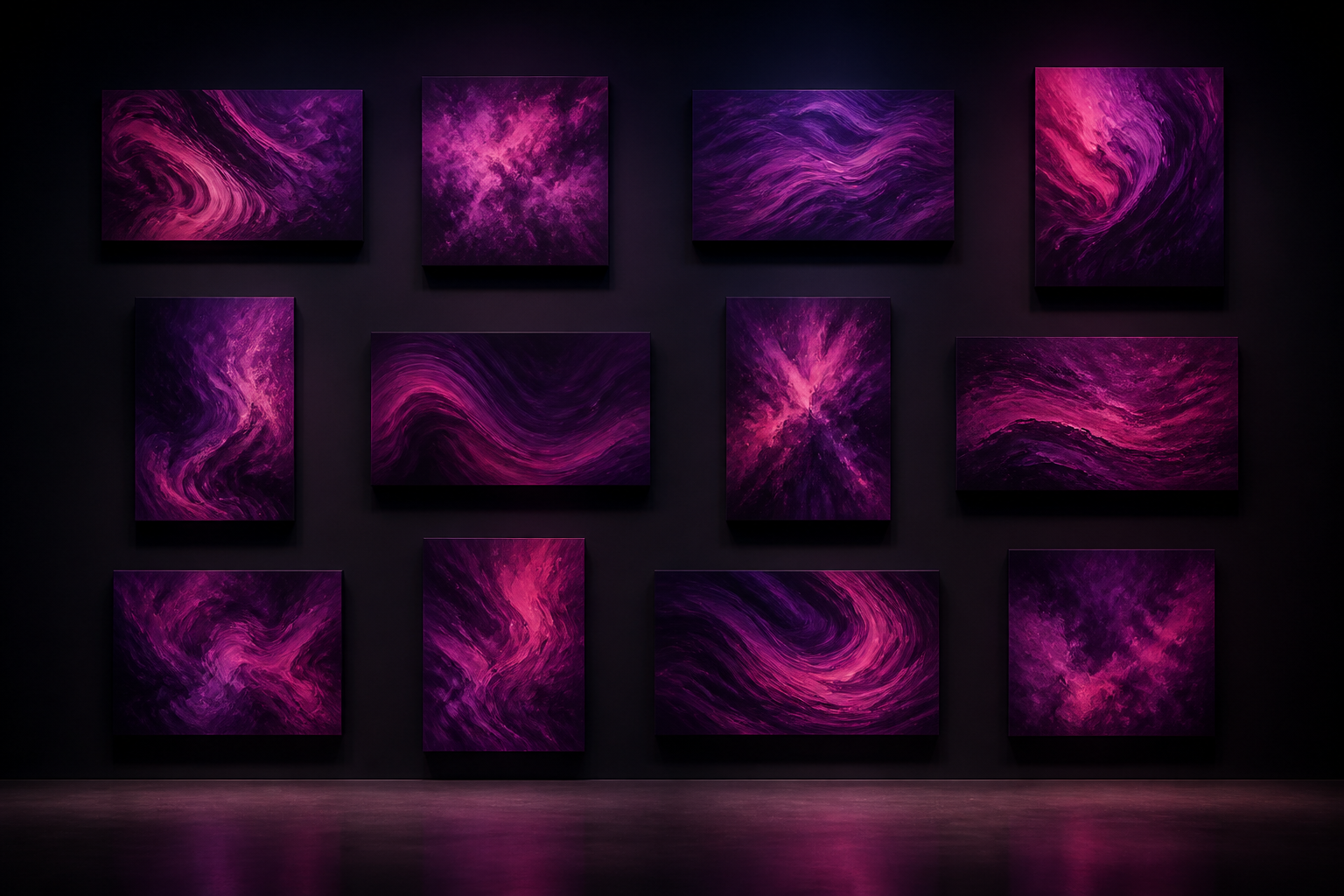
Write and get your image
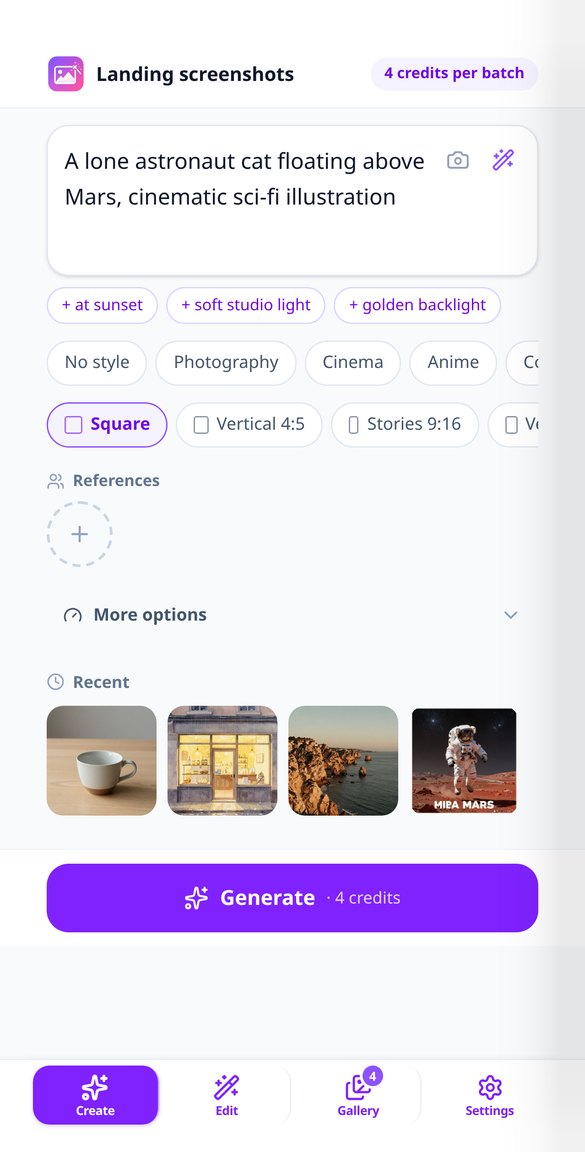
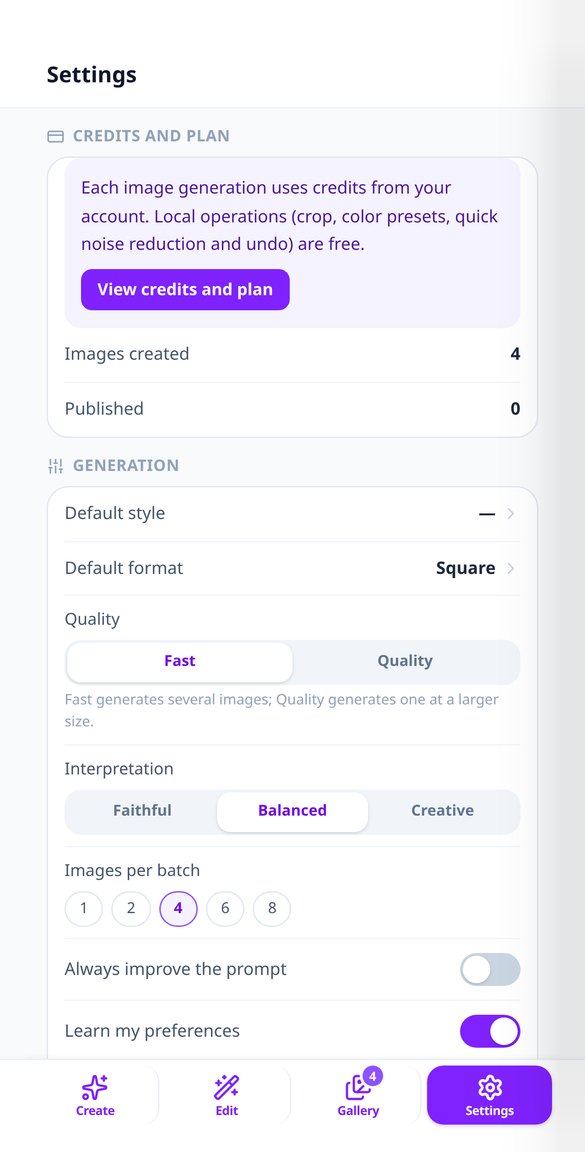
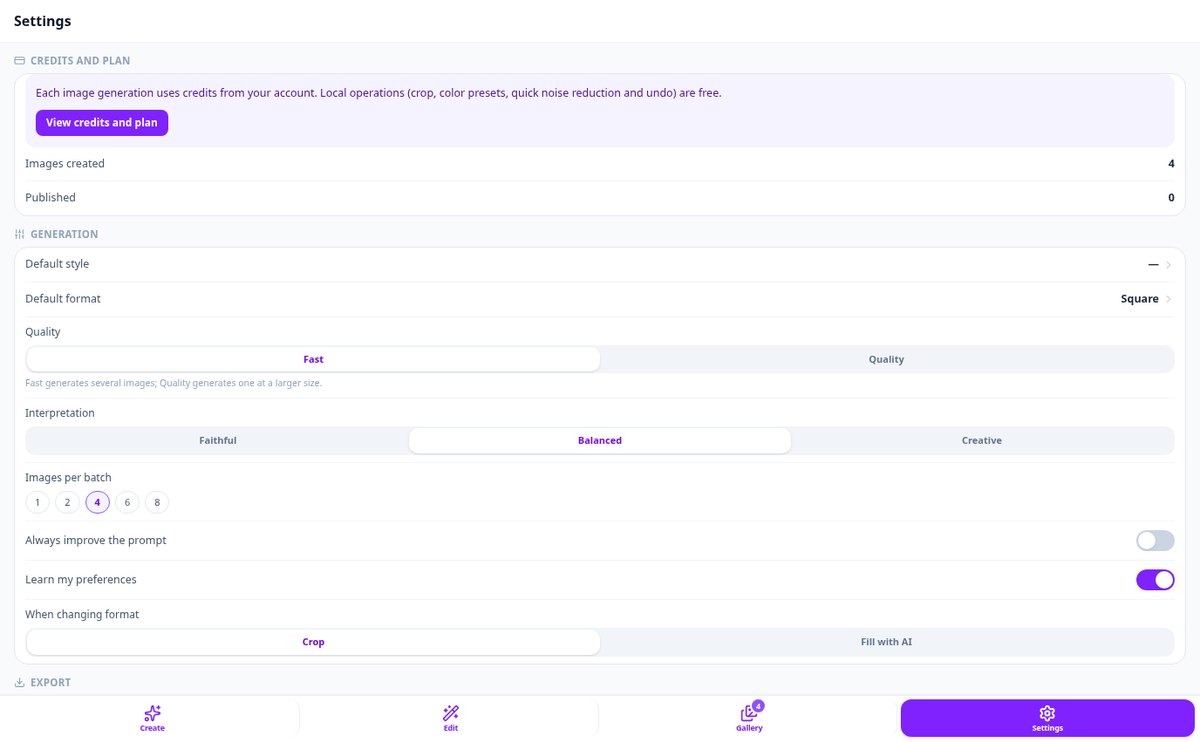
Describe what you want and choose from 12 styles —photography, cinema, anime, comic, oil painting, watercolor, 3D, pixel art, minimalist, sketch, and neon— and 6 formats ready to publish: square, vertical 4:5, stories 9:16, horizontal 16:9, and vertical or landscape photo. Ask for up to 8 variations at once, let AI improve your description before generating, mark what you don't want to appear, or start from one of the 8 included templates.
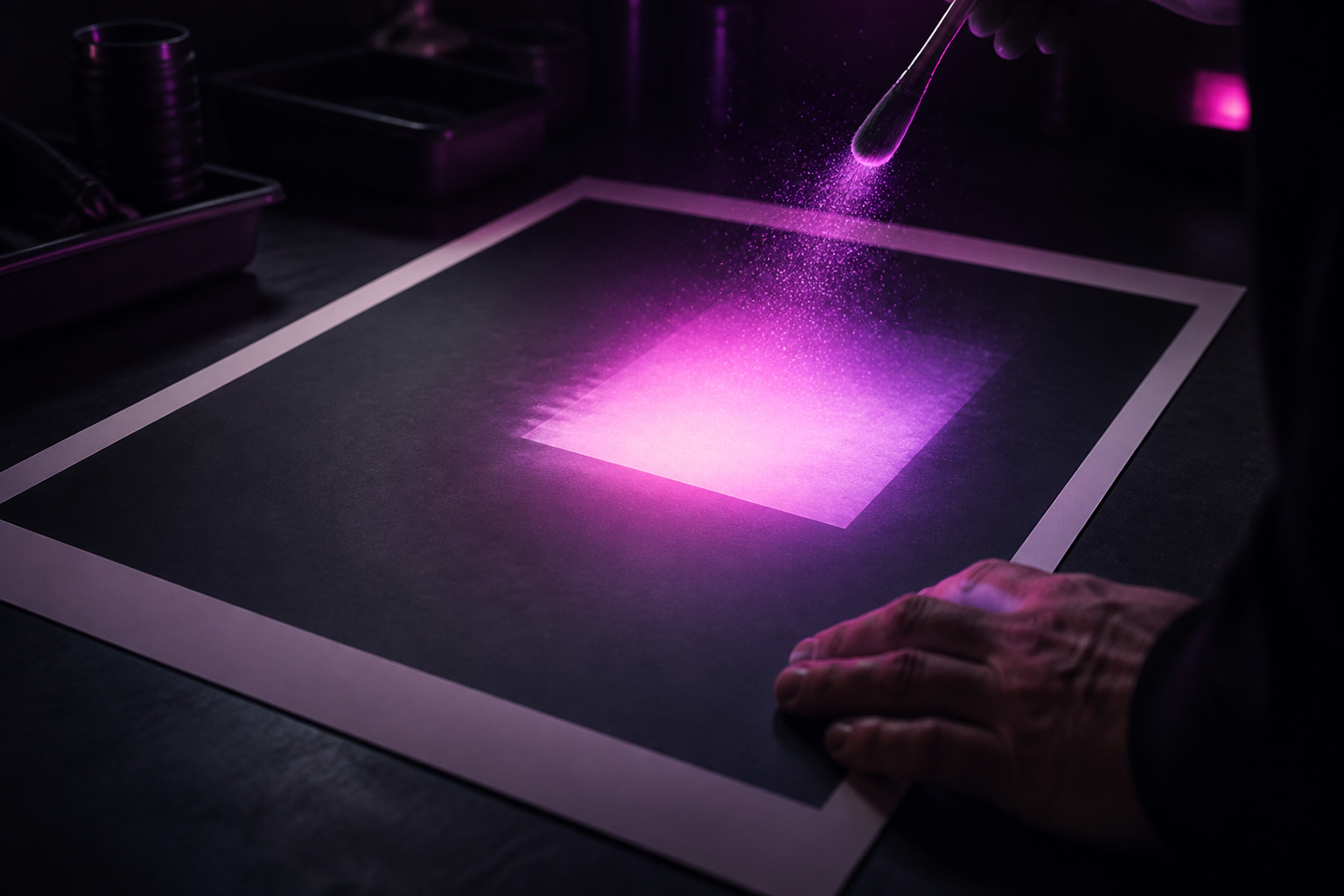
Retouch your photo by saying it in words
Upload a photo from your gallery or take one with the camera and use the editor's 7 tools: paint an area and say what should appear there, drag the edges to expand the frame, tap an object to erase it, remove or change the background, replace one thing with another, increase resolution or clean up noise, color, and faces, and adapt the image to another ratio. Outside the area you mark, your photo remains intact, pixel by pixel, and every step can be undone and redone.
The same character and the same style, every time
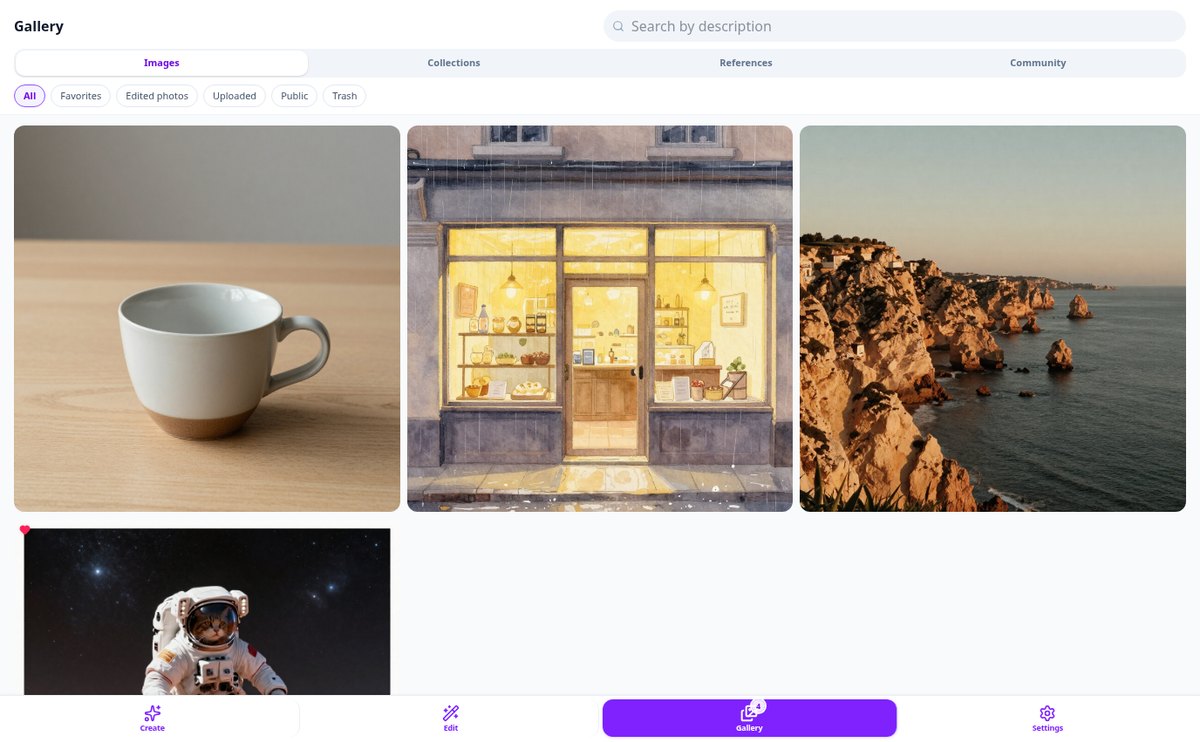
Save character, style, pose, or custom model references with your photos and reuse them in any generation so the result is recognizable time and again. Every image keeps its full recipe: you can repeat it as is, change one word and regenerate, or ask for subtle or strong variations of your favorite one.
Your image in three steps
Sign up
Create your free account in seconds and enter the app.
Write or upload your photo
Describe the image you want, or choose a photo and say what to change. Adjust style and format if you like.
Save and keep editing
Download the result or share it, and return to the editor whenever you want. Everything is saved in your gallery.
Who is it for?
Built for these profiles
Frequently Asked Questions
Latest blog articles
Guides and news to get more out of it
Should AI-generated images be labeled in 2026? What Article 50 of the AI Act demands
Do AI-generated images need to be labeled? What Article 50 of the AI Act mandates starting August 2026, what edits are exempt, and what penalties exist.
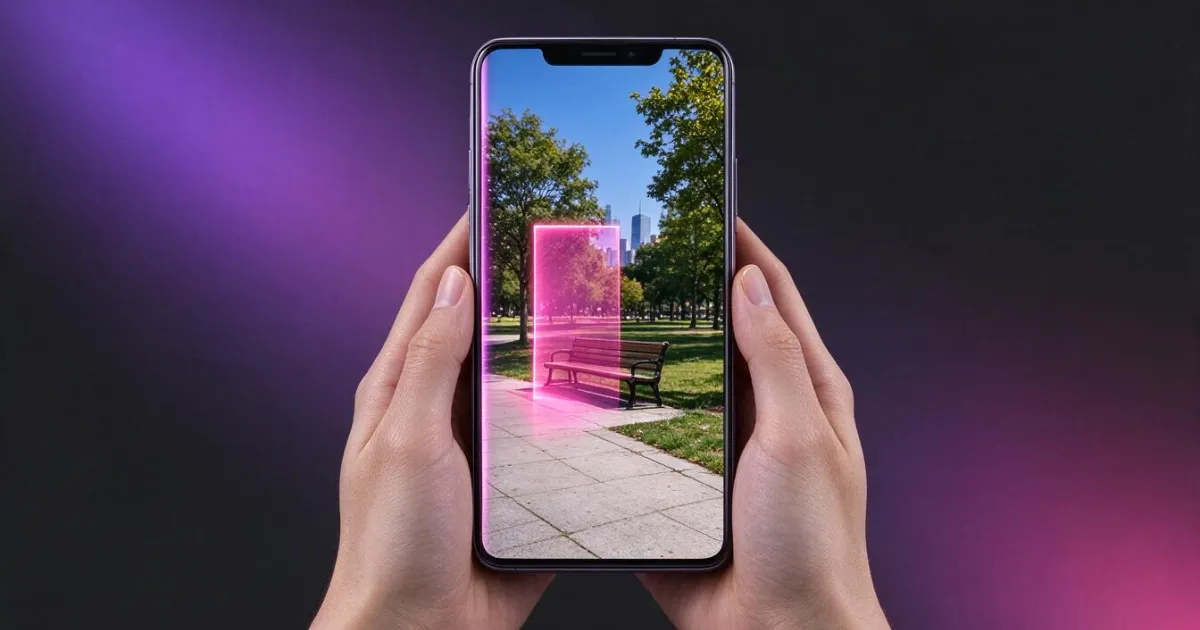
Edit photos with AI without ruining the rest of the image: remove objects, change the background, and enlarge the frame
Why AI editors change your entire photo and how to avoid it: remove objects, change the background, enlarge the frame, and increase resolution, step by step.
Create your first image today
Sign up for free and try it with a sentence or one of your own photos.