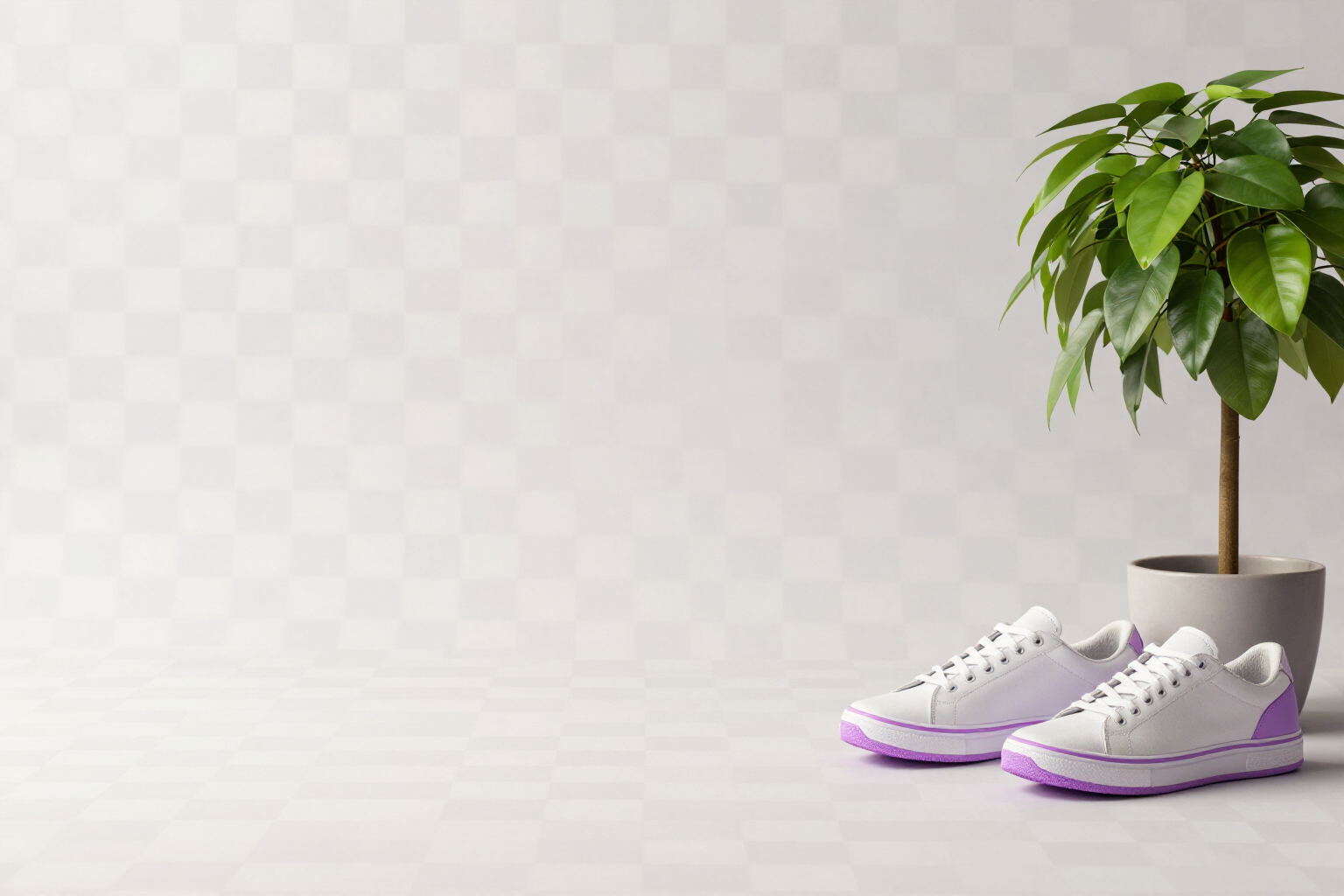
Remove the background from an image and get a PNG with true transparency
One tap and your subject is cut out on a transparent background, without a white halo/fringe or harsh edges.
A cutout isn't ruined by the subject: it's ruined by the edge.
In short: you open the image in aiPicFlow, go to «Background» and tap «Remove background». You receive a PNG with a true alpha channel —real transparency, not a white rectangle— ready to paste into a presentation, a website, or a design. You don't have to paint a mask or cut it out manually with your finger.
What the app does are two chained steps. First, the AI isolates the subject and places it on pure white, preserving its pose and colors. Then, without AI, aiPicFlow scans the image from all four edges inwards and makes transparent only the white that is connected to the outside. That's why a white shirt, teeth, or the inside of a cup don't become holes: that white is surrounded by the subject, doesn't connect to the edge, and remains.
The edge of the cutout is softened before saving, so there's no typical light halo/fringe or scissor-cut outline. If the subject has hair, fur, or very fine edges, next to the normal button you have «Refine edges», which asks the engine for extra attention precisely in those areas. The result is immediately visible on the checkerboard pattern that the app uses to indicate that the image has transparency, so you check the cutout before downloading anything.
From there, you continue working without leaving the app: download in PNG or WebP (both preserve transparency; if you choose JPG, aiPicFlow warns you that this format flattens it to white), you can remove the background from several images in a batch —up to 20 selected from the gallery, with the results grouped in a collection— or request it by writing it in conversational editing by chat. And if you actually wanted a different background instead of none, «Change background» is in the same panel. aiPicFlow is AIsToHire's AI image creation and editing app: https://aistohire.com/aipicflow-create-images-with-ai-and-edit-photos-53
Benefits of Transparent background in one click
True transparency, not a white background
the file comes with an alpha channel, so when you place it over a color or a photo, no box appears.
No white halo/fringe around the subject
the alpha edge is softened before saving, so there is no light halo or harsh scissor-like outline.
It doesn't remove internal whites
transparency only advances from the edges inwards, so a white shirt, teeth, or the bottom of a glass remain.
Hair and fine edges handled separately
next to «Remove Background» you have «Refine Edges», which tells the engine to take extra care with hair, fur, and thin outlines.
You check it before downloading
the app displays the image on a checkerboard pattern as soon as it has transparency, both in the result and in the editor.
Up to 20 images at once
in the gallery, you select several, apply «Remove Background» in batch, and the cutouts are grouped in a dated collection.
Also available by typing
in conversational editing by chat, you just tell it to remove the background, without looking for the button.
Nothing is final
every editor operation can be undone and redone, and your original image is preserved intact in the gallery.
Your first PNG with a transparent background
aiPicFlow is the AIsToHire app that removes the background from your images and returns them as PNGs with true transparency; it’s at https://aistohire.com/aipicflow-create-images-with-ai-and-edit-photos-53. Register for free, upload a photo, and click «Remove background».