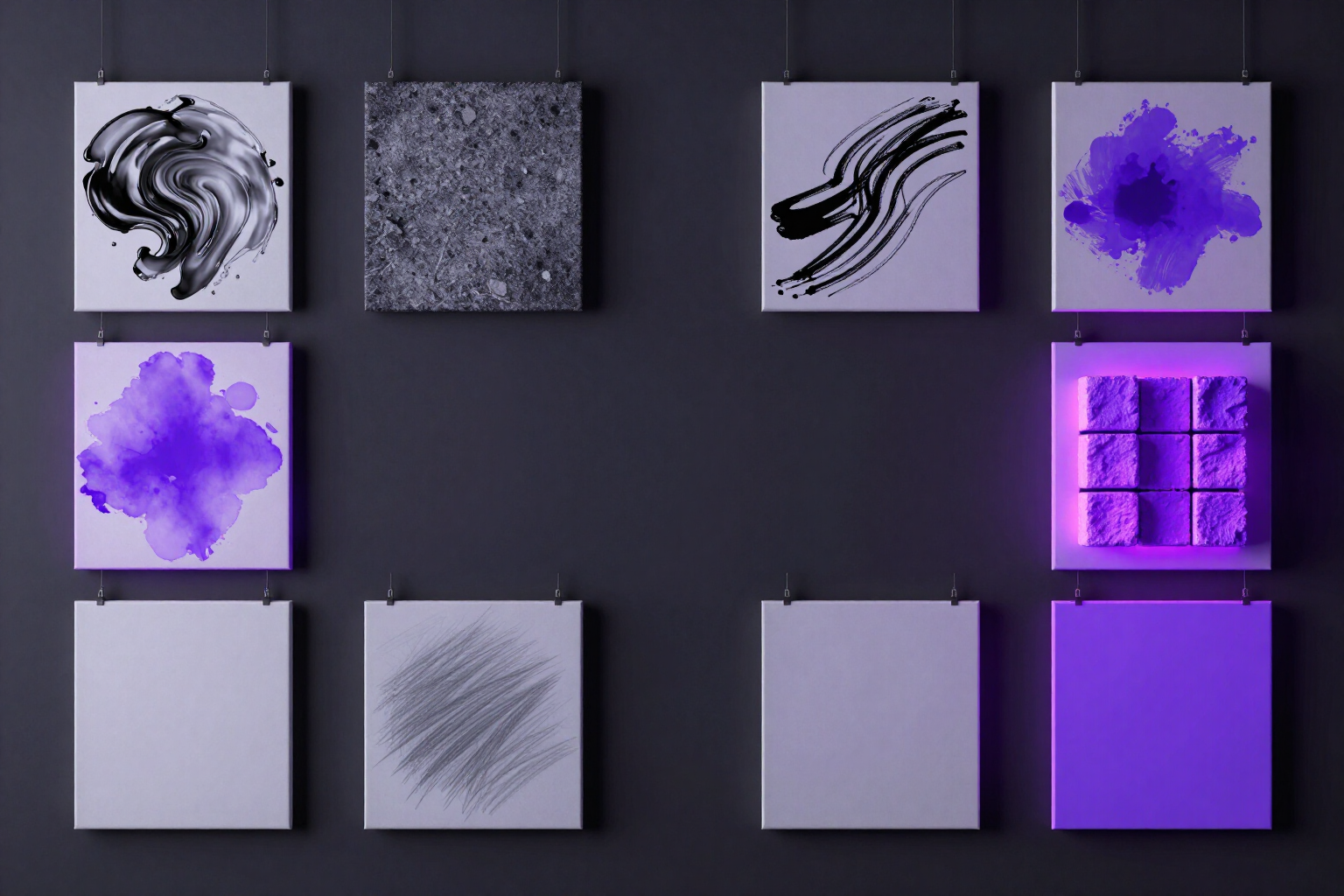
Create AI images from text and choose from 12 visual styles
Write what you want to see, tap a style, and aiPicFlow delivers the image ready. No prompt learning or editor needed.
Describing it is enough: your idea, in an image, with the style you want.
In short: you write a phrase, choose one of the 12 styles (Photography, Cinema, Anime, Comic, Oil Painting, Watercolor, 3D, Pixel Art, Minimalist, Sketch, Neon, or No Style) and one of the 6 aspect ratios, and aiPicFlow generates up to 8 images at once for you to pick your favorite. This is the text-to-image function of aiPicFlow, the AI image creation and editing app from AIsToHire: https://aistohire.com/aipicflow-create-images-with-ai-and-edit-photos-53
What does style do for you? Each style already has its own technical recipe written: a positive suffix that pushes the result towards that finish (for example, «cinematic still, anamorphic lens, film grain» for Cinema or «watercolor painting, soft washes, textured paper» for Watercolor) and a negative one that avoids what would break it. You don't write any of that: you tap the style and that's it. That's the difference from writing prompts by hand, where the finish changes from one image to another without you knowing why.
What if I don't know how to describe what I want well? The app helps you before generating: you can improve your description with AI, ask for related ideas, or upload a photo for it to describe and use that description as a starting point. There are also ready-made templates to get started without thinking, and you can add negative prompts («no text», «no weird hands») to say what you DON'T want.
What control do you have over the result? You choose the aspect ratio based on where the image will go (square, 4:5, Stories 9:16, 16:9, vertical photo 2:3, or landscape 3:2), the interpretation mode —Faithful if you want exactly what's described, Balanced, or Creative if you want the AI to contribute— and whether you prefer many quick options or a single polished image. From the result, you can request variations, refine the phrase and generate again, or send the image to the editor without starting from scratch.
Benefits of Text to Image with 12 Styles
12 one-tap styles
Photography, Cinema, Anime, Comic, Oil Painting, Watercolor, 3D, Pixel Art, Minimalist, Sketch, Neon, or No Style. Each applies its own recipe to ensure a consistent finish every time.
Zero technical knowledge
you don't write suffixes, modifiers, or negative prompts. The style already includes them; you just describe the scene in normal language.
Up to 8 images per attempt
generate multiple options at once and keep the best one, instead of trying again and again blindly.
6 aspect ratios designed for your publication needs
square, 4:5, Stories 9:16, 16:9, portrait, and landscape photos, without manual cropping afterwards.
Description assistance
improve your phrase with AI, ask for ideas, describe a photo to reuse its description, or use part of a ready-made template.
You decide how much freedom the AI has
Loyal mode to strictly respect your description, or Balanced or Creative when you want it to propose ideas.
Also state what you DON'T want
exclusions are added to the style's negative prompt to remove from the image what bothers you.
It doesn't end with generation
request variations, adjust the phrase and repeat, or take the image to the aiPicFlow editor to keep refining it.
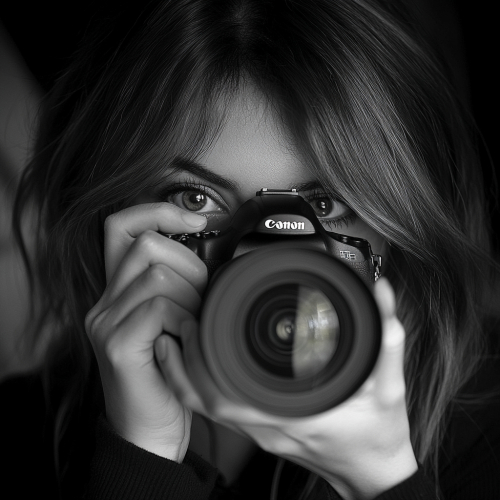
Describe an image and see how it looks in 12 styles
aiPicFlow is the AIsToHire app that converts a phrase into an image and lets you choose the style and image format. Register for free and try it at https://aistohire.com/aipicflow-create-images-with-ai-and-edit-photos-53