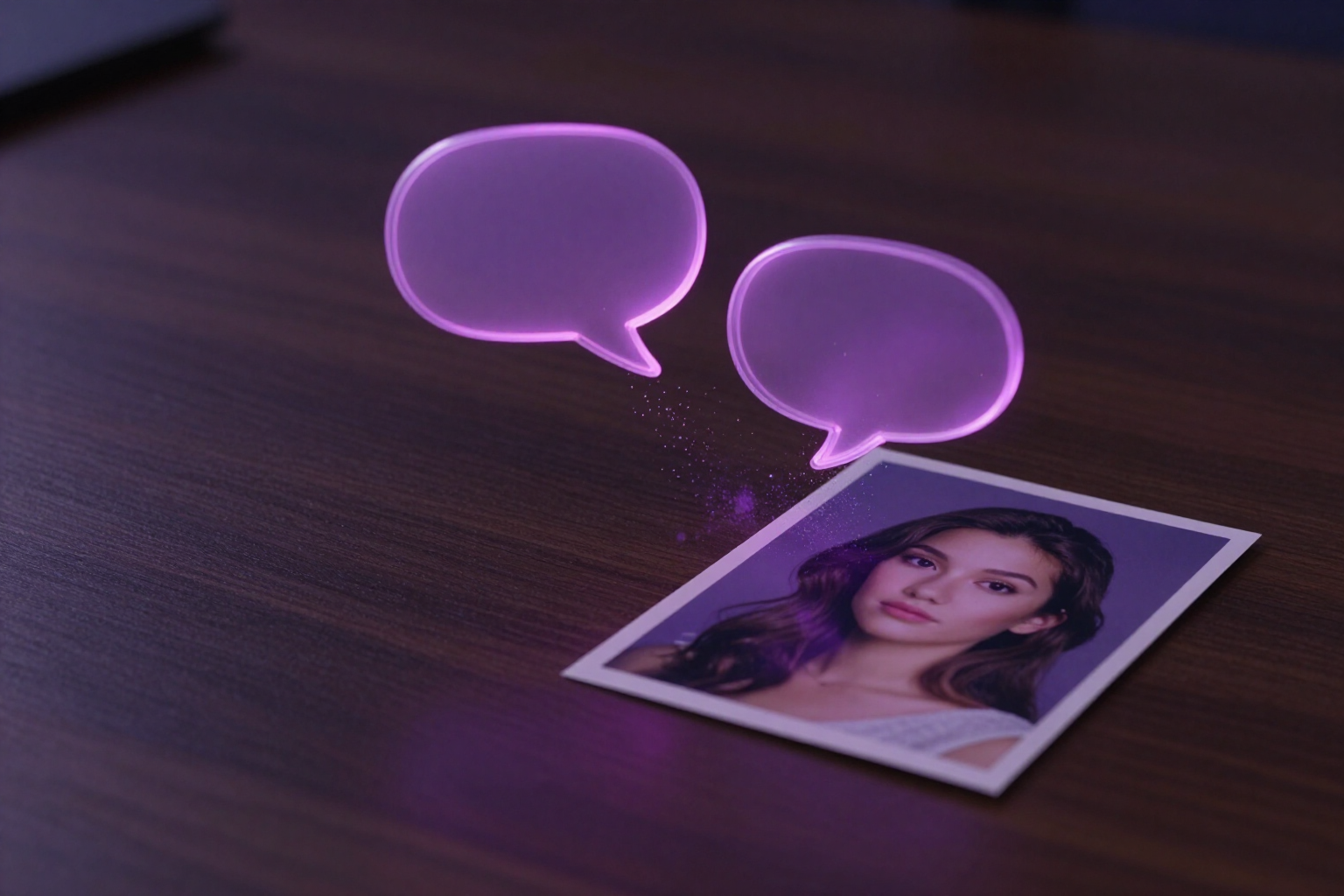
Retouch your photos by typing what you want to change
Type «remove the glasses and put on a red sweater» and aiPicFlow decides the type of edit, locates the area, and applies the steps in order.
A single editing chat, no technical menus or strange words.
aiPicFlow’s conversational retouching is a chat bar that is always visible while you edit a photo. You type the change in normal language —«delete the trash can in the background», «change the background to a beach at sunset», «improve the resolution»— and the app takes care of the rest: it interprets your phrase by looking at the photo itself, chooses the appropriate editing tool, and executes it.
You don’t have to know what each technique is called. Behind a single phrase, there can be object removal, replacement, background change or cropping, canvas expansion, resolution enhancement, noise reduction, color adjustment, face improvement, or aspect ratio change. You describe the result; the app chooses the path.
When an area needs to be defined, it locates it automatically: based on your description of the object, it detects where it is in the image and generates a mask for that region, so the rest of the photo remains untouched. If it can’t find what you describe, it tells you and lets you paint the area manually with the brush.
And if your phrase contains multiple changes, it queues them: it applies the first, tells you in a line what it’s going to do, and launches the next one as soon as the previous one finishes, up to three steps per instruction. Each step is saved as a version in the history, so you can undo and redo without losing the original.
Benefits of Conversational Retouching
Nothing to learn
You type the phrase you would say to a friend. The app translates that phrase into the appropriate editing tool, so you don’t need to know what a mask, outpainting, or upscale is.
Understands the photo, not just the text
Your instruction is interpreted alongside the image you're editing, so «remove the glass from the table» knows which glass you're talking about.
Finds the area for you
You describe the object, and the app detects its position and creates a mask for that region. What's outside the area is not modified.
Multiple changes in one sentence
If you ask for two or three things at once, they are queued and applied in order, one after another, without you having to retype.
Asks when it's unsure
If your request is ambiguous, instead of making something up, it returns a short question with two or three suggested answers you can tap.
Tells you what it can't do
If you ask for something impossible for an image editor (move the camera, add sound), it explains why and suggests the closest alternative.
Remembers the conversation
It takes into account the latest chat messages, so you can keep refining with short phrases like «a bit less» or «now the background».
You can always go back
Every conversational retouching is saved as a version of the editing session, with undo and redo, and the original intact.
Tell your photo what you want to change
Sign up for free on aiPicFlow, upload a photo, and write your first change in a sentence.