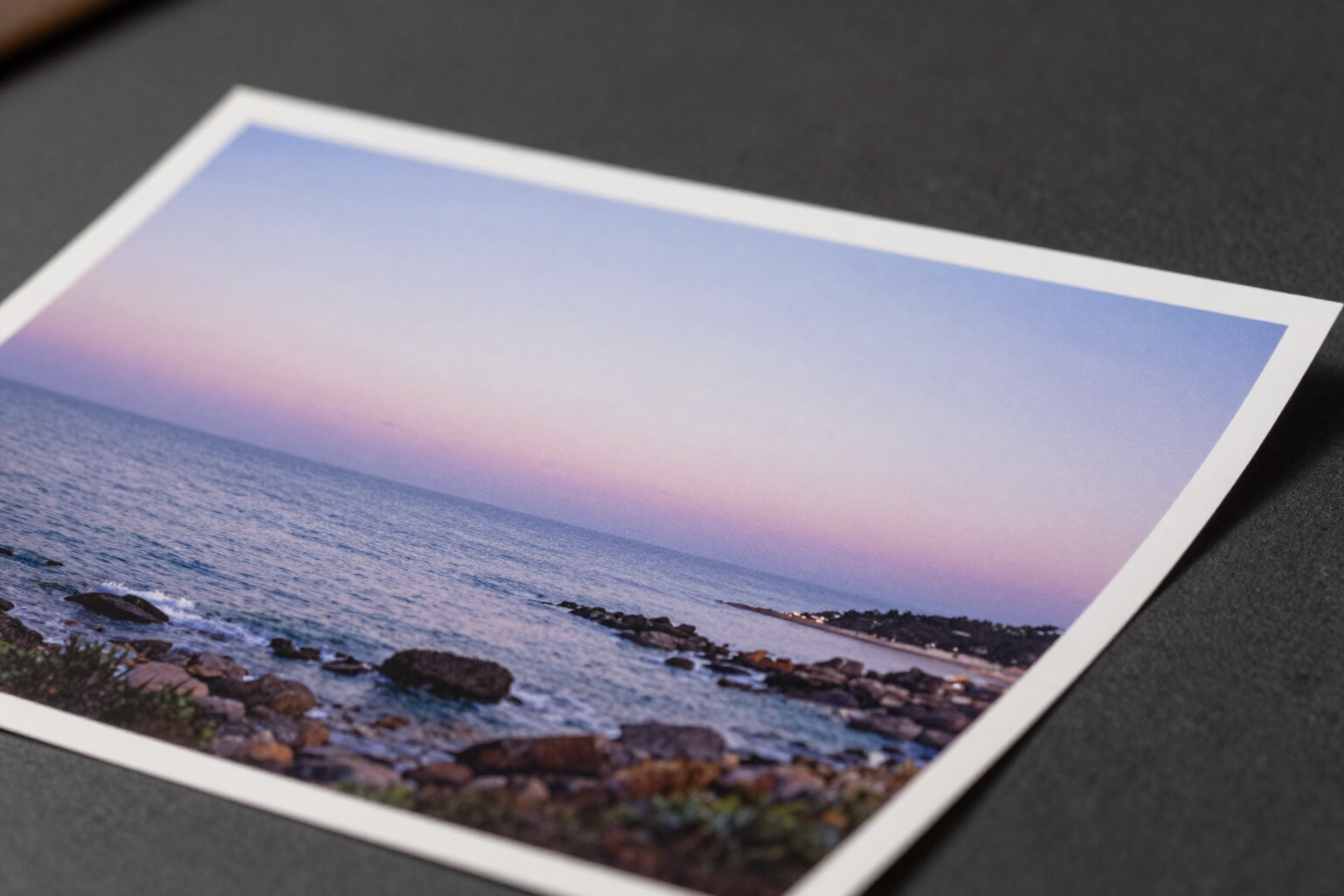
Expand your photo beyond the frame, without cropping anything
Choose how much to grow on each side or a target format, and AI paints the new frame, continuing your scene. What was already in the photo remains untouched.
When the photo is good but doesn't fit: you lack sky at the top, the subject is too close to the edge, or you need the same image in vertical for stories.
The aiPicFlow «Extend» tool performs outpainting: instead of cropping your photo to fit another format, it expands the canvas and fills the newly appeared space with AI. The result is the same image, but wider, taller, or with more space around the subject.
You have two ways to specify how much to grow. The first, by sides: four independent controls (top, right, bottom, and left) with which you can add up to 512 pixels per side in steps of 32, only where needed. The second, by target format: you choose 1:1, vertical 4:5, stories 9:16, vertical photo 2:3, horizontal 16:9, or landscape photo 3:2, and the app automatically calculates the missing margin and distributes it centered on the axis that needs it. The two methods are mutually exclusive: touching one resets the other.
Underneath, the backend mounts a larger canvas with your photo in place and white margins around it, and generates an inverse mask: white where it needs to be filled, black over the original area. The AI can only paint in the white area, with the explicit instruction to continue the existing perspective, light, textures, and colors. Upon completion, the result is recomposed over your original image using that same mask, so the interior remains pixel-perfectly intact: only the frame is new.
If you want to guide what appears in the new area, there is an optional field where you describe what should appear («more sky with clouds», «the beach continuing to the right»). And if you are not satisfied, the editor is versioned: undo and redo, with up to 50 versions per session. You can extend your uploaded photos, photos taken with the camera, and also images you have generated within the app itself.
Benefits of Extend image with AI
Expand instead of crop
you convert a photo to another format by gaining space around it, instead of losing the edges of the image you already had.
Your original photo is untouched
the inverse mask excludes the existing area, and the result is recomposed over it, so the interior remains pixel-perfectly the same.
Control by sides or by format
add up to 512 pixels per side in 32-pixel increments only where you need it, or choose one of the 6 formats (1:1, 4:5, 9:16, 2:3, 16:9, 3:2) and let the app distribute the margin centrally.
The new frame fits
the AI is instructed to continue the perspective, lighting, textures, and colors of your scene, not to invent a separate image.
You can direct what appears
an optional field lets you describe what you want in the expanded area; if you leave it empty, the AI simply continues the scene.
No risk of ruining the image
undo and redo with up to 50 versions per session, and the result is saved in your gallery ready for export in PNG, WebP, or JPG.
Try extending your photo now
Sign up for free on aiPicFlow, upload the photo that fell short, and tell it how much to expand on each side.