
aiDraw · Draw, diagram, and prototype without installing anything

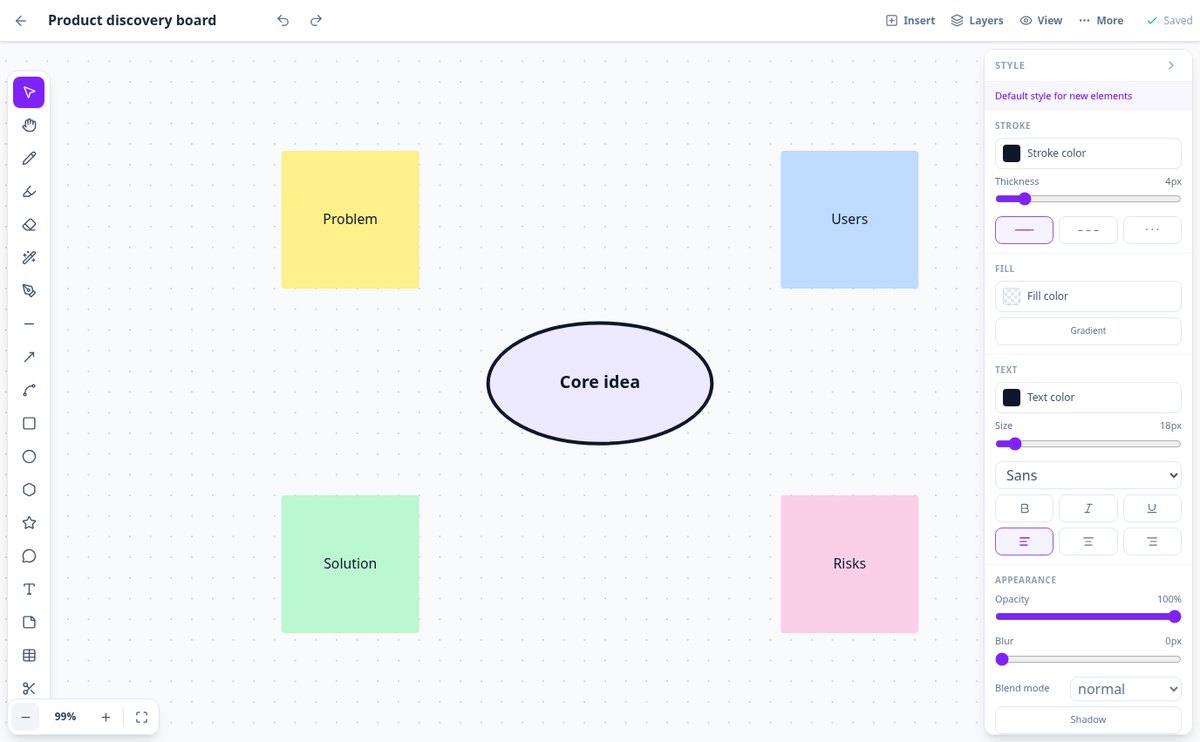
The vector design editor for designers, students, and creators who need to get an idea down fast: open your browser and you already have a canvas, pencil, and shapes.
Do you have the idea clear in your head but no tool at hand to draw it?
aiDraw opens an infinite canvas in your browser with the pencil, shapes, connectors, and text you need to capture it in minutes. No software to install, no projects to set up, and everything saved automatically as you draw.
Start free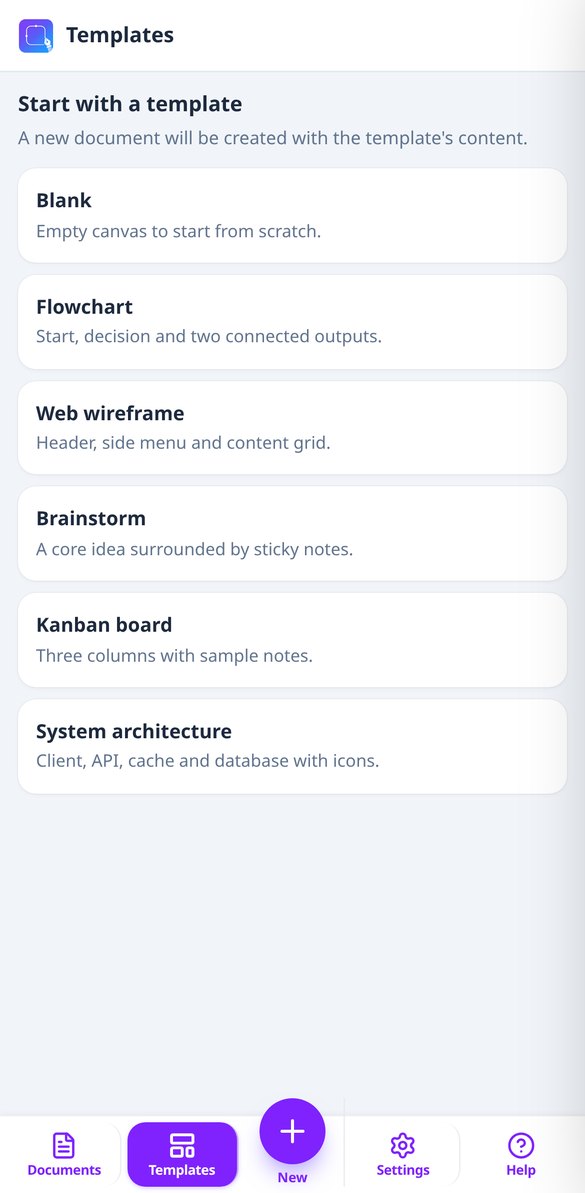
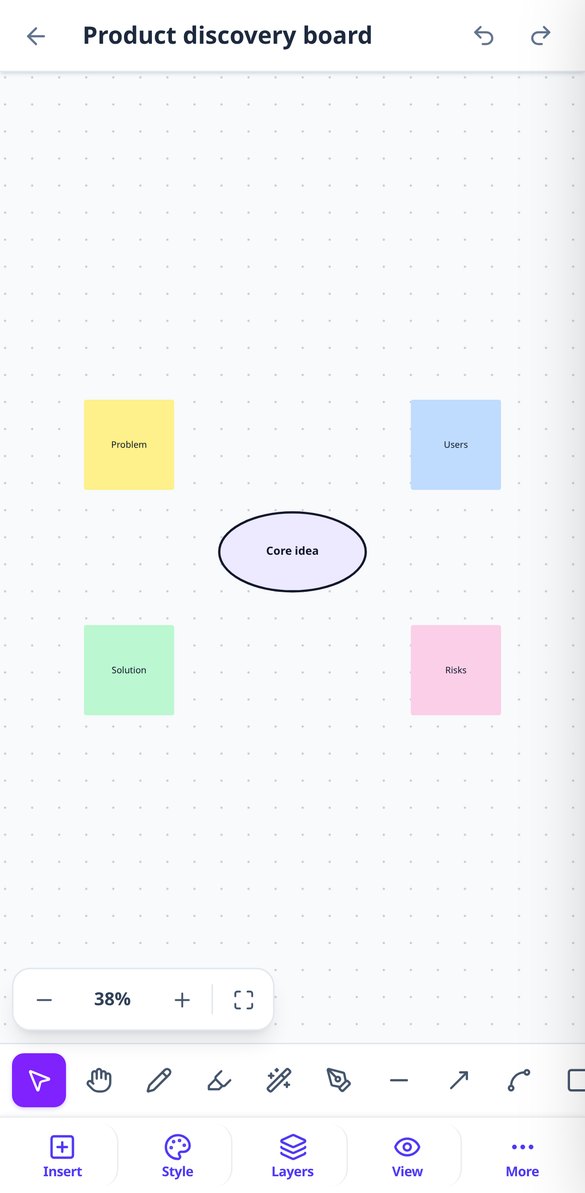
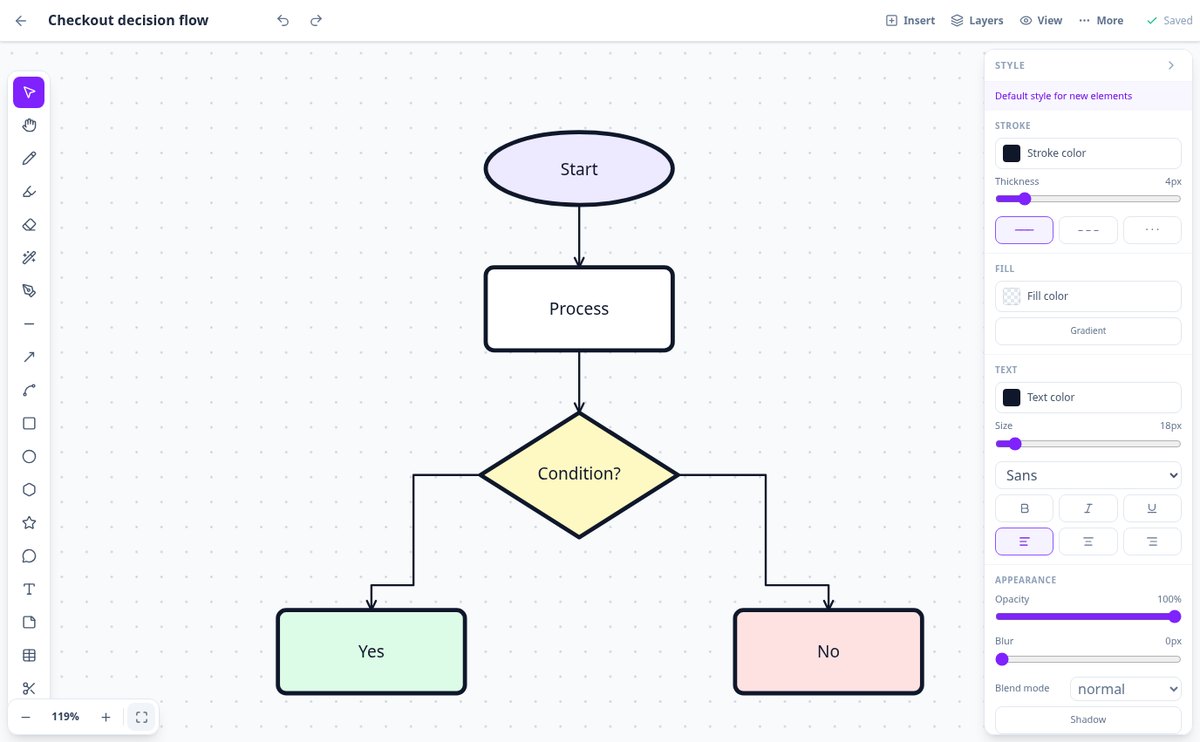
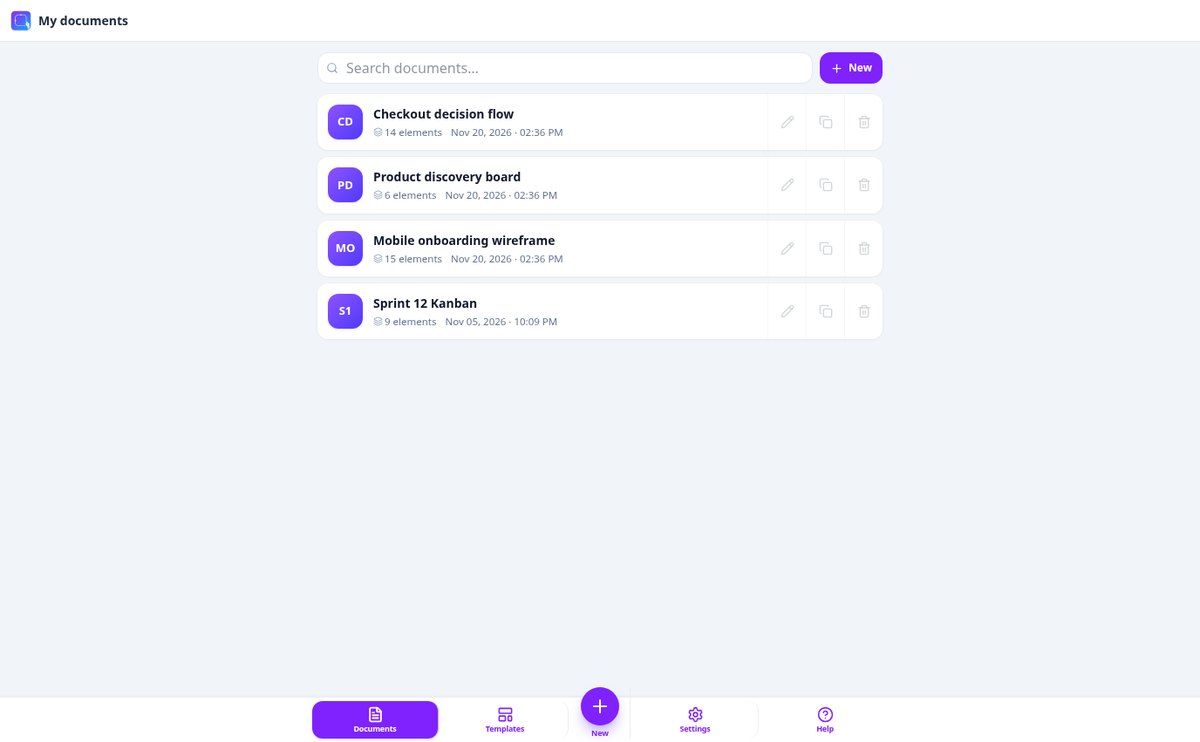
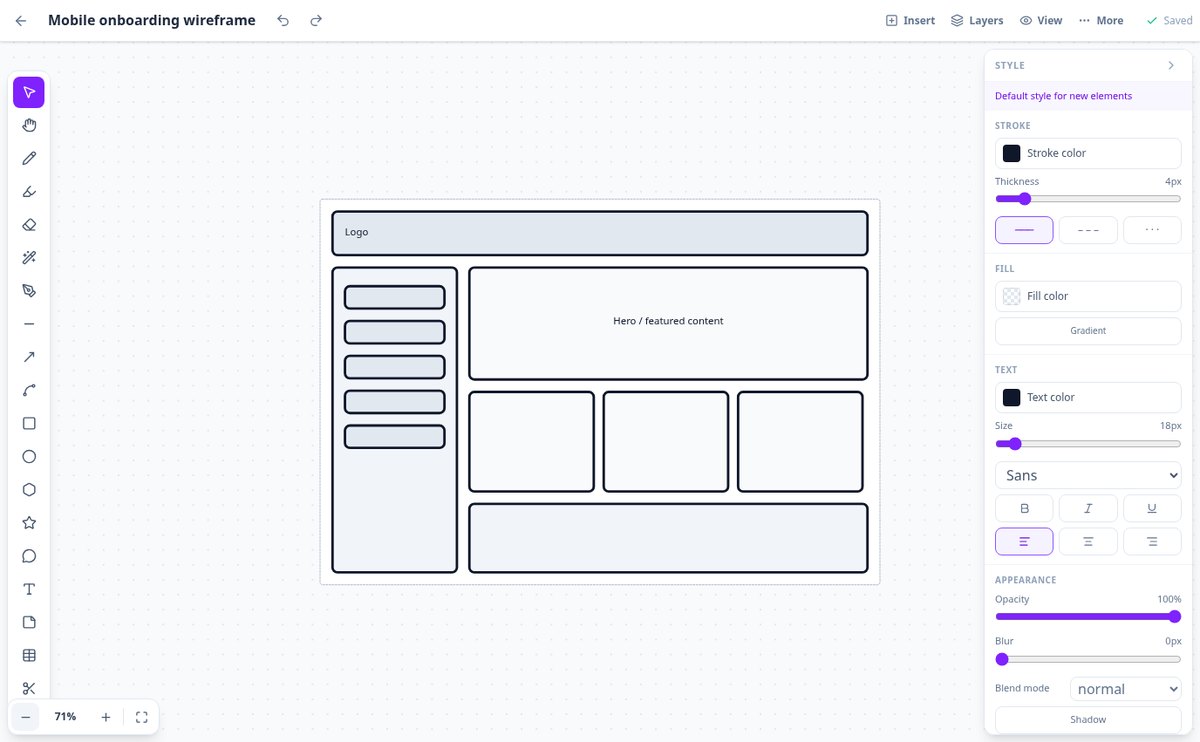
Discover every feature in detail
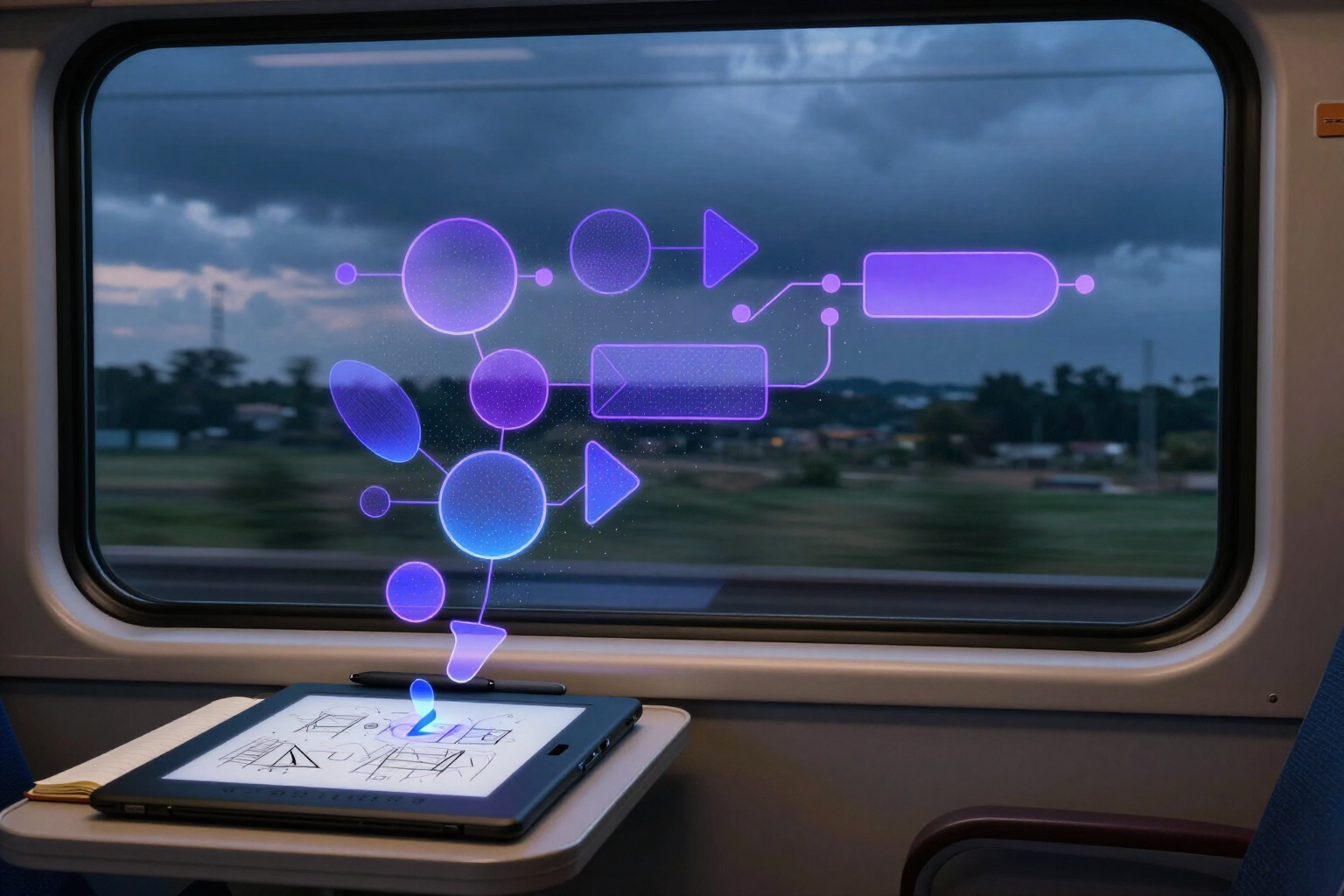
Diagram editor with autosave that doesn't lose changes offline | aiDraw
aiDraw autosaves your canvas every 1.2 s and, if the network drops, it saves a local backup copy on your device which you can recover when reopening the document, with automatic retry when the connection returns.
View feature
Online Infinite Canvas with Zoom and Adaptive Grid | aiDraw
Draw and diagram on an infinite canvas in your browser: free panning, 2% to 6400% zoom, dot, line, or isometric grid that adapts to zoom, rulers with guides, and a minimap. Free and no installation required.
View feature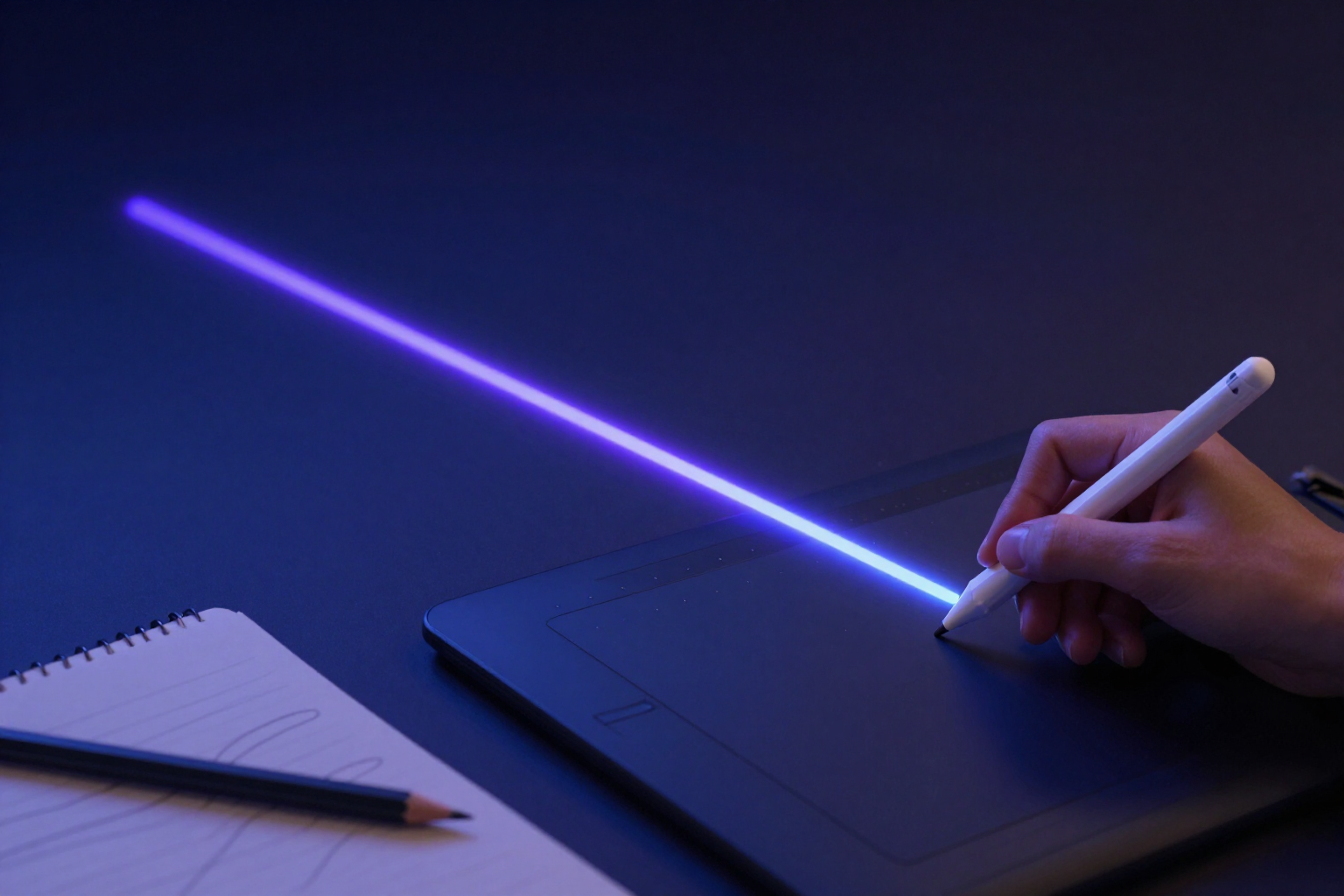
Draw Freehand Online with Pen Tool Pressure | aiDraw
Draw freehand in your browser with real digital pen tool pressure, variable width, automatic smoothing, sketch style, and partial eraser. No installation required.
View feature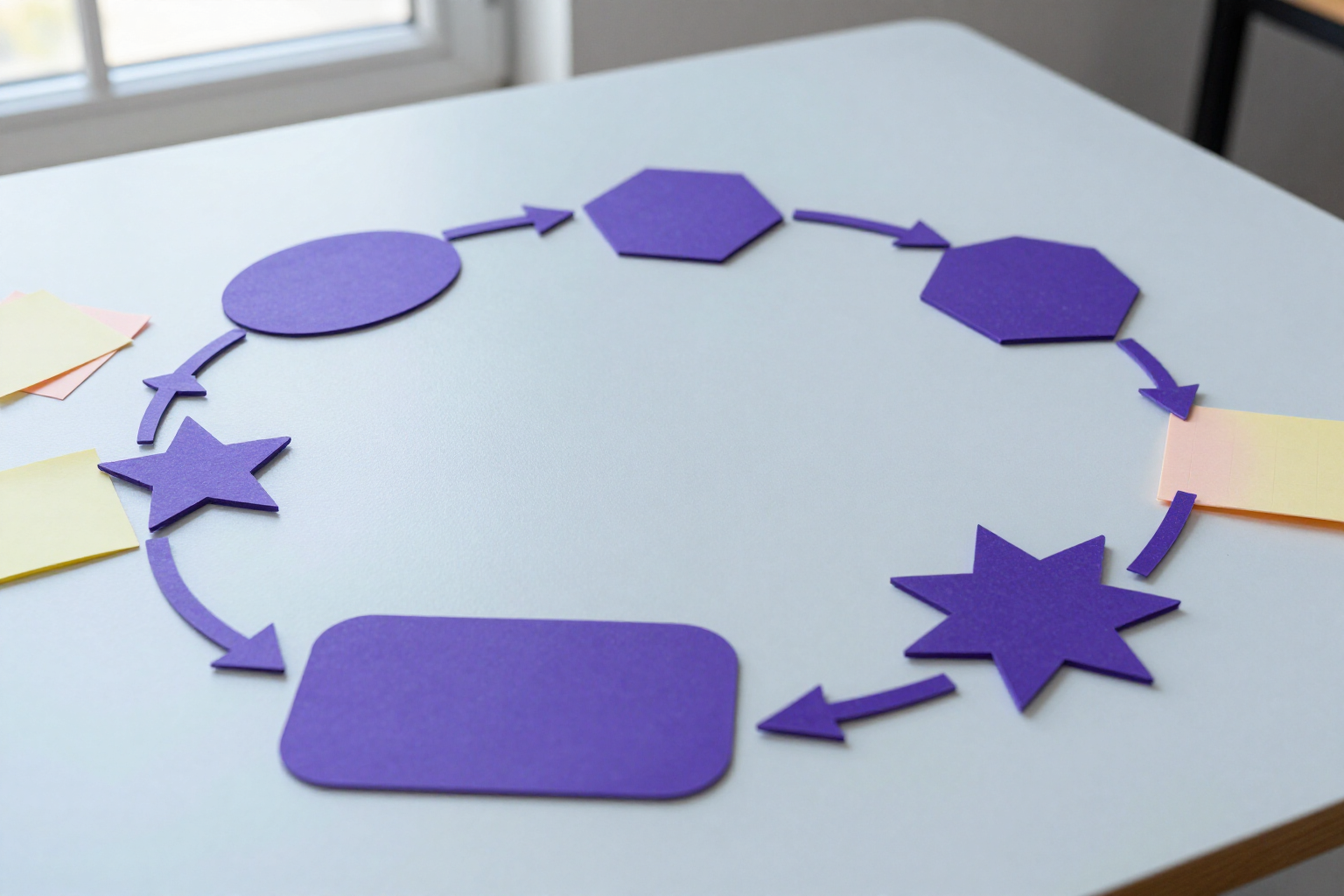
Online Shapes, Connectors, and Tables: Self-Repositioning Diagrams | aiDraw
Draw rectangles, ellipses, polygons, stars, and speech bubbles and connect them with connectors that follow the shapes when moved. Arrows, sticky notes, and editable tables in the browser. Free and no installation required.
View feature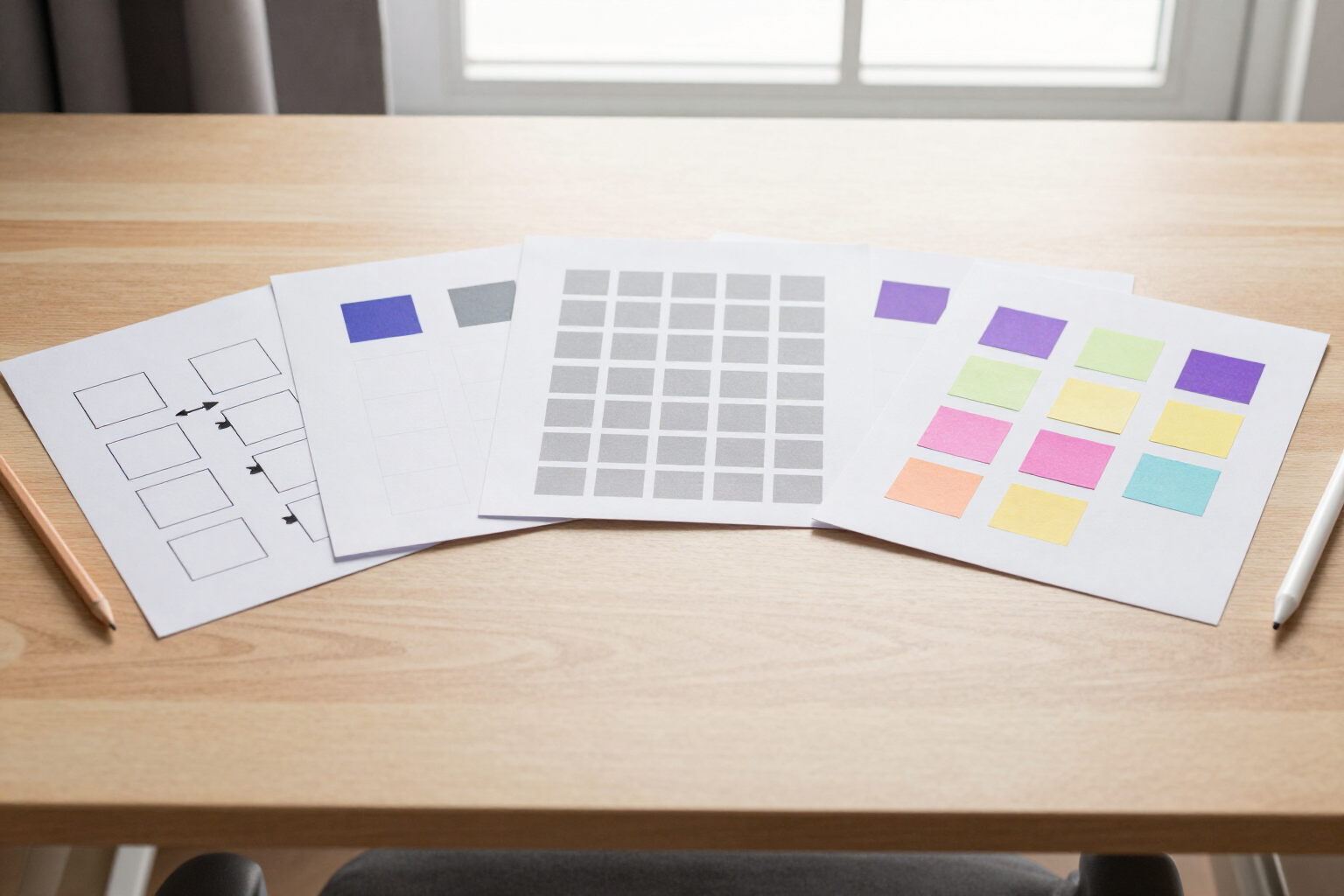
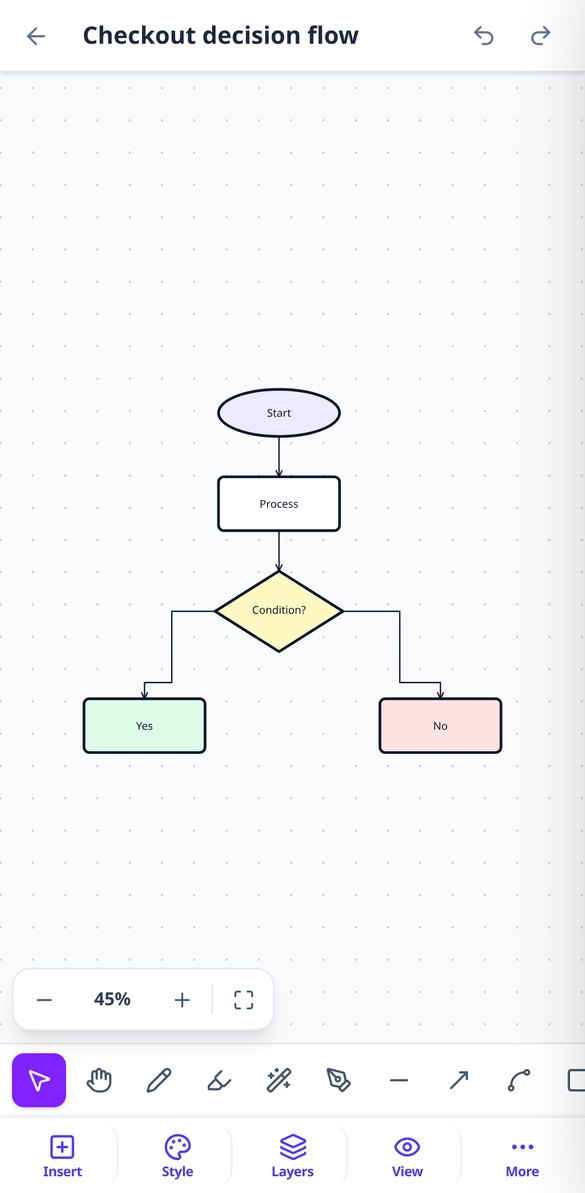
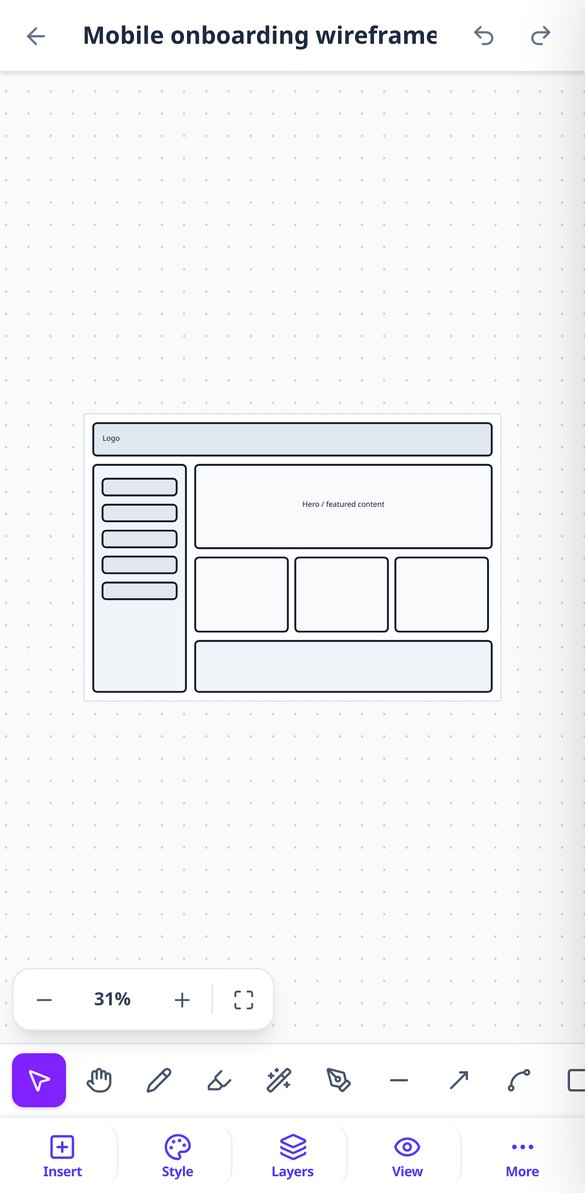
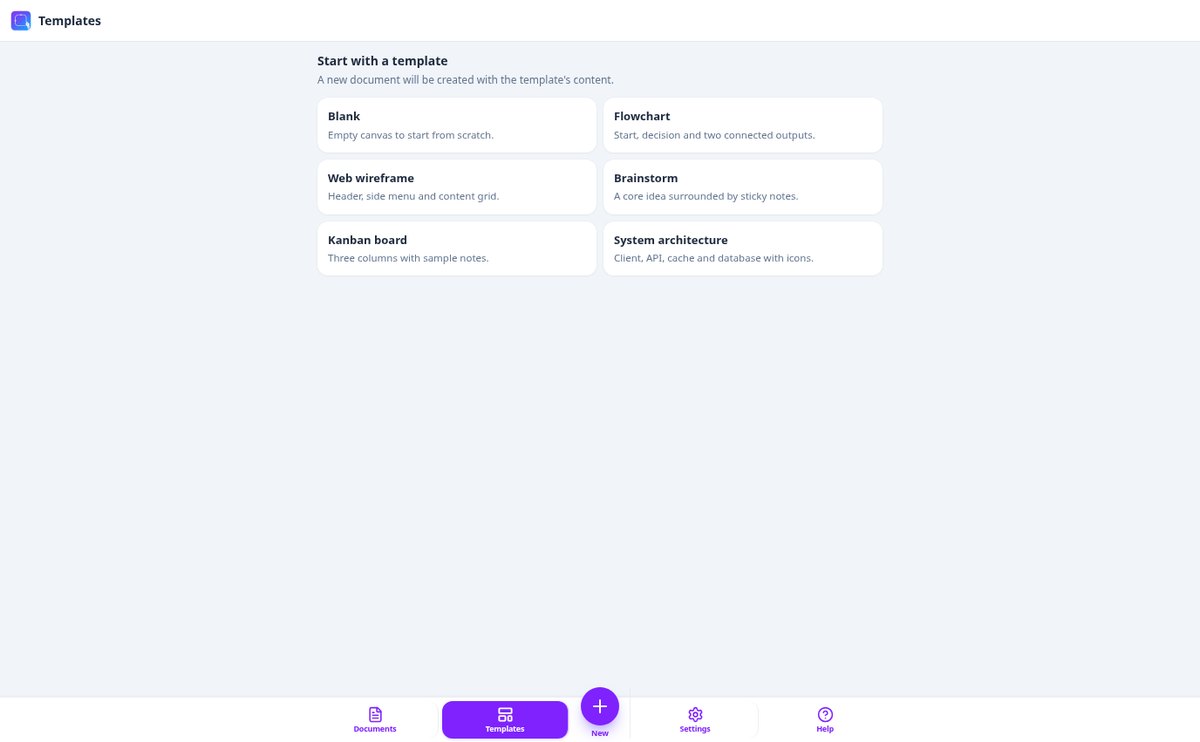
Free Online Diagram, Wireframe, and Kanban Templates | aiDraw
Start with a click: ready-to-use templates for flowcharts, web wireframes, brainstorming, Kanban boards, and system architecture. All editable in your browser and exportable to PNG, SVG, or PDF with aiDraw.
View feature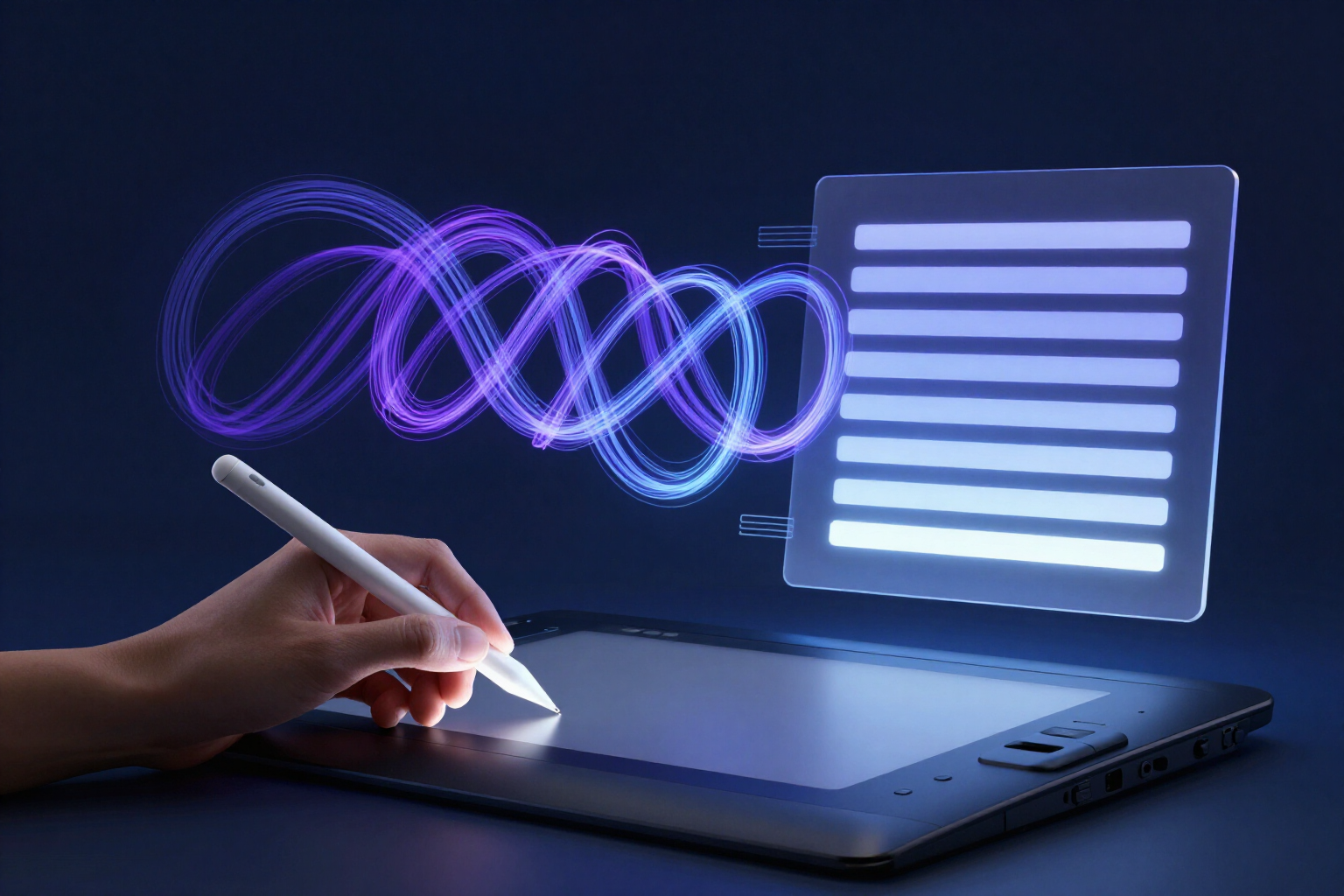
Convert Handwriting to Text with AI | aiDraw
Write by hand on the aiDraw canvas and AI instantly transcribes your handwriting into editable text: same position, proportional size, and ready for export to PNG, SVG, or PDF. In your browser, no installation required.
View feature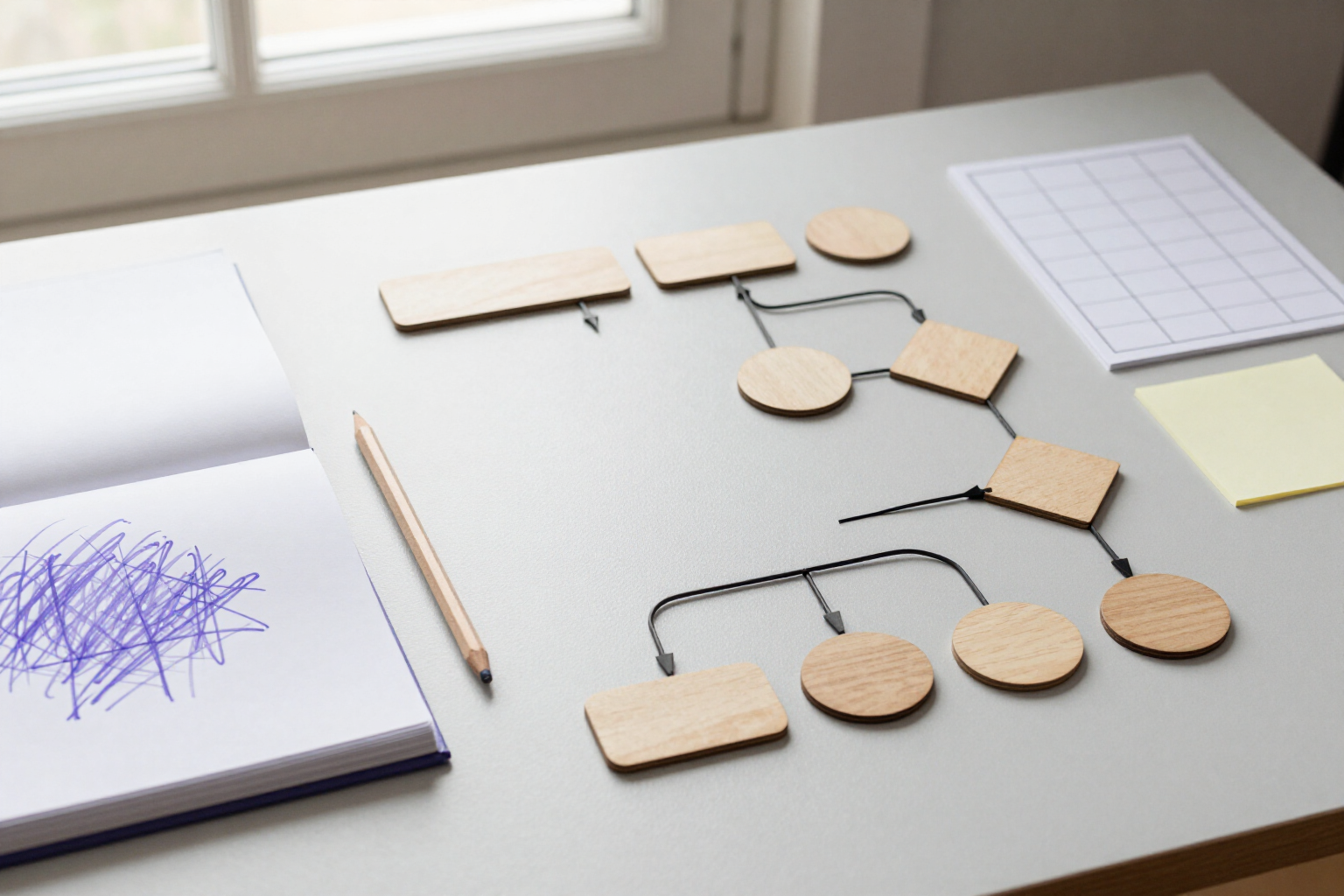
Create AI Diagrams and Wireframes from Text | aiDraw
Describe a process or a screen and aiDraw generates the flowchart or wireframe on the canvas: shapes, labels, and anchored connectors, 100 % editable. Online and free to start.
View feature
Export designs to PNG, JPG, SVG, PDF, and JSON online | aiDraw
Export your design or diagram to PNG, JPG, SVG, PDF, or JSON from your browser with aiDraw: up to 4x resolution, transparent background, export only the selection or an area, and on mobile, save to Photos with a tap.
View featureEverything you need to design
The tools of a professional editor, in a browser tab.

Infinite canvas with zoom from 2% to 6400%
Dot grid or square grid that adapts to the zoom level, rulers with guides, minimap, and fit to content so you never get lost. Multiple pages within the same document and frames sized for mobile, tablet, desktop, A4, or square.

Drawing, shapes, and connectors that reposition themselves
Pressure-sensitive pencil, marker, auto shape, lines, arrows, polygons, stars, speech bubbles, text, sticky notes, tables, images, and 41 icons. Connectors anchor to shapes and recalculate when you move them; layers, groups, rotation, and alignment to fine-tune it.

Diagrams and wireframes with AI
Describe what you want and aiDraw builds it on the canvas as an editable flowchart or wireframe. It also transcribes your handwriting into text and suggests a name for each layer.
Get started in three steps
Sign up free
Create your account and open aiDraw in your browser, no installation required.
Open a canvas or a template
Start blank or from a flowchart, a web wireframe, a brainstorm, a Kanban board, or an architecture diagram.
Draw and export
Everything saves automatically while you work. When you're done, export the document, your selection, or a frame to PNG, JPG, SVG, PDF, or JSON.

Who is it for?
Built for these profiles
Frequently Asked Questions
Latest blog articles
Guides and news to get more out of it
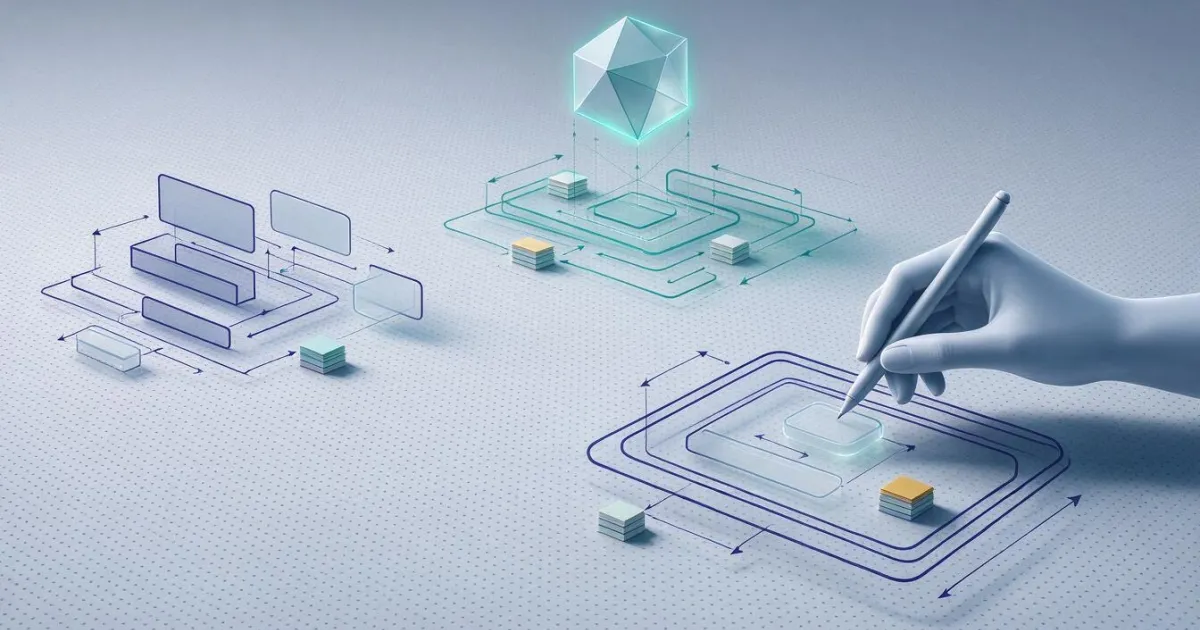
AI Whiteboards in 2026: What Artificial Intelligence Really Does on an Infinite Canvas (and What Still Remains Your Job)
What AI Really Does on an Infinite Canvas in 2026: Claude Whiteboards, Miro, FigJam and Figma, what still remains your job and a 7-point checklist.

How to Create a Flowchart Step by Step: Symbols, Rules, and Common Mistakes That Make It Unreadable
The 6 flowchart symbols according to ISO 5807, 7 steps to draw it, mistakes that require redoing it, and how to set it up in the browser with aiDraw.
Open your infinite canvas now
Create your free account and start drawing in your browser.