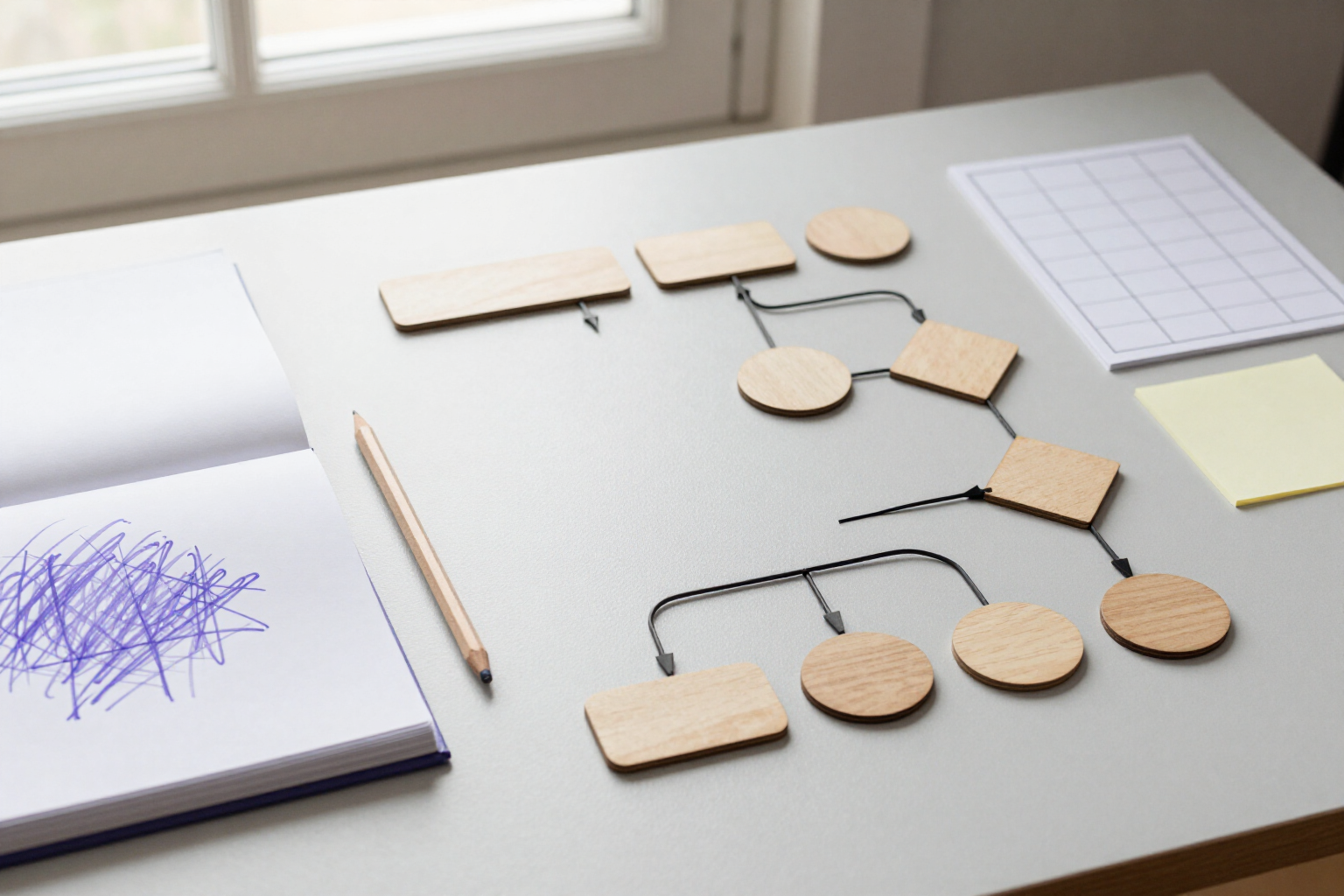
Generate diagrams and wireframes from text with AI
Describe the flow or screen you have in mind, and aiDraw will draw it on the canvas, already assembled and ready for refinement.
The hard part of a diagram is never thinking it up; it’s placing the boxes, aligning them, and drawing the arrows one by one.
In aiDraw, you open the editor’s «More» menu and choose «Diagram from Text» or «Wireframe from Text». You type what you want in natural language —up to 1,200 characters— and the AI returns the complete structure: in diagram mode, between 3 and 18 nodes with rectangles for steps, ellipses for start and end, diamonds for decisions, and sticky notes where appropriate, joined by anchored connectors with arrows and the label for each transition. In wireframe mode, 6 to 20 labeled rectangular blocks (header, navigation, hero, cards, form, footer…) aligned on a 900×620 px grid, the size of a screen.
What’s generated is not an image: these are native canvas elements. Each box can be moved, resized, recolored, and rewritten like any shape you would have drawn yourself, and the anchored connectors remain attached to the shapes, so when you drag a box, the arrow recalculates automatically, and the diagram stays aligned. The text of each node is editable text, not a drawing.
aiDraw inserts the result in the center of your current view, leaves it selected, and frames the view over the new content. If you’re not satisfied, Ctrl+Z undoes it entirely: the generation is recorded as a single history step and doesn’t touch anything you already had on the page. If your account language is not Spanish, the labels will appear directly in your language.
Starting with something drawn and correcting it is much faster than starting with a blank canvas: the AI provides the skeleton, and you focus on what matters—deciding if the flow is correct.
Benefits of AI Diagrams and Wireframes
From phrase to diagram in one step
you type «Customer onboarding process: form, validation, approval, and CRM registration» and the boxes, decisions, and arrows appear in place. The dialog provides examples to show you the level of detail that works best.
Two modes for two distinct jobs
diagram when you want to explain a flow or an architecture, and wireframe when you want to sketch a screen with its labeled blocks inside an interface-sized frame.
Fully editable, not a pasted image
shapes, texts, and canvas-native anchored connectors. Change a label, move a step, add a branch, or change a color without starting over.
Arrows don't get misplaced
anchored connectors are attached to each shape with orthogonal routing, so when you reposition a box, the line recalculates itself instead of remaining loose in the middle of the canvas.
Readable at a glance
each node type comes with its shape and color (steps in white, start and end in violet, decisions in yellow) and transitions with their label in the middle, so the diagram is inherently legible.
No risk to your document
the generated content is inserted in the center of the view, selected and framed, as a single undoable step. You can generate multiple versions of the same idea and keep the one you like best.
Afterwards, the entire aiDraw ecosystem
infinite canvas, layers, templates, icons, and export to PNG, JPG, SVG, PDF, or JSON to include it in a presentation, document, or repository.

Describe your flow and watch it drawn
Create your free account on aiDraw, open a canvas, and let the AI assemble the first draft. No installation, directly from your browser.