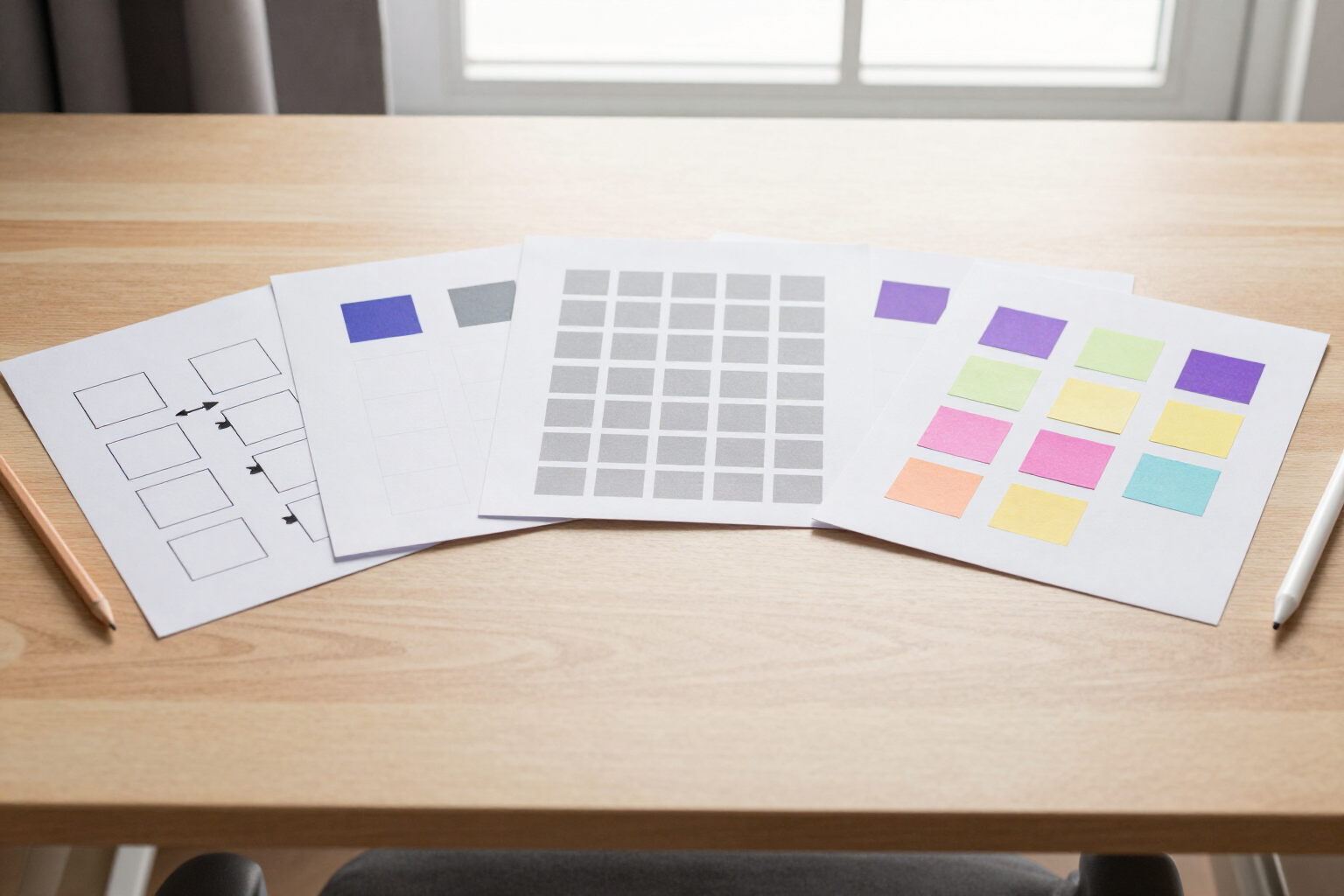
Ready-to-use templates: start your diagram with one click
Flowchart, web wireframe, brainstorming, Kanban board, or system architecture: choose a template and aiDraw opens a pre-built, editable document for you.
What stops a diagram isn’t the idea: it’s the empty canvas. Deciding where the first box goes, what size it should be, and how to place the others. aiDraw’s templates skip that initial hurdle: you choose the one that resembles what you want, and you already have a structure to work on.
In aiDraw’s Templates tab, there are six starting points: Blank, Flowchart, Web Wireframe, Brainstorming, Kanban Board, and System Architecture. A single click on any of them creates a new document, names it after the template, and places you in the editor with the elements already arranged on the canvas.
These are not images or fixed mockups: each template is built with the same objects you would use. The flowchart includes its start oval, process box, decision diamond, and two outputs connected with orthogonal connectors anchored to the shapes. The web wireframe comes within a 900x620 px frame with a header, a five-entry side menu, a hero block, and a grid of three cards. The brainstorming template places a central idea surrounded by four colored sticky notes. The Kanban sets up three columns—To Do, In Progress, Done—with an example task in each. The system architecture positions client, API, database, and cache with their icons and connections.
From the very first second, everything is editable: you move the boxes and the connectors recalculate themselves, you change colors and thicknesses, delete what you don’t need, add pages to the document, and write in the notes and cells. The document saves automatically as you work, so you don’t have to remember anything.
And if you’re already in a document, there’s no need to create another: the Insert panel has its Templates tab and drops the elements of your chosen template centered in the current view, alongside what you’ve already drawn.
Benefits of Ready-to-use templates
Six distinct starting points, one click each
flowchart, web wireframe, brainstorming, Kanban board, system architecture, and blank canvas. You choose from the Templates tab, and the document is created and opened automatically, without dialogues or prior configuration.
Editable templates, not example images
what appears on the canvas are real aiDraw parametric shapes, connectors, sticky notes, frames, and icons. You can change the corner radius, the number of sides of a polygon, or the color of a note just like in any other document.
Connectors that withstand your changes
in flowcharts and system architecture diagrams, lines are anchored to shapes by their ID, so you can rearrange the boxes as you like, and the connectors recalculate instantly instead of being left dangling.
Insert a template into an already started document
from the Insert > Templates panel, elements enter centered in the current view without affecting what you already have. Useful for adding a second flow or a Kanban board alongside a diagram you were already building.
Templates in your language
example texts —Start, Process, Condition?, Pending, In Progress, Done, Central Idea— load in the language you use aiDraw in, not in English. Nothing to translate manually before you start.
The wireframe comes with its screen frame
the 900x620 px frame defines the webpage you are designing, with the header, sidebar menu, and card grid already inside. Then you can export only that frame if you want to deliver the screen separately.
Seamless transition from template to deliverable
when the document is finished, you export it to PNG, JPG, SVG, PDF, or JSON, either entirely or by selection. The same workflow for a class flowchart and a client wireframe.
No installation required and with auto-save
aiDraw opens templates in your browser—desktop, tablet, or mobile—and saves every change as you draw, with version history to revert if you change your mind.

Choose your template and start drawing
Create your free AIsToHire account and open aiDraw: six ready-to-use templates—diagrams, wireframes, brainstorming, Kanban, and architecture—on an infinite canvas that works in your browser, with no installation required.