 aiDraw
AI Whiteboards in 2026: What Artificial Intelligence Really Does on an Infinite Canvas (and What Still Remains Your Job)
Team at aiDrawWritten with AI assistance19 min readIn summary
- On November 10, 2026, Anthropic launched in beta Claude Whiteboards, Claude Sheets, and Claude Meetings: the AI groups ideas from the board, drafts the plan being discussed, and draws the timeline while the meeting occurs (TechCrunch, Nov-10-2026).
- The fundamental change of 2026 is not "having AI," but what context the AI sees: in Miro, FigJam, or Storyflow, it left the side chat and operates on the content of the canvas itself (AI whiteboard comparison by Storyflow, 2026).
- On a canvas, the AI does well today four things: group and summarize notes, convert a description into a starting diagram or wireframe, transcribe handwriting, and name or order layers.
- It remains human work to decide what to include and what to leave out, the hierarchy, the flow, readability, and data accuracy. A diagram can be impeccable in form but poorly present the decision.
- Before presenting an AI-generated diagram, run it through the 7-point checklist at the end: decision diamonds with a single output, arrows without a destination, and wireframes without an error state are the three most common failures.
If your work involves a canvas —team whiteboards, flowcharts, wireframes, class diagrams— 2026 has been the year when artificial intelligence moved inside the canvas instead of commenting on it from a sidebar. This article reviews what has truly changed, with dates and sources, what the AI can do today on a canvas, and what still depends on you. We wrote it at AIsToHire from a bias that we should declare: aiDraw, our infinite canvas design editor, is designed for solo diagramming, not for live collaborative sessions; you will see below where each thing fits.
What changed in 2026: AI moved from the sidebar to the canvas
Until 2025, "AI whiteboard" almost always meant a chat stuck to the side that wrote text and, at most, returned sticky notes. In 2026, the point of comparison shifted: what differentiates a tool is no longer whether it has AI, but what part of your board the AI can read when you ask it to think. The AI whiteboard comparison by Storyflow summarizes it this way: the differentiator stopped being "does this tool have AI" and became "what context can the AI see when you ask it to think" (Storyflow, 2026).
This shift has practical consequences, and the comparison itself points them out without makeup: in Miro and FigJam, the AI responds based on the elements you select, not on the complete context of the project; Mural summarizes mainly the outcome of a workshop rather than building structure. In other words, the AI now operates on the content, but with a window of attention that remains narrow and that you decide by narrowing the selection.
On the product design side, the movement is the same: the Figma agent moved from producing flat mockups to generating editable vectors and icons. In the release notes of November 5, 2026, Figma indicates that the illustrations and icons from the agent consist of independent layers and grouped elements —if you generate a set of weather icons, you can select the sun and clouds separately and modify them at the layer and stroke level (Figma release notes, Nov-5-2026). It's a detail that seems minor and is not: an AI output that arrives as editable layers can be corrected; one that arrives as an image cannot.
Why Anthropic, Google, and Microsoft are now competing for the canvas
Because the canvas is where decisions are made before the document, sheet, and presentation exist. Whoever sits at the board captures the moment when a team decides, and from there come the tasks, the plan, and the deliverables. This explains why in 2026 the three giants have pushed simultaneously into the same space.
The most recent move is from Anthropic. On November 10, 2026, it launched in beta three workpieces: Claude Sheets (collaborative spreadsheets with multiple tabs, formulas, and dropdowns, exportable to Excel), Claude Whiteboards (a board where the AI organizes ideas in a visual space with timelines and deadlines, from which a document or presentation can be generated), and Claude Meetings, which enters the video call as a visible participant to draft the plan being discussed, draw the timeline on the board, respond in the meeting chat, and consult connected applications to retrieve, for example, last year's figures (TechCrunch, Nov 10, 2026). Engadget itself reads the launch for what it is: a frontal move against Google and Microsoft in the productivity layer (Engadget, Nov 10, 2026).
Two nuances of availability that should not be overlooked: Meetings is limited to Team and Enterprise plans and currently only works with Google Meet, while Whiteboards and Sheets are in beta only for paid plans; in Team they are enabled by default and in Enterprise they remain off until an administrator enables them (AI Weekly, Nov 10, 2026). And to ensure the board isn’t a dead end, Whiteboards includes a "Send to" feature for Lucid, Miro, and Zoho Vani, in addition to exporting to PNG (IT-Connect, Nov 2026).
Google has taken the route of its own Workspace: on October 30, 2026, it announced that Gemini edits multiple slides or an entire presentation with a single prompt from the sidebar of Google Slides —refresh styles in bulk, condense or expand slides, match titles— and reminds that to generate a complete deck from scratch the path is Canvas in the Gemini app (Google Workspace Updates, Oct 30, 2026).
Microsoft is the blurriest case, and it must be said as such: what is known about Copilot Canvas —an AI whiteboard with image generation and a streaming creation mode while you draw or write— comes from leaks from March 2026, not from an official announcement, and there is no public timeline (Windows Latest, Mar 1, 2026). Treat it as a signal of where the market is headed, not as a product to plan with.
| Movement | What it is | Date | Status and requirement |
|---|---|---|---|
| Claude Whiteboards | Board where AI groups ideas, generates tasks, and draws timelines; "Send to" for Lucid, Miro, and Zoho Vani | Nov 10, 2026 | Beta, paid plans only |
| Claude Sheets | Spreadsheets with tabs, formulas, and dropdowns; exports to Excel | Nov 10, 2026 | Beta, paid plans only |
| Claude Meetings | Claude as a visible participant in the video call: plan, timeline, and notes | Nov 10, 2026 | Beta, Team and Enterprise; Google Meet only |
| Gemini in Google Slides | Edits multiple slides or the entire presentation with a prompt | Oct 30, 2026 | Available in Workspace |
| Gemini Canvas → Slides | Generates a complete presentation from a prompt | Apr 2026 | Available in the Gemini app |
| Microsoft Copilot Canvas | AI whiteboard with image generation and streaming creation | Leaked Mar 1, 2026 | No official announcement or date |
The four things that AI does well today on a canvas
On a canvas, AI is reliable in tasks where accuracy is verifiable at a glance: grouping and summarizing notes, creating a diagram or wireframe from scratch based on a description, converting handwritten text to typed text, and organizing the document structure (layer names, groupings). All four have something in common: they produce material that you will correct, not a decision that you will sign off on.
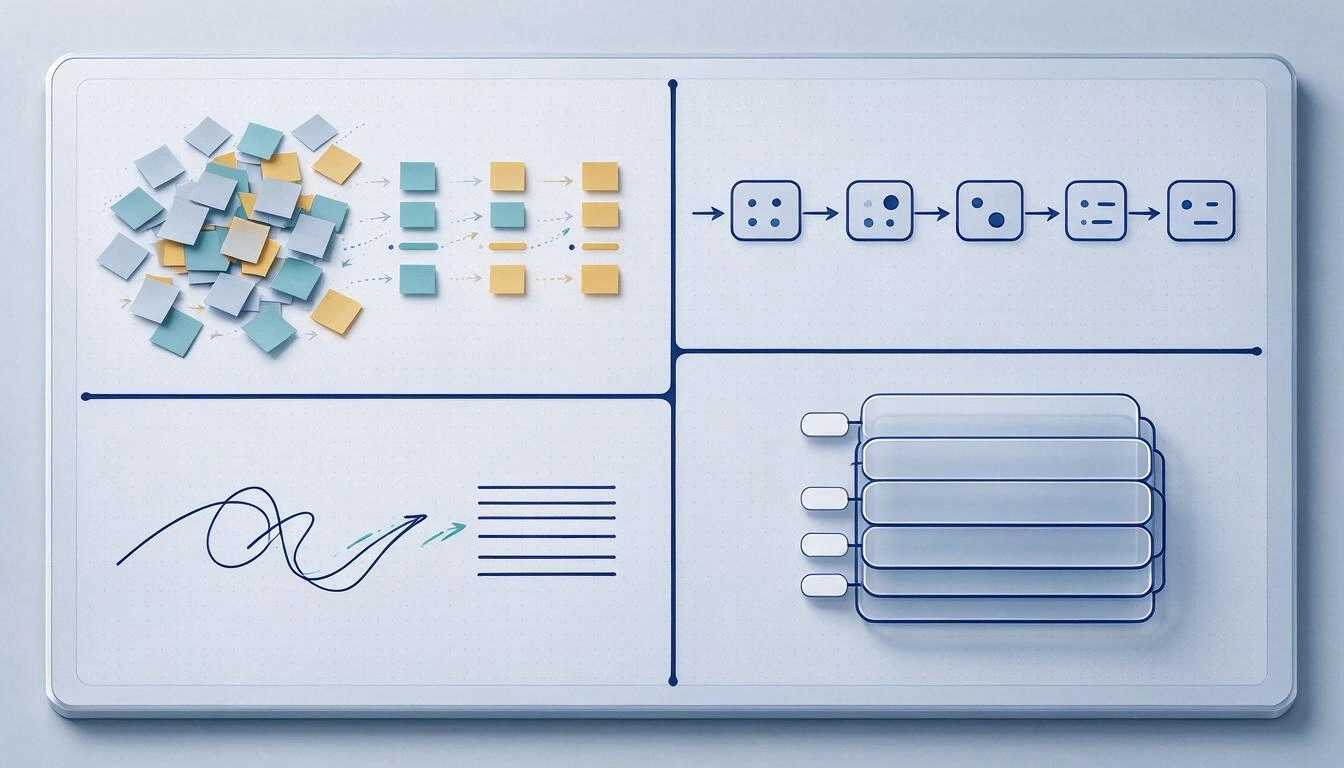
1. Grouping and summarizing sticky notes. This is the most mature case and one that all tools solve with similar quality: eighty notes from a brainstorming session come in disorganized and come out in six or seven themes with a title for each group. Claude Whiteboards presents it exactly this way —organizing the session ideas and turning them into tasks (TechCrunch, Nov 10, 2026)—. The accuracy here is cheap to verify: you read the group titles and see if the distribution makes sense.
2. Converting a description into a starting diagram or wireframe. You describe the flow in a sentence and get the boxes, diamonds, and connectors already placed. Miro goes a step further and allows the content of the board itself to be the prompt: sketches, notes with requirements, or reference material that AI transforms into a structured diagram (Miro AI diagram generator). It saves the work of placement, not the work of decision-making.
3. Transcribing handwritten text. This is the function that has matured the most in 2026 and the one that has made the least noise. Miro converts handwritten notes and sketches into text, diagrams, sticky notes, and documents —including direct input from a reMarkable tablet with "Send to Miro"— and maintains in beta a "Digitize Diagram" that turns a photo of a hand-drawn diagram into an editable diagram on the board (Miro help center).
4. Naming and organizing layers. Not glamorous and very cost-effective: a document with thirty layers named "Rectangle 14" is impossible to maintain, and putting descriptive names is exactly the type of mechanical and verifiable task where AI has no room for costly mistakes. On the design side, the equivalent is that outputs arrive in chunks: Figma insists that the agent's vectors are independent layers with related elements grouped together (Figma release notes, Nov 5, 2026).
What remains your job (and why it’s non-negotiable)
Four decisions are not delegated: what goes in and what stays out of the diagram, the hierarchy and the flow (what is read first, where the eye moves), the actual readability at the size it will be projected or printed, and the accuracy of the data. AI optimizes for visual plausibility, not for truth: its typical failure is not an ugly diagram, it’s a pretty diagram that misrepresents the decision.
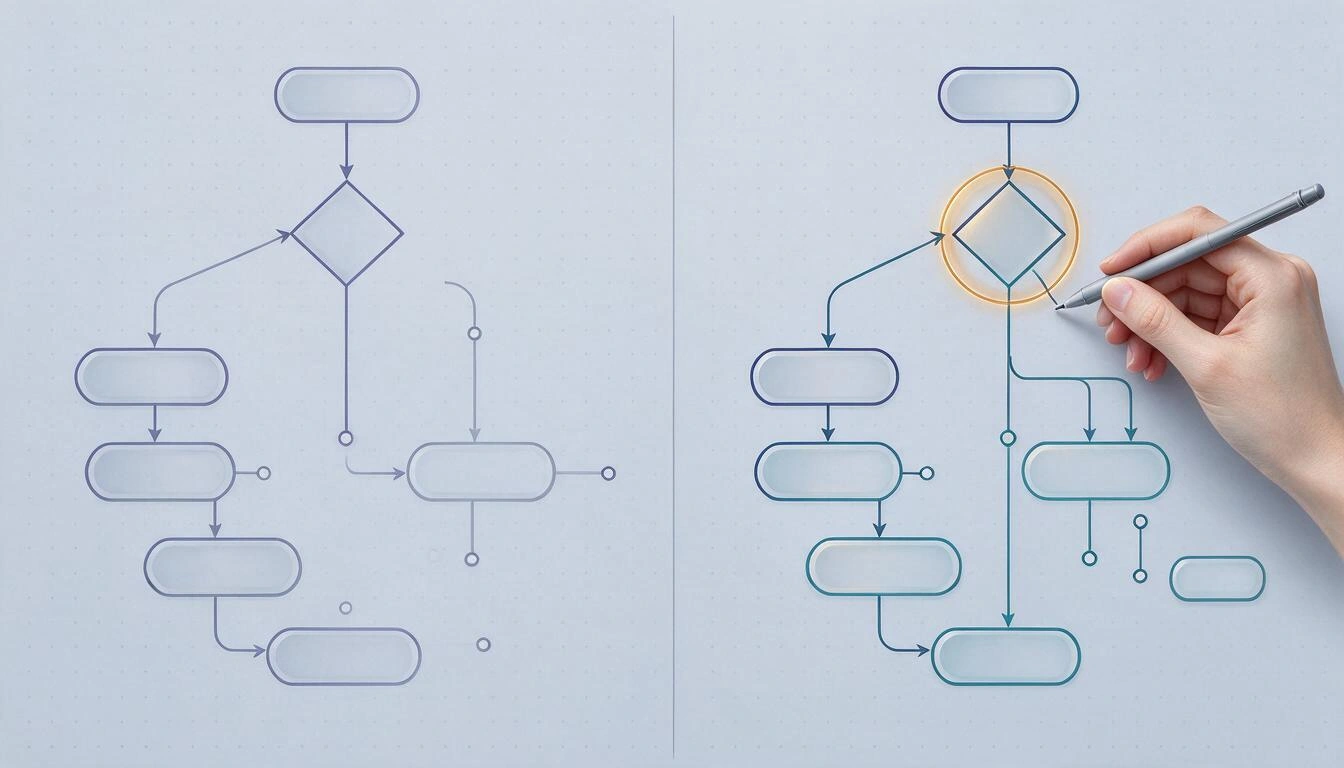
These are the error patterns you will see over and over again, and that no validator catches:
- The decision diamond with a single output. AI draws "Is payment approved?" and outputs a single arrow to "Confirm order". Formally it’s a diagram; logically there’s no decision, there’s a step disguised as a question.
- The poorly formulated question. "Is customer valid?" instead of "Does the customer have a valid payment method?". The boxes remain symmetrical and the team discusses for half an hour without realizing that the criterion is not defined.
- Arrows that die in emptiness. "No" branches that go nowhere, or that return to the start because that’s what closed the drawing.
- Wireframes without states. The happy screen arrives: form filled, list with eight items, all correct. Missing are the empty state, loading state, network error state, and permission denied state, which are exactly where the design is played out.
- Flat hierarchy. Twelve boxes of the same size and color. Nothing indicates what is the main path and what is the exception.
- Invented data that looks like data. Percentages, volumes, or deadlines on labels that no one has measured. If it’s going to leave your screen, it needs to have a source.
- Illegible at actual size. A diagram that works at 200% zoom and is a blot on an A4 or in a classroom projector.
The honest summary: AI takes away the placement work —which was time-consuming— and leaves you intact with the criteria, which was costly in consequences.
How to choose a canvas tool based on the case
The useful question is not "what is the best AI whiteboard," but whether you will be working with people live or alone. If the value is in the session —ten people, moderation, voting, notes that move while someone speaks— you need a collaborative team whiteboard and you will pay for seats. If the value is in producing a diagram or a wireframe quickly, what matters is something else: how long it takes to open, if anything needs to be installed, in what formats it exports, and what happens to your document the day you stop paying.
| Tool | Free plan | Paid entry | AI on the canvas | If you stop paying |
|---|---|---|---|---|
| Miro | 3 editable boards | $8/member/month annual (Starter, 25 AI credits); Business $20 with 50 credits | Diagrams from text, board content as prompt, handwritten to text, "Digitize Diagram" in beta | Boards above 3 become read-only |
| FigJam / Figma | Starter: one team, one folder, and 3 files, 30-day history | Collab $3/month, Dev $12, Full $16 (Professional) | Agent that generates vectors and editable icons by layer and stroke; object selection in images | You revert to the limit of 3 files and 30 days of history |
| Claude Whiteboards | None | Only paid plans (beta) | Groups ideas, generates tasks and timelines; builds during the meeting | You lose access to the board in the tool |
| Mural | Limited | $9.99/user/month | Summarizes mainly the outcome of the workshop | According to plan |
| Lucidspark | 3 editable boards | $7.95/user/month | Transition from ideas to formal diagram | Limit of the free plan |
| Excalidraw | Yes, no account | Excalidraw+ from $7/month | Minimal; its strength is immediate sketching | Local or self-hosted files |
Sources for the table: Miro prices and Figma prices consulted on Nov 12, 2026; Starter plan limits in the Figma help center; availability of Claude Whiteboards in AI Weekly (Nov 10, 2026); prices for Mural, Lucidspark, and Excalidraw in the Storyflow comparison (2026).
Three criteria that people discover late:
- The weight of login and team account. For a class, an exam, or an idea at eleven at night, creating a workspace, inviting people, and choosing a plan is more friction than value. Excalidraw became popular precisely for not requiring an account.
- Export formats. PNG is good for pasting in a chat; SVG for someone to retouch; PDF for printing or attaching; and a document format (JSON or equivalent) so you don't end up without the editable original. If your tool only provides PNG, the day you switch you take not the diagram but a photo of the diagram.
- What happens to your document if you stop paying. This is the fine print that hurts the most. Miro states it explicitly: when downgrading to free, boards exceeding the limit of three become read-only (Miro prices, consulted Nov 12, 2026).
7-Point Checklist to Review an AI-Generated Diagram or Wireframe
Before showing an AI output to a client, a team, or a class, pass these seven points. They are ordered from most serious to most cosmetic, and the first four are what invalidate the entire diagram.
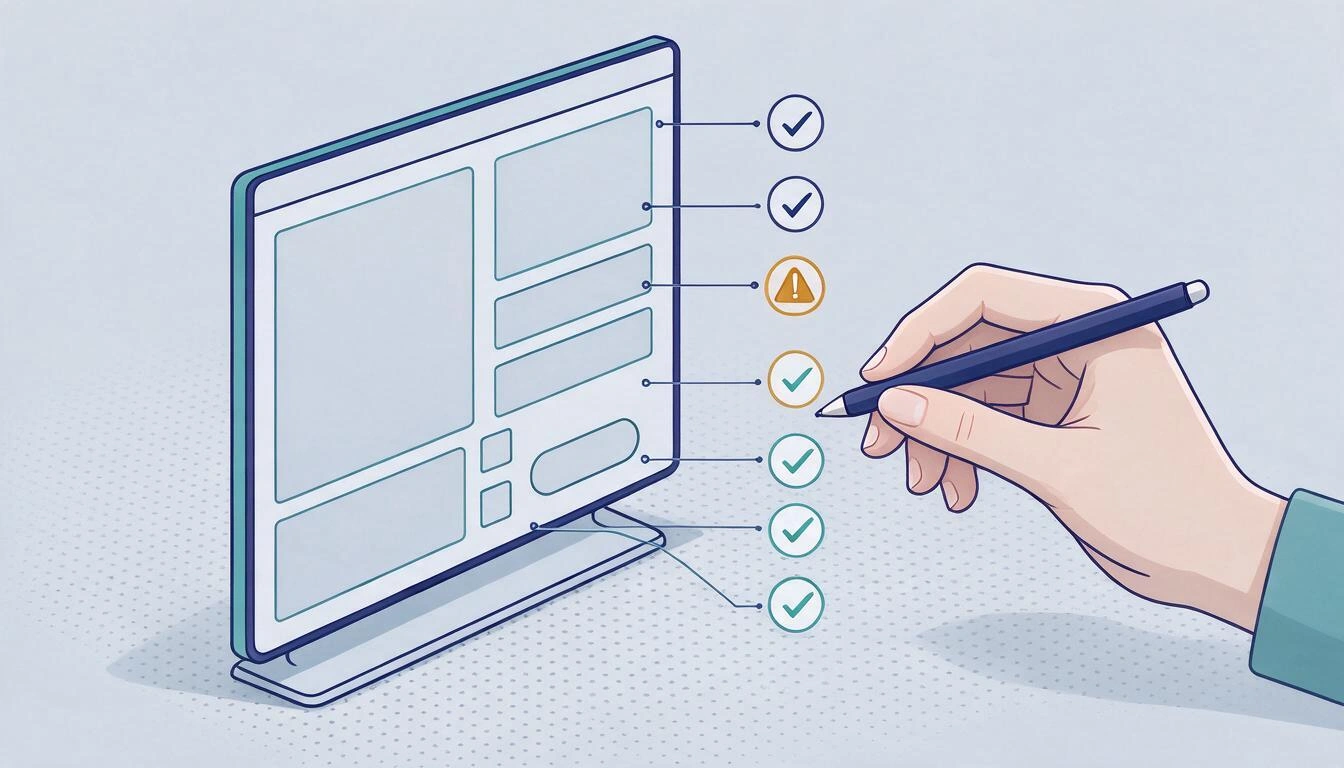
- Each decision has at least two labeled outputs. Go through all the diamonds. If one has a single arrow, it is not a decision: delete it or turn it into a step.
- No arrow dies in a void nor any node remains orphaned. Every branch ends in a final state, in a real step, or in an explicit return point.
- The questions are phrased with a verifiable criterion. "Valid client?" does not count; "Does it have a valid payment method?" does. If you wouldn't know how to answer the question by looking at a specific data point, it is poorly written.
- Unhappy paths are included. Error, empty state, loading, no permissions, no connection, time expired. In a wireframe, at least the empty state and the error state.
- Every numeric data has an origin. Figures, deadlines, volumes, and percentages: either you have verified them, or they come from the label. This is the rule that prevents an AI invention from traveling within your diagram.
- The hierarchy is visible without reading. The main path is distinguished by size, thickness, or color; exceptions are visually subordinated.
- It is legible at final size. Step back to the zoom at which it will be viewed —A4, slide, mobile, classroom whiteboard— and check that the text is readable and that the connectors do not cross in a knot.
A usage note: if point 1 or 2 fail, do not correct the drawing; go back to describe the flow and regenerate. Manually fixing a poorly conceived diagram costs more than recreating it.
Where a solo canvas fits: the case of aiDraw
If your case is the second one from the previous section —to diagram or prototype alone, quickly and without installing anything—, you don't need a team board with seating and moderation: you need a canvas that opens in the browser and decent export options. That is exactly the gap that aiDraw fills, the infinite canvas app from AIsToHire.
How that flow works in practice: you describe the flowchart or wireframe and aiDraw assembles it on the editable canvas, not as an image; you refine it with shapes, text, sticky notes, layers, and groups; connectors anchor to the boxes and recalculate when you move them, so rearranging the diagram doesn't force you to redraw the arrows; and you export it in PNG, JPG, SVG, PDF, or JSON —the entire document, just the selection, or a specific frame—. It is the direct answer to points 1, 2, and 7 of the checklist: regenerating is cheap, moving boxes breaks nothing, and the zoom goes from 2% to 6400% to check readability at actual size.
It also covers the other two functions from the previous section: it transcribes to text what you write by hand —useful if you work on a tablet with a stylus, with pressure sensitivity— and suggests a name for each layer. And it's worth mentioning what it does not do, because it's part of choosing wisely: aiDraw does not generate illustrations or photographs, and it is not a live collaborative session tool. To moderate a workshop with ten people, use a team board. To bring an idea down to a presentable diagram in twenty minutes, your own canvas with templates for flowcharts, web wireframes, brainstorming, Kanban, or architecture and autosave while you draw solves better and with less friction.
Frequently asked questions about AI whiteboards
What is an AI whiteboard and how does it differ from a normal digital whiteboard?
An online digital whiteboard is a shared canvas where you draw, paste notes, and connect boxes. An AI whiteboard adds a model that reads the board's content and acts on it: it groups notes by topic, generates a diagram from a description, summarizes the session, or transcribes handwritten notes. The difference in 2026 is that this AI no longer lives in a separate chat, but operates on the elements of the canvas itself (Storyflow, 2026).
What is Claude Whiteboards and is it free?
It is the whiteboard that Anthropic launched in beta on November 10, 2026: a board where the AI organizes ideas in a visual space with timelines and dates, generates tasks, and allows exporting the result as a document or presentation, or sending it to Lucid, Miro, or Zoho Vani (TechCrunch, Nov 10, 2026). It is not free: it is only available in paid plans, enabled by default in Team and turned off in Enterprise until an administrator enables it (AI Weekly, Nov 10, 2026).
Can an editable flowchart be generated with AI and not just an image?
Yes, and that is the criterion you should demand. Serious tools return the diagram as canvas objects —boxes, connectors, layers— that you can move and correct. Figma emphasizes this in its agent vectors, made up of independent layers editable at the stroke level (Figma release notes, Nov 5, 2026), and it is also what aiDraw does by converting your description into an editable flowchart on an infinite canvas. If the output is a PNG, you haven't generated a diagram: you've generated a photo.
What are the alternatives to Miro and FigJam if I just want to diagram myself?
It depends on what you find cumbersome about them. If what weighs you down is the team account and the price per seat, reasonable options are a canvas without an account like Excalidraw, Lucidspark, or Whimsical in their limited free plan, or a browser-based editor focused on individual work like aiDraw. What you should compare is not the list of features, but three things: entry friction, export formats, and what happens to your documents if you stop paying.
What happens to my boards if I stop paying for the subscription?
It varies by tool and it's advisable to read it before putting six months of work into it. Miro is explicit: when downgrading from a paid plan to the free one, boards that exceed the limit of three become read-only (Miro pricing, consulted Nov 12, 2026). In Figma, you revert to the Starter plan with one team, one folder, three files, and 30 days of history (Figma help center). The practical defense is to periodically export to an editable document format, not just to an image.
Can AI replace the designer or teacher who makes the diagram?
No, and the reason is structural, not a matter of model maturity. AI produces the placement; the criteria remain human: what goes in and what is left out, how it is prioritized, whether the diamond question is well formulated, and whether the label data is accurate. The most common errors in AI outputs —decisions with a single output, arrows without destinations, wireframes without error states— are judgment errors that no validator detects and that only become apparent upon review.
Is it necessary to install anything or pay to start diagramming in the browser?
Not necessarily. There are canvases that work in the browser without installation and with a free plan, and it is the sensible path for a trial: you open it, describe the flow, refine it, and export it. If you are going to need live moderation, voting, and team seating, then you do enter the realm of user subscriptions.
Conclusion: the criteria is yours, the placement is no longer
2026 has made the distribution quite clear. Between Claude Whiteboards, Gemini in Slides, the Figma agent, and the AI from Miro and FigJam operating on the canvas content, the work of placing —boxes, connectors, layers, groups of notes— has become almost free. The work of deciding hasn’t moved an inch: it’s still up to you to decide what goes in, what stays out, what is read first, and whether the data on that label is true. That’s why the seven-point checklist matters more than the tool.
And that’s why, before choosing, first decide the case. For the live session with ten people, a team whiteboard. For diagramming or prototyping alone, quickly and without installing anything, a personal canvas is enough: it’s the space we work in AIsToHire with aiDraw, where you can open an infinite canvas and generate your editable diagram, tweak it with connectors that recalculate when moving the boxes, and export it in PNG, JPG, SVG, PDF, or JSON.
Open a free canvas on aiDraw and test the checklist with your next diagram
Open a free canvas on aiDraw and test the checklist with your next diagramKeep reading
View all articles →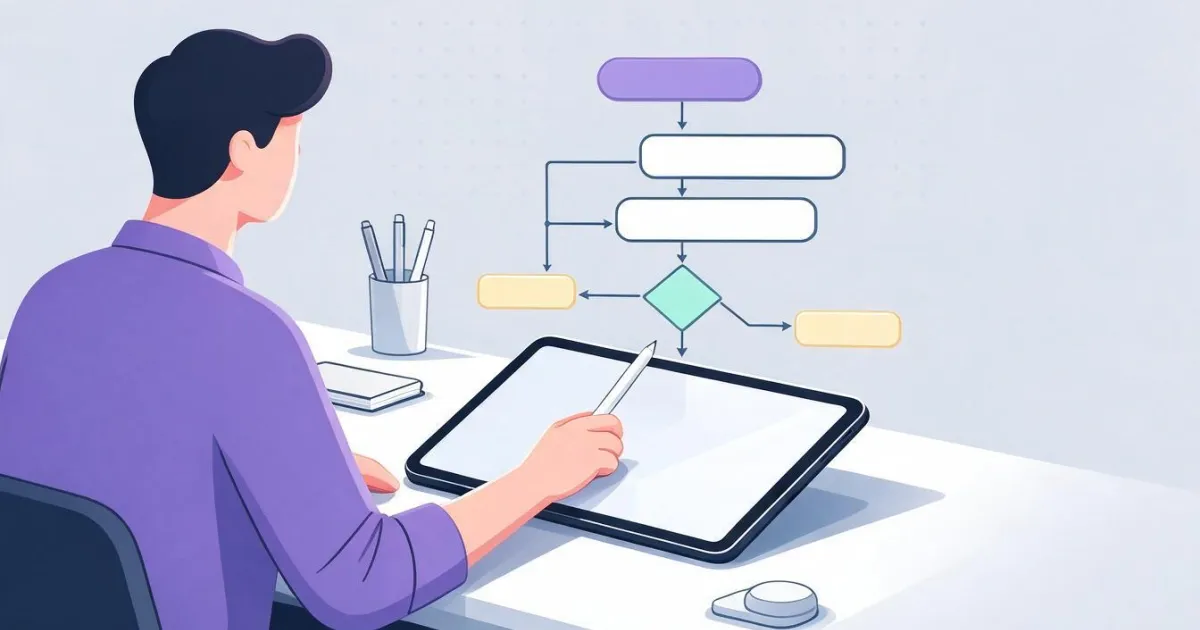
How to Create a Flowchart Step by Step: Symbols, Rules, and Common Mistakes That Make It Unreadable

Why Your Car Insurance Increased in 2026: Average Premium of €1,412 and Historic Record

Discussing via WhatsApp or talking in person: what science says about couple conflicts through messages
