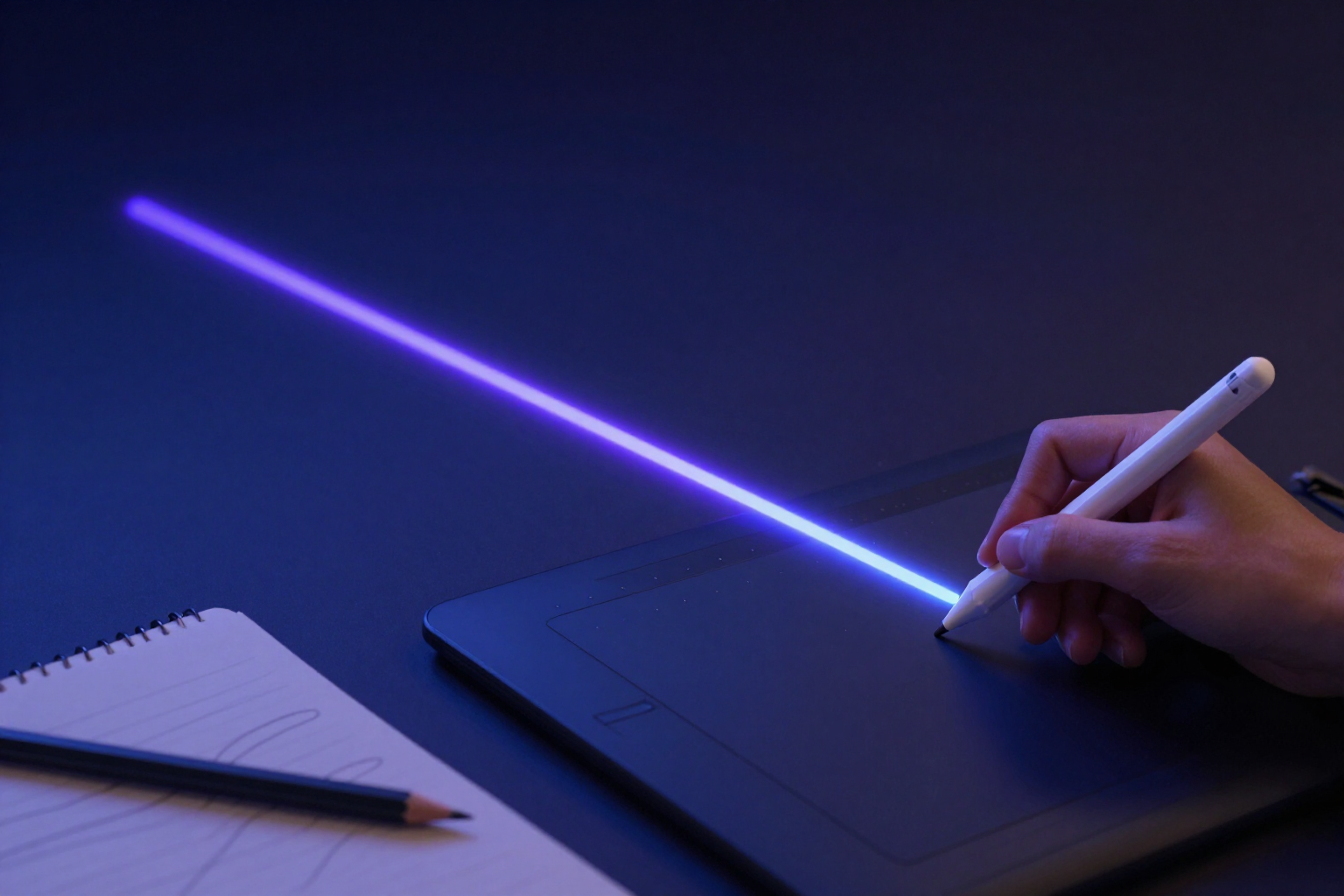
Freehand drawing with pressure and smoothing
Draw with your digital pen tool, and aiDraw translates the force of each stroke into real thickness, smooths out hand tremor, and lets you cut off excess at the exact point.
Drawing by hand on screen doesn't have to look like a scribble: aiDraw reads the stylus pressure from your Apple Pencil or Wacom tablet, smooths hand tremor, and converts your strokes into clean vectors, directly in your browser, with no installation required.
aiDraw’s pen tool (P key) doesn’t always draw with the same thickness. When you draw with a digital pen tool—Apple Pencil, S Pen, Wacom, or any stylus that supports the browser’s Pointer Events standard—the app reads the real stylus pressure at each point of the stroke and makes the stroke width vary between 35% and 165% of your chosen thickness: press harder and the line gets thicker, lift and it tapers to a point.
If you draw with a mouse, trackpad, or finger, there’s no pressure to read, so aiDraw infers it from speed: by setting «Stroke Width» to «Variable» in the View panel, slow, controlled movements result in thick lines, and fast ones thin them out, like a real brush. In both cases, the pressure passes through a smoothing filter that blends each measurement with the previous one, so the thickness doesn’t jump from one point to the next.
When you release the stroke, geometric smoothing kicks in. aiDraw applies the Ramer-Douglas-Peucker algorithm with a tolerance that adjusts to your zoom level (0.75 screen px) to discard redundant points without deforming the shape, and reconstructs the line with quadratic Bézier curves instead of straight segments. The result is a light, smooth, and truly vector stroke, which exports to SVG or PDF without pixelation; the pressures are simplified along with the points, so the variable thickness remains intact.
And when something is extra, there’s no need to erase the entire stroke. The partial eraser (scissors icon) cuts only what you touch: it splits the stroke at the exact point you pass over and leaves the fragments as independent strokes, ready to move or continue editing. The normal eraser (E key) is still there to delete entire elements. And if you’re looking for the opposite of precision, the «Sketch Style» switch adds a controlled, hand-drawn-like tremor to each line, with a fixed seed per element so the drawing doesn’t change every time it’s repainted.
Benefits of Freehand Drawing
Real stylus pressure
aiDraw reads the stylus pressure sent by Apple Pencil, S Pen, or Wacom at each point of the stroke and converts it into line width, between 35% and 165% of the base thickness.
Inferred pressure with mouse or finger
without a digital pen, you don't miss out on expressive strokes; in «Variable» width mode, the app infers pressure from gesture speed.
Hand tremor smoothing
the RDP algorithm removes excess points with a tolerance that adapts to zoom, and the line is reconstructed with Bézier curves, without angles or tremors.
Partial eraser that cuts at the exact point
the scissors cut the stroke precisely where you pass, preserving the rest as independent strokes, instead of erasing the entire drawing.
Sketch mode with a single switch
«Sketch style» gives lines the tremor of a pencil drawing, with a fixed seed per element so the result is always the same.
Translucent highlighter for emphasis
the highlighter (M key) paints at 35% opacity with five fluorescent colors and 16 px stroke width, to underline over what's already drawn without obscuring it.
Finger navigates, pen draws
with «One-finger pan» activated, you move the canvas with your finger while the stylus continues drawing, without changing tools.
Vectorial from start to finish
the variable-width stroke is saved as a vector outline and exported to SVG and PDF, so you can enlarge or print it without losing sharpness.

Grab the pen tool and try stroke with stylus pressure
aiDraw is the AIsToHire tool that lets you draw freehand in your browser with real stylus pressure, automatic stroke smoothing, and partial eraser. Create your free account at https://aistohire.com/aidraw-design-editor-diagrams-infinite-canvas-132 and start drawing in seconds.