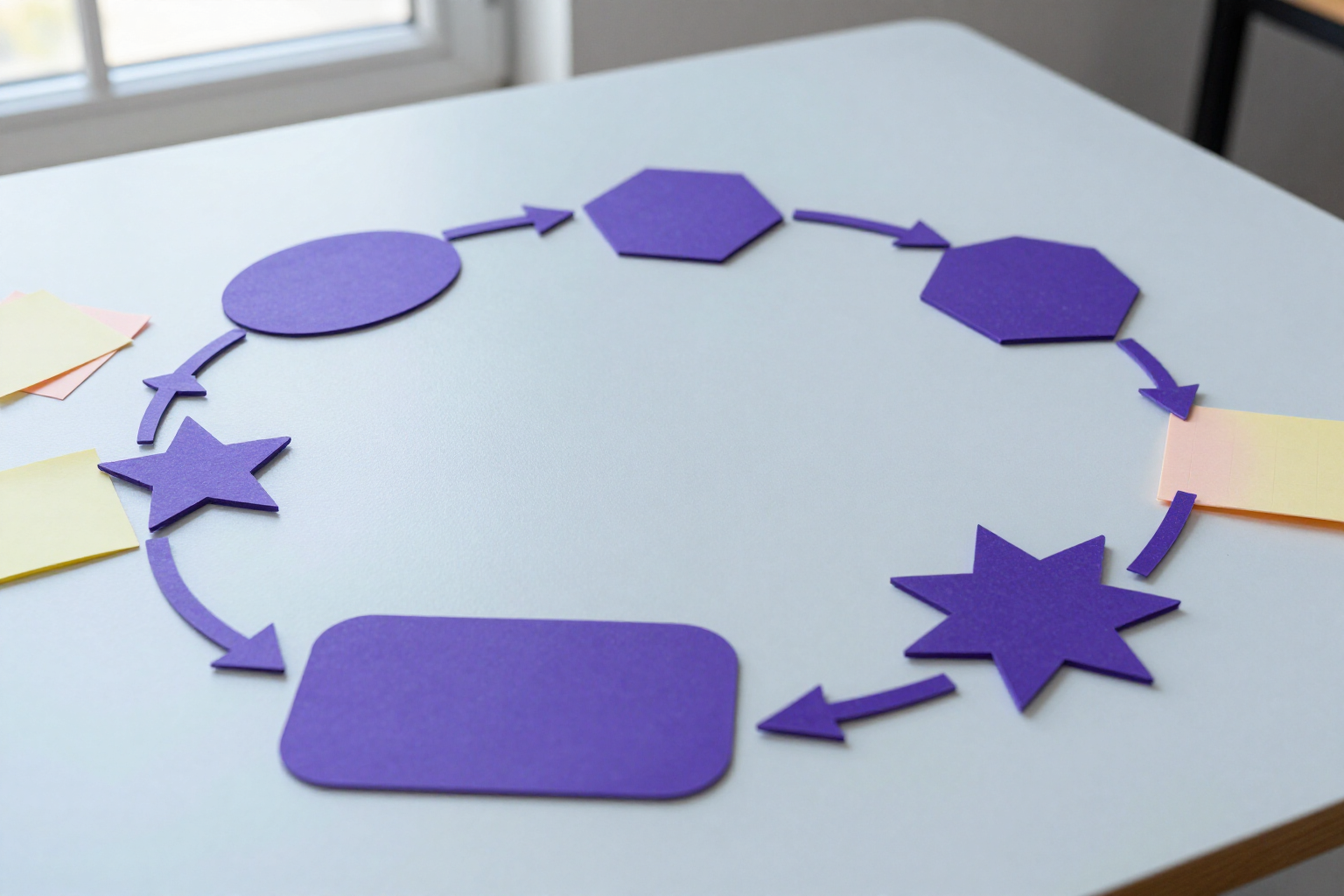
Shapes, connectors, arrows, notes, and tables on an infinite canvas
Rectangles, ellipses, polygons, stars, and speech bubbles that you can resize and rotate, joined by connectors that automatically reposition themselves when you move the boxes.
A diagram is made of boxes and lines that connect them. What’s tiring isn’t drawing them: it’s having to reposition all the arrows every time you move a box. With aiDraw, you don’t have to.
aiDraw brings the full repertoire of parametric shapes to the toolbar: rectangle (R key) with adjustable corner radius from 0 to 80 px, ellipse (O), polygon (G) with 3 to 12 sides, star with 3 to 12 points and adjustable inner peak, and cloud or speech bubble with the tail positionable in five locations and movable along the side. They are truly parametric: they are not pasted images, but figures that you recalculate by moving a slider — you can change a hexagon to an octagon or a 5-point star to a 9-point star without redrawing it.
To connect these boxes, you have two different tools. The arrow (A) is a freehand stroke from point to point, with an arrowhead at the end, at the beginning, or at both ends. The connector (C) is something else: you drag it from one shape to another, and it anchors to them at the closest of their four anchor points (top, right, bottom, left). From that moment on, the connector belongs to the diagram, not the canvas: when you move, resize, or rotate one of the two shapes, its routing is recalculated instantly. You can choose its style: orthogonal with elbows, straight, or curved with a smooth exit from the anchor.
For annotating and organizing data, there are sticky notes (S), 200x200 px in six stationery colors, with the text color automatically adjusted to always be readable against the chosen background, and editable tables, which you insert with as many rows and columns as you want —up to 12 rows by 10 columns— and fill by double-clicking on each cell.
All of the above share the same set of controls: resizing and rotation handles, line thickness in eight steps, solid, dashed, or dotted line, fill, opacity, grouping, alignment, and automatic snapping to neighboring objects. And everything exports vectorially to SVG and PDF, in addition to PNG, JPG, and JSON.
Benefits of Shapes, connectors, and tables
Connectors that follow the boxes
the connector anchors to the two shapes by their ID, not by coordinates. You move a box to the other end of the canvas and the line goes with it, recalculating its path automatically.
Three routings for the same connector
orthogonal with elbows for flowcharts and architectures, straight for quick diagrams, and curved —with a smooth exit in the direction of the anchor— for mind maps. Change with a click, no redrawing needed.
Parametric shapes, not drawings
polygons range from 3 to 12 sides, stars from 3 to 12 points with an adjustable inner peak, and rectangles round their corners up to 80 px. Adjust the slider and the shape regenerates cleanly at any size.
Arrows with an arrowhead where you need it
arrows support an arrowhead at the end, at the start, or at both ends, in any of the eight thicknesses and as a solid, dashed, or dotted line, to distinguish a flow from a dependency.
Sticky notes that are always readable
six note colors and text color calculated by contrast against the background you choose, so you don’t end up with light grey text on yellow.
Editable tables on the canvas
choose rows and columns when inserting (up to 12 x 10), type in each cell with a double-click, and move the table like any other object, with its own fill and border.
Resize and rotate anything
all shapes, notes, and tables have scaling and rotation handles; they can be flipped, rotated in exact degrees, and reset to 0º with a click; group them and they move as a single piece.
Assisted snapping without fighting pixels
object snapping aligns the shape you drag with the edges and centers of existing ones (6 px tolerance), and if you prefer, you can force snap to the grid.

Open the canvas and connect your first boxes
aiDraw is the design and diagramming tool from AIsToHire: parametric shapes, self-repositioning connectors, arrows, sticky notes, and editable tables in the browser, no installation required. Create your free account at https://aistohire.com and start drawing.