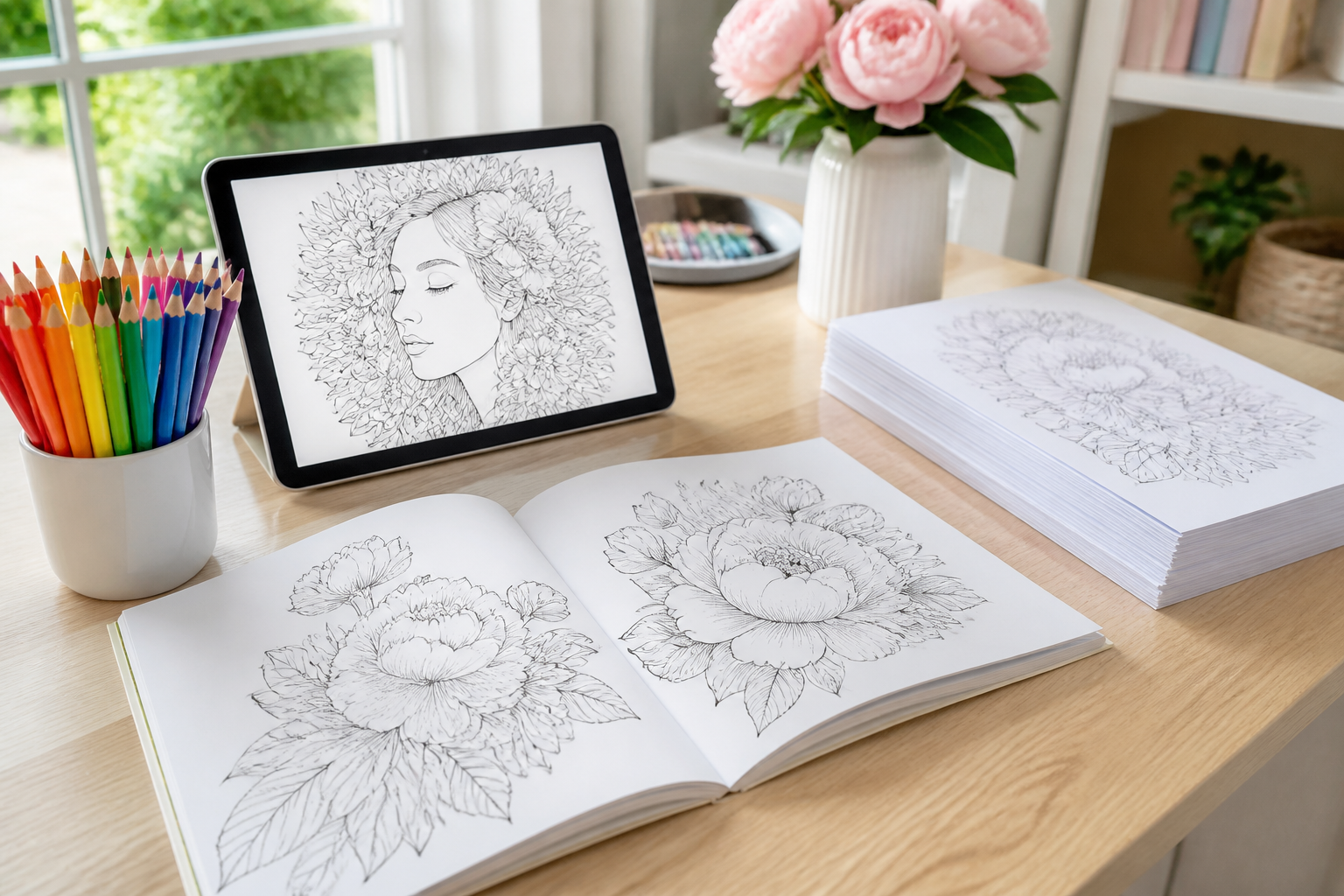
Coloring Book Studio · Coloring books ready to publish on Amazon KDP
For anyone who wants to sell coloring books without knowing how to draw or lay out a book: you describe each scene and the AI draws it in line art, you design the color cover, and you get the 8.5×11" PDF ready to upload to Amazon KDP.
Do you want to sell coloring books but struggle to draw forty pages and lay out the PDF?
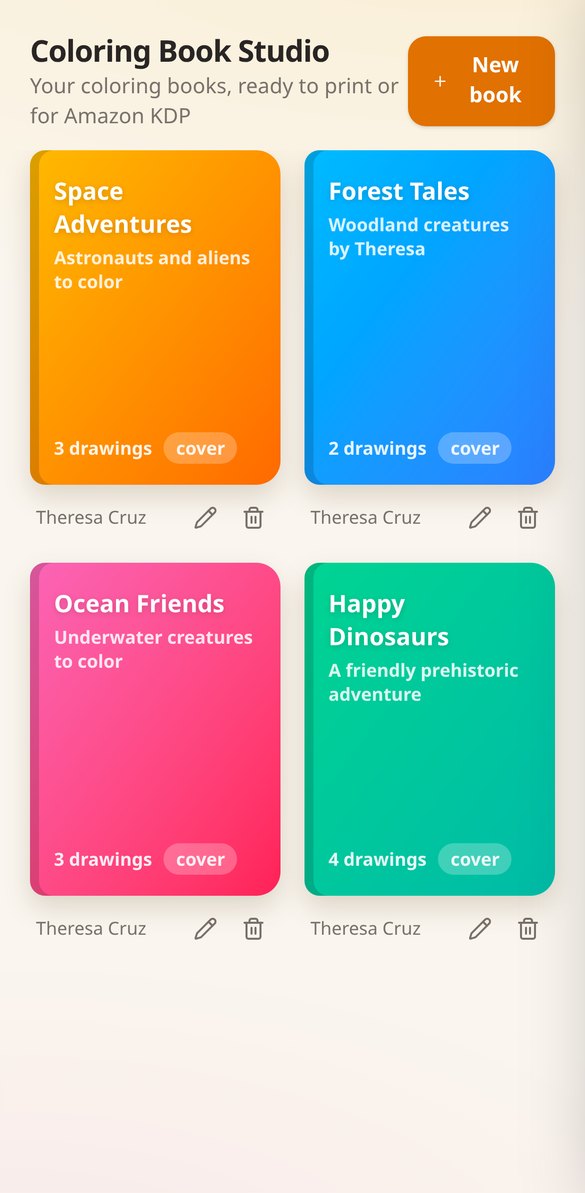
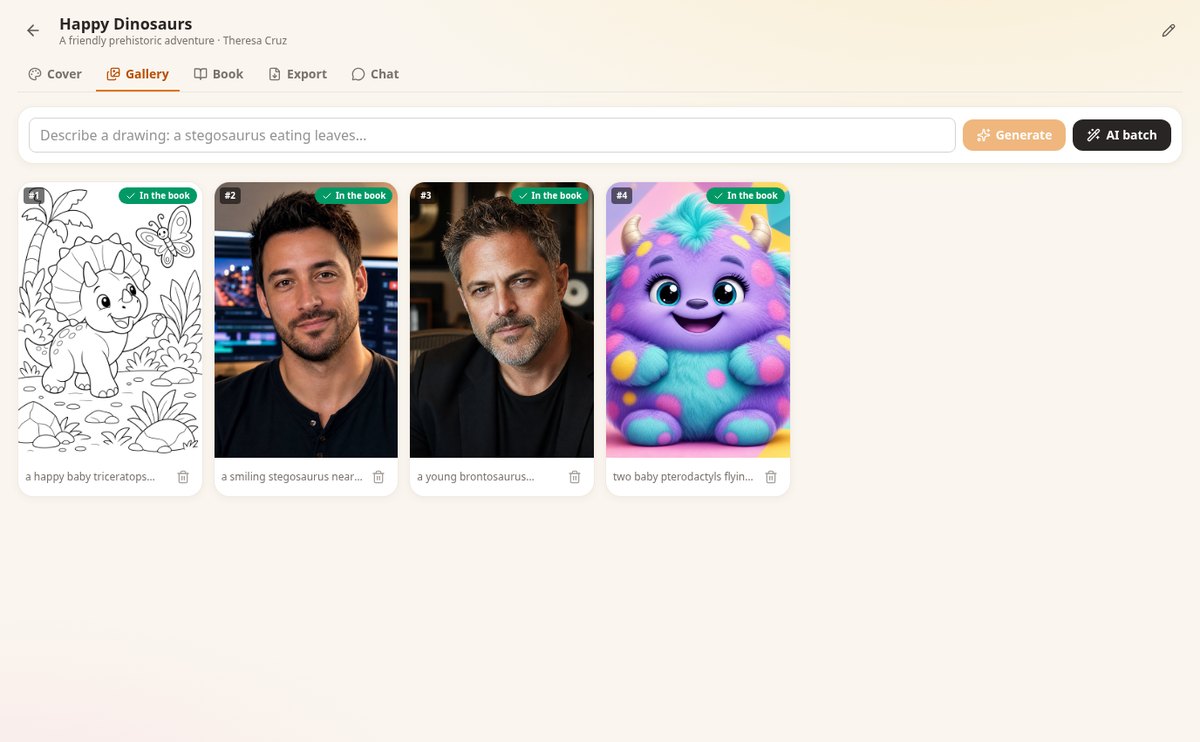
Coloring Book Studio brings the whole process together in one place: you describe what you want and the AI draws each page in clean line art, one by one or in batches; the book gallery saves them and you decide the order; you design the color cover and refine it until you like it; and you download the 8.5×11" PDF with the margins and blank pages Amazon KDP requires.
Start for free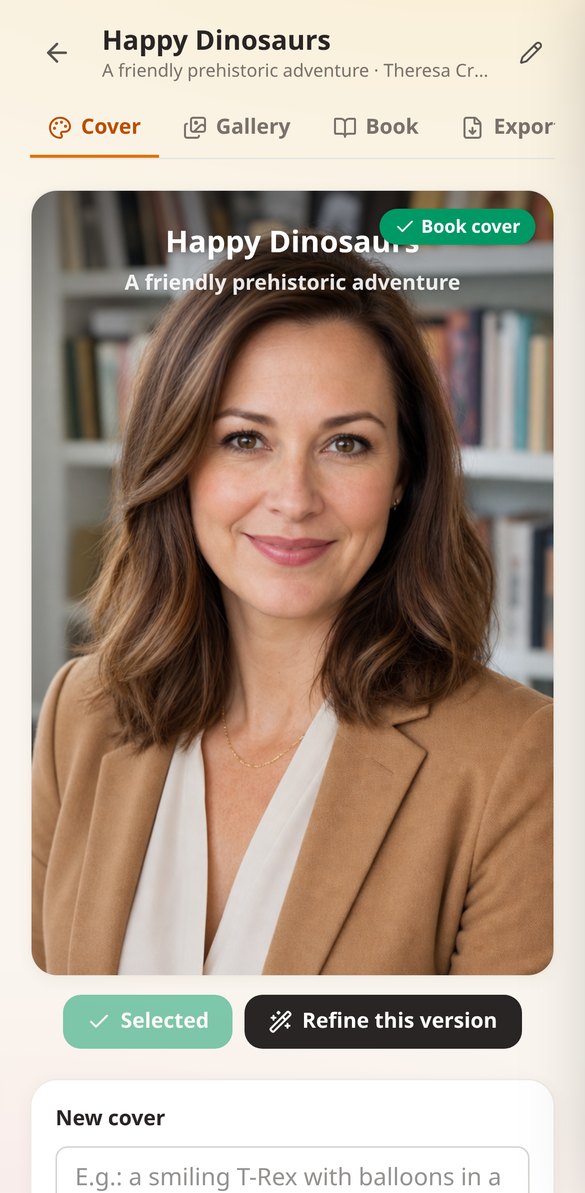
Discover every feature in detail
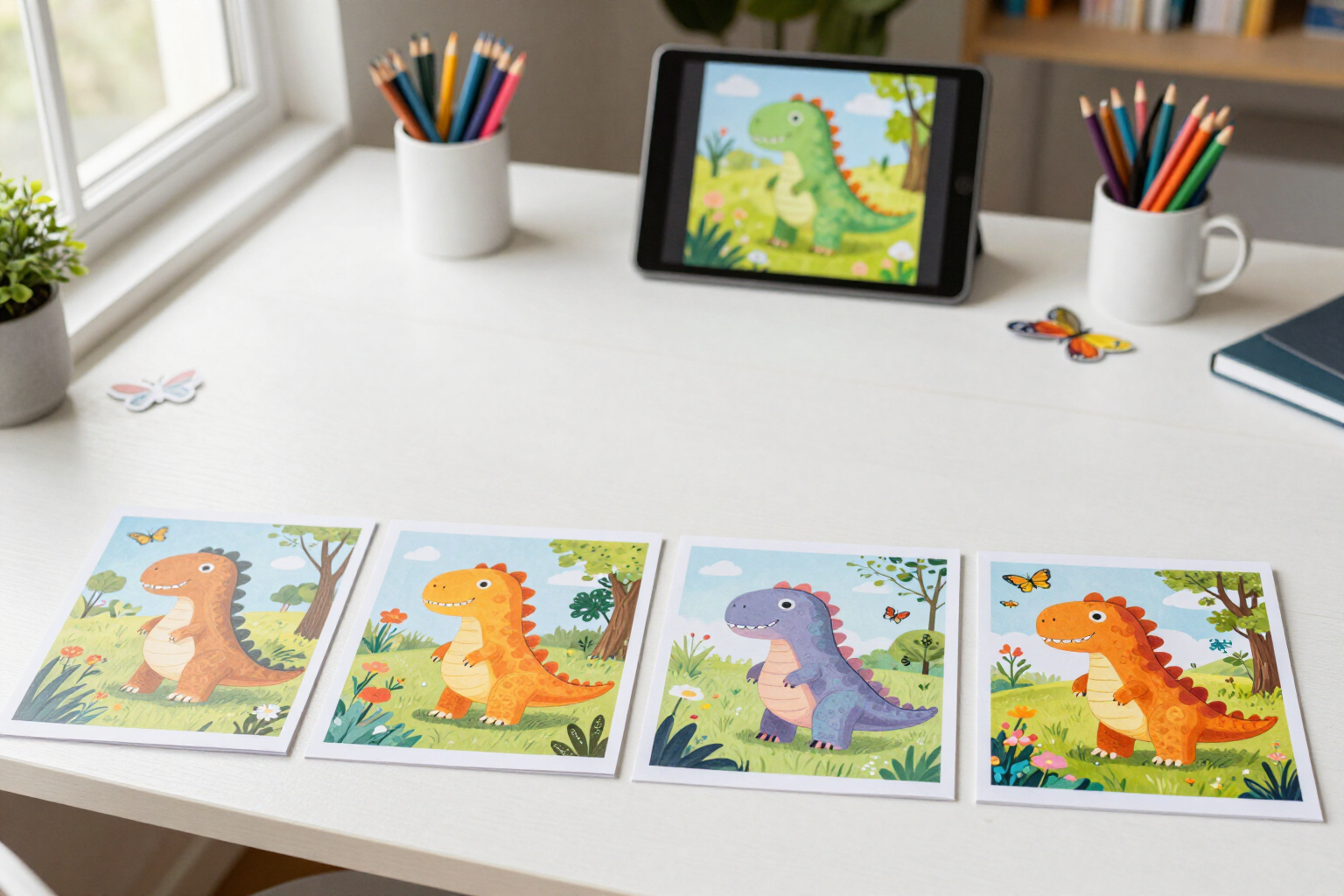
Create a coloring book cover with AI and refine it through versions
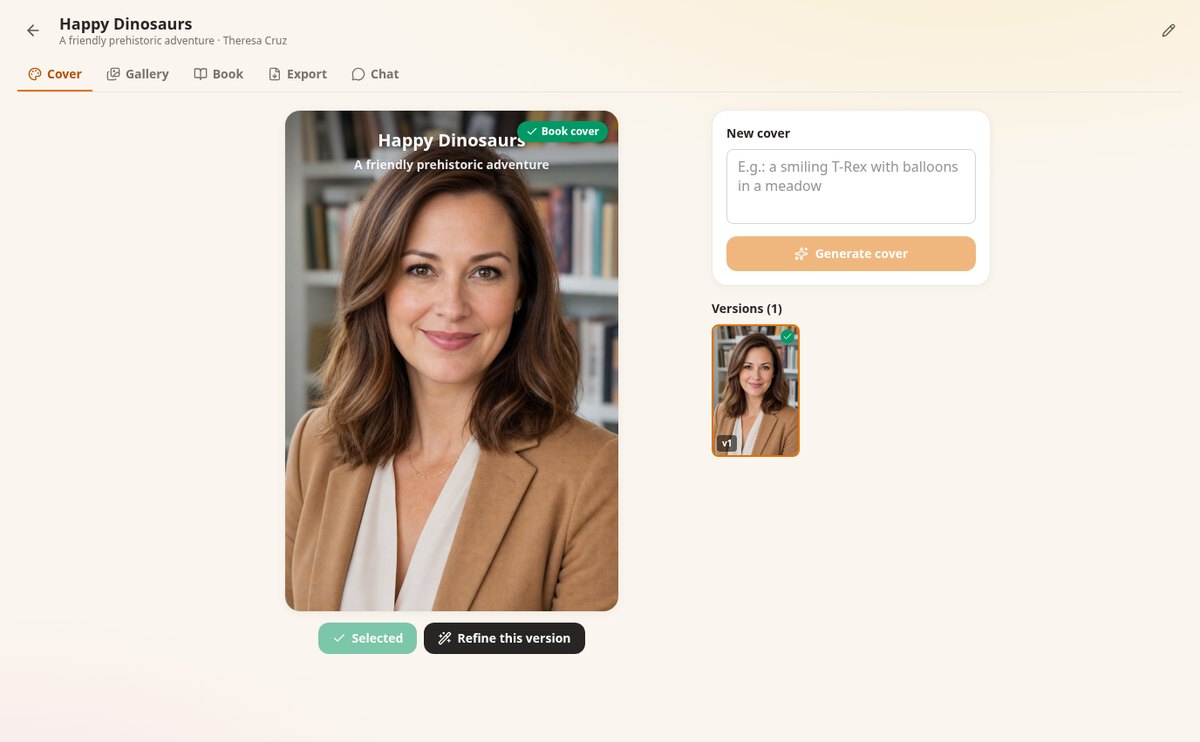
Generate the color cover of your coloring book with AI, request changes in plain language, and compare all versions to choose the final one. Vertical 1024×1536, ready for Amazon KDP.
View feature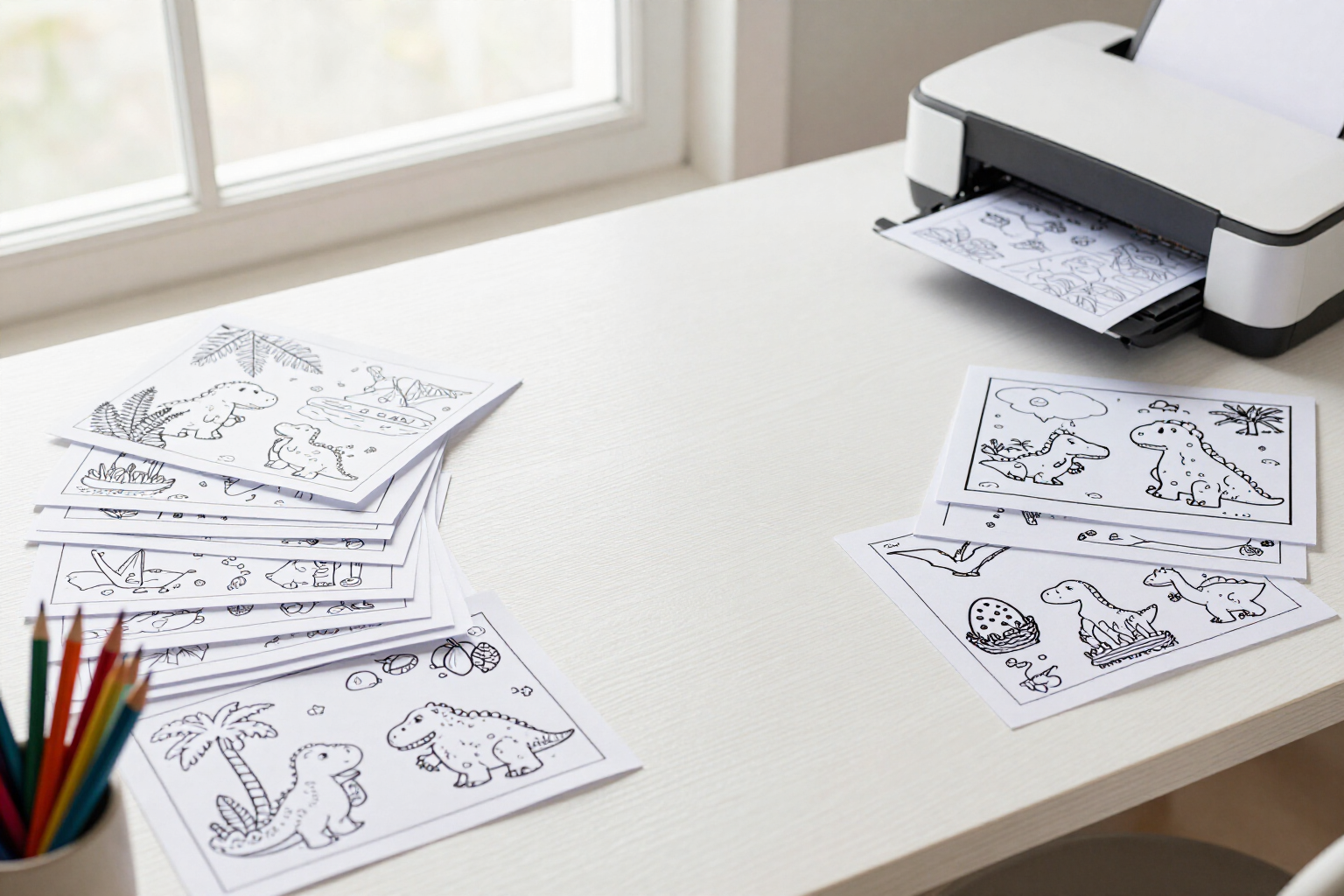
Generate multiple coloring pages at once with AI by theme
Write a theme and 3 to 10 pages: the AI suggests different scenes in line art, you edit or discard them, and all are generated at once for your Amazon KDP book.
View feature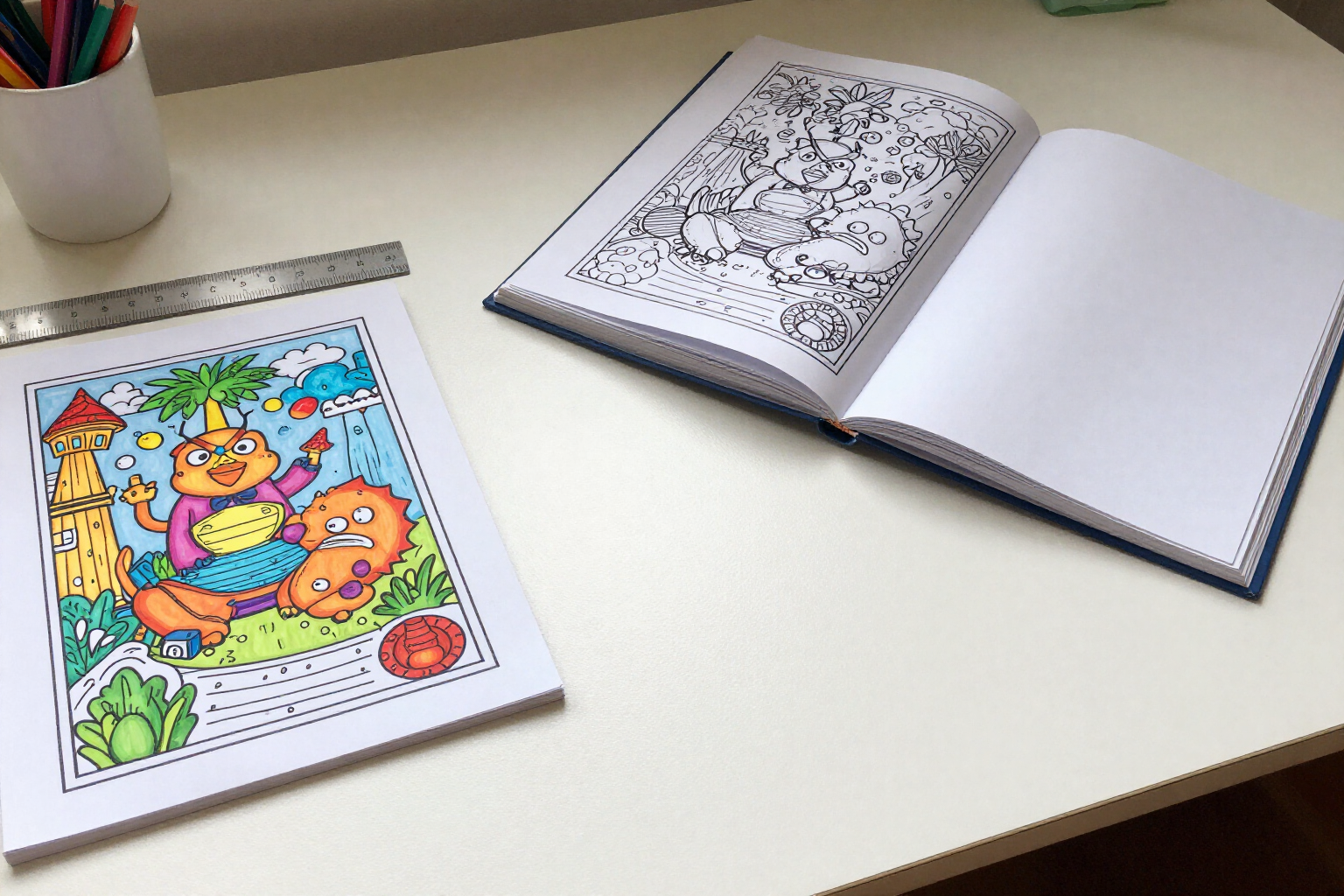
Coloring book PDF ready for Amazon KDP: interior and cover
Export your coloring book in PDF with Amazon KDP measurements: 8.5×11" interior with margins, 8.75×11.25" cover with bleed and PNG, or the complete book.
View feature
AI Niche and Sales Advisor for Amazon KDP Coloring Books
Chat with an AI advisor specialized in coloring books on Amazon KDP: low-competition niches, keyword-rich titles, page count, pricing and categories, with your book's context.
View feature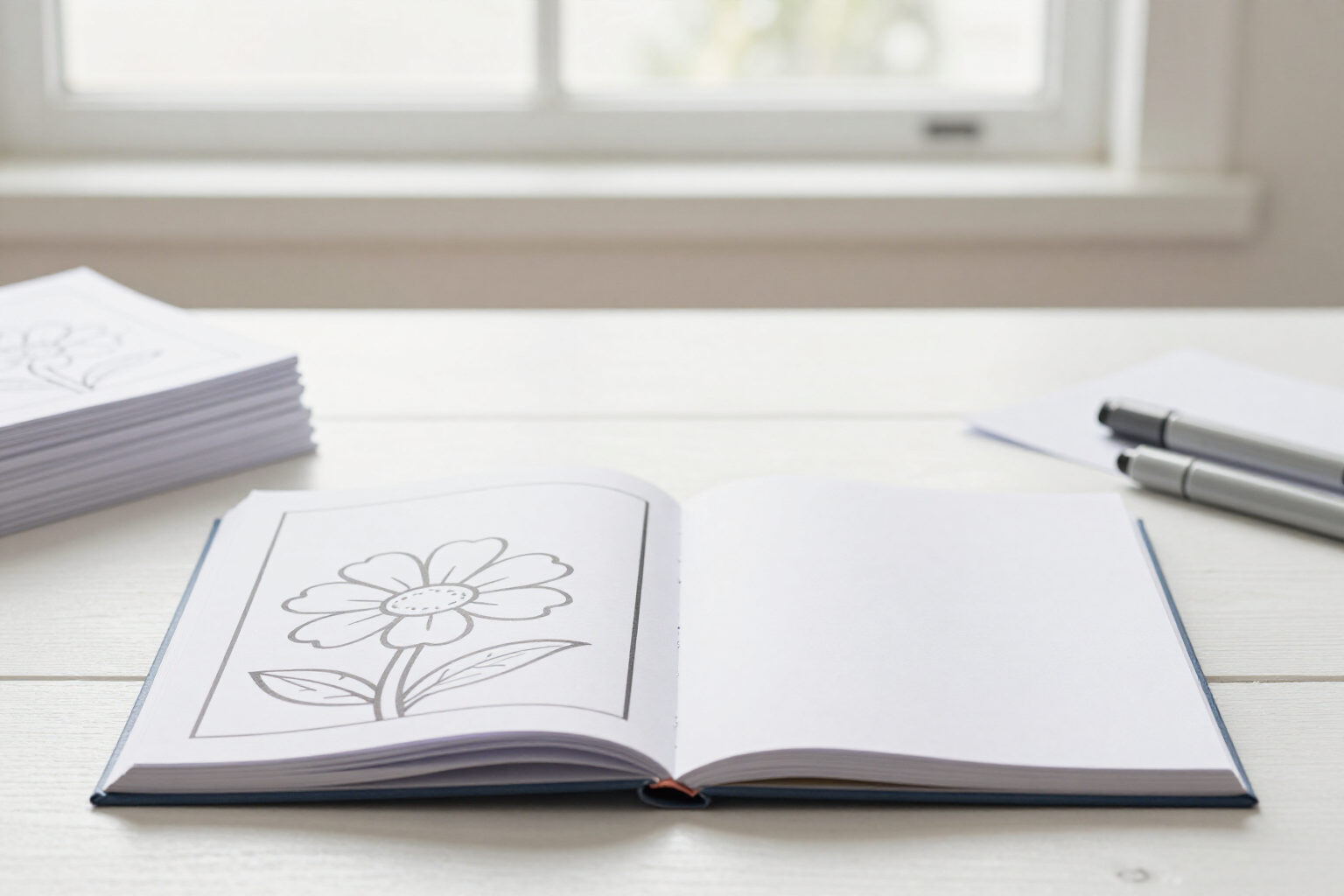
Blank Page After Each Line-Art Page: Coloring Books Without Bleed-Through
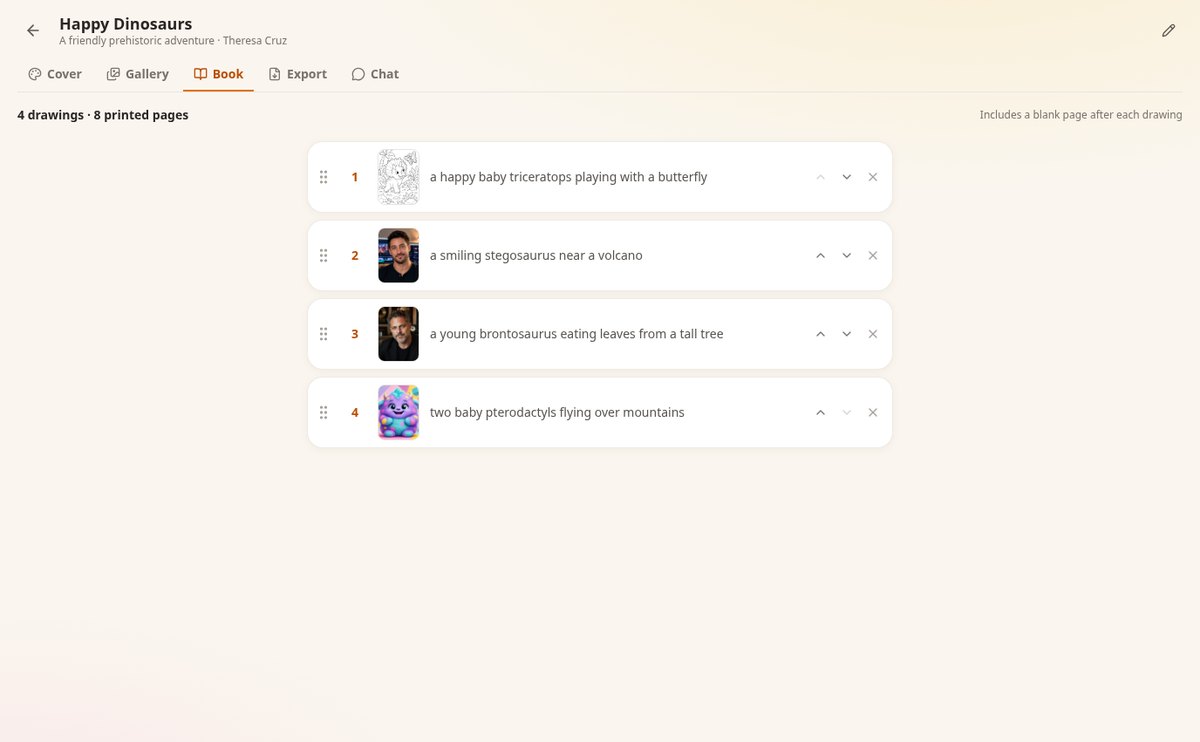
Automatically insert a blank page after each line-art page in your coloring book PDF to prevent ink bleed-through, with a printed page counter, and ready for Amazon KDP.
View featureA whole book, from the first page to the cover
The three most time-consuming parts of publishing a coloring book, solved inside the app.
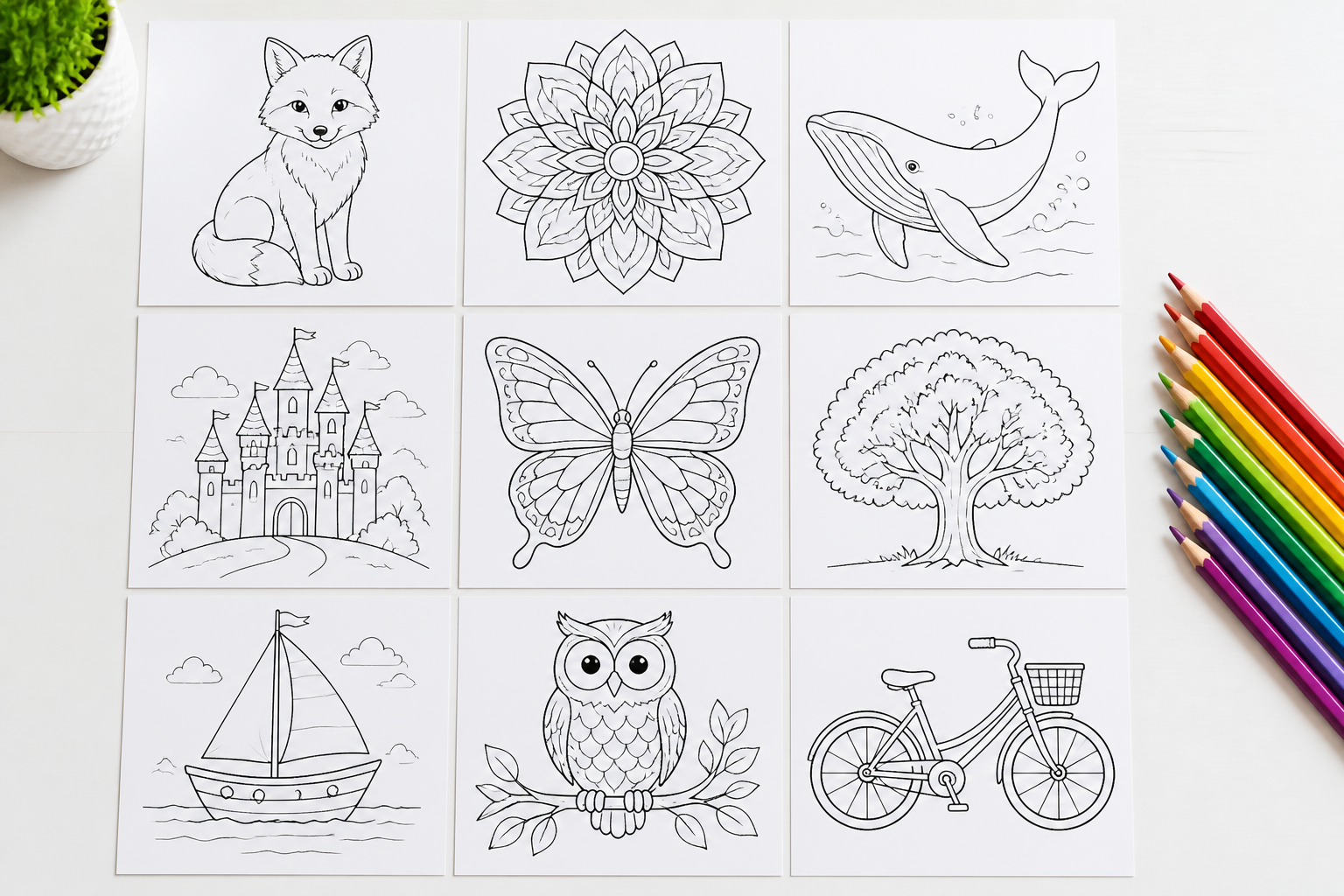
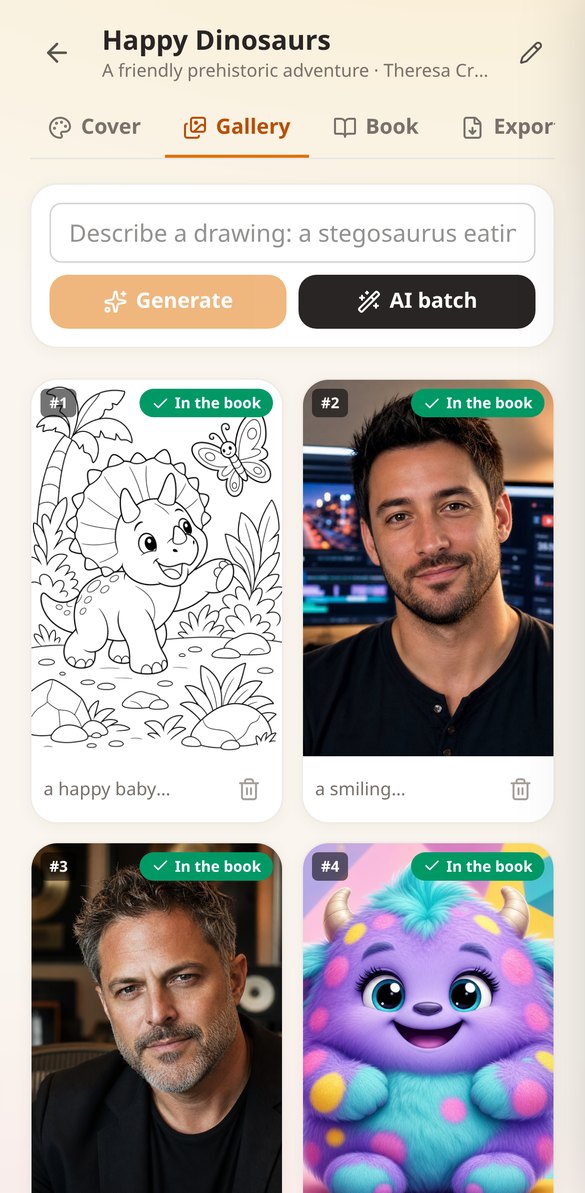
Line-art pages one by one or in batches
Describe the scene and the AI draws it in black and white, with clean lines and a completely white background for printing. To fill a book quickly, tell it a theme and how many pages you want: the AI suggests the scenes, you edit or discard the ones that don't fit, and they are all generated at once.
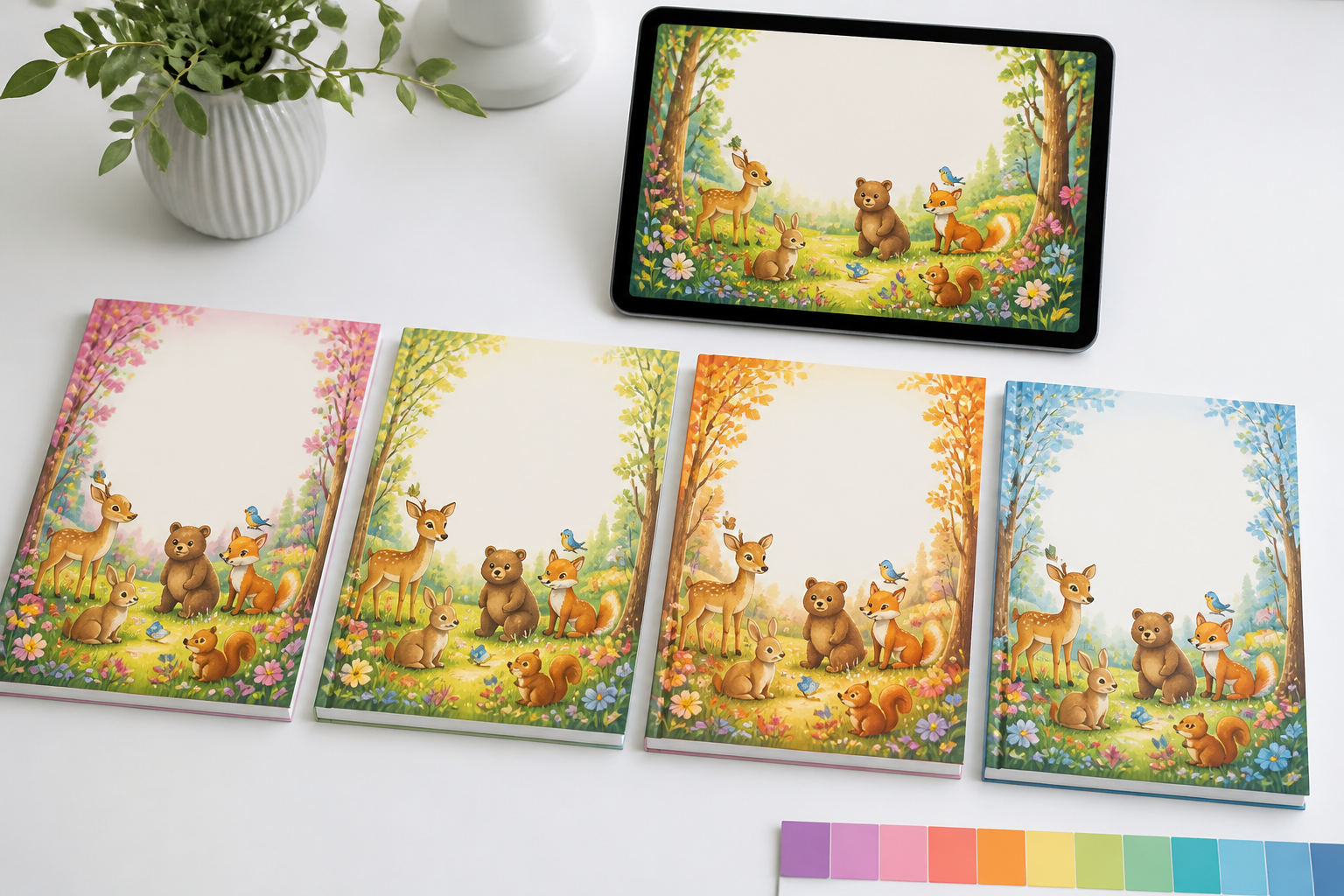
A color cover you refine until it's right
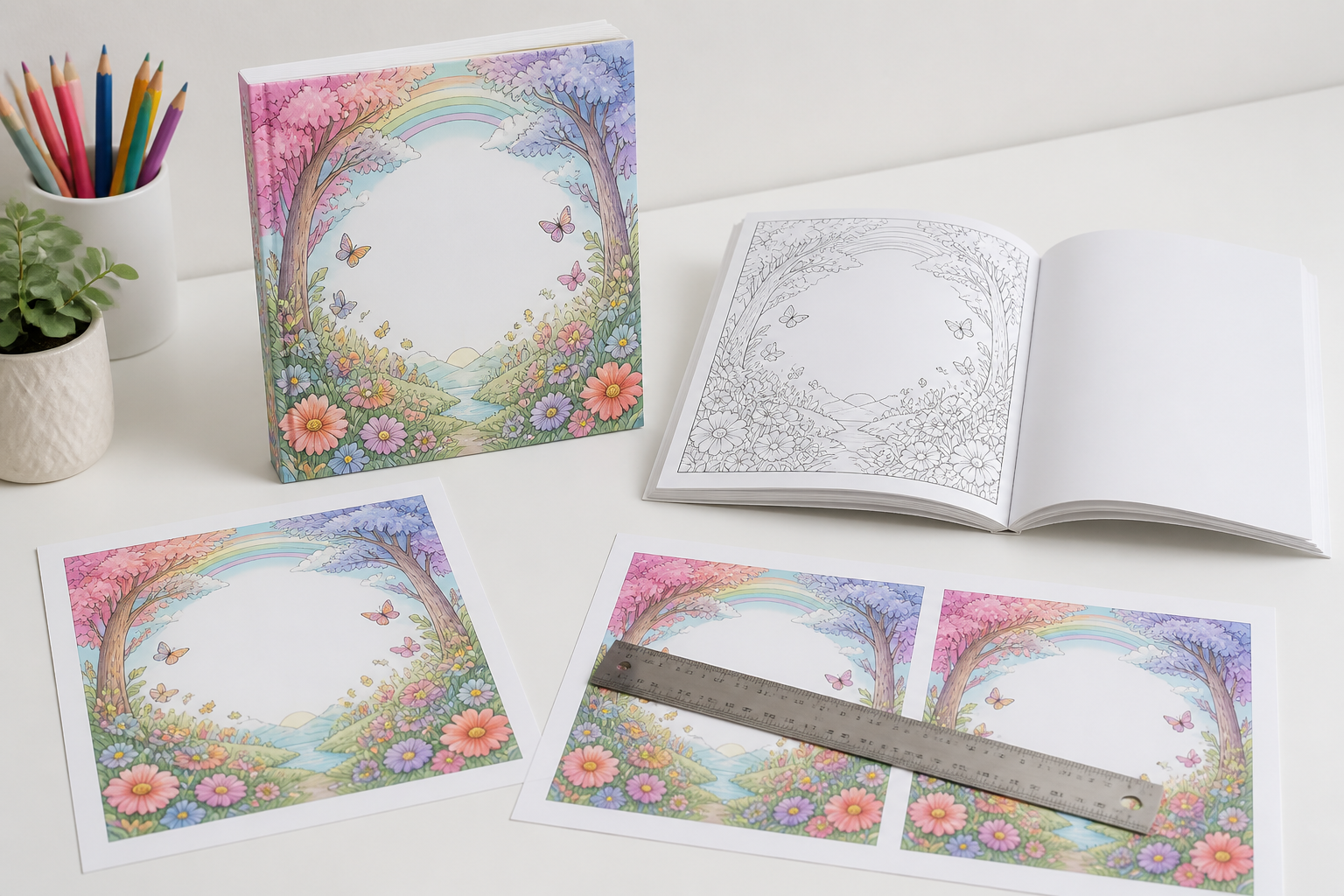
Generate the cover by describing it, then request changes in plain language: “more pastel colors,” “add butterflies.” Every attempt is saved as a version, so you can compare the full strip, restore any of them, and choose which one is the book cover, with the title overlaid in the preview.
8.5×11" PDF ready for Amazon KDP
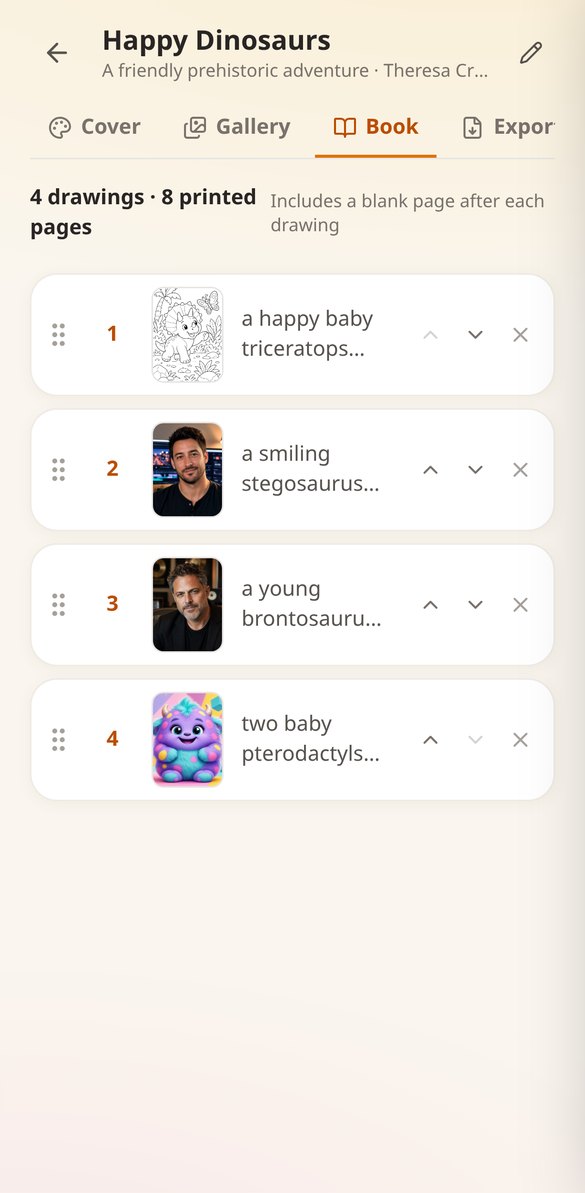
Build the book by dragging the pages into the order you want and export: the interior with KDP margins and a blank page after each drawing so ink doesn't bleed through, the complete book with its cover at the front, or the bleed cover along with the original PNG. A counter tells you how many printed pages it will have before exporting.
From idea to PDF in three steps
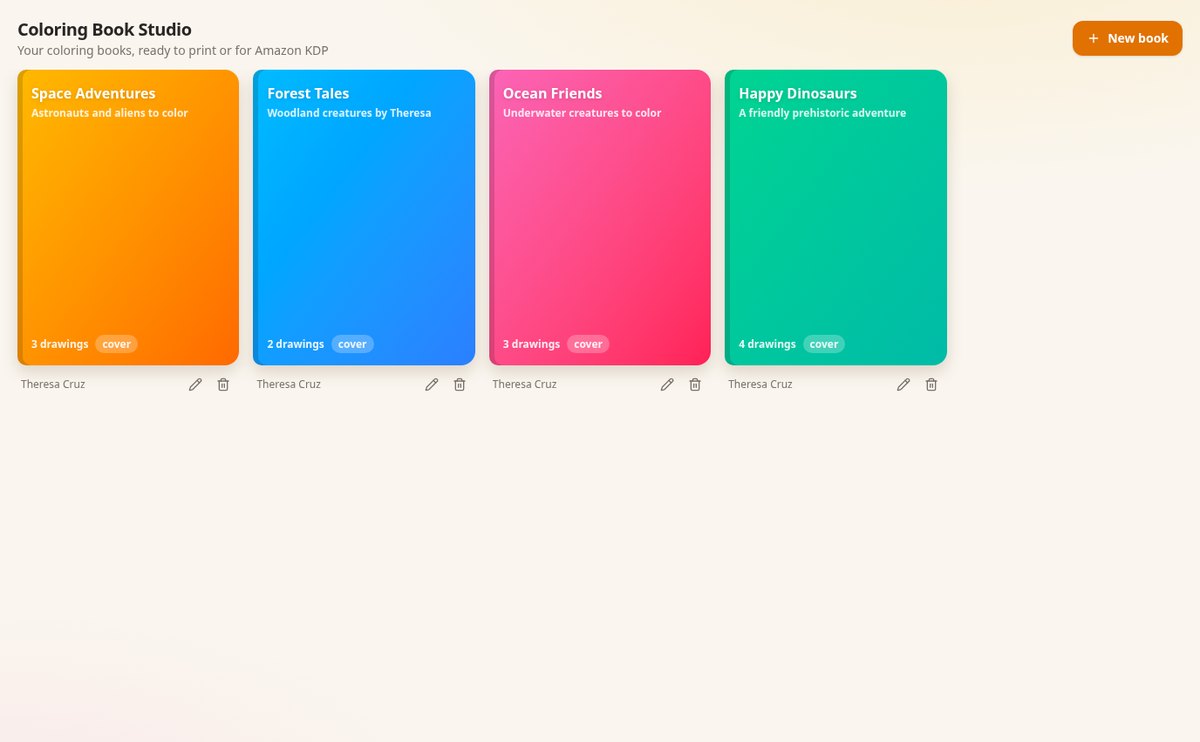
Create the book
One project per book, with its title, subtitle, author, and theme.
Generate pages and cover
Describe each scene or request a whole batch, and design the color cover by refining it version by version.
Arrange and export
Place the pages in their order and download the interior PDF, the complete book, or the cover for KDP.
Who is it for?
Built for these profiles
Frequently Asked Questions
Latest blog articles
Guides and news to get more out of it
Amazon KDP only allows you to publish 2 new books per week: what it means for coloring books in 2026
Amazon KDP only allows the creation and submission of 2 new titles per format and week starting October 2026: what changes for coloring books.
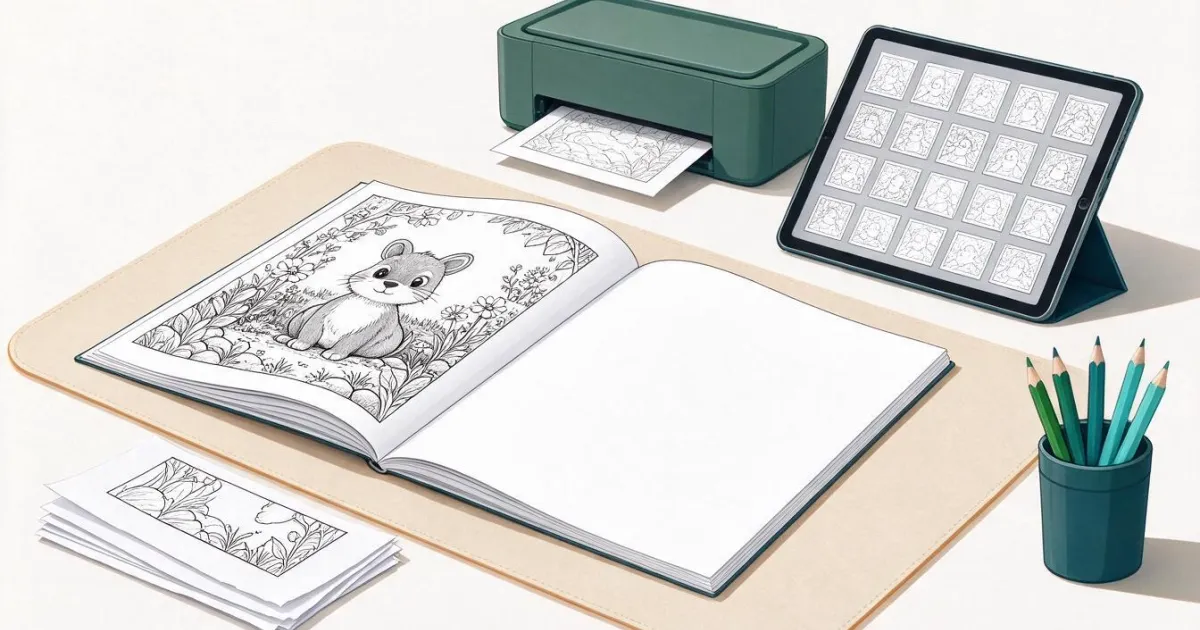
How to Create a Coloring Book with AI and Prepare the PDF for Amazon KDP
Dimensions 8.5×11, margins, blank pages, spine, and printing costs for Amazon KDP, and how to generate the pages in line-art and the PDF with Coloring Book Studio.
Your first coloring book can be ready today
Create the project, generate its pages, and download the PDF for Amazon KDP.