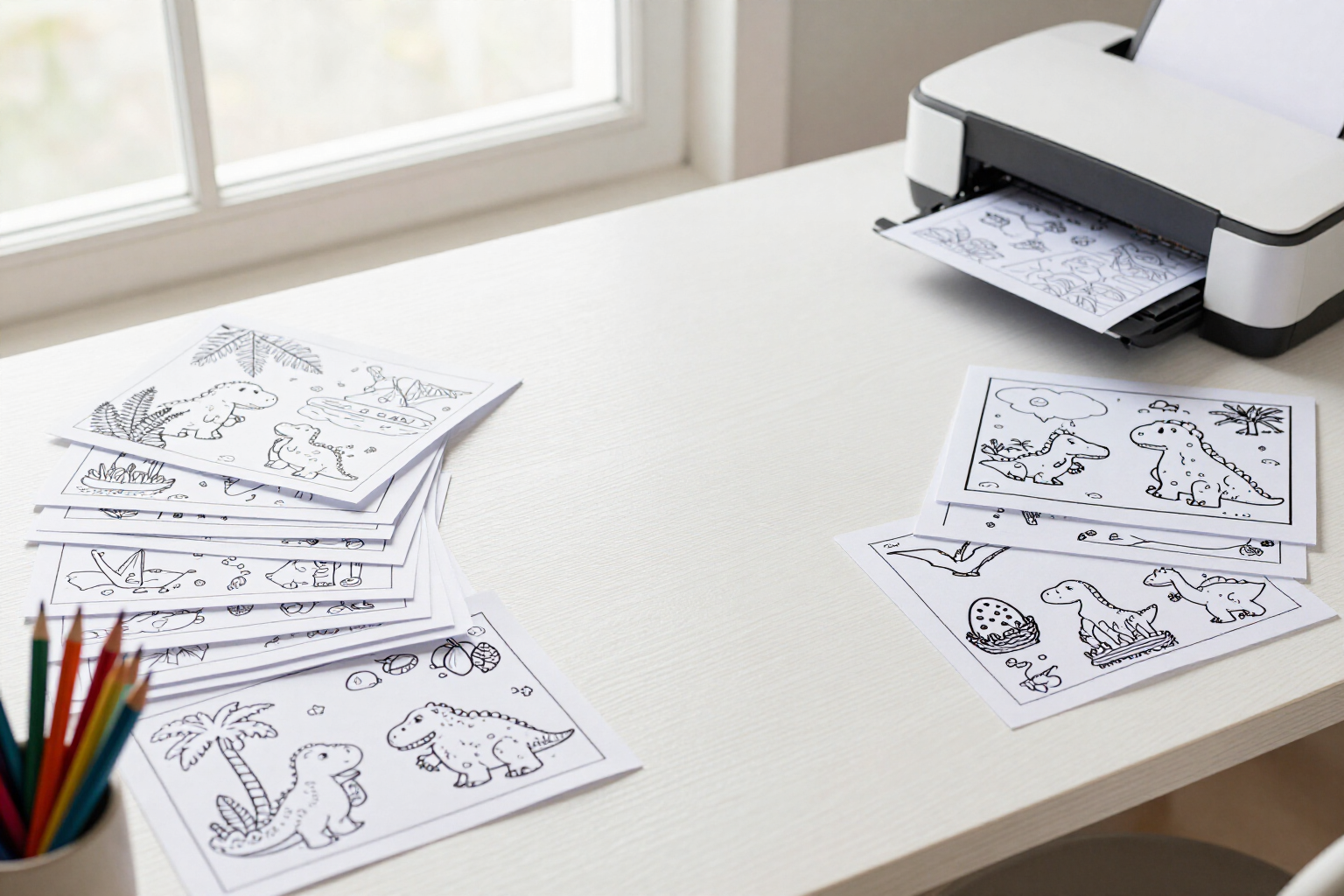
Batch of pages with AI suggestions by theme: one theme, 3 to 10 distinct scenes
You state the theme and how many pages you want: the AI suggests varied scenes, you edit or discard them, and they are all generated at once.
Filling a coloring book page by page is what causes most projects to remain unfinished: thirty drawings mean thirty distinct ideas you have to invent and describe one by one. Coloring Book Studio's batch by theme reverses the work: you provide the theme, the AI provides the ideas, and you only decide what stays.
Inside a book, you open the AI batch, write the theme in plain language —«fun dinosaurs in nature», «flower mandalas», «rescue vehicles»— and move a slider to choose how many pages you want, between 3 and 10. The app uses Gemini Flash with JSON output and requests exactly that number of varied and distinct scenes within the theme, without repetitions: each suggestion comes with a short title in your language and a visual prompt in English designed for the image generator, specific and drawable in black and white line art. The suggestions are not generated blindly: they appear in an editable list before anything is spent. You can rewrite the title, rewrite or refine the visual description of any scene, and delete with the trash icon those that don't fit your book. If the theme didn't give you what you expected, you go back with «Change theme» and request another batch without affecting the book. When the list satisfies you, you press generate and all pages are queued at once as a single batch. The project gallery displays them as they are generated, already in clean black and white line art with a white background for printing, exactly like the pages you generate one by one. From there, they enter the book assembly and the interior PDF ready for Amazon KDP. If you run out of tokens halfway through the batch, the app doesn't lose everything: it queues those that fit, tells you how many of the requested ones have started, and why the rest have stopped.
Benefits of Batches of pages by theme
The AI provides the ideas
you don't have to invent thirty distinct scenes; you describe the theme once and receive a list of different scenes within it.
Variety guaranteed by design
the model is instructed that each scene should be a distinct subject or situation within the theme, without repeating from one page to another.
You review before spending
proposals are shown as editable, and not a single image is generated until you approve the list.
You edit and discard as you wish
change the title, rewrite the visual description of any scene, or remove those that don't fit your book.
You choose the batch size
from 3 to 10 pages per batch, and you can repeat the process with other themes until the entire book is filled.
Titles in your language, prompt in English
you read the title in your language, and the description the image generator sees is in English, which is how it draws best.
One wait instead of ten
the entire batch is queued at once, and the book's gallery displays each page as soon as it's ready.
Same finish as individual pages
black and white line art with clean lines and a white background, ready for Amazon KDP interior PDF.

One theme, ten pages, one wait
Create your book, write the theme, and let the AI suggest the scenes that fill it.