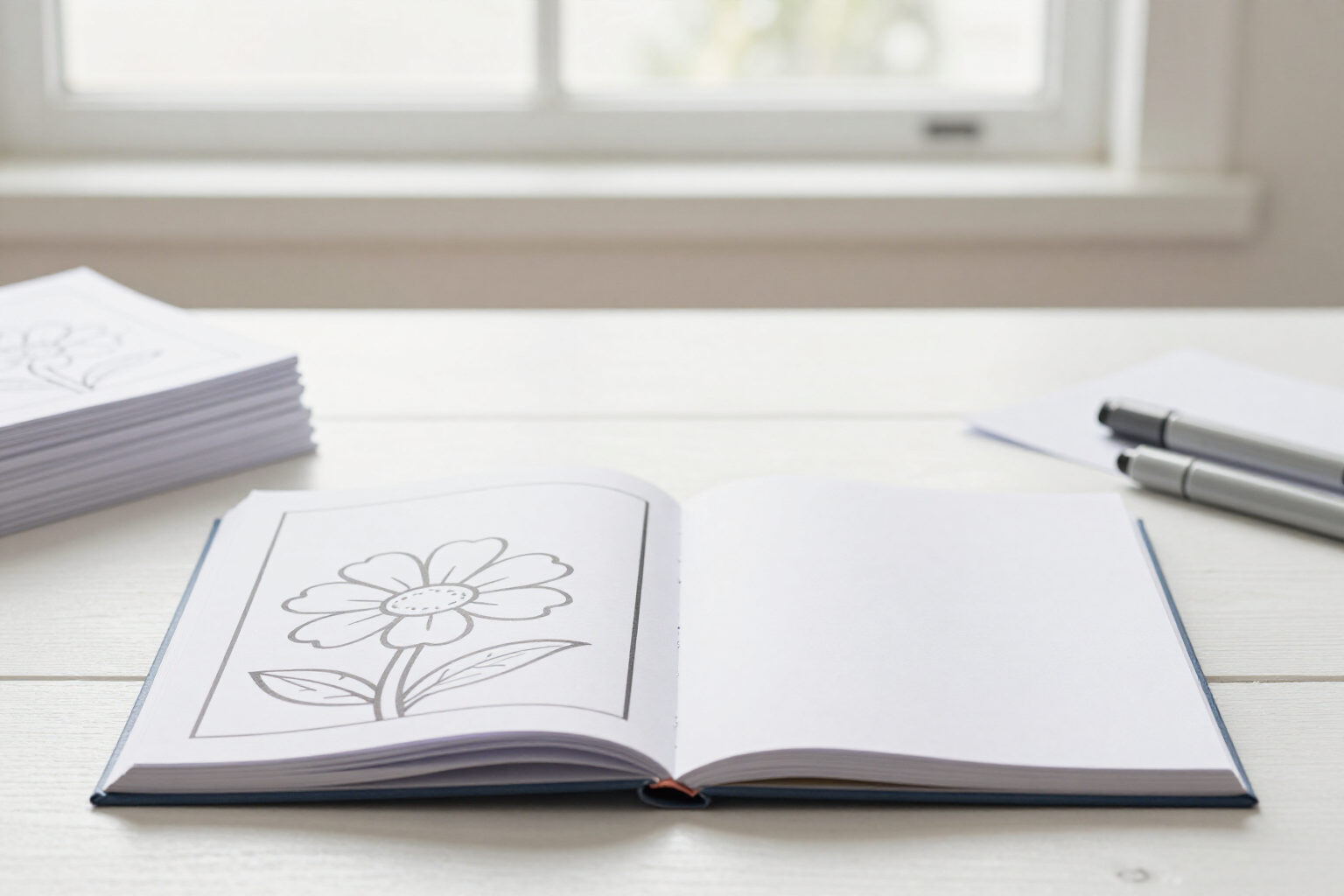
Automatic Blank Pages Between Line-Art: Prevent Ink Bleed-Through to the Reverse Side
A switch, activated from the first book: each line-art page in the PDF includes a blank page behind it, and the counter tells you how many printed pages it will have before export.
Coloring books are colored with markers, and markers bleed through. If you print double-sided without considering this, each page ruins the line-art on the reverse side: it’s the number one complaint in reviews for a poorly assembled coloring book.
Coloring Book Studio solves this before it even reaches the printer. On the export tab, you’ll find a switch, «Blank Page After Each Line-Art», which is activated by default in all new books: when enabled, the PDF you download inserts a completely empty page after each line-art page, with the same page size as the rest of the book interior (8.5 × 11 inches).
The reverse side of each line-art page remains blank, so no marker can spoil the adjacent illustration.
The setting is saved with the book, not the session: you change it once, and it applies to that project until you decide otherwise. It affects the two exports that include a book interior—the interior PDF to upload as a manuscript and the complete book with the cover—and does not affect the cover export, which has no line-art pages.
Since duplicating pages changes the thickness and printing cost of the book, the app informs you before exporting: on the book tab, next to the layout, the count «N line-art pages · P printed pages» appears (double when the switch is active) along with a notice that a blank page is included after each line-art page. If you prefer to print single-sided or reduce pages, you deactivate the switch, and the counter adjusts instantly.
Each export freezes the switch’s value at the moment it’s initiated. Changing the setting afterward does not modify the PDFs you already have in your history: the thirty-page book interior you downloaded yesterday remains the same file, with its page count saved. Coloring Book Studio, the AI coloring book app from AIsToHire, is at https://aistohire.com/coloring-book-studio-create-coloring-books-ai-kdp-135.
Benefits of Blank pages between line-art pages
Activated by default
no need to remember. Every new book is created with the blank page enabled, which is the industry standard for coloring books.
Real anti-bleed, not just advice
the empty page is included within the PDF, with the same 8.5 × 11 inches size as the rest of the book interior, so when printing double-sided, the reverse side of each line-art page remains clean.
Just one switch
no need to manually insert pages, duplicate files, or run your PDF through another program to add blank pages.
Printed page counter before export
the book tab displays «N line-art pages · P printed pages» and double that when the switch is active, so you know the book’s thickness before uploading it.
Applies where it matters
to the book interior PDF and the complete book with cover; the cover export remains intact because there are no line-art pages to protect there.
The setting lives with the book
each project remembers whether it includes blank pages or not, so you can have a premium book with protected double-sided pages and a cheaper one with single-sided pages.
Instantly reversible
if you want to reduce the number of pages to lower printing costs, simply deactivate it, and the counter updates instantly, without regenerating any line-art page.
Past exports remain unchanged
each PDF saves the setting it was assembled with, so changing the switch today does not alter the file you already downloaded and KDP accepted.
Assemble your book with blank pages already inserted
Generate the line-art pages, arrange the book, and download the interior PDF with a blank page after each illustration, ready for Amazon KDP.