Interactive Color Cover: Describe it, refine it by talking, and choose the final version
Generate the cover of your coloring book in full color, request changes in plain language, and keep the version you like best.
The cover is the first thing someone sees when they buy your coloring book on Amazon, and it rarely turns out right on the first try. At Coloring Book Studio, you don't have to get it right immediately: you describe the cover, see the result, and request changes until you're satisfied.
Coloring Book Studio generates full-color children's covers in a vertical format of 1024×1536 pixels, the proportion of a book cover. You write up to 600 characters about what you want to see — "a smiling T-Rex with balloons in a meadow" — and the AI illustrates it with vibrant colors, commercial cover composition, and free space at the top for the title.
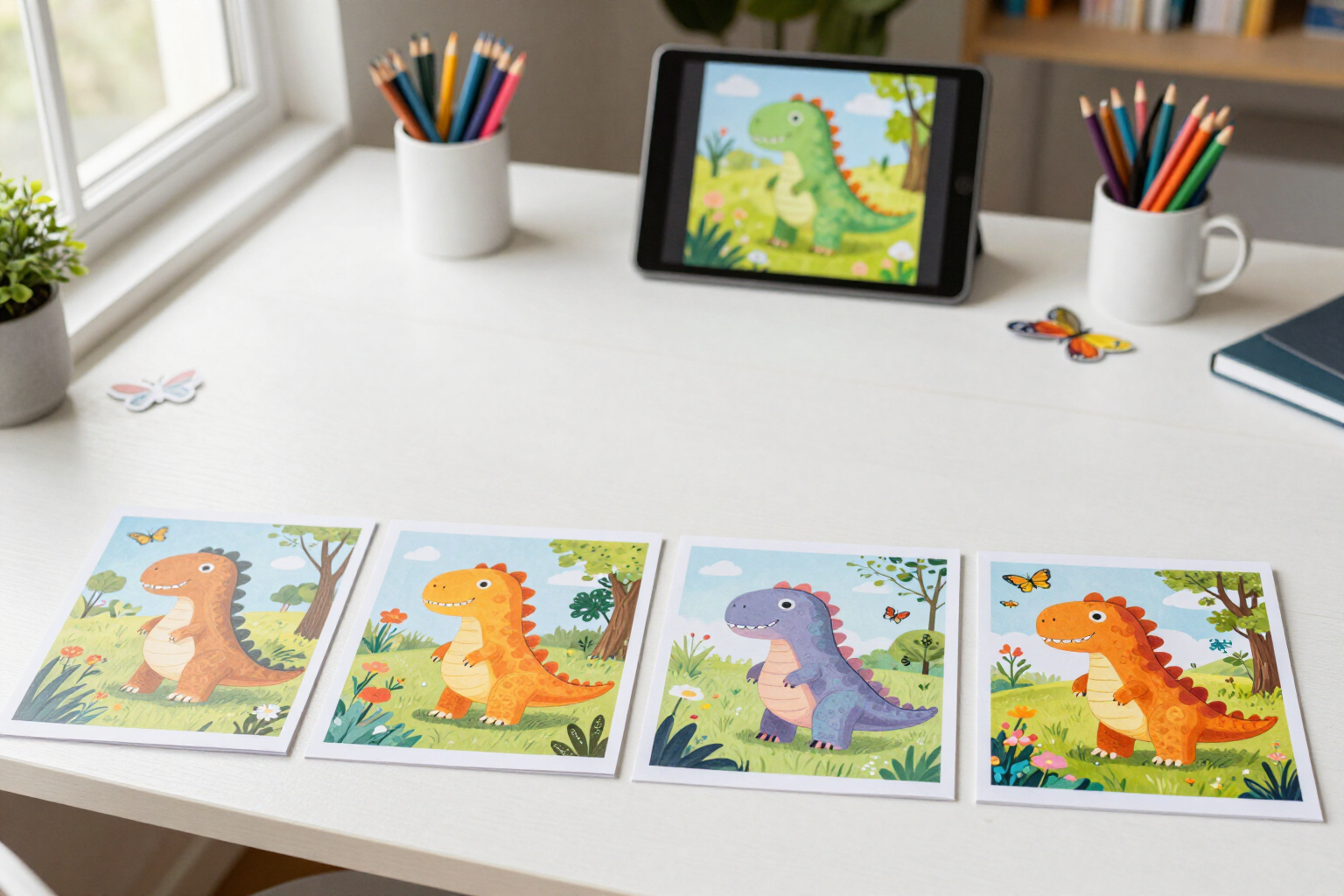
From there, the conversational refinement begins. You click "Refine this version" on any cover and write only what you want to change: "more pastel colors", "add butterflies in the background", "make the dinosaur look at the camera". The app doesn't start from scratch: it combines the full prompt of the previous version with your changes and keeps the same subject and style unless you request otherwise. This way, you get closer to the cover you have in mind without losing what already worked.
Each attempt is saved as a numbered version (v1, v2, v3…) in a strip of thumbnails next to the preview. You can return to any with a click, compare them, and refine v2 even after generating v5: the history is not overwritten or deleted. It's the same work you would do with an illustrator, but in writing and in minutes.
When you like a version, you click "Use as Cover" and it becomes the official cover of the book: it is marked in the history and is what the PDF exports for Amazon KDP use (the complete book with the cover in front and the bleed cover, accompanied by the original PNG). The preview overlays the title and subtitle of your project onto the image so you can see how the whole will look before deciding.
Benefits of Color Cover with Refinement
You don't have to get it right the first time
each cover is a refinable starting point, not a final result you have to accept or discard.
You request changes in plain language
'more pastel colors', 'add butterflies'. No parameters, sliders, or technical prompts.
The refinement keeps the subject and style
the app reuses the full prompt from the previous version and adds your changes, so the character doesn't turn into another one.
Complete navigable history
all versions are saved and numbered, you can compare the entire strip, recover any version, and continue refining from whichever you want, not just the latest.
See the title above the book cover
the preview overlays the title and subtitle of the book over the image, with space reserved at the top to judge the actual cover and not just the drawing.
Book cover format
1024×1536 vertical in full color and without text embedded in the image, ready for the Amazon KDP cover template.
You decide which one is official
you mark a version as the book cover and it automatically enters the PDF of the complete book and the cover with bleed.
Without knowing how to draw or design
you don't need an illustrator or image editor to have a presentable color book cover.

Your cover, in whatever version you need
Describe the cover, refine it until you like it, and export it with the coloring book for Amazon KDP.