 Coloring Book Studio
How to Create a Coloring Book with AI and Prepare the PDF for Amazon KDP
Team at Coloring Book StudioWritten with AI assistance17 min readIn summary
- The reference size for a coloring book on Amazon KDP is 8.5" × 11" (21.59 × 27.94 cm) and allows 24 to 590 pages in black ink on white paper (KDP help, consulted on October 25, 2026).
- Without bleed, KDP requires 0.25" (6.4 mm) margin at the top, bottom, and outer edge, and 0.375" (9.6 mm) inner margin for up to 150 pages.
- A coloring book is assembled with a blank page behind each drawing: 24 drawings mean 48 printed pages, not 24.
- Coloring Book Studio, the mini-app from AIsToHire, generates the pages in line-art and exports the interior PDF already at 8.5" × 11" with 0.5" (12.7 mm) margins on all sides, above the KDP minimum.
- Honest and verifiable limit: the pages are printed at about 154 dpi, below the 300 dpi minimum required by KDP's submission guidelines. I explain this with numbers further down.
If you’ve come here looking for how to make a coloring book with AI, probably drawing isn’t your main problem: the issue is that between drawing forty pages, keeping them all the same size, adding blank pages, calculating margins, and assembling the cover, a 48-page book will take you weeks. This guide is about two things: what Amazon KDP exactly requires (with the figures, not generalities) and what part of that can be automated today with Coloring Book Studio, the AIsToHire app for creating coloring books with AI and exporting them for Amazon KDP. And also what part cannot, because that’s what they usually don’t tell you.
What measurements does Amazon KDP require for a coloring book
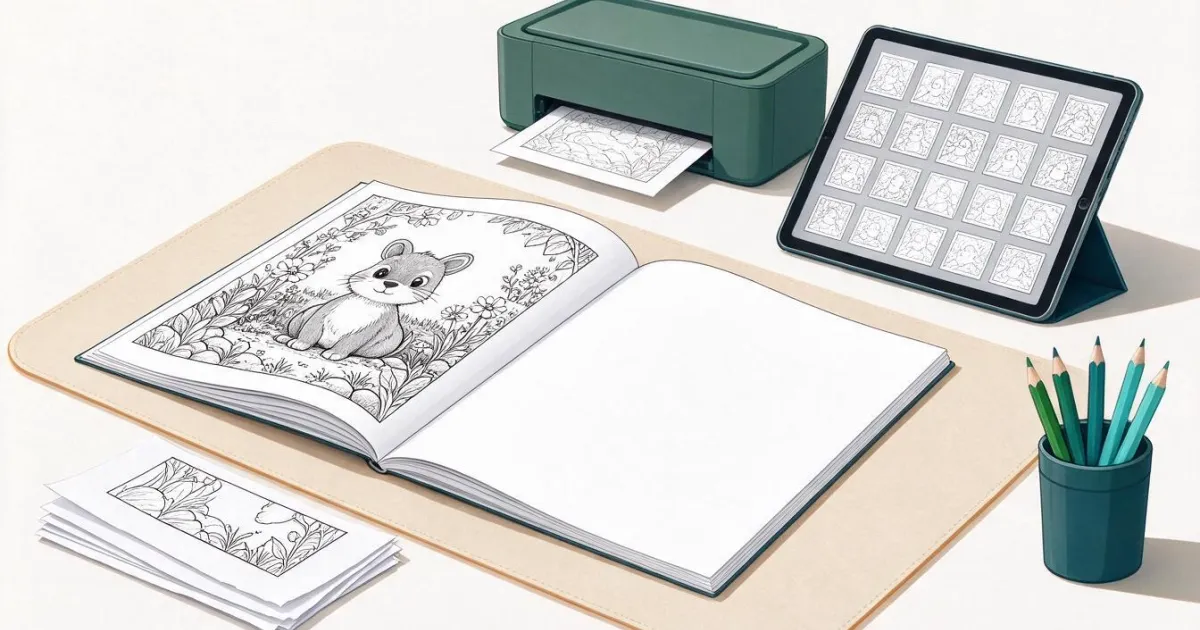
The standard format for a coloring book on KDP is paperback 8.5" × 11", black ink on white paper, without bleed and between 24 and 590 pages. With that setup, the minimum margins are 0.25" on the outer, top, and bottom edges, and 0.375" on the inside (the one taken by the binding) as long as you don’t exceed 150 pages.
| KDP Specification | Value | What Coloring Book Studio exports |
|---|---|---|
| Trim size | 8.5" × 11" (21.59 × 27.94 cm) | 612 × 792 pt = 8.5" × 11" exact |
| Page range (black ink / white paper) | 24 – 590 | According to the pages you assemble (×2 with blank pages) |
| Bleed | 0.125" (3.2 mm) if you use it; not needed here | Interior without bleed → in KDP you choose "No bleed" |
| Outer, top, and bottom margin (no bleed) | minimum 0.25" (6.4 mm) | 0.5" (12.7 mm) |
| Inner / binding margin, 24–150 pages | minimum 0.375" (9.6 mm) | 0.5" (12.7 mm) |
| Inner margin, 151–300 / 301–500 pages | 0.5" / 0.625" | 0.5" (watch out from 300 printed pages) |
| Minimum resolution of interior images | 300 dpi | ≈154 dpi (see more below) |
| Interior file format | PDF, no crop marks, embedded fonts, < 650 MB | PDF generated without crop marks or text |
Source: Amazon KDP help pages "Set Trim Size, Bleed, and Margins" and "Paperback Submission Guidelines", consulted on October 25, 2026. Amazon changes these tables: check them before publishing.
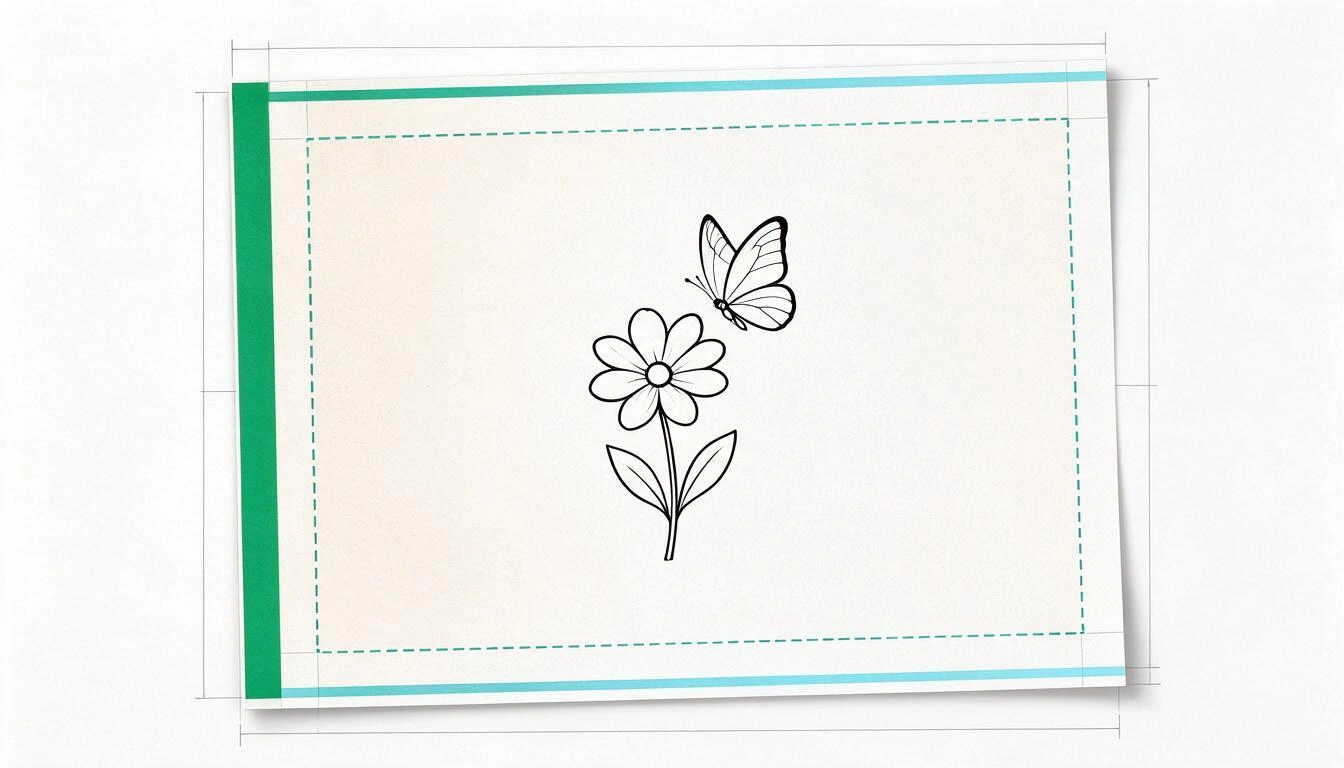
One detail that many people discover late: the inner margin changes with the number of pages. If your book exceeds 150 printed pages, the minimum goes up to 0.5"; above 300, to 0.625". The interior exported by the app uses a fixed 0.5", so it covers any book of up to 300 printed pages (150 drawings with their blank page behind). Above that, you would need to adjust it yourself.
Why each drawing has a blank page behind
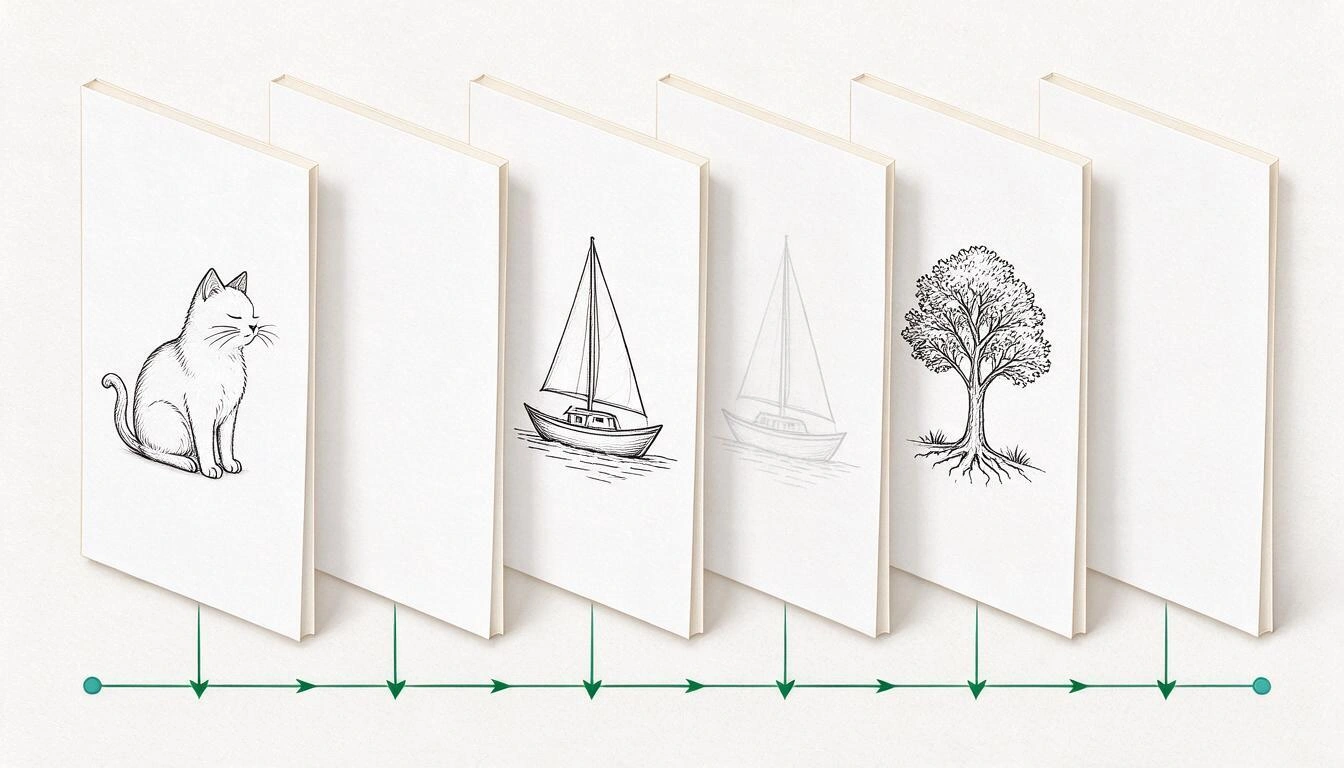
Because coloring books are colored with markers, and the marker bleeds through the paper. If you print double-sided, the drawing on the reverse gets smudged and ruined. That’s why the niche standard is one drawn side, one blank side, and that’s why your page count on KDP is always double the drawings you’ve made.
This has three very specific consequences:
- The real minimum of drawings is 12. KDP does not accept fewer than 24 pages in 8.5" × 11", and with a blank back 12 drawings give exactly 24 pages.
- The maximum is 295 drawings (590 pages), although in practice no one gets close: the norm in the niche is 30-50 drawings.
- The printing cost is paid by the paper, not the drawing. Doubling the pages doubles the paper; in short books it doesn’t matter because KDP charges a fixed fee up to 110 pages, but beyond that each page adds up.
In Coloring Book Studio this is a project switch: you keep the blank pages activated and the PDF intersperses them automatically. In the assembly tab, there’s a counter that tells you how many printed pages the book will have before exporting, which is the number you will later have to declare on KDP.
The three files you can export and which one actually uploads to KDP
The app generates three different PDFs and only one of them is the manuscript that uploads to KDP: the interior one. The complete book is for reading, printing at home, or showing to someone; the cover is the raw material for the cover, not the final KDP cover.
| Export | What it contains | What it’s for |
|---|---|---|
| Interior | One 8.5" × 11" page per drawing, with its blank page behind if you’ve activated it | This is the manuscript that you upload to KDP. Choose "No bleed" |
| Complete book | The cover at page size + all the interior in a single PDF | Reading, home printing, proofs. This is not a KDP file |
| Cover | An 8.75" × 11.25" PDF (8.5" × 11" + 0.125" bleed on all sides) with the cover illustration, plus the original PNG | Starting material to assemble the wraparound cover in KDP |
The important thing about that last row: KDP does not accept a loose cover. Its documentation is explicit: "Your cover must be a single PDF file that includes the back cover, spine, and front cover as one image". You assemble that with the KDP cover template or with their Cover Creator, and for that, the app also provides the original PNG, which is what goes inside the template.
How to make the whole book, step by step
The actual process consists of five steps within the app and one outside, in KDP. You don’t have to draw anything or open a layout program.
- Create the book. A project equals a book: title, subtitle, author name, and theme.
- Generate the pages. You describe the scene in your language ("a fox sleeping among giant mushrooms") and the AI returns the page in line-art. To fill the book quickly, there’s the batch: you give a theme and a number between 3 and 10, the AI proposes that many different scenes with their title and description, you rewrite the ones you don’t like and delete the extras, and they all get generated at once. You repeat the batch until you have the pages you want.
- Design the cover. You generate it by describing it and then refine it by asking for changes in normal language ("more pastel colors", "add butterflies in the background"). Each attempt is saved as a version: you can compare the whole strip, recover any version, and decide which is the cover. The preview overlays the title on top, but the title is not rasterized in the image.
- Arrange the book. You drag the pages into the order you want and see the printed page counter.
- Export. Interior, complete book, or cover. The PDF is generated in the background (an interior of 40-60 pages takes time because each image needs to be downloaded and recompressed) and you have a download history.
- Upload to KDP. Manuscript = interior PDF, "No bleed", 8.5" × 11", black ink, and white paper. Cover = your wraparound assembled with the PNG.
What makes a page colorable and not just pretty
This is the technical part that makes the difference, and it’s good to understand it even though the app resolves it internally. When generating each page, the instruction sent to the model specifies: only black and white, clean black outlines of constant medium thickness, pure white background, no shading, no grays, no color, no gradients, no text or watermarks, closed outlines and separate and clear regions, in full-page composition and vertical orientation. Then the background is normalized to pure white.
Why each thing matters:
- Closed outlines: if a line is left open, the color "escapes" when coloring, and the child gets frustrated. It’s the number one failure of pages generated with a generic prompt.
- No grays or gradients: a 20% gray that is barely visible on screen comes out as a dirty spot when printed that cannot be colored over.
- Pure white background: if the background has a tint, KDP prints it, and an entire page of light ink shows on the paper and affects the cost.
- Constant thickness: very thin lines get lost in printing at 8.5" × 11"; very thick lines consume the colorable area.
The Weak Point: the resolution does not reach the 300 dpi required by KDP
It must be stated clearly. The pages are generated at 1024 × 1536 px. In the interior PDF, they are centered and scaled within a box of 7.5" × 10"; since the image ratio (2:3) is more elongated than that of the box (3:4), the adjustment is dictated by the height and the drawing ends up printed at 6.67" × 10". That is 1536 ÷ 10 = 153.6 dots per inch. KDP's submission guidelines require a minimum of 300 dpi for interior images.
| Data | Value |
|---|---|
| Original resolution of each page | 1024 × 1536 px |
| Placement box in the PDF | 7.5" × 10" (540 × 720 pt) |
| Actual printed size of the drawing | 6.67" × 10" |
| Effective resolution | ≈ 154 dpi |
| Minimum recommended by KDP | 300 dpi |
| Blank space on each side of the drawing | ≈ 0.92" |
What this means in practice:
- The KDP Previewer marks low-resolution images before publishing. Always check it: it’s free and it’s the only judge that matters.
- Line art holds up enlargement much better than a photograph, because they are solid black lines on flat white and there are no gradients to pixelate. But that does not meet the minimum: it is below with a type of image that forgives it more.
- If the 300 dpi is non-negotiable for your book, the way is to rescale the pages with an image scaler and assemble the interior with your own layout tool. Coloring Book Studio does not rescale: the PDF you download is exactly what you just saw.
There is also a design consequence: as it adjusts by height, the drawing leaves about 0.92" of white on each side. For a coloring book, that is not a defect — it is margin to support the hand and to prevent the binding from eating the drawing — but it is good for you to know that your pages will not fill the width of the paper.
The Cover: what the app gives you and what you assemble in KDP
The app provides you with the cover illustration in color and with bleed, and its original PNG. The complete KDP cover —back cover, spine, and front cover in a single PDF— is assembled by you, because the width of the spine depends on the final number of pages and that is only known when the interior is finalized.
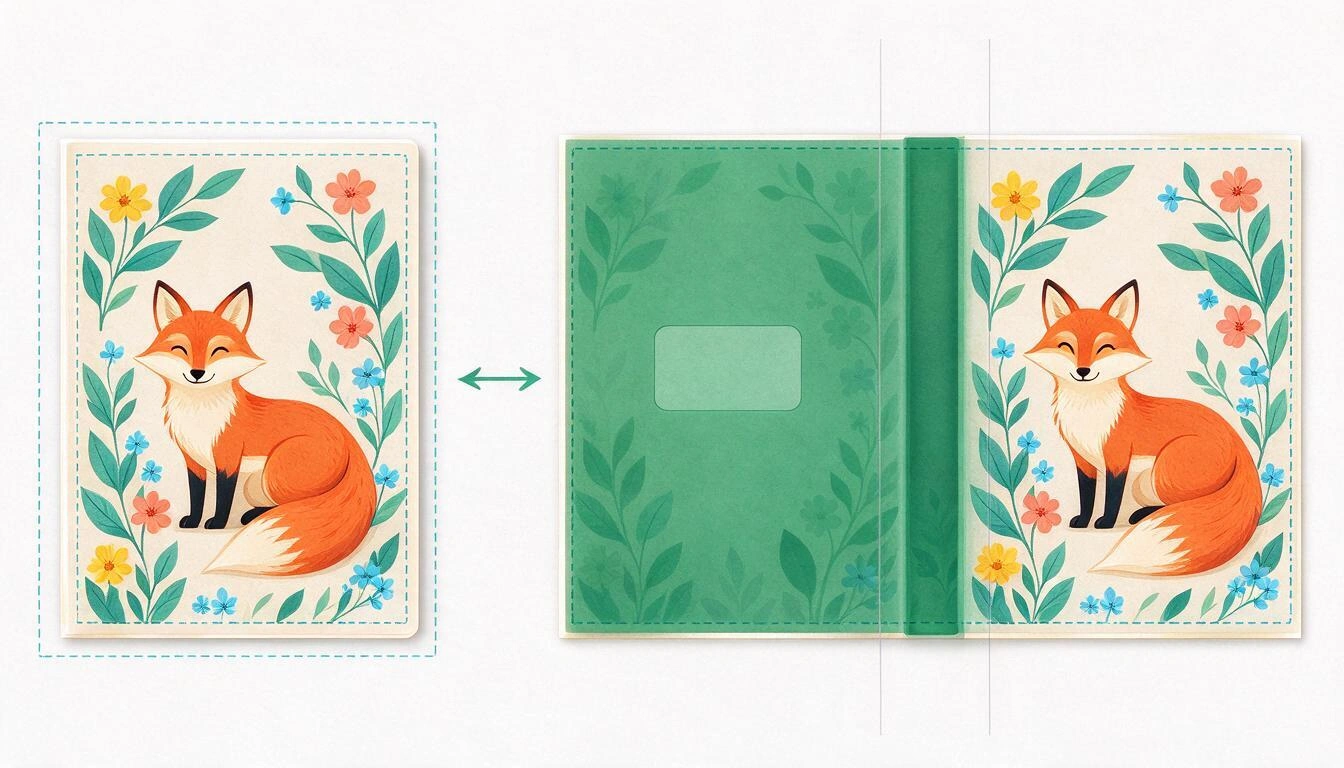
The spine formula that KDP publishes for black and white books is:
White paper:  spine width = number of pages × 0.002252"  (0.0572 mm)
Cream paper: spine width = number of pages × 0.0025" (0.0635 mm)| Printed pages (drawings) | Spine in white paper | Can text be printed on the spine? |
|---|---|---|
| 24 (12 drawings) | 0.054" / 1.37 mm | No |
| 48 (24 drawings) | 0.108" / 2.74 mm | No |
| 80 (40 drawings) | 0.180" / 4.58 mm | Yes, just above the limit |
| 120 (60 drawings) | 0.270" / 6.86 mm | Yes |
| 200 (100 drawings) | 0.450" / 11.44 mm | Yes |
KDP only prints text on the spine of books with more than 79 pages. That is: a coloring book of 24 or 48 pages does not have the title on the spine, and that changes how it looks on a shelf. If it matters to you, the decision is made earlier, in the number of drawings.
For a 48-page book, the wraparound cover measures 17.358" × 11.25" (8.5" for the back cover + 0.108" for the spine + 8.5" for the front cover + 0.125" bleed on each side, and 11" + 0.25" in height). The template you download from KDP calculates this for you: you just place the PNG of the cover inside.
How much it costs to print a 48-page coloring book
With black ink on white paper and up to 110 pages, KDP charges a fixed fee: €2.05 per copy on Amazon.es (and the rest of the European markets in euros) and $2.30 on Amazon.com. From 110 pages, it shifts to a base fee plus cost per page.
| Market | 24 – 110 pages | 110 – 828 pages |
|---|---|---|
| Amazon.com (USD) | $2.30 fixed | $1.00 + $0.012 per page |
| Amazon.es, .de, .fr, .it, .nl, .ie, .com.be (EUR) | €2.05 fixed | €0.75 + €0.012 per page |
Softcover printing fees published by Amazon KDP, consulted on October 25, 2026.
Royalties are calculated as follows, according to KDP's own documentation:
(royalty rate × sale price) − printing cost = royaltyThe rate is 50% or 60% depending on the sale price and the market, and 40% in Expanded Distribution. The example provided by KDP's own help for a 333-page softcover at $15 on Amazon.com is: (0.60 × 15) − 5.00 = $4.00 per copy on Amazon, and (0.40 × 15) − 5.00 = $1.00 in Expanded Distribution.
This is not business or tax advice, and neither Coloring Book Studio nor AIsToHire guarantees sales or income. KDP fees and rates change and vary by market: always use KDP's official royalty calculator with your numbers before setting a price.
The app includes a chat with the Coloring Book Studio assistant to discuss niches, titles, and themes. It is a help for thinking, not a market decree: the decision on price and publication is yours.
You must declare on KDP that the book is made with AI
Yes, and it is mandatory. KDP requires you to inform about AI-generated content when publishing a new book or re-editing an existing one. A coloring book with pages generated by a model falls squarely into that category.
KDP distinguishes two cases, with this literal definition:
- AI generated content: "Text, images, or translations created by an AI-based tool. If you used an AI-based tool to create the actual content (whether text, images, or translations), it is considered 'AI-generated', even if you applied substantial edits afterwards." → it must be declared.
- AI assisted content: you created it and used AI to edit, refine, or correct it. → it does not need to be declared.
In other words: even if you edit the pages afterwards, they are still AI-generated and the declaration is made anyway. It is a checkbox in the publishing process, not a penalty — but omitting it is indeed a violation of KDP's content guidelines.
Source: Amazon KDP help page on AI content, consulted on October 25, 2026.
Checklist before hitting publish
- The interior has at least 24 printed pages (12 drawings with a blank back).
- The interior PDF measures 8.5" × 11" and in KDP you have chosen "No bleed".
- You have gone through the entire KDP Previewer and read the warnings, including the resolution one.
- No drawing has open contours or gray areas: it shows in the previewer at actual size.
- You have assembled the wraparound cover with the spine calculated for your exact number of pages.
- If your book has 79 pages or less, you have not placed text on the spine (KDP does not print it).
- You have declared the AI-generated content in the publishing form.
- You have checked that there are no marks, logos, or copyrighted characters on any page.
That last point is the one that closes the most accounts in the niche: asking a model for "a drawing of a famous character to color" puts you in an intellectual property infringement even if the drawing is original. Describe generic characters and scenes.
Frequently asked questions
Do I need to know how to draw to make a coloring book?
No. You describe the scene you want in your language and the AI draws it in line-art. What you do need is the judgment to discard: from each batch of proposals that Coloring Book Studio generates, there are usually one or two that do not fit the book, and they are deleted before being generated.
How many pages should a coloring book have on Amazon?
The technical minimum for KDP at 8.5" × 11" is 24 pages, which with the blank page behind each drawing equals 12 drawings. The usual in the niche is 30-50 drawings, that is, 60-100 printed pages.
What size should a coloring book be on KDP?
8.5" × 11" (21.59 × 27.94 cm) is the standard in the niche and is the size that Coloring Book Studio exports. KDP offers other sizes, but the app does not generate them today: only 8.5" × 11" vertical.
Can I upload the PDF that the app gives me directly to Amazon?
The interior, yes: it is the manuscript. The cover, not as is, because KDP requires a single wraparound PDF with back cover, spine, and front cover, and the app delivers the front cover separately with bleed and its PNG for you to assemble in the KDP template. The complete book is for printing or reviewing, not for uploading.
Do the pages generated by AI have enough quality for printing?
They come out at about 154 ppi at print size, below the 300 ppi that KDP requires. The line-art tolerates that difference well because they are black lines on flat white, but the KDP Previewer will warn you. If you want the 300 ppi you have to rescale the pages yourself: the app does not do it.
Do I have to say that the book was made by AI?
Yes. KDP requires you to inform about AI-generated content when publishing or re-editing a book, and images created by a model count as generated even if you edit them afterwards. The declaration is made in the KDP publishing form itself.
Can I turn a photo of mine into a coloring page?
Not today in Coloring Book Studio: the app generates pages from text descriptions, not from photos you upload. If you need it, it is a different flow than what the app offers.
Can I keep the same character on all pages of the book?
Not automatically. Each page is generated from its own description, so consistency depends on how specific you are in describing the character in each prompt (same clothes, same hair, same face shape). The app does not block a reference character.
How much do I get for each book sold?
It depends on the price you set, the market, and the rate that KDP applies to you (50%, 60%, or 40% in Expanded Distribution), minus the printing cost: €2.05 per copy on Amazon.es for a book of up to 110 pages in black ink. Do the exact number with the official KDP calculator; no one can guarantee you sales.
Can I put the title on the spine of a 40-page book?
No. KDP only prints text on the spine of books with more than 79 pages. Below that, the spine comes out smooth, so if the title on the spine is important to you, plan the book with at least 40 drawings.
Coloring Book Studio, in a nutshell
Coloring Book Studio is the mini-app from AIsToHire that generates coloring book pages in line-art from text descriptions, allows you to design and refine the cover by versions, order the book, and download the interior PDF of 8.5" × 11" with the margins and blank pages required by Amazon KDP. It is available at Coloring Book Studio — Create Coloring Books with AI for Amazon KDP. The publication on your Amazon KDP account, the price, and the content statement with AI remain yours: the app leaves you the files ready.
Create your first coloring book with Coloring Book Studio: describe the scenes, let the AI draw the pages, and download the 8.5" × 11" PDF ready to upload to Amazon KDP.
Create your first coloring book with Coloring Book Studio: describe the scenes, let the AI draw the pages, and download the 8.5" × 11" PDF ready to upload to Amazon KDP.Keep reading
View all articles →
Amazon KDP only allows you to publish 2 new books per week: what it means for coloring books in 2026

Why Your Car Insurance Increased in 2026: Average Premium of €1,412 and Historic Record

Discussing via WhatsApp or talking in person: what science says about couple conflicts through messages
