 aiVidFeed
YouTube Channel RSS: How to Follow New Videos Without an Algorithm (and What to Do with TikTok and Facebook)
Team at aiVidFeedWritten with AI assistance13 min readIn summary
- YouTube continues to serve a public feed per channel:
https://www.youtube.com/feeds/videos.xml?channel_id=UC…. Checked on October 25, 2026: responds HTTP 200 and returns 15 entries, with title, link, date, thumbnail, and number of views for each video. - You need the internal channel ID (
UC…), not the@handle:?channel_id=mkbhdreturns 404. The correct ID is taken from therel="canonical"in the channel's HTML, not from the first occurrence of"channelId"(that is usually from a recommended channel). - TikTok and Facebook no longer have RSS:
tiktok.com/@account/rssresponds 302 and redirects you to For You; the old Facebook page feed (/feeds/page.php?id=…&format=rss20) responds 404 Not Found. - A classic RSS reader covers YouTube and nothing else. To combine the three platforms, you need an aggregator that reads the pages, and that’s what aiVidFeed does.
- RSS also doesn’t tell you the duration or if it’s a short, and it stays at 15 videos. If what you want is a tray of new videos with seen control, RSS is only half the way.
If you follow fifteen creators spread across YouTube, TikTok, and Facebook, you have two bad options: open three apps every morning to see if they’ve uploaded anything, or rely on each algorithm to show you. This article explains the third way —the feeds that still exist, the ones that no longer do, and how to take advantage of them— and concludes with the tool we built to solve it: aiVidFeed, the mini-app from AIsToHire that brings together channels from the three platforms into a single chronological feed that you can view on the aiVidFeed page.

Does YouTube still have RSS per channel in 2026? Yes, and it’s public
Yes. YouTube maintains an Atom feed accessible without an API key or login at https://www.youtube.com/feeds/videos.xml, to which a channel_id, a playlist_id, or an old user is passed. On October 25, 2026, we checked the six cases in the table one by one with curl, and these are the codes returned by each.
| What you want to follow | Feed URL | Result (Oct 25, 2026) |
|---|---|---|
| Channel by its internal ID | …/feeds/videos.xml?channel_id=UCBJycsmduvYEL83R_U4JriQ | 200 OK · 15 entries |
Playlist (including uploads, UU…) | …/feeds/videos.xml?playlist_id=UUBJycsmduvYEL83R_U4JriQ | 200 OK · 15 entries |
| Channel with old username | …/feeds/videos.xml?user=marquesbrownlee | 200 OK · 15 entries |
@handle used as channel_id | …/feeds/videos.xml?channel_id=mkbhd | 404 |
| TikTok account | https://www.tiktok.com/@nasa/rss | 302 → redirects to /foryou |
| Facebook page | https://www.facebook.com/feeds/page.php?id=…&format=rss20 | 404 Not Found |
Two practical conclusions. The first: YouTube's RSS is not dead, and it’s the cleanest way to know what a channel has published without entering YouTube. The second: that path does not exist for TikTok or Facebook, so any guide that promises you "the RSS of your TikTok account" is sending you to an intermediary service, not to the platform.
How to get the channel_id (UC…) of a channel in less than a minute
The @handle does not work as channel_id: you need to locate the internal identifier that starts with UC and has 24 characters. It is written in the HTML of the channel's own page, and it can be found in three steps without installing anything.
- Open the channel in the browser, for example
https://www.youtube.com/@mkbhd. - View the page source:
Ctrl+Uon Windows and Linux,Cmd+Option+Uon Mac. Or prependview-source:to the URL. - Search within the code (
Ctrl+F) for the stringrel="canonical". You will see something like this:
<link rel="canonical" href="https://www.youtube.com/channel/UCBJycsmduvYEL83R_U4JriQ">That UCBJycsmduvYEL83R_U4JriQ is the ID. Paste it after channel_id= and you have the feed:
https://www.youtube.com/feeds/videos.xml?channel_id=UCBJycsmduvYEL83R_U4JriQBeware of the most repeated shortcut. Many guides say "look for "channelId" in the code". It’s bad advice: on October 25, 2026, at youtube.com/@mkbhd, the first occurrence of "channelId" in the HTML was UCG7J20LhUeLl6y_Emi7OJrA —a different channel, one of those that appear recommended on the page— while both rel="canonical" and "externalId" gave the correct one, UCBJycsmduvYEL83R_U4JriQ. If you rely on the first "channelId", you end up subscribed to another channel without realizing it.
Two more tricks that save time:
- From channel to uploads playlist: change the first two letters of the ID, from
UC…toUU…, and use it asplaylist_id. Checked: it also returns 200 and 15 entries. - Old channels with
/user/: theuser=parameter still works and saves you from searching for theUC…. It only works for accounts created when YouTube gave usernames.
What the YouTube RSS doesn't give you, even if it works
The feed brings just enough to keep you informed, not to get organized: 15 videos at most, with no duration and no indication of type. Each Atom entry includes the video ID, title, link, publication date, last modified date, thumbnail, description, views, and average rating; nothing more.
This is what that implies in practice:
- Limit of 15 entries. If a channel publishes three times a day and you open the reader on Friday, you’ve missed videos from Wednesday.
- Shorts are mixed in. There’s no field that separates them: in the check on October 25, 2026, the first entry from the example channel linked to
youtube.com/shorts/_4ELeWAgMwo. The only clue is that the URL contains/shorts/. - No duration. You can’t distinguish a twenty-minute video from one that’s thirty seconds without opening it.
- Doesn’t cover TikTok or Facebook. That part of your video diet is left out.
- No shared viewed status. What’s "read" depends on the reader you use and doesn’t travel with you between devices unless the reader syncs it.

The three ways to follow channels, compared
There are exactly three ways to find out that a channel has published: notifications from each app, an RSS reader, and an aggregator that reads the pages for you. Each one fails in a different area.
| App Notifications | RSS Reader | Aggregator (aiVidFeed) | |
|---|---|---|---|
| YouTube | Yes | Yes, official feed | Yes |
| TikTok | Yes | Doesn’t exist | Yes |
| Yes | Removed (404) | Yes, if the page serves its videos openly | |
You need to search for the UC… | No | Yes, channel by channel | No: you paste the URL as is |
| All on one screen | No: one app per platform | Only YouTube | Yes |
| Order | The one each app decides | Chronological | Chronological, grouped by day |
| Viewed control | No | Depending on the reader | Yes, with a counter per channel |
| Channel configuration | Press the bell | Paste the feed URL | Paste the channel URL |
The RSS reader is an excellent tool if everything you follow is on YouTube and you don’t mind being limited to 15 videos per channel. Once TikTok or Facebook enter the equation, it falls short by design: it’s not the reader’s fault, it’s that the feed doesn’t exist.
How aiVidFeed addresses what the RSS doesn’t cover
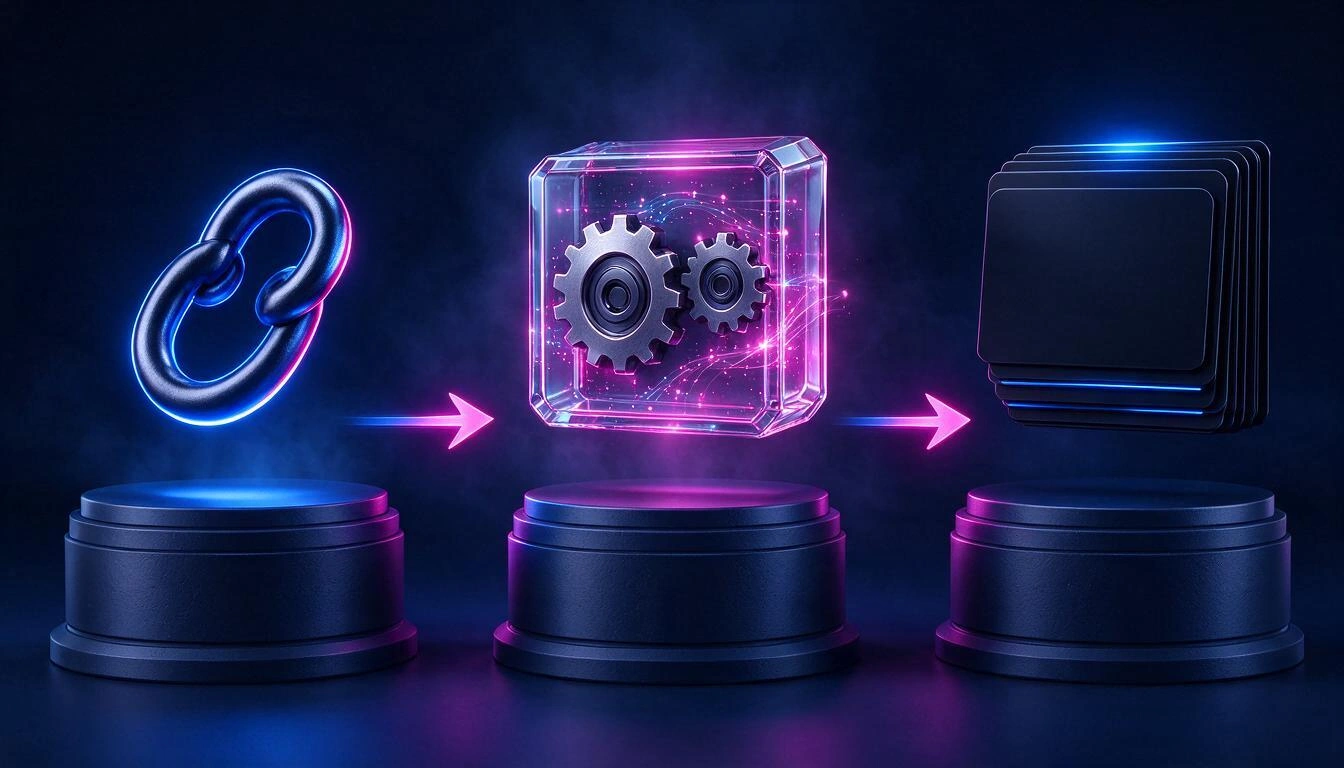
aiVidFeed doesn’t look for the RSS: it launches an importer that reads the public page of the channel and extracts the metadata of its latest videos, without downloading them. That’s why it doesn’t matter whether the platform has a feed or not, and that’s why you just need to paste the channel URL as you copy it from the browser.
The process, step by step, is what is currently in production:
- You paste the URL in the add channel box. The app detects on its own whether it’s YouTube, TikTok, or Facebook, extracts the identifier, and alerts you if that channel is already added.
- The channel enters with a priority mark. An independent process checks every 15 seconds if there are newly added channels and attends to them before anyone else; that’s why the first videos usually appear in seconds and not in the next update cycle.
- The importer reads the metadata. On YouTube, it goes through the videos tab and the shorts tab, up to 20 from each; on TikTok and Facebook, up to 20 posts. From each video, it saves the title, description, thumbnail, publication date, duration, views, and the link to its platform.
- Only the missing ones are saved. The comparison is by video identifier, so an update never duplicates anything.
After the first import, the review rhythm adjusts on its own:
| Channel Situation | When it checks again |
|---|---|
| Newly added or refreshed | In about 15 seconds |
| In the last review brought new videos | The next day |
| In the last review there was nothing new | In 4 hours |
| General review cycle | Every 5 minutes, in batches |
The feed behaves like an inbox, not like a wall
Videos arrive grouped by day —Today, Yesterday, and then the date—, starting with the most recent, and each channel has its unread counter in the sidebar. When you open a video, it is marked as viewed immediately and opens in its original platform, in a new tab.
What you have to manage that inbox:
- Unread counter by channel, to quickly see where there are new things.
- Mark an entire channel as viewed at once, to clear what has accumulated without opening anything.
- Favorites, independent of the viewed status, to set aside what you want to recover later.
- Manually mark and unmark any video as viewed.

What aiVidFeed does and what it does not do
aivVidFeed gathers and organizes metadata from public videos: titles, thumbnails, dates, and links. It does not host or download videos, does not play them in its place, and does not replace any platform; when you open one, you end up on YouTube, TikTok, or Facebook. It is advisable to have the complete list clear before trying it out.
| Does do | Does not do |
|---|---|
| Add channels by pasting their URL, with automatic platform detection | Download or host videos |
| Import the latest videos (up to 20 per tab) without you doing anything | Play them within the app instead of on their platform |
| Group the feed by publication day | Recommend content that you have not added |
| Keep track of watched status, with a counter per channel and bulk marking | Send push notifications or email alerts |
| Save favorites | Search text within the feed or change the order |
| Remove a channel with all its videos | Access private channels or content that requires login |
Three more limits, in case they affect you:
- You must paste the channel URL, not that of a single video.
youtube.com/watch?v=…withoutlist=is not recognized as a channel, and shortened links (youtu.be,bit.ly) are not either. - Facebook is the fragile case. If the page serves its videos openly, they come in; if it requires login or cookies, that channel has no videos. This is not a recoverable failure from the app.
- The number of channels depends on your plan. When you reach the limit, the app tells you when adding the next one.
How to set up your feed in four steps
From scratch, it's four steps and less than a minute per channel: create the account, copy the URL, paste it, and wait a few seconds for the videos to appear.
- Open aiVidFeed from the app page on AIsToHire and create your account.
- Copy the channel URL from the browser's address bar or from the share button of the mobile app.
- Paste it in "add channel." The platform detects itself; if you already had that channel, it alerts you.
- Wait a few seconds and repeat with the rest. The videos appear grouped by day as they arrive.
Formats recognized today:
youtube.com/@handleyoutube.com/c/nameyoutube.com/user/nameyoutube.com/channel/UC…youtube.com/playlist?list=PL…(and any link that contains&list=, which is added as a playlist)tiktok.com/@accountfacebook.com/pageandfacebook.com/profile.php?id=…
Frequently Asked Questions
What is the RSS of a YouTube channel?
It is https://www.youtube.com/feeds/videos.xml?channel_id= followed by the internal ID of the channel, which starts with UC. Verified on October 25, 2026: responds HTTP 200, without API key or login, and returns the 15 most recent posts.
How do I get the channel_id if the channel only has @name?
Open the channel page, look at the source code (Ctrl+U) and search for rel="canonical": the link ends in /channel/UC… and that is the ID. Do not rely on the first appearance of "channelId" in the HTML, because it may be that of a recommended channel and not the one you are viewing.
Is there an RSS to follow a TikTok account?
No. tiktok.com/@account/rss does not return a feed: it responds with a redirect (302) to the "For you" homepage. Any "TikTok RSS" you find is generated by a third party reading the page, not TikTok.
And the RSS of a Facebook page?
Neither. The URL that was used for this, facebook.com/feeds/page.php?id=…&format=rss20, responds 404 Not Found (verified on October 25, 2026). Facebook removed those feeds years ago and has not restored them.
Does aiVidFeed download or store videos?
No. It only stores the video data —title, description, thumbnail, date, duration, views, and the link— and when you open one, it takes you to its original platform in a new tab. It does not host video files or play them instead of the platform.
How many videos does it bring the first time I add a channel?
Up to 20 per tab: on YouTube, it checks both the videos and shorts tab, so a channel that publishes both types can come in with many more than 20 items. On TikTok and Facebook, up to 20 posts.
How often does it check for new videos?
A newly added channel is attended to in about 15 seconds. After that: if in the last check it brought new videos, it looks again the next day; if it found nothing, it retries in 4 hours. The general review runs every 5 minutes in batches.
Can I follow a playlist instead of an entire channel?
Yes, by pasting the URL of the playlist (youtube.com/playlist?list=PL…). It is useful when you are only interested in a specific series from a channel and not everything they publish.
Why does a Facebook channel remain empty?
Because the page is not serving its videos publicly: if Facebook requires login or cookies to view them, the importer cannot read them and that channel remains without content. This usually does not happen with YouTube and TikTok.
Is there a search function within the feed?
No. The feed is browsed by publication day and by channel, and the order is always chronological: today there is neither text search nor manual reordering. If what you need is to search for a specific old video, the search tool of the original platform remains a better tool.
In a nutshell
aiVidFeed is the mini-app of AIsToHire that brings together the YouTube, TikTok, and Facebook channels you choose into a single chronological feed, with seen status and favorites: you paste the channel link and its videos appear in seconds, without any recommendation algorithm in between. It’s available at aiVidFeed — All your YouTube, TikTok and Facebook channels in one feed. And if everything you follow is on YouTube, the official feed videos.xml and a good RSS reader solve the issue just as well: what doesn’t exist, as of today, is that same convenience for TikTok and Facebook.
Gather your YouTube, TikTok, and Facebook channels into a single chronological feed: open aiVidFeed, paste the link of the first channel, and watch how its videos appear in seconds.
Gather your YouTube, TikTok, and Facebook channels into a single chronological feed: open aiVidFeed, paste the link of the first channel, and watch how its videos appear in seconds.Keep reading
View all articles →
Why You No Longer See Videos from Channels You’re Subscribed To (and How to Fix It)

Discussing via WhatsApp or talking in person: what science says about couple conflicts through messages

Mind map, concept map, and outline: differences and when to use each one