 aiVidFeed
Why You No Longer See Videos from Channels You’re Subscribed To (and How to Fix It)
Team at aiVidFeedWritten with AI assistance14 min readIn summary
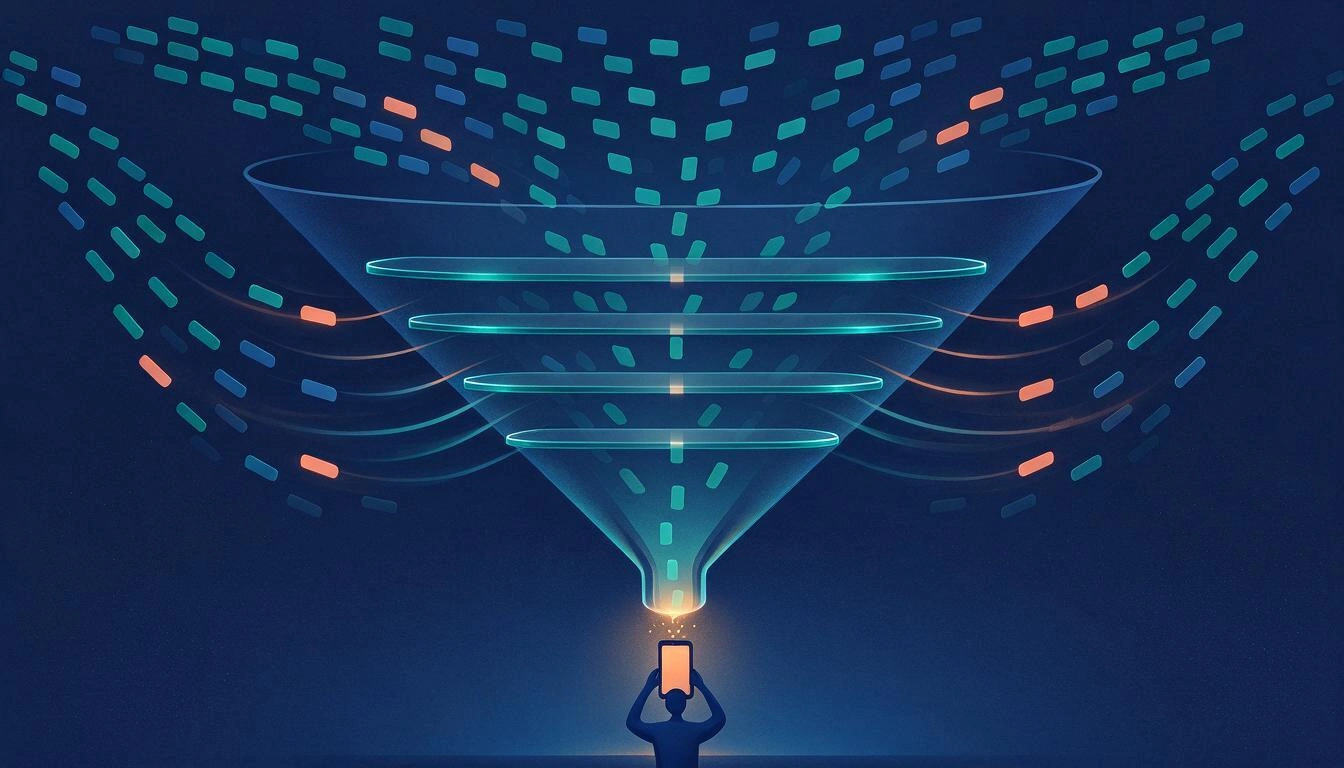
- The YouTube homepage is not sorted by what your channels post, but by your history and satisfaction signals: YouTube's own help states that to recommend on the homepage "our system is primarily based on your viewing history".
- According to the YouTube trends study by Metricool (July 29, 2026, 799,718 videos from 71,177 accounts), only 11% of organic views come via subscribers, compared to 61% that comes from the Shorts feed.
- On October 22, 2026, YouTube removes Subscriptions from the bottom bar of the app and turns it into a "Subs" tab within Home; the redesign expanded on November 5, 2026, with massive user rejection.
- Since April 2026, YouTube stops sending push notifications to subscribers who have not watched the channel for about a month, even if they have the bell set to "All".
- The only way not to miss anything is a personal chronological feed: the Subscriptions tab on the web, the channel's RSS, or an aggregator that gathers your channels in a single list by date.
If you've been feeling for months that videos from channels you’ve followed for years are "slipping away," it's not just an impression: it's how distribution works on YouTube today. In 2026, the homepage is governed by your history and satisfaction signals, the Subscriptions tab has lost its place in the bottom bar of the app, and notifications silence themselves if you go a month without watching a channel. At AIsToHire, we are working precisely in that gap with aiVidFeed, and that's why in this article we first explain the actual mechanics —with data and dates— and then the ways to recover a chronological feed of your YouTube, TikTok, and Facebook channels where nothing is lost.
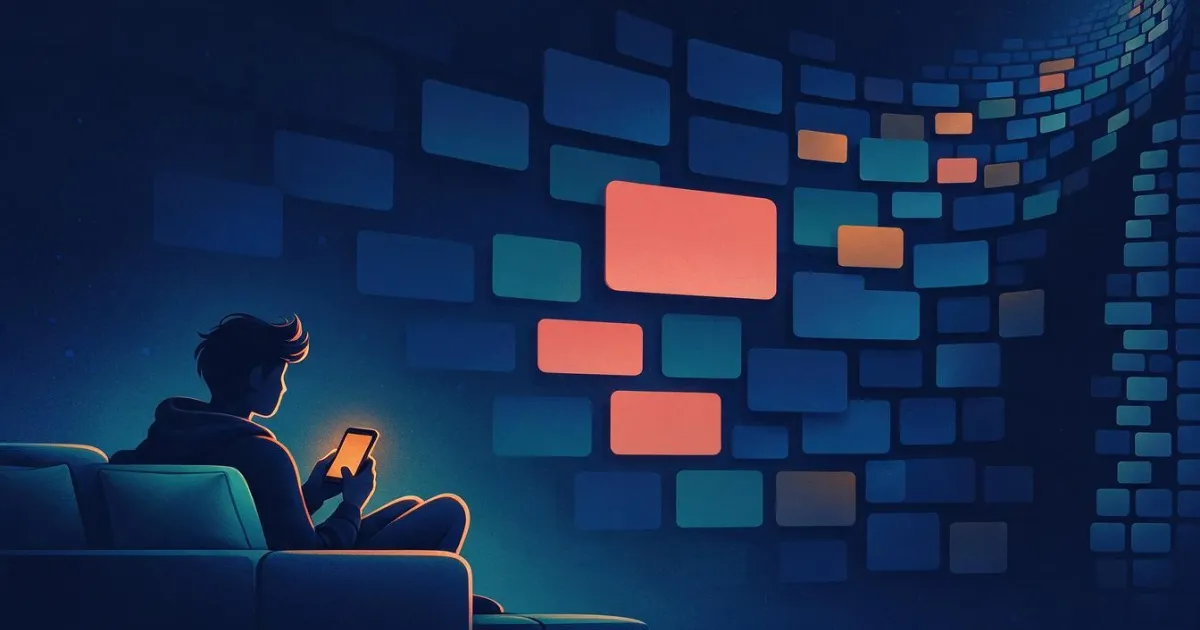
Why don't you see videos from the channels you are subscribed to anymore?
Because subscribing to a channel is no longer a delivery order, but just one signal among many. The YouTube homepage is built with a recommendation system that, according to YouTube's official documentation on how recommendations work, "to recommend videos on the homepage is primarily based on your viewing history," and uses subscriptions mainly to "recommend other videos you might like." In other words: your subscriptions feed the taste profile, but do not guarantee that the new video appears.
That is the underlying misunderstanding. What many people call "my feed" is actually Home, an algorithmic showcase; the complete listing of what your channels have published lives somewhere else, in Subscriptions. And what has changed in 2026 is that Home occupies more and more space while Subscriptions occupy less and less.
Moreover, the system not only measures whether you click. YouTube explains on its recommendation system page that it weighs "likes, shares, comments, 'Not interested' feedback, and survey responses": the so-called satisfaction signals. If you haven't interacted with a channel in recent months —even if you remain subscribed— the system deduces that you are less satisfied with that content and lowers it in Home.
Home and Subscriptions are not the same feed: how they differ
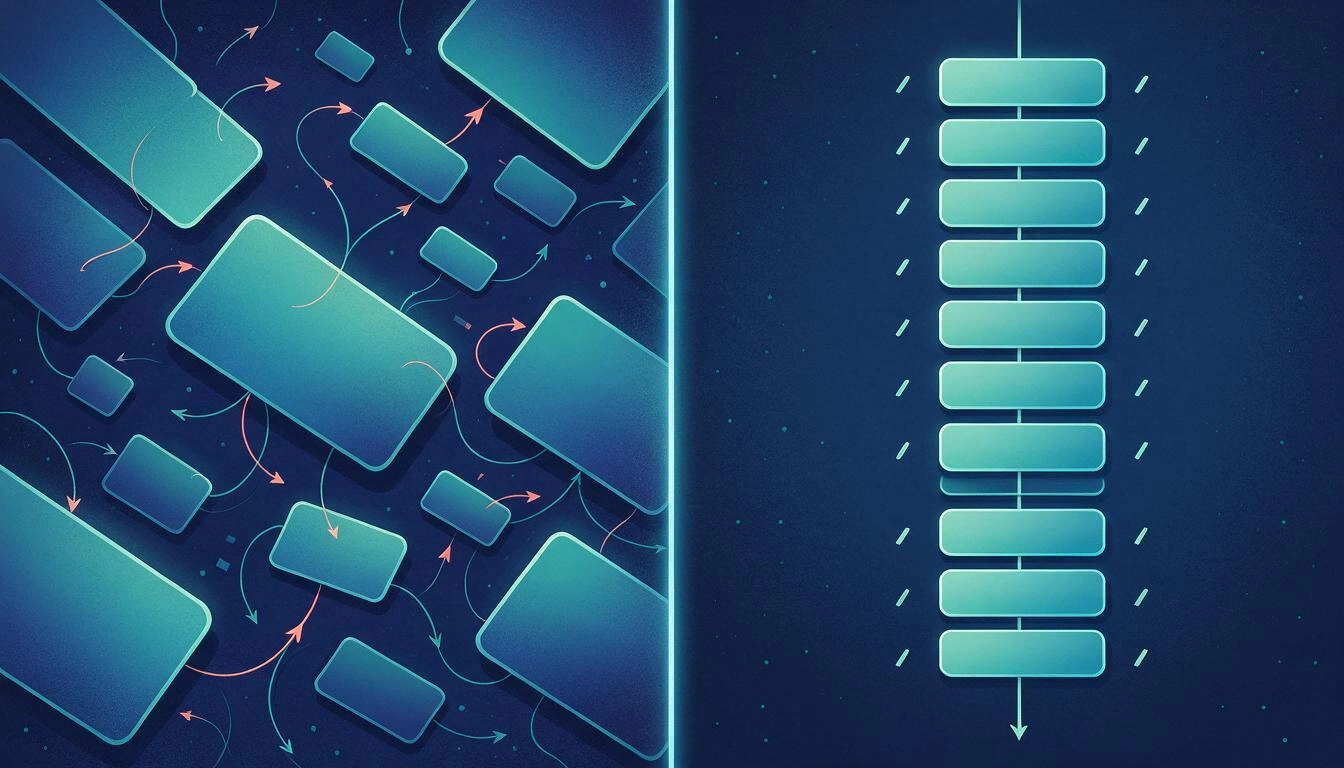
They are two distinct surfaces with two opposing logics: Home is a recommended and personalized feed, with no guaranteed chronological order and open to channels you do not follow; Subscriptions is a chronological and closed feed, showing what the channels you have subscribed to have published, from the most recent to the oldest. Confusing them is the number one cause of the feeling of "missing a video."
| Home Feed | Subscriptions Feed | |
|---|---|---|
| What orders it | History, affinity, and satisfaction signals | Publication date |
| Sources it includes | Channels you follow and channels you don't | Only channels you follow |
| Does everything published show up? | No: it’s a selection | Yes, as long as the channel is public |
| Is it complete if you return after 3 days? | No: it refreshes constantly | Yes: you keep scrolling and recover the gap |
| Weight in distribution (2026) | Dominant alongside the Shorts feed | ~11% of organic views |
| Where it is in the app (since Oct. 2026) | Main tab | "Subs" tab within Home |
The practical consequence is uncomfortable: if your routine is to open the app and look at what comes up, you are consuming a feed that by design does not aim to show you everything from your channels. It never intended to, but before the shortcut to Subscriptions was just a tap away.
What the data says: only 11% of organic views come from subscribers
The most cited data from 2026 comes from the YouTube trends study by Metricool, published on July 29, 2026, about 799,718 videos from 71,177 accounts: the Shorts feed generates more than 61% of organic views, subscribers around 11%, the YouTube search nearly 9%, related videos 5.77%, playlists 5.05%, and direct visits to the channel around 3%.
| Organic traffic source | View share (Metricool, July 2026) |
|---|---|
| Shorts feed | more than 61% |
| Subscribers | ~11% |
| YouTube search | ~9% |
| Related videos | 5.77% |
| Playlists | 5.05% |
| Direct visits to the channel | ~3% |
The same study adds the other side of the coin: in long videos, views increased by almost 76% year-on-year, but average watch time fell by 37% (from 3.98 to 2.51 minutes) and engagement by 45%. In Shorts, views grew by more than 127% with an average watch time of about 16 seconds. Translated: there is much more consumption, much more fragmented and much less directed by the direct relationship between viewer and channel.
It is important to read that 11% figure accurately. It does not mean that only 11% of your subscribers watch you; it means that, out of the total organic views, only one in nine is attributed to the subscription route. The rest comes through recommendations. For the viewer, the effect is the same: the direct path between "I follow this channel" and "I see what it publishes" is now the minority path.
The change of October 2026: Subscriptions leave the bottom bar
On October 22, 2026, YouTube announced in a post on its help community ("New ways to explore YouTube from your Home page") that the Subscriptions tab is leaving the bottom bar of the Android and iOS app, where it has been since 2017. According to 9to5Google's coverage, the bottom bar is left with Home, Shorts, Create, and You, while Subscriptions becomes a tab called "Subs" in the top Home bar, alongside Live, Music, and Movies & TV.
The redesign was widely rolled out on November 5, 2026, via server, without needing to update the app, and the reaction was very negative: 9to5Google titled its follow-up saying directly that everyone dislikes the new design, with users describing it as "the worst interface Google has made." The reason is not aesthetic: a feed that was one tap away is now one tap more, within the surface competing with it.
There are two shortcuts that still work in the meantime:
- Long press the YouTube app icon offers a shortcut that opens Subscriptions, according to the same coverage from 9to5Google.
- The web version keeps Subscriptions as its own entry in the side menu.
Notifications don't cover you either: the bell silences itself
Since April 2026, having the bell on "All" does not guarantee that you will receive a notification. YouTube stopped sending push notifications to subscribers it classifies as inactive: according to information published by Social Media Today on April 23, 2026, these are those who have not watched content from that channel for about a month, have ignored its recent notifications, and have the "All" option activated.
The official justification noted in that coverage is to reduce fatigue: "By making push notifications more relevant, we found that fewer people disabled notifications from specific channels and fewer people disabled them altogether." The good news is that the silencing is reversible: just watching something from that channel — from anywhere, not just from a notification — will make the alerts return. And uploads continue to arrive in the app's inbox and the Subscriptions feed.
In other words: there are three layers between a channel and you, and all three filter.
- The push notification: it turns off if you are not an active viewer of that channel.
- The Home feed: shows a selection based on history and satisfaction.
- The Subscriptions feed: is the only complete one, and it has become the most difficult to reach on mobile.
YouTube's custom feeds help, but they are not a chronological feed
The "custom feeds" that YouTube introduced in 2026 allow you to create thematic tabs on the homepage describing in natural language what you want to watch, but they remain recommended feeds, not listings by date from your channels. Android Authority explained how it works when the feature started appearing in 2026: they are created from the "+" button on the homepage and are constantly refreshed.
There are also limits worth knowing before relying on them:
- You can save up to three custom feeds in the free version and up to eight with YouTube Premium, according to the feature explanation on TechRepublic.
- They require having watch history and search history enabled, that is, exactly the signal that causes the original problem.
- The initial rollout was for registered users in the United States with the interface in English, on mobile and desktop.
They are useful for organizing discovery. They do not serve to "not miss any video from these twelve channels," because they neither guarantee complete coverage nor respect the chronological order.
How to fix it: three ways to recover a chronological feed
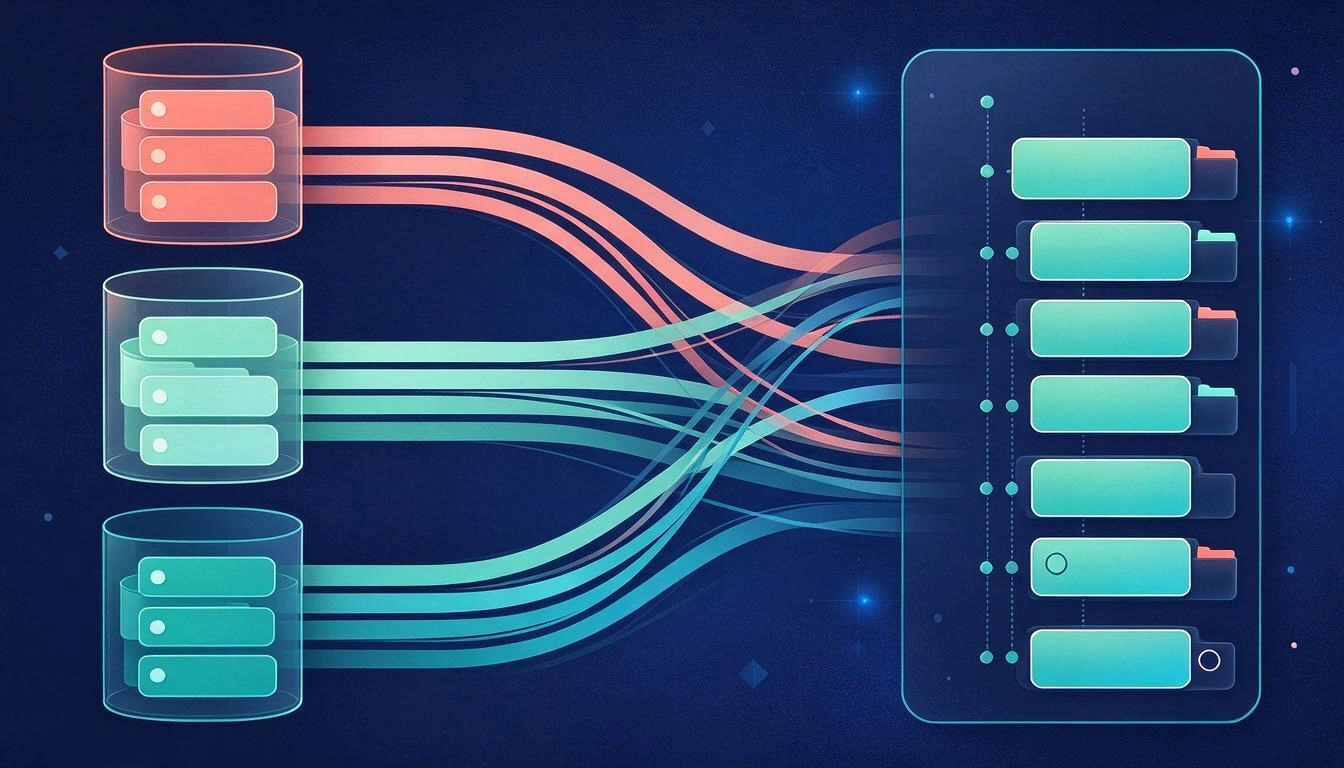
All three work and can be combined: use the Subscriptions tab as an entry point instead of Home, subscribe to the RSS of each channel in a reader, or gather the channels in your own aggregator that displays them by date. The difference lies in the maintenance effort and whether you want to mix several platforms into a single list.
1. Change the habit: always enter through Subscriptions
It’s free and immediate. On the web, Subscriptions remains in the side menu; on mobile, the direct access from the app icon leads there without going through Home. The mental trick is to treat Home as what it is —a discovery showcase— and not as your video inbox.
Limitation: it only covers YouTube, does not distinguish well between seen and unseen over the days, and does not allow grouping channels by topics.
2. RSS per channel: the technical and complete way
Every public YouTube channel exposes a feed in Atom format at https://www.youtube.com/feeds/videos.xml?channel_id=CHANNEL_ID, replacing the identifier that starts with "UC"; playlists have theirs with playlist_id=. It is the method most faithful to chronological order and does not depend on any algorithm.
Two important warnings documented by readers and RSS tools: the feed returns only the 15 most recent videos, so it serves to monitor new releases and not as a historical archive; and the endpoint had a period of intermittent 404 errors since late 2025, as noted in Ayewatch's YouTube RSS guide. Adding channels one by one manually is, moreover, tedious.
3. Your own aggregator that gathers your channels into a single feed
It is the option that solves the complete problem: you paste the channel URL, the system detects it and imports its videos, and you see a single ordered list where you can mark what you have seen and what you have not. This is exactly what aiVidFeed does: you add a channel by pasting its YouTube, TikTok, or Facebook link, the platform is detected automatically, and new videos enter your feed; you can also organize the channels into thematic folders with emojis, rename them to your liking, and filter by seen/unseen or by folder.
| Option | Covers multiple platforms | Chronological order | Maintenance | Mark seen / unseen |
|---|---|---|---|---|
| Subscriptions Tab | No, only YouTube | Yes | None | No |
| RSS per channel | Only if each source has RSS | Yes | High (channel by channel, last 15) | Depends on the reader |
| aiVidFeed-type aggregator | Yes: YouTube, TikTok, and Facebook | Yes | Low: you paste the URL | Yes |
What all this means for the regular viewer
That following a channel and watching what it publishes are no longer the same thing, and that the difference must be covered manually. Subscribing still helps —it feeds the profile, signals to the creator, and fills the Subscriptions feed—, but it is no longer a delivery contract. If you care about a specific channel, the effective gesture in 2026 is not to hit the bell: it is to enter through a chronological listing that does not decide for you.
This also explains a very common pattern: you accidentally discover a video from three weeks ago from a channel you follow and think that the channel "has returned." It had not disappeared; it simply never made it to your Home because the system did not predict that you would watch it. And, with the average watch duration declining according to 2026 data, that prediction is becoming increasingly conservative.
Frequently Asked Questions
Why aren't the videos from the channels I'm subscribed to showing up?
Because the Home feed does not show everything your channels publish: it is built from your viewing history and satisfaction signals, according to YouTube's documentation. The complete list is in the Subscriptions tab, which since October 2026 no longer occupies its own space in the bottom bar of the mobile app.
Did YouTube remove the Subscriptions tab in 2026?
They did not remove it; they moved it. On October 22, 2026, it was moved from the bottom bar of the app to a tab called "Subs" within the top Home bar, and the redesign was expanded on November 5, 2026. In the web version, it is still accessible from the side menu, and on mobile, you can access it by long-pressing the app icon.
Is activating the notification bell useful?
It is less useful than before. Since April 2026, YouTube has stopped sending push notifications to subscribers who have not viewed the channel for about a month and have ignored recent alerts, even if they have the bell set to "All." If you watch something from that channel again, the alerts are reactivated.
How many views of a channel actually come from its subscribers?
According to a Metricool study published on July 29, 2026, about 11% of organic views are attributed to the subscriber route, compared to over 61% that comes from the Shorts feed and nearly 9% from YouTube search.
Do YouTube's personalized feeds solve the problem?
Not entirely. They are recommendation tabs created from a natural language description, not chronological listings of your channels; they require having the history activated and are limited to three saved feeds in the free version and eight with Premium.
Is there a way to see YouTube, TikTok, and Facebook in a single chronological feed?
Yes, with a channel aggregator. You paste the channel or account URL, the tool detects the platform and imports the videos, and displays them in a single list by date with seen / unseen control. This is the approach of aiVidFeed, which supports channels from YouTube, TikTok, and Facebook and allows you to group them into folders.
Does losing the subscription feed only affect viewers?
No. For the creator, it means that the subscriber base weighs less in distribution and that their reach depends on recommendations; for the viewer, it means that the direct relationship with the channels they chose to follow dilutes if they do not maintain it with their own tool.
The feed that doesn't decide for you
The direction of change in 2026 is clear: more recommendations, more Shorts, less direct delivery. It is not a conspiracy against the channels you follow; it is an optimization of the platform towards what maximizes consumption. But it leaves the regular viewer with a specific and solvable problem: they need a place where what their channels publish appears in full and in order.
That is what aiVidFeed proposes, the AIsToHire app to gather everything you follow in one place: its own feed of YouTube, TikTok, and Facebook channels imports new videos from each channel you add, organizes them, groups them into the folders you create, and lets you mark what you have seen and what you haven't. Without an algorithm deciding what to show you and what to leave out.
Gather your YouTube, TikTok, and Facebook channels into a personalized feed sorted by date: try aiVidFeed and stop missing out on videos.
Gather your YouTube, TikTok, and Facebook channels into a personalized feed sorted by date: try aiVidFeed and stop missing out on videos.Keep reading
View all articles →
YouTube Channel RSS: How to Follow New Videos Without an Algorithm (and What to Do with TikTok and Facebook)

Discussing via WhatsApp or talking in person: what science says about couple conflicts through messages

Mind map, concept map, and outline: differences and when to use each one