
aiVidFeed · All the videos from your channels, in one chronological feed

Paste the link of a YouTube, TikTok or Facebook channel and aiVidFeed imports its latest videos in seconds. See them sorted by day, from newest to oldest, with no recommendations and no jumping from app to app.
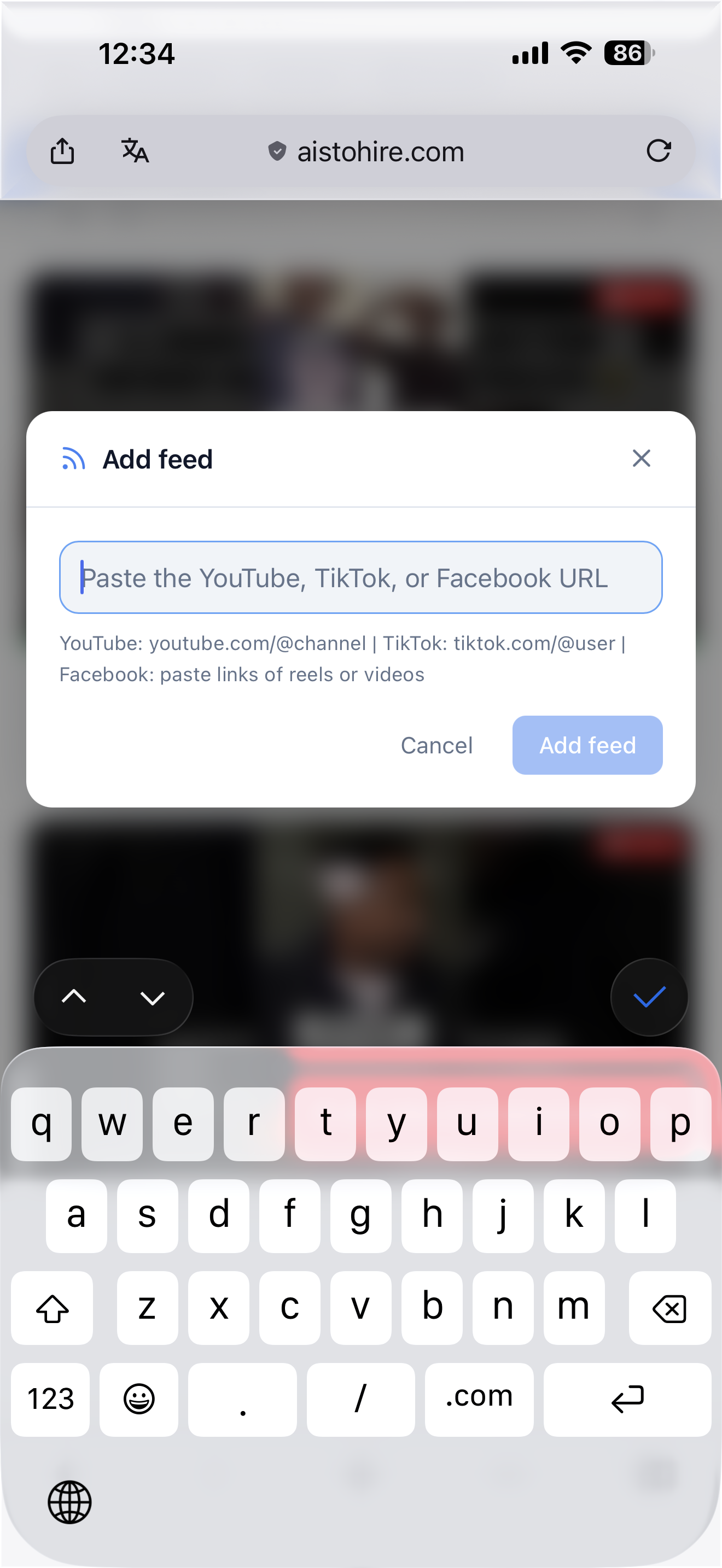
Do you follow ten creators and have to open three apps just to see if they've posted anything?
aiVidFeed gathers the channels that matter to you — from YouTube, TikTok and Facebook — into a single feed sorted by date. You add the channel by pasting its link, the app imports its videos on its own, and you see at a glance what's new and what you've already watched. No recommendations, no suggested content: just what you've decided to follow.
Start for free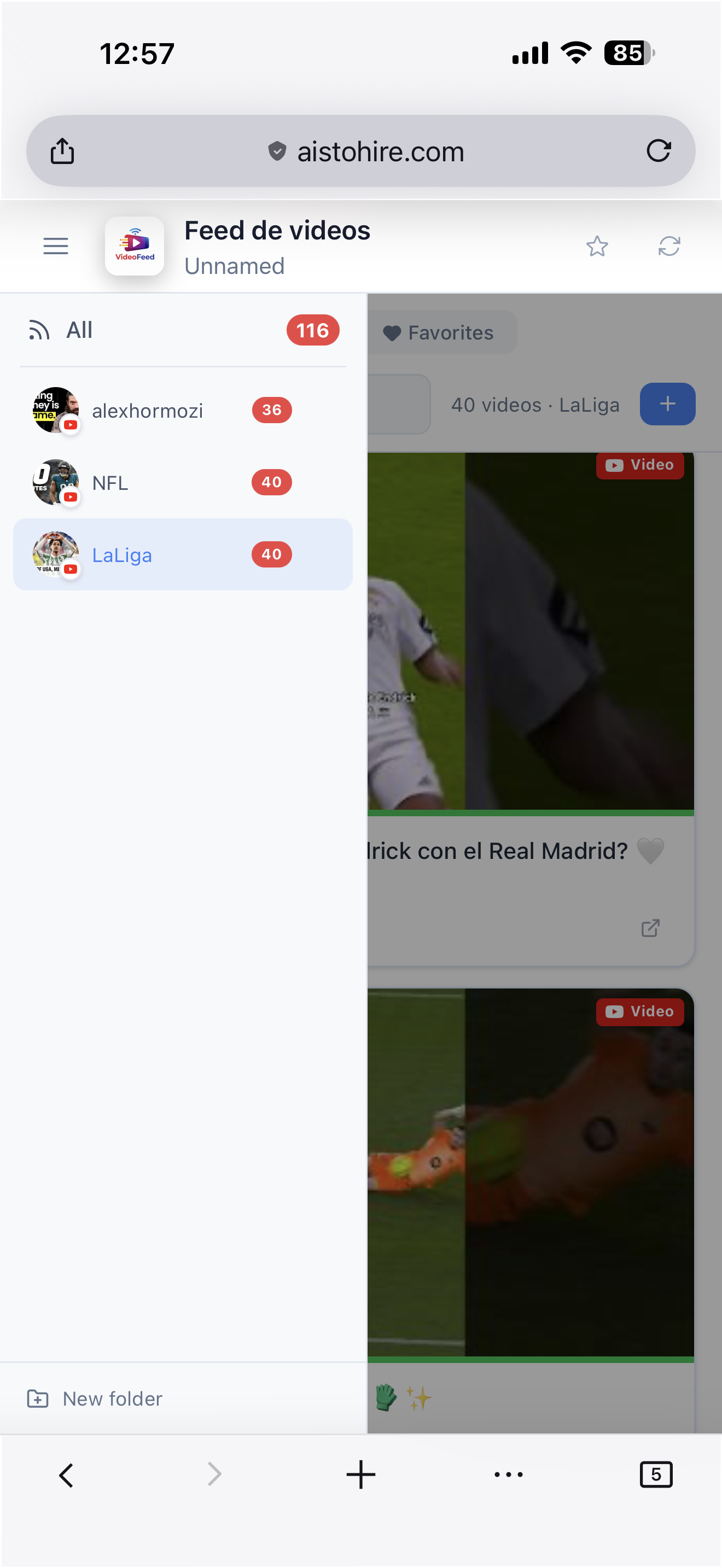
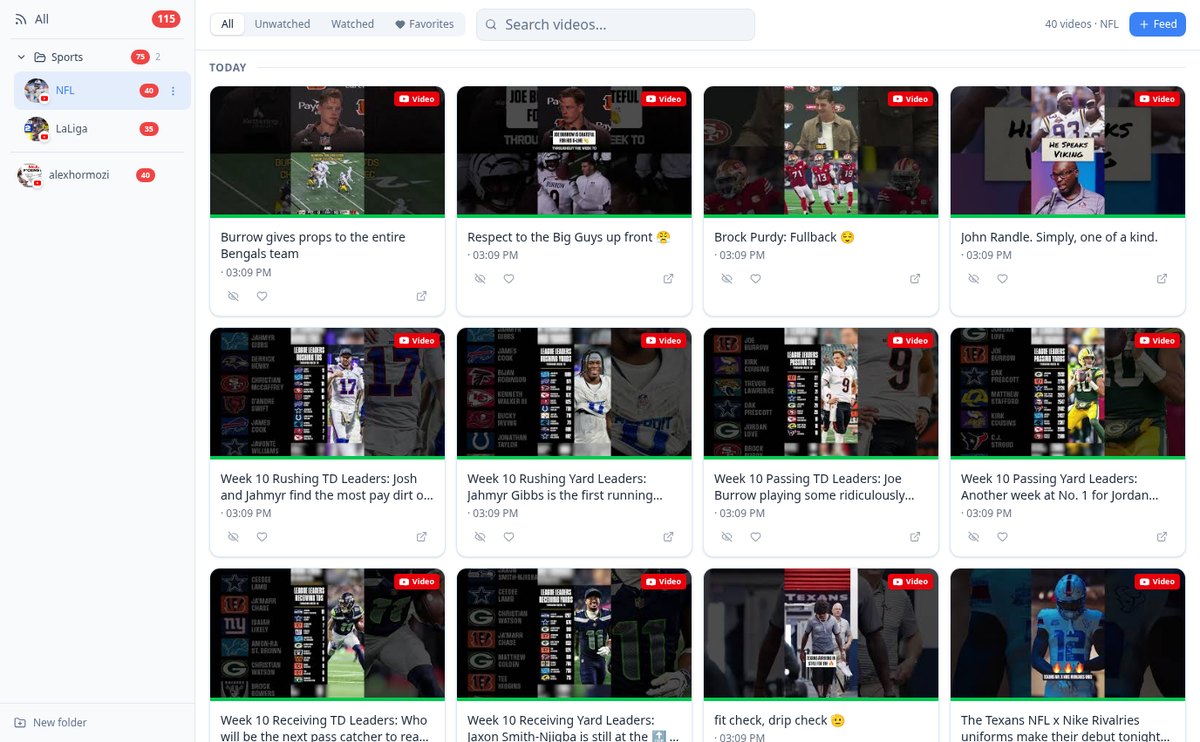
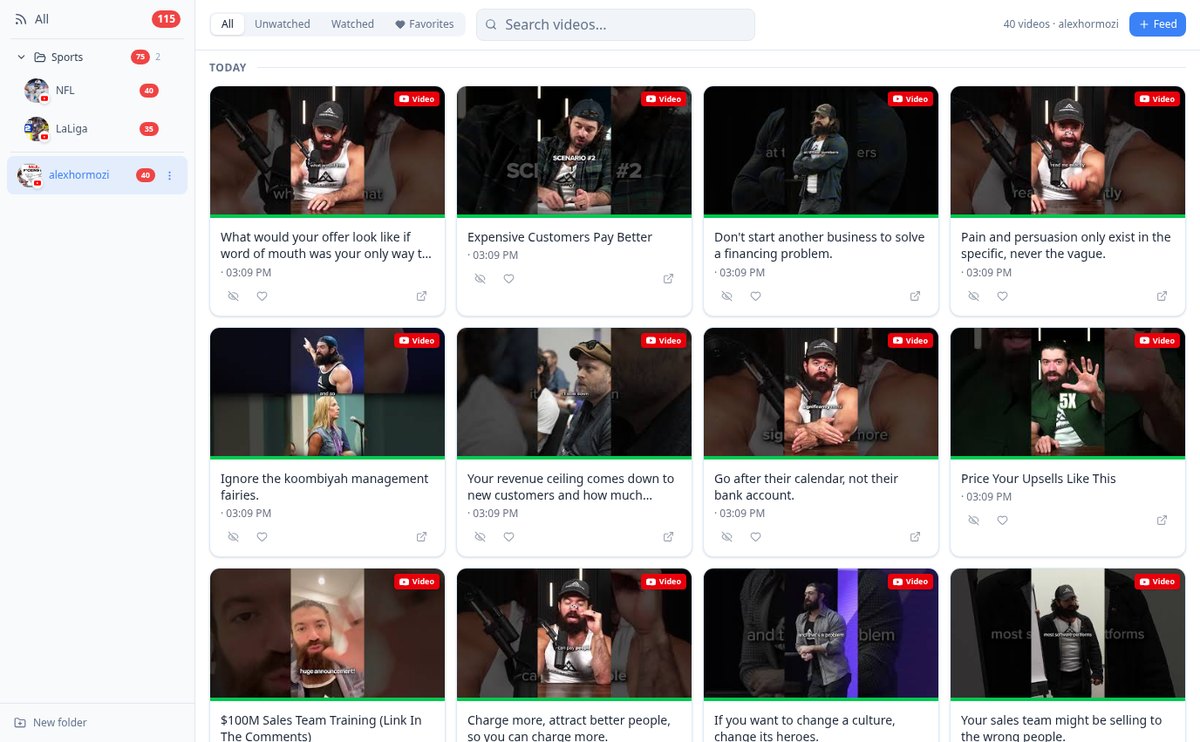
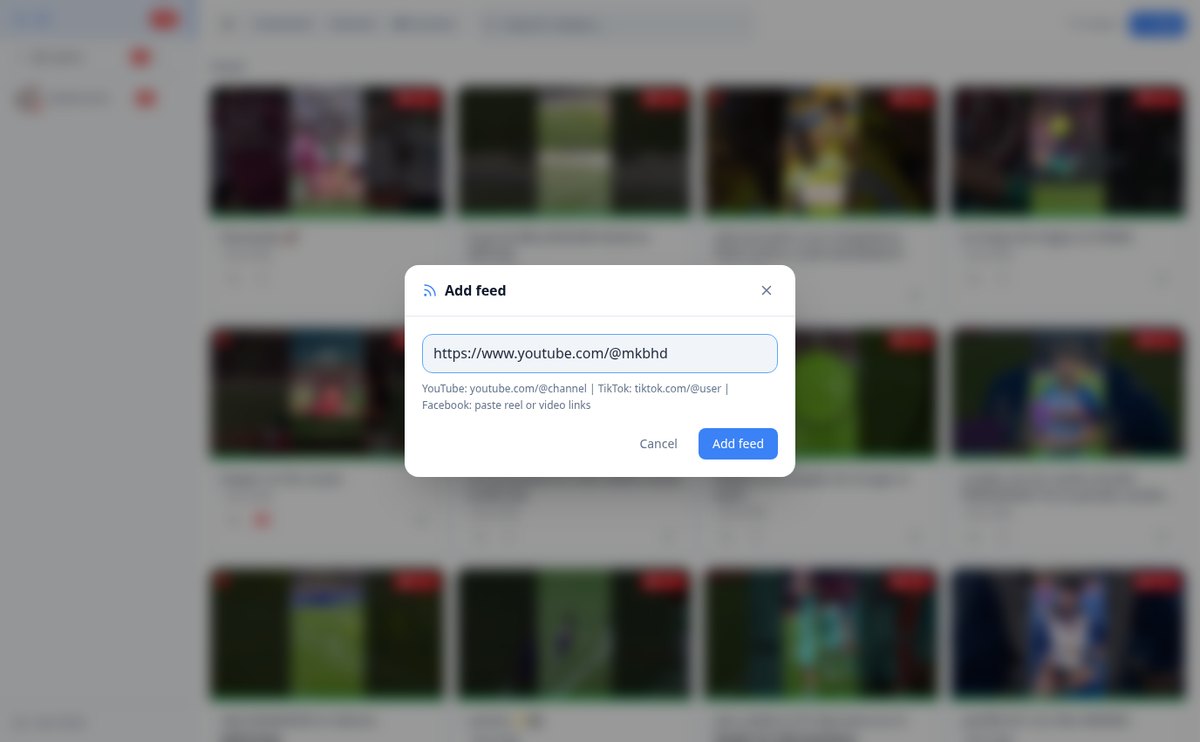
Discover every feature in detail
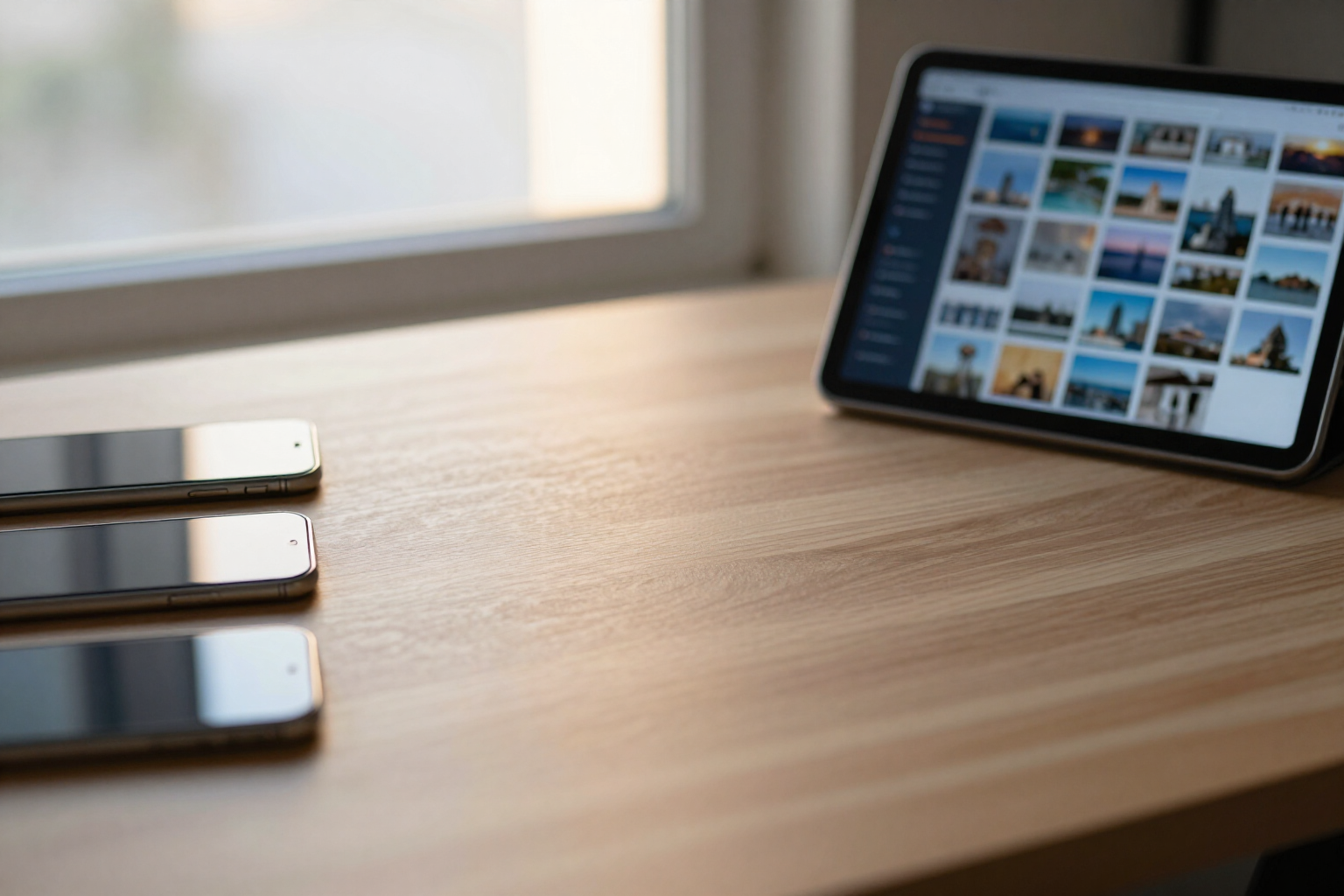
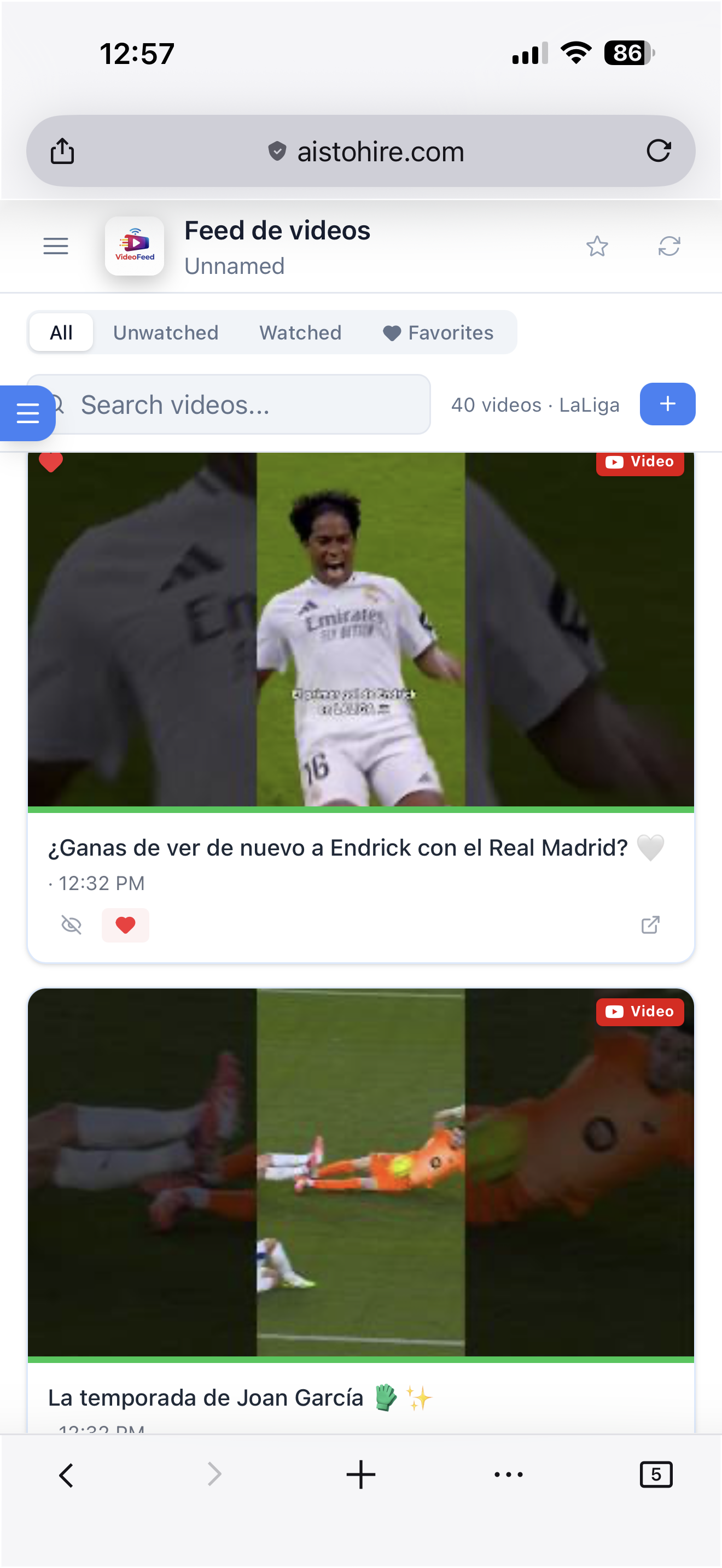
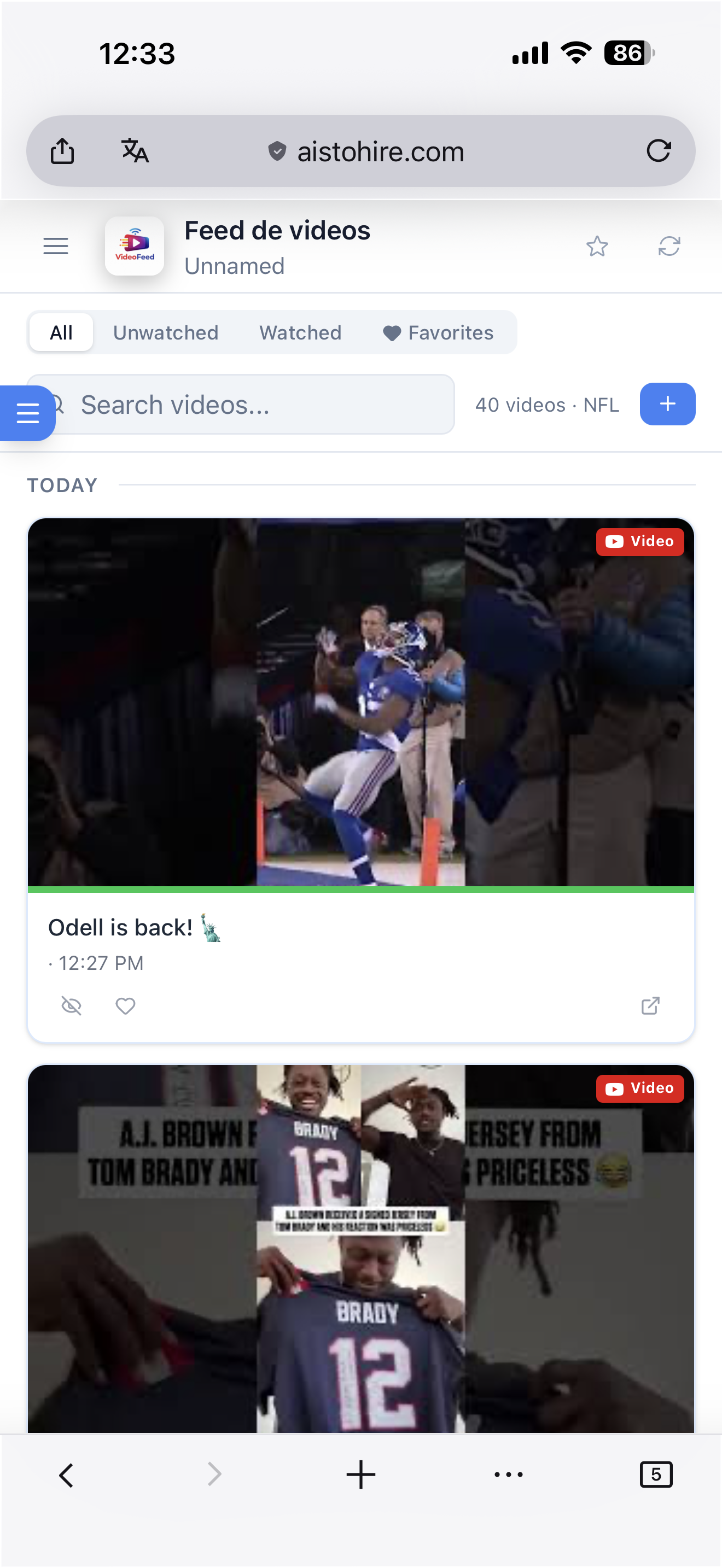
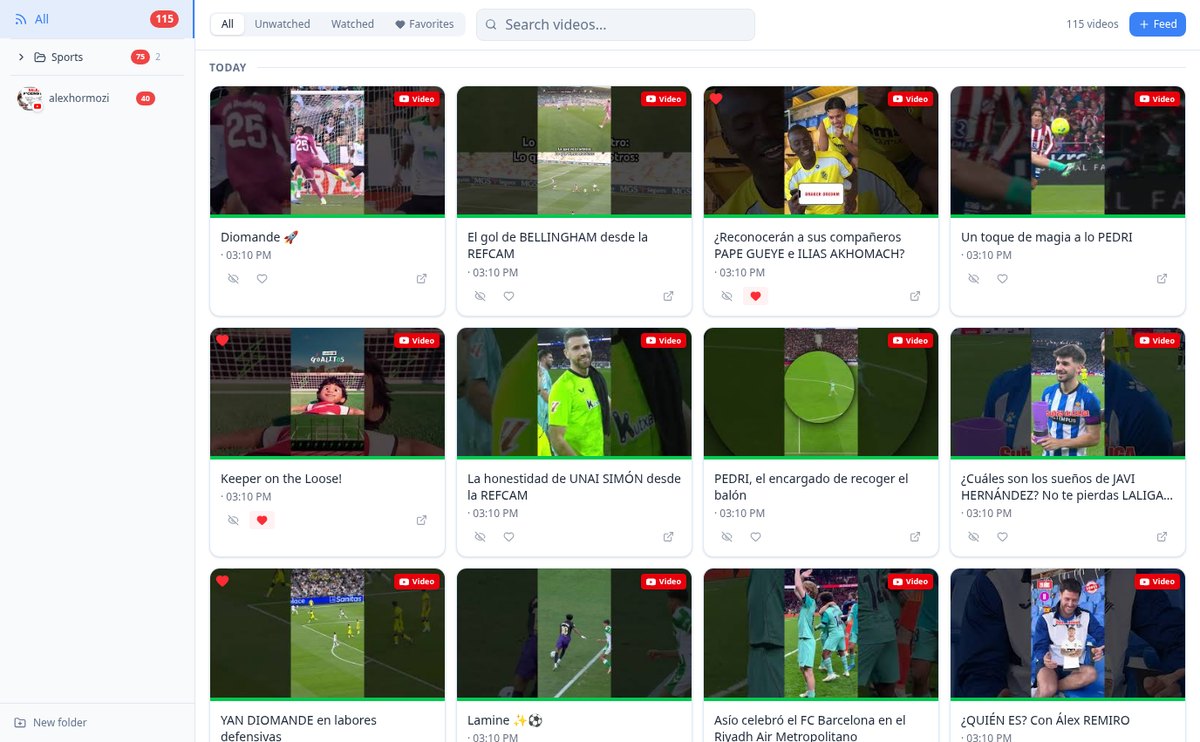
Watch YouTube, TikTok, and Facebook in a single chronological feed | aiVidFeed
aiVidFeed brings together videos from your YouTube, TikTok, and Facebook channels into a single timeline ordered by day. No algorithm and no switching apps. Free.
View feature
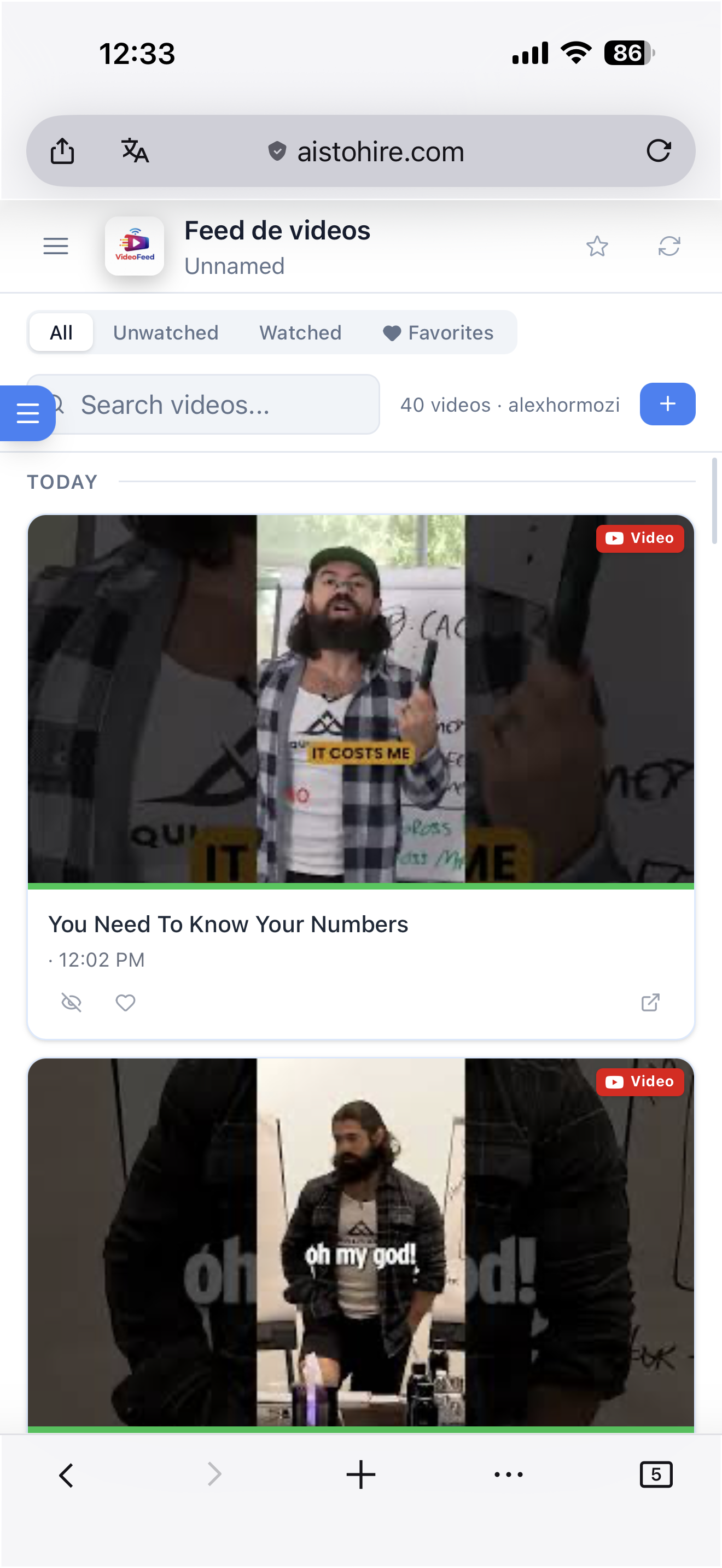
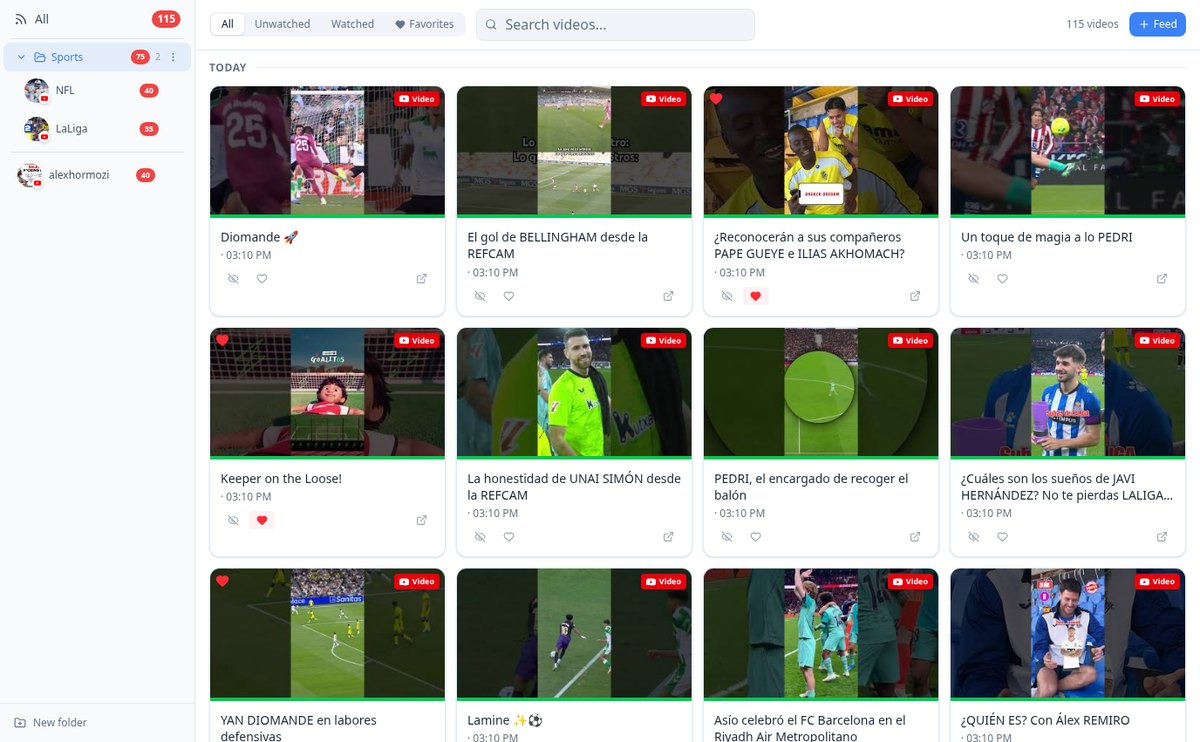
Organize YouTube and TikTok Channels into Folders by Dragging | aiVidFeed
Group the channels you follow into folders and move them by dragging them on the sidebar. Collapsible folders, unread counts per folder, and root level access. Free.
View feature
Watch YouTube, TikTok, and Facebook Videos in One Player | aiVidFeed
aiVidFeed plays videos from your channels in a modal over your feed, using the native YouTube, TikTok, and Facebook embedded player, with 16:9 or 9:16 aspect ratio depending on the video.
View feature
Mark videos as watched and save favorites | aiVidFeed
aiVidFeed marks each video as watched or favorite with a click: watched videos are dimmed, favorites have a heart, and the unseen counters for each channel update automatically.
View feature
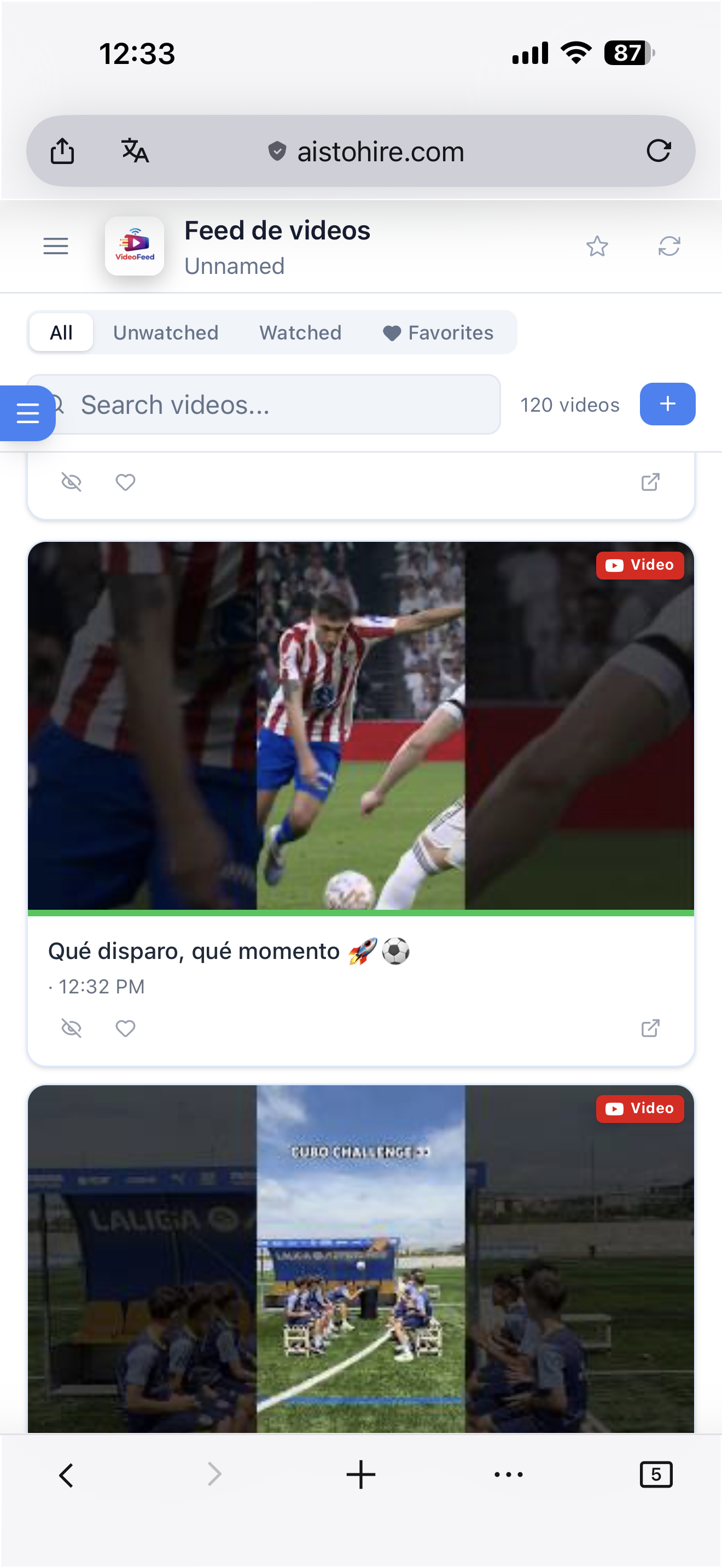
Video feed grouped by date: Today, Yesterday, and previous days | aiVidFeed
See videos from your YouTube, TikTok, and Facebook channels grouped by publication day, with Today and Yesterday labels, date separators, and chronological order without an algorithm.
View featureYour feed, your channels, your order
This is what aiVidFeed does as soon as you give it a channel link.
YouTube, TikTok and Facebook in one place
Paste the URL of a YouTube channel — by @handle, /c/, /user/, /channel/ or a playlist —, a TikTok account or a Facebook page. aiVidFeed recognizes the platform on its own, extracts the channel identifier, and warns you if you'd already added it so you don't end up with duplicates.

New videos show up in seconds
Every newly added channel is marked as priority and the importer processes it in about fifteen seconds, instead of waiting for the normal update cycle. Meanwhile you see the import status and the feed refreshes on its own as soon as the videos arrive.
Chronological order and watched tracking
Videos come out grouped by day — Today, Yesterday and the date —, from newest to oldest, with their thumbnail, platform, and whether it's a video, short or reel. Opening one marks it as watched and dims it; you can change that by hand, save it to favorites, or mark a whole channel as watched at once, and each channel carries its own unwatched counter.
From a link to your feed in three steps
Sign up
Create your free account in seconds and open aiVidFeed.
Paste the channel link
Copy the URL of the YouTube channel, TikTok account or Facebook page and add it. The platform is detected automatically.
Watch your feed
The videos import themselves and appear grouped by day. Open any one you like: it opens on its platform and gets marked as watched.

Who is it for?
Built for these profiles
Frequently Asked Questions
Latest blog articles
Guides and news to get more out of it

Why You No Longer See Videos from Channels You’re Subscribed To (and How to Fix It)
In 2026, only 11% of organic views come from subscribers. Why Home hides your channels and how to recover a complete chronological feed.
YouTube Channel RSS: How to Follow New Videos Without an Algorithm (and What to Do with TikTok and Facebook)
How to get the RSS of a YouTube channel step by step, why TikTok and Facebook no longer have a feed, and how to combine the three platforms into a chronological feed.
Gather your channels in one feed
Create your free account and add your first channel in less than a minute.