aiPortrait · create the photo of a person who doesn't exist
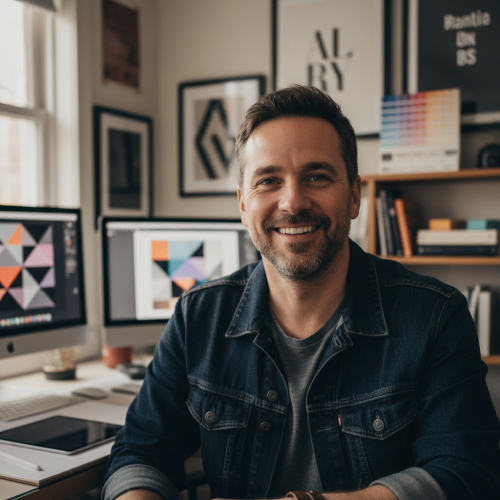
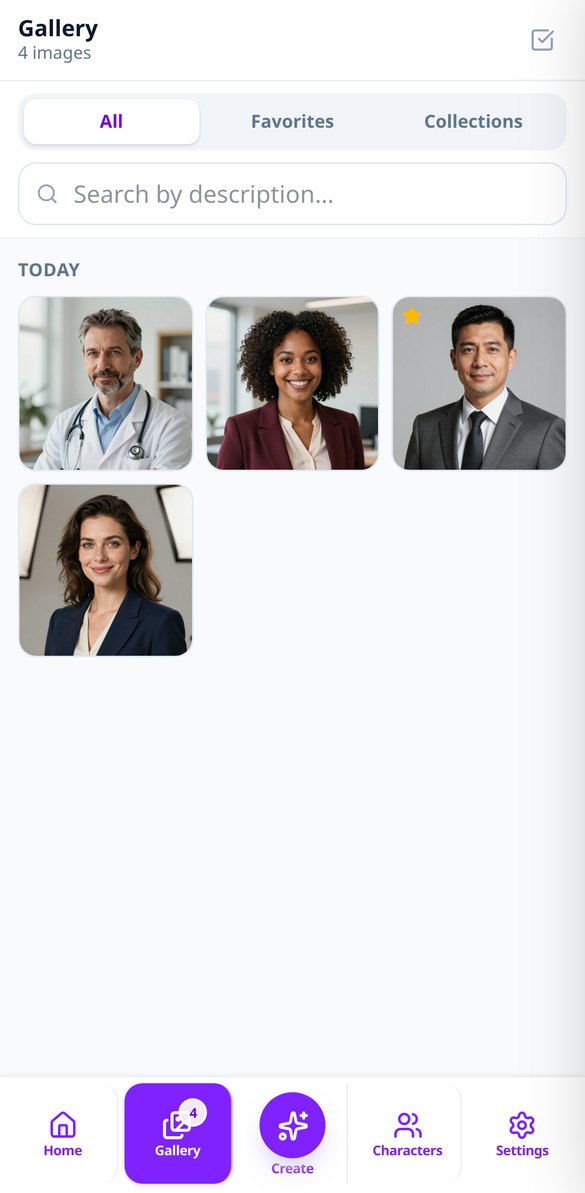
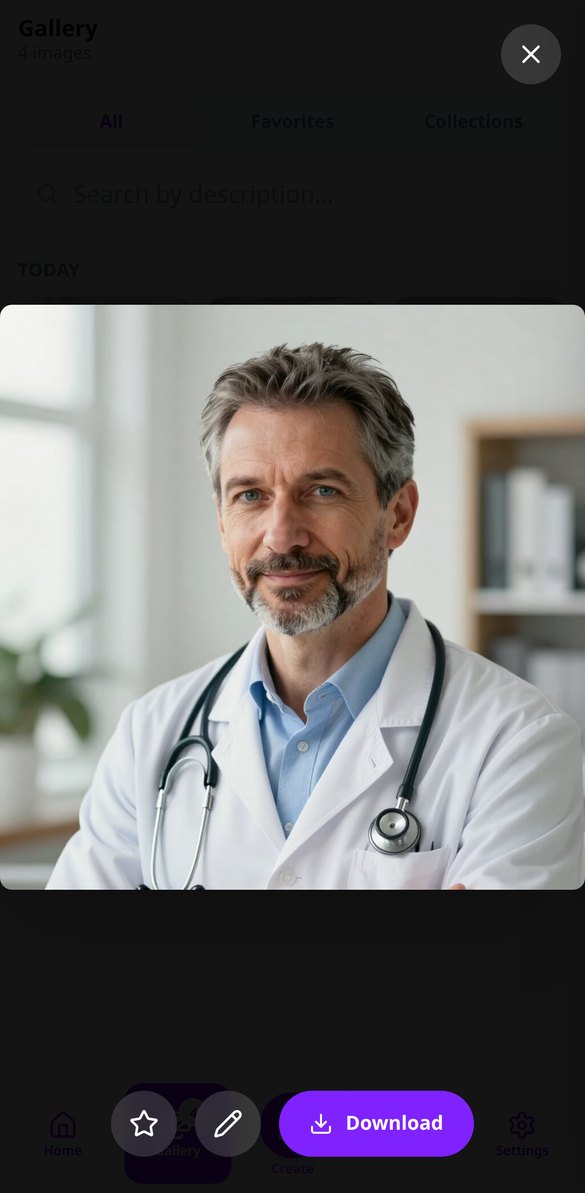
Describe how they look, what they're wearing, what they're doing, and where they are, and receive their portrait with a professional photography look: soft light, blurred background, and realistic skin. No model, no studio, and no image rights.
Do you need a photo of a person and don't have a model, studio, or image rights?
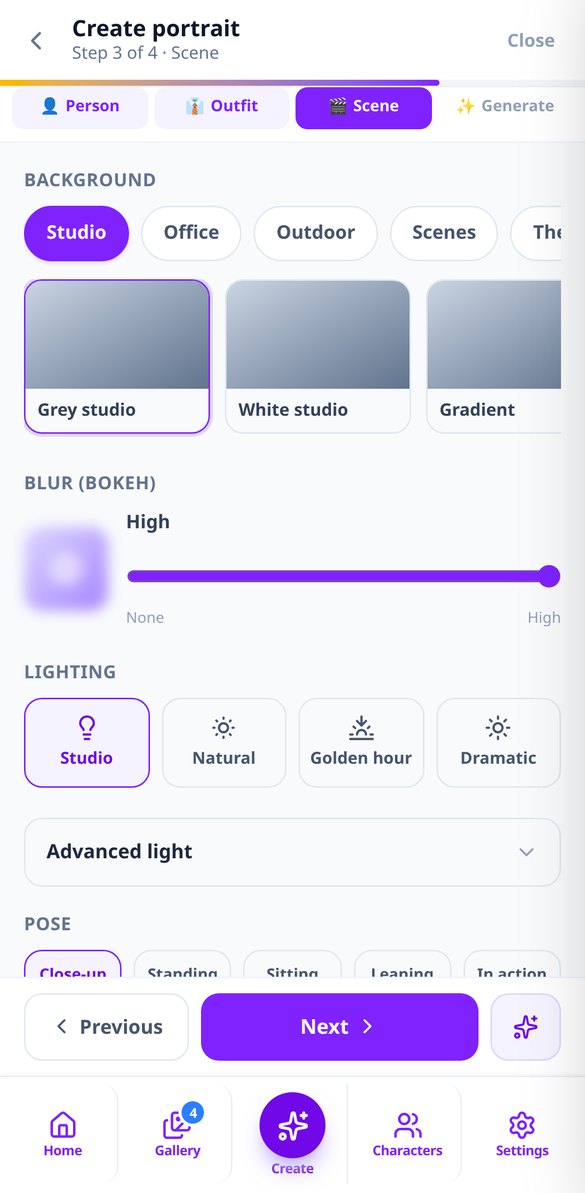
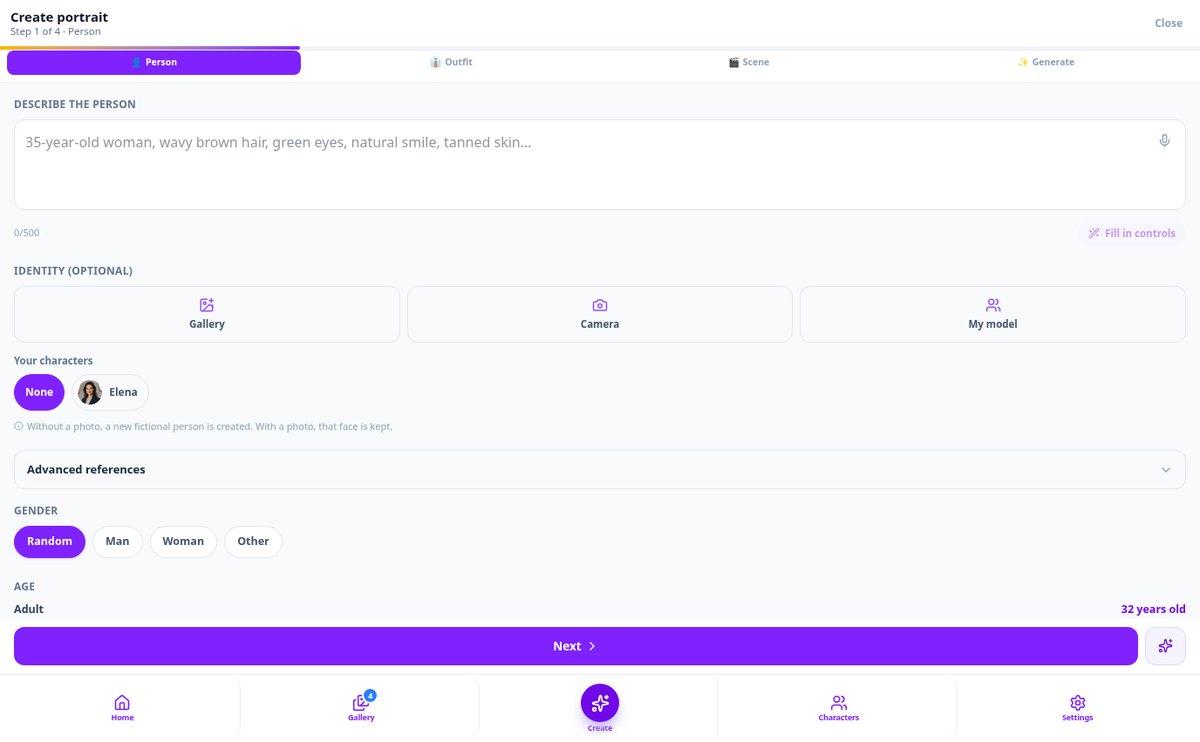
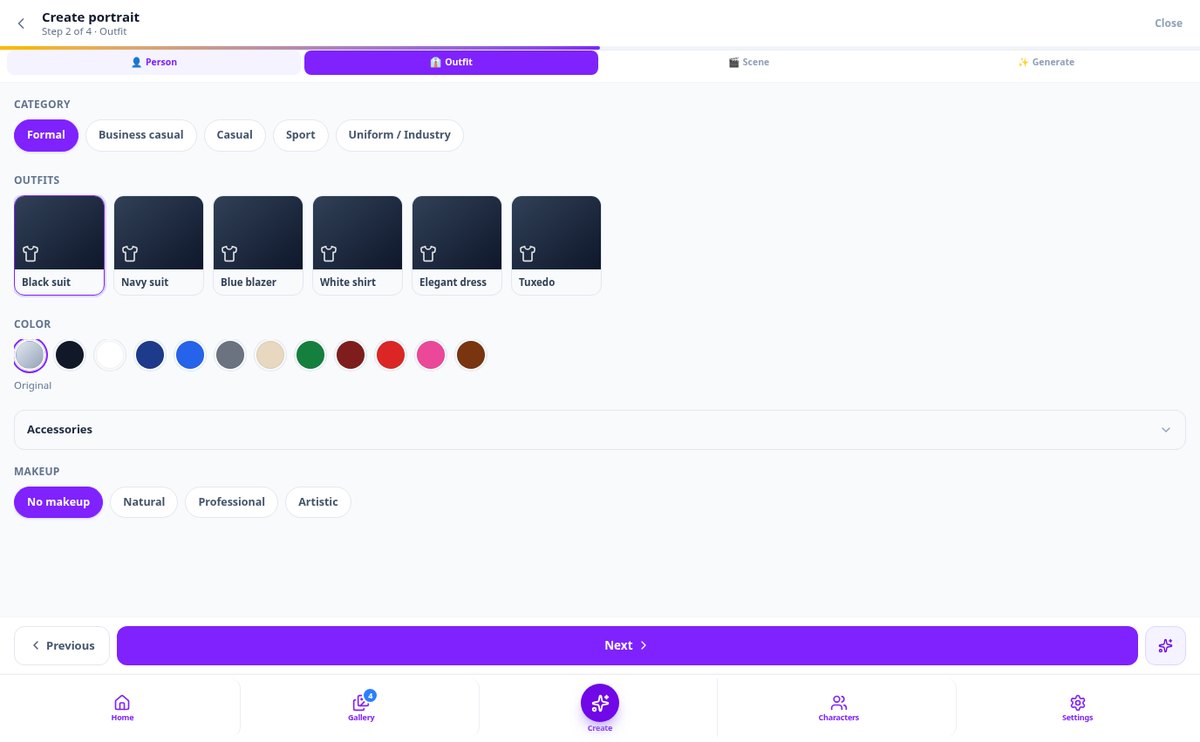
aiPortrait builds the person with you: you choose gender, age, ethnicity, features, skin, hair, clothing, pose, scene, and lighting —or describe it in your own words and the AI fills in the assistant— and receive several variations with professional photography quality. No one posed for them, so you can use them in your mockups, character sheets, or content without asking anyone's permission. And if the portrait isn't exactly right, you fix it in the editor instead of starting over.
Start for free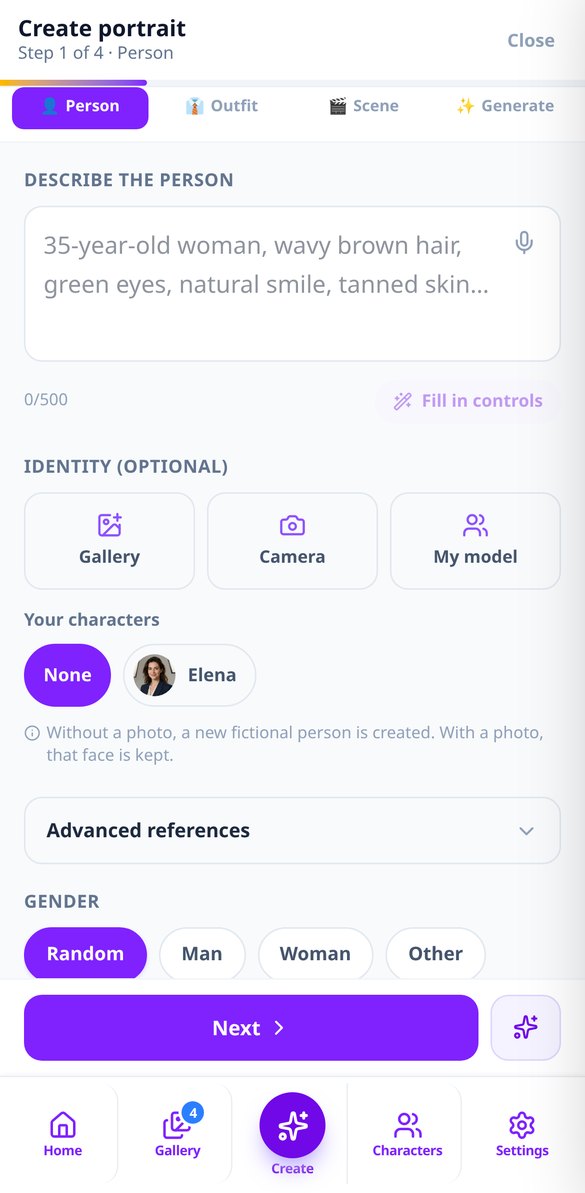
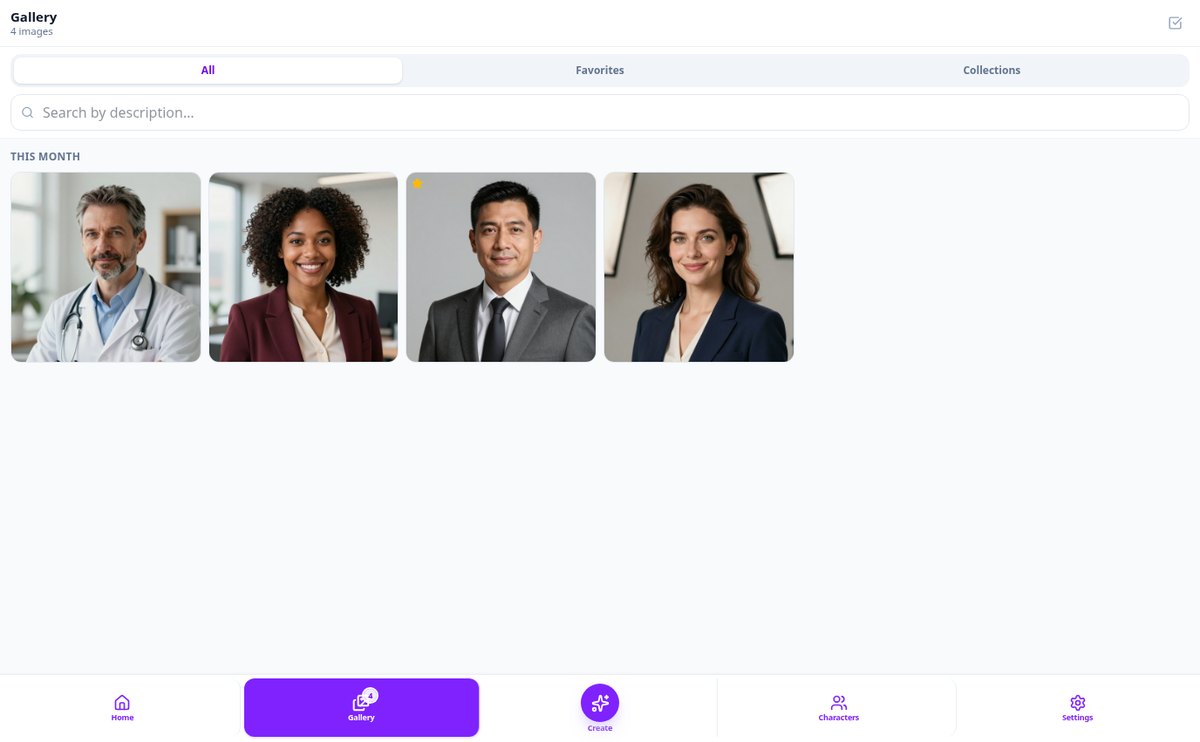
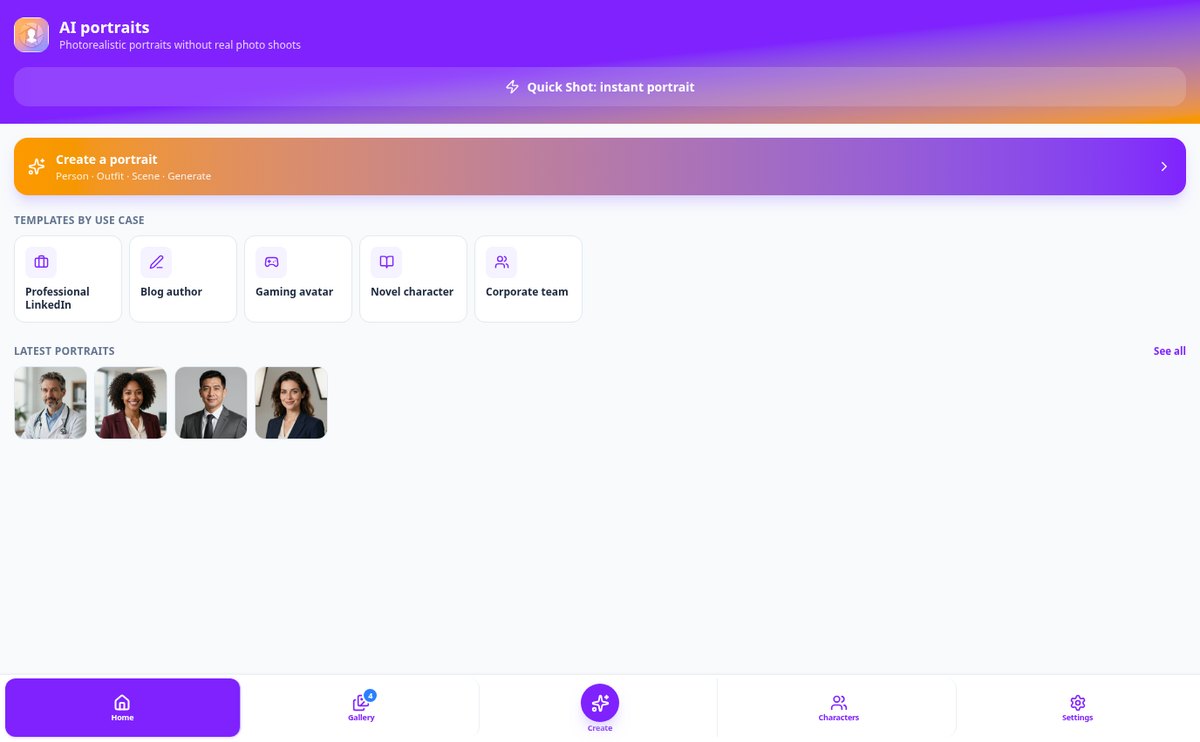
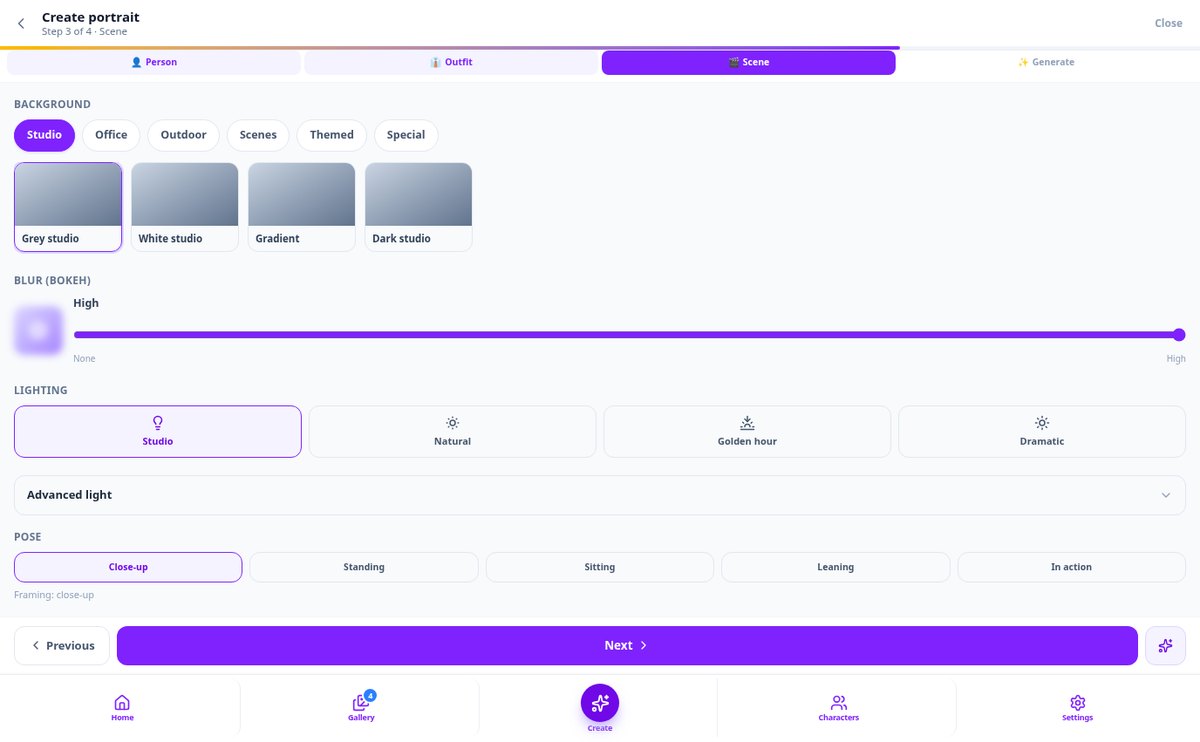
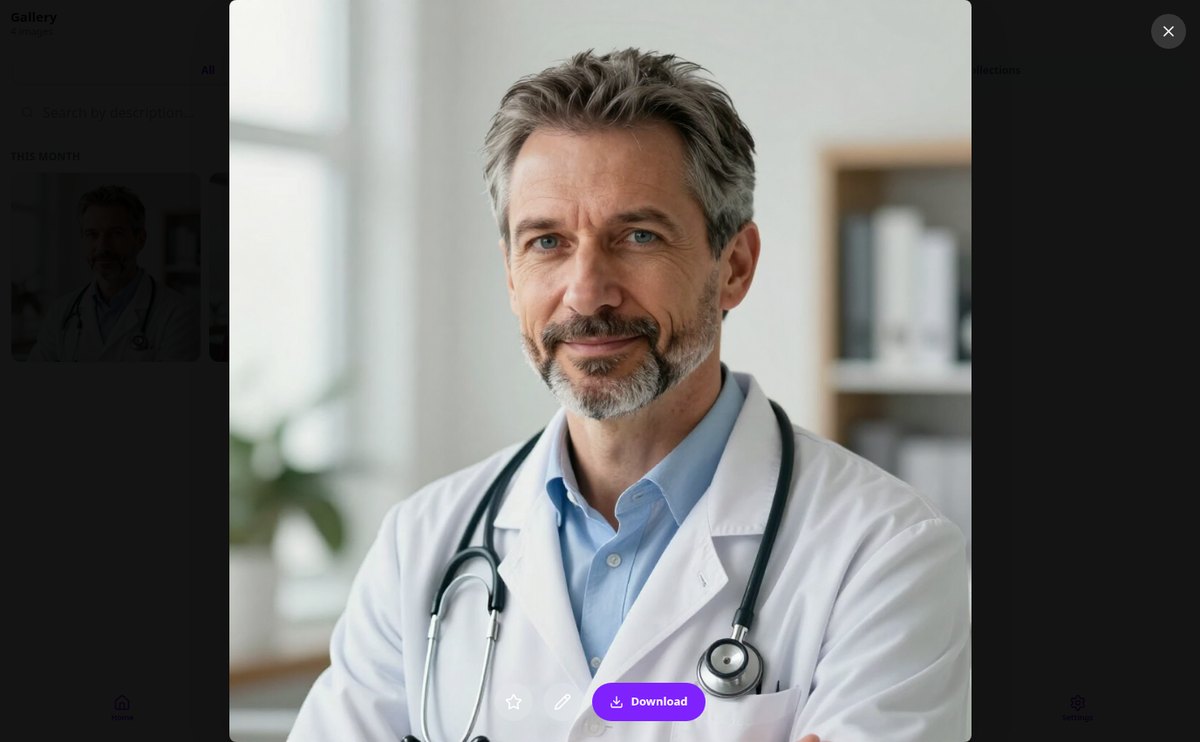
Discover every feature in detail
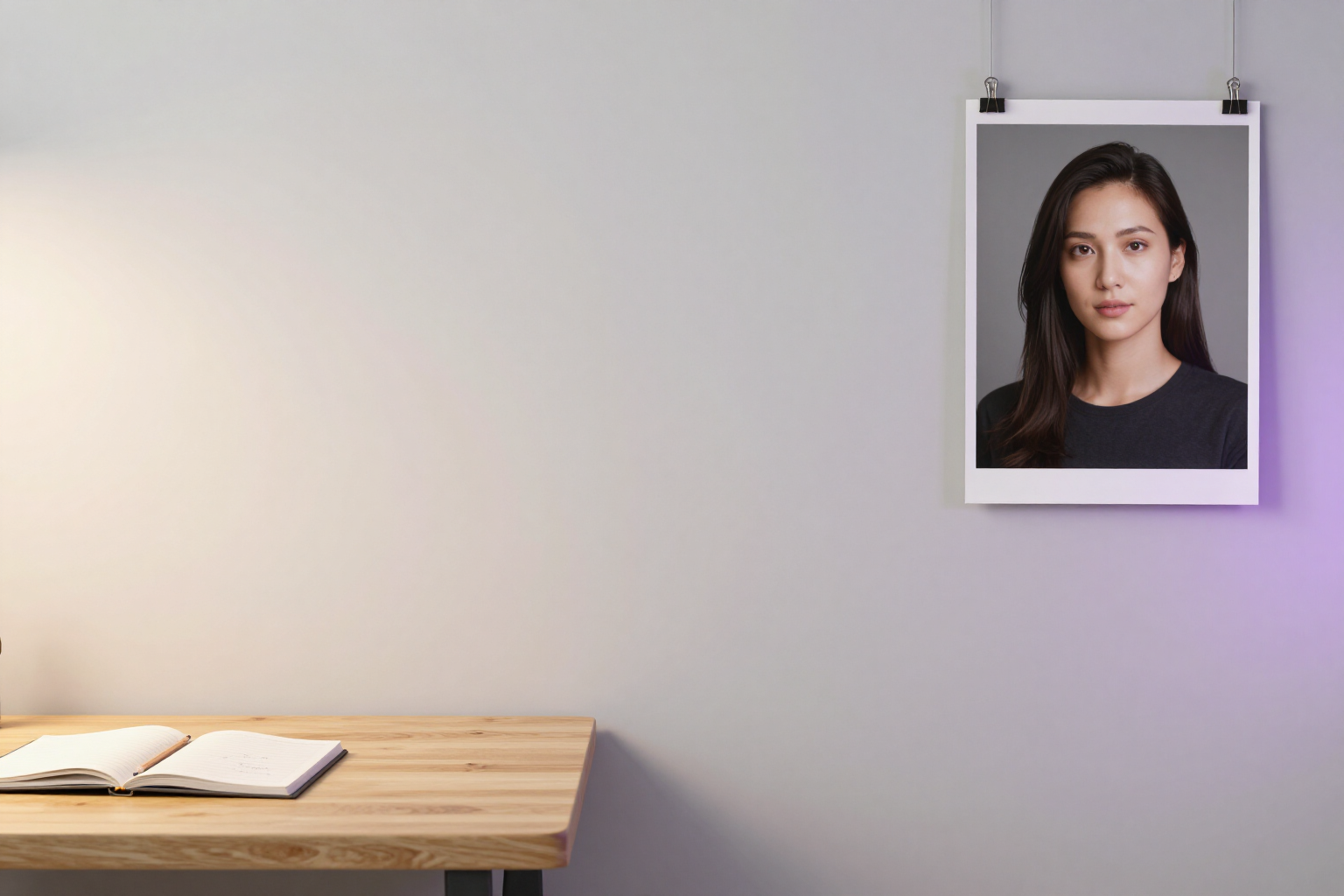
Create a portrait with AI by describing it in text | aiPortrait
Describe a person in your own words in any language, and aiPortrait automatically fills in the 17 attributes of the assistant —features, clothing, scene, lighting, and style— to generate their professional portrait.
View feature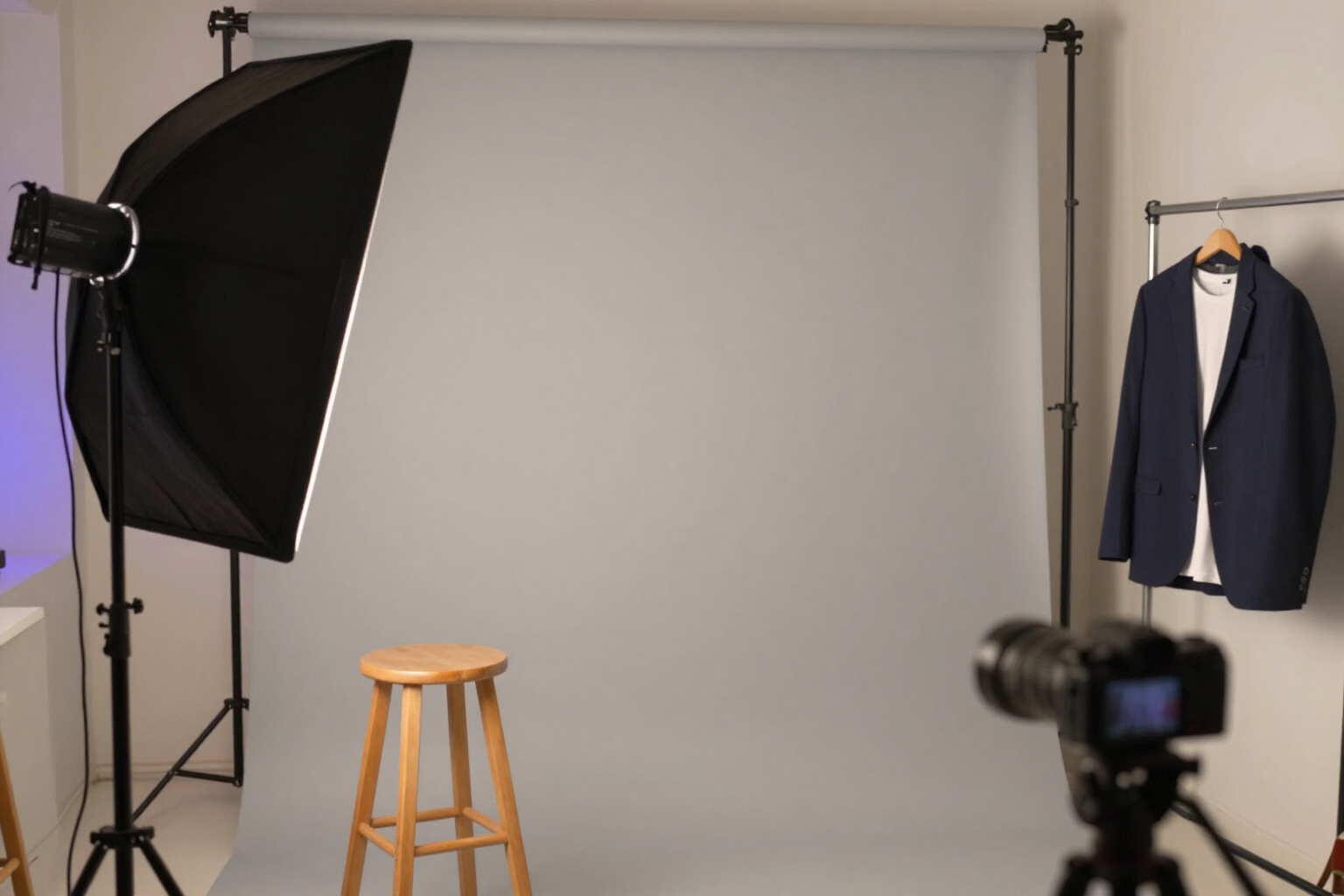
AI Profile Picture for LinkedIn in One Tap | aiPortrait
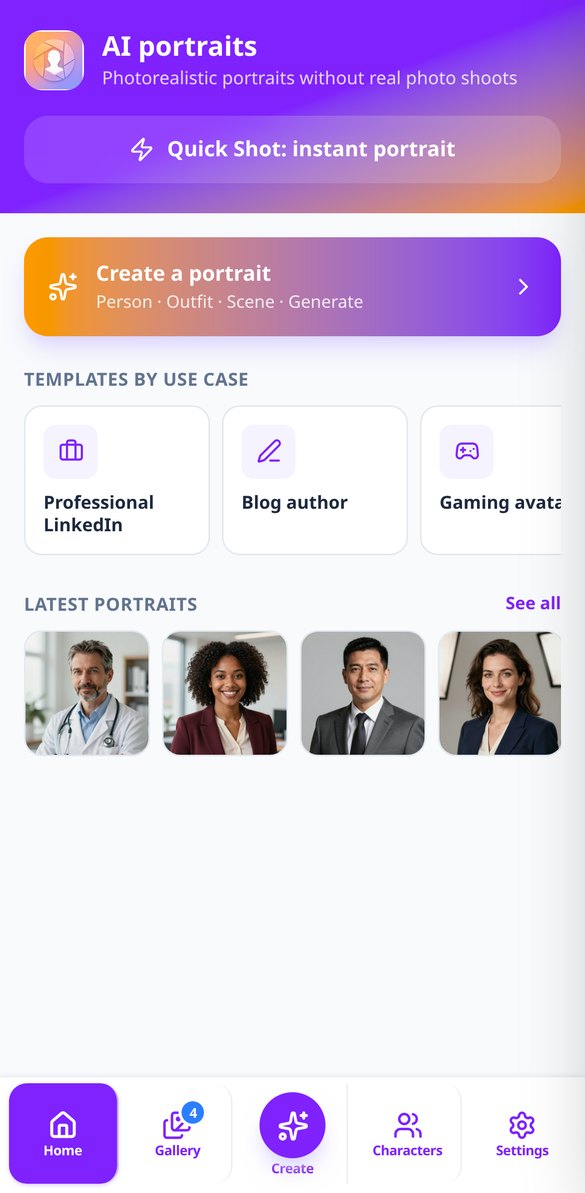
aiPortrait's Quick Shot generates a photorealistic 1:1 HD headshot with studio lighting and business casual attire at the push of a button: no prompts and no adjustments.
View feature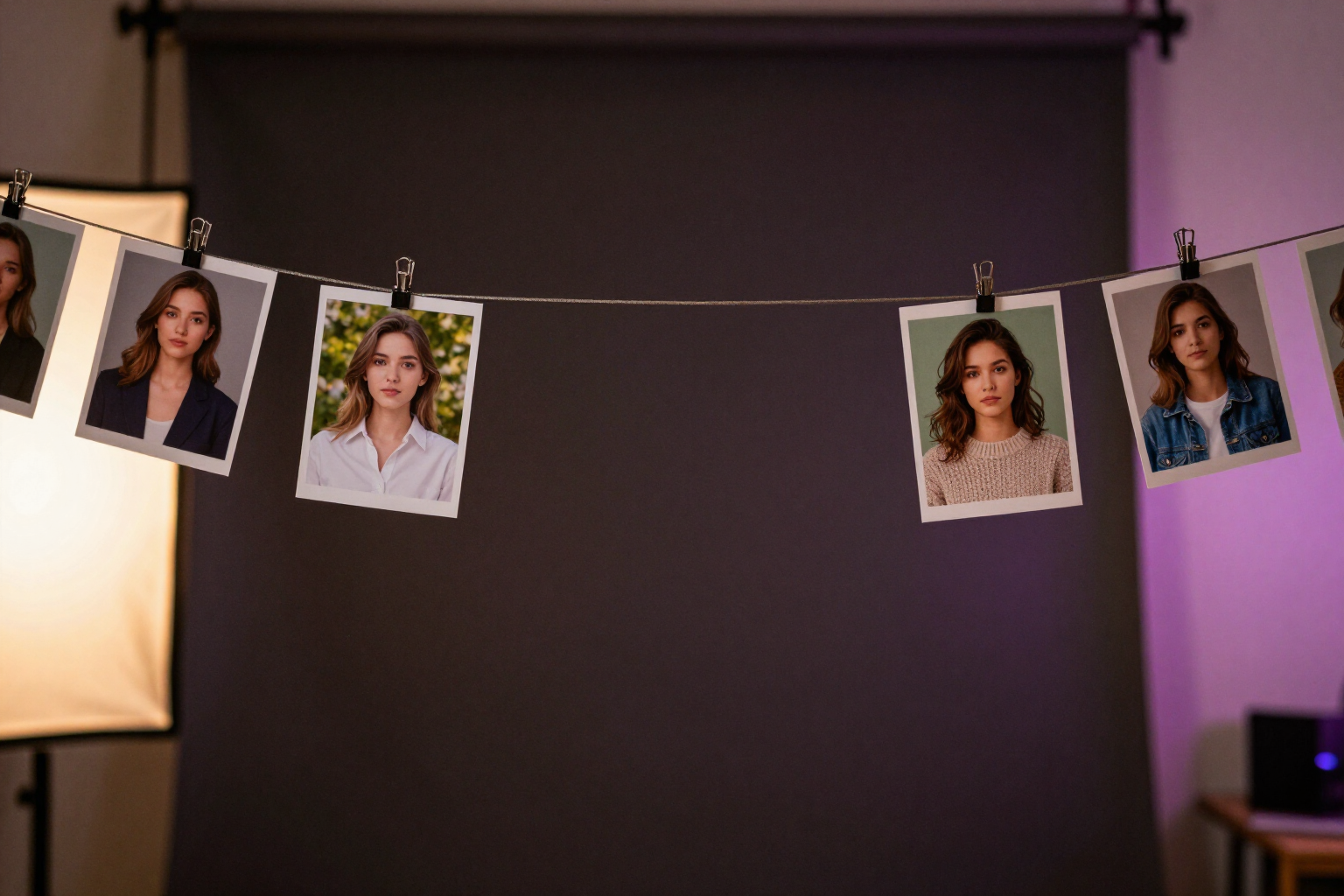
AI Character with the Same Face in All Images | aiPortrait
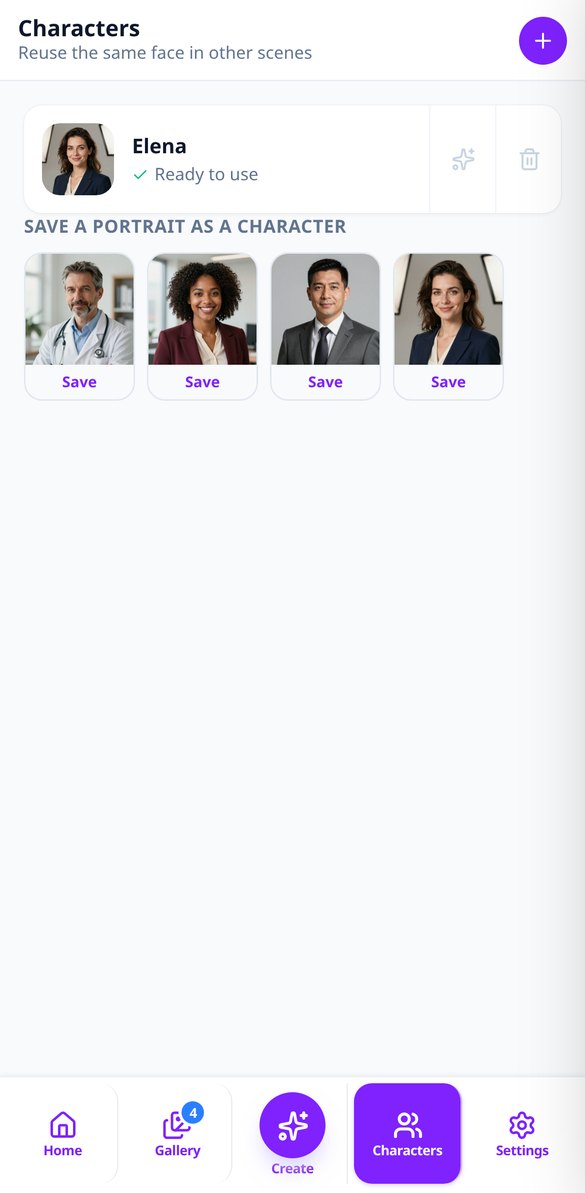
Upload 3-8 selfies and aiPortrait creates a reusable character: a reference portrait that keeps the same face with any clothing, scene, or style.
View feature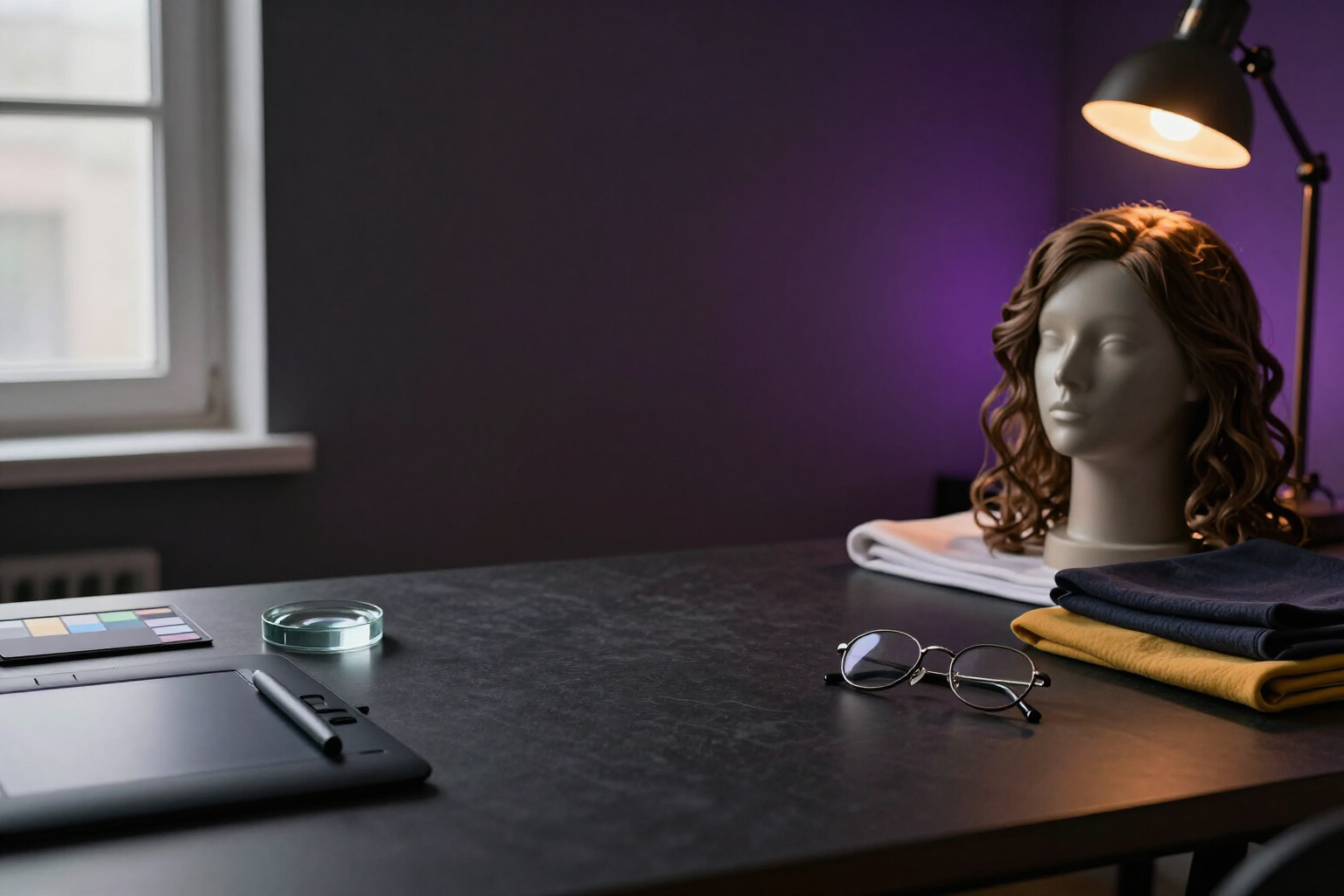
Edit a portrait with AI: change clothes, background, hairstyle, or age
Edit any portrait generated with 14 AI operations: change clothes, background, hairstyle, makeup, age, or lighting, remove objects, retouch skin, and expand the frame. Each change is a new version, and the original is preserved.
View feature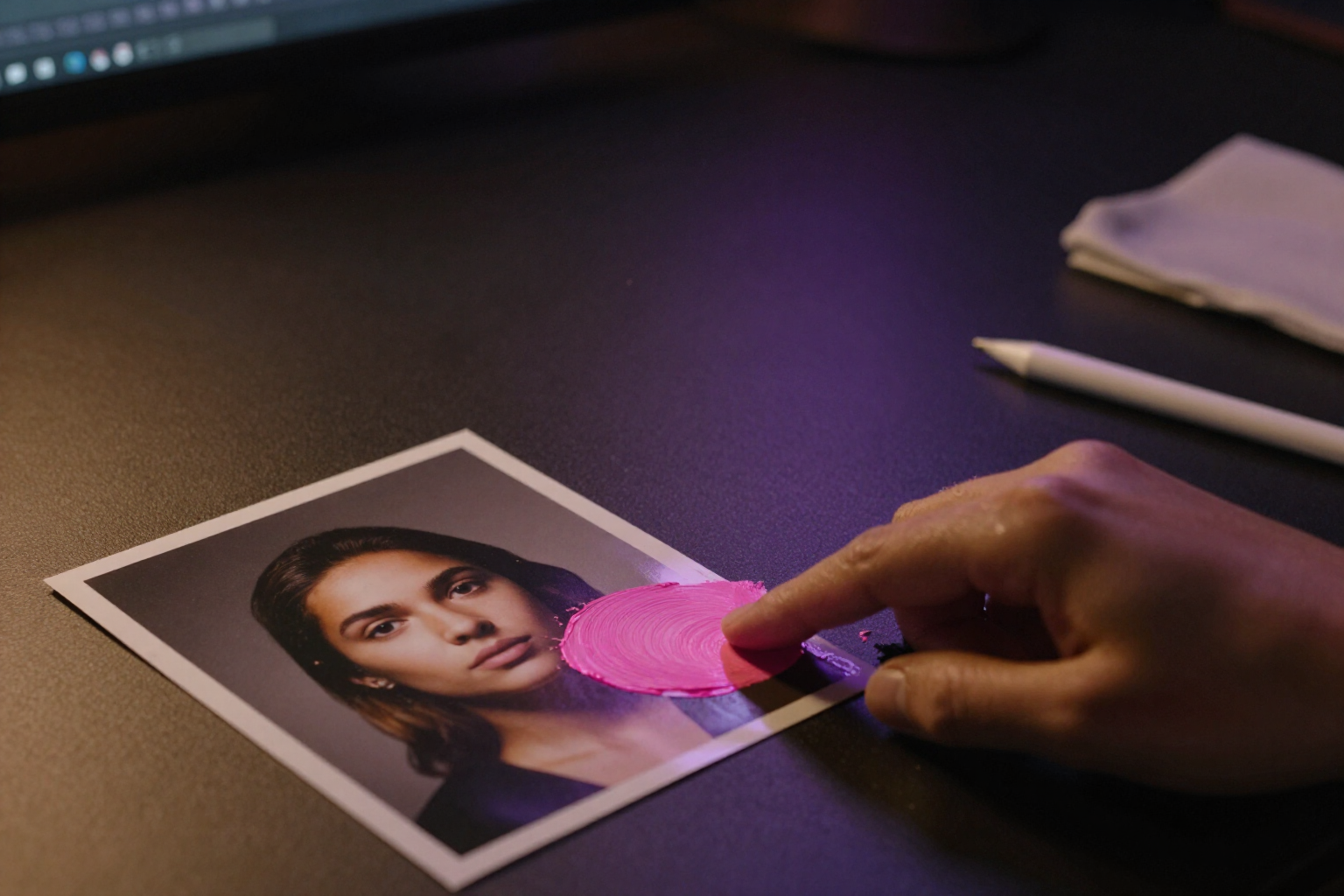
Erase objects from a photo with AI by painting the area with your finger
Use your finger to paint the area of the portrait, and the AI will erase the object and reconstruct the background, or create whatever you ask for. Touch mask with adjustable brush and undo.
View feature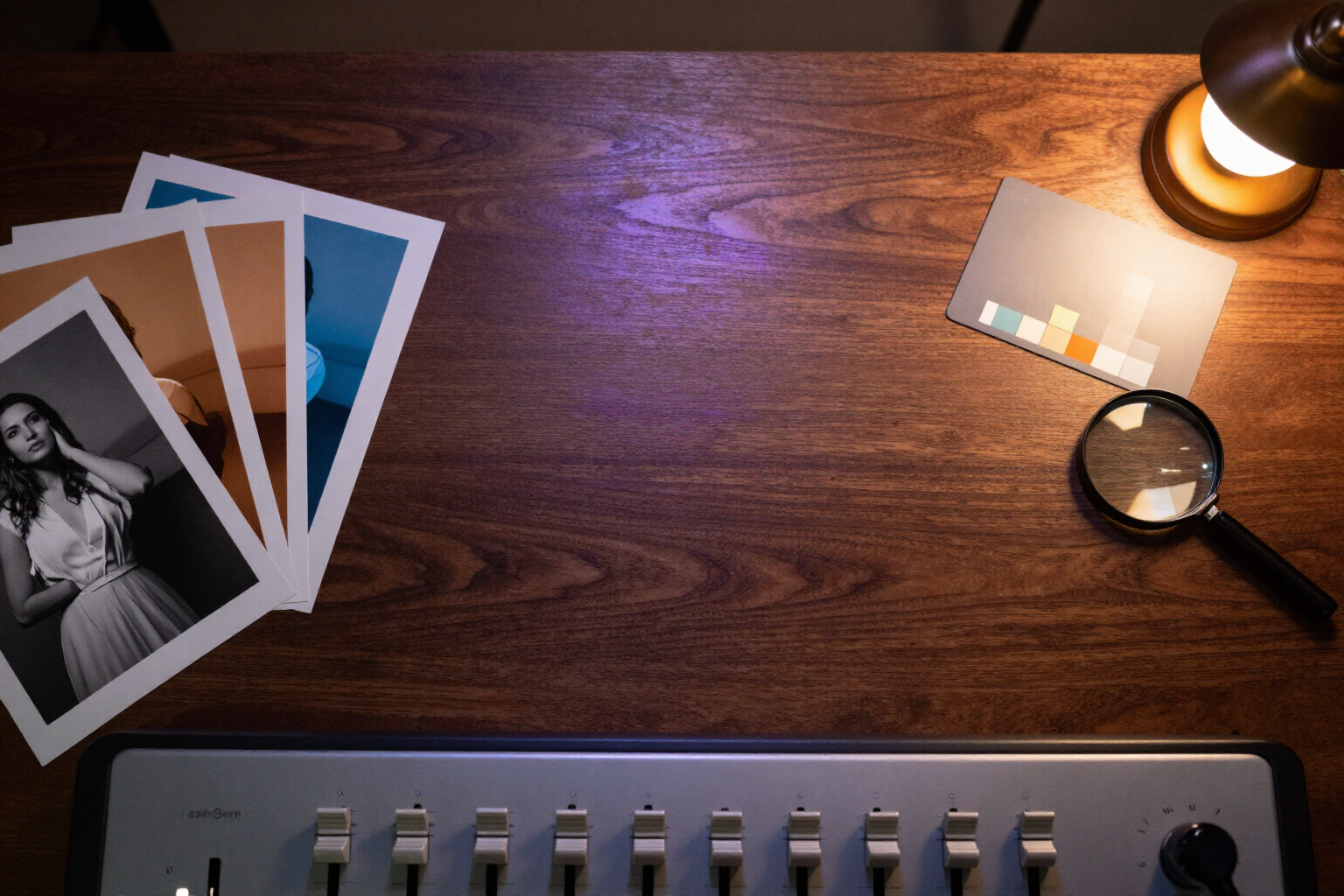
aiPortrait | Instant editing: brightness, contrast, and filters
Adjust brightness, contrast, saturation, and warmth of your portraits and apply B/W, vintage, or film grain filters instantly: without spending AI tokens and without losing the original.
View featureFrom description to finished photo
A four-step assistant to invent the person and an editor to make them exactly as you need.
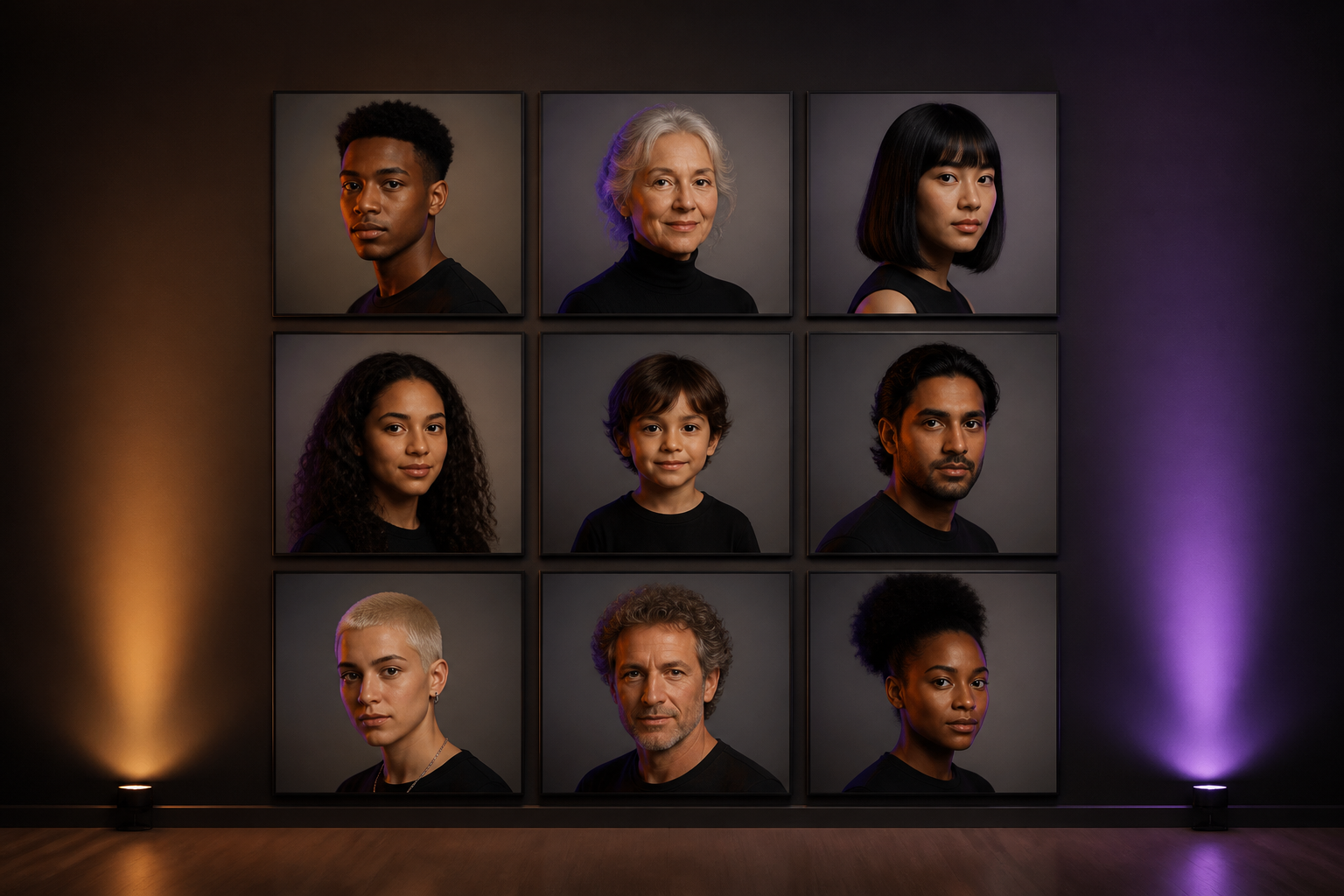
The person, down to the last detail
Gender, age, ethnicity, build, and height; face shape, eyes, nose, lips, eyebrows, facial hair, freckles, and scars; skin tone and texture; hair type, color, and style; expression with its intensity, gaze, head angle, and pose. And if you prefer to write it, you write it: the AI interprets your text, fills in the assistant, and warns you when something contradicts. You can also start from a reference photo, a selfie, or 3 to 8 photos to create a reusable character that always keeps the same face.
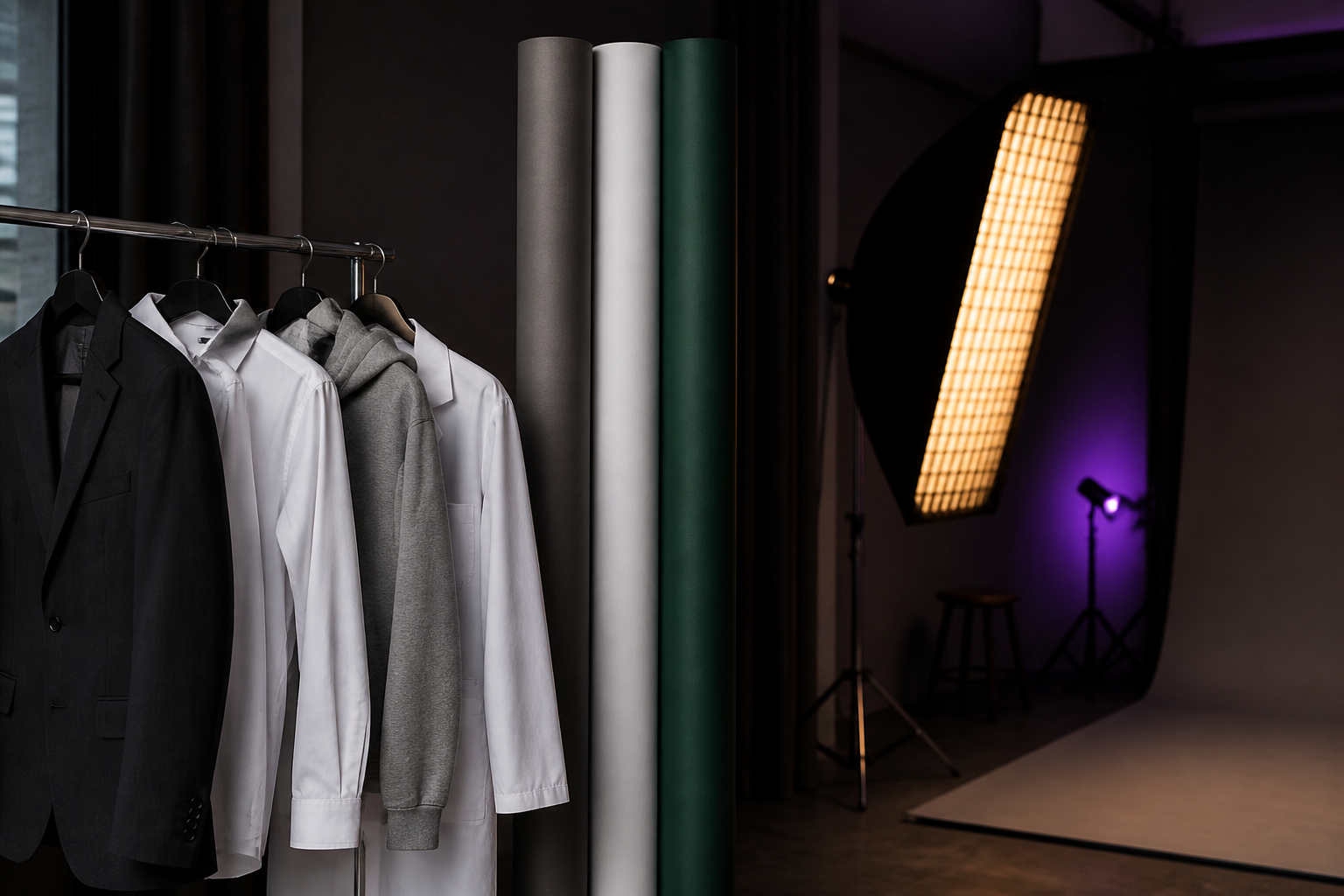
Clothing, scene, and studio light
27 outfits across formal, business casual, casual, sporty, and uniforms for seven sectors —healthcare, legal, finance, real estate, tech, hospitality, and transportation—, with garment color, accessories, and makeup. 21 backgrounds and scenes including studio, office, city, park, beach, café, gym, library, themed, transparent background, or your own. Four lighting schemes with direction, intensity, and temperature, the background blur you want, and nine styles: photorealistic, black and white, editorial, corporate, oil painting, watercolor, illustration, anime, and 3D render.
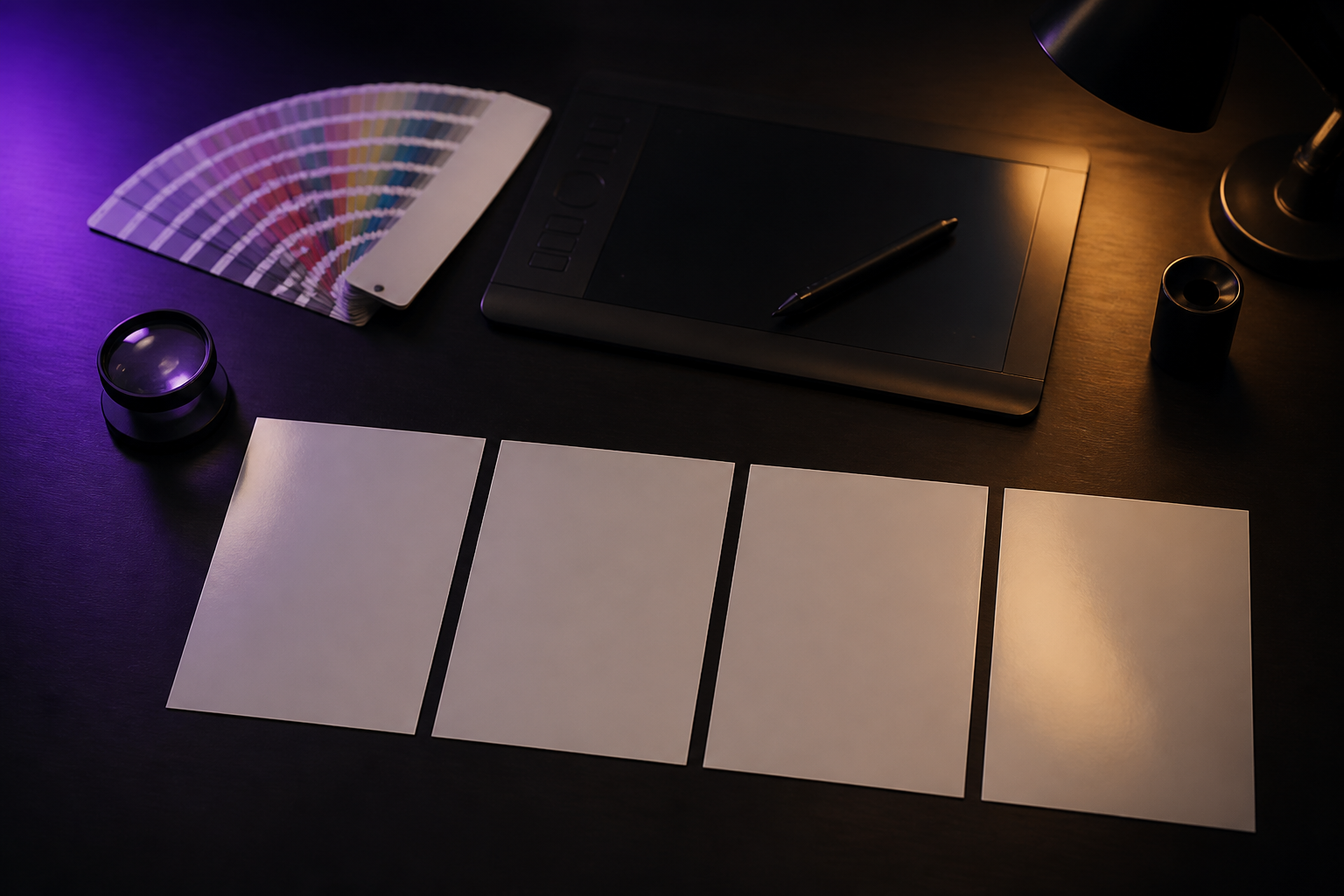
14 tools to finish the portrait
On any already generated image: change the clothes, background, or hairstyle, regenerate only the face, relight, retouch the skin, erase what's left over, edit an area by painting it, expand the framing, change the age or makeup, try accessories, and anonymize the face. Plus color adjustments and filters, cropping for LinkedIn, Instagram, stories, or résumé, upscaling to 2K and 4K, transparent background, and download in PNG, JPG, or WebP, individually or as ZIP. Each edit saves a new version: the original portrait is never lost.
Your portrait in three steps
Sign up
Create your free account in seconds and enter the app.
Describe your person
Fill in the assistant or write it in your own words, and choose clothing, scene, lighting, and style.
Generate and adjust
Receive several variations, keep the one you like most, and retouch it in the editor before downloading it.
Who is it for?
Built for these profiles
Frequently asked questions
Latest blog articles
Guides and news to get more out of it
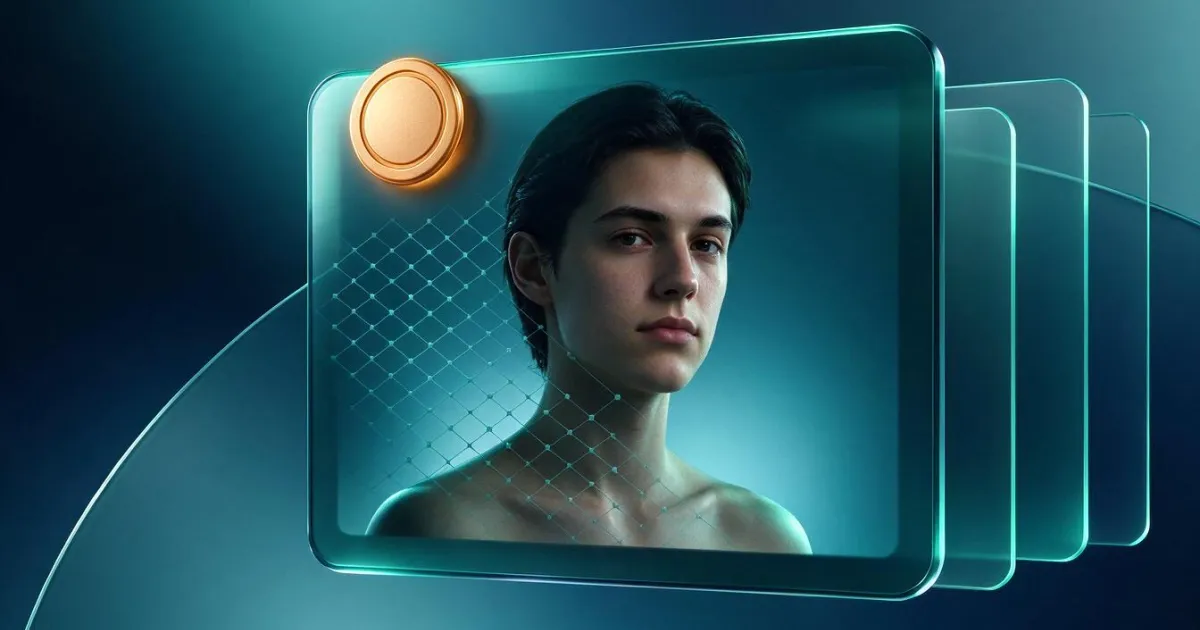
How to Label AI-Generated Images of People According to the AI Act: 2026 Guide
Which AI-generated images must be labeled starting August 2, 2026, what is required of the provider, what is required of the publisher, and fines of up to 3%.
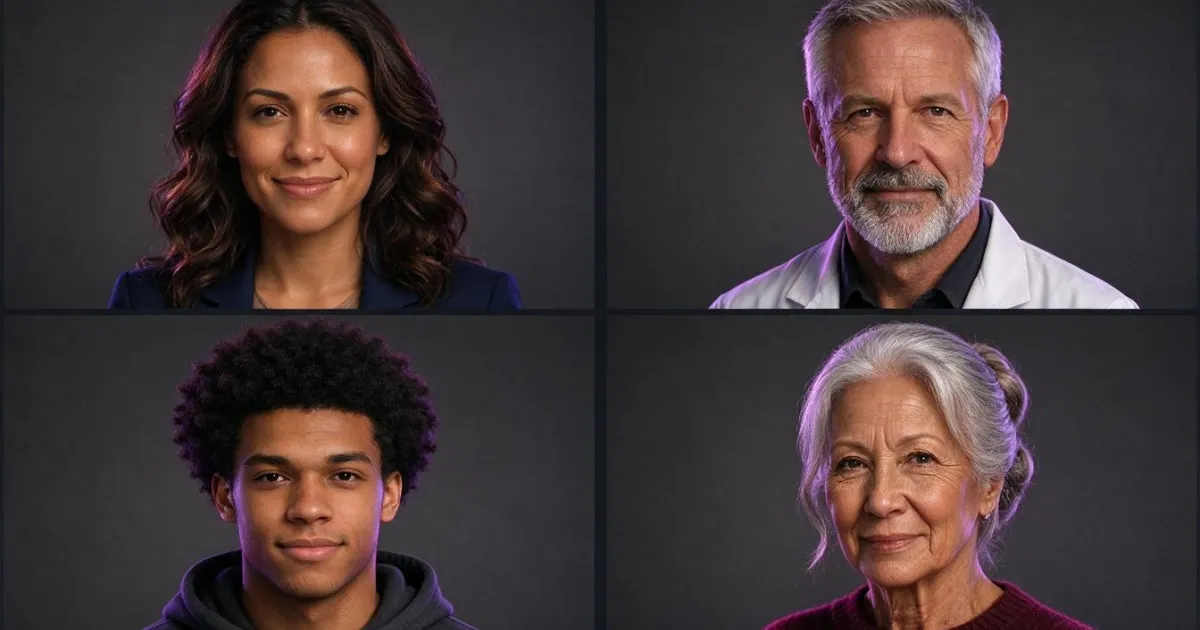
Photos of Non-Existent People: How to Create Realistic Portraits Without Image Rights
How to create realistic photos of non-existent people: what to check to make them believable, what the AI Regulation requires from August 2026, and how to create them with aiPortrait.
Create your first portrait
Sign up for free and generate the photo of the person you have in mind.