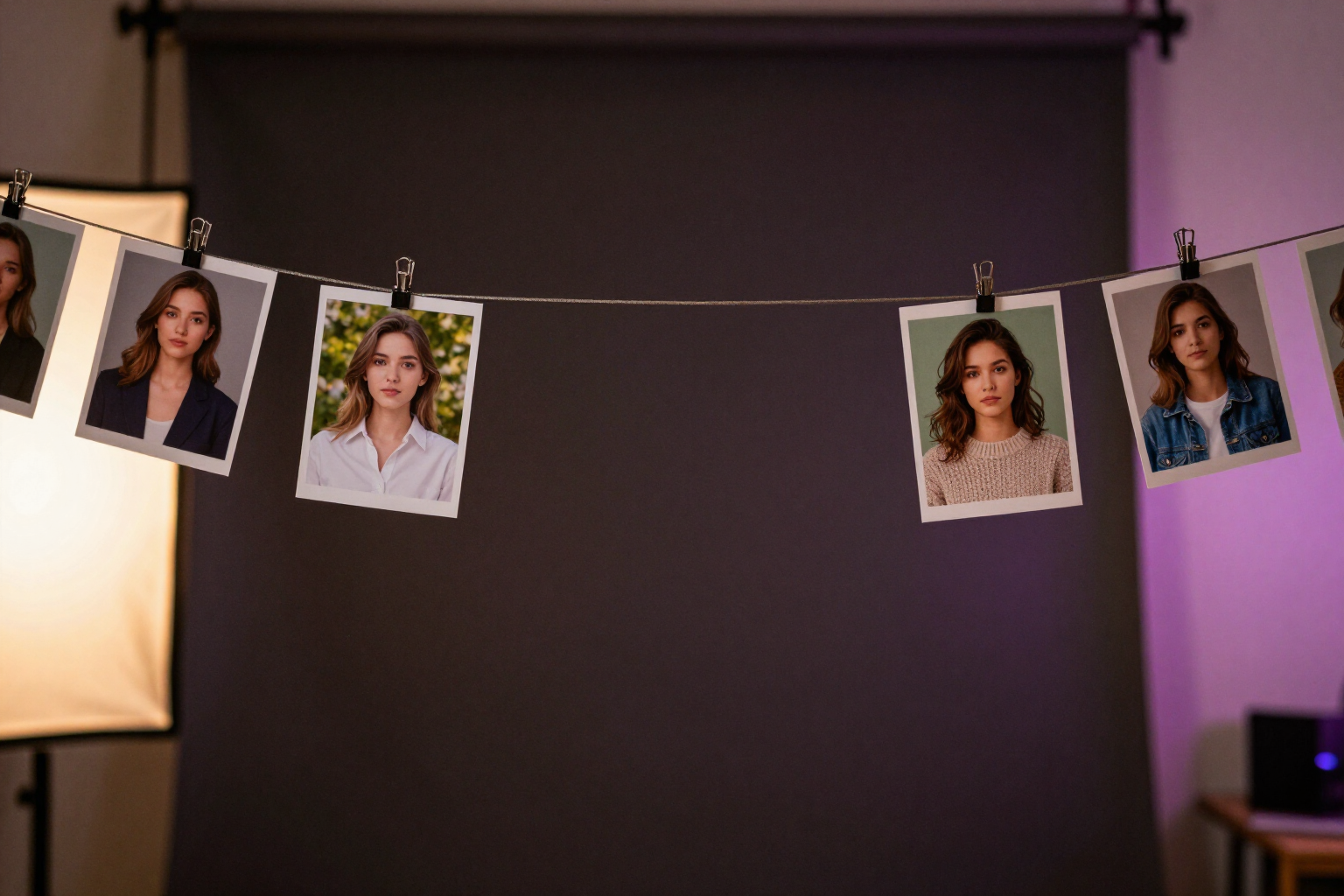
Create a character with 3-8 selfies and keep the same face in every portrait
aiPortrait turns your photos into a reusable character: it generates a reference portrait and reuses it in all your generations, so the face remains the same with any clothing, scene, or style.
Generating a person with AI is easy. The problem arises in the second image when the face is no longer the same.
In aiPortrait, there is a tab called Characters. You click 'Create character', upload between 3 and 8 photos of the same face, and the app reviews them one by one: it checks for a visible face, that it is facing forward, and that the photo is focused and well-lit. Only valid photos count towards the minimum of 3, so a blurry photo won't sneak in and ruin the likeness.
With those photos, aiPortrait generates a canonical portrait of the subject: front bust, neutral expression, plain gray background, and diffuse studio lighting. That portrait is saved as the reference image of the character, and your original photos are stored with it. While it's being prepared, you'll see the status 'Creating model...', and then 'Ready to use'. This is done only once: from then on, the character is set.
When you generate a portrait and choose that character, the app sends the reference portrait along with your own photos to the engine and explicitly instructs it to maintain the facial structure, proportions, and skin tone, without beautifying or reshaping anything, and to apply the clothing, pose, background, and lighting you requested around that same face. The identity remains; everything else changes.
The character is selected with a tap in the 'Person' step of the assistant and also works with Quick Shot, the instant portrait button. And there's no need to have selfies: any portrait you've already generated can be saved as a character from the gallery, making that invented face reusable just like yours.
Benefits of Characters with the same face
The same face in any context
the character travels across 27 outfits, 21 backgrounds and scenes, 9 visual styles, and 4 lighting schemes of aiPortrait. You change the outfit, the setting, or the photographic look, and it remains the same person.
Created once and reused forever
the reference portrait is generated when creating the character. Subsequent generations only consume what it costs for their own image, without re-preparing the character.
Quality filter before starting
every photo you upload is automatically reviewed (visible face, frontal, focused, and well-lit). Photos that do not pass the filter do not count, ensuring that the likeness does not depend on a bad shot.
Your face or an invented face
you can start from your selfies or save a portrait that the app has already generated as a character. In both cases, the result is the same: a fixed identity that you can reuse.
Multiple characters at once
the character list does not have a single slot. You can maintain your personal character, a client's, and the protagonist of a story, each with its name and reference portrait.
Compatible with the editor
each portrait generated with the character enters the editing studio with its 14 operations and versioning, so you can change clothes, background, or hairstyle on the same face without regenerating from scratch.
Deleting the character does not delete your work
if you delete a character, the images you have already generated with it are preserved in the gallery.
Give your character a fixed face
Sign up for free at aiPortrait, upload 3 to 8 photos of the same face, and start generating portraits that maintain identity.