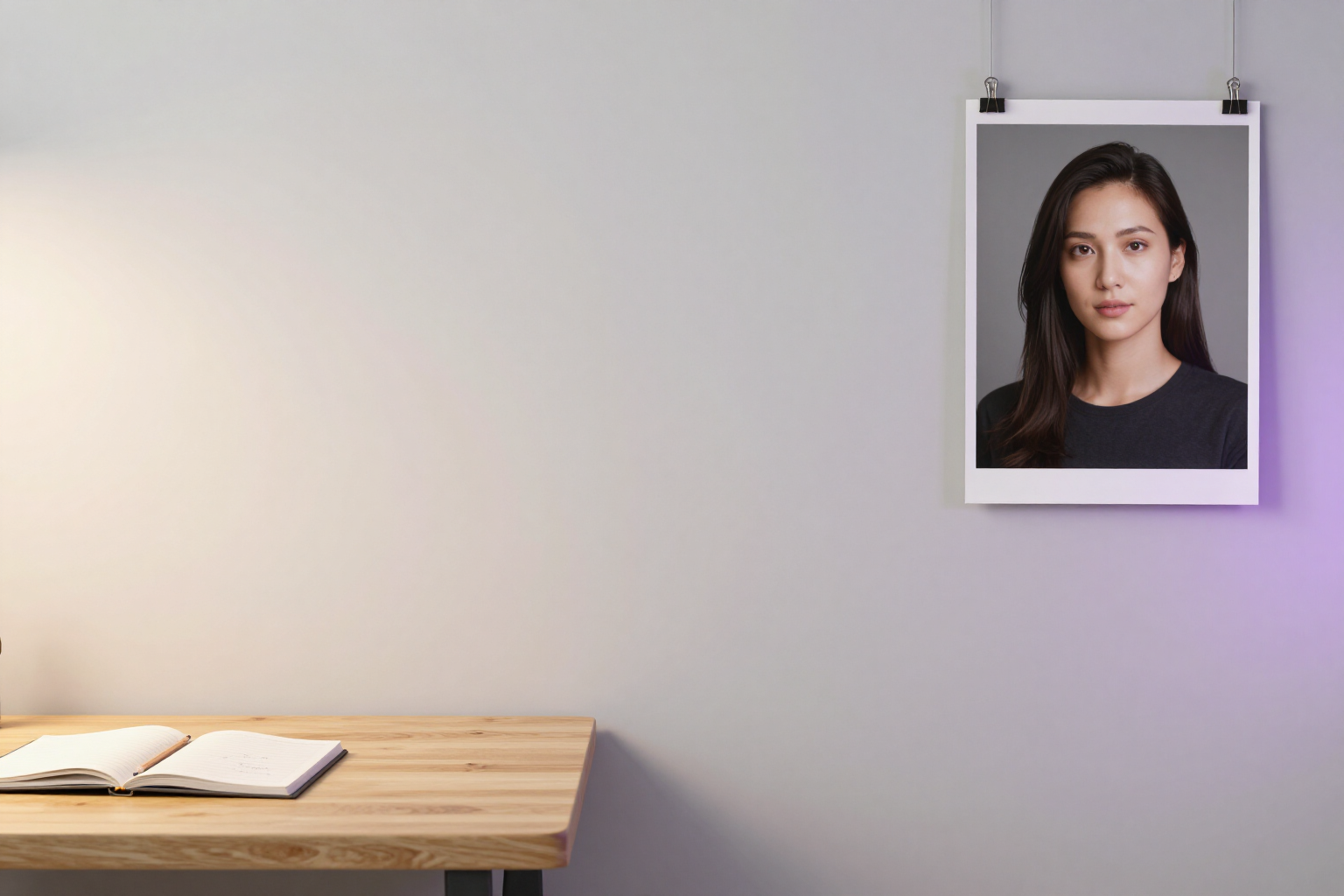
Professional portrait from free text in any language
Describe how the person is in your own words —in the language you want— and aiPortrait fills in the assistant controls to generate their portrait.
Describing is faster than setting up: one of your sentences is worth four screens of selectors.
aiPortrait has a four-step assistant (person, outfit, scene, and generation) with dozens of selectors: gender, age, ethnicity, build, hair type and color, hairstyle, eye color, facial hair, skin tone, expression, head angle, pose, outfit, background, lighting, and visual style. Filling them out manually gives total control but requires going through all the screens before seeing the first image.
With this functionality, you skip that process. In the first step, there is a text box of up to 500 characters where you describe the person in your words: "35-year-old woman, wavy brown hair, green eyes, natural smile, tanned skin, dark suit, blurred office background." You can write it in Spanish, English, French, Italian, Portuguese, or German —the text engine interprets any language— and if you prefer not to type, you can dictate it using the microphone: the dictated text is added to the same box.
By clicking “Fill controls,” aiPortrait sends your description to the text engine and converts it into 17 specific attributes of the assistant, distributed among the four configuration groups. It only fills in what you have mentioned: anything you don’t say remains as it was, and no value outside the catalog is invented because each attribute is validated against the app's actual options. You can then review and tweak any selector manually before generating.
And if you had already chosen something that your text contradicts, it doesn’t change behind your back: a notice appears with the list of conflicts in the format “what you had → what your text says,” so you can see exactly what the text has sent regarding your previous selection. aiPortrait is the AI portrait app from AIsToHire and is available at https://aistohire.com/aiportrait-photorealistic-portraits-ai-60
Benefits of Portrait from free text
Write in your language
the engine interprets the description in any language and translates it to the assistant's internal values. You don’t have to think in English or search for the technical term for each trait.
One phrase instead of four screens
the description fills in all four groups of the assistant —person, scene, outfit, and output style— without opening them one by one.
17 attributes filled in at once
gender, age, ethnicity, build, hair type and color, hairstyle, eye color, facial hair, skin tone, expression, head angle, pose, outfit, background, lighting, and visual style.
Voice dictation
if you find it easier to speak than to write, the microphone transcribes your description directly into the text box (up to 500 characters).
Nothing made up
each detected value is checked against the app's real catalogs. If the text requests something that doesn't exist in the list, it is discarded instead of slipping in a weird adjustment.
Conflicts in sight
if your text contradicts a selector you’ve already set, the clash is shown as 'before → now' instead of silently overwriting it.
Starting point, not a straitjacket
what you don't describe remains intact and you can manually adjust any control before generating the portrait.
From text to photo without leaving the assistant
when the controls are filled, you proceed to the generation step and receive the portrait with professional photo quality.

Describe your person and let AI set up the rest
Sign up for free at aiPortrait, write or dictate how the person in your mind looks, and generate their portrait without touching a single slider.