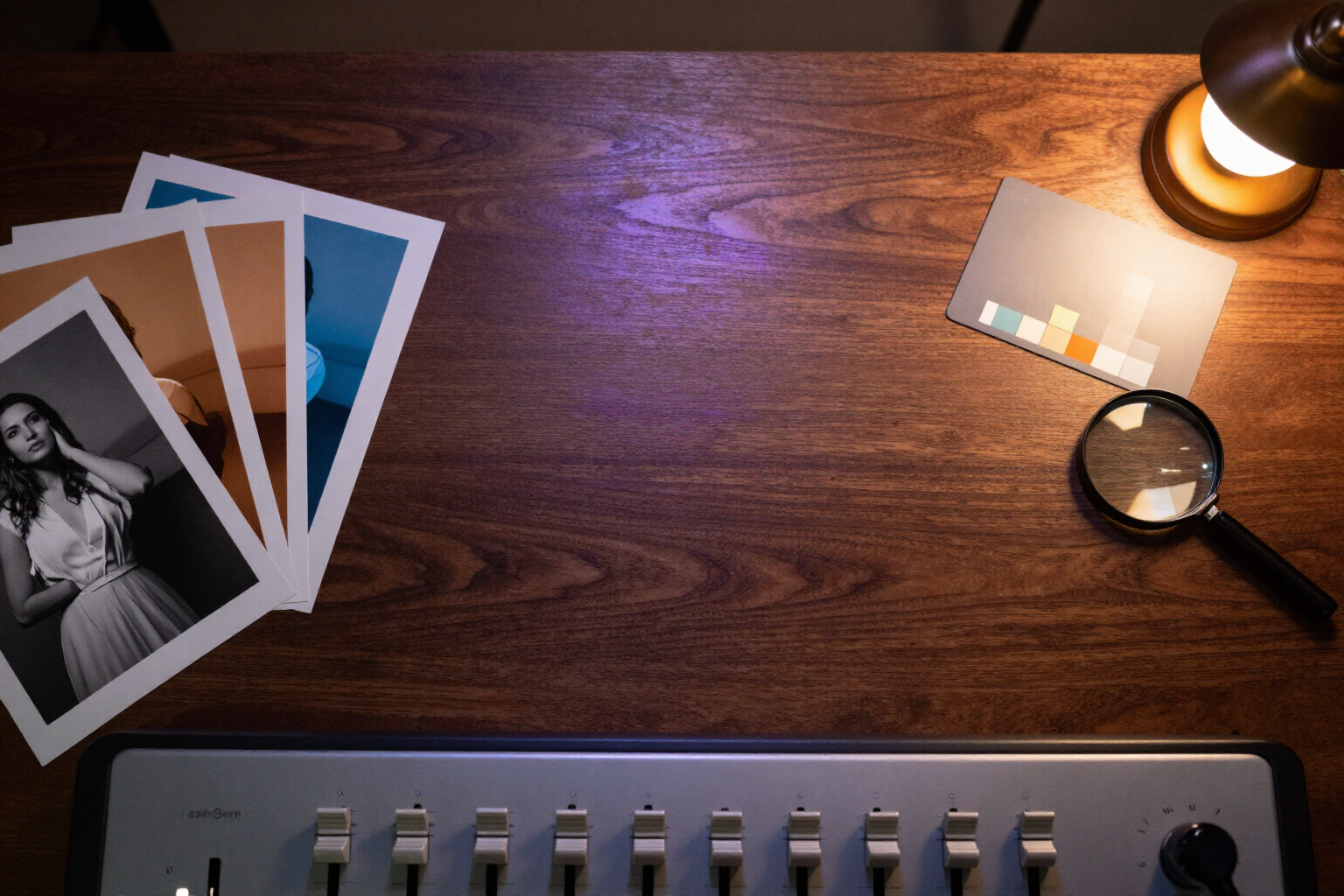
Adjust brightness, contrast, and filters of your portraits instantly without spending tokens
Move a slider, choose a filter, and hit apply: the retouching is calculated on the server in seconds, does not consume AI tokens, and your original image remains intact.
Most adjustments a portrait needs are not AI work: they are a bit of light, a bit of color, and at most, some grain.
At aiPortrait, photo retouching lives in the editor, separate from generative operations. You open any portrait from your gallery, go to the filters tab, and have four sliders —brightness, contrast, saturation, and warmth— with live preview on the photo itself: what you see while dragging is what you will get.
Next to the sliders, there are six preset filters you can preview in thumbnails of your own portrait before choosing: black and white, vintage, warm, cool, film grain, and fade. The film grain adds a real layer of monochrome grain in overlay mode, not just a simple color veil.
When you hit apply, processing is done locally with the sharp library, without calling any image model. That’s why it’s instant and why not a single token is deducted: you can try ten combinations of light and filter in a row without checking your balance.
And it’s non-destructive by design: each application saves a new derived image in your gallery, with the original kept separately. If you don’t like the result, you go back to the previous version instead of undoing blindly. aiPortrait is the AI portrait app from AIsToHire, and this functionality is in its editor: https://aistohire.com/aiportrait-photorealistic-portraits-ai-60
Benefits of Instant editing and filters
Zero cost in tokens
Color adjustments and filters are processed locally with sharp, without going through any AI model. Your tokens are saved for generating and editing with AI, not for increasing brightness.
Result in seconds
There’s no generation queue or engine wait. You hit apply and the derived image appears in your gallery.
Four fine controls
Brightness, contrast, saturation, and warmth, each with its limited range so you can't ruin the photo with an accidental drag.
Six filters with real-time preview
B/N, vintage, warm, cool, film grain, and fade, displayed as thumbnails of your own portrait, not a sample photo.
Authentic film grain
The film grain filter adds a layer of monochrome noise in overlay mode with adjustable intensity, the same technique used in digital development.
Non-destructive
Each edit creates a new image while preserving the original. You never lose your starting point by experimenting.
Live preview with CSS filters while you move the sliders
You decide before applying, not after.
Chainable with the rest of the editor
You adjust the lighting of a portrait you’ve already generated, re-lit or cropped, and the adjustment applies to that specific version.
Edit your first portrait without spending a token
Sign up for free at aiPortrait, generate a portrait, and adjust it to your liking with the sliders and filters in the editor.