Quick Shot: your professional profile photo in one touch
One button generates a square photorealistic portrait with studio lighting, business casual attire, and a natural smile. No need to write a prompt or adjust any settings.
Press a button and get the photo. That's literally all Quick Shot asks for.
On the aiPortrait home screen, right below the app name, there's a single button: 'Quick Shot: instant portrait.' You press it, and the app generates a portrait without going through the four-step assistant, without asking you to write anything, and without having to choose any options. While it's generating, you'll see the button busy, and when it's done, you land directly on the results screen with the completed portrait.
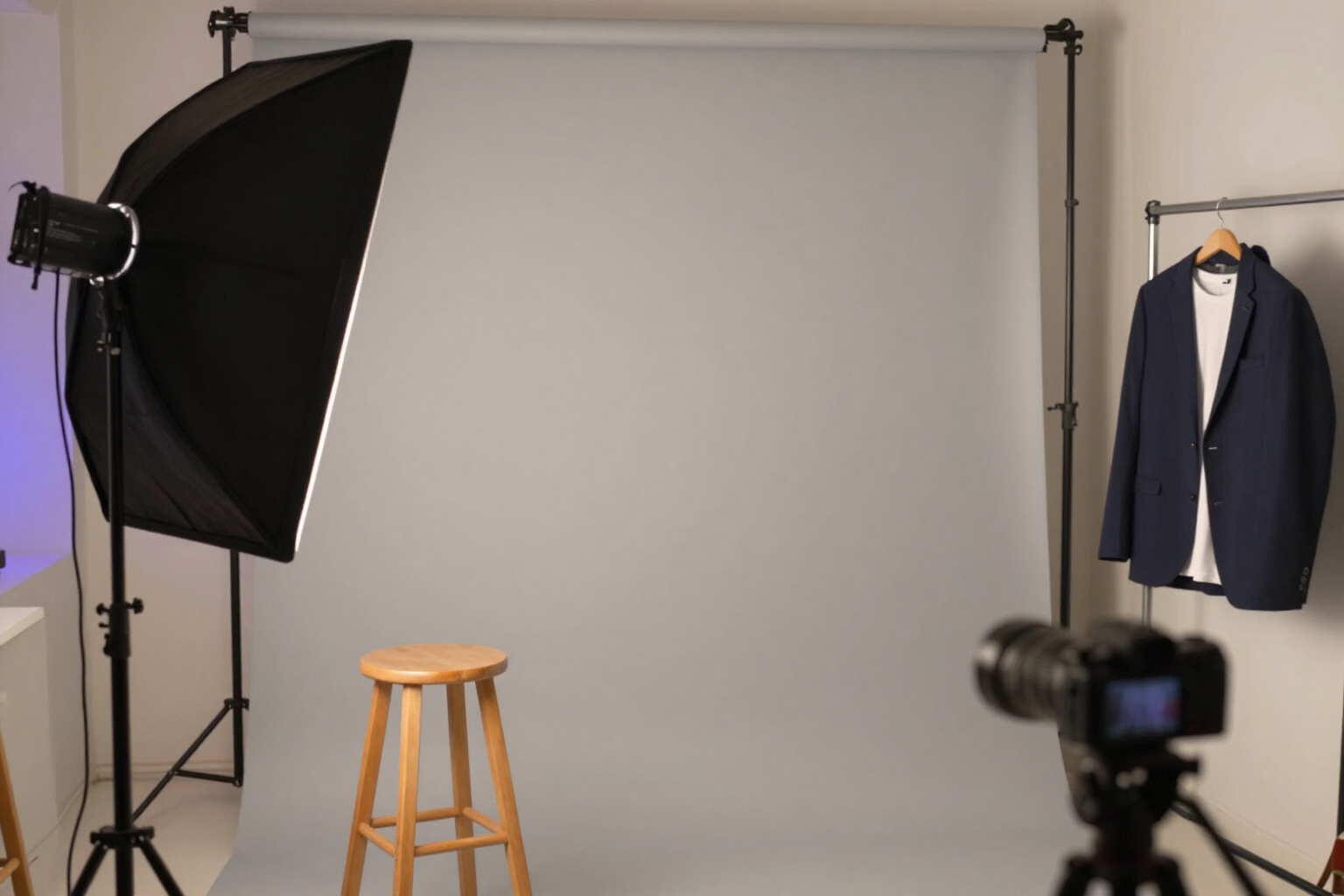
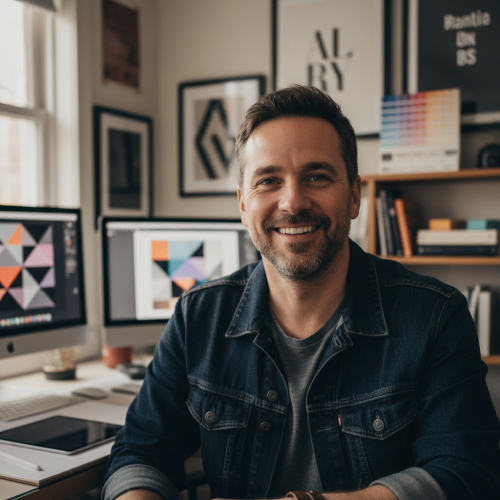
What Quick Shot fixes is exactly the recipe for a profile headshot: photorealistic style with an 85 mm lens and real skin texture, 1:1 framing, HD quality, and one variation. The scene features a studio background, soft intensity studio lighting, neutral temperature, high background blur, close-up shot, three-quarters head position, medium intensity natural smile, direct gaze at the camera, and arms crossed. The attire is business casual in its original color, with natural makeup and no accessories.
What changes with each touch is the person and the detail of the staging: gender, age between 24 and 49 years, ethnicity, body type, hair type, color and hairstyle, eye color, and skin tone are randomized in each generation, just like the studio background (gray, white, gradient, or dark) and the specific garment among blazer with t-shirt, collared shirt without tie, polo, and cardigan. That's why each Quick Shot is a new person, but always within the same professional range. If you have a saved and selected character, Quick Shot respects it and maintains its face from one generation to the next.
And the portrait doesn't end there: from the result, it goes to the editor, where you can change the clothing, background, or hairstyle, re-illuminate it, retouch the skin, or crop it to LinkedIn format, among fourteen other operations. If what you're looking for is the exact corporate look —blue blazer, gray studio background, and LinkedIn Corporate style— the 'Professional LinkedIn' template at the start sets that configuration ready to generate. Quick Shot is a feature of aiPortrait, the photorealistic portrait app with AI from AIsToHire: https://aistohire.com/aiportrait-photorealistic-portraits-ai-60
Benefits of Headshot in one touch (Quick Shot)
Zero decisions
one button, not a form. No prompt to write or catalog to browse. Those who just need 'a decent photo now' don't have to learn how to use the app to get it.
1
1 framing, the one requested by profiles. Quick Shot generates in square and HD, and the editor includes a LinkedIn crop of 400x400 px centered on the face, along with presets for CVs, Instagram, or stories.
Studio light, not selfie light. The fixed softbox studio setup features soft intensity, neutral temperature, and high background blur
the studio portrait vibe that doesn't come from the mobile front camera.
Ventaja 4
Always within the professional range. Randomness only affects the person, the studio background, and the business casual attire; never the framing, pose, expression, or light. You won't receive an anime portrait when you were looking for a headshot.
Ventaja 5
Your face, if you want it. With a saved character selected, Quick Shot maintains its identity across generations, allowing you to repeat touches until you find the one you like best without changing the face.
The first touch is not the last. Each portrait enters the editor with fourteen operations and versioning
change clothes, background or hairstyle, re-illuminate, retouch skin, remove objects, expand the frame, or export in 2K/4K, PNG with transparency or ZIP.
Your next profile picture is just a tap away
Sign up for free at aiPortrait and hit Quick Shot: the first portrait comes out without any setup.