 AiCrm
Switching CRM without paying a toll: what the Data Act guarantees you from January 12, 2027
Team at AiCrmWritten with AI assistance15 min readIn summary
- On January 12, 2027, provider switching fees in cloud services and SaaS are completely prohibited —including charges for extracting your data (egress fees)— according to the Regulation (EU) 2023/2854 or Data Regulation, applicable from September 12, 2025.
- Your provider must deliver the data to you in structured, commonly used, and machine-readable format (in practice, CSV or JSON) and give you free access to their open interfaces and documentation.
- The switch has set deadlines: maximum notice of two months, transitional period of up to 30 days during which the outgoing provider continues to provide service and assists you, and at least 30 more days to recover the data before it is deleted.
- The Chapter VI of the Regulation does not exempt SMEs or microenterprises and expressly covers SaaS: your €19/month CRM is treated the same as a corporate cloud.
- The value of a CRM is not in the email: it is in the notes, tags, lifecycle status, and activity history. That is where information is lost in almost all migrations, and no law fixes it for you.
If you have been stuck with a customer base in an expensive CRM —or spread across a spreadsheet and your inbox— and have postponed moving it because "extracting the data costs," that excuse has a legal expiration date. This guide summarizes what the Data Act guarantees you, what you need to audit in your contract before January 2027, and how to prepare for the migration to not lose what really matters. At the end, we tell you how AiCrm fits in here, the lightweight CRM with API from AIsToHire, which already works with that portability standard.

What exactly changes on January 12, 2027
Starting January 12, 2027, no data processing service provider in the EU can charge you for switching to another provider or to your own infrastructure: no exit fee, no charge for the volume of extracted data. Until that date, the transitional regime in effect since January 11, 2024, allows only reduced fees limited to the costs directly linked to the switching process, with no commercial margin or sharing of general infrastructure, according to the Garrigues analysis of the new cloud provider switching rules (October 17, 2025).
The Data Regulation was adopted on December 13, 2023, came into force on January 11, 2024, and is generally applicable from September 12, 2025, according to the Data Act fact sheet). That is: the right to portability is already enforceable today; what arrives in 2027 is total free of charge.
| Date | What happens |
|---|---|
| January 11, 2024 | Entry into force. Start of the reduced switching fees regime |
| September 12, 2025 | General application of the Regulation: portability is enforceable |
| October 29, 2026 | The Commission adopts standard contractual clauses for cloud contracts |
| January 12, 2027 | Total prohibition of switching fees, including egress |
| September 12, 2027 | Usual deadline to adapt already signed contracts (renewed, modified, or indefinite duration) |
The most recent development is the Recommendation (EU) 2026/2394 from the Commission, of October 29, 2026, published in the OJEU on November 6, 2026: a set of standard contractual clauses on data access and standard clauses for cloud computing contracts, developed under Article 41 of the Regulation and intended, according to the Commission itself, to particularly help SMEs negotiate fair conditions. They are voluntary, but serve as a template: if your provider refuses something that the Commission considers standard, you already know where you stand.
The timelines of the process are also set, and it is advisable to know them before starting anything:
| Element of the switch | What the Regulation sets |
|---|---|
| Notice to initiate the switch | Maximum 2 months |
| Assisted transitional period | Up to 30 calendar days, with reasonable service and assistance |
| Extension for technical infeasibility | The provider must notify and propose an alternative, capped at 7 months |
| Data recovery after the transition | Minimum 30 additional days |
| After | Deletion of data at the outgoing provider |
| Open interfaces and documentation | Free for the client and the destination provider |
Source of the deadlines: switching rules for SaaS before January 2027 and the aforementioned Garrigues analysis.
Why This Affects CRM More Than Any Other SaaS
Because the CRM is the only SaaS where the data that remains inside is your business relationship, not a file that you can regenerate. An invoicing tool stores documents that you already have in PDF; a task manager keeps past work. The CRM keeps why a customer said no in March, what label distinguishes them, when it's time to call them back. That cannot be reconstructed: it either comes out in the export, or it is lost.
This is compounded by the profile of those who use it. According to Eurostat data on electronic integration of businesses, in 2025, 28.51% of EU companies used CRM software, with a huge gap by size: 24.69% in small ones (10 to 49 employees) versus 65.43% in those with 250 or more. Most of the small fabric continues to work with spreadsheets or with a CRM that has become too large for them, and what holds them back from moving is not the law: it is the fear of being left halfway.
The Data Act removes the economic toll of leaving. The technical toll —that the export comes out poor— remains your problem, and it is solved by requesting things in writing before signing anything.
Checklist to Audit Your CRM Contract Today
Review six specific points of your contract and your provider's documentation before January 2027: what data it exports, in what format, with what API limits, what the exit costs, how much notice they require, and how long they keep your data after cancellation. If any of these fail, you already have the regulatory argument to ask them to fix it.
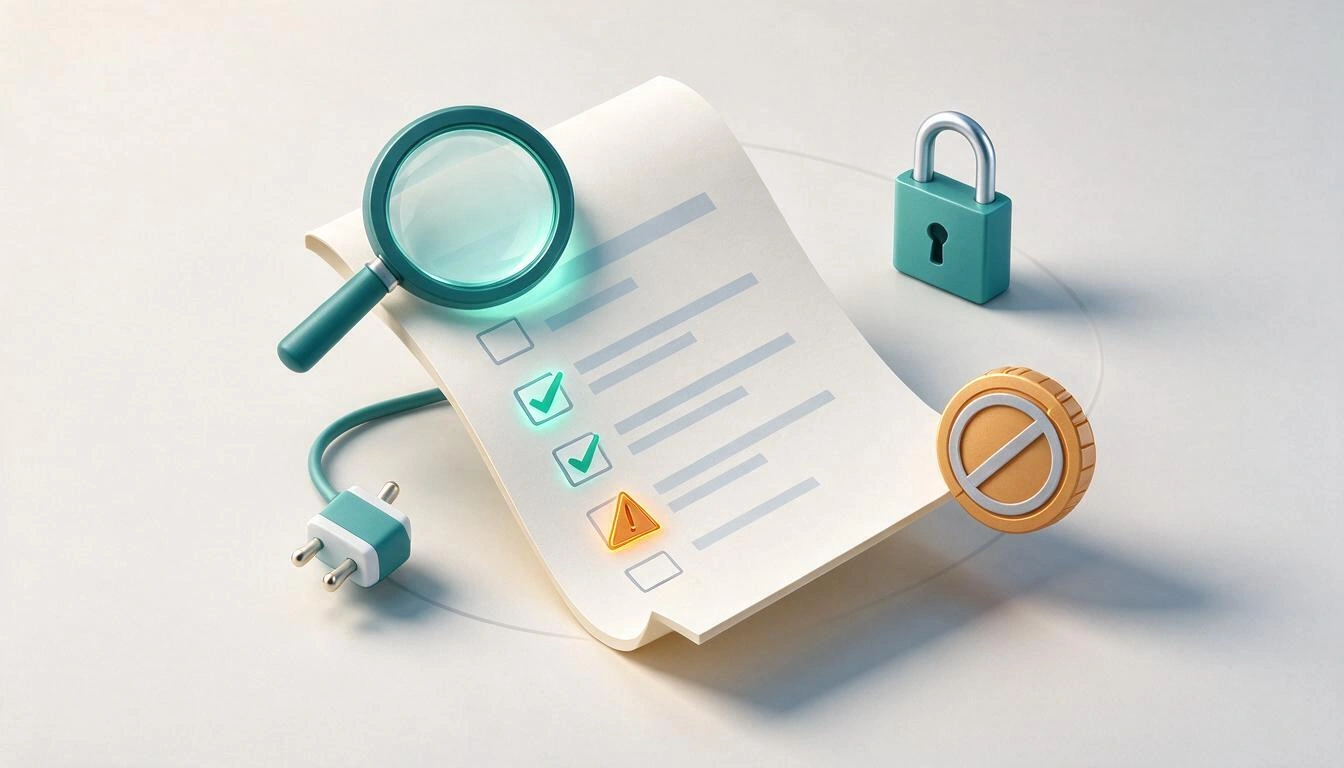
- Export clause. Look for whether it exists and what it covers. Many contracts only promise "customer data" without listing categories: this leaves out notes, attachments, and activity logs. The Commission's standard clauses require a list of all categories of portable data and digital assets.
- Offered formats. CSV and JSON, or just a PDF and a report screen? The Regulation requires structured format, commonly used and machine-readable. A PDF is not.
- API limits. Check the rate limit, whether the API is included in your plan or is an extra charge, and whether it covers all entities (contacts and notes and activity) or just the basics. Interfaces and their documentation must be free.
- Exit cost. Any item called "migration fee," "export assistance," or "data transfer" has its days numbered. What remains legal: the service fee until the contract ends and the proportional penalties for early termination in fixed-term contracts, as noted in the review of the ban on exit fees.
- Notice and automatic renewal. The limit is two months. If your contract requires three, or renews for another year if you do not notify 90 days in advance, it is misaligned.
- Retention and deletion. It must be clear that you have at least 30 days to recover your data after the transition and that then it is truly deleted.
Practical test, today: request the complete export and open it. Don’t look to see if the button exists; look at the file. Count columns, look for the notes and labels columns, check if there is a row for each activity or if the history does not appear. That half hour tells you more than the entire contract.
What to Request in Writing from Your Provider Before the Date
Request four things in an email with acknowledgment: complete export in CSV or JSON with all data categories listed, access to the API and its documentation at no cost, the 30 days of assisted transition with continuity of service, and explicit confirmation that there will be no change or extraction charges. A dated email turns a conversation into a record.
- Complete export. List what you expect: contacts, companies, notes, labels, lifecycle status, activity history, tasks and reminders, attachments, custom fields, and creation and last modification dates.
- Technical access. Own API key, documentation, actual limits, and if available, webhooks to avoid having to manually reconcile changes during the coexistence of the two systems.
- The 30 days of assistance. That they are stated as such: active service, maintained security, and reasonable assistance during the transition, with the subsequent recovery period.
- Zero cost. That the response explicitly states that they will not apply change fees or egress charges. Important nuance: the free extraction covers changing providers or taking your data to your infrastructure; if what you are doing is using two services in parallel permanently, the provider can continue to pass on the actual cost of traffic, as this analysis of what really changes on January 12, 2027 specifies.
Regarding who oversees this: the Regulation requires each member state to designate competent authorities and an effective, proportionate, and deterrent sanction regime. Germany already has it in place —the Bundesnetzagentur, with fines of up to €500,000, according to the cited analysis from Vincency—, while in Spain, the designation had been indicated as pending in the legal notes for 2025, such as Pérez-Llorca's note on the key issues of the Data Act. For a self-employed person or a small team, this means something very concrete: do not count on suing and winning. Count on negotiating with the Regulation in hand before signing the renewal.
What nobody migrates well: notes, tags, status, and activity
The migration that almost everyone does wrong is not that of contacts, but that of context. Name, email, and phone come out in any export; free notes, tags, lifecycle status, and activity history are the ones that get left behind, and they are precisely the reason you had a CRM and not a notebook.
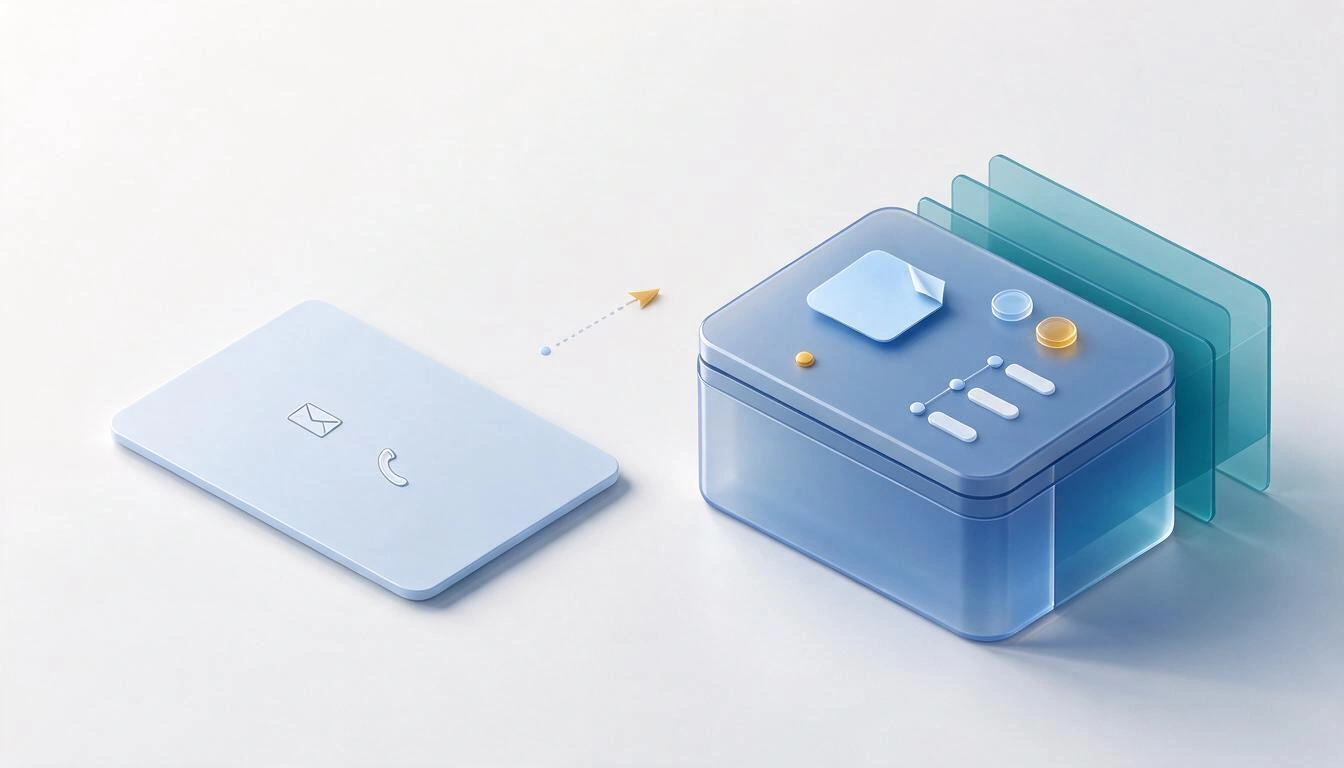
| Data | Risk during migration | How to protect it |
|---|---|---|
| Free notes | They get truncated, lose line breaks, or are split into multiple columns | Export to JSON if possible; if CSV, check the escaping of quotes and line breaks |
| Tags | They arrive as a single text with commas and cease to be filterable | Normalize to lowercase and decide the separator before importing |
| Lifecycle status | The destination uses different names and everything ends up as "lead" | Create a mapping table (client → active, lost → churned) before uploading anything |
| Activity history | It is not exported: it usually lives in another entity, outside the contacts CSV | Request it explicitly; if there is no way, at least dump the last interaction into the notes field |
| Registration dates | They are rewritten with the import date and you lose the actual age | Map the original date to its own field |
| Open reminders | They are lost and you are left without knowing who to call | Export pending tasks separately and recreate them |
An honest shortcut for small teams: if the complete history is not portable, decide which part changes your work on Monday. Usually, it is three things: last interaction, next step, and tag. If that travels, you have migrated. The rest is archive, and for archive, the old CSV saved will suffice.
How to migrate in batches and check that you haven't duplicated contacts
Migrate in small batches, starting with a test batch of 20 or 30 records, and check for duplicates after each import, not at the end. The import is the moment when duplicates are born: two systems with the same person written in two ways produce two records, and from there, each activity record is split between both.
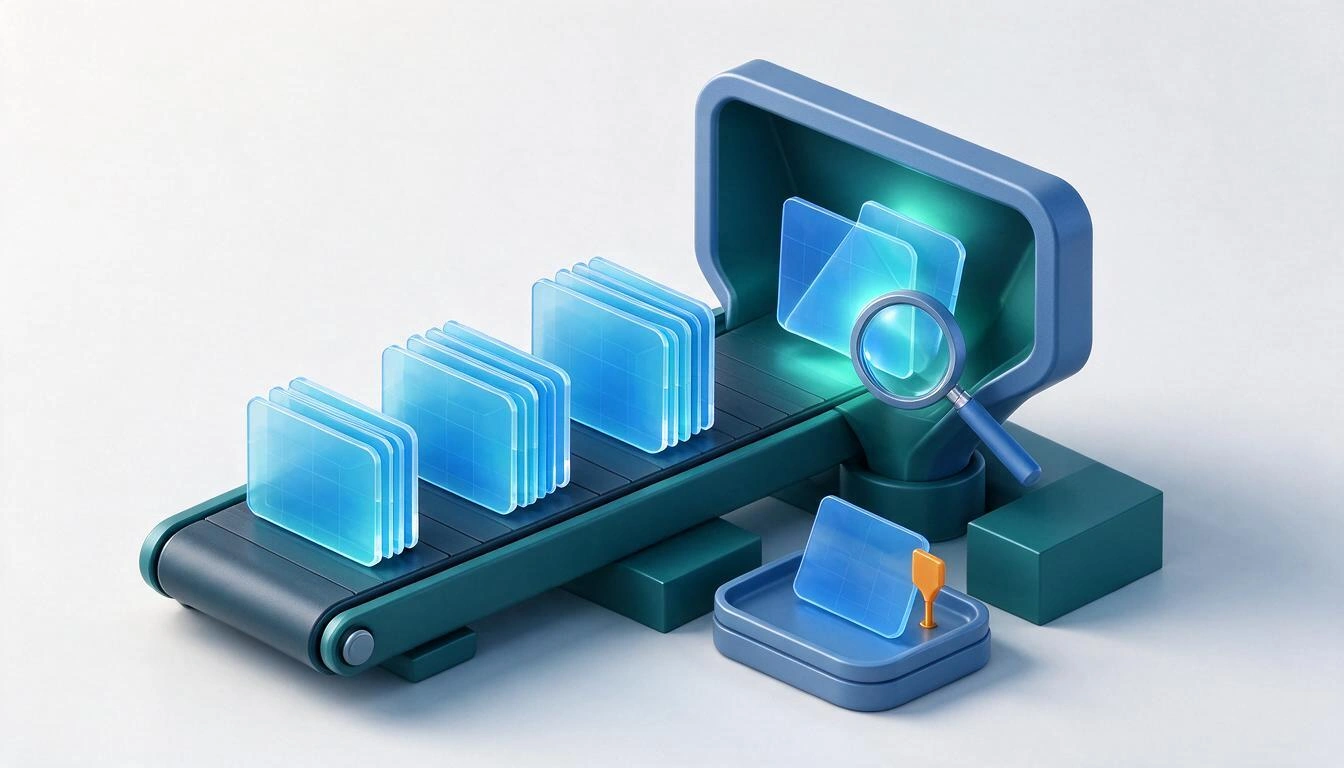
- Clean before uploading, not after. In the spreadsheet: remove empty rows, normalize phone numbers to international format, convert emails to lowercase, and unify company names.
- Define the identity key. The email is the best unique key available. Decide in advance whether a row with an existing email should update the record or create another; that single decision avoids most duplicates.
- Test batch. Import 20 or 30 records, open them, and check that each column landed where it should. It is much cheaper to correct the mapping now than with 4,000 records inside.
- Manageable batch sizes. Upload in blocks and keep the rejected rows file for each batch: that’s where malformed emails and empty required fields are.
- Run the duplicate detector. By exact email, by phone, and by similar name: the three cases are different. "Luis Garcia" and "Luís García" do not match by email, but they are the same person.
- Merge field by field, not blindly. When merging two records, you should be able to choose which value stays in each field and, above all, that the tags and activity history of both are summed instead of one overwriting the other.
- Square the numbers. Contacts from the CSV minus rejected rows minus merges should equal the total of the new CRM. If it doesn’t add up, stop and find the difference before continuing to work.
- Keep the original CSV. Store it outside the CRM for a few months. It is your backup and proof of what was there.
What the Data Act does NOT cover
The Regulation guarantees you to leave without paying and with your data in a usable format, but it does not guarantee that the destination will work the same as the source. In SaaS, there is no obligation of "functional equivalence": that requirement to take reasonable steps to ensure that the service works the same at the destination is directed at infrastructure (IaaS), while for SaaS and PaaS, the focus is on open interfaces and standardization, according to Garrigues' analysis.
It also does not cover:
- What the provider considers its own trade secret, which can be retained as long as it does not hinder your transition.
- Custom-made services or non-productive trial versions, which are excluded by exception.
- Adaptation work: fields that do not exist at the destination, automations that need to be redone, integrations that need to be reconnected.
- Your own data discipline. If your base is dirty at the source, it will arrive dirty at the destination, just now in two places.
Frequently Asked Questions
Can I be charged for exporting my contacts from a CRM in 2026?
Yes, but with limits. Between January 11, 2024, and January 12, 2027, a provider can only apply reduced fees that do not exceed the costs they directly incur for the switching process: with no profit margin and without passing on general infrastructure costs. After January 12, 2027, they cannot charge you anything for the switch or for data extraction.
Does the Data Act apply to a small CRM costing €15 per month?
Yes. The provider switching chapter covers IaaS, PaaS, and SaaS, and there is no exemption based on the size of the provider or the customer: neither micro-enterprises nor SMEs are excluded. The only relevant exclusions are custom-developed services and limited-time trial versions.
In what format do they have to provide my customer data?
In a structured, commonly used, and machine-readable format. In practice, CSV or JSON. A PDF, a screenshot, or a report that can only be viewed on-screen do not qualify, and open interfaces and their documentation must be available at no cost to you and the destination provider.
How long do I have to extract the data if I cancel?
The assisted transitional period is up to 30 calendar days, extendable for a maximum of seven months if the provider proves technical infeasibility and notifies it. After the transition, you have at least 30 more days to recover the data, after which the provider must delete it.
Do I have to wait until January 2027 to change CRMs?
No, and it's usually not advisable. Portability is already enforceable from September 12, 2025, and the fees they may charge you today are limited to direct costs. Waiting only makes sense if your provider gives you a high exit bill and you can hold out until the date; in any other case, the real cost of waiting is one more year of fees.
How do I know that the migration hasn’t created duplicates?
By comparing numbers and running a duplicate detection by email, phone, and similar names after each batch of imports. The reconciliation rule is simple: rows in the CSV, minus rejected rows, minus merges made, must equal the total records in the new CRM.
The CRM that already works with that portability standard
If you are going to move your customer base, choose a destination that won’t lock you in again. AiCrm, the lightweight CRM with API and free export from AIsToHire, is built with data input and output as part of the product, not as a favor: importing from CSV mapping which column goes to which field, with the option to update existing contacts by email, batch processing with a progress bar, and a return CSV with the rows that failed; exporting to CSV choosing the fields you want to take (or a PDF report if you want to read it); REST API with own keys and signed outgoing webhooks to connect your website or form; and duplicate detection and merging by email, phone, or similar name, field by field, merging the tags and activity history of the two records instead of overwriting them.
And what the Data Act will guarantee you in 2027, is already the case today: no exit cost. The rest is what you expect from a CRM —record with notes, tags, and lifecycle status (lead, active, inactive, lost), activity timeline, follow-up reminders with date and time, search and filters by status, tag, country, or dates, and a dashboard with the total by status and new records from the last 30 days— but with the door always open in both directions.
Take the test that really matters: create your free account at AiCrm and import the CSV from your old CRM by mapping the columns. In ten minutes, you will know what your export has brought in and what you will need to request in writing from your provider before January 2027.
Take the test that really matters: create your free account at AiCrm and import the CSV from your old CRM by mapping the columns. In ten minutes, you will know what your export has brought in and what you will need to request in writing from your provider before January 2027.Keep reading
View all articles →
How to transfer your clients from Excel to a CRM without losing data or duplicating contacts

Why Your Car Insurance Increased in 2026: Average Premium of €1,412 and Historic Record

Discussing via WhatsApp or talking in person: what science says about couple conflicts through messages
