 Zuki Trace & Read
Zero screen in Early Childhood and Primary: how many minutes of tablet make sense at home to learn to read and write
Team at Zuki Trace & ReadWritten with AI assistance17 min readIn summary
- Since August 2026, the moratorium of Decree 64/2025 of the Community of Madrid has expired: in Early Childhood and Primary Education, working individually with digital devices in publicly funded schools is no longer allowed (Decree 64/2025, of July 23, BOCM of 24/07/2025).
- Use is now shared and with weekly limits: none in the first cycle of Early Childhood, 1 hour in the 2nd cycle of Early Childhood and in 1st-2nd of Primary, 1.5 hours in 3rd-4th, and 2 hours in 5th-6th.
- Also, evaluative homework requiring a screen outside school hours is avoided, except for reasons of necessity and exceptional circumstances.
- The regulation limits the support, not the learning: what the evidence indicates as problematic is passive consumption, not the act of writing. The EEG study from NTNU Norway found broad brain connectivity when writing by hand and not when typing (Frontiers in Psychology, 26/01/2024).
- At home, the useful criterion is not "screen yes or no", but counted minutes, session with an end, and finger in motion. This guide includes a table of minute budgeting by age range consistent with the school's limits.
This 2026/2027 school year, many families in Madrid have encountered the same scene: the tablet their child used in class has disappeared from the desk, paper books have returned, and the school no longer assigns tasks that require a screen. The inevitable question that follows is: so, what do I do at home?. This article addresses that with the regulation in hand, what the evidence says about handwriting, and a practical criterion to decide which screen minutes are worth it and which are not. In the end, you will see how Zuki Traza y Lee, the app for learning to write and read for children from AIsToHire, fits into that criterion, but the subject of the article is the model change, not the app.
What does Madrid's "zero screen" plan actually say and who does it affect?
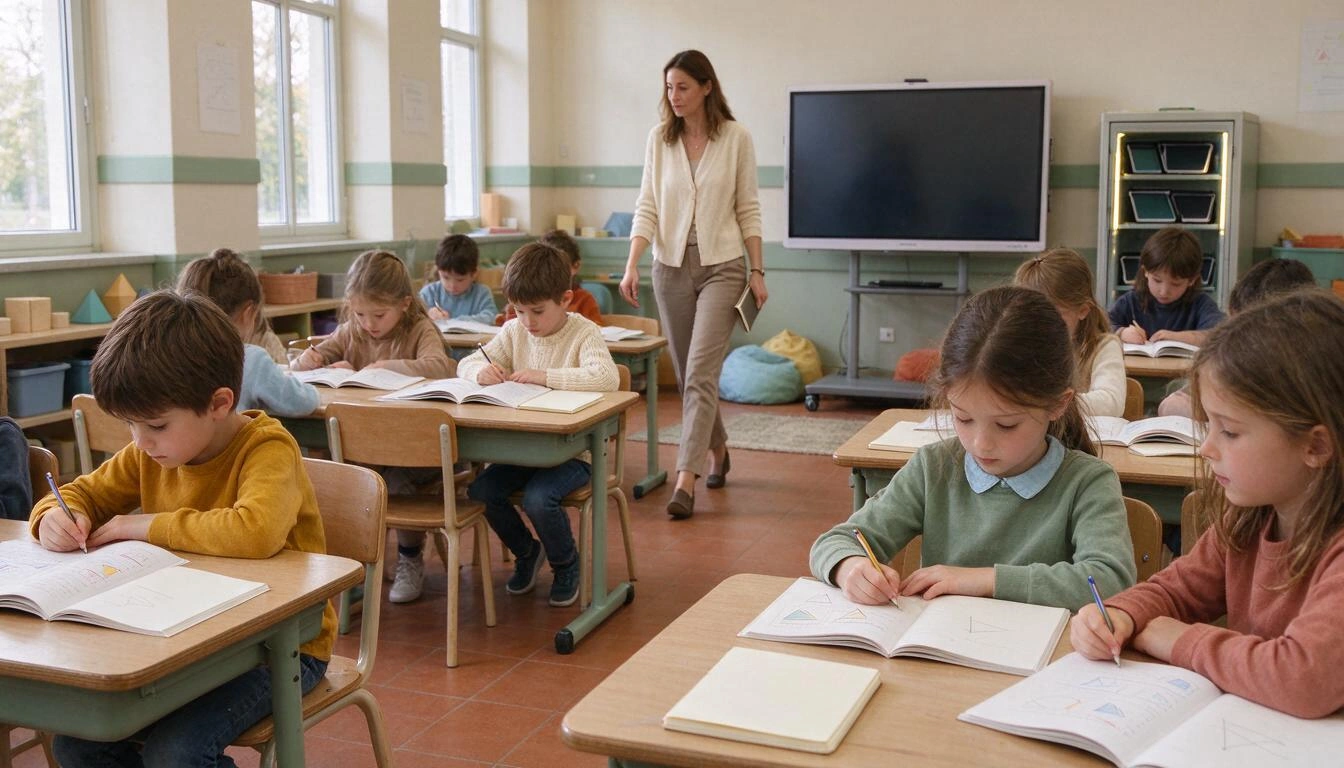
Decree 64/2025, of July 23, regulates and limits the use of digital devices in educational centers funded by the Community of Madrid —public and concerted— in Early Childhood, Primary, and Secondary Education. Its article 4.1 is categorical: "in the stages of Early Childhood and Primary Education, working individually with digital devices will not be allowed". The device becomes shared (computer lab, common interactive screen) and with a limit on weekly hours per cycle.
The decree was published in the BOCM on July 24, 2025, and allowed for two adjustment years. The 2025/2026 school year was for general adjustment; centers that already had educational projects with individual devices had until 2026/2027. With the expiration of that moratorium in August 2026, there are no longer any Early Childhood and Primary classrooms with one device per student, as reported by que.madrid on 21/09/2026 and Telemadrid on 20/09/2026.
Shared usage limits by stage (Decree 64/2025)
| Stage / cycle | Approximate ages | Weekly limit of shared device |
|---|---|---|
| 1st cycle of Early Childhood | 0-3 years | Use of devices is avoided |
| 2nd cycle of Early Childhood | 3-6 years | 1 hour |
| 1st cycle of Primary (1st-2nd) | 6-8 years | 1 hour |
| 2nd cycle of Primary (3rd-4th) | 8-10 years | 1.5 hours |
| 3rd cycle of Primary (5th-6th) | 10-12 years | Maximum 2 hours |
| Secondary Education | 12-16 years | Each center defines it according to student maturity |
Source: text of Decree 64/2025 (BOCM 24/07/2025).
Two nuances that are worth keeping in mind. First, homework: article 2.5 establishes that "students will be prevented from performing evaluable academic tasks outside school hours using digital devices, except in those situations where there are reasons of necessity and exceptional circumstances". Second, exceptions: article 4.6 allows for individual devices, without those time limitations, for students with specific educational support needs when indicated by their psychopedagogical or medical report. In Secondary and Baccalaureate, additionally, mobile phones remain banned throughout the school day, a measure that started in Madrid in September 2020.
The rule does not regulate your home: it regulates the classroom
It is the most common misunderstanding this autumn. Decree 64/2025 addresses publicly funded educational centers: it sets what the school can do, not what you can do in the living room. At home, there is no legal limit, and therefore the decision returns entirely to the family just when public discourse has become more restrictive.
The health references, which do talk about the home, are stricter than the decree. The World Health Organization has recommended since April 2019 no screen time before age 2 and a maximum of 1 hour per day between ages 2 and 4, always within a 24-hour distribution that prioritizes active play and sleep. The Spanish Association of Pediatrics, in its 2025 review, tightened its position and extended the minimum recommended age without screens from 2 to 6 years, arguing that there is no safe exposure time, and sets the limit at less than one hour per day between ages 6 and 12.
It is advisable to read those recommendations for what they are: a reference mainly intended for the consumption of audiovisual leisure, which is the dominant use. They do not resolve the case of a five-minute tracing task done with an adult next to the child by themselves. But they do set the direction: at these ages, the total budget of minutes is small and must be spent wisely.
The problem is not the screen: it is passive consumption
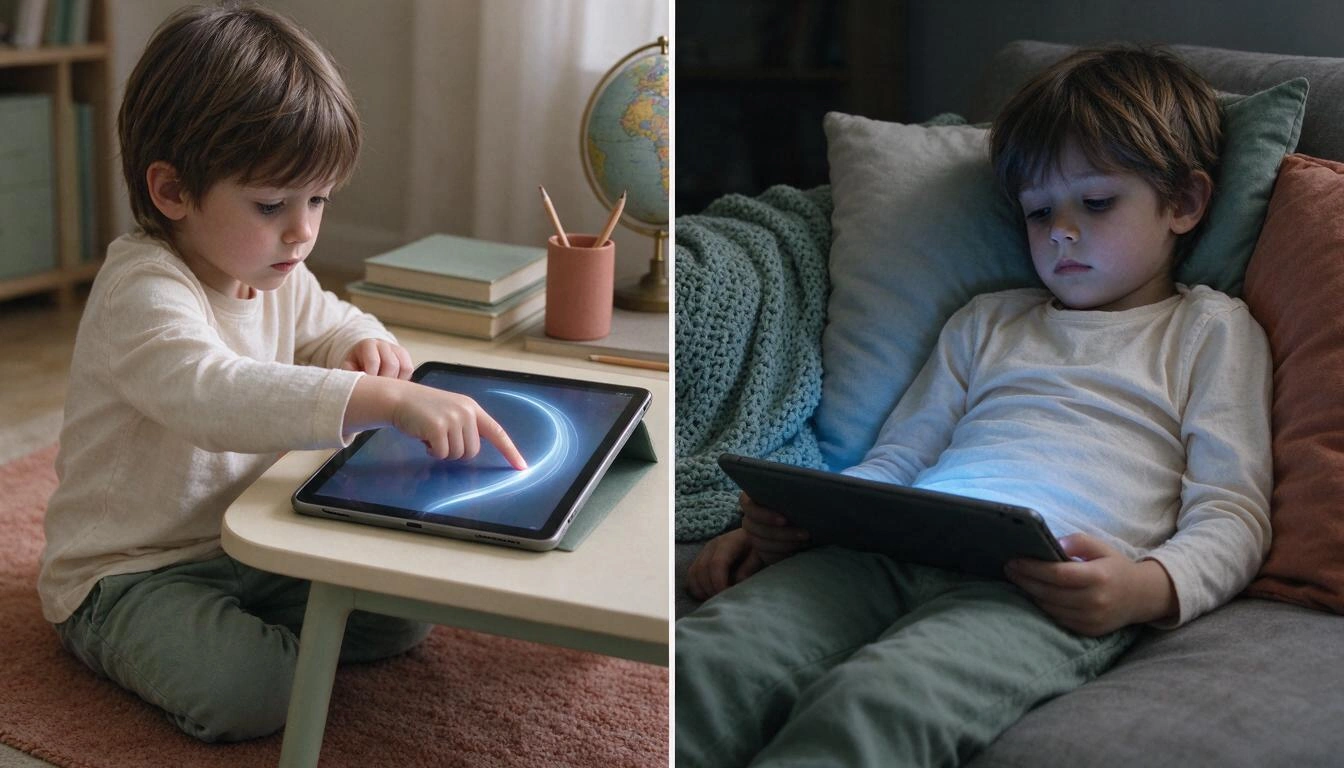
When looking at the evidence on early learning, what is penalized is not the screen, but the posture. A child watching endlessly looping videos is not doing anything with their hands, voice, or sustained attention; a child tracing a curve with their finger while an adult accompanies them is making a motor gesture with immediate feedback. These are two distinct activities that share a device.
The most cited data in this discussion comes from Norway. The team of F. R. van der Weel and Audrey van der Meer at the Norwegian University of Science and Technology (NTNU) recorded with high-density EEG (256 channels) the brain activity of 36 participants while they wrote words by hand with a digital pencil or typed them. They found broad connectivity in theta and alpha bands in parietal and central regions —those involved in memory formation— when writing by hand, and not when typing; the authors attribute this to the spatiotemporal pattern generated by hand movements, precisely controlled. The work was published in Frontiers in Psychology on January 26, 2024.
Notice what makes the difference in that study: the controlled movement of the hand, not the medium. Writing with a digital pencil on a screen was on the positive side of the result. What was excluded was typing, that is, pressing identical keys without drawing the shape of the letter. That distinction is exactly what you need to apply at home.
That same logic explains the international wave of returning to handwriting. In the United States, 25 states have already recovered the teaching of cursive by law; New Jersey joined on January 19, 2026, when Governor Phil Murphy signed the law requiring public schools to teach cursive handwriting from 3rd to 5th grade, effective for the 2026/2027 school year (Cursive Handwriting Act, New Jersey Department of Education). In Spain, the Ministry of Culture has gone in parallel through the reading route with the Reading Promotion Plan 2026-2030 "Reading is a right!", presented on June 10, 2026: 100 measures, 82.7 million euros, and a specific axis for childhood and adolescence.
How to distinguish a screen that teaches writing from one that entertains?
There are five traits that separate a digital literacy activity from a game disguised as educational. None depend on the price or the stars of the app store: they can be checked in two minutes by trying it yourself first.
| Criterion | Sign that it teaches | Sign that it only entertains |
|---|---|---|
| Active tracing | The child draws the path with their finger, with large letters and wide arm movement | Drags a pre-made letter into a slot, or just touches it to make it sound |
| Order and direction | Marks the starting point and direction of each stroke, and requires them | Any scribble within the silhouette is acceptable |
| Immediate response | The letter fills in as the finger moves, in the moment | Correction comes at the end, or does not come |
| Clear ending | Closed session of few items with a visible closure | Infinite levels, continuous scrolling, "one more" without limit |
| Voice involved | The child speaks out loud and that counts towards progress | The child listens; their voice does not intervene |
A sixth trait, more subtle: what happens when it fails. At these ages, visible error discourages and cuts the attempt. A good activity shows the guide again and allows repetition without marking a failure; a bad one marks a red cross, an error sound, or takes away lives.
How many minutes of tablet use make sense at home?
The short answer: between 0 and 20 minutes daily depending on age, always in short sessions with an end, and deducted from the total screen time of the day, not added. The following table is a proposal for a budget of minutes for active literacy use at home, built to be consistent with the limits of Decree 64/2025 in the classroom and with the pediatric recommendations mentioned above. It is not a rule: it is a reasonable starting point that you can adjust for your child.
| Age Range | Home Literacy Screen Time | Session Format | What should weigh much more |
|---|---|---|---|
| 0-3 years | 0 minutes | — | Voice, paper stories, hands, floor |
| 3-5 years | 5-8 min, 3-4 days a week | 1 short session, with an adult nearby | Sand, play dough, finger painting |
| 5-6 years | 10 min, 4 days a week | 1 session, visible end | Chalkboard and chalk, shared reading |
| 6-8 years (1st-2nd) | 10-15 min, 4-5 days a week | 1-2 separate sessions | Notebook and pencil, reading aloud |
| 8-10 years (3rd-4th) | Up to 20 min, 4-5 days a week | Independent session, review of weak areas | Handwriting on paper |
Three rules that matter more than the exact numbers in the table:
- Count the minutes, not the sessions. "A little bit" can turn into forty minutes without anyone deciding. Set a limit and make that limit visible.
- The session must have an end. The difference between six items and "keep playing" is the difference between a task and a consumption habit.
- Never as a substitute for paper. The screen can be the warm-up or review; the final stroke is consolidated with a pencil, on paper, with real resistance under the hand.
What should continue to weigh more and is free
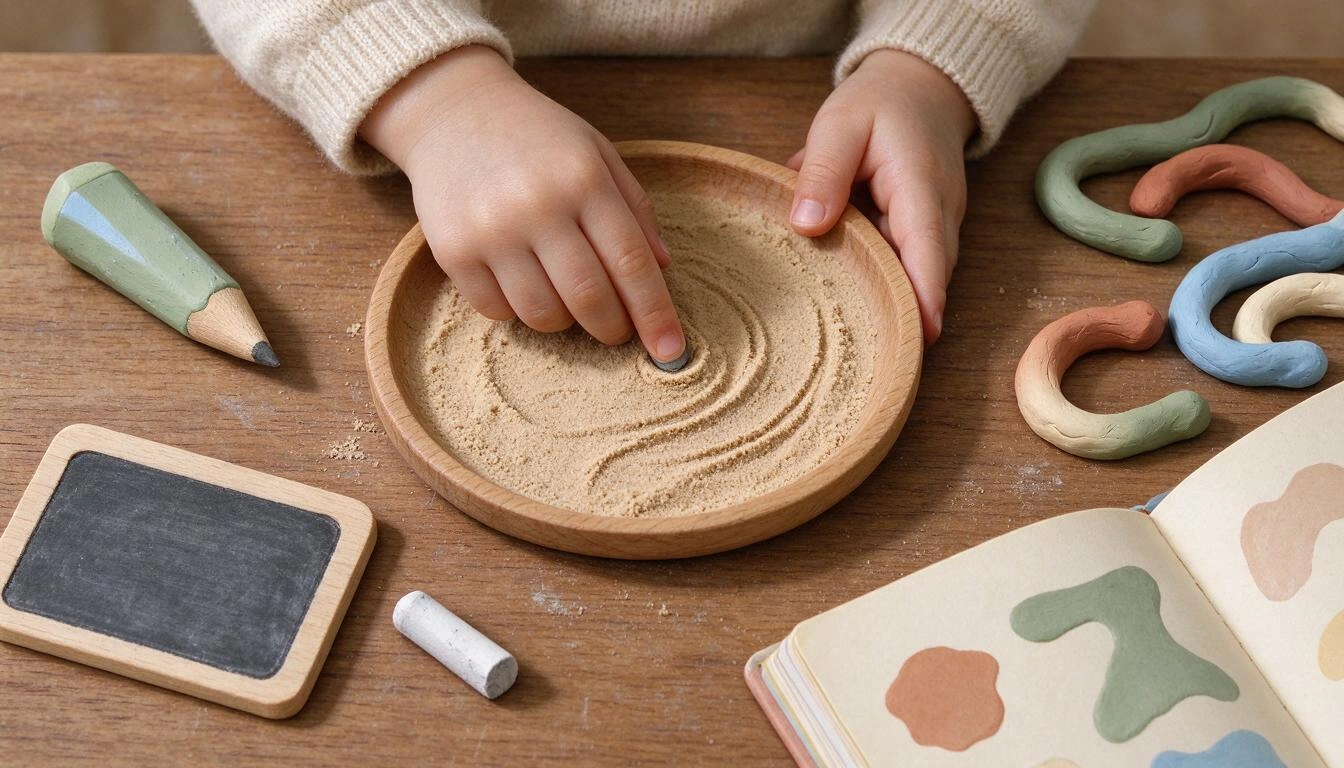
Before any app, the foundation of writing learning in early childhood is material, cheap, and doesn’t need batteries: sand, flour, or semolina in a tray to trace with the finger; play dough to make snakes and form letters; a small chalkboard with chalk, which provides the friction that glass lacks; finger paint, scissors, tweezers, and laces for the fine motor skills that support the stroke.
And above all, shared reading aloud, which is the intervention with the best effort-result ratio that exists at these ages and the one that is losing the most ground. The 2025 Reading and Book Purchase Habits Barometer, published on January 22, 2026, by the Federation of Publishers' Guilds of Spain with the Ministry of Culture, states that 77.2% of families with children under 6 read books to them: a high figure, but that has fallen more than five points from 82.7% in 2017. Among 6 to 9-year-olds, the percentage of young readers is 79.4% and they dedicate an average of 3 hours per week to reading.
If you can only do one thing a day for your four-year-old's literacy, read with him aloud. The tablet, at most, is the supplement for the end of the week.
Safety checklist for choosing a children's app
Before installing anything, these six checks eliminate most of the catalog. Do them yourself, with the phone in hand and without the child in front.
- No ads. No banners, no reward videos, no interstitials. An ad in a 4-year-old app is a gateway to any content.
- No external links. Nothing that opens the browser, a store, or a social network from within.
- No chat or content from other users. No messages, no comments, no foreign profiles.
- The child's voice does not come out of the device. If the app uses a microphone, check that the recognition is processed locally and that it does not record or upload audio to any server; and that there is an alternative without a microphone.
- Minimal data. First name and age are enough for personalization. No photo, no geolocation, no contacts.
- Purchases and settings behind an adult barrier. Ensure the child cannot change settings or purchase anything with a tap.
How does all this look in an app that meets the criteria
To avoid being abstract: this is what a tool designed with the above criteria looks like. Zuki Traza y Lee, the children's literacy app from AIsToHire for kids aged 3 to 12, applies them quite literally and serves as a verifiable example of what any candidate should offer you.
In Writing mode, the child traces the outline of a letter or word drawn on the almost full screen with their finger, with numbered starting points and an animated guide indicating the direction of the stroke; the letter fills in as the finger moves, so the feedback is immediate, and the ink only paints within the shape, so the shaky stroke counts and the scribble outside does not. In Reading mode, the microphone is activated, a word appears, and the child pronounces it: the word fills in letter by letter as the system recognizes it. Voice recognition is done with the device's own recognizer, it does not record or send the child's audio to any server, and if there is no microphone or permission is not granted, there is a manual mode.
The format fits within the minute budget of the table: each session consists of 6 items, which for the 3 to 5-year-olds are resolved in about 5-8 minutes and end with a clear closure —confetti, points, medals— instead of pushing to continue. It never marks an error: if it doesn't work, the guide returns and repeats. The vocabulary is generated by the AI adapted to the child's age and language, progressing from shapes and loose letters to syllables and complete words. And for the adult, there is a panel, after a three-second access gesture, with the map of mastered letters, items to reinforce, session history, and difficulty settings, font type, and voice; word lists from the classroom can also be uploaded and a printable sheet can be generated for the same work on paper. There are no ads, no external links, no chat.
In other words: it is the type of screen that resembles a sandbox more than a video channel. This does not make it essential —the ten minutes of story still wins— but it does make it a defensible use of the few digital minutes that make sense to spend at these ages.
Frequently Asked Questions
Does Madrid's "zero screen" plan also prohibit tablets at home?
No. Decree 64/2025 regulates the use of digital devices in educational centers funded by public funds in the Community of Madrid, not in the family home. What it does is eliminate individual work with devices in Early Childhood and Primary Education and avoid evaluable homework that requires a screen, leaving the decision about screen time at home entirely in the hands of the family.
How much screen time can children aged 3 to 6 have?
The Spanish Pediatric Association, in its 2025 review, recommends avoiding screens until the age of 6 because it considers there is no safe exposure time; the WHO, since 2019, admits a maximum of 1 hour daily between ages 2 and 4, and less is better. If you decide to use a digital literacy activity in that range, it is reasonable to keep it to sessions of 5 to 10 minutes, a few days a week, with an adult nearby and counting it towards the total screen time for the day.
Is learning to write on a tablet the same as writing by hand?
It is not the same, and it does not replace paper. The EEG study from NTNU published in Frontiers in Psychology in January 2024 found broad brain connectivity when writing by hand —including with a digital pencil on screen— and not when typing, which suggests that what is decisive is the controlled movement of the hand that draws the shape. An active stroke screen can serve as support and review; the consolidation of strokes requires pencil, paper, and real friction.
What do I ask of an app to learn to write if my child no longer uses a tablet at school?
Five things: that the child traces with their finger and with large letters instead of dragging pieces; that it marks the starting point and direction of each stroke; that it responds to the stroke in real-time; that the session has a fixed number of items and a visible end; and that the child's voice is involved in the reading part. And in terms of safety: no ads, no external links, no chat, and no audio from the child leaving the device.
How do I help my child learn to write at home without screens?
With tracing material and voice. A sandbox or semolina to draw letters with their finger, modeling clay to form them, a small chalkboard with chalk for the friction it provides, and fine motor activities like tweezers, laces, and scissors. Above all that, reading together aloud daily: the 2025 Reading Habits Barometer shows that 77.2% of families with children under 6 do this, a proportion that has dropped more than five points since 2017.
Is it safe for an app to use the microphone with a four-year-old child?
It depends on where the voice is processed. If recognition is done on the device itself and the app does not record or send audio to a server, the risk is low; if it uploads the recording to the cloud, you are giving away the voice of a minor. Also, check that there is an alternative mode without a microphone, so you can use the app when you do not want to grant that permission.
To get started today
The change in classroom models in Madrid does not leave families without tools: it puts the decision in their hands, and with it the responsibility to choose wisely the few digital minutes that make sense between the ages of 3 and 8. The criterion is that of this article: moving finger, orderly and directed stroke, immediate response, session with an end, and the child's voice involved; everything else goes to the sandbox and the story read aloud.
If you want to see that format applied, Zuki Traza y Lee, from AIsToHire, is available with free registration from its page: you can try the app to learn to write and read from 3 to 12 years old, create the child's profile with their name, age, and avatar, and have the first session of 6 items this very afternoon. Five minutes of stroke, with an end, and the tablet turns off.
Try the format: free registration at Zuki Traza and Read, create your child's profile with their name, age, and avatar, and do the first session of 6 tracing items today. Five minutes, with an ending, and the tablet turns off.
Try the format: free registration at Zuki Traza and Read, create your child's profile with their name, age, and avatar, and do the first session of 6 tracing items today. Five minutes, with an ending, and the tablet turns off.Keep reading
View all articles →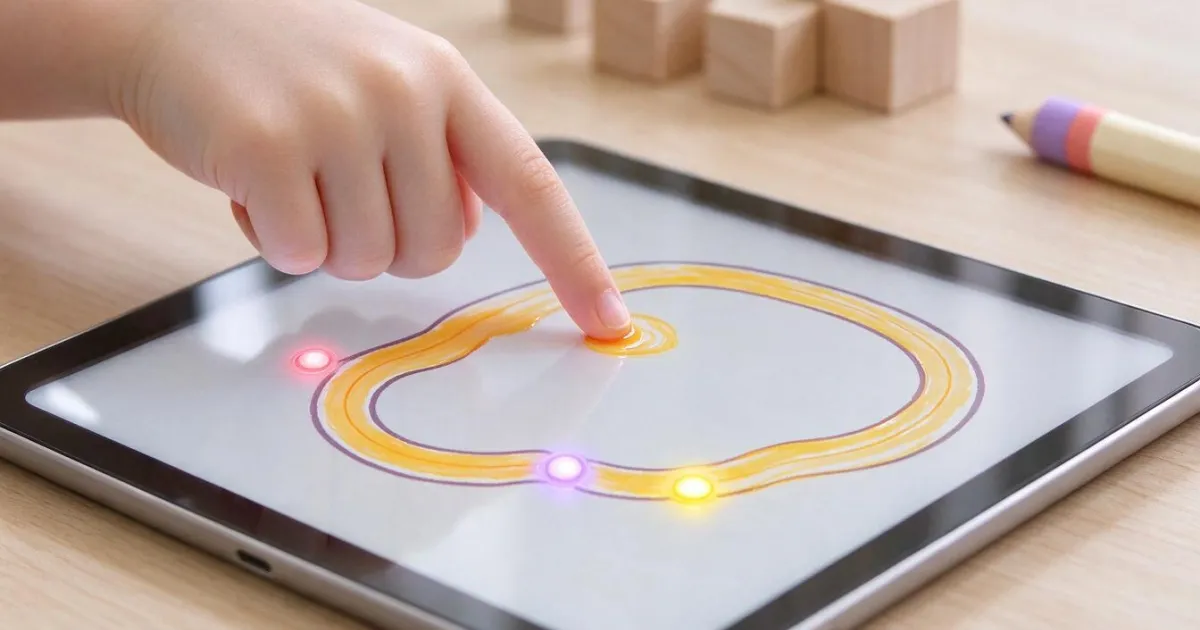
Where to start each letter: stroke order and how to teach the alphabet

Discussing via WhatsApp or talking in person: what science says about couple conflicts through messages

Mind map, concept map, and outline: differences and when to use each one