 Vault
Your password manager's encrypted vault has been stolen: what to do, step by step
Team at VaultWritten with AI assistance19 min readIn summary
- On November 3, 2026, mSeven Software notified current and former users of mSecure of "suspicious activity" and urged them to change passwords, restart 2FA, and replace passkeys; according to support responses posted by the customers themselves, an unauthorized actor obtained an encrypted copy of the mSecure Cloud database (Malwarebytes, The Hacker News).
- "Encrypted" does not mean "safe": it means that the attacker no longer needs your server, because they can attack the file on their own computer, with no limit on attempts. That is offline cracking.
- What determines whether your vault falls is not AES-256 —that is not broken— but how many iterations the key derivation uses and how many words your master key has. OWASP recommends 600,000 iterations for PBKDF2-SHA256 (OWASP Password Storage Cheat Sheet).
- In LastPass 2022, clear names, emails, billing addresses, and the URLs of the sites saved were exposed; the damage continued for years after, with over 150 victims of cryptocurrency theft and a $24.5 million settlement in February 2026 (Wikipedia).
- Order matters: first the master key, then banking/email/crypto, then the 2FA, and finally the passkeys. Changing 300 passwords on the first day is the worst way to spend the hours that truly count.
If you have received an email from your password manager saying that "suspicious activity has been detected," the first thing to understand is what it exactly means for someone to take an encrypted database: it is neither the end of the world nor a non-incident. It is a clock that starts ticking. In this guide, we break down the entire process —what is exposed, how a stolen vault is attacked, in what order to act, and how to check if your manager could withstand a server theft— and in the last block, we show how Vault, AIsToHire's end-to-end encrypted password manager, fits in as an example of the architecture that should be demanded.
What happened with mSecure in November 2026
On November 3, 2026, mSeven Software sent a notice to current and former customers stating that it had become aware of "suspicious activity" associated with the mSecure application, that it had launched an investigation and consulted external experts, and that it recommended taking immediate action: changing passwords, restarting or re-registering two-factor methods, and deleting saved passkeys. In an update on November 6, it specified that the incident only affects those synchronizing with mSecure Cloud (Malwarebytes, 2026).
What the notice does not say is almost more relevant than what it does say. It does not identify which systems were compromised, does not provide a date of access, does not say how many users are affected, and does not clarify whether "resetting 2FA and passkeys" refers to the credentials stored within the vault or to those of the mSecure account itself (The Hacker News, November 4, 2026). According to support responses that several customers posted on the company's forum, what the attacker took was an encrypted copy of the database, and the company claims to have no evidence that its content was accessed (CyberSecurityNews).
It is worth adding a piece of information prior to the incident: in December 2025, the German cybersecurity authority BSI, along with the Verbraucherzentrale NRW, examined ten password managers and concluded regarding mSecure that "overall, the concept does not meet the usual expectations of a password manager," recommending not to use it because the manufacturer could, in theory, access the data stored in version 6.1.5 for Android (heise, December 9, 2025). The company's public documentation describes AES-256 and a 46-character account key that "is never stored on our servers," but does not publish the key derivation parameters (mSecure security model). That omission, as you will see in the offline cracking section, is exactly the piece of information that a user would need to know how much time they have.
What was stolen and what was not when a "hashed" vault is taken
A stolen vault is almost never a perfect opaque block: it is an encrypted blob surrounded by readable metadata. The server needs some clear information to function (to know who each record belongs to, when it was modified, which account to bill), and everything it needs in clear is, by definition, what the attacker reads without decrypting anything.
The LastPass precedent illustrates this better than any theoretical explanation. In the exfiltration of August-September 2022, unencrypted names, email addresses, billing addresses, the last digits of cards, and the URLs of the saved sites were exposed, in addition to the encrypted vaults (Wikipedia: LastPass 2022 data breach). Analyst Wladimir Palant documented in detail which fields of the vault format traveled in clear and why that turns the loot into a target map (Palant, December 2022).
| What the attacker takes | Usual state | What it’s useful for |
|---|---|---|
| Passwords, users, and notes | Encrypted with your master key | Nothing until they guess the master key |
| URLs of saved sites | In clear in various formats (LastPass case) | Prioritize victims: those with a crypto exchange are attacked first |
| Email and name | In clear | Very credible targeted phishing, posing as the manager |
| Billing address and last digits of card | In clear (LastPass case) | Social engineering with the mobile operator or the bank |
| Saved passkeys | Encrypted within the vault | Impersonation if they decrypt the vault; hence the request to replace them |
| 2FA registration data | May include encrypted TOTP seeds | If decrypted, the "second factor" saved in the same place stops being a second factor |
From that table comes the first practical conclusion: even if your master key is excellent and no one ever decrypts your vault, the leak has already cost you something: a profile of what services you are subscribed to and a finely tuned phishing channel. In the following weeks, any email asking you to "verify your master key" is an attack. No serious manager will ever ask you for that.
How offline cracking of the master key works, without jargon
While your vault lives on the server, an attacker wanting to test master keys has to communicate with that server, which limits attempts, implements 2FA, and locks them out. When they take the file, that disappears: now they can test millions of candidates on their own hardware, offline, without limits and without anyone seeing them. If they succeed, they decrypt a record and know it instantly. That is offline cracking, and it is the only scenario that matters when the news says "encrypted database".
The cost of each attempt is set by the key derivation function (KDF). Your master key is not used directly as an AES key: it is passed thousands or hundreds of thousands of times through a slow function (PBKDF2, scrypt, Argon2id) until producing the actual 256 bits. Multiplying the iterations by 100 multiplies the cost of each test for the attacker by 100, and it only adds a few tenths of a second for you when unlocking.
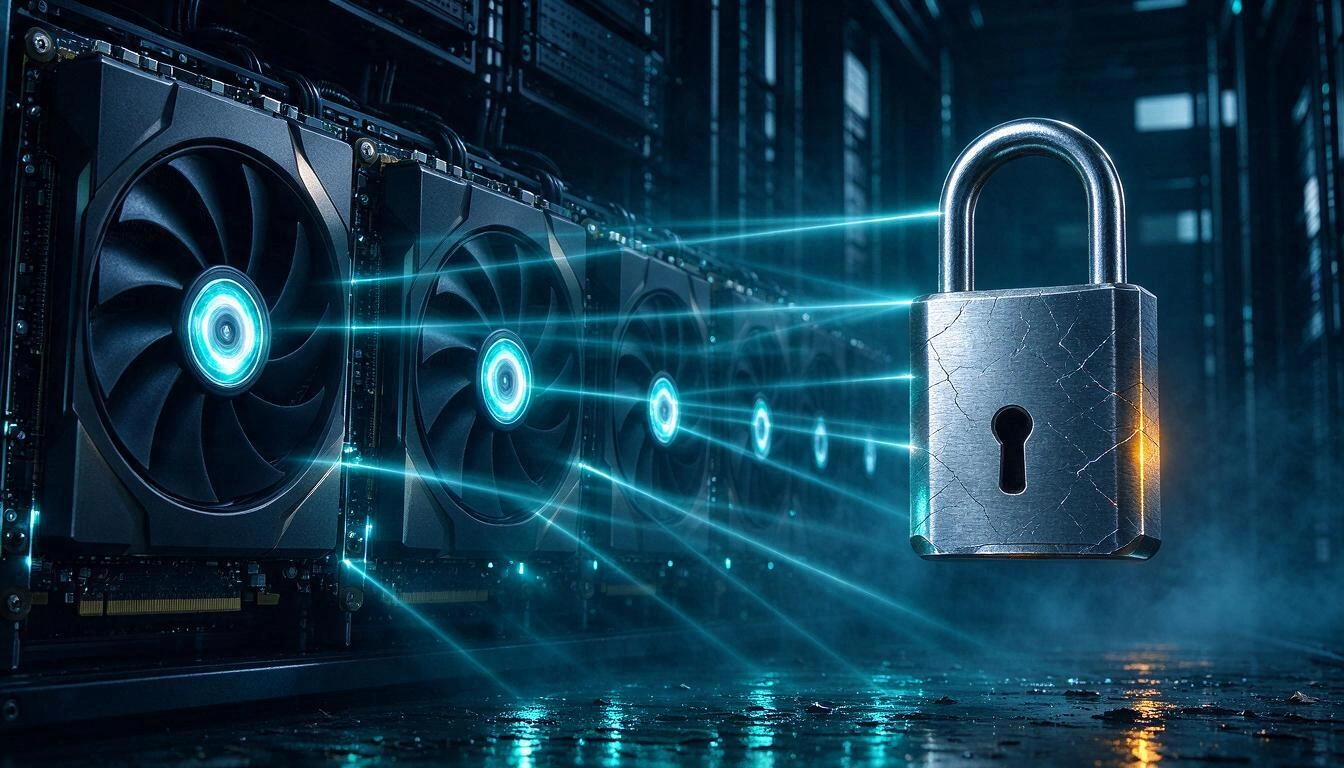
To give numbers, we start from a public and reproducible measurement: in a benchmark of hashcat v6.2.6-851 on a NVIDIA RTX 5090, the PBKDF2-HMAC-SHA256 mode at 999 iterations performs 11,157.2 kH/s (benchmark published by Chick3nman). Since the work scales linearly with iterations, with a single card it results in approximately:
| PBKDF2-SHA256 Iterations | Attempts per second (1 RTX 5090, estimate) |
|---|---|
| 5,000 (old default value of LastPass) | ~2.2 million |
| 100,100 (LastPass since 2018) | ~111,000 |
| 310,000 | ~36,000 |
| 600,000 (OWASP recommendation) | ~18,600 |
And now what really decides the game: how many candidates need to be tested. With a master key formed by random words from a diceware list of 7,776 words, the search space grows dramatically with each added word. Exhaustive search times with a single card (on average it takes half the time):
| Master Key | Combinations | At 310,000 iterations | At 5,000 iterations |
|---|---|---|---|
| 2 random words | 6.0 × 10⁷ | ~28 minutes | ~27 seconds |
| 3 random words | 4.7 × 10¹¹ | ~5 months | ~2.4 days |
| 4 random words | 3.7 × 10¹⁵ | ~3,200 years | ~52 years |
| 5 random words | 2.8 × 10¹⁹ | ~25 million years | ~400,000 years |
Three must-read points from that table:
- A long and random master key makes the problem irrelevant, even with a mediocre KDF. Four or five random words are not broken.
- Iterations are the cushion for everything else. If your key is a variation of something you already use, a name or a date, you are not in the "astronomical combinations" column: you are on a dictionary list with rules, and there the difference between 5,000 and 600,000 iterations is the difference between hours and months.
- The numbers are from one card. Whoever steals a database from a password manager does not rent one: with a hundred GPUs you divide all those times by a hundred. That’s why experts suspected that the cryptocurrency thefts of 2023 came from LastPass vaults that were effectively decrypted (KrebsOnSecurity, September 2023).
Why AES-256 is not enough as a marketing argument
When a company responds to a leak saying "the data was encrypted with AES-256", it is answering a question that nobody has asked. AES-256 is not broken by brute force: what is broken is the human password from which the key is derived. That’s why the useful question is not what encryption it uses, but what KDF, with what parameters, and whether it also applies them to old accounts.
The original sin of the LastPass case was not choosing PBKDF2, but not updating the past. The company raised the default value from 5,000 to 100,100 iterations in 2018, but did not migrate existing accounts, and there were still vaults with legacy values —in some cases absurdly low— when the 2022 leak occurred (KrebsOnSecurity). Here’s the current reference landscape:
| Reference | KDF and parameters | Source |
|---|---|---|
| OWASP (current guide) | Argon2id m=19456 KiB, t=2, p=1; or PBKDF2-SHA256 with 600,000 iterations; PBKDF2-SHA512 with 220,000 | Password Storage Cheat Sheet |
| Bitwarden | PBKDF2-SHA256 with 600,000 by default (minimum 600,000); Argon2id optional with 32 MiB, 6 iterations, 4 threads | Bitwarden: KDF algorithms |
| 1Password | PBKDF2-HMAC-SHA256 with 650,000 iterations, plus a Secret Key that only exists on your devices | 1Password: PBKDF2 |
| LastPass | Minimum default of 600,000 since 2023, aligned with OWASP; previously 100,100 (2018) and 5,000 | LastPass: security bulletin |
| mSecure | AES-256 and 46-character account key; derivation parameters not published | mSecure security model |
The governance lesson is simple: a provider that publishes its parameters allows you to calculate your own risk; one that only says "AES-256" forces you to trust.
Prioritized action plan: what to change and in what order
If your password manager has suffered a database breach, the correct order is: master key first, then the accounts that ruin your life, then the second factors, and finally the passkeys. Don't start with the forum you registered on in 2014. You have a window of days or weeks, and time is spent where there is money and identity.
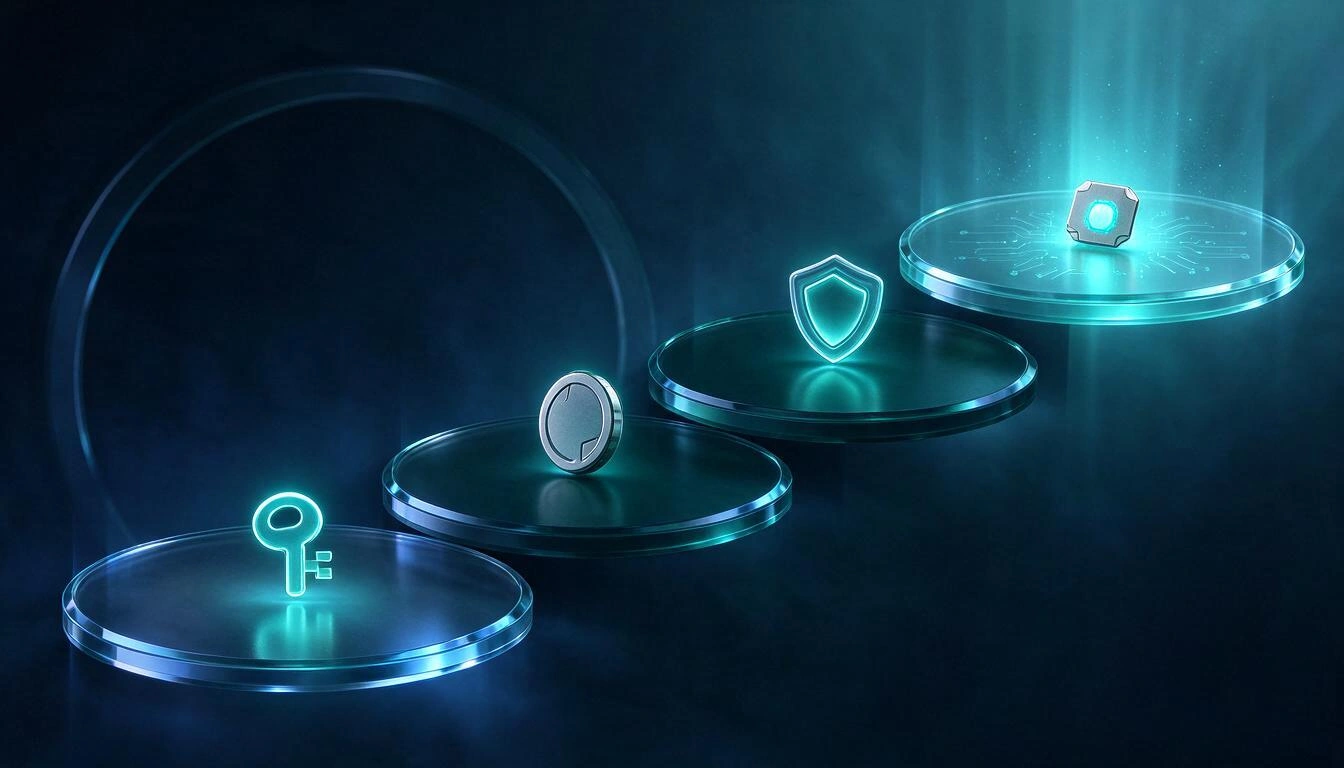
Step 1 — Change the master key and force re-encryption. Do it on the first day. Be aware of the nuance that almost nobody explains: changing the master key protects the future vault, not the copy that has already been stolen, which remains encrypted with the old one. It is essential — it prevents the attacker from entering with it if they guess it — but it does not replace what comes next. If your password manager allows you to choose the KDF or increase the iterations, change it at the same time.
Step 2 — Rotate high-impact credentials. In this order: primary email (it's the recovery key for everything else), banking and payment methods, wallets and cryptocurrency exchanges, cloud storage, work accounts with access to systems, and social media with associated reputation. Crypto goes at the top because it is irreversible: there is no customer service that will return a transfer.
Step 3 — Restart the second factors. If you stored the TOTP codes inside the same vault, stop considering them a second factor: they were in the same chest. Re-register the 2FA on each critical service, generate new backup codes, and invalidate the previous ones. And take the opportunity to separate: the second factor for the most sensitive accounts should not live in the same place as the password.
Step 4 — Replace the passkeys. Synchronized passkeys are not invulnerable when the store is compromised: Unit 42 researchers demonstrated attack paths that allow the recovery of private keys from synchronized passkeys (Unit 42, Palo Alto Networks). The good news is that a passkey is revoked in the service: you delete the credential from your profile, register a new one, and the old one becomes useless even if the attacker has its private key.
Step 5 — Monitor, don't relax. Check the active sessions and authorized devices of key accounts, enable login alerts, and assume that for months you will receive phishing that correctly cites your name and the services you use. INCIBE specifically recommends this approach: changing the affected keys and reviewing account activity for accesses you do not recognize (INCIBE, password managers).
And a warning about the long tail of these incidents: in the LastPass case, the damage continued to grow for years. In September 2023, more than 150 victims of cryptocurrency theft linked to the breach were reported, totaling over 35 million dollars; in March 2025, it was connected to a theft of 150 million; the British ICO fined LastPass UK Ltd £1,228,283 on November 20, 2025, for violating articles 5(1)(f) and 32(1)(f) of the UK GDPR regarding about 1.6 million British customers (ICO), and in February 2026, a class action settlement of 24.5 million dollars was finalized (Wikipedia). A stolen vault does not expire: the attacker can continue to attack it when GPUs are ten times faster.
How to audit if your manager can withstand a server breach
There are five questions you can answer by reading the public documentation of your manager, and if any does not have a published answer, that is already the answer. A provider that has designed to withstand the theft of its own database publishes these numbers, because they are their argument.
- What KDF and with what parameters, and what is the value of my account? Not the default value of new accounts: yours, which may be old. Look for the specific figure in the security settings.
- Were old accounts migrated when the minimum was raised? It’s the question that sank LastPass. If the answer is "new users have 600,000", ask what happened to those from 2015.
- What remains clear on the server? Request the list of unencrypted fields. If the URLs or titles of entries are unencrypted, a breach reveals your service map even if the vault holds.
- Is zero-knowledge real or just a slogan? True zero-knowledge means that encryption and decryption occur on your device and that the master key never is sent to the server, not even transformed in a reversible way. The BSI's examination of ten managers found that three of them stored passwords in such a way that the manufacturer could, in theory or under certain conditions, access them (heise, December 2025).
- Are there published external audits and documented incident responses? The way to communicate a breach is a technical indicator: whoever explains what systems fell, when, and to what extent, probably also has the other duties done.
This is exactly the gap that Vault, the password and secure notes manager from AIsToHire, fits into. Its design is intended for the scenario of this article: the master key is derived in the browser with PBKDF2 at 310,000 iterations and never reaches the server, each entry is encrypted separately with AES-256-GCM —which also detects any manipulation of the blob—, and the server only stores unreadable blocks. If someone took the database, they would take noise. For day-to-day use, it adds configurable automatic inactivity locking, immediate manual locking, and clipboard clearing 30 seconds after copying a password, which is the other point where credentials leak without any server breach.
Being rigorous with the table above: those 310,000 iterations are above the old minimum of 100,100 that LastPass had, but below the 600,000 that OWASP recommends for PBKDF2-SHA256 today. And it is exactly the type of data you should be able to consult and compare in any manager before entrusting it with your digital life. As the tables in this article show, with four or five random words in your master key, the offline attack ceases to be viable in any of those scenarios: the length of your key remains the variable that moves the needle the most.
Checklist: a master key that withstands an offline attack
A resilient master key is not a "complicated" password: it is a long and randomly generated password, because the offline attacker does not guess, they enumerate. Three random words are not enough with modern hardware; four or five are.
- At least four random words, five if you protect crypto or work access. Chosen by a die or a generator, never "thought up" by you.
- Unique in the world. The master key is not reused anywhere else, ever. If it appears in any other leak, it is already in the attack dictionaries.
- Nothing personal inside. No names, no dates, no teams, no manager's name. Hashcat rules generate those variations automatically.
- No "ready" substitutions. Changing "a" to "@" adds less than one bit of entropy: it has been in all rule sets for twenty years.
- Written on paper and stored physically. In a true zero-knowledge model, no one can recover it for you. A piece of paper in a closed drawer is a much lower risk than losing the entire vault.
- Memorize it by typing it, not by looking at it. Write it five times a day for the first week; a five-word phrase is memorized in days.
- Check the iterations the same day you change the key. If your manager lets you choose, raise it to the maximum that your slowest device can tolerate without bothering.
- Separate second factors from passwords in accounts where impersonation would cost you money or your job.
Frequently Asked Questions
If my vault was encrypted, do I have to change all my passwords?
Not all at once, and certainly not in alphabetical order. Change the master key immediately and rotate high-impact credentials —email, banking, crypto, cloud, work— in the first hours. The rest can be done in batches over the following weeks, starting with any account where you reused a password.
How long does it take someone to decrypt my stolen vault?
It depends on just two things: the derivation iterations of your manager and the randomness of your master key. With four random words and 310,000 iterations, the order of magnitude is thousands of years with a GPU; with a "strong" password but derived from something personal and an old KDF of 5,000 iterations, it could be hours. The figures in the article come from scaling a public hashcat benchmark on RTX 5090.
What does "zero-knowledge password manager" actually mean?
It means that the encryption keys are generated and used on your device, and that the server never receives your master key or anything that could reconstruct it. The uncomfortable consequence is that if you forget it, no one can recover it: it's proof that the model is real. The BSI study from December 2025 shows that not everyone who claims it complies.
If my database has been stolen, is changing the master key useful?
Yes, but not for the reason people think. The stolen copy remains encrypted with the old key and changing it does not alter it; what you achieve is that if the attacker guesses the old one, they cannot access your account or see anything subsequent. That's why step 1 can never be the only step.
Are passkeys more secure than passwords if the manager is leaked?
In general, yes, because there is no shared secret to steal from the service and they are resistant to phishing, but a synchronized passkey lives in a vault that can also be compromised: Unit 42 demonstrated routes to recover synchronized private keys. Its great practical advantage after a leak is that they can be revoked: you delete the credential in the service and the stolen copy is worthless.
Should I abandon password managers and go back to paper?
No. The BSI itself, after finding flaws in several products, emphasized that there is no reason to stop using password managers: the risk of reusing passwords across dozens of sites is far greater. The right decision is not to give up the tool, but to choose one that publishes its parameters and does encryption on your device.
How many iterations should my manager have in 2026?
For PBKDF2-SHA256, the current OWASP guide calls for 600,000 iterations; for PBKDF2-SHA512, 220,000; and as the first option recommends Argon2id with m=19456 KiB, t=2, and p=1. Bitwarden uses 600,000 by default and 1Password 650,000. Any value below 100,000 in 2026 is a red flag.
Conclusion: the leak is determined by your master key, not the holder
For an attacker to take a stolen encrypted database is not a verdict, it's a deadline. What determines whether your credentials end up in the wrong hands are two numbers you can control today: the randomness of your master key and the derivation iterations of your manager. The mSecure case from November 2026 and the seven-year queue of the LastPass case tell the same story: encryption held where the master key was good, and failed where it was guessable and the KDF was outdated.
If at the end of the audit of the five questions your manager does not provide answers, Vault, from AIsToHire, is an alternative built precisely on that transparency: master key derived in your browser that never reaches the server, AES-256-GCM per entry, automatic locking, and clipboard clearing. You can review in detail how Vault's end-to-end encryption works and see if it aligns with what you've just learned to demand.
Check how your vault is encrypted — and try Vault for free
Check how your vault is encrypted — and try Vault for freeKeep reading
View all articles →
Is it safe to store passwords in the browser? What really protects you and where to store them best

Why Your Car Insurance Increased in 2026: Average Premium of €1,412 and Historic Record

Discussing via WhatsApp or talking in person: what science says about couple conflicts through messages
