
Vault — End-to-end encrypted password manager · Your passwords, secure and only yours

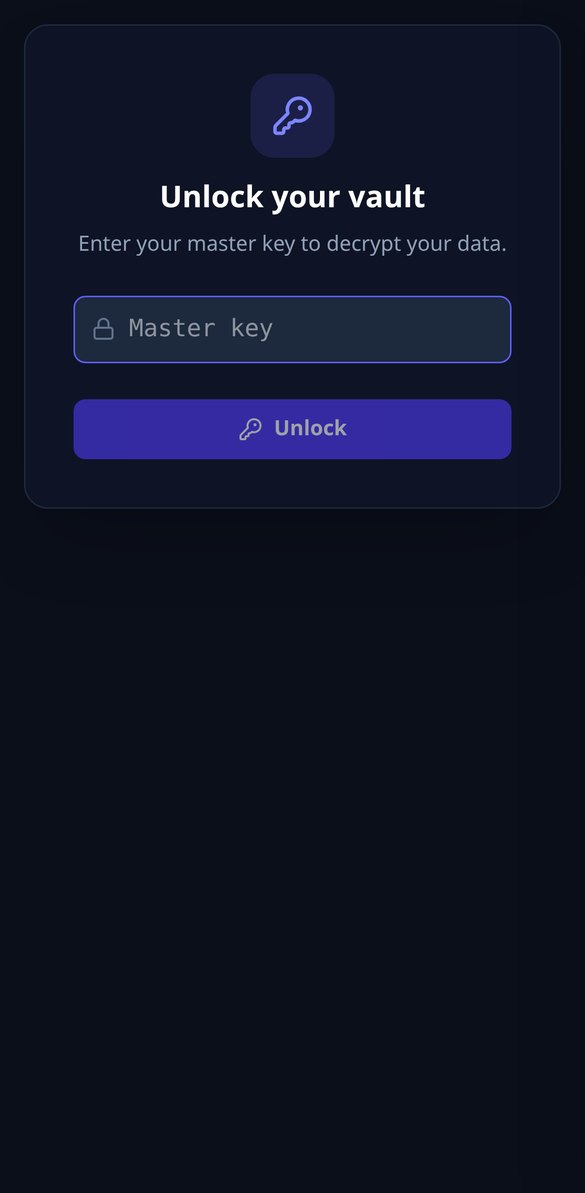
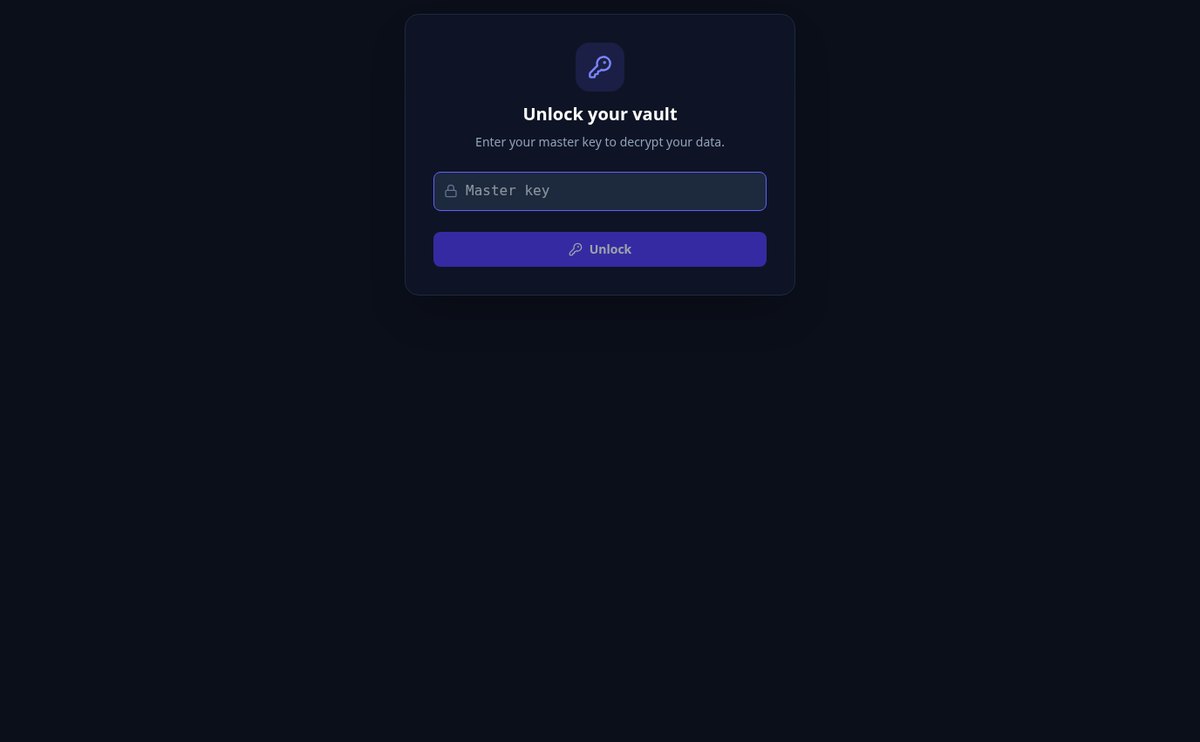
Vault stores your logins and notes encrypted with AES-256 on your own device. Your master key is never sent: the server only stores unreadable data, even in the event of a leak.
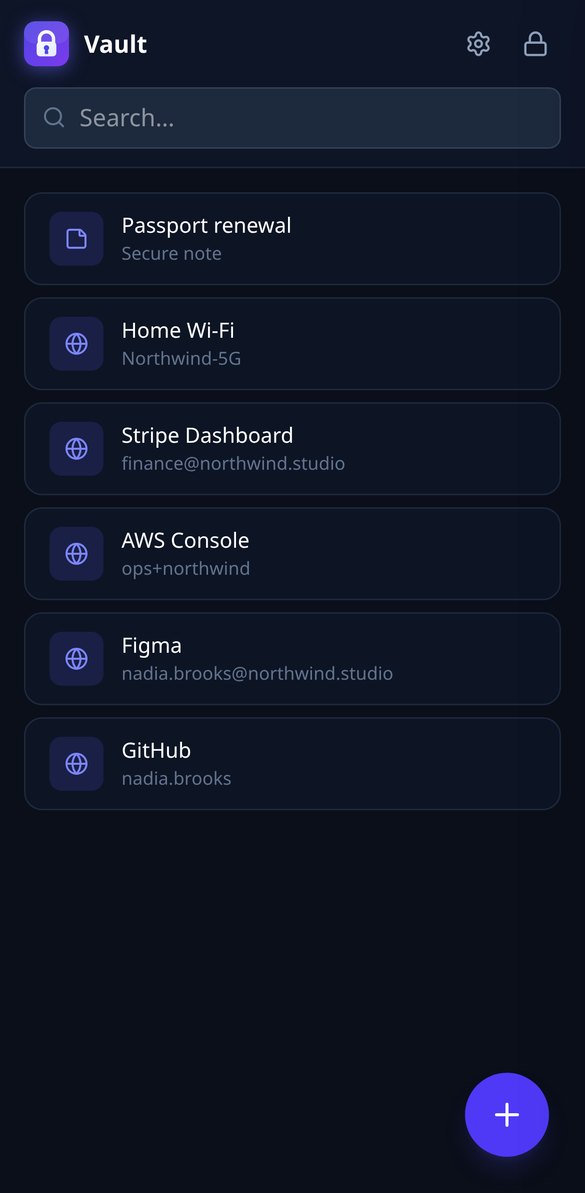
Are your passwords in phone notes, on paper, or repeated everywhere?
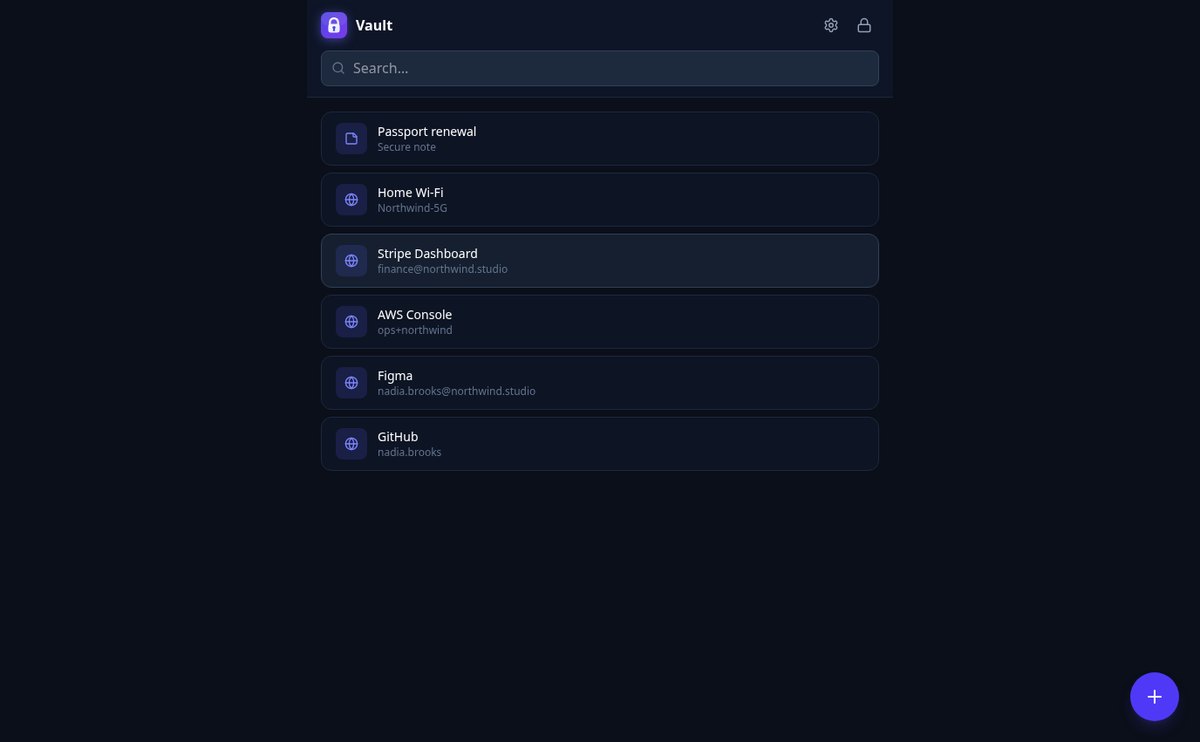
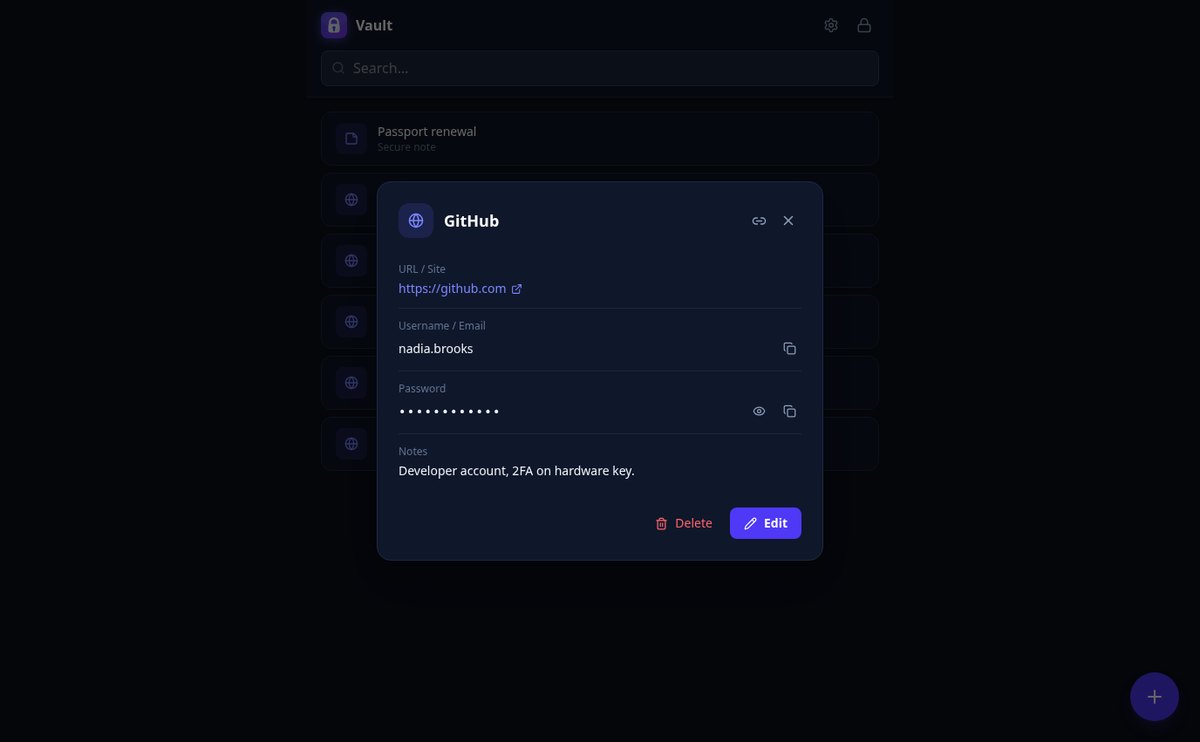
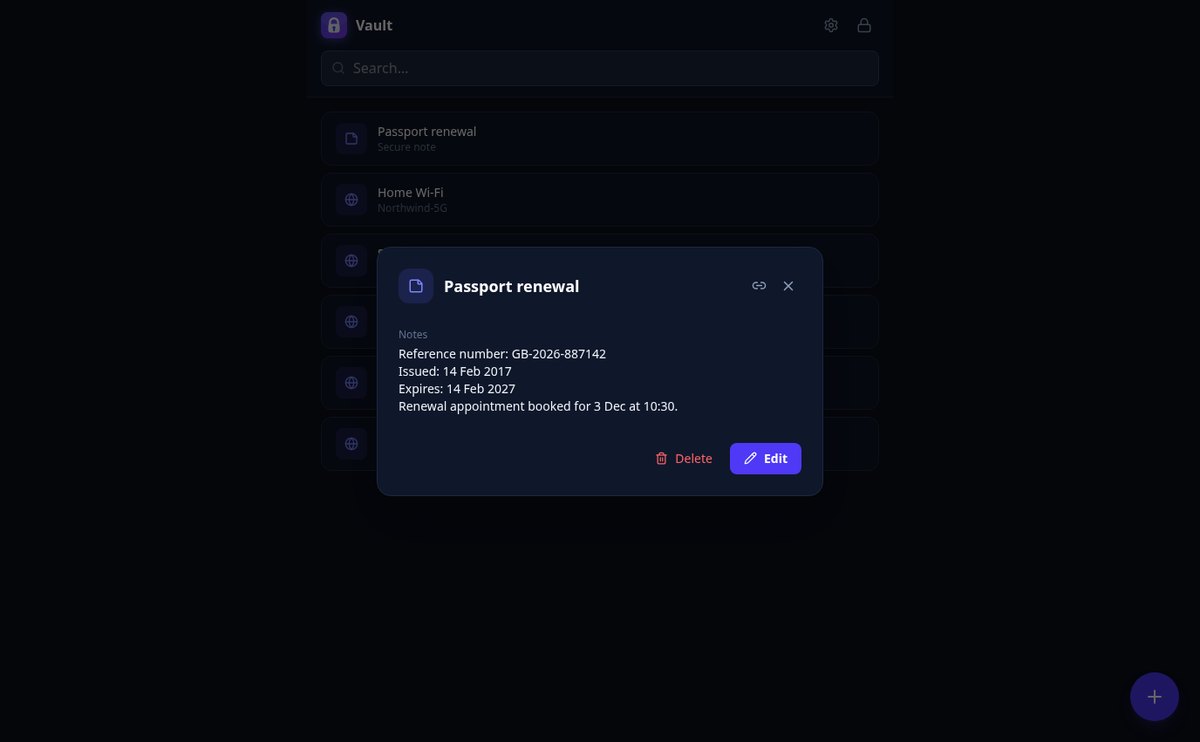
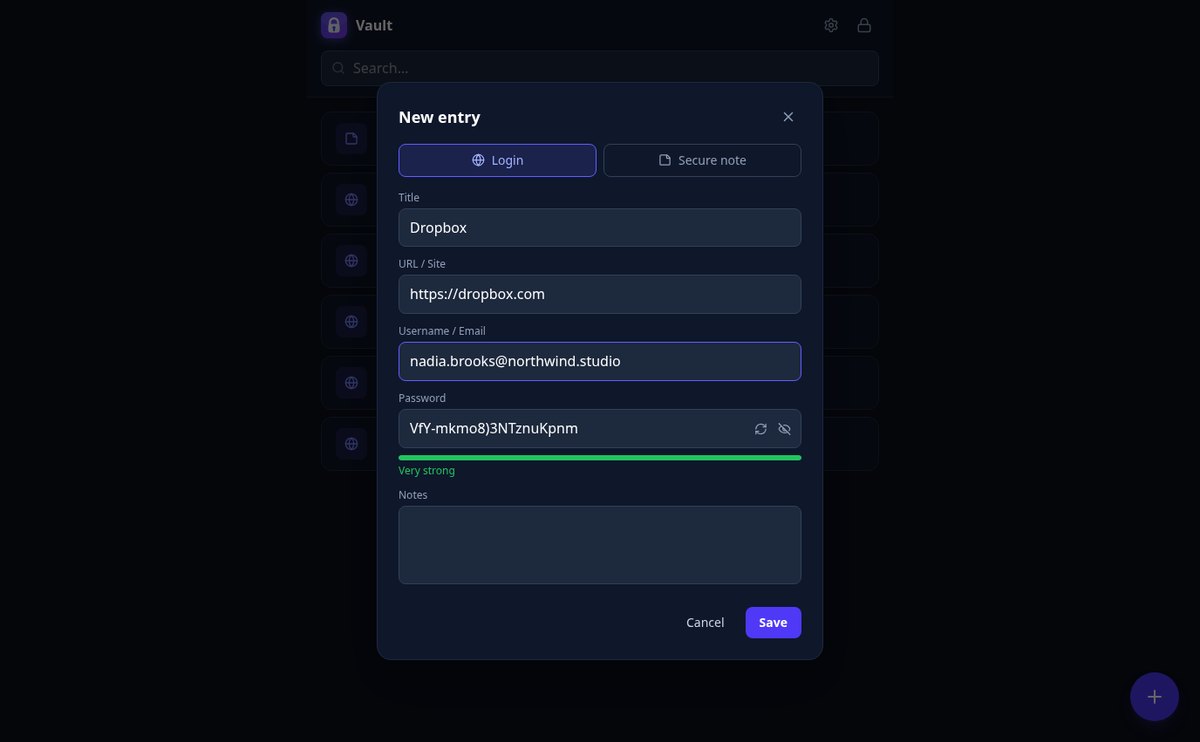
Vault encrypts them with AES-256-GCM before they leave your device, with a master key that only you know. You save logins with their site, username, password, and notes, plus secure notes for everything else. The server only sees unreadable blocks: even if someone got into the database, there would be nothing to read.
Start for free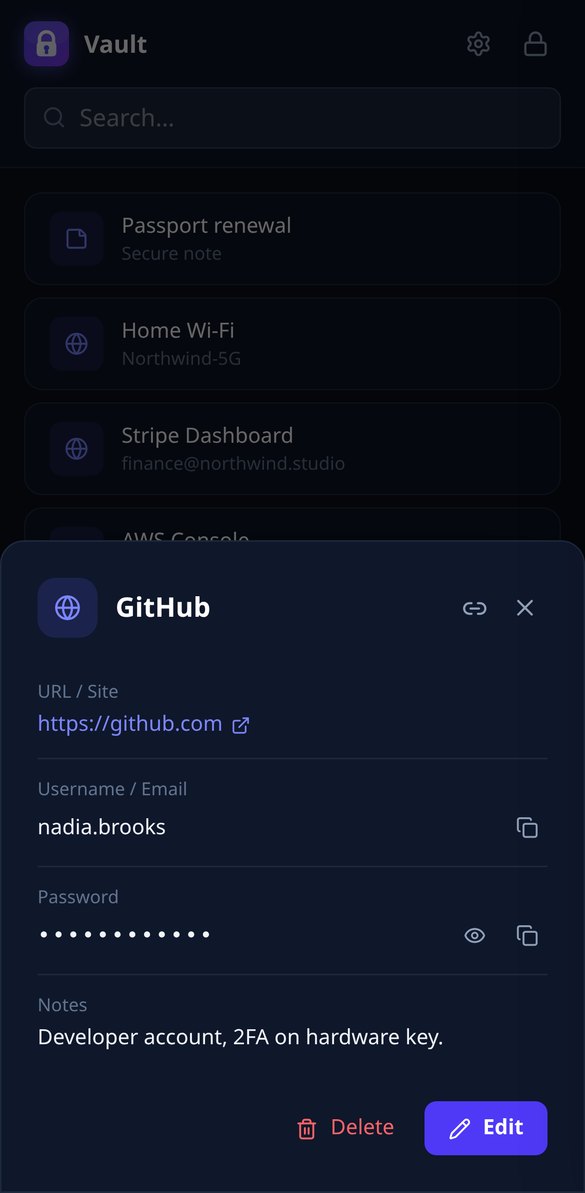
Discover every feature in detail

Password Manager with Zero-Knowledge AES-256 Encryption | Vault
Vault encrypts your passwords with AES-256-GCM in your browser and never sends your master password. Real end-to-end encryption: the server only stores unreadable data.
View feature
Password Manager with Auto-Lock on Inactivity | Vault
Vault locks your vault on its own after the minutes of inactivity you choose, from 1 to 120: it clears the key from memory and asks for your master password.
View feature
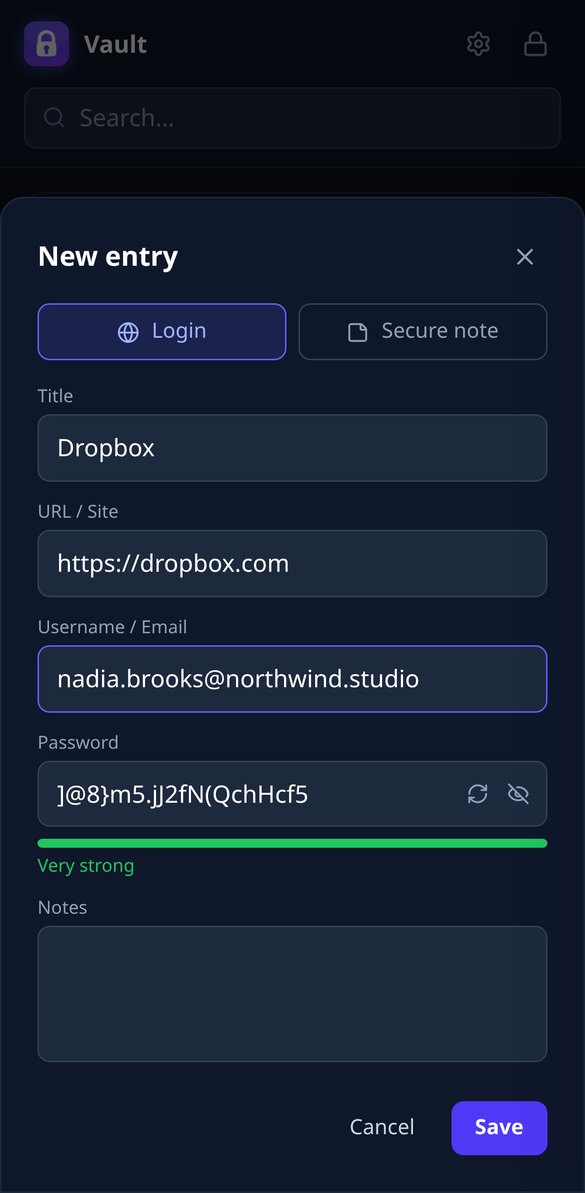
20-Character Secure Password Generator | Vault
Generate random 20-character passwords with the browser's CSPRNG and save them encrypted with AES-256. One click, password strength meter, and zero submissions.
View feature
Automatically Clear Clipboard When Copying a Password | Vault
Vault clears the clipboard 30 seconds after copying a username or password. Automatic self-cleaning in the browser, with AES-256 end-to-end encryption.
View feature
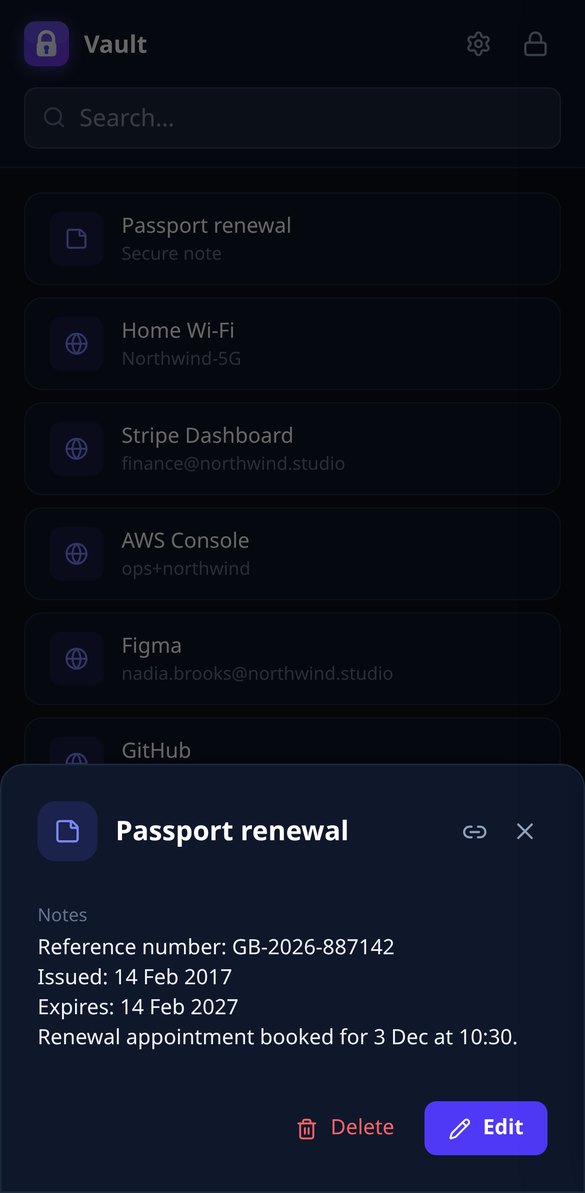
Direct Link to a Saved Password, Without Exposing It | Vault
Vault links each entry by ID only: it opens the detail after you unlock, and without your master password it shows nothing. AES-256 encryption.
View feature
Password Manager whose server cannot decrypt your data | Vault
Vault only stores encrypted blobs (iv + ciphertext) on the server. AES-256 encryption happens in your browser, and the master password is never sent.
View featureReal security, without the hassle
Everything Vault does to keep your credentials yours.

Zero-knowledge encryption
Your master key derives the key in the browser with PBKDF2 (310,000 iterations) and encrypts each entry with AES-256-GCM. It never leaves your device or is stored anywhere.
Logins and secure notes
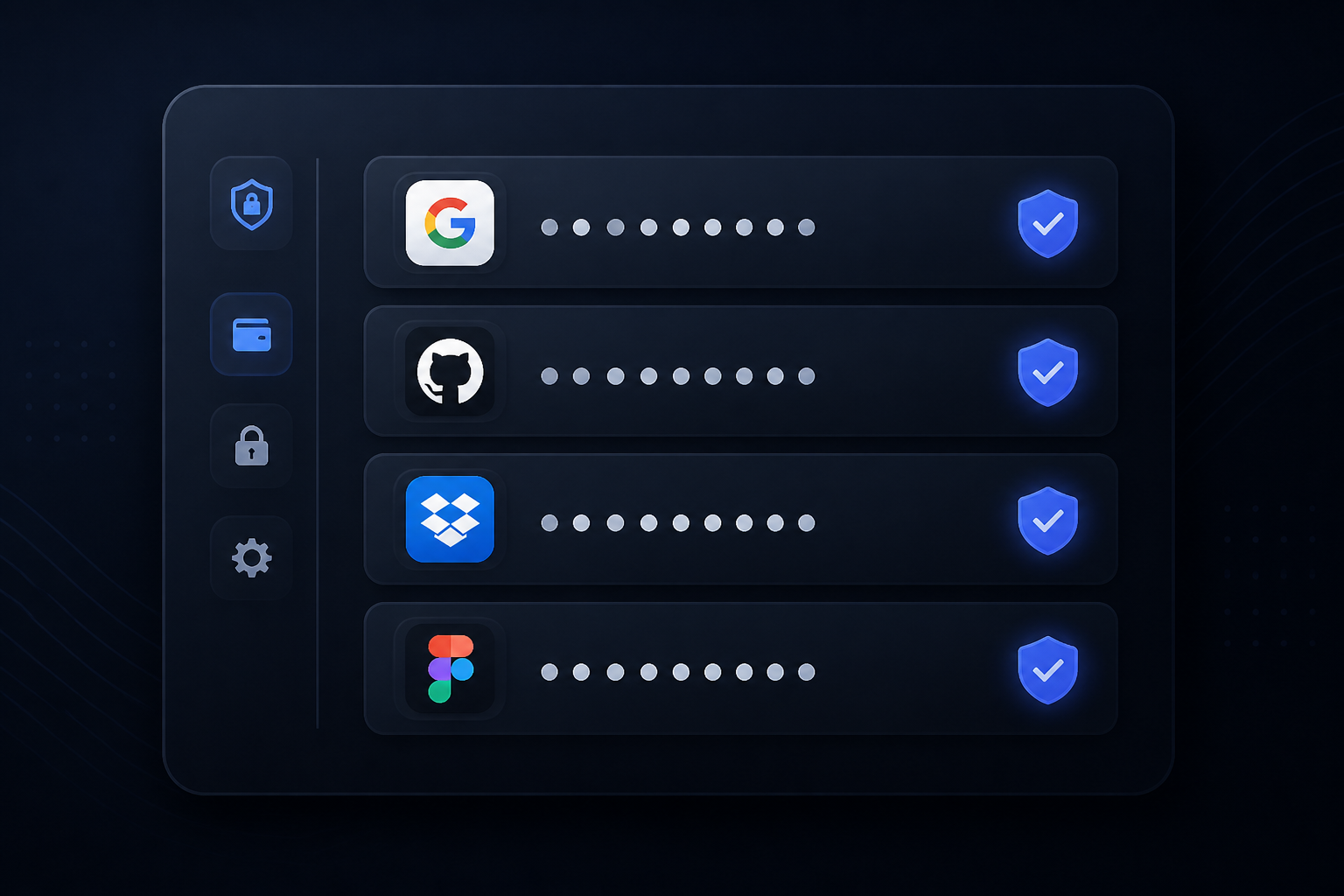
Save site, username, password, and notes in each login, or create encrypted notes for PINs and keys. With instant search and a strong password generator.
Auto-lock
The vault locks itself after the minutes of inactivity you choose, you can lock it instantly, and what you copy is erased from the clipboard after 30 seconds.
Get started in three steps
Sign up
Create your free account and open Vault.
Create your master key
Only you know it: it is not sent or stored on any server.
Save and unlock
Add your logins and notes: they are encrypted instantly and only decrypted when you unlock.

Who is it for?
Built for these profiles
Frequently Asked Questions
Latest blog articles
Guides and news to get more out of it

Your password manager's encrypted vault has been stolen: what to do, step by step
The encrypted database of your password manager has been stolen: what is exposed, how offline cracking works, and the step-by-step action plan.
Is it safe to store passwords in the browser? What really protects you and where to store them best
Chrome, Firefox and Safari encrypt your passwords, but not against a program running as you. What each one protects and what an encrypted manager changes.
Keep your passwords safe today
Create your free account and save your first encrypted password in less than a minute.