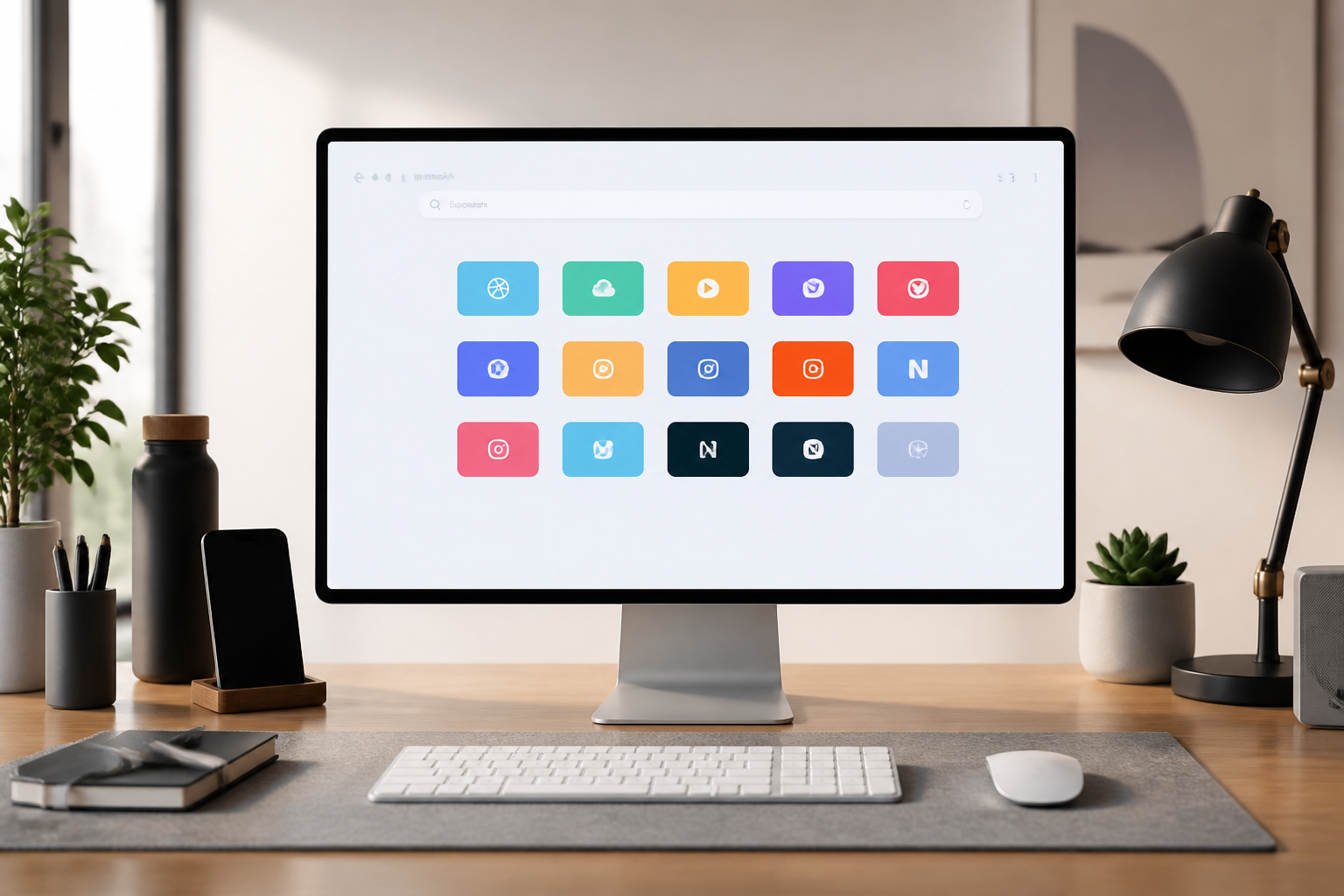
StartHub — Your Personal Bookmark Dashboard · All your links, in one dashboard

Organize your bookmarks into blocks by category, spread them across as many pages as you want, and turn it into your homepage.
Are your browser bookmarks a mess?
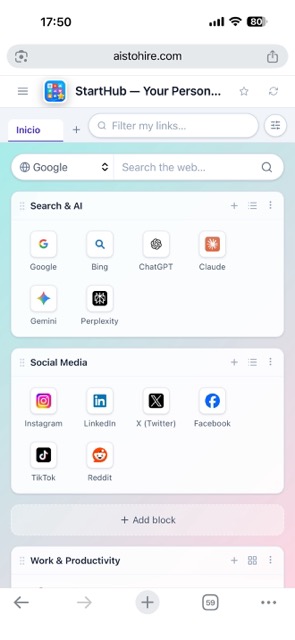
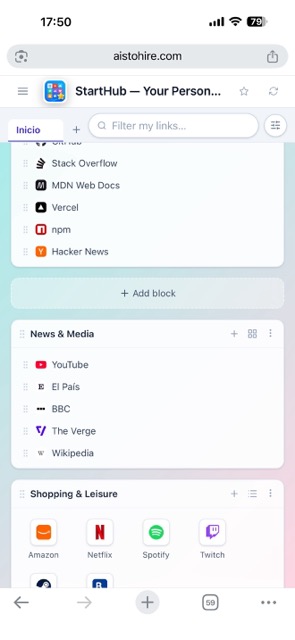
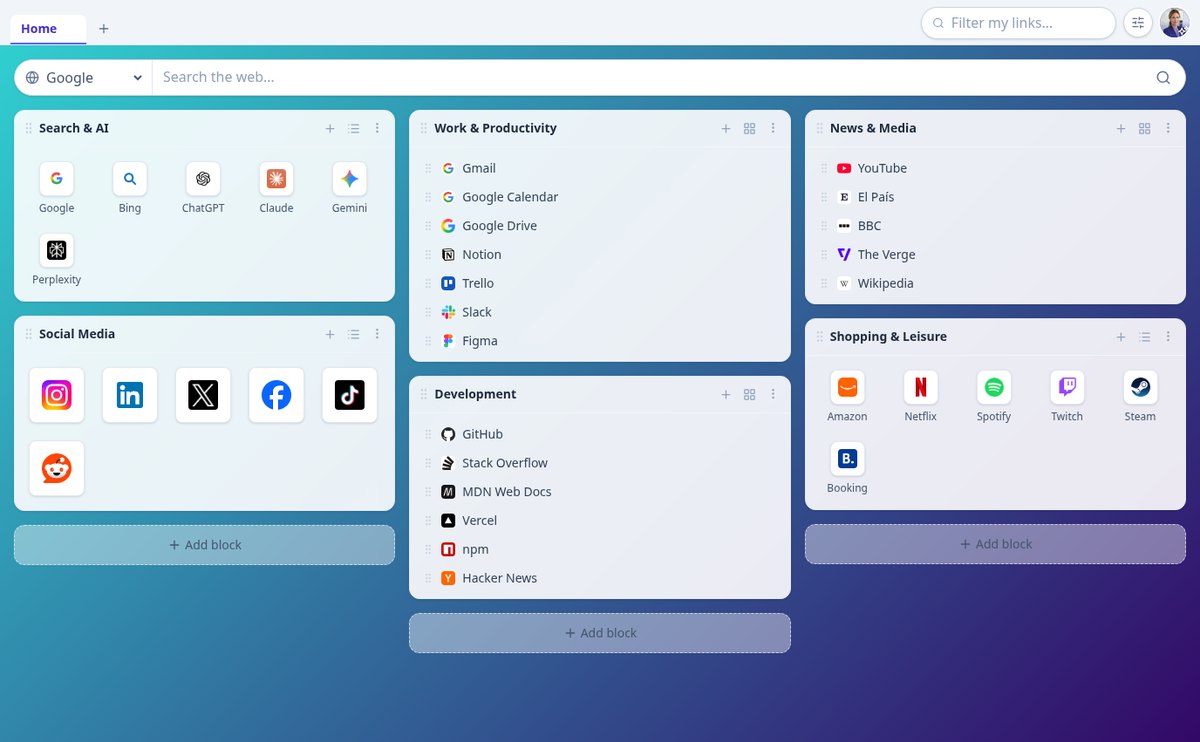
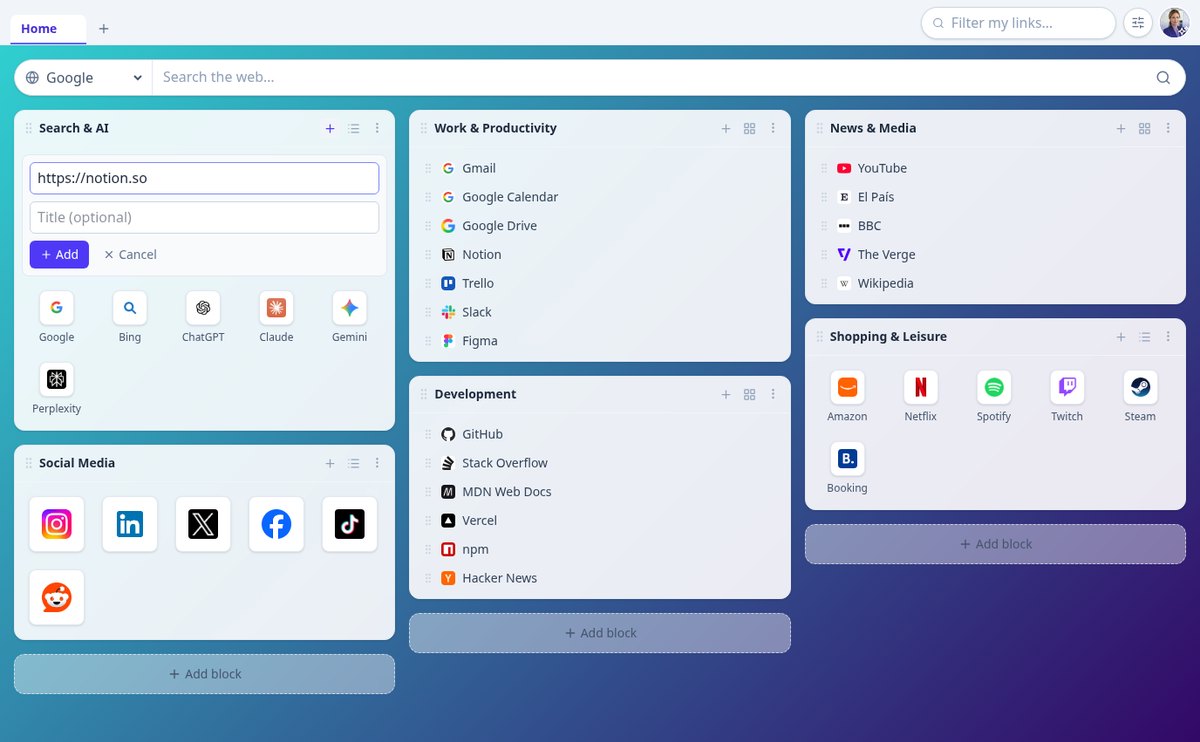
StartHub brings your links together in visual blocks with their favicons, spread across pages with the columns and background you choose, plus its own search and drag-and-drop.
Start for free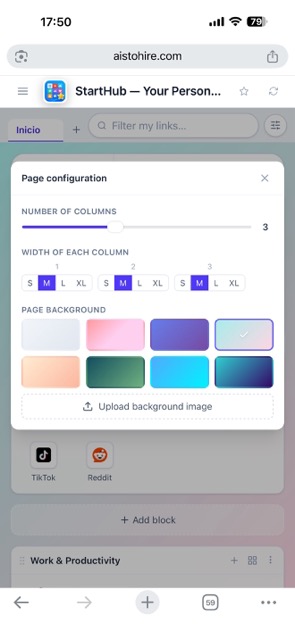
Discover every feature in detail

Tabbed Bookmark Dashboard: Multiple Home Pages in One | StartHub
Organize your links into independent tabbed pages: separate work, study, and leisure, each with its own background, columns (1 to 6), and blocks. Reorderable by dragging and with cascading deletion. Free on StartHub.
View feature
Bookmarks in list or icon grid view: double view per block | StartHub
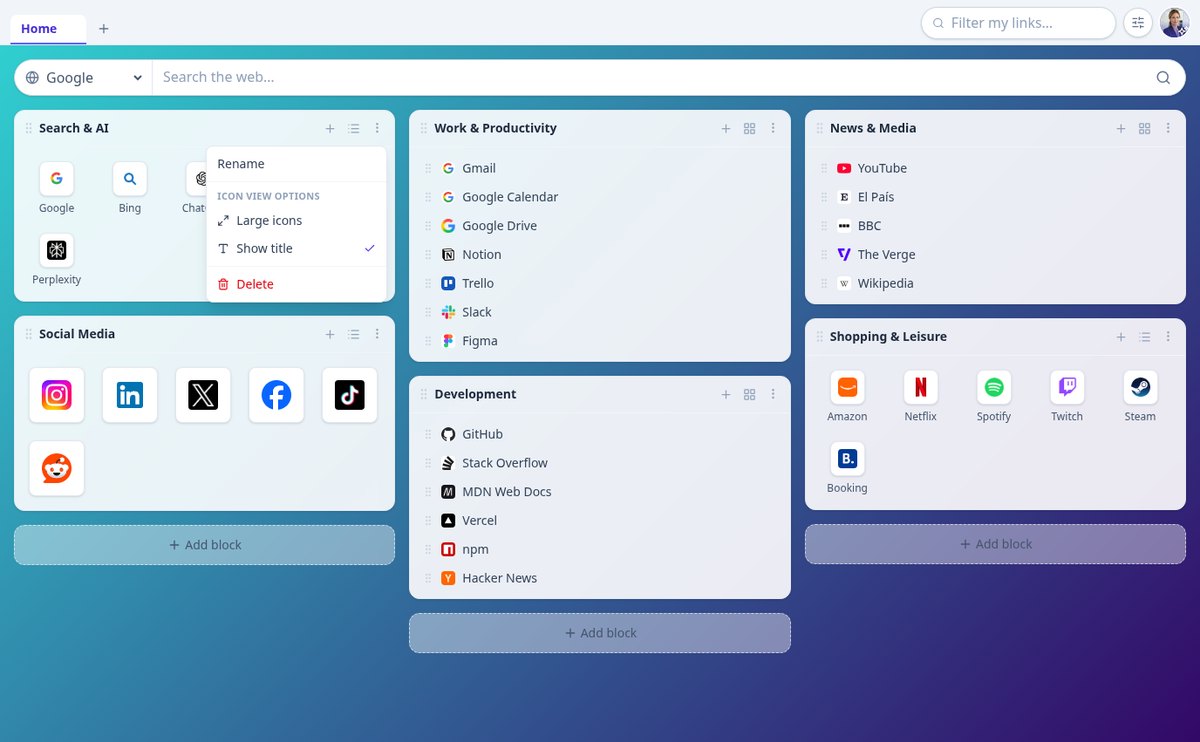
Change any bookmark block from compact list to favicon grid with one click, with normal or large icons and optional title. Per-block settings, saved and available on any device.
View feature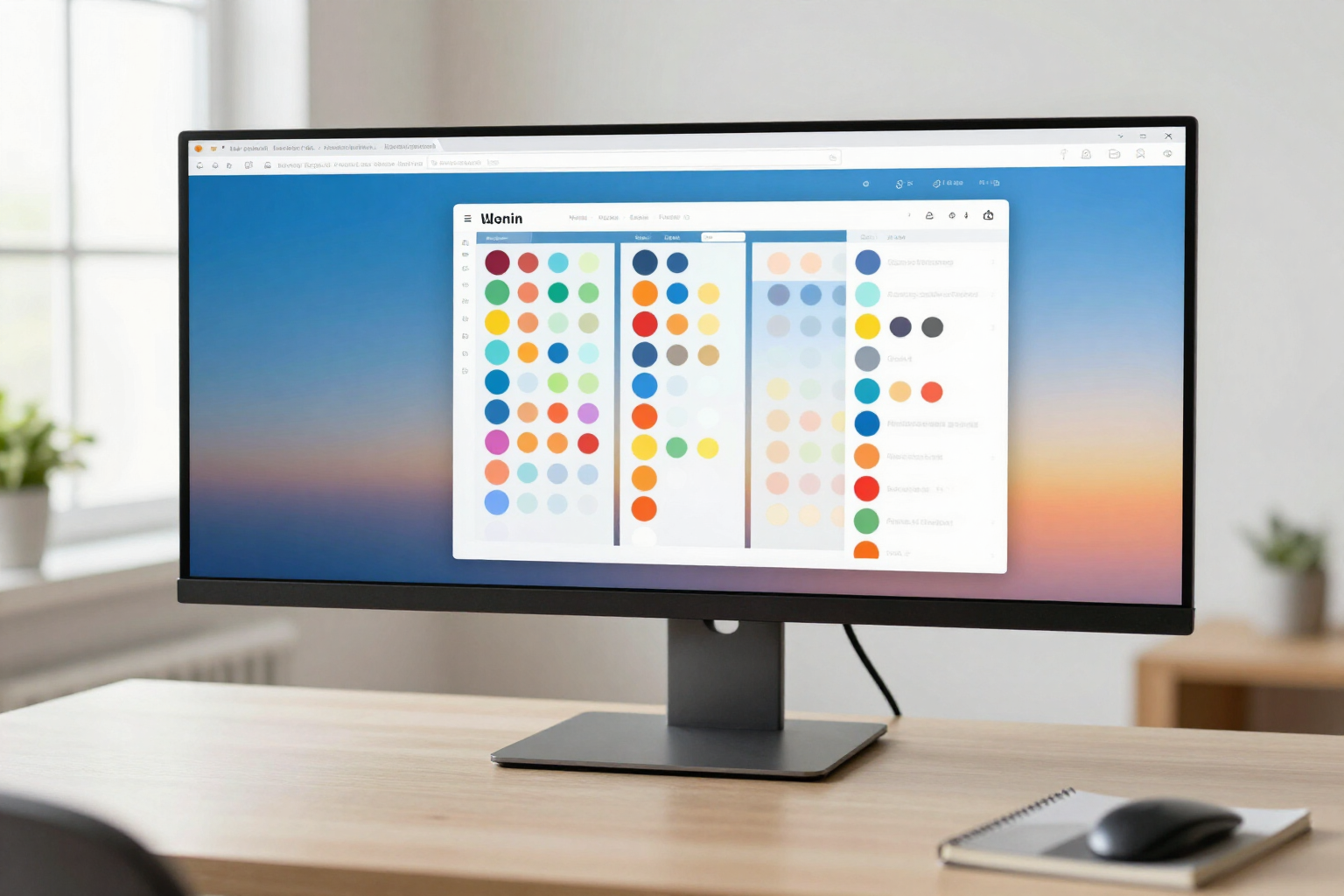
Bookmark Dashboard with Configurable Columns from 1 to 6 and S/M/L/XL Widths | StartHub
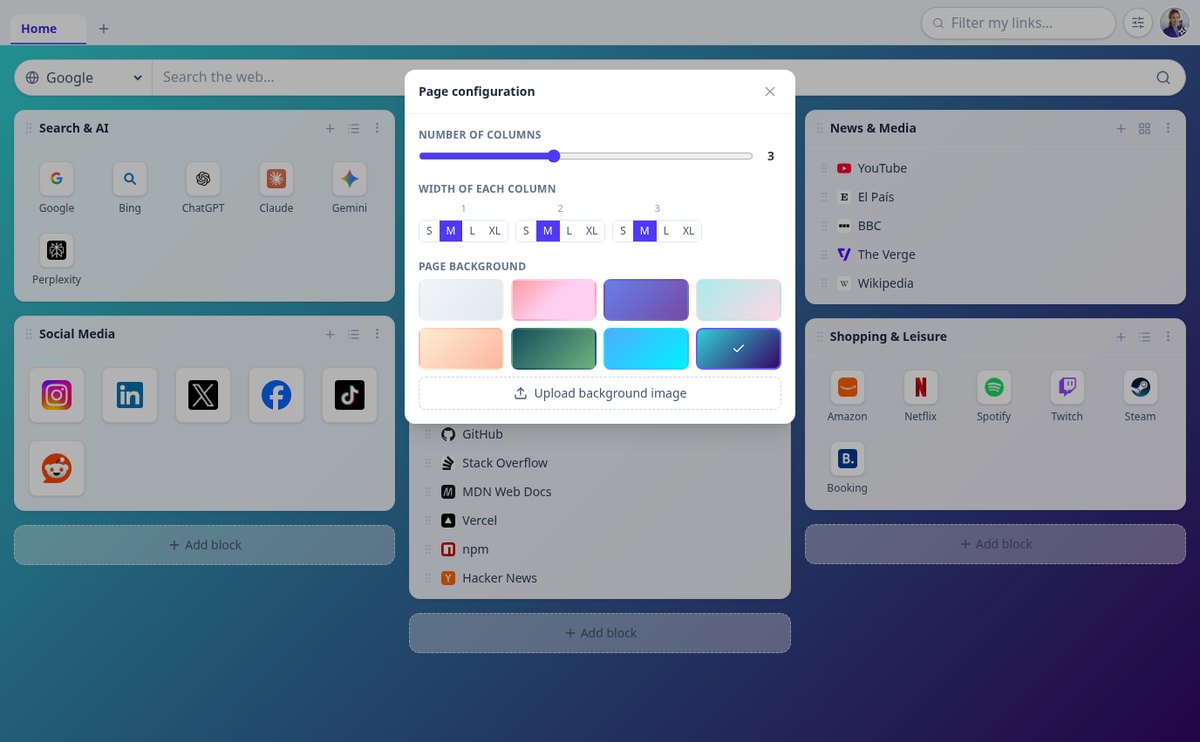
Choose from 1 to 6 columns on each page of your bookmark dashboard and distribute the width with relative S, M, L, and XL widths. Page-specific configuration, saved to your account, and automatically stacked on mobile.
View feature
Organize Bookmarks by Drag and Drop: Pages, Blocks, and Links | StartHub
Reorder your bookmark dashboard with your mouse: drag page tabs, move blocks between columns, and move links from one block to another. Native drag and drop with instant saving.
View feature
Automatic Favicon and Title when saving a link | StartHub
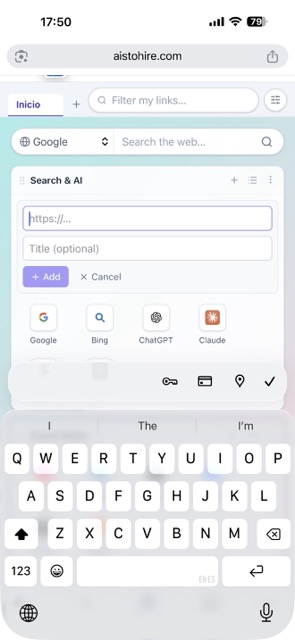
Paste the URL and StartHub imports the site’s real favicon and page title: cascading <link rel="icon">, /favicon.ico, and Google, normalized to PNG 64×64 on its own CDN.
View featureA link dashboard tailored to you
Discover why StartHub will be your new homepage.
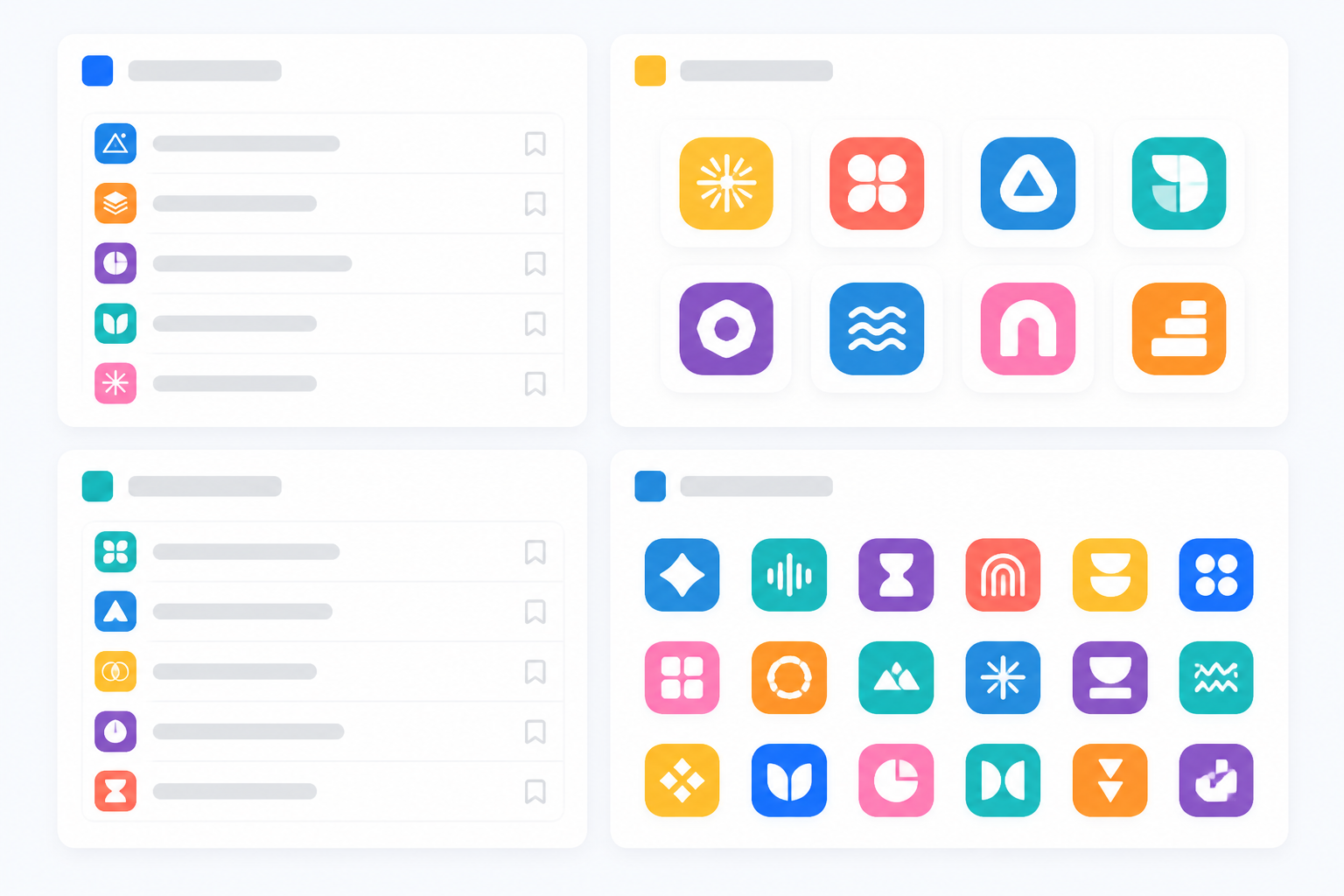
Blocks by category
Group your links into blocks with their own name and view them as a list or icon grid, at the size you prefer.
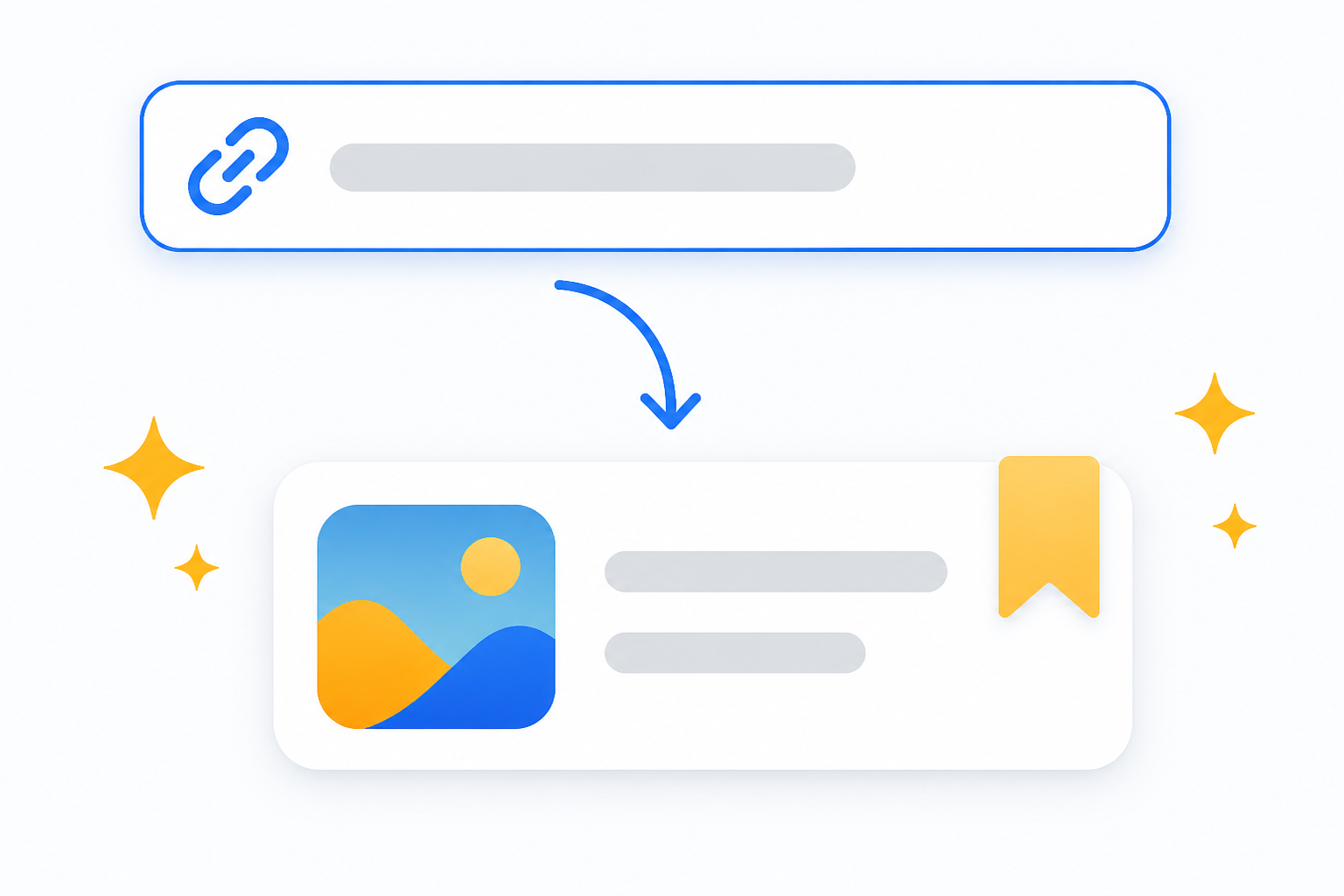
Paste the URL and you're done
StartHub imports the site's favicon and suggests its real title—you just confirm.

Dual search
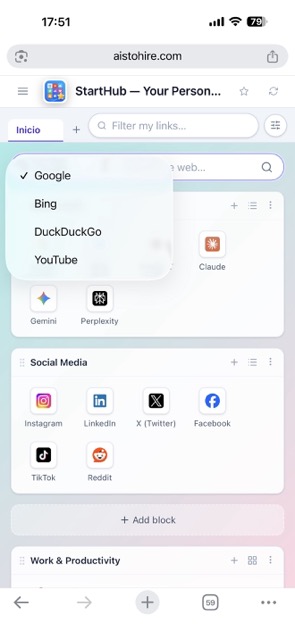
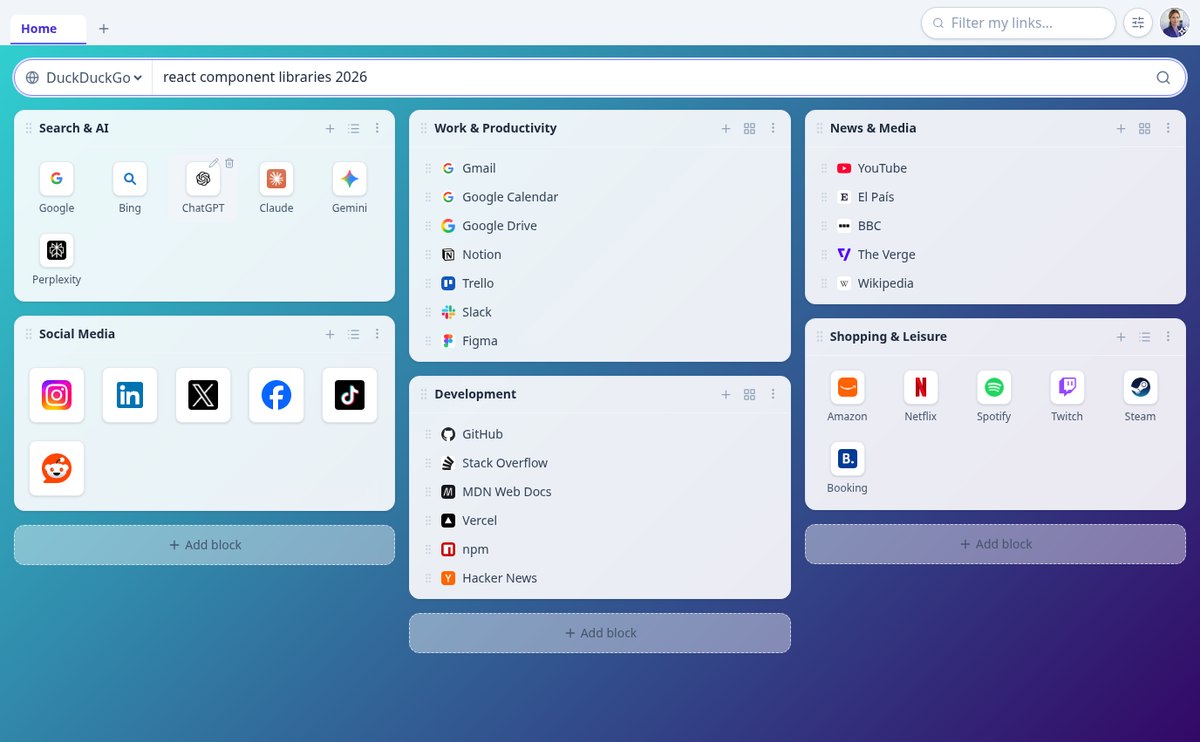
Filter your own links instantly or search the web with Google, Bing, DuckDuckGo, or YouTube.
Get started in three steps
Sign up
Create your account in seconds.
Add your links
Paste the URLs and group them into blocks by dragging and dropping.
Make it your homepage
Choose your pages, columns, and background, and access everything with one click every day.

Who is it for?
Built for these profiles
Frequently Asked Questions
Latest blog articles
Guides and news to get more out of it
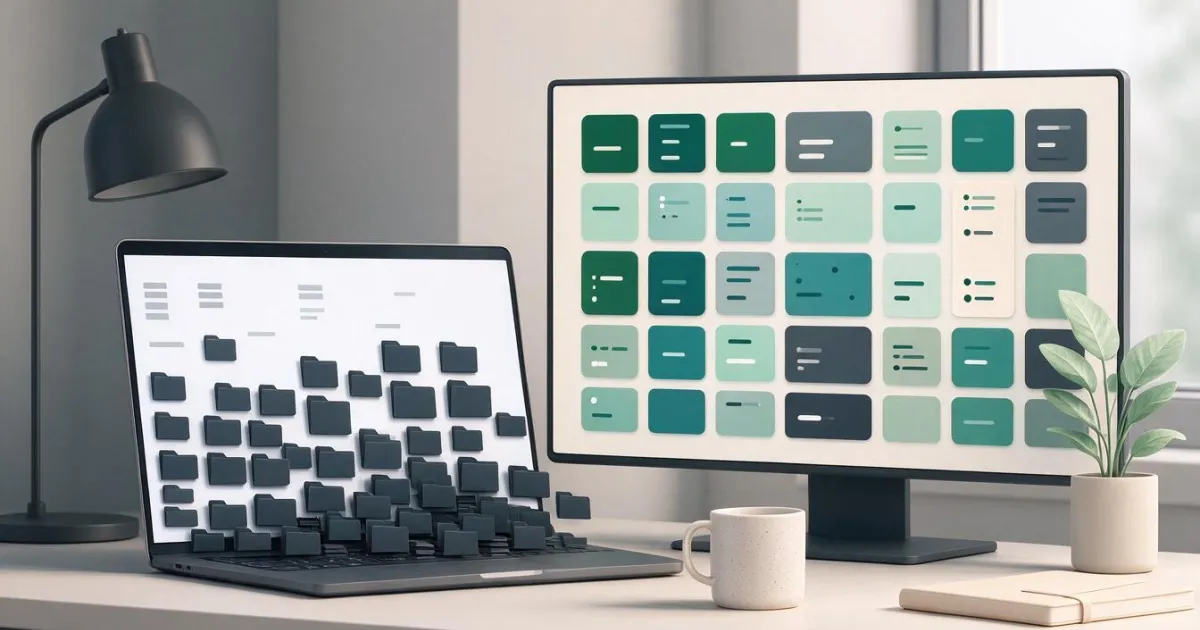
Chrome finally lets you search your bookmarks: why it's late and how to organize your links in the meantime
Chrome is testing a bookmark and history searcher in the menu on Canary. What it solves, what it doesn't, and how to organize your links in 20 minutes.
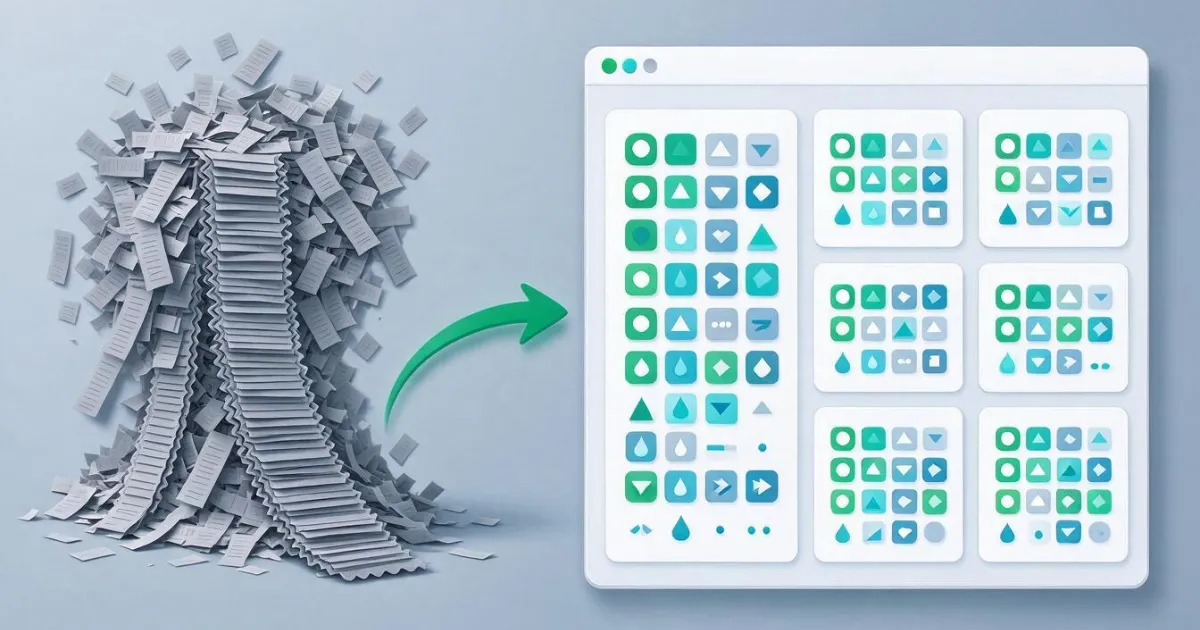
How to Organize Browser Bookmarks When You Already Have Hundreds: A 7-Step Method
A real method to organize hundreds of bookmarks: export them, measure them with three commands, keep the 40 you use, and set them up in a block dashboard.
Organize your bookmarks today
Create your free account and set up your homepage in just a couple of minutes.