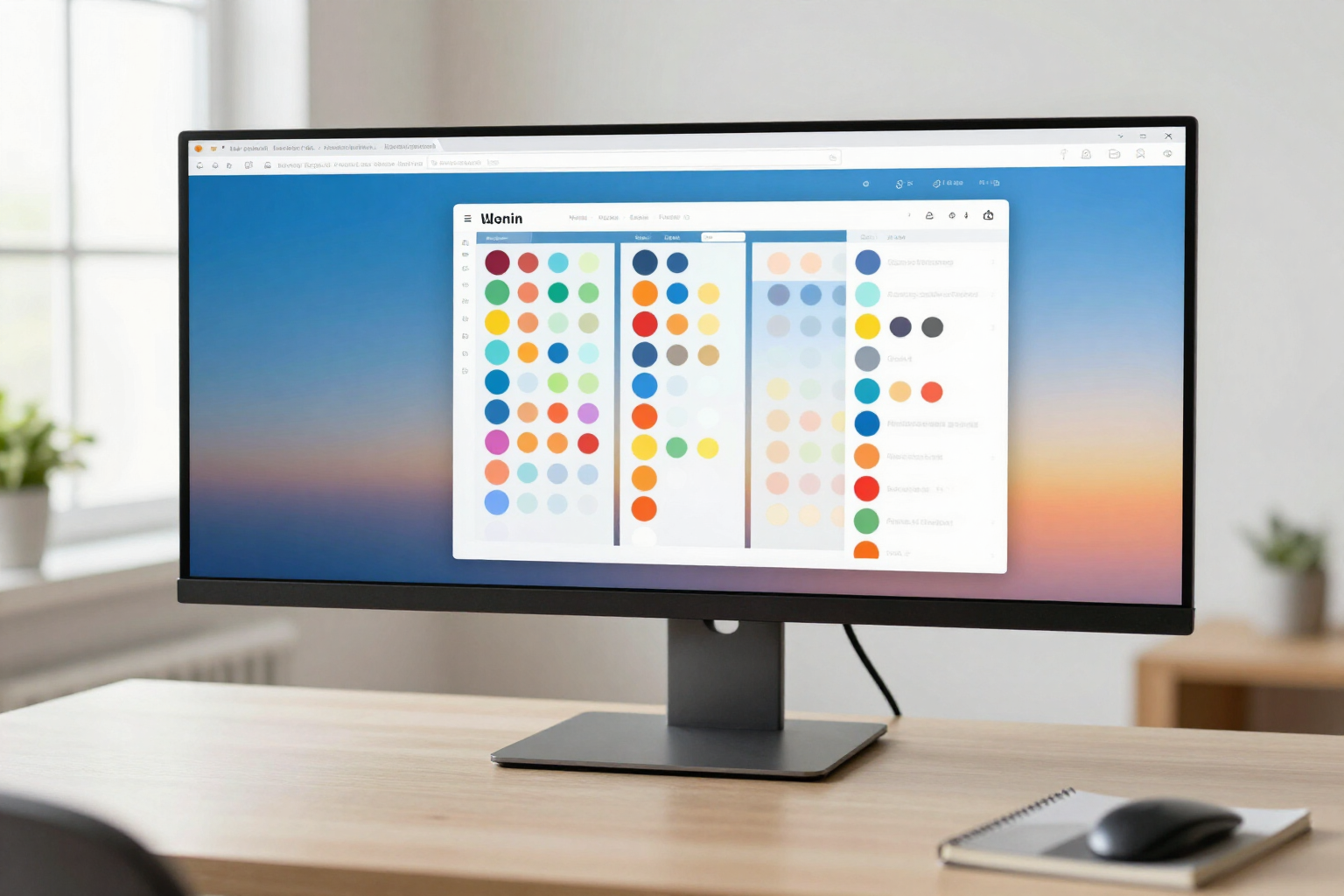
From 1 to 6 columns per page, with the width you decide
A slider sets how many columns each page of your dashboard has, and an S / M / L / XL selector distributes the width among them: the blocks you use most take priority, without touching a single pixel.
A bookmark dashboard in three equal columns feels too narrow for your work block and too wide for the one with four loose links. In StartHub, the layout is not imposed: each page chooses its number of columns and the weight of each one.
StartHub is AIsToHire’s bookmark homepage (https://aistohire.com/starthub-personal-bookmark-dashboard-156). Your links live in blocks by category, and blocks are distributed into columns within each page of the dashboard. This feature allows you to decide how many columns there are and how much space each one occupies.
In the page settings (the tab’s gear icon) there is a slider for 1 to 6 columns. Below it, a row of selectors appears, one per column, with four widths: S, M, L, and XL. These are not pixel measurements, they are relative weights: an L column is three times wider than an S, and an XL is four times wider, and together they always distribute the full width of the window. That’s why the result fits equally well on a 13-inch laptop and an ultrawide monitor, without gaps or horizontal scrollbars.
The combination is saved on the server for that specific page, so it’s part of your dashboard and goes with you on any computer where you log in. And it’s per page: you can have the Work tab in five columns with the first one in XL, and the Leisure tab in two equal columns. Moving blocks between columns is still drag-and-drop, and if you reduce the number of columns, the blocks that were left out are not lost: they are displayed in the last available column.
On mobile, you don’t have to configure anything separately: StartHub detects the small screen and stacks the columns one below the other at full width, respecting the order, so that the same dashboard reads well on your phone.
Benefits of Configurable columns from 1 to 6
From 1 to 6 columns
from a single list-type column for small screens up to six for a large monitor, with a slider.
Four widths per column
S, M, L, and XL give each column the weight its content deserves, instead of all equal columns.
Proportions, not pixels
widths are relative, so the dashboard is distributed entirely across any resolution without horizontal scroll.
Per-page configuration
each tab of your dashboard has its own layout; work, study, and leisure don’t have to look the same.
Saved on the server
the layout travels with your account, not with the browser, and you’ll find it the same at home and in the office.
Changing the layout doesn’t affect your bookmarks
the blocks, links, and their order remain intact; only how the width is distributed changes.
Reducing columns is safe
blocks from a disappearing column are shown in the last one; they are never deleted.
Mobile solved
on a small screen, columns automatically stack to full width, without configuring a second version.

Your dashboard, with the width you control
StartHub is AIsToHire’s free tool to organize your bookmarks on your own homepage. Create your account, paste your links, and adjust columns and widths until each page is tailored to your needs.