Drag and drop: reorder pages, blocks, and links with your mouse
In StartHub, the entire dashboard is reorganized by dragging: page tabs, blocks from one column to another, and links within their block or to another. No menus, no save button.
Organizing bookmarks with forms and dropdown menus is tiring. In StartHub, you grab what you want to move, drop it where it belongs, and it's already saved: the dashboard behaves like a desktop, not a database.
StartHub is AIsToHire's bookmark homepage (https://aistohire.com/starthub-personal-bookmark-dashboard-156). Your links live in blocks by category, blocks are distributed into columns, and columns form pages with tabs. This functionality allows you to reposition all three levels with your mouse.
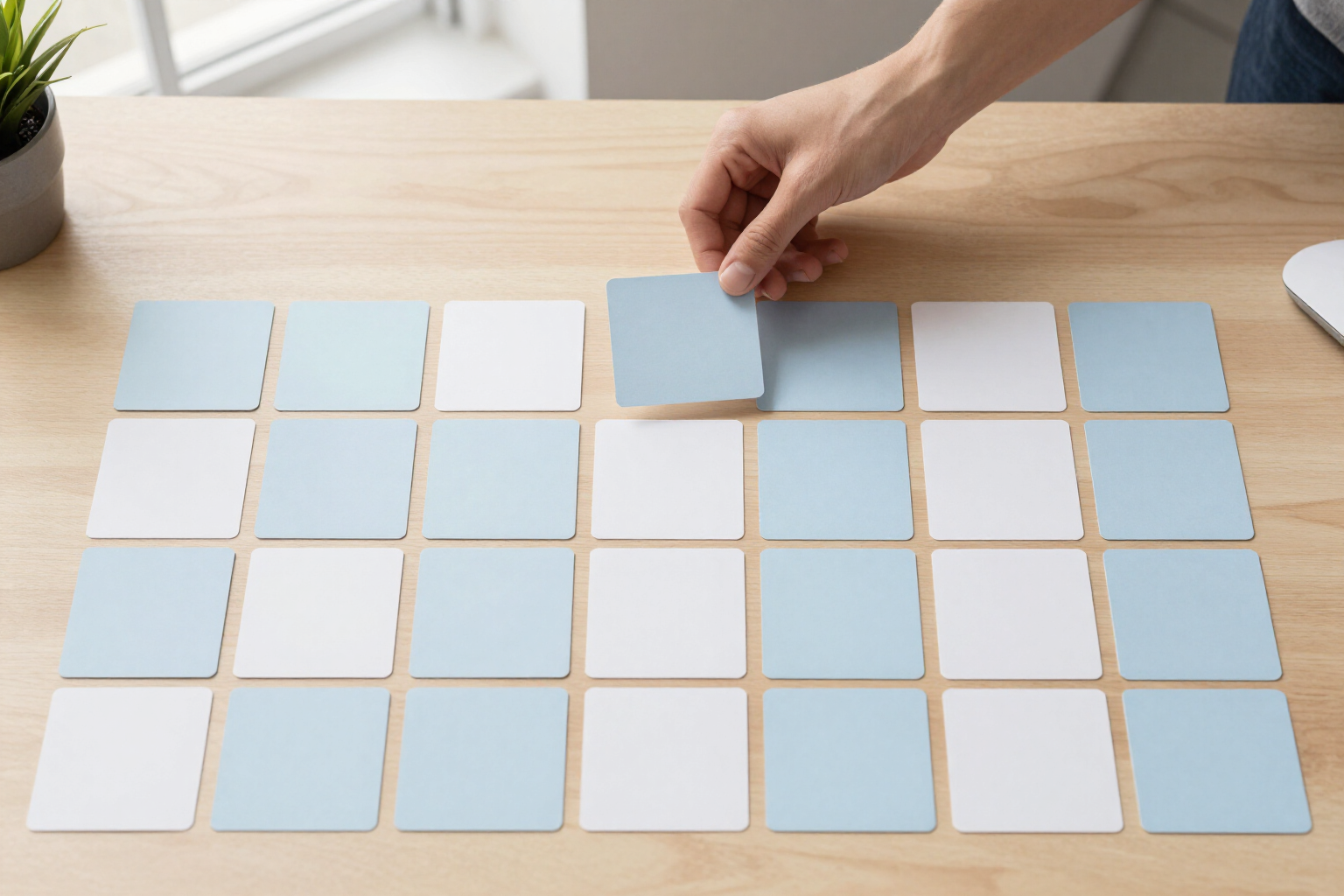
Drag a tab and drop it onto another to change the order of your pages. Grab a block by its header and drop it onto another block: it's inserted right in front of it, even if that block is in another column, so moving a block from the left column to the right is a single gesture. And drag a link and drop it onto another to place it before it, or into the free area of the block to send it to the end; if you drop it inside another block, the link changes category.
While dragging, the dashboard tells you where you're going to drop: the destination tab, block, or link is highlighted, the receiving block changes color, and the cursor changes from an open hand to a closed hand. The drag is typed, so you can't put a page inside a block or a block between links: only sensible destinations are accepted.
As soon as you drop, the new order is instantly rendered and sent to the server in the same action. There's no edit mode or save button: close the tab, open StartHub on another computer, and your dashboard is exactly as you left it. It's built with native HTML5 drag and drop, without heavy libraries, so it responds with the same feel as the system desktop.
Benefits of Drag and drop pages, blocks, and links
The three levels, a single gesture
pages, blocks, and links are reordered by dragging, without learning a different interface for each.
Blocks between columns
drop a block onto another in the target column and change both column and position simultaneously.
Links that change categories
drag a bookmark to another block and it stays there, without deleting and recreating it.
Saves on drop
the order is immediately sent to the server, without an edit mode or a save button you might forget to click.
Know where you're dropping
the target page, block, or link is highlighted before you lift your finger from the mouse.
Structured drag
a page doesn't slip into a block, nor a block between links; impossible destinations simply don't react.
Immediate response
uses native HTML5 drag and drop, so there are no delays or animations to wait for, even with hundreds of links.
Order travels with your account
your arrangement is saved on the server, not in the browser, and you'll find it the same at home and at work.

Place your bookmarks manually, like on a desktop
StartHub is AIsToHire’s free tool to turn your bookmarks into your homepage: create your account, paste your links, and drag pages, blocks, and links until the dashboard is exactly as you envision it. It's at https://aistohire.com/starthub-personal-bookmark-dashboard-156