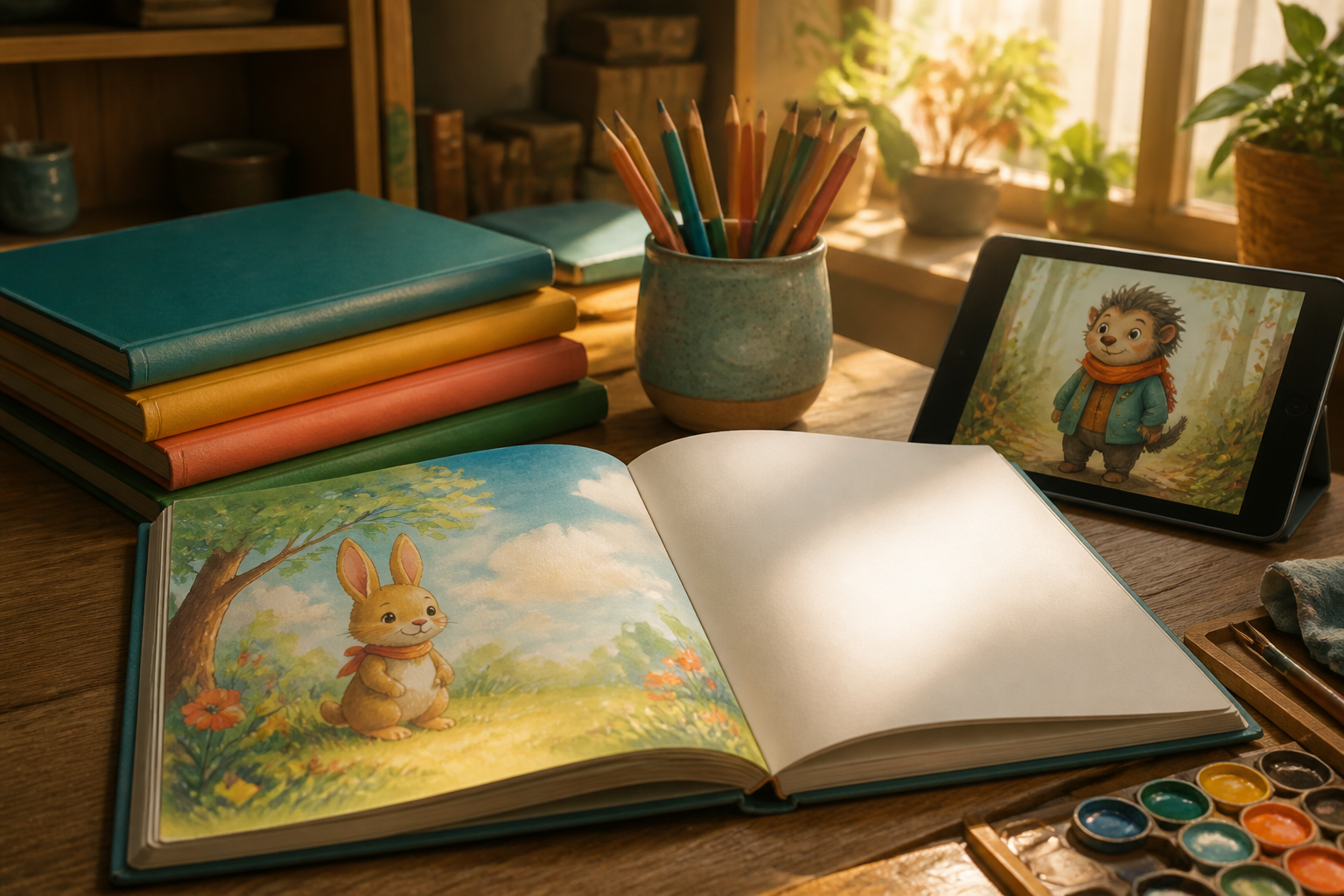
KDP Story Books · Illustrated Children's Stories, Ready for Amazon KDP

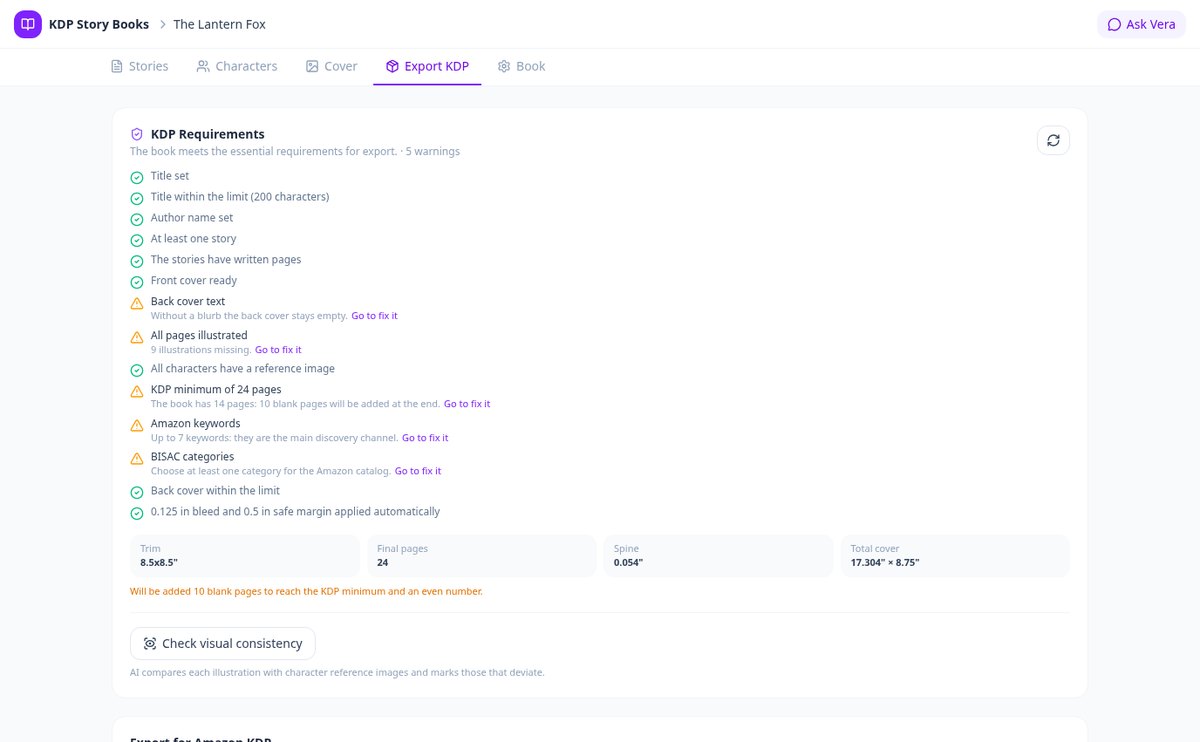
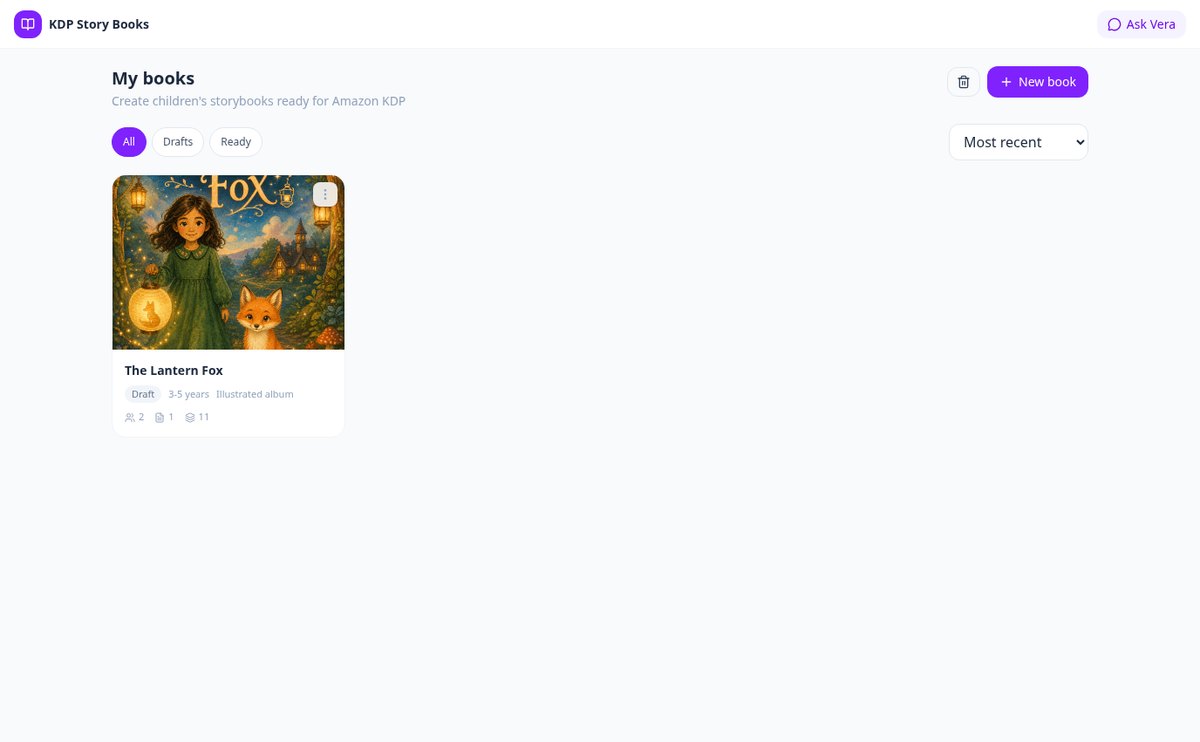
Write, illustrate, and layout your children's book in one place: characters that keep the same face on all pages and PDF and EPUB files with the dimensions Amazon KDP requires, without knowing how to layout.
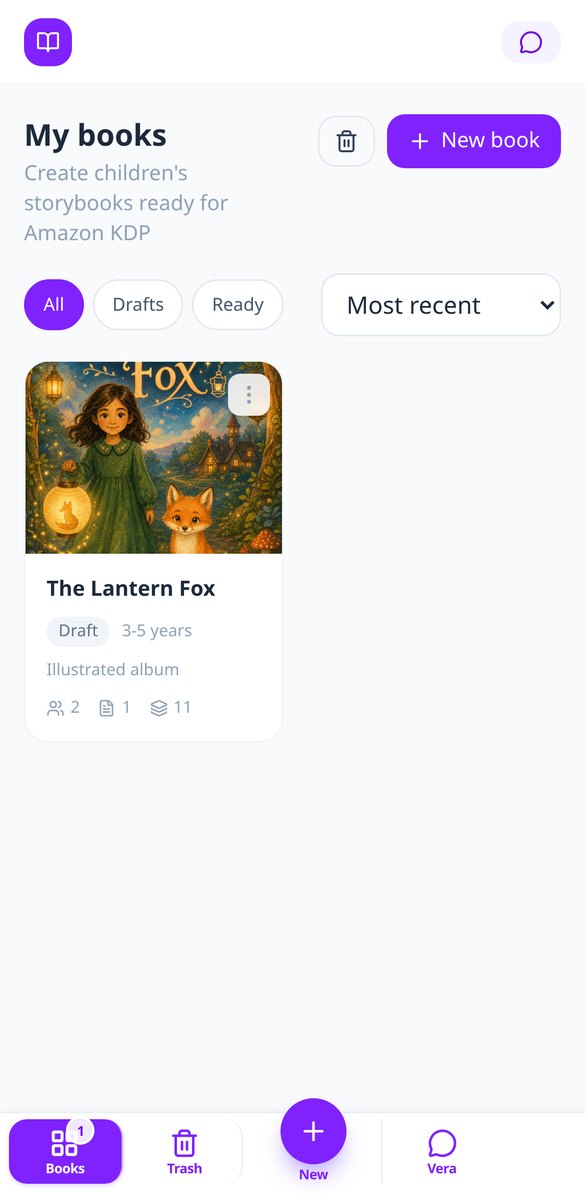
Do you have the story in your head but don't know how to illustrate or layout it for KDP?
KDP Story Books takes you from idea to final file: the AI writes the story page by page with its moral, illustrates each scene keeping your characters identical, and generates the interior PDF, cover with calculated spine, and EPUB with the dimensions Amazon KDP requires.
Start for Free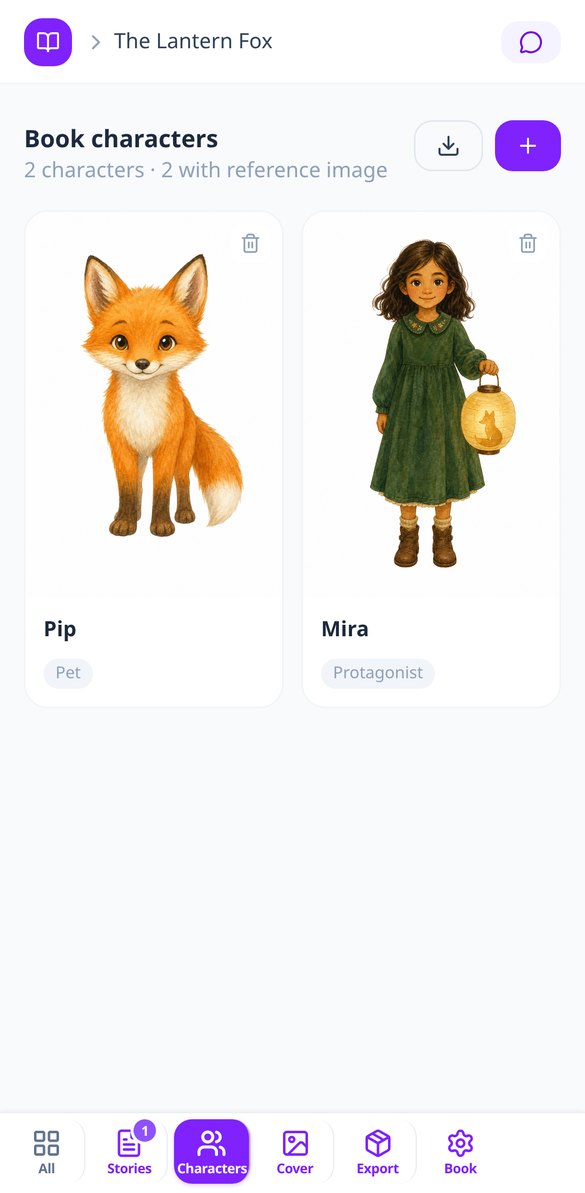
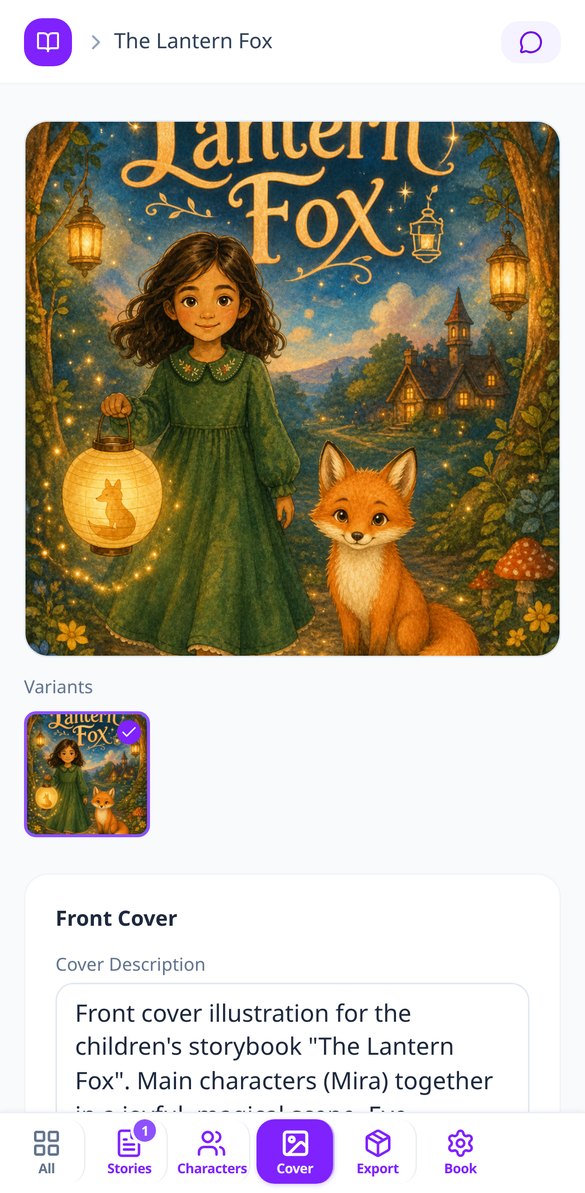
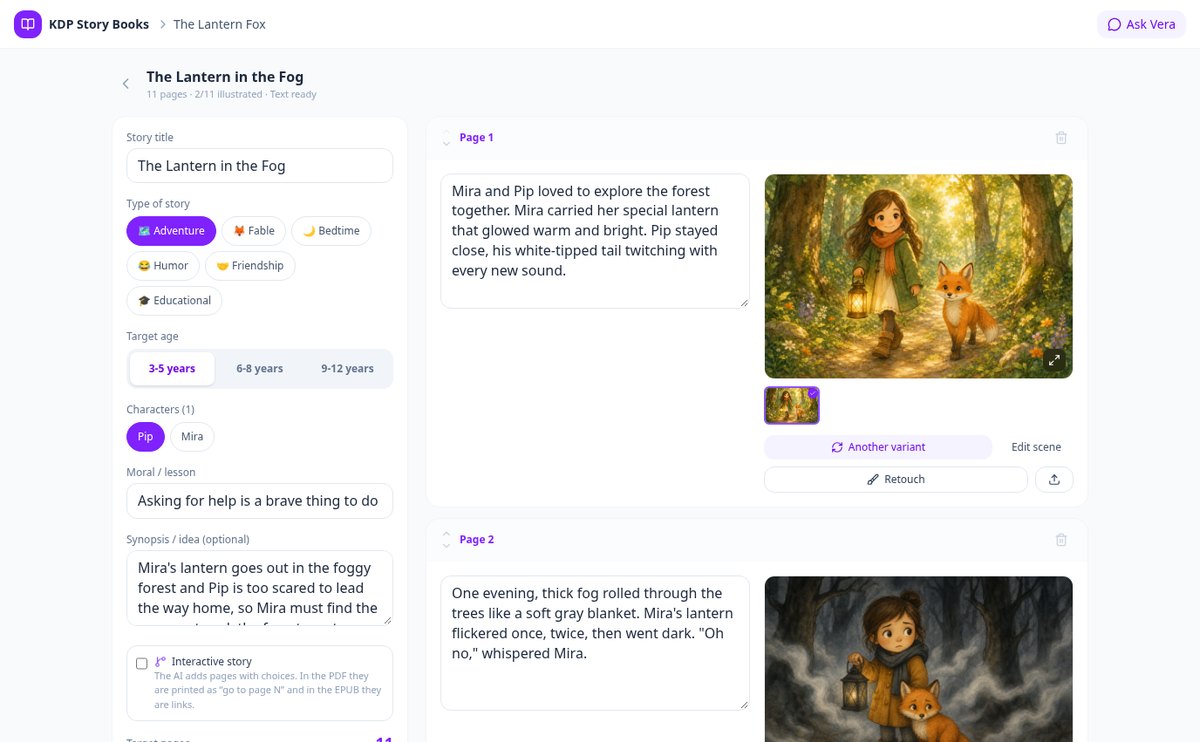
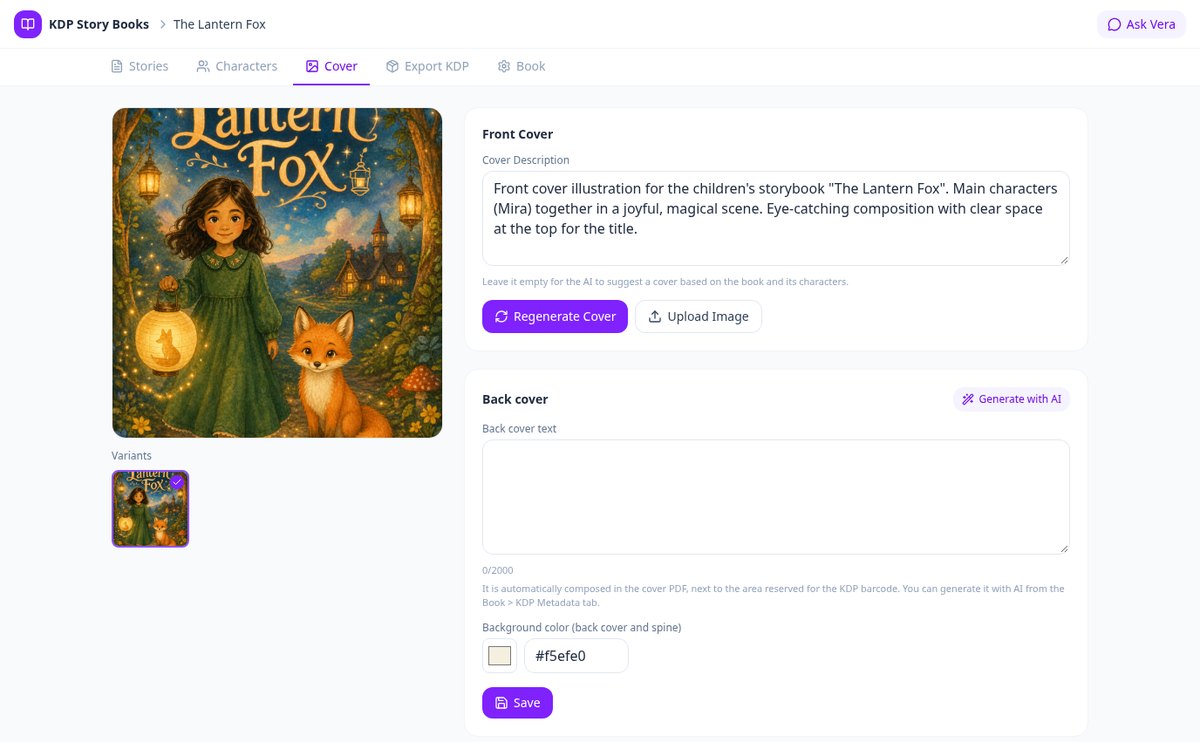
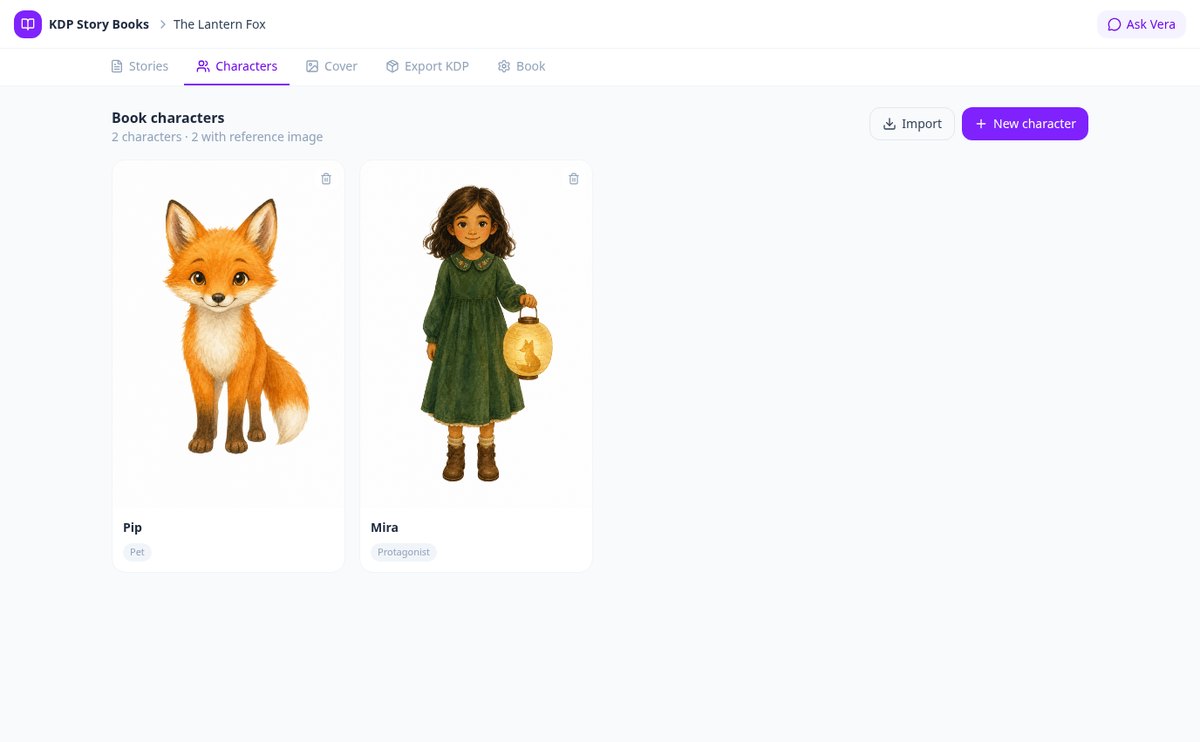
Discover every feature in detail
AI Children's Story Generator, paginated and illustrated
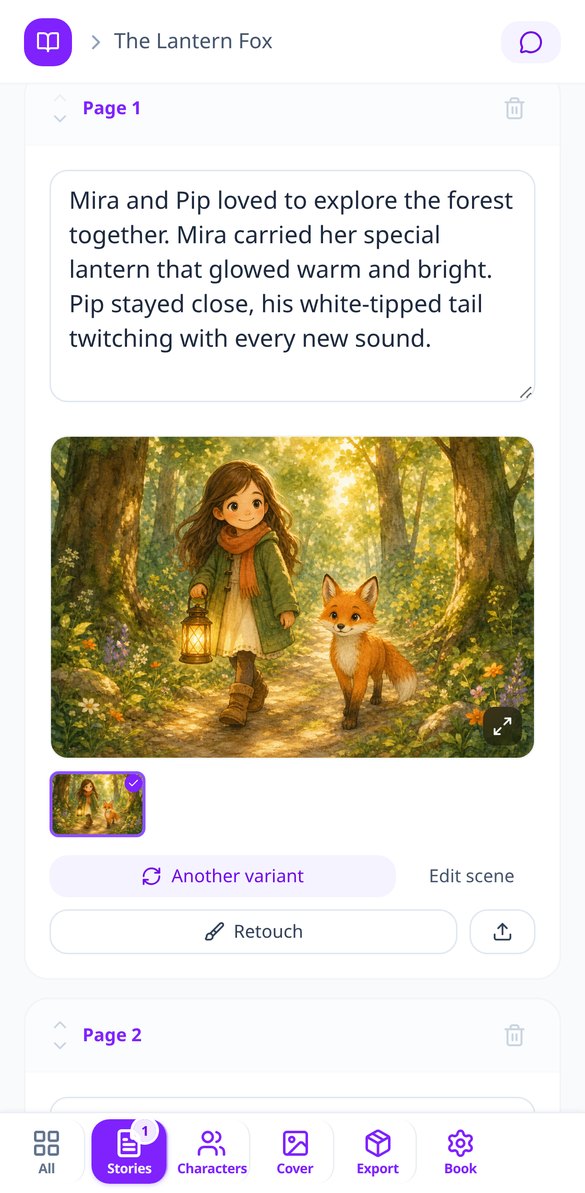
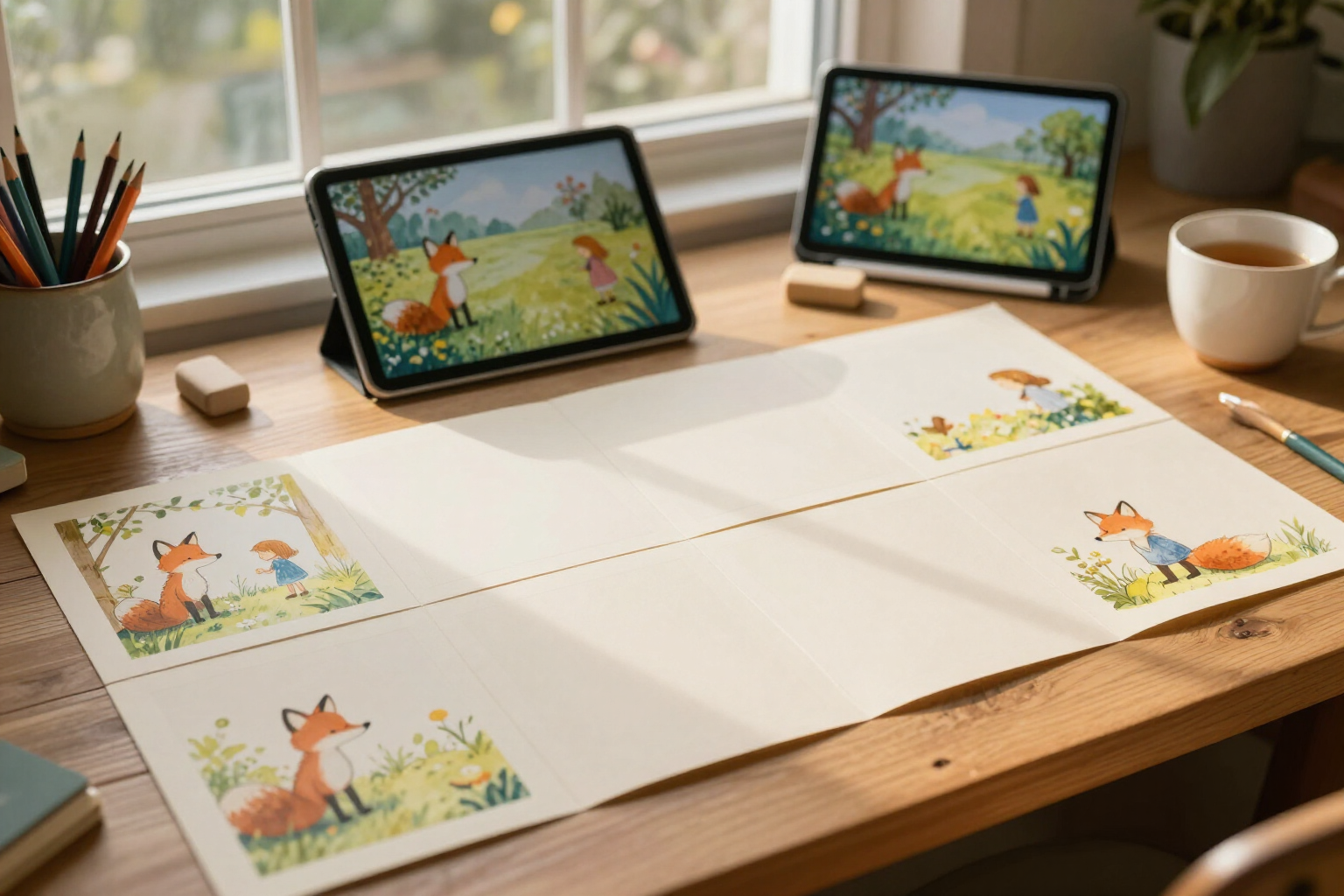
Create AI children's stories already divided into pages: choose story type, age, moral lesson, and number of pages, and illustrate each scene with your own characters.
View feature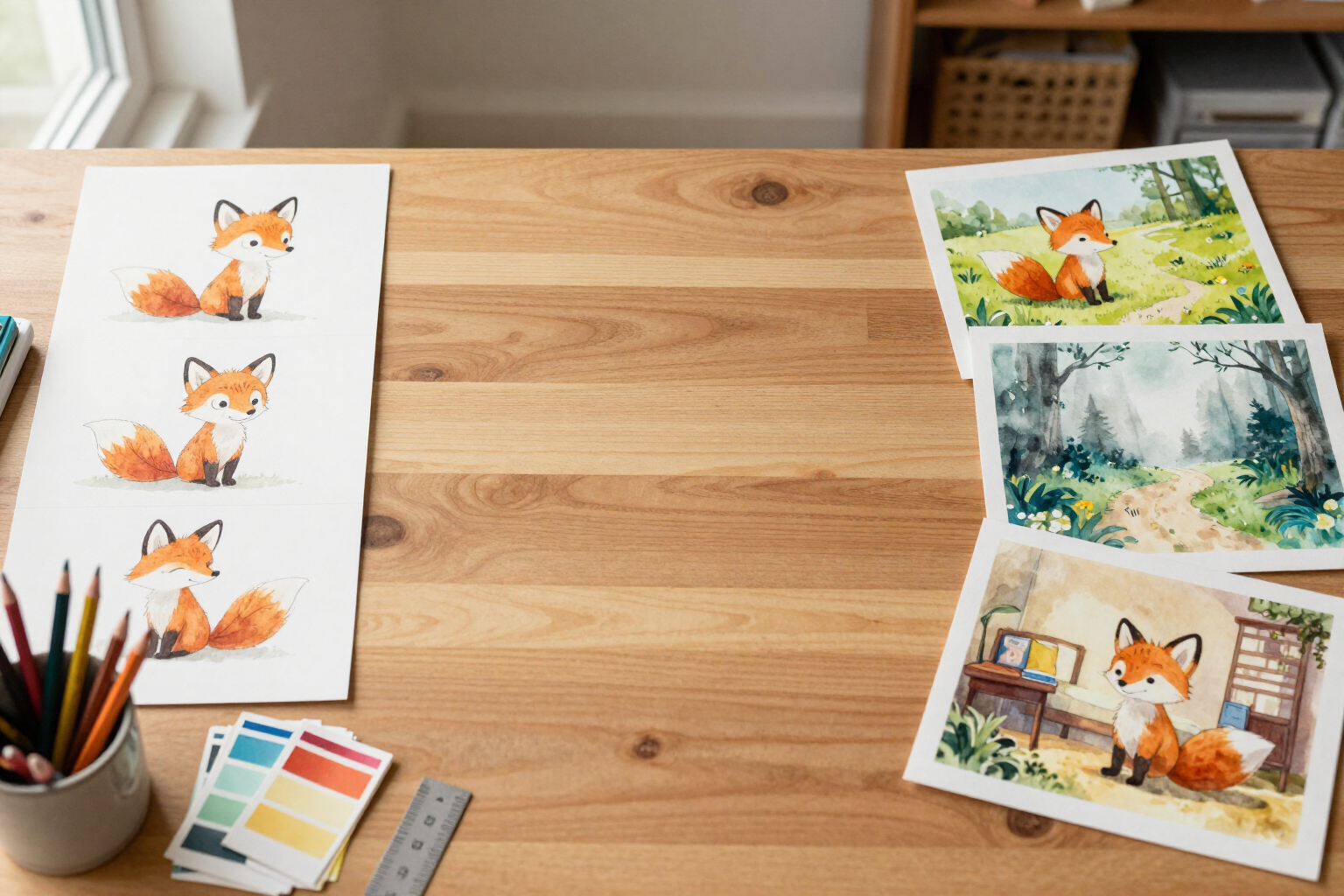
Consistent characters in all illustrations of your children's story with AI
Ensure your characters are identical in all illustrations: sheet with masterPrompt, canonical reference image in each scene, and continuity across the book series.
View feature
Turn a photo into a children's story character with AI
Upload your child's photo and the AI will transform it into the illustrated character of the story: it reads their features, writes their character sheet, and redraws them in the style of your book.
View feature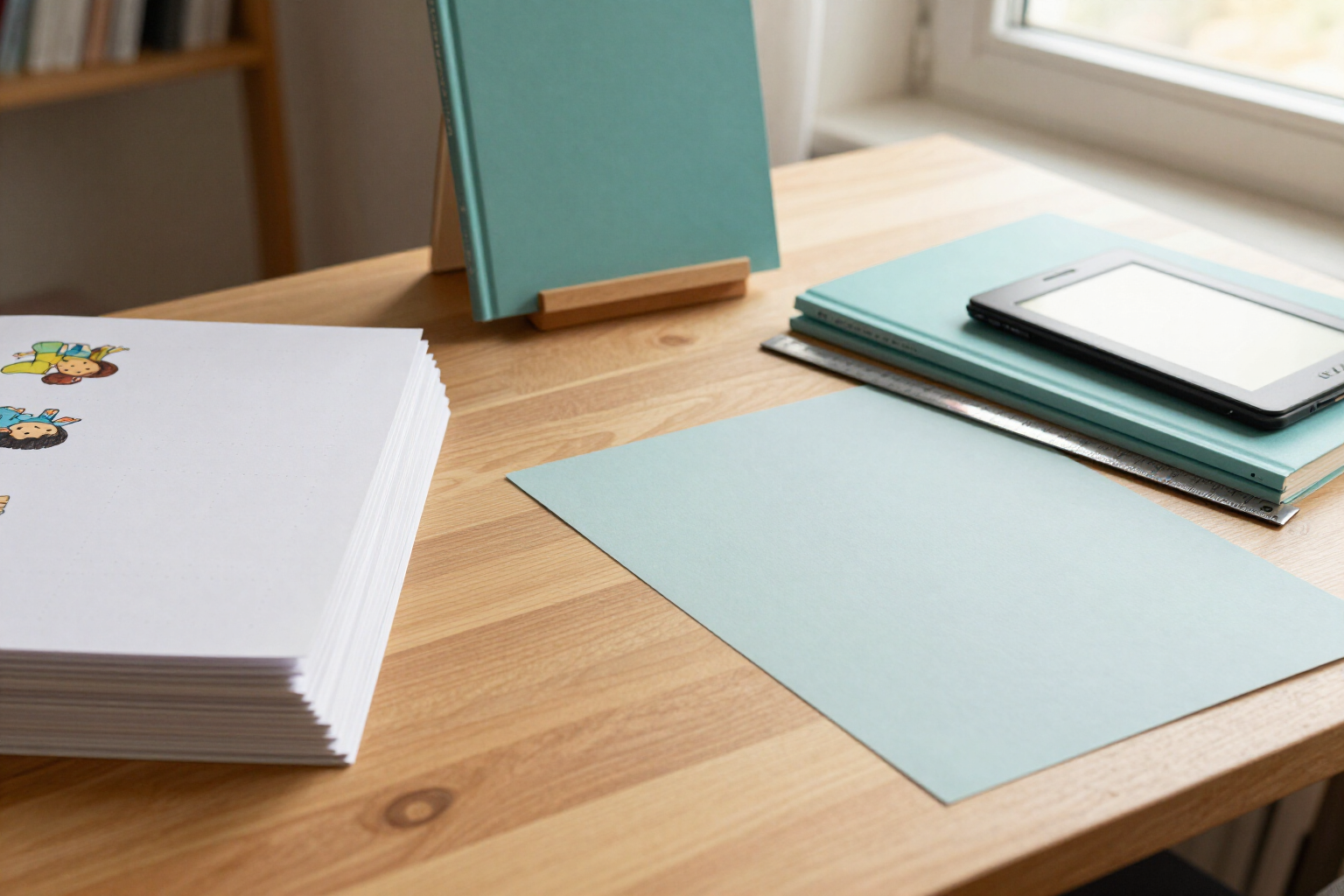
Export a children's book to PDF and EPUB for Amazon KDP
Generate the interior PDF with bleed, the cover PDF with the calculated spine, and the EPUB of your children's story, ready to upload to Amazon KDP. Validator included.
View feature
Chat with an expert AI editor on Amazon KDP
Ask Vera Langley, the AI editor of KDP Story Books: keywords, BISAC categories, and pricing with your book's data, editorial review by pages, and ready KDP metadata.
View feature
Narrate children's stories with AI voices and create interactive stories
Turn your children's short story into an MP3 audio with AI voices, player with speed control and download, QR in the printed book, and add decisions that the PDF prints and the EPUB links.
View featureWhat Makes KDP Story Books Different
The three most challenging parts of publishing a children's book, solved.
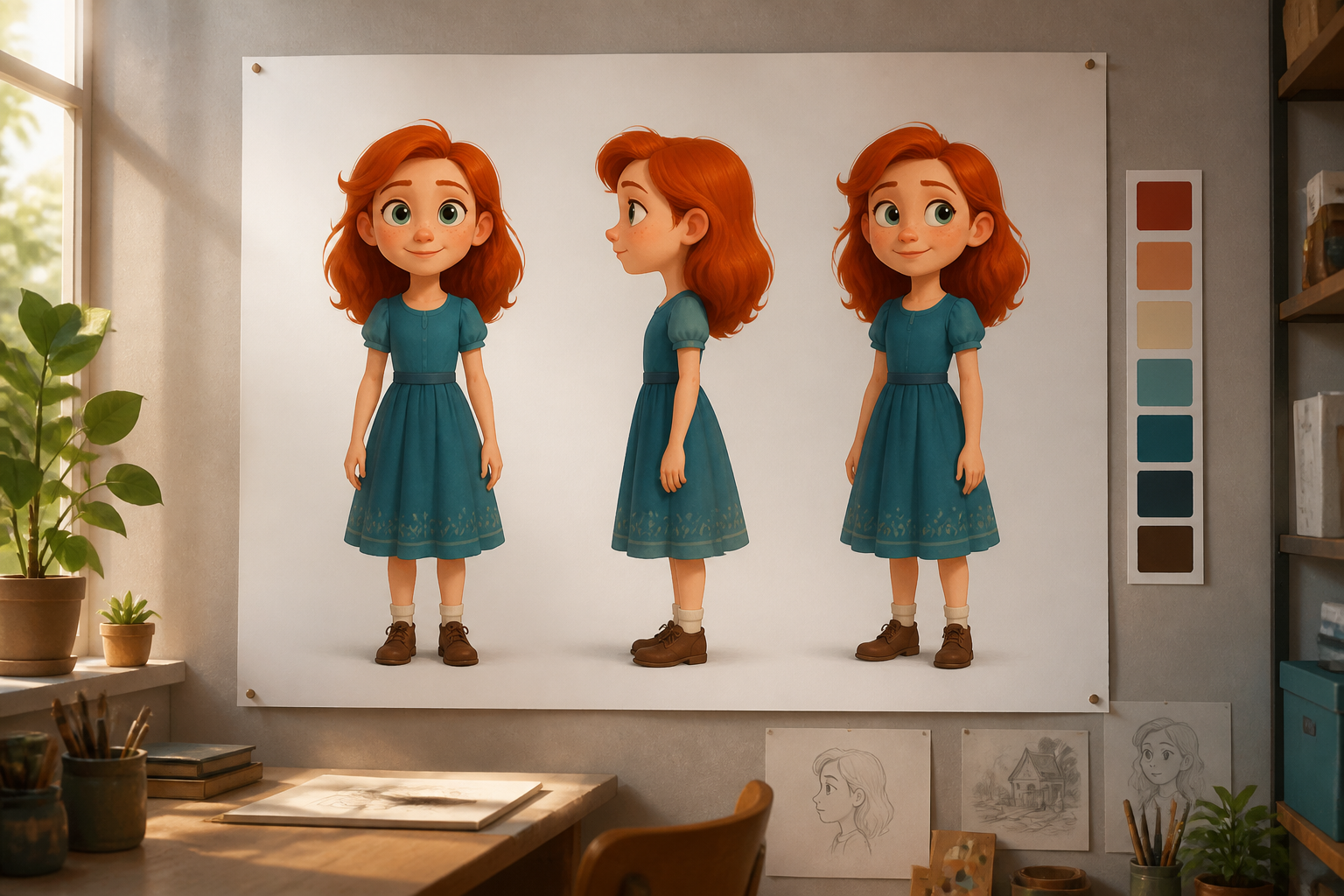
Characters that don't change face
Each character has their profile and canonical image, used as a reference when illustrating each scene: your protagonist is the same on page 3 and page 20.
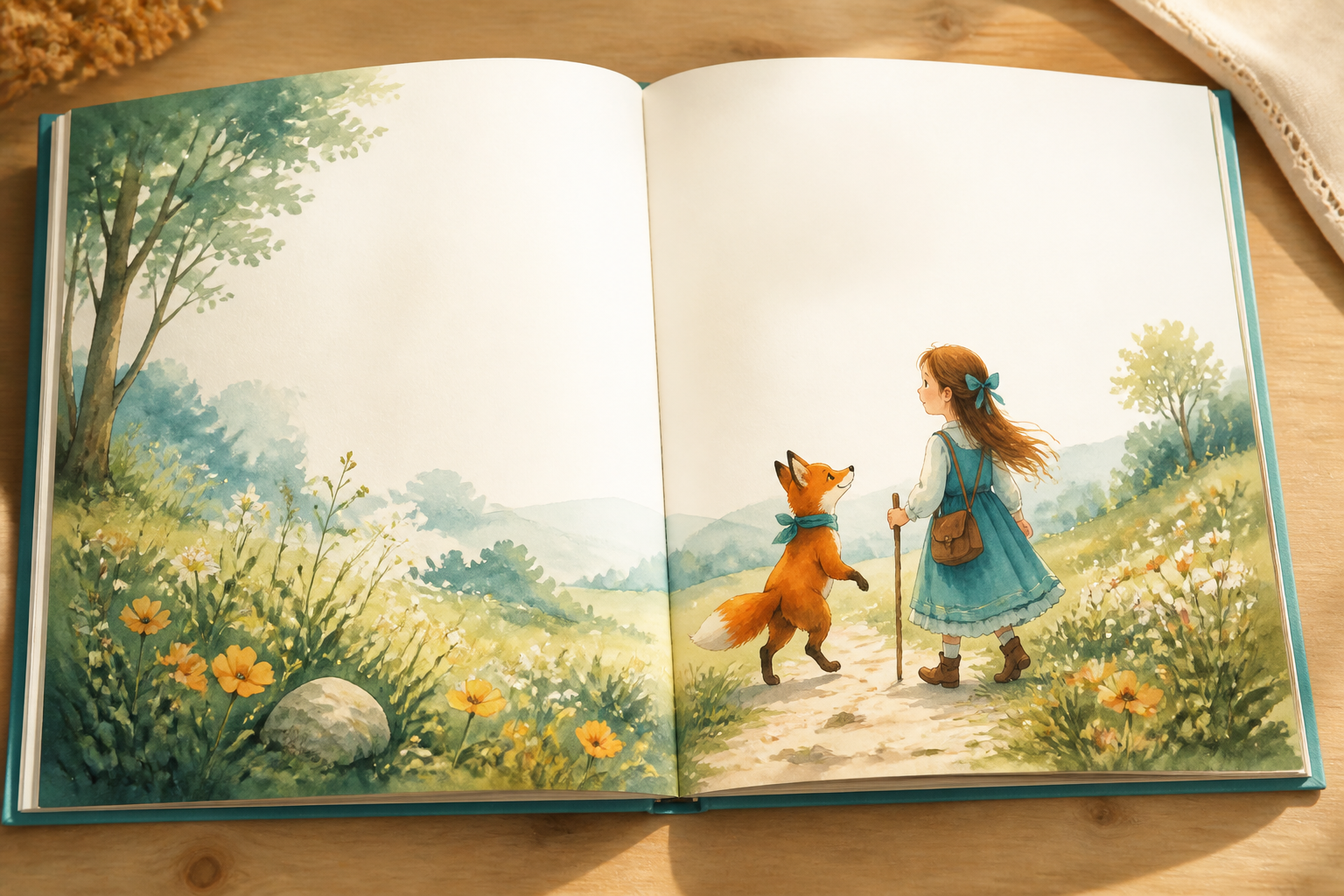
Paginated Stories with a Moral
Choose story type, age, moral, and number of pages; the AI writes each page with its text and scene, and you edit, reorder, or regenerate as you wish.
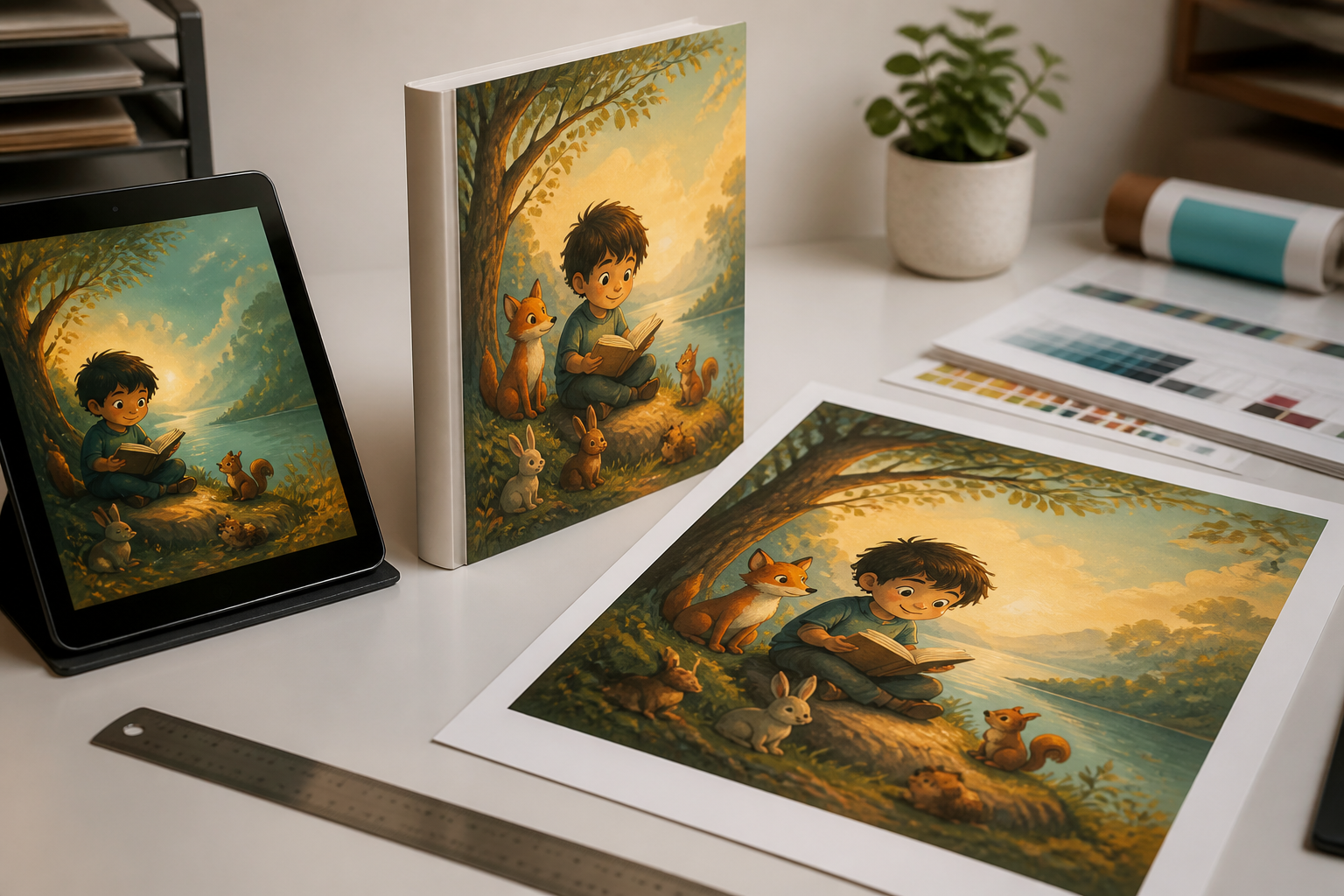
Files Ready to Upload to KDP
Interior PDF with bleed and margins, full cover with spine calculated based on pages and paper, and EPUB for Kindle, with a validator checking requirements before exporting.
From Idea to Book in Three Steps
Create Your Characters
Describe each main character with a sentence: the AI completes their profile and generates their reference image.
Write and Illustrate the Story
Choose type, age, moral, and number of pages; review the text and illustrate each scene with your characters.
Export for KDP
Download the interior PDF, cover with spine, and EPUB, and upload them to your Amazon KDP account.

Who is it for?
Built for these profiles
Frequently Asked Questions
Latest blog articles
Guides and news to get more out of it

Amazon KDP Limits to 2 New Titles Per Week: What Changes If You Publish Children's Stories
Amazon KDP limits to 2 new titles per format and week starting Sep-2026: how the slots are counted and a checklist for publishing children's stories.
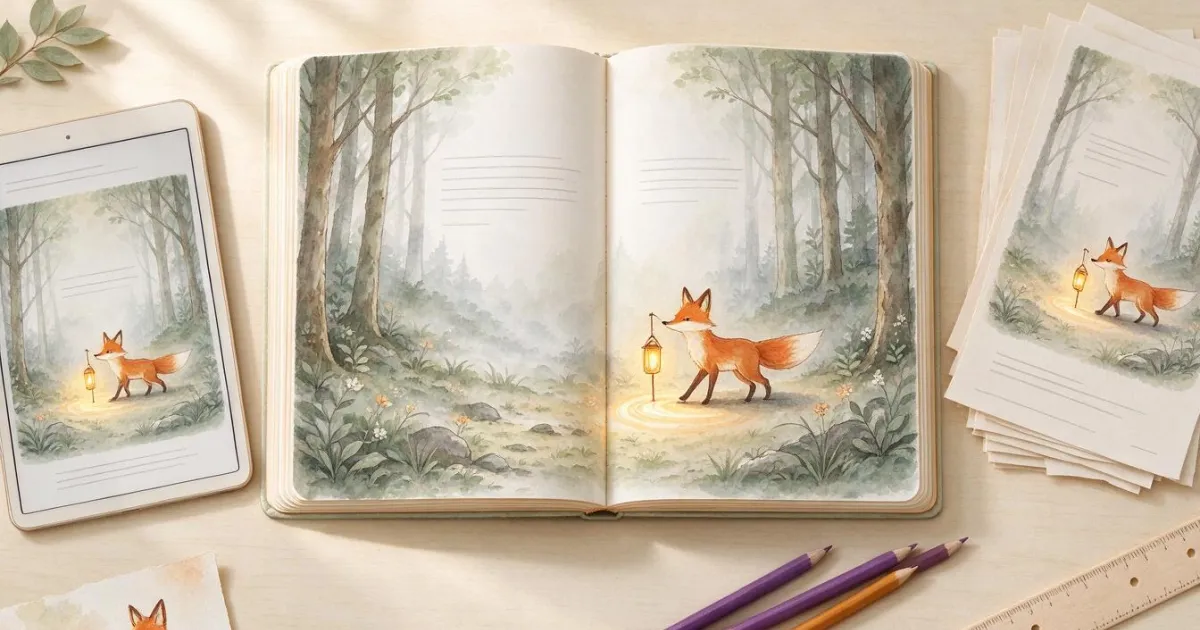
How to Publish an Illustrated Children's Book on Amazon KDP: Dimensions, Spine, and the Mistakes That Can Get Your File Rejected
Minimum pages by paper type, spine calculation, bleed, and margins for publishing an illustrated children's book on Amazon KDP without getting your file rejected.
Your next story could be ready this week
Create your first book, illustrate its pages, and download the files for Amazon KDP.