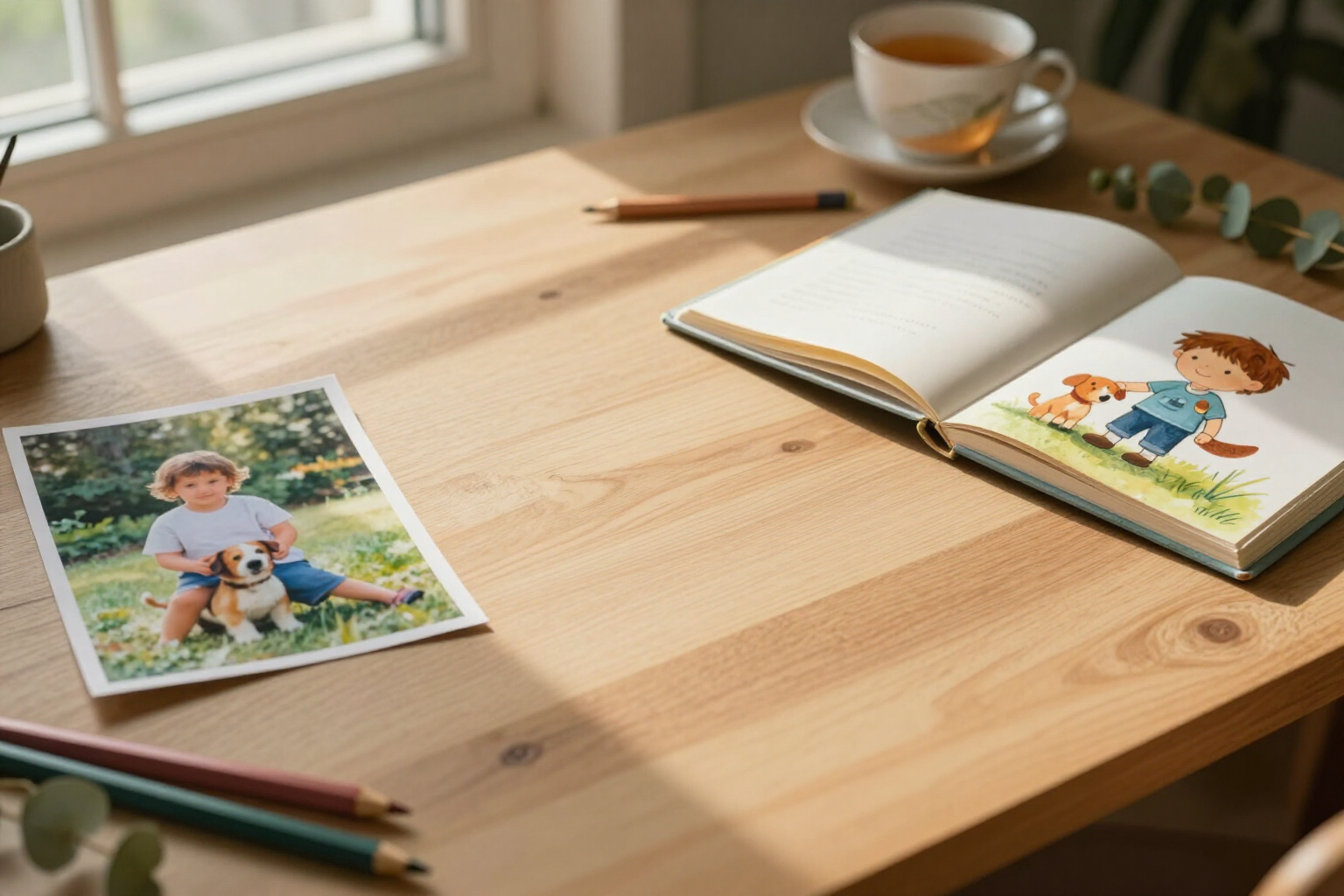
Turn a real photo into the illustrated character of your children's story
Upload a photo of your child or any family member: the AI analyzes their features, writes their character sheet, and redraws them as the protagonist in the artistic style of your book.
The story is much more enjoyable when the protagonist resembles the person who will read it. Here, you don't describe your child with words and cross your fingers: you upload their photo and the app turns it into a coherent illustrated character, which then appears consistently on all pages.
In KDP Story Books, within the character sheet of any character, you have the block "Create from a photo". You check the consent box —confirming that you have the right to use that photo and that, if it is of a minor, you are their parent or legal guardian—, choose a photo of a single person (JPG, PNG, or WebP, also from your mobile camera) and the app takes care of the rest.
First, the vision AI acts: it analyzes the photo and writes the masterPrompt of the character in English, that is, the description of their stable physical traits —approximate age, hair color and shape, eye color, skin tone, glasses or distinguishing marks, usual clothing—, between 40 and 80 words and without backgrounds, actions, or artistic style. That text goes directly into the character sheet, where you can read and edit it before continuing. If there is no recognizable person in the image, the app clearly informs you and does not waste the illustration: you see the message "No person recognized in the photo. Try another image".
Then it queues the canonical illustration using your photo as a real reference image, not just as text. The order to the model is to maintain recognizable traits —face shape, hair, skin tone— but redraw them completely as an illustration: full body, facing forward, white background, a single character, in the artistic style you have chosen for the book (watercolor, 3D, flat vector, crayon...). The result is not a filter over the photo: it is a new story character that resembles them.
From there, that character functions like any other in the app: their canonical image travels as a reference to every scene you illustrate, so the same face appears on page 3, on page 20, and on the cover. You can request variants, choose another image from the gallery as canonical, and reuse the character in subsequent books in the series.
And there is a second entry point: the button "From a drawing". You take a photo of the drawing made by the child, and the AI interprets and redraws it in the style of the book, respecting their choices —shapes, colors, fun details—. It is the way to turn a pet, an invented monster, or any creature that is not a person into a character, and it does not require image consent.
Benefits of From a photo to character
It really resembles them
the photo is not just used for inspiration; it travels to the model as a reference image with the instruction to preserve the shape of the face, hair, and skin tone.
Illustration, not a filter
the character is fully redrawn in the artistic style of the book, so it fits with the rest of the pages instead of looking like a pasted photo.
The character sheet writes itself
the vision AI fills in the masterPrompt with stable physical traits in English, ready for reuse, and you can edit it before generating anything.
Warning before spending
if the photo does not contain a recognizable person, the app detects it and informs you instead of returning an illustration that resembles no one.
Consent upfront
to activate the upload, you must confirm that you have the right to use the photo and that, if it is of a minor, you are their parent or legal guardian.
The whole family in the same story
repeat the process one photo per person and each one enters with their own character sheet, so they can appear together in the same scene.
Also from the child's drawing
photograph their drawing and the AI turns it into a character while respecting its shapes and colors. It’s the way for pets and invented creatures.
Consistent afterwards
once created, the character behaves like any other, with its canonical image reference in each illustration and reusable throughout the series.

Let the protagonist of the story be whoever you want
Create your book, open a character sheet, and upload the photo: you'll have their illustrated version ready to star on every page.