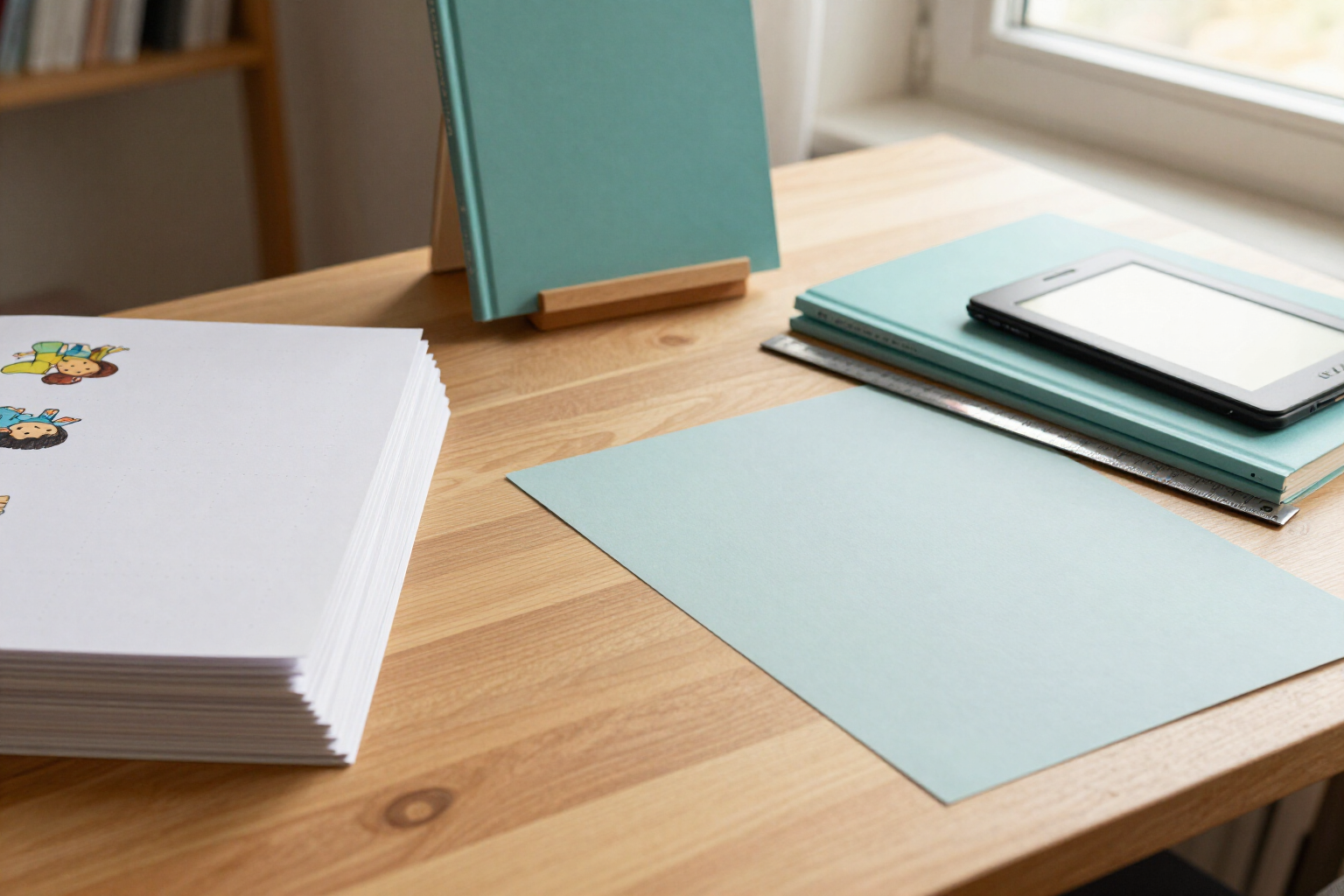
Export your children's book ready for Amazon KDP: interior PDF, cover with spine, and EPUB
One click and a background worker returns the three files required by KDP, with bleed, margins, embedded fonts, and the spine calculated according to your pages and paper.
Writing the story is the fun part; what stops most people is the moment of uploading it to KDP and discovering that the PDF has no bleed, that the spine doesn't match, or that the EPUB won't open. KDP Story Books generates those three files for you, with the measurements calculated from your book.
Within each book, you have the export tab. You click "Generate all" and the app queues three tasks: the interior PDF, the full cover PDF, and the EPUB. They are not generated in your browser: a background worker processes them in queue (interior first, then EPUB, and finally the cover) and the screen updates automatically until each file appears with its download button. You can close the tab while it works.
The interior PDF comes with the page size you have chosen (8.5x8.5", 8x10", 7x10", or 6x9") plus 0.125" of bleed on each side and 0.5" of safe margin, which covers the gutter of the binding. Fonts are embedded as TTF —Baloo 2, Comic Neue, Quicksand, Andika, or Literata— and the body text adjusts to the target age: 18 pt for 3-5 years, 14 pt for 6-8, and 12 pt for 9-12. Illustrations are re-encoded with sharp to JPEG quality 80 and up to 2400 px, which is approximately 300 DPI for those page sizes. The document is fully assembled: half title page, copyright page, dedication, automatic index if there are multiple stories, preface, the stories page by page, activities, note for families, QR page, and author page; and if the minimum of 24 pages required by KDP is not reached or the total is odd, extra pages are added at the end to make it even.
The cover PDF is the complete flat sheet that KDP expects: back cover, spine, and front cover in a single document, with the spine width calculated as final pages x the official paper factor (0.002252" per page in standard color and black and white, 0.002347" in premium color, 0.0025" in cream). The area of 2 x 1.2 inches in the bottom right corner where Amazon prints the barcode is kept clean, and the title is only labeled on the spine if the book reaches the 79 pages that KDP requires for that.
The EPUB is reflowable and navigable, with its nav.xhtml index, the cover, the stories, the activities, and the editorial pages, and with the internal links of the interactive stories already resolved. Before exporting, the KDP validator shows you a checklist of 14 checks separating errors from warnings, and gives you the actual measurements: content pages, final pages, spine width, and the exact dimensions of the cover sheet.
Benefits of Export for Amazon KDP
You don't calculate the measurements
0.125" bleed, 0.5" safe margin, and spine width according to pages and paper type come from the official KDP tables, not from an estimate.
Generated in the background
a worker in the queue processes the files even if you close the app, and the export list refreshes automatically with the status of each one.
Three formats at once
"Generate all" queues the interior PDF, the cover PDF, and the EPUB; you can also request just one.
Embedded fonts and age-appropriate size
five TTF fonts included in the PDF and body sizes of 18, 14, or 12 pt depending on the book's age range, with enhancements if you activate accessibility mode.
Print resolution images
each illustration is re-encoded to JPEG quality 80 with up to 2400 px, around 300 DPI for the chosen page size.
Barcode area respected
the lower right corner of the back cover is left clean for the Amazon barcode, and the spine is only labeled from 79 pages onward.
Validator before spending
14 checks for errors and warnings, plus the final measurements of the book (pages, spine, and cover sheet) so you don’t upload a file that will be rejected.
History and traceability
each export is listed with its pages, spine in inches, file size, and download link, and a version of the book is saved upon export.

Your three KDP files, ready this afternoon
Create your book, write and illustrate the story, and click Generate all: download the interior PDF, the cover PDF, and the EPUB to upload to your Amazon KDP account.