 aiLinks
How to Change the Destination of an Already Printed QR Code (Without Reprinting Anything)
Team at aiLinksWritten with AI assistance21 min readIn summary
- You can change the destination of a printed QR code, but only if it is dynamic: the code does not contain the final address, it carries an intermediate short link whose destination you edit whenever you want.
- A static QR carries the URL engraved in the drawing. If the destination changes, that sign is no longer useful: you have to regenerate the code and reprint it.
- The dynamic one also scans better: by saving only 20-30 characters instead of a long URL with parameters, the drawing has fewer modules and tolerates light, distance, and wear worse.
- The real risk is not technical, it is dependency: Google shut down
goo.glon August 25, 2025 and left those links with a 404 error (Google Developers Blog); and Bitly's free plan, as of October 26, 2026, does not allow editing the destination (bitly.com/pages/pricing). - QR fraud (quishing) grew by 146% in three months according to data from Microsoft collected on September 27, 2026, with 18.7 million attacks detected in March 2026 compared to 7.6 million in January (Infobae). That changes what you owe to whoever scans your sign.
If you have made it this far, it is because you have a printed QR code somewhere —the shop window, the menu, the van, 500 cards you paid for in June— and the site it leads to is no longer the one you want. The good news is that the problem has a solution and it almost never goes through the printing press. The bad news is that it depends on a decision you made before printing, often without knowing it. This article explains how it works inside, what you can do today depending on the type of code you have, and how to set it up so that it doesn't happen again. At the end, you will also see where aiLinks fits in, the tool for short links and dynamic QR codes from AIsToHire that you can check on their page of dynamic QR codes and editable short links.
Can you change the destination of a printed QR code?
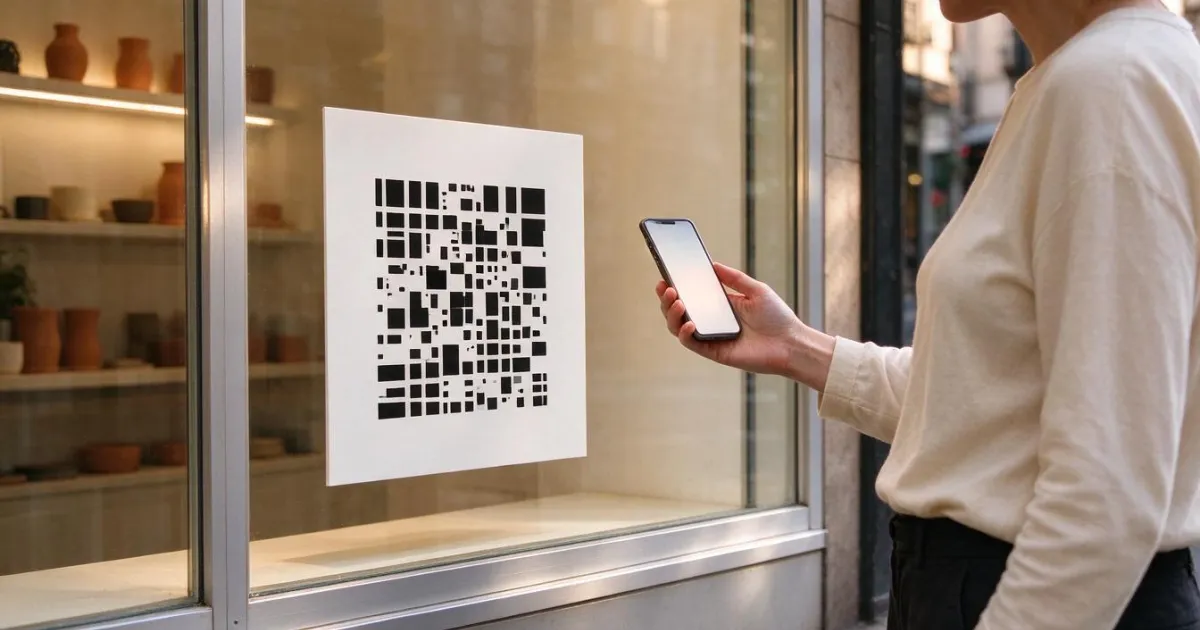
Yes, as long as the QR is dynamic. A dynamic QR does not contain your website or your phone: it contains an intermediate short link (like domain.com/a7kf2m) that, when scanned, queries a server to find out where to go and redirects. The printed drawing never changes; what you change is the row in the database that indicates what the destination is. If the QR is static, the answer is no: the address is encoded in the white and black modules themselves, and modifying it means generating a different code.
The test to know what you have takes ten seconds: scan your own QR with your mobile camera and look at the URL that the preview shows you before opening it.
- If you see your full address (
https://mirestaurante.es/carta-invierno-2025.pdf,https://wa.me/34600000000?text=Hola), it is static. There is nothing to edit. - If you see a short domain followed by a handful of apparently meaningless characters, it is dynamic. The destination is changed from the panel of the service that generated it.
Static QR and Dynamic QR: how they really differ
The difference is not in appearance —both are black and white squares and the same camera reads them— but where the destination lives: inside the paper or on a server. From there, all the others derive: if it can be edited, if it can be measured, if it can be paused, and who you depend on for it to keep working.
| Static QR | Dynamic QR | |
|---|---|---|
| Where the destination is | Engraved in the drawing | On a server, behind a short link |
| Change the destination after printing | Impossible | Yes, without touching the printed one |
| Data saved in the code | The full URL | 20-30 characters |
| Density of the drawing | High if the URL is long | Low and stable |
| Scanning statistics | None (unless you add UTM to the printed URL) | Yes, each scan goes through the redirector |
| Can be deactivated | No | Yes, by pausing it |
| Works if the provider shuts down | Always (no intermediary) | No: it dies with the intermediary |
| Long-term cost | Reprint for each change | Maintain the service and the domain |
To put it bluntly: the static one is a sign and the dynamic one is a switch. For an address that will never change (the root URL of your website, the store's WiFi SSID), the static one is perfectly reasonable and also does not depend on anyone. For anything that is a campaign, a letter, an on-call phone, or a form, the static one is wasted money.
A dynamic QR scans better, and here's why
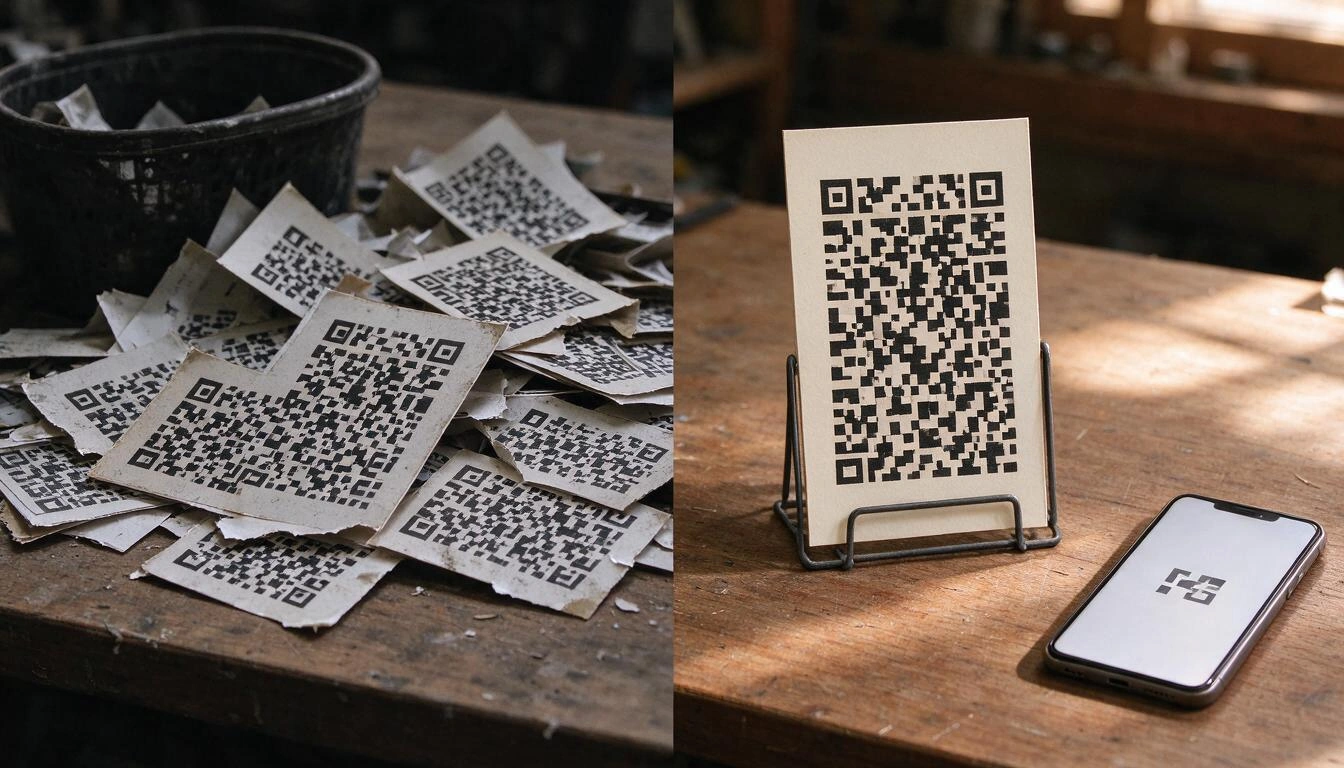
Because it holds less data. The QR standard defines 40 versions, from a grid of 21×21 modules to 177×177, and the version you get depends on how many characters you enter: the maximum capacity of version 40 with low error correction is 4,296 alphanumeric characters (Wikipedia: QR code). A long URL with UTMs takes up many modules; a short link of 25 characters takes up very few. And fewer modules in the same printed size mean larger modules, which is exactly what a low-light, distant, or angled camera needs.
The second factor is error correction. The standard allows for four recovery levels: L (~7%), M (~15%), Q (~25%), and H (~30%) (Wikipedia: QR code). Leveling up allows you to lose more surface area of the code —a scratch, a drop, a logo in the center— without it becoming unreadable, but it adds modules. With a short link, you can afford to increase the error correction and still keep a clean design. With a 180-character URL, you cannot.
The third is physical size, and here is a practical rule used in graphic arts: the ratio between reading distance and side of the code is 10:1, that is, the side of the QR in centimeters ≈ scanning distance in centimeters ÷ 10. A flyer that is read at 30 cm requires a code of at least 3 cm; with a practical minimum of 2×2 cm for general printing (Onlineprinters).
| Support | Typical scanning distance | Minimum QR side (10:1 rule) |
|---|---|---|
| Business card | 25-30 cm | 2.5-3 cm |
| Letter or tablecloth | 30-40 cm | 3-4 cm |
| Storefront sign | 1-1.5 m | 10-15 cm |
| Van sign or vinyl | 3-5 m | 30-50 cm |
| Large billboard or banner | 10 m | 1 m |
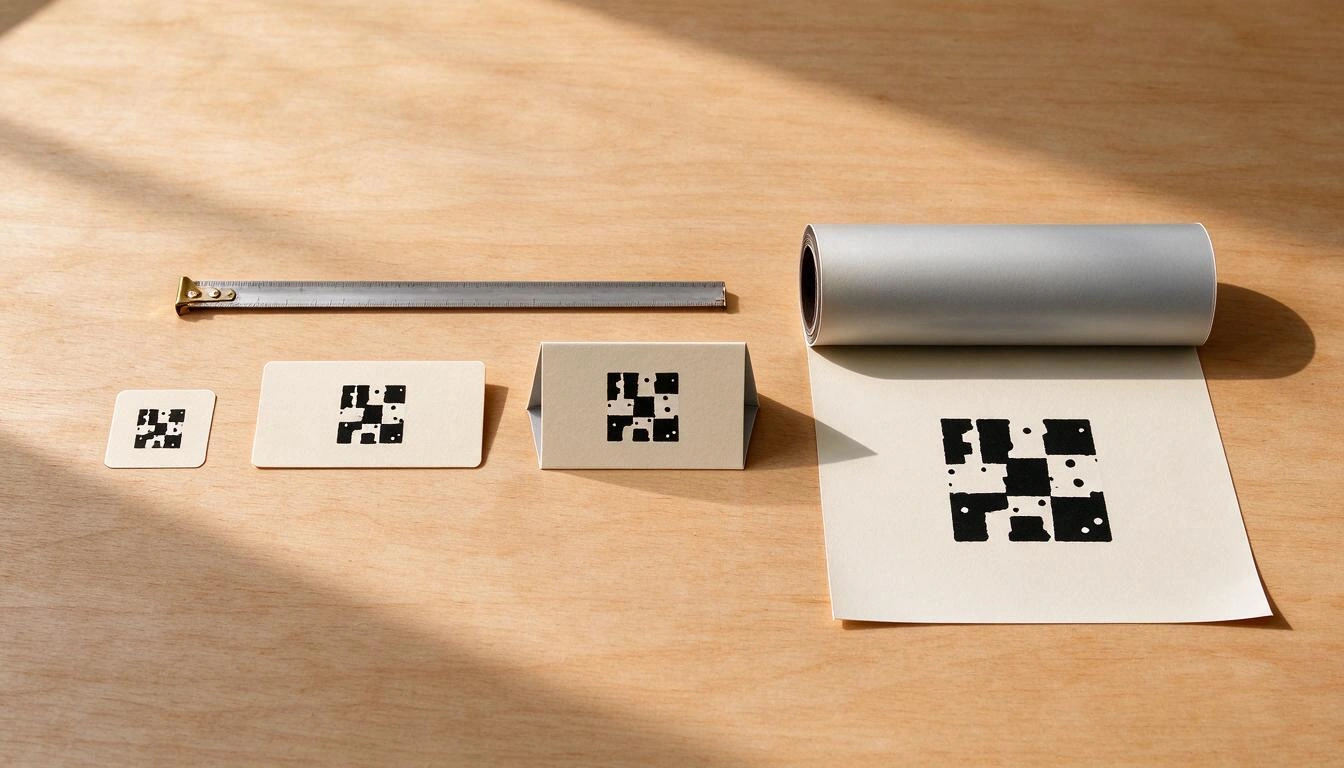
In addition, there are two details that ruin more prints than it seems: leave the white margin around the code (the "quiet zone") and do not invert the contrast. A clear QR on a dark background fails in many cameras, and a QR printed over a photo or a very saturated gradient fails in almost all. If your generator warns you about the contrast before downloading, listen to it.
How to change the destination of a dynamic QR, step by step
The change is an edit of a field and a cache invalidation: in a well-made service, the next scan already lands on the new destination, without waiting and without having to delete anything from anyone's mobile. What follows is the complete procedure, including the part that people skip and then regret.
- Enter the link, not the QR. The destination is edited in the short link; the QR is just a representation of that link. If your tool makes you regenerate the QR to change the destination, it is not a dynamic QR.
- Decide if you are changing the type of destination. You are not limited to changing one URL for another: a code that opened a WhatsApp chat can switch to opening your website, a phone, an email, or a PDF. It is the same field.
- Paste the new destination and validate it before saving. Open it yourself first on your mobile. Half of the "the QR doesn't work" are correct destinations pointing to down pages, PDFs deleted from a Drive, or WhatsApp numbers without an account.
- Save and check with the actual sign. Not with the preview from the panel: with the sign stuck to the wall and a mobile that is not yours (ideally one Android and one iPhone).
- Note the change. If your tool keeps a version history with date and author, you already have it; if not, write it down somewhere. When in six months someone asks "and where did this lead before?", you will need it.
- If the change is temporary, pause instead of deleting. A paused link can show a message of "not available right now" instead of a browser error, and it continues counting scan attempts: this way you know how many people are scanning a sign you have turned off.
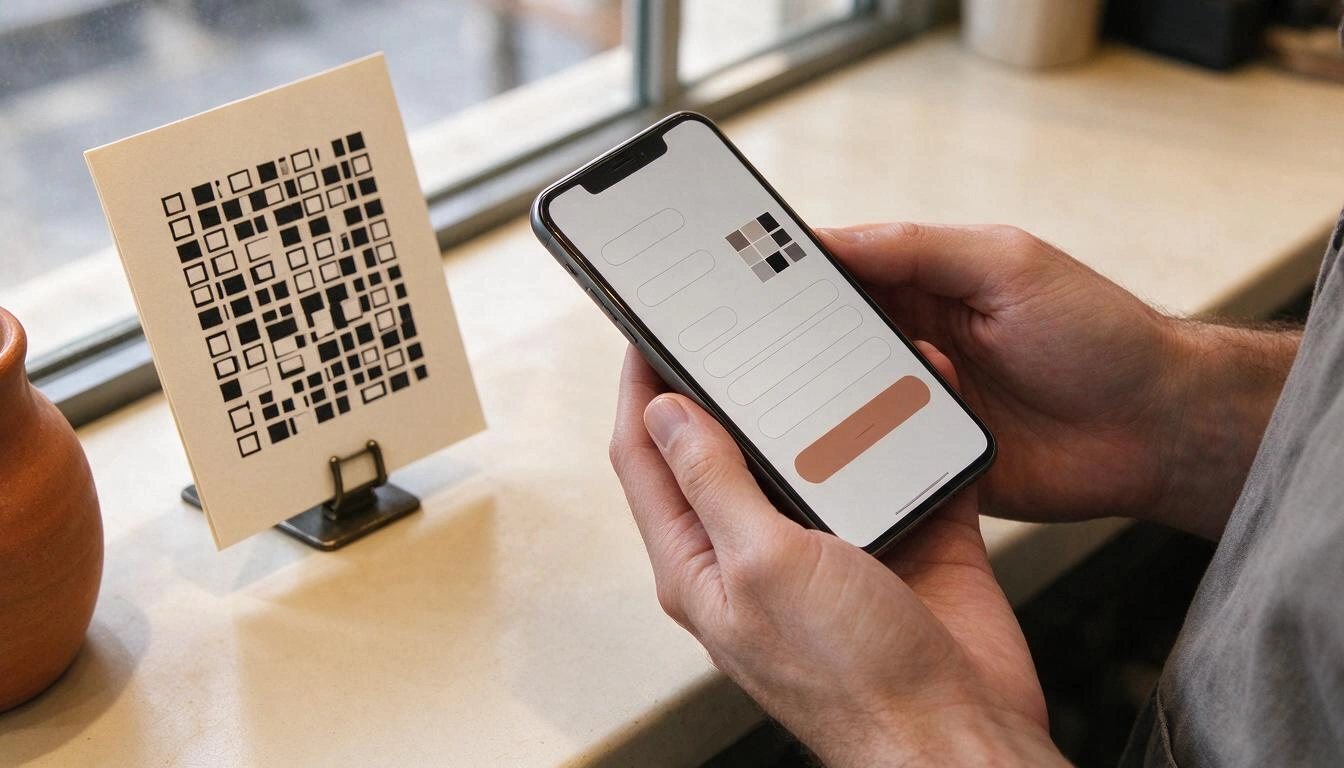
This is where aiLinks fits in: it is built just around this operation. You choose a type of destination from several (web, WhatsApp with predefined message, phone, email, SMS, vCard, networks, WiFi, or a menu/PDF), the system generates a short code of six characters with an alphabet without ambiguous characters —no 0, O, l, 1, or I, so that no one types it wrong—, and the day you want to change the destination you do it from your mobile in two taps. Each change is dated and signed in a history from which you can go back with a tap, and the link can be paused and reactivated.
What to do if your QR is static and already printed
There is no way to edit it, so the goal becomes to ensure that the printed URL still leads to the correct site. You have three options, from best to worst, and all involve controlling the domain that appears in the code.
- If the QR points to a URL on your own domain (
mitienda.es/carta): you are saved. Set up a 301 redirect on your server or in your CMS from that path to the new destination. The sign remains valid forever and, in fact, you have just converted a static QR into a dynamic one through your own domain. - If it points to a third-party URL (a PDF on Drive, a social media profile, a WhatsApp number): you cannot redirect anything. The only thing you can do is ensure that the old destination still exists and points to the new one: leave the old document in its place with a single line and a link to the new one, or keep the number operational with an automatic message. It’s a workaround, and the day the third party changes something, it will break.
- If you control neither the domain nor the destination: you need to reprint. Do it now with a dynamic QR on a domain that is yours or from a service you can live with, and take the opportunity to leave the sign without dates or printed versions ("Winter Menu 2025" is a sign with an expiration date; "Our Menu" is not).
The closure of goo.gl made it clear who your QR depends on
A dynamic QR is as durable as the intermediary that redirects it, and that is not a hypothesis. Google announced and executed the shutdown of its URL shortener: from August 25, 2025, all links in the format https://goo.gl/* ceased to respond and return a 404 error, with the exception of those generated from Google applications like Maps (Google Developers Blog). Every sign, every flyer, and every book with a printed goo.gl became instantly dead.
The underlying phenomenon has a name: link rot. The study "When Online Content Disappears" from the Pew Research Center, published on May 17, 2024 about nearly a million pages, found that 38% of the pages that existed in 2013 were no longer accessible a decade later, that 23% of news pages contain at least one broken link, and that 54% of Wikipedia articles have at least one reference pointing to a page that no longer exists (report in PDF). If your plan is "I print it and that's it", time is working against you.
And there is a third dependency that is less dramatic but more everyday: the commercial one. These are the limits of the most well-known URL shortener on the market, consulted on its own pricing page on October 26, 2026:
| Bitly Plan | Price | Links/month | QR/month | Destination editing ("Redirects") | Data retention |
|---|---|---|---|---|---|
| Free | $0 | 5 | 2 | Not available | — |
| Core | $10/month (annual) | 100 | 5 | 5 per month | 30 days |
| Growth | $29/month | 500 | 10 | 20 per month | 4 months |
| Premium | $199/month | 3,000 | 200 | 110 per month | 1 year |
Source: bitly.com/pages/pricing, consulted on October 26, 2026.
Read the third column from the end again: in the free plan, changing the destination is not included. In other words, the use case for which most people search for "dynamic QR" is exactly the one that is not included in the plan that almost everyone starts with. And data retention also matters: if your campaign lasts four months and your statistics are deleted after 30 days, you won’t be able to compare before and after.
The practical conclusion is not "this provider is bad", it is: before sending 2,000 flyers to print, check three things about the service you are going to use —that you can edit the destination without a limit on the number of times, what happens to your links if you stop paying, and whether you can export your data—.
Quishing has changed what you owe to those who scan your poster
Since 2026, a QR code on the street is no longer looked at with the innocence of 2021. Fraud involving QR codes, called quishing, grew by 146% in three months according to Microsoft security research data: 18.7 million attacks detected in March 2026 compared to 7.6 million in January 2026 (Infobae, September 27, 2026). The reason it works so well is structural: those who scan do not see the destination URL before scanning.
The case that should worry a business with QR codes on the table the most was documented by INCIBE in August 2026: a customer scanned a code to check a restaurant's menu and, after opening the link and accepting a pop-up window, a premium subscription that she had not requested was activated; several customers of the same establishment suffered identical incidents (Infobae, September 25, 2026). The reputational damage is borne by the restaurant, even if the code stuck on top was not theirs.
What you can do, if you have the legitimate poster:
- Physically check your codes. A sticker on top of another sticker is the cheapest attack that exists. If you have QR codes on tables, screens, cashiers, or parking lots, include them in the opening round.
- Prefer hard-to-overlay materials: screen printing, vinyl under lamination, engraving, or the QR integrated into the design of the tablecloth, not a square sticker in a corner.
- Use a short, recognizable domain and keep it stable. If your customer learns that your codes always lead to the same domain, a strange domain will raise suspicions.
- Put the destination in writing next to the code. "Scan to see the menu at mitienda.es" costs nothing and gives the customer something to compare with the preview.
- Monitor scans. A spike in scans at 4 AM from another country, or a code that suddenly stops registering anything, are signs that something has changed in the physical world.
What a dynamic QR does not fix (and it's good to know beforehand)
A dynamic QR solves the editable destination and measurement; it does not solve QR codes that are regulated or part of a data standard. There are at least two open fronts in 2026 and 2027 where the QR code is mandatory or standardized, and in neither case does a short marketing link work.
- Veri*Factu (Spain). The verifiable invoicing system of Royal Decree 1007/2023 requires that each invoice includes a QR code and a fingerprint (hash) generated by the invoicing software itself, with content set by the Tax Agency. According to the current schedule after its last modification, it comes into effect on January 1, 2027 for corporations and taxpayers of the Corporate Tax, and on July 1, 2027 for freelancers and professionals in IRPF (MuyPymes, September 7, 2026). That QR is not editable by design: it is a verification, not a redirection, and it must be issued by your invoicing software. This is general information, not tax advice: for your specific case, consult your advisor or the official information from the AEAT.
- GS1 Digital Link and "Sunrise 2027". The initiative from the GS1 organization requires that retail point-of-sale systems be able to read 2D codes (QR) with the product identifier by December 31, 2027. It is not a law nor does it eliminate the barcode: it adds a second symbol, richer, that combines the GTIN with batch, expiration, and serial number and allows opening web content from the same scan (Esko). If you sell packaged products on the shelf, that QR is governed by the GS1 standard, not your shortener.
Honest summary: for the showcase, the menu, the card, the van, the flyer, and the campaign, a dynamic QR is the right tool. For the invoice and for the packaging on the shelf, there is a standard above and your shortener is not the place.
What to measure when the poster is already on the street
The least exploited advantage of the dynamic QR is that all scans go through your redirector, so you have data without installing anything on anyone's mobile or touching your website. What really matters is not the total number of scans, but three things: whether it is increasing or decreasing, where it comes from, and which supports are not working.
- Total and unique scans, with the variation compared to the previous period. The standalone data says nothing; the trend does. And the difference between totals and uniques tells you if people are scanning again (typical in restaurant menus) or scanning only once (typical in flyers).
- Country and city. To detect what doesn't add up: a poster in Valencia that registers scans from three continents is a signal, not a success.
- Device, operating system, and browser. This serves a very specific purpose: to check that your destination works on your client's real mobile, not on yours.
- The codes that register nothing. This is the most useful report and the one that no one looks at. A support with zero scans in a month is poorly placed, too small, too high, with poor contrast, or no longer exists.
- Comparing several links with each other. The only way to know if the storefront poster or the sticker on the bag performs better is to put a different code in each place and compare them. A single QR for everything leaves you without knowing anything.
At aiLinks these metrics —totals and uniques per day, week, and month with their variation, country and city, device, operating system, browser, language, origin of the scan, comparison of up to four links at once, detection of links that are not scanned and export to CSV— come with the link, and creating links, generating the QRs, redirecting and viewing statistics do not consume artificial intelligence credit: they are app-specific calculations. For the printing part, you can design the code (colors and gradients, module and eye shapes, central logo, frame with a call to action, with a warning if the contrast is poor) and download it in PNG up to 4096 px or in vector SVG, which is what any printing service will ask for a large vinyl.
Frequently Asked Questions
How do I know if my QR code is static or dynamic?
Scan it with your mobile camera and read the preview URL without opening it. If your full address appears, it is static. If a short domain followed by a few random characters appears, it is dynamic and its destination can be changed from the service panel that created it.
If I change the destination, do I have to print the QR again?
No. In a dynamic QR, the printed drawing points to the short link, not to the destination, so the poster, sticker, or vinyl remains valid. The next scan will go to the new destination.
How many times can I change the destination of a dynamic QR?
Technically, as many times as you want: it is editing a field. In practice, it depends on your provider, as some limit destination changes per month according to the plan —Bitly, for example, limits them to 5, 20, or 110 monthly depending on the payment plan and does not include them in the free plan, according to their pricing page consulted on October 26, 2026—.
Can I change a QR that opens WhatsApp to open my website?
Yes, if it is dynamic. You are not tied to the original destination type: the same code can switch from opening a WhatsApp chat to opening a website, a phone, an email, or a PDF, because what you change is where the short link redirects, not the format of the code.
What happens to my QR if the service that generated it shuts down?
It stops redirecting and the printed code becomes useless, as happened to goo.gl links on August 25, 2025. This is why it is advisable to choose a service from which you can export your links and their data, and why a QR pointing to a path on your own domain is the most durable of all.
Can I know how many people have scanned my QR code?
With a dynamic QR, yes: each scan goes through the redirector before reaching the destination, so it can be counted without installing anything. With a static QR, there is no way to know, unless the printed URL has tracking parameters and you check them in your website analytics.
What size should I print the QR code?
Use the 10:1 rule: the side of the code in centimeters is approximately the reading distance divided by ten. About 3 cm for a card or a table menu, 10-15 cm for a storefront, 30-50 cm for a van sign. And do not go below 2×2 cm in any case.
Is it dangerous to put a QR in my business?
The risk is not your code, it is that someone places theirs over it: quishing grew by 146% in three months according to Microsoft data from 2026, and INCIBE documented a case in August 2026 with a restaurant's menu. Physically check your codes, use supports that are difficult to overlay, write the destination in text next to the code, and monitor scans to detect what doesn't add up.
Does a dynamic QR work for Veri*Factu invoices?
No. The QR from Veri*Factu is generated by your billing program with content and a cryptographic fingerprint set by the Tax Agency, and it is a verification, not an editable redirection. It is mandatory from January 1, 2027 for companies and July 1, 2027 for self-employed individuals in IRPF. This is general information; consult your tax advisor.
What You Take Away
A printed QR code is immutable; what doesn't have to be immutable is where it leads. The decision that makes the difference between throwing away a poster and changing it in two taps is made before hitting print: if there is a short link that you control between the paper and your destination, the printed material will last for years; if not, it will last until the next phone change, letter, or campaign.
That is exactly the function of aiLinks, the short link and dynamic QR code app from AIsToHire: the code stays where it is and you change the destination, with history, the ability to go back, and statistics for each scan. You can see how it works and what it includes on its page for dynamic QR codes and editable short links.
Create your first short link with dynamic QR in aiLinks, download it in SVG for printing, and change the destination whenever you want without reprinting.
Create your first short link with dynamic QR in aiLinks, download it in SVG for printing, and change the destination whenever you want without reprinting.Keep reading
View all articles →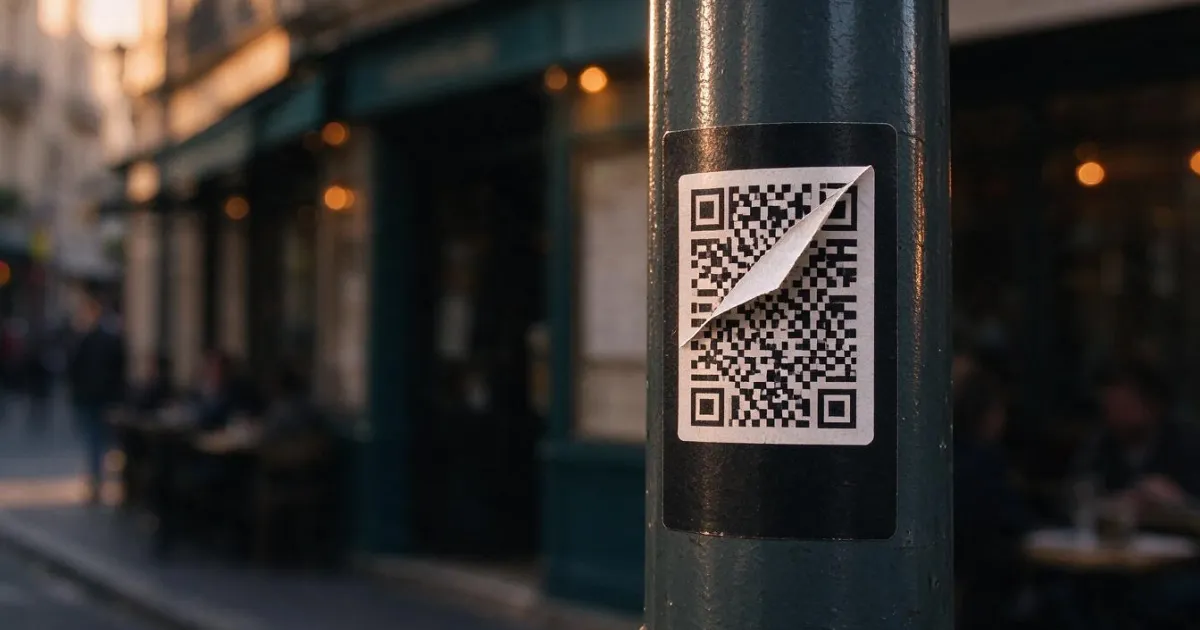
Quishing: how they change your business's QR code for a fake one (and how to avoid it)

Why Your Car Insurance Increased in 2026: Average Premium of €1,412 and Historic Record

Discussing via WhatsApp or talking in person: what science says about couple conflicts through messages
