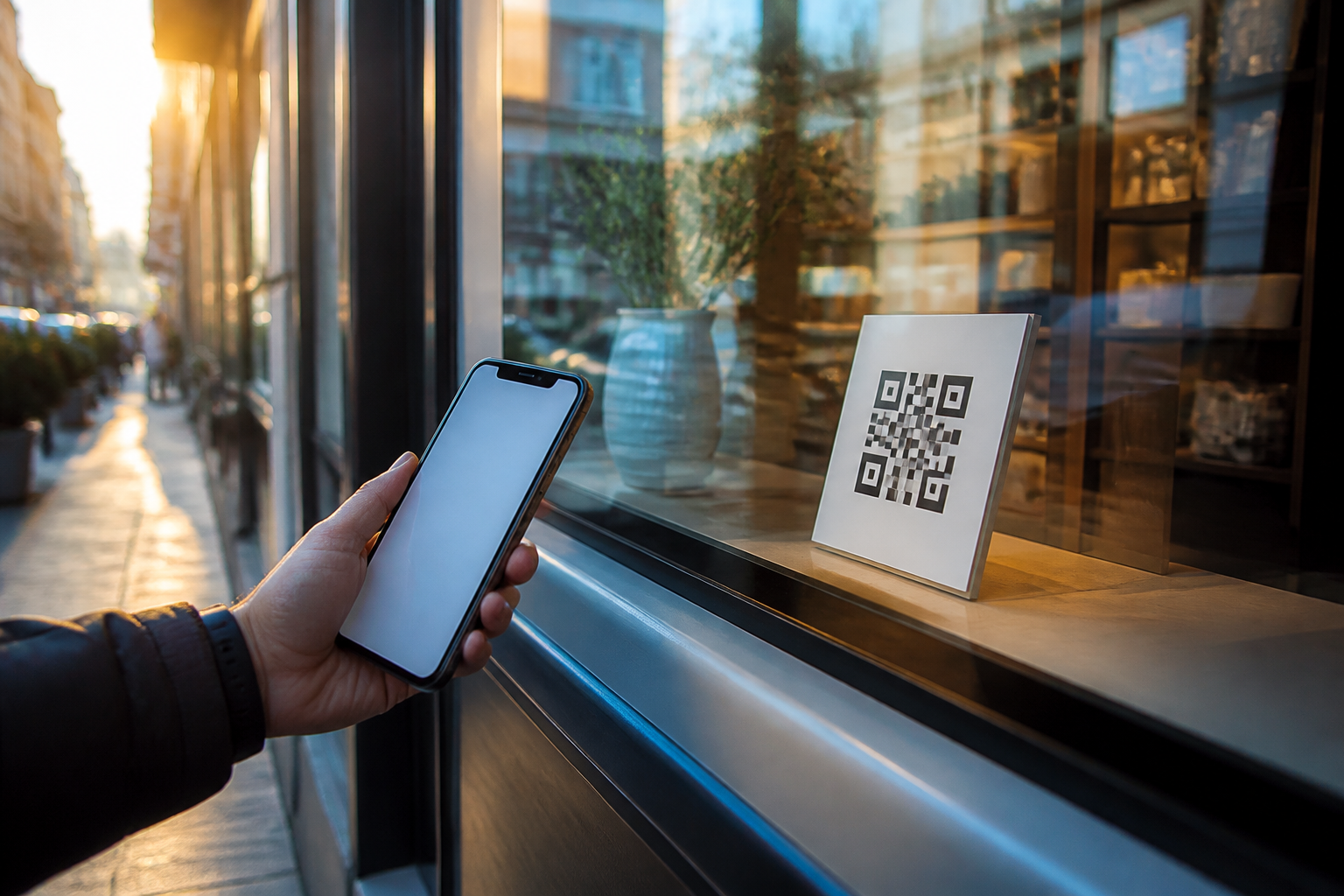
aiLinks · The poster stays; you change the destination

For the business that has a QR out in the street: in the shop window, on the table, on the van, or on a card. The code doesn't carry your number or your website inside; it carries a short link of yours. The day the on-call WhatsApp changes, or the menu, or the booking page, you change it from your phone and what's printed still works.
How many posters have you thrown away because the QR led to a place that no longer exists?
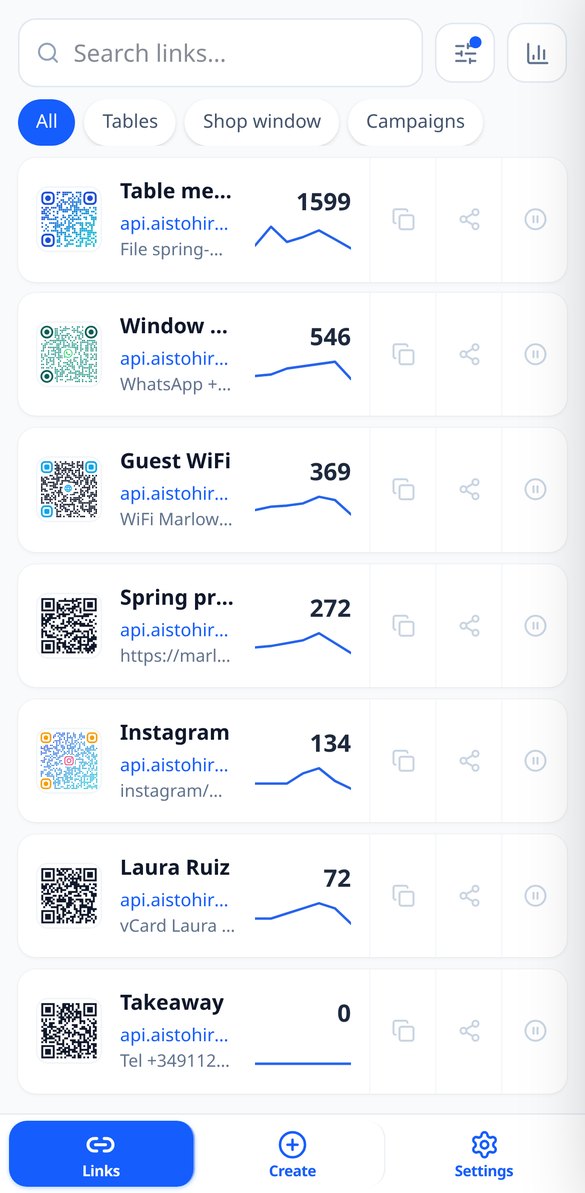
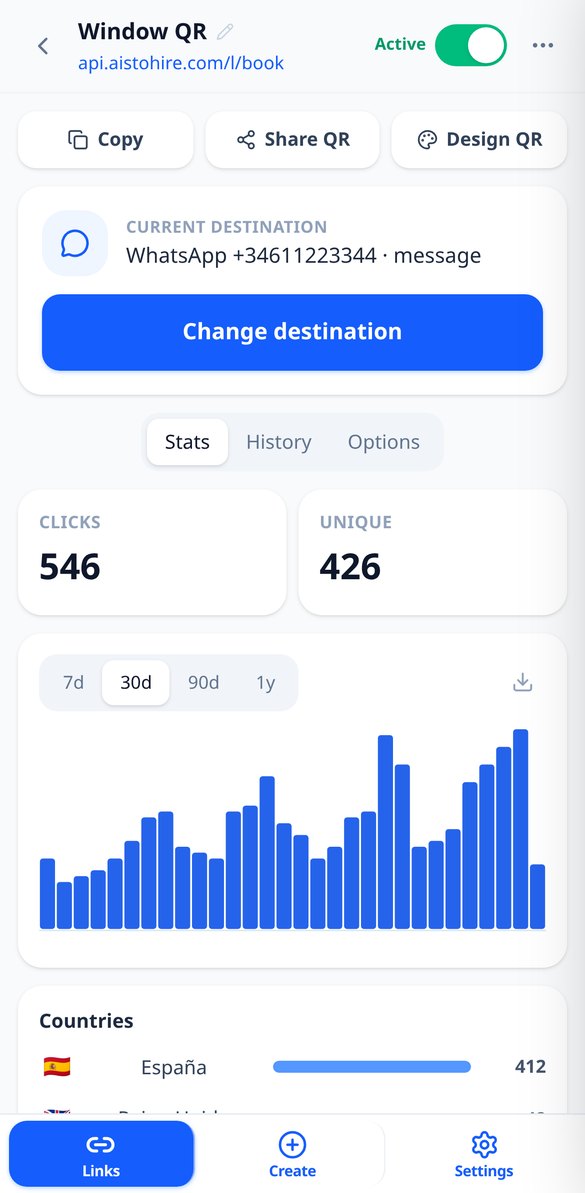
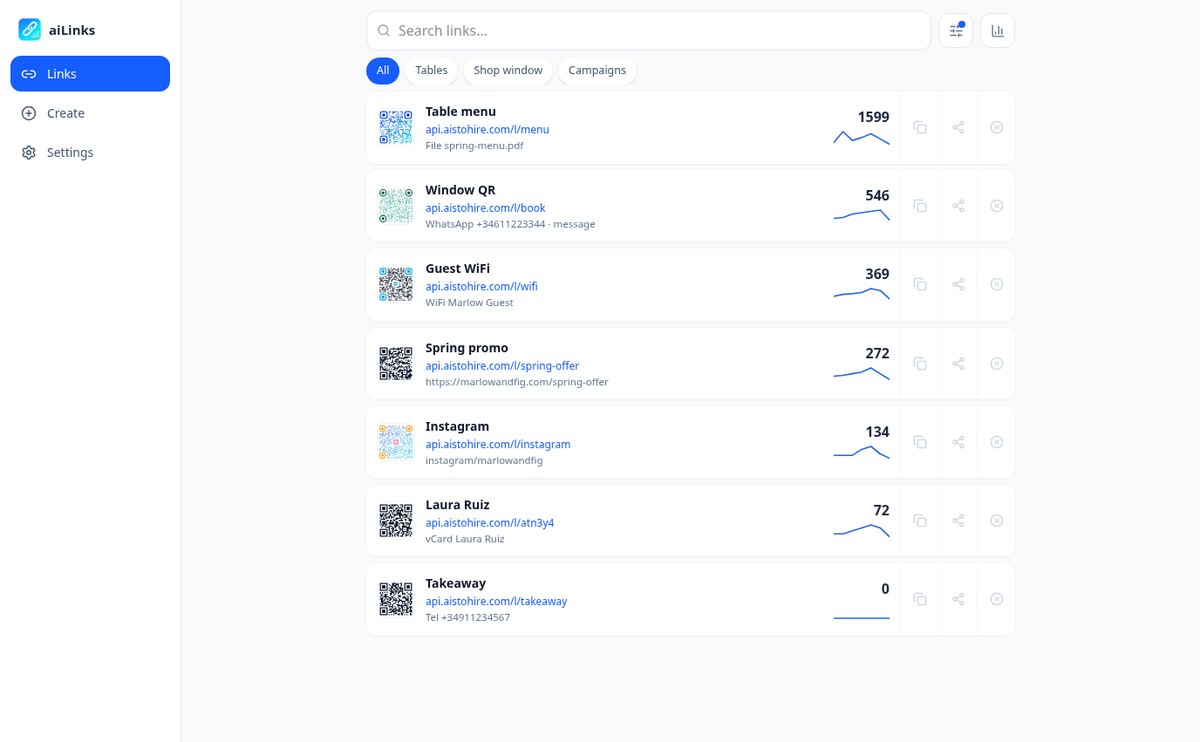
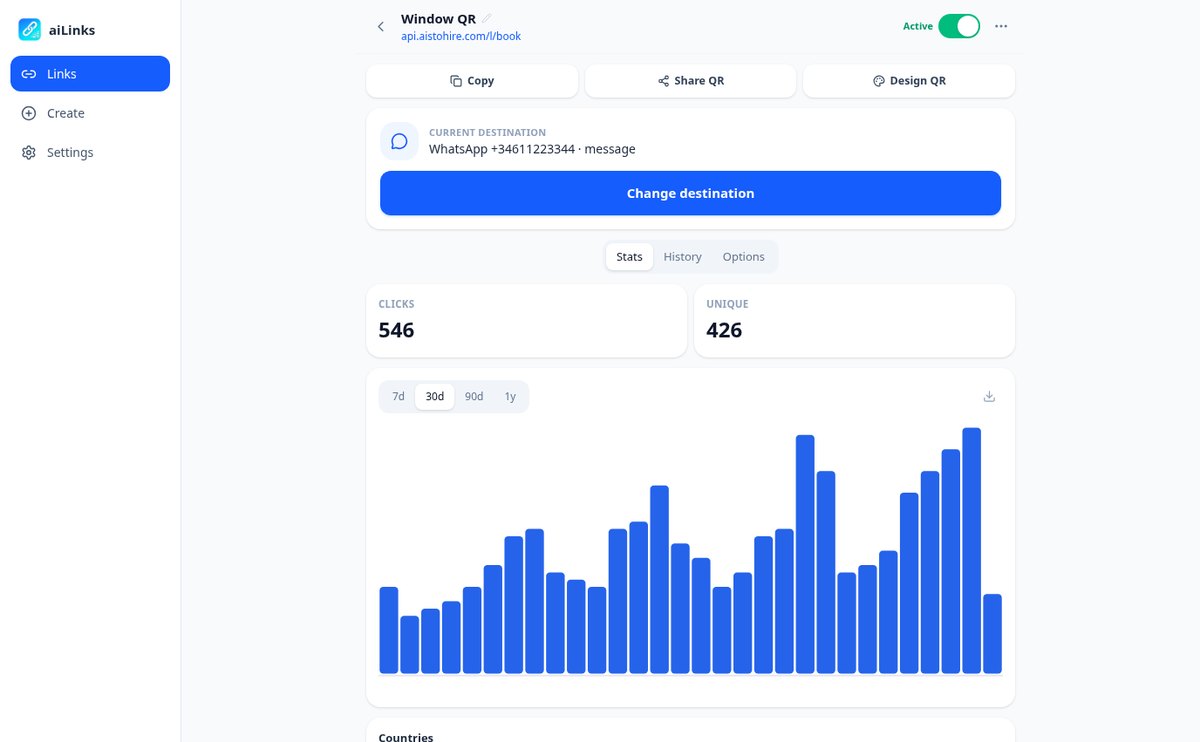
A printed QR is immutable: if it contains your WhatsApp number or the address of the menu, the day they change, the poster dies. aiLinks turns it around: the code contains a short link that is yours and never changes, and the destination lives in the app. You go in, tap "Change destination," save, and the next scan already goes to the new site — with no waiting, because the redirect is served without being stored in anyone's browser. You can even change the type of destination: the QR that opened WhatsApp now opens your website without touching a single poster. And since all scans go through aiLinks, you also know how many there have been, from which country, and on what phone.
Start free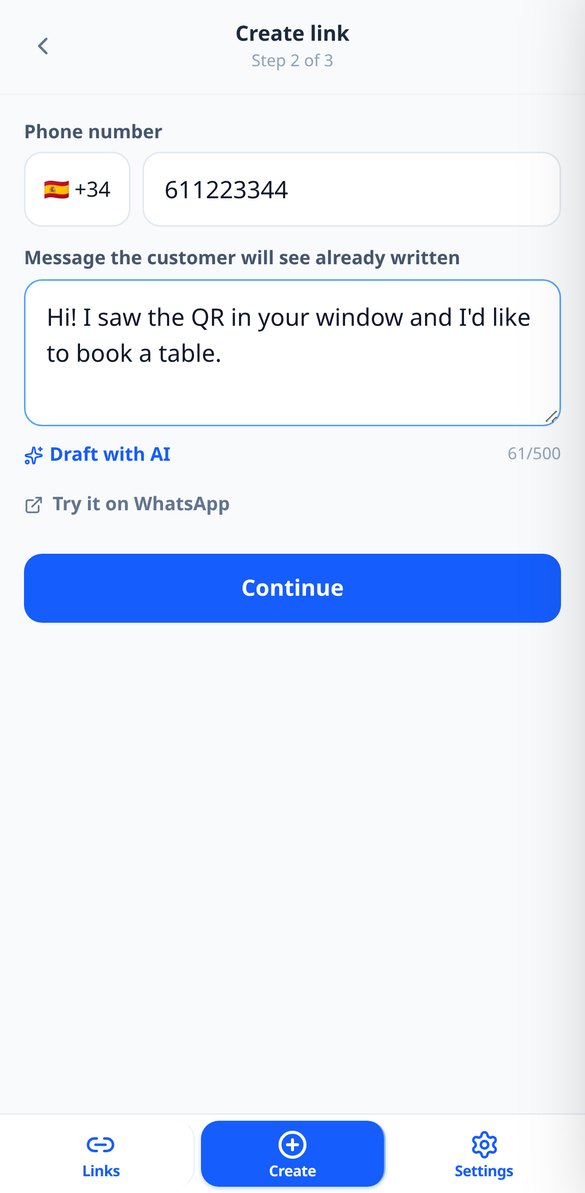
Discover every feature in detail
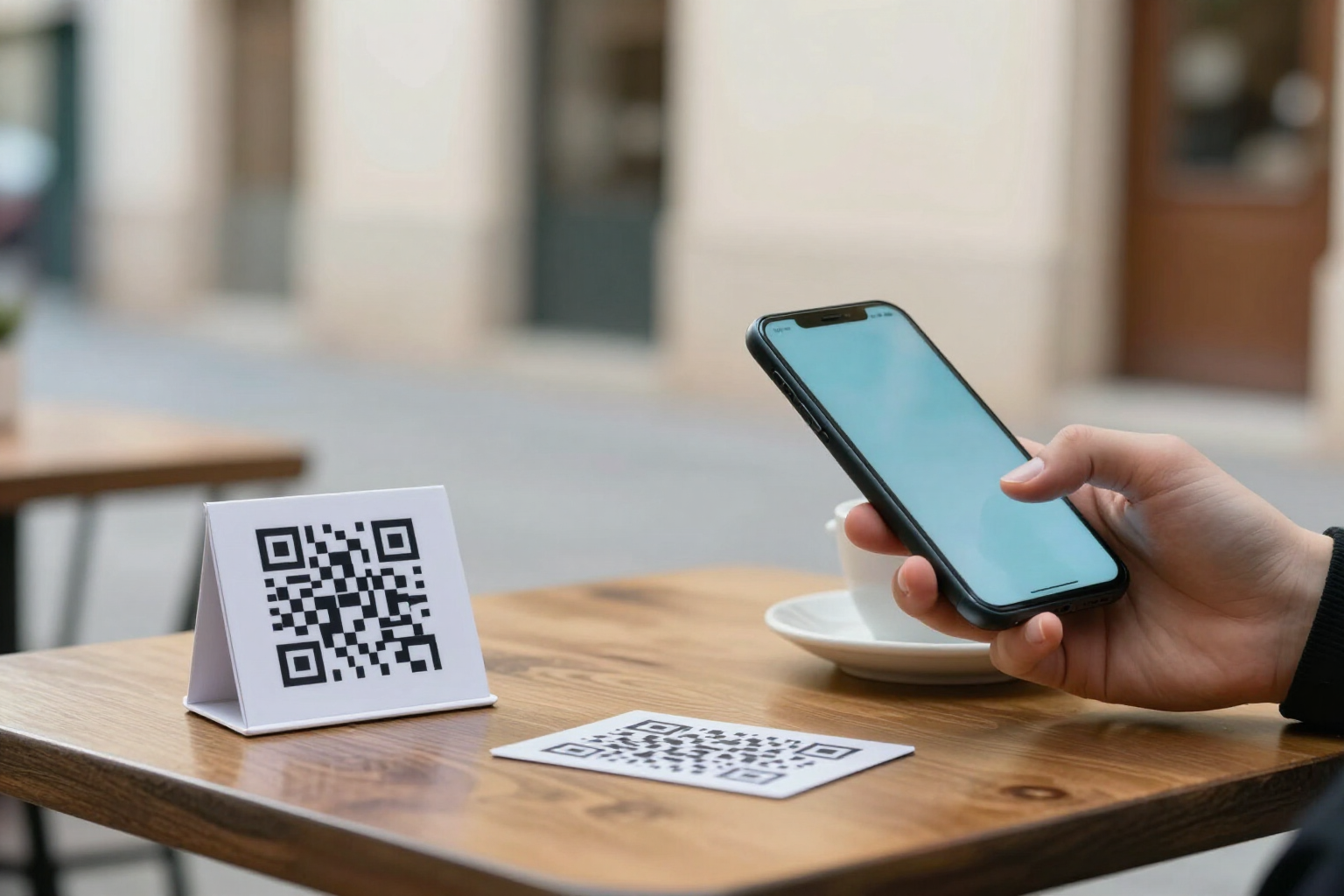
Change the destination of a QR without reprinting it | aiLinks
Change where a printed QR code leads without reprinting it: nine interchangeable destination types, immediate effect on the next scan, and a history with the option to revert.
View feature
One QR with destination by iPhone, Android, language or country | aiLinks
Make the same link or QR go to the App Store on iPhone, Google Play on Android, or another site based on language or country. Up to 10 ordered rules with fallback.
View feature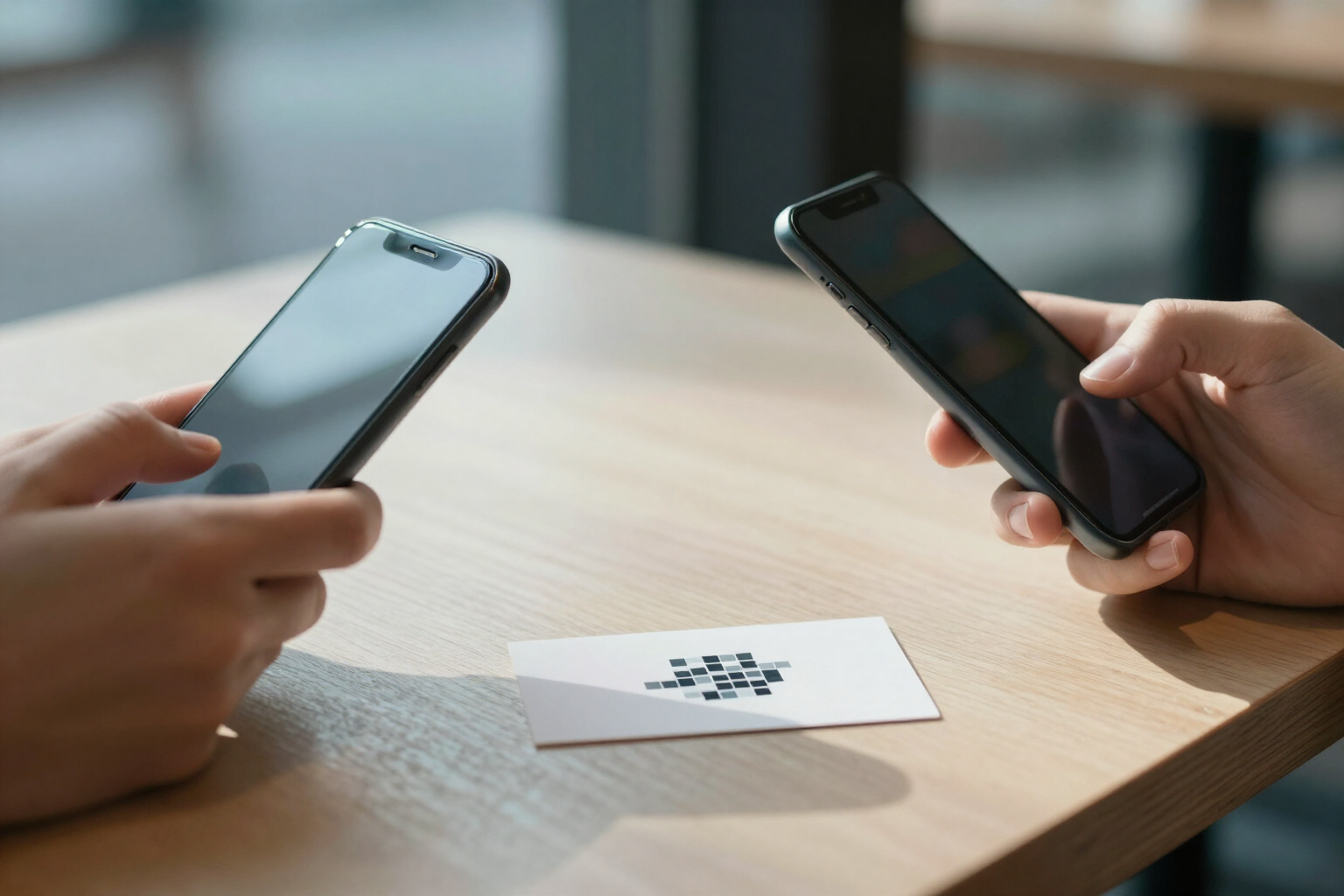
Editable vCard business card QR code | aiLinks
Create a QR code that opens your contact card with photo and buttons for call, WhatsApp, email and web, and downloads your vCard (.vcf) to the address book. Editable without reprinting.
View featureWhat a QR stuck on the wall really needs
None of this consumes credit: creating links, generating QRs, redirecting scans, and viewing statistics are our own calculations. AI appears only in two optional extras, and only if you tap them.
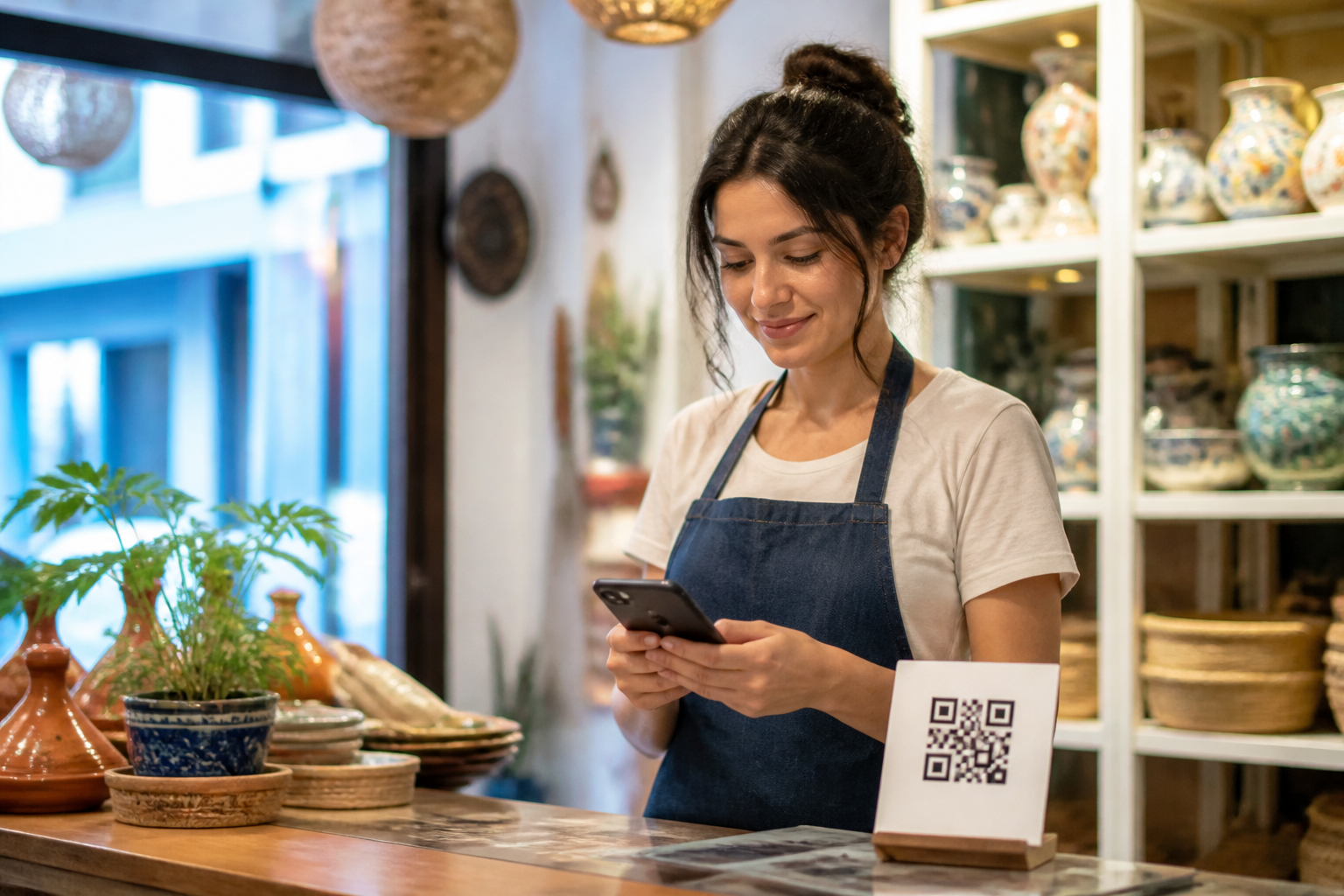
Change the destination in two taps, with history
You open the link, tap "Change destination," and save: the printed QR now points somewhere else. Behind the same code you can put nine different things — website, WhatsApp with the message already written, phone, email, SMS, contact card, social network, WiFi password, or a PDF with the menu — and switch from one to another whenever you want. Every change is dated and signed in the history, and you can go back with one tap.
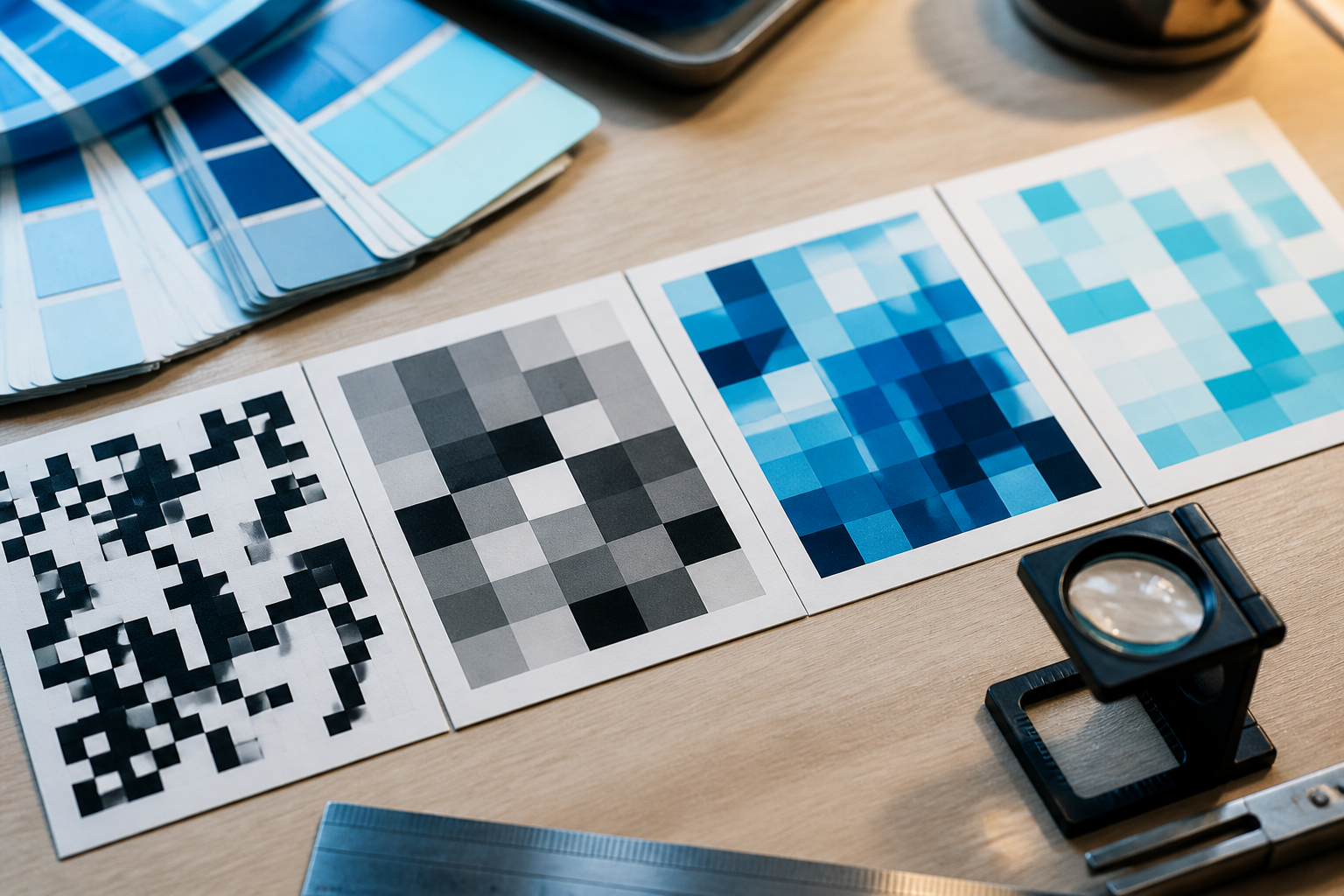
QR studio and download for print shop
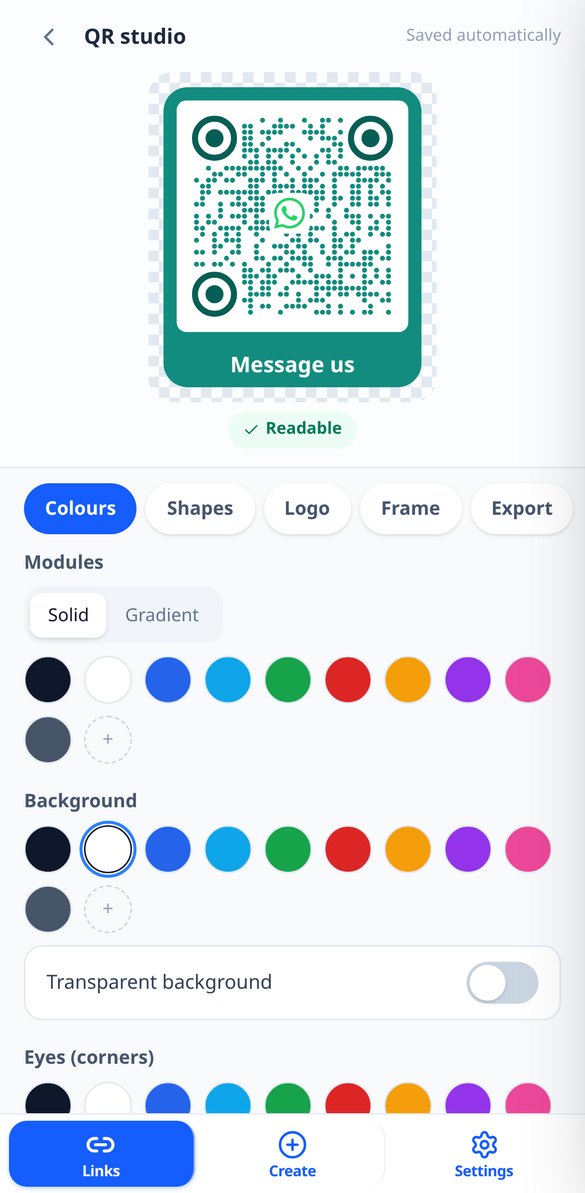
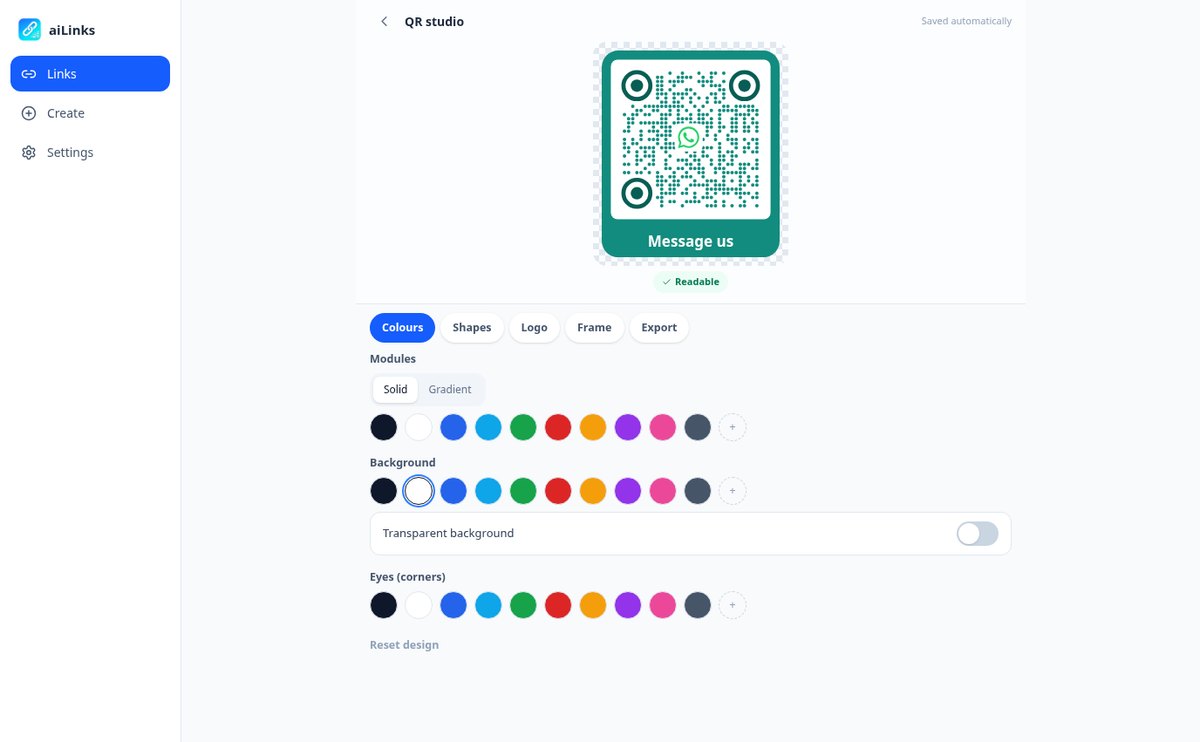
Solid colors or gradients, module and eye shapes, your logo in the center — or one of the included icons — and a frame with the text you want: "Scan me," "View menu," "Write to us." The preview updates instantly and warns you if the contrast is too low for a camera to read it. Download it as a PNG up to 4096 px for social media and screen, or as vector SVG, which is what the print shop will ask you for.

Know who scans, without installing anything
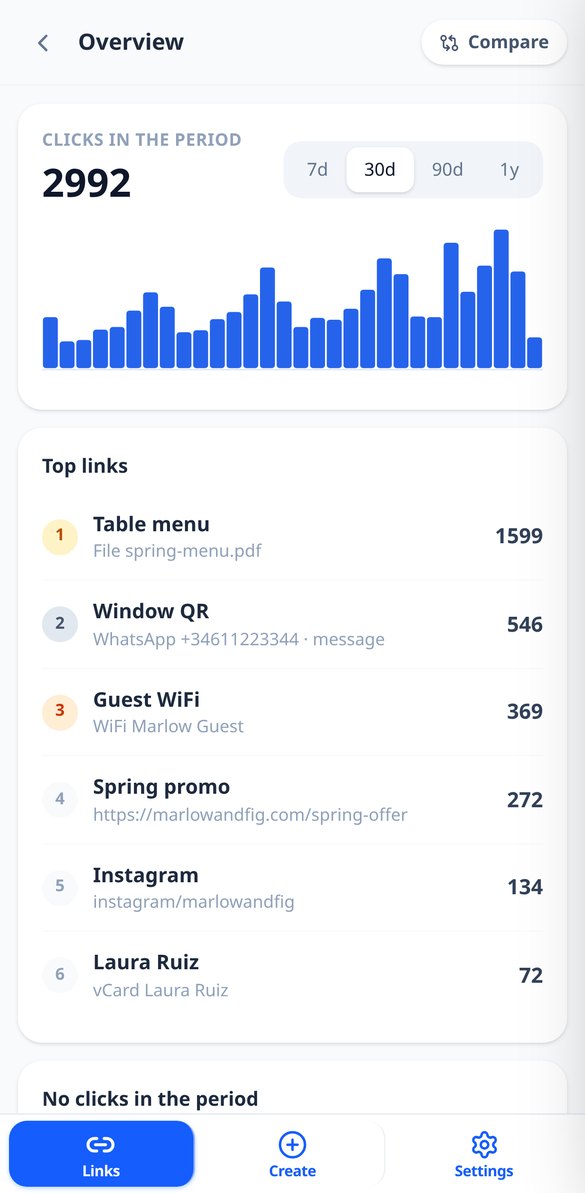
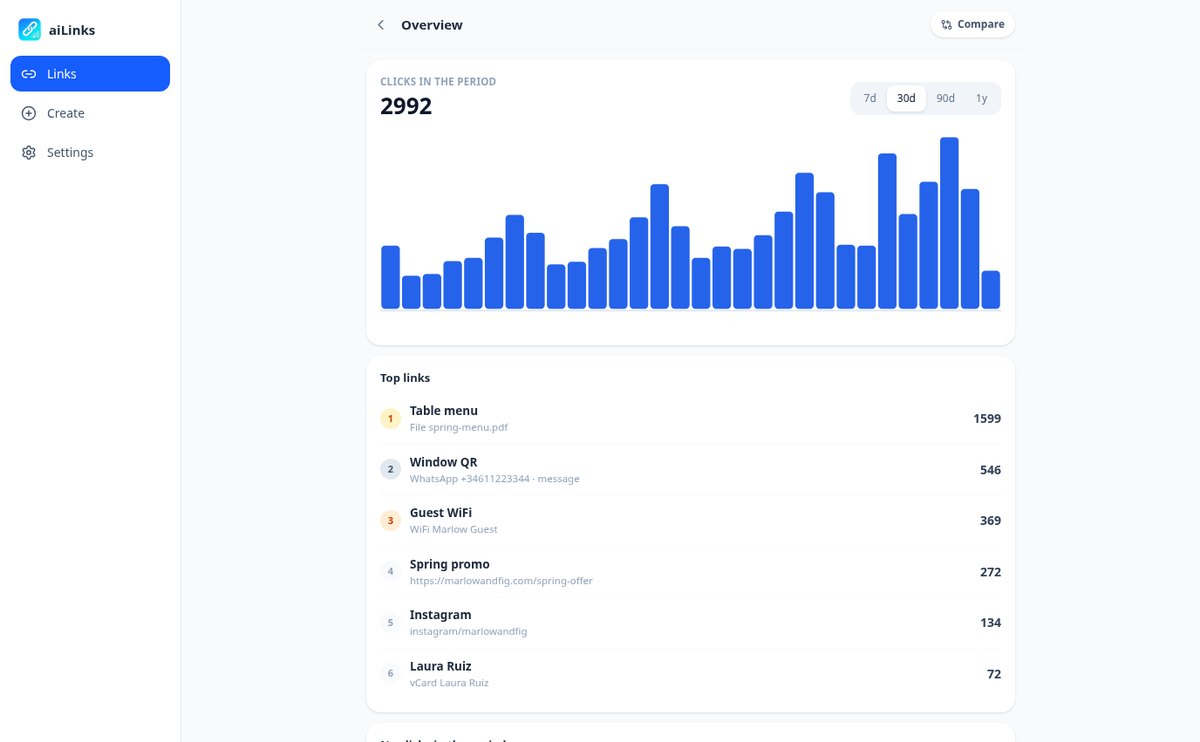
Total scans and unique visitors per day, week, or month, with the change versus the previous period; country and city, mobile or desktop, operating system, browser, and language; and where they come from, with camera scans grouped as "Direct / QR." Compare up to four links on the same chart to see which poster works, detect those that have gone weeks without a single scan, and download the detail as CSV.
From link to poster in three steps
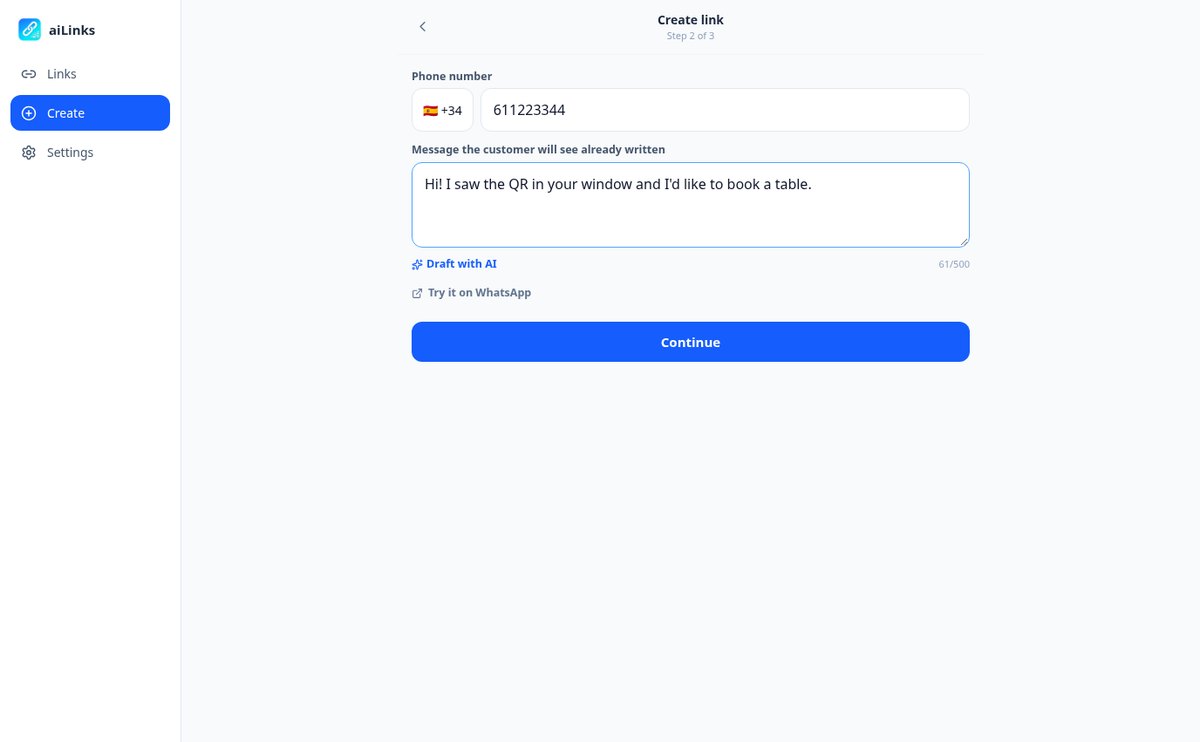
Choose what you want to link
Website, WhatsApp with a pre-set message, phone, email, SMS, contact card, social network, WiFi, or a PDF you upload yourself. If you want, the link carries your own word instead of a random code.
Design the QR and send it to print
Adjust colors, shapes, logo, and frame while seeing the result live, and download it as SVG for the print shop or PNG for social media. The short link is copied with one tap so you can also use it in your bio, in an email, or in an ad.
Change it when needed
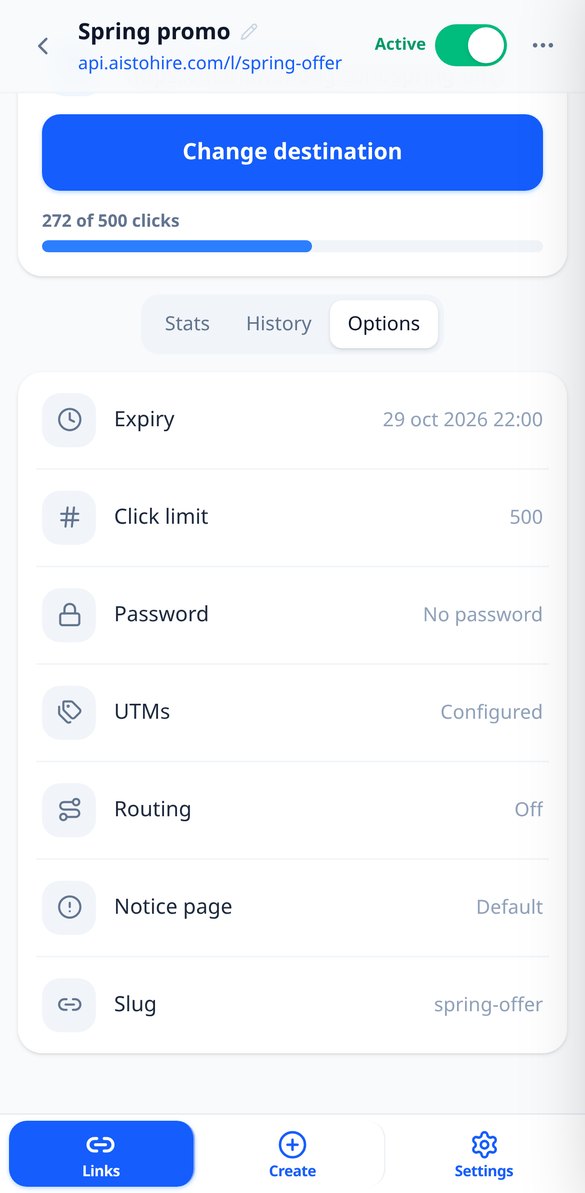
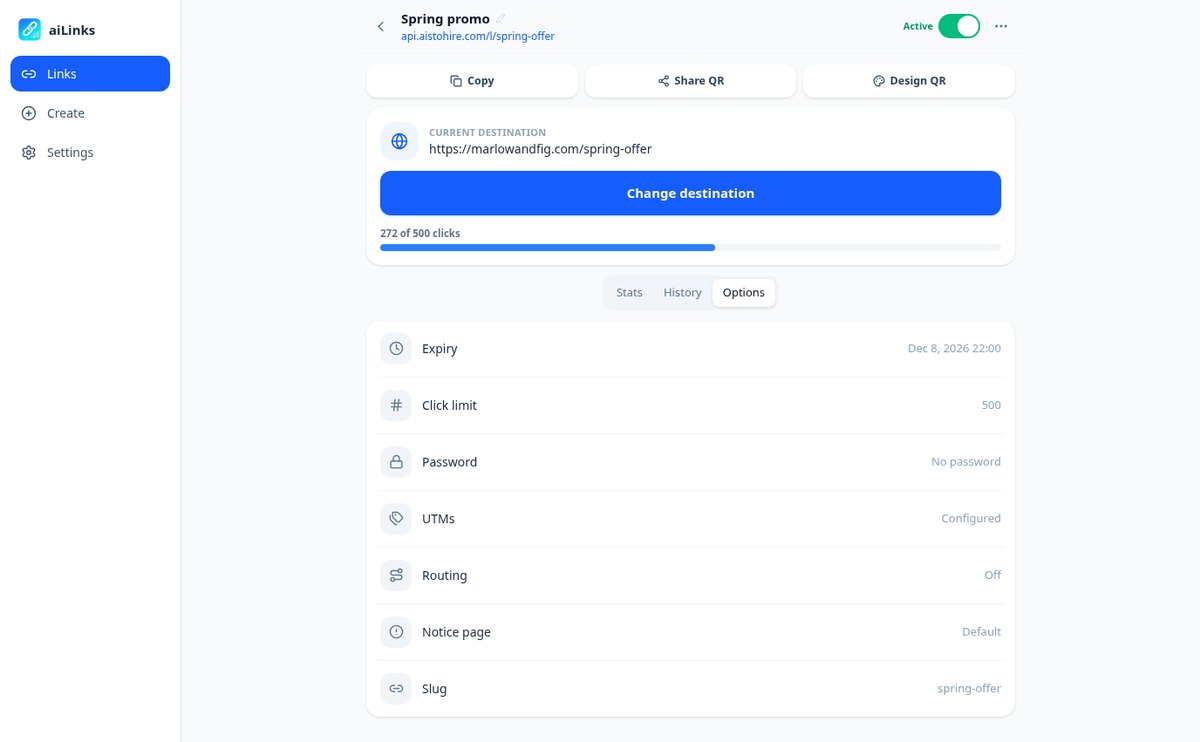
Another on-call number, a new menu, a finished promotion: you go in from your phone and change the destination. And if you need to, you can add an expiration date, a scan limit, a password, or your own notice page for when the promotion ends.

Who is it for?
Built for these profiles
Frequently Asked Questions
Latest blog articles
Guides and news to get more out of it
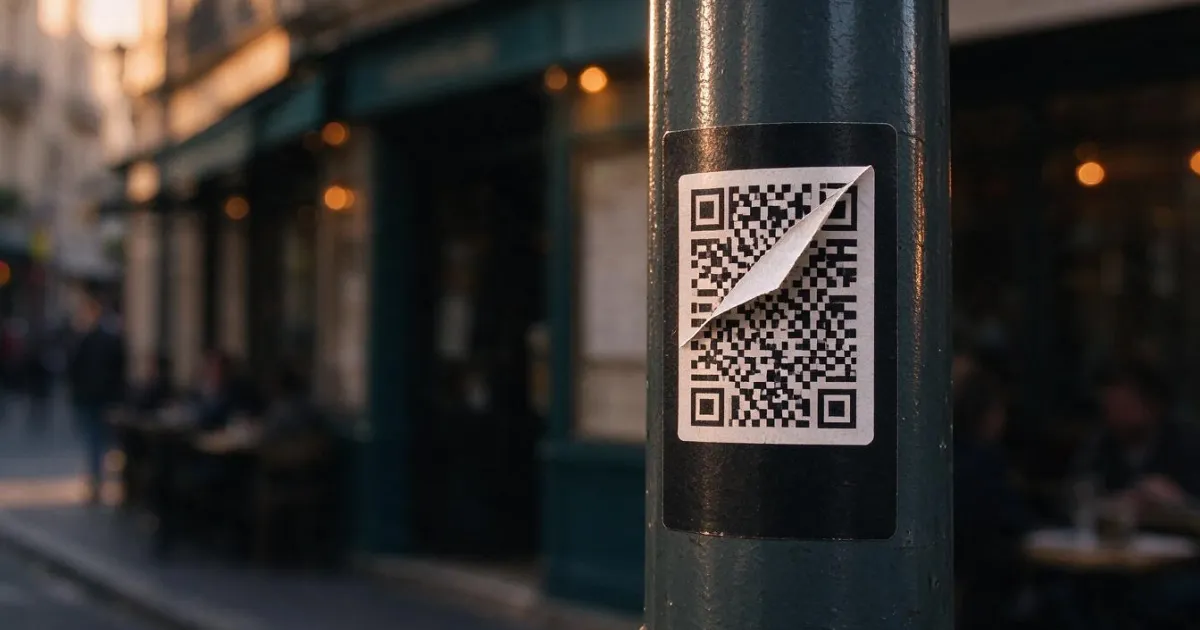
Quishing: how they change your business's QR code for a fake one (and how to avoid it)
Spain is the 2nd country in the world for quishing (17%, ESET H1 2026). How they cover your business's QR code with stickers and the protocol to protect it.
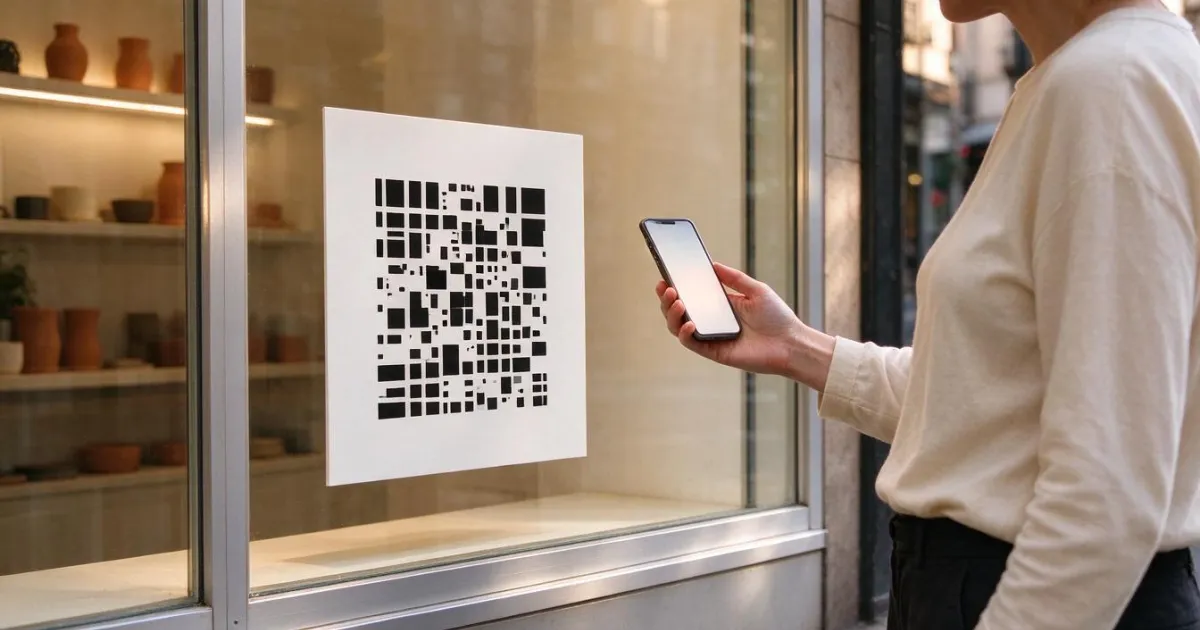
How to Change the Destination of an Already Printed QR Code (Without Reprinting Anything)
How to change the destination of an already printed QR code without reprinting: static vs dynamic QR, print sizes, quishing risks, and 2026 data.
Set up your first editable QR today
Create your free account, generate the link, and download the QR in SVG to take it to the print shop.