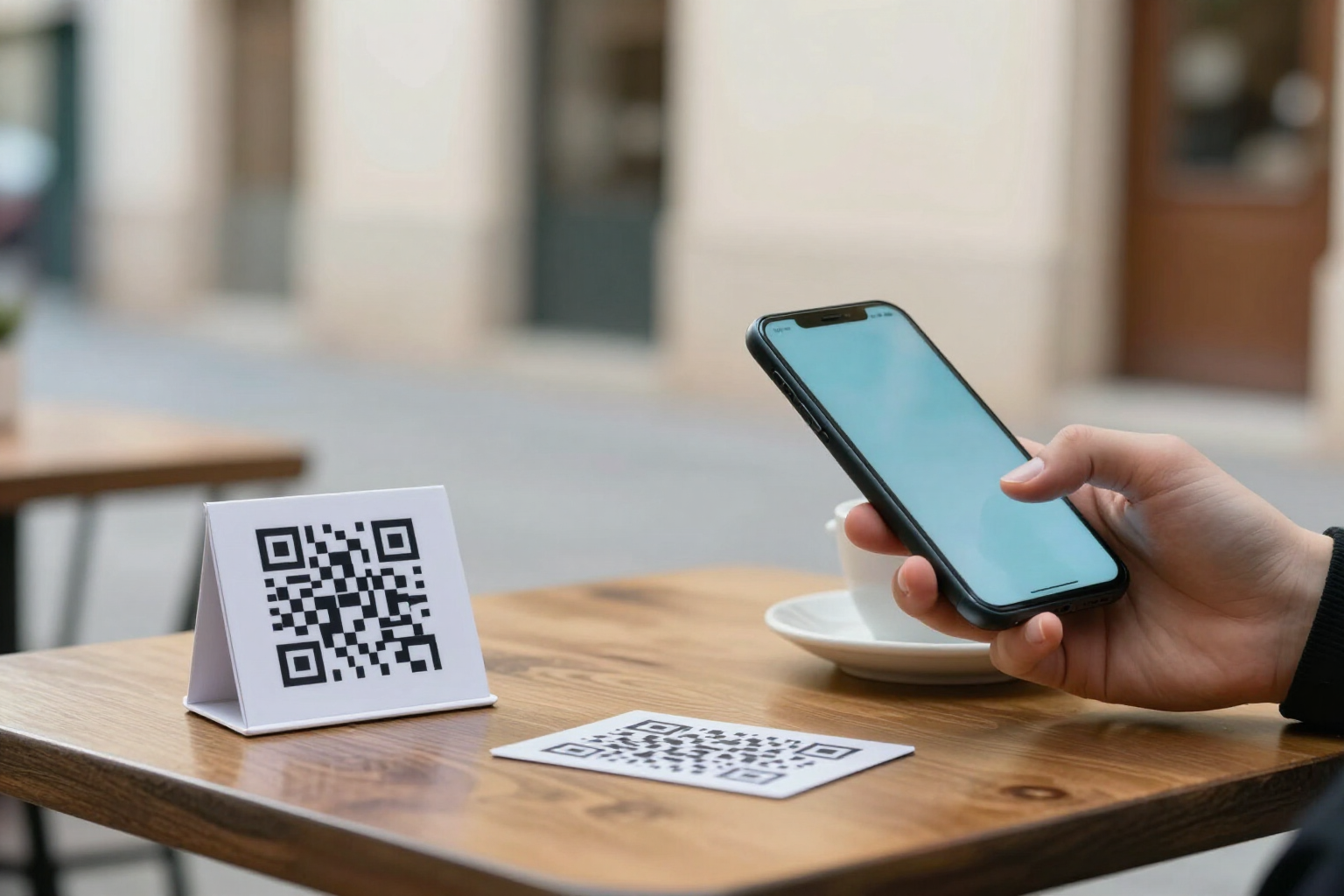
Change the QR destination without reprinting the sign
The printed code remains the same; where it leads is up to you from your mobile, in two taps.
The sign is already stuck in the storefront. What’s behind the QR is what you can still change.
At aiLinks, the QR code never contains your WhatsApp number or your website address: it contains a short link that is yours and never changes. The destination — what opens when scanned — lives in the app. You enter the link's profile, tap the big button 'Change destination', and a sheet opens with the nine types of destinations and the form already pre-filled with what you currently have.
You can change the value (another number, another URL, another PDF) or change the entire type: the QR that opened WhatsApp can now open your website, your PDF menu, or your contact profile. The short code, the downloaded QR, and the printed sign remain exactly the same.
When saving, aiLinks writes the change in the link's history — with date, modified field, previous destination, and new destination — and invalidates the redirect cache. The next scan goes to the new destination: there’s no need to wait for anything to expire or ask anyone to clear their cache.
And if you change your mind, the history is not just a record: you enter the 'History' tab, tap the change you want to revert, confirm, and that destination becomes active again. Nothing gets deleted: the rollback is also saved as another version.
Benefits of Change destination without reprinting
Paper doesn't expire
a sign, a sticker, or a printed card still works when you change your number, website, or menu. What you change is the destination, not the code.
Change in two taps from your mobile
the 'Change Destination' button on the link's details, a pre-filled form with the current destination, and 'Save Change'. No hidden menus or computer needed.
You can even change the type of destination
website, WhatsApp with message, phone, email, SMS, vCard, social media, WiFi, or menu/PDF. Nine interchangeable types on the same QR code.
Immediate effect
when saved, the redirection cache is invalidated, so the next scan goes to the new destination.
History with date and author
every change is recorded with the previous destination, the new one, and who made it. You always know what pointed where and since when.
Undo without redoing anything
select the change in the history, confirm, and the old destination returns. The reversion is saved as a new version, never deletes the past.
No limit on changes and no AI credit spent
changing the destination is an app operation, not a call to a model. Change it as many times as you need.
The statistics do not reset
the link remains the same, so scans before and after the change coexist in the same historical series.

Print once, change the destination whenever you want
Create your free account at aiLinks, generate the link, download the QR in SVG for printing, and change where it leads from your phone whenever necessary.