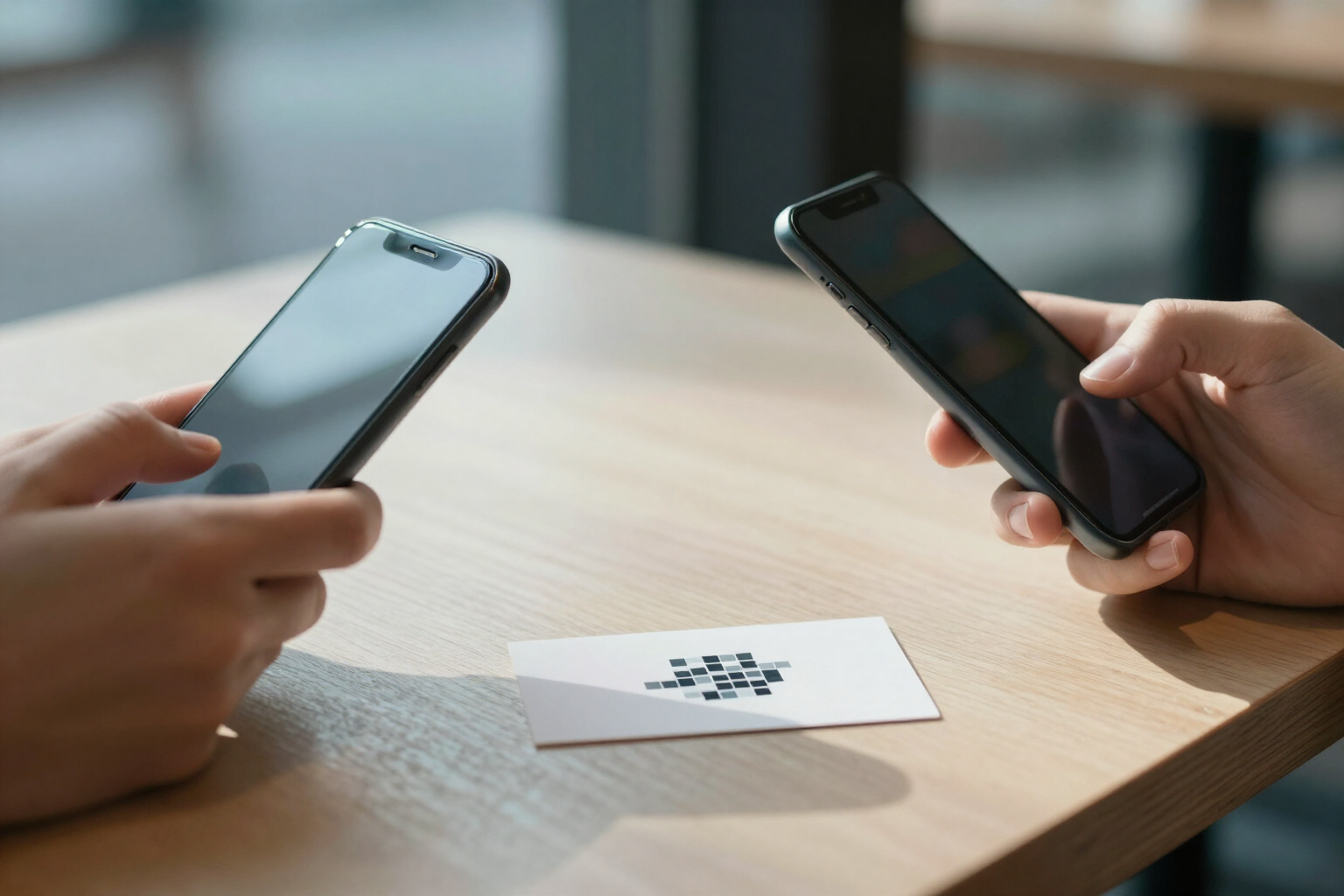
The business card you can edit after printing it
A QR code that opens your online contact card—photo, name, and Call, WhatsApp, Email, and Web buttons—with a "Save contact" that stores your details in the phone's address book. If you change your number, you update it in the app and the already-printed card remains valid.
Paper business cards expire the day you change your phone, email, or company. This one doesn't.
In aiLinks you choose the "Card" destination type and fill out a collapsible form with four sections: identity (first and last name), contact (mobile, WhatsApp if different from mobile, email and web), company (name, position and address), and photo. Just a name or company and one contact method are enough to save; you can complete the rest whenever you want. The photo is uploaded as JPG, PNG or WebP and the app crops and resizes it to 512×512 pixels, so the card loads quickly even on mobile data.
The QR code doesn't have your data embedded inside: it contains your short link. When scanned, it opens a personalized micro-landing page, without installing anything and without registration for the viewer: your photo in a circle at the top, your name, below that "Position · Company" and a large "Save contact" button. That button downloads a .vcf file in vCard 3.0 format that the phone recognizes and adds to the address book with your name, company, position, phone, email, web, address and photo. Below the button appear the direct action rows you've filled in: Call (opens the dialer), WhatsApp (opens the chat), your email (opens mail) and your web.
And since it's an aiLinks link, it behaves like one. You change the phone number, position or photo in the app and the next scan of the same poster, the same printed card or the same vinyl already shows the new data: nothing needs to be reprinted. Each change is saved in the destination history, with date, so you can go back with a tap. You can even change the destination type: if tomorrow you prefer that QR code to open your website directly, you change it without touching what's printed.
Plus you know if the card is being used: each scan counts as a click in the link statistics, with totals and uniques by day, country and city, device, operating system and browser. The micro-landing page displays in the language of the scanner's phone—the buttons are translated into the platform's six languages—and the QR design (colors, module shape, center logo and frame with call to action) can be downloaded in PNG up to 4096 pixels or in vector SVG for print.
Benefits of Business card with vCard
You change your number without throwing away the cards
the data lives in the app, not inside the code. You edit the mobile, email or position and the printed QR remains the same, but shows the new information on the next scan.
It really goes into the address book
the "Save contact" button downloads a .vcf in vCard 3.0, the standard format that iPhone and Android recognize without an intermediate app, with name, company, position, phone, email, web, address and photo.
One tap for every action
the micro-landing displays buttons for Call, WhatsApp, Email, and Web that you've filled in, each opening the phone's native app. The person scanning doesn't have to copy or type anything.
Photo ready for mobile
you upload the image in JPG, PNG, or WebP and the app crops and reduces it to 512×512 pixels. No need to prepare it beforehand and the card opens quickly even with poor signal.
Collapsible form, no required fields
identity, contact, company, and photo in four sections that you only open if you need them. With just the name (or company) and one contact method you can publish.
In the scanner's language
the public card texts—'Save contact', 'Call'—are served in the visitor's phone language, among the platform's six languages. Your data doesn't change; the buttons do.
History with rollback
each contact edit is timestamped in the link's destination history and you can restore the previous version with one tap if you make a mistake typing a number.
You know if your card is being used
each opening counts as a scan in the link statistics, with totals and unique views by day, country and city, device, operating system, and browser. And none of this consumes AI credits.

Print once, edit anytime
Create your free aiLinks account, fill out your card in a couple of minutes and download the QR in SVG to take it to the printer.